How we make this list: we compare pricing pages, product documentation and public user reviews. Ratings come from G2, Capterra or Trustpilot, with the date we checked them.
Key takeaways
- Static sites are still free almost everywhere, and Cloudflare Pages pairs that with unlimited bandwidth, which removes the biggest surprise bill.
- Vercel is the natural move for Next.js teams, but its Hobby plan excludes commercial use, so a money-making project starts at $20 per user per month.
- If your app needs a database, background workers, or long-running processes, Railway and Render cover the whole stack where frontend-first hosts stop.
- Self-hosting with Coolify can cut a small project's hosting bill to the price of one VPS, at the cost of your own maintenance time.
- Netlify's credit-based billing is the main reason people leave, so compare the replacement's billing unit (seat, service, or usage) before you migrate.
Quick comparison
Is your product missing or out of date?
We review this list regularly. Vendors can request a listing, send updated pricing or ask about featured placement.
The best Netlify alternatives

#1Vercel
Best for: Next.js and React apps4.7/5 on
G2 (87 reviews, checked Oct 2026)
Visit vercel.com
Starting price$20 per user/month
Free planYes
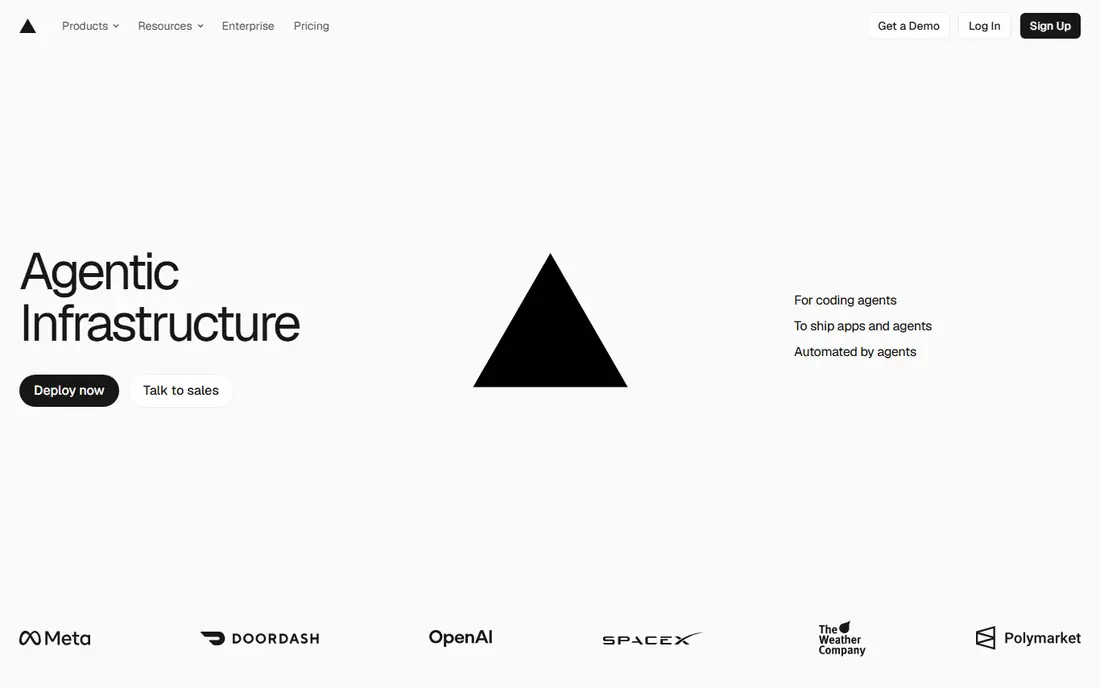
Vercel is the closest thing to a like-for-like Netlify replacement, and for Next.js teams it is arguably better than the original. The company builds Next.js itself, so features like incremental static regeneration, middleware, and server components work with no extra configuration, and preview deployments for every pull request are fast and polished. If your stack is React, the day-to-day experience is hard to beat.
The catch is the Hobby plan's fine print. It is free only for personal, non-commercial projects, so the moment a project earns money, commercial rules push you to Pro at $20 per user per month. A five-person team pays $100 a month before usage, and bandwidth overages apply after the included 1TB. Teams that chose Netlify partly for its commercial-friendly free tier should price this honestly before moving.
What we like- Best-in-class Next.js support
- Fast preview deployments
- Global edge network
Watch out for- Hobby plan is personal and non-commercial only
- Per-seat pricing adds up for teams
Starting priceFree
Free planYes
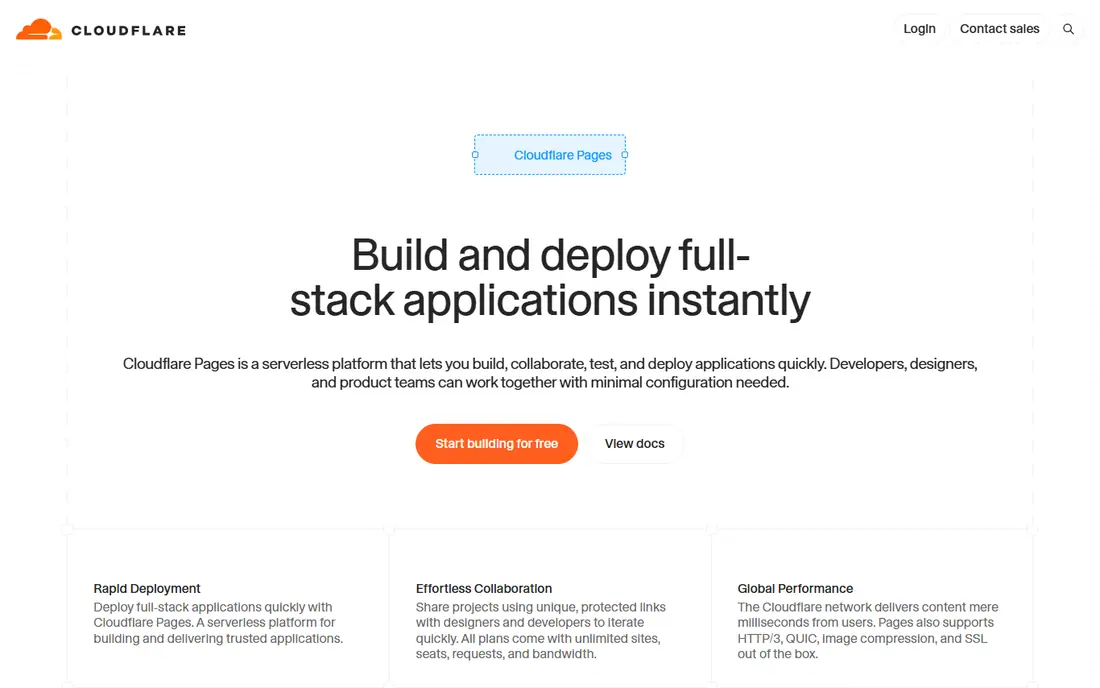
Cloudflare Pages wins the static hosting argument on one number: bandwidth is unlimited, even free. A viral post or a launch-day spike cannot produce a surprise invoice, which is exactly the anxiety that drives people away from credit-based billing. You also get 500 builds a month, automatic SSL, custom domains, and a network spanning more than 300 locations, all without a card.
What you give up is the all-in-one feel. Dynamic behavior comes through Cloudflare Workers, which has its own runtime and APIs, and the build environment supports fewer frameworks out of the box than Netlify or Vercel. If your site is mostly files with a little server logic, Pages is the cheapest strong answer. If your app leans heavily on serverless functions, test the Workers workflow first.
What we like- Unlimited bandwidth on every plan
- 500 free builds a month
- Huge global network
Watch out for- Dynamic features require learning Workers
- Build environment is more limited than Netlify's

#3Railway
Best for: Full-stack apps with databases4.7/5 on
G2 (66 reviews, checked Oct 2026)
Visit railway.app
Starting price$5/month
Free planFree trial
Railway answers a different question from Netlify: what if the whole stack, not just the frontend, lives in one place? Web services, Postgres, MySQL, MongoDB, Redis, background workers, and cron jobs all deploy from the same canvas, with a visual map of how services connect. For a solo developer shipping a SaaS app, replacing Netlify plus a separate database host plus a worker host with a single bill is a real simplification.
Billing is the part to watch. Railway's Hobby plan costs $5 a month and includes $5 in usage credits, with extra usage billed per second for CPU, RAM, storage, and egress, so a quiet month and a busy month look different. There is no permanent free tier beyond a trial credit and a small free plan, so Railway is a poor pick for a static blog. For a full-stack product with real traffic, it is one of the most pleasant platforms to run.
What we like- Hosts app, database, workers, and cron jobs in one place
- Visual canvas
- PR environments
Watch out for- No permanent free tier
- Usage-based billing varies month to month

#4Render
Best for: Predictable full-stack hosting4.7/5 on
G2 (84 reviews, checked Oct 2026)
Visit render.com
Starting price$7/month
Free planYes
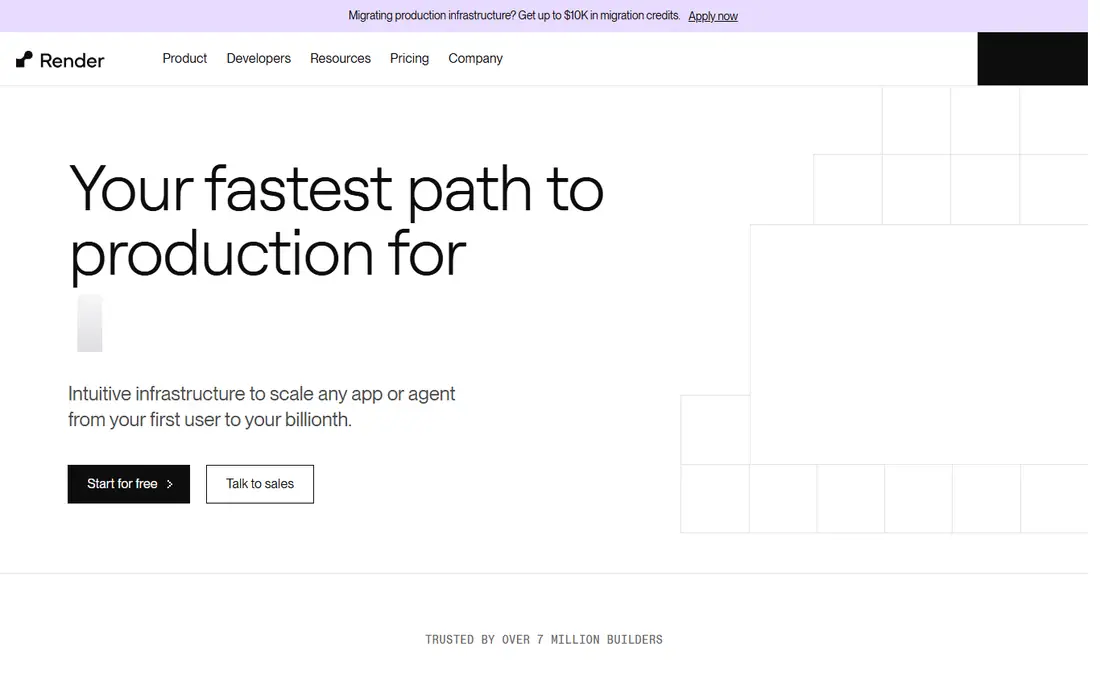
Render sits between the frontend-first hosts and the usage-metered platforms, and its main virtue is predictability. Static sites are free, web services start at $7 a month per service, and managed Postgres starts at $6 a month, so a typical small app lands in a narrow, forecastable range. Infrastructure as code through Blueprints, preview environments, and autoscaling cover the serious cases without forcing you into a cloud console.
The free tier has sharp edges worth noting. Free web services spin down after 15 minutes idle and take up to a minute to wake, and free Postgres instances expire after a trial period, so a hobby project needs a calendar reminder or a paid database. Once an app grows to several services plus a team on the Pro workspace, the bill climbs, but it climbs in visible steps rather than surprise usage spikes.
What we like- Plan-based pricing that is easy to budget
- Static sites free
- Managed Postgres included
Watch out for- Free services sleep after inactivity
- Free database tier expires
- Costs stack with many services

#5AWS Amplify
Best for: Full-stack apps inside AWS4.2/5 on
G2 (100 reviews, checked Oct 2026)
Visit aws.amazon.com
Starting priceSee website
Free planFree trial
Amplify is the right Netlify alternative when the rest of your system already lives on AWS. Git-based deploys with branch previews and custom domains cover the hosting side, while the Amplify libraries add auth, data models, storage, and functions in TypeScript, all provisioned as AWS resources behind the scenes. For teams building with Next.js or Nuxt inside an AWS account, the integration depth is a genuine advantage.
The price of that depth is AWS itself. Amplify bills pay as you go across hosting, functions, and data, and new accounts receive free-tier credits for a limited period, so forecasting means using the pricing calculator rather than reading a plan page. Small teams sometimes find the console and permission model heavier than a pure hosting platform. Choose Amplify when AWS is already your home, not when you want the simplest possible deploy.
What we like- Zero-config Next.js and Nuxt hosting
- Auth, data, and storage in one framework
- Global CDN
Watch out for- Pay-as-you-go pricing is hard to forecast
- AWS complexity leaks through eventually
Starting priceFree
Free planYes
Firebase Hosting is Google's answer to static and single-page app hosting, and it pairs naturally with the rest of Firebase. The free Spark tier includes 10 GB of storage and 360 MB of daily transfer, custom domains, and SSL, while preview channels let a team share a staging URL before merging. Deploys go through one CLI command, and framework-aware hosting handles modern frameworks with server-side rendering on the Blaze pay-as-you-go plan.
The free tier's transfer cap is the limiting factor: roughly 10 GB a month is plenty for a small site and tight for a media-heavy one. Beyond that, Blaze bills storage at about $0.026 per GB and transfer at about $0.15 per GB, which stays reasonable for most projects. Firebase Hosting makes most sense for teams already using Firebase Auth, Firestore, or Cloud Functions, since the pieces share one project and one CLI.
What we like- Fast global CDN with free SSL
- Preview channels
- Framework-aware deploys for modern frameworks
Watch out for- Free transfer is about 10 GB a month
- Server-side rendering needs the pay-as-you-go plan
Starting priceFree
Free planYes
GitHub Pages remains the simplest free host for anything that is already a repository. Push to a branch and the site is live, with custom domains, HTTPS, and Jekyll for blogs and docs built in. For open source documentation, project pages, portfolios, and demo sites, nothing else matches the zero-cost, zero-setup combination, and the 100 GB monthly soft bandwidth cap covers most such sites.
The limits are structural: Pages serves static files only, so there is no server-side code, no form handling, and no database, and free hosting requires public repositories. The 1 GB site size cap and 10 builds per hour also rule out large media libraries. Treat Pages as the home for docs and marketing pages, and pair it with another host when the app itself needs a backend.
What we like- Completely free for public repos
- Deploys straight from a branch
- Jekyll built in
Watch out for- Static only, no server code
- Public repos only on the free plan
- 1 GB site limit

#8DigitalOcean App Platform
Best for: Simple, low-cost PaaS4.6/5 on
G2 (757 reviews, checked Oct 2026)
Visit digitalocean.com
Starting price$5/month
Free planYes
DigitalOcean's App Platform is the quiet value pick in this list. The free tier covers three static-site apps with a global CDN, automatic HTTPS, and custom domains, and paid containers start at $5 a month with autoscaling, managed databases, and preview environments. There are no hidden build or bandwidth fees, which makes monthly costs easy to explain to a client or a finance team.
What you trade is ecosystem depth. App Platform covers the common languages and frameworks well, but it cannot match the edge primitives of Cloudflare or the service catalog of AWS, and its community is smaller. For a small agency or startup that wants a straightforward PaaS with honest pricing and a good dashboard, it is a strong default.
What we like- Free tier covers 3 static sites
- Paid containers from $5 a month
- No build or bandwidth surprises
Watch out for- Smaller ecosystem than AWS or Cloudflare
- Fewer advanced edge features
Starting priceFree
Free planYes
Coolify flips the whole model: instead of renting a platform, you install an open source PaaS on your own server and get git-push deploys, preview environments, one-click databases, automatic SSL, and monitoring for the price of that server. A $5 to $10 VPS can host several small apps and their databases, which undercuts every managed option here for side projects and small client sites.
The cost is responsibility. You handle operating system updates, Coolify upgrades, backups, and 3 a.m. outages, and a misconfigured server is your problem alone. Teams with basic Linux skills and a tolerance for that trade save real money; teams that want someone else on call should stay with a managed host. Coolify also offers a managed cloud plan for those who want the dashboard without the server work.
What we like- Open source and free to self-host
- One-click databases
- Push-to-deploy with preview environments
Watch out for- You own uptime, updates, and backups
- Needs a VPS and basic server skills
How we chose
We picked tools that genuinely replace Netlify for deploying and hosting web projects, from static hosts to full-stack platforms and one self-hosted option. Pricing figures come from each vendor's own pricing page or official documentation, checked in October 2026, and where a vendor bills pay as you go with no fixed starting price we say so rather than inventing a number. We weighed free-tier generosity, billing predictability, framework support, backend and database options, and how much operational work each platform leaves with you, cross-checked against public documentation and user reviews.
Picking the right replacement
Start from what your project actually is, not from which host is most popular. A static site, a full-stack app, and a docs page have almost nothing in common once you look past the deploy button.
If the site is only files
Cloudflare Pages or GitHub Pages cover this for free, with Cloudflare winning on bandwidth and GitHub winning on simplicity for repo-based docs. Firebase Hosting is a good third choice when the project already uses Google services.
If the app needs a backend
Railway and Render both host the app, the database, and workers in one place. Railway feels more modern and bills by usage, while Render bills per service and is easier to forecast. DigitalOcean App Platform is the budget alternative, and AWS Amplify is the pick inside AWS estates.
If cost control matters most
Coolify on a cheap VPS is the floor for price, followed by the free tiers of Cloudflare Pages and GitHub Pages. Whatever you choose, watch the billing unit: per-seat pricing grows with headcount, per-service pricing grows with architecture, and usage pricing grows with traffic.
Frequently asked questions
Is Vercel really free?
The Hobby plan is free, but only for personal, non-commercial projects, with limits including 100 GB of data transfer a month and only a few recent production deployments retained. Any commercial project needs Pro at $20 per user per month, so a side project that starts earning should budget for that move.
What is the cheapest Netlify alternative?
For a static site, Cloudflare Pages and GitHub Pages are both free, with Cloudflare offering unlimited bandwidth. For a full-stack app, Coolify self-hosted on a small VPS is usually cheapest in cash terms, though it costs your maintenance time instead.
Can I migrate a Netlify site without downtime?
Yes, in most cases. Point the new host at the same repository, verify the preview deployment, then switch DNS to the new host and keep the old site live until the change propagates. Forms, serverless functions, and redirects need separate attention, since each platform implements them differently.
Do any of these hosts handle forms and serverless functions?
Most do, with differences. Vercel, Netlify-style platforms, Railway, Render, and Amplify all support serverless functions, and several offer form handling or database-backed alternatives. GitHub Pages does not run server code at all, so forms there need a third-party service.
Which alternative is best for a Next.js app?
Vercel, because it builds Next.js and supports its features with no extra setup. AWS Amplify and Cloudflare Pages both support Next.js deployments as well, and are worth testing if you already live in AWS or on Cloudflare's network.
Sources we checked (12)
- https://vercel.com
- https://pages.cloudflare.com
- https://railway.app
- https://render.com
- https://aws.amazon.com/amplify/
- https://firebase.google.com/products/hosting
- https://pages.github.com
- https://www.digitalocean.com/products/app-platform
- https://coolify.io
- https://devtoolpicks.com/blog/best-netlify-alternatives-indie-hackers-2026
- https://www.digitalocean.com/resources/articles/vercel-alternatives
- https://snapdeploy.dev/state-of-free-hosting
Is your product missing or out of date?
We review this list regularly. Vendors can request a listing, send updated pricing or ask about featured placement.

Shihab Mia · Founder, Rankite
Shihab has 5+ years in B2B and SaaS SEO. He writes Rankite's software buying guides from pricing pages, documentation and public user reviews. More about Shihab.
 Cloudflare Pages
 Firebase Hosting
 GitHub Pages
 Coolify