How we make this list: we compare pricing pages, product documentation and public user reviews. Ratings come from G2, Capterra or Trustpilot, with the date we checked them.
Key takeaways
- WordPress.com is the best all-around blogging platform for most publishers.
- Ghost suits independent publishers who want speed and memberships.
- Substack is the simplest path to a paid newsletter business.
- Medium offers built-in audience for writers who want readers immediately.
- Wix and Squarespace work for bloggers who need a full website too.
Quick comparison
| Tool | Best for | Starting price | Free plan |
|---|
 WordPress.com WordPress.com | all-around blogging | See website | See website |
 Medium Medium | built-in audience writing | See website | See website |
 Ghost Ghost | independent publishing | See website | See website |
 Substack Substack | paid newsletters | See website | See website |
 Blogger Blogger | free simple blogging | See website | See website |
 Tumblr Tumblr | microblogging and community | See website | See website |
 Wix Wix | blog plus website builder | See website | See website |
 Squarespace Squarespace | design-forward blogging | See website | See website |
Is your product missing or out of date?
We review this list regularly. Vendors can request a listing, send updated pricing or ask about featured placement.
The best blogging software
Starting priceSee website
Free planSee website
WordPress.com powers a huge share of the web's blogs, and for good reason: the block editor is capable, themes are abundant, and the platform scales from hobby blogs to major publications. You get hosting, security, and updates handled. The plugin ecosystem (on higher plans) extends functionality enormously, from SEO to e-commerce.
The interface can overwhelm beginners. Costs grow as you add plans and domains. But for bloggers who want flexibility without managing servers, WordPress.com remains the default choice. Note the distinction: WordPress.com is hosted; WordPress.org is self-hosted software. The hosted version trades some freedom for zero maintenance.
What we like- Massive ecosystem
- Flexible
- Proven at scale
Watch out for- Can feel complex
- Costs add up with upgrades
Starting priceSee website
Free planSee website
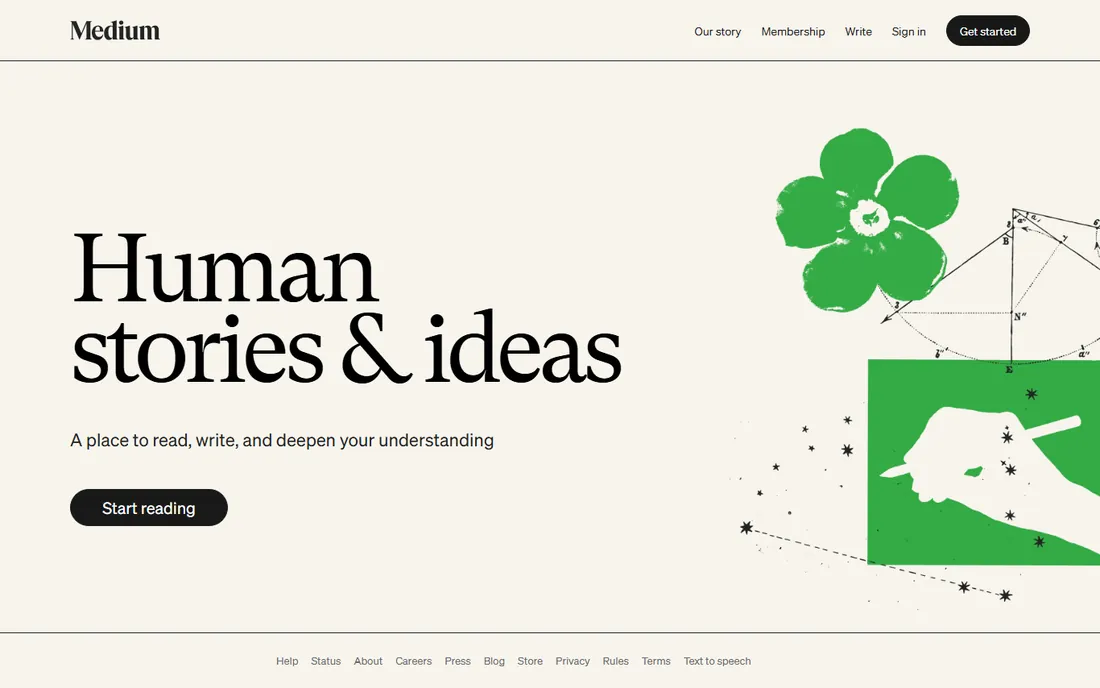
Medium gives writers immediate access to readers: publish and your work can surface in front of millions. The editor is beautifully minimal; there is nothing to configure. For writers who care about words, not websites, Medium removes every obstacle between draft and audience.
You build on rented land: limited branding, no real customization, and Medium controls distribution and monetization. But for reaching readers fast with zero overhead, nothing beats it. Treat Medium as a channel, not a home; successful writers use it to funnel readers toward owned properties.
What we like- Instant readership
- Clean writing experience
- No setup
Watch out for- Limited customization
- Platform dependence
- Monetization limits
Starting priceSee website
Free planSee website
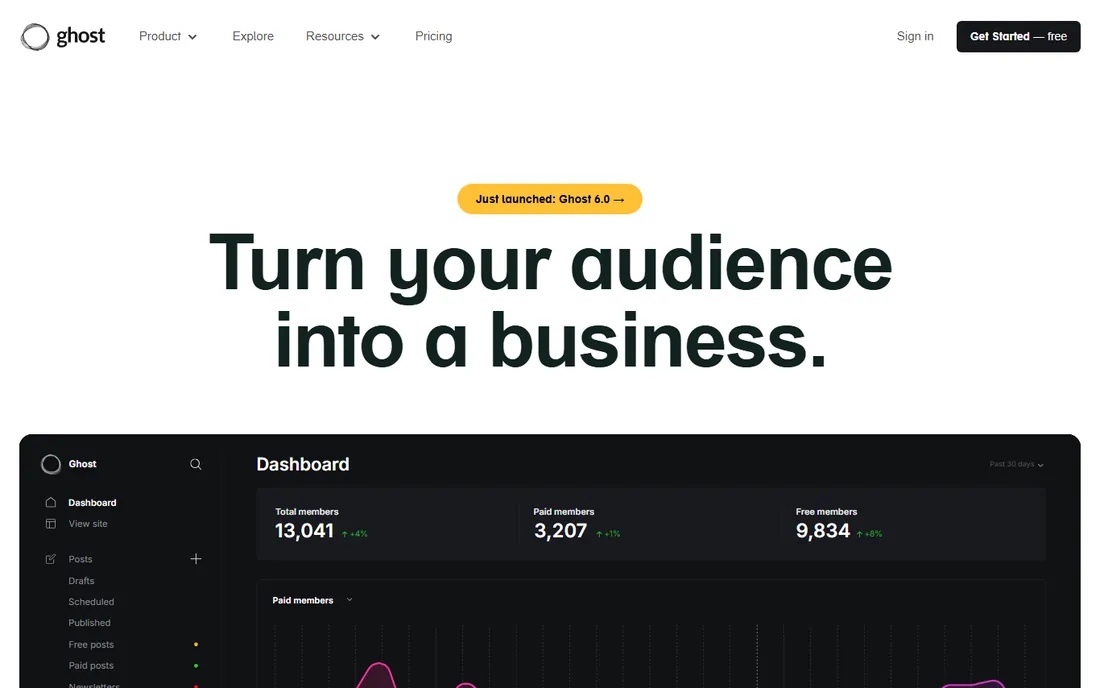
Ghost is the modern independent publisher's platform: fast, clean, with memberships and paid subscriptions built in. No plugins needed for the core publishing business model. The open-source version can be self-hosted; Ghost(Pro) handles hosting. Performance is excellent out of the box, with pages loading noticeably faster than plugin-heavy alternatives.
The ecosystem is smaller than WordPress's. Self-hosting requires technical comfort. But for publishers building membership businesses on fast, modern infrastructure, Ghost is superb. The absence of plugin bloat means sites stay fast, which readers and search engines both reward.
What we like- Fast and modern
- Memberships built in
- Open source
Watch out for- Smaller ecosystem
- Self-hosting complexity
Starting priceSee website
Free planSee website
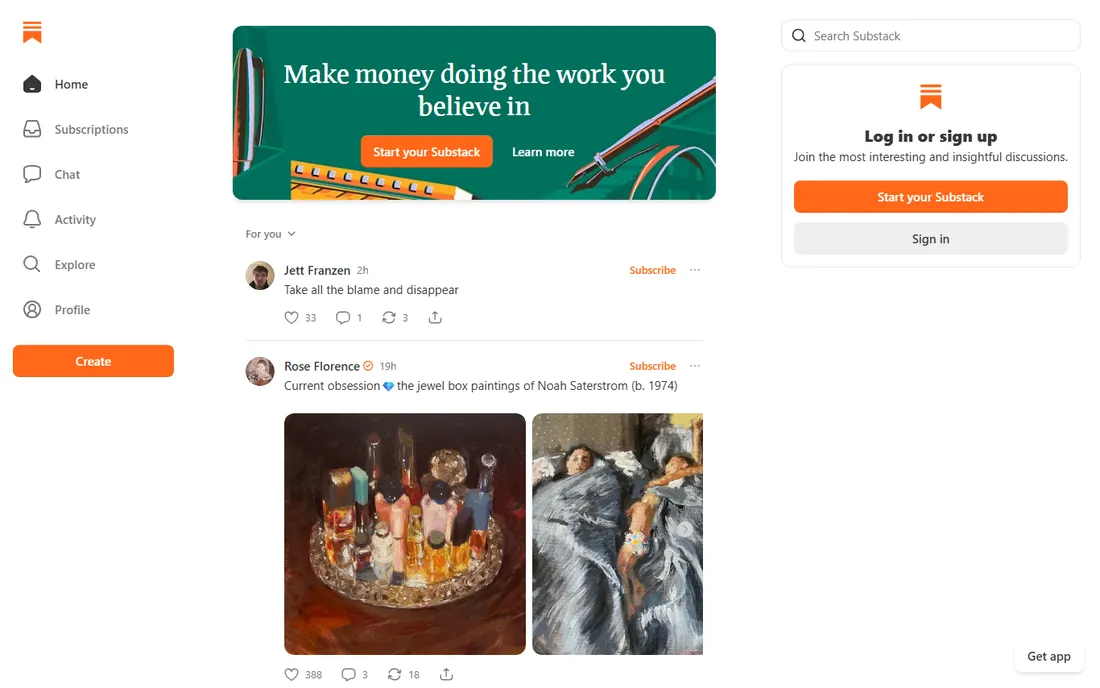
Substack made paid newsletters trivially easy: write, publish, charge, get paid. Stripe integration handles payments; Substack takes 10% of subscription revenue. The network helps readers discover your publication. For writers monetizing directly, the path is the shortest in the industry.
The 10% cut stings at scale. Customization is minimal; your publication looks like every Substack. But for launching a paid newsletter business fast, Substack's simplicity wins. Many writers start on Substack to validate demand, then migrate to Ghost once revenue justifies the move.
What we like- Simplest paid newsletters
- Built-in payments
- Network effects
Watch out for- 10% fee on paid subs
- Limited site customization
Starting priceSee website
Free planSee website
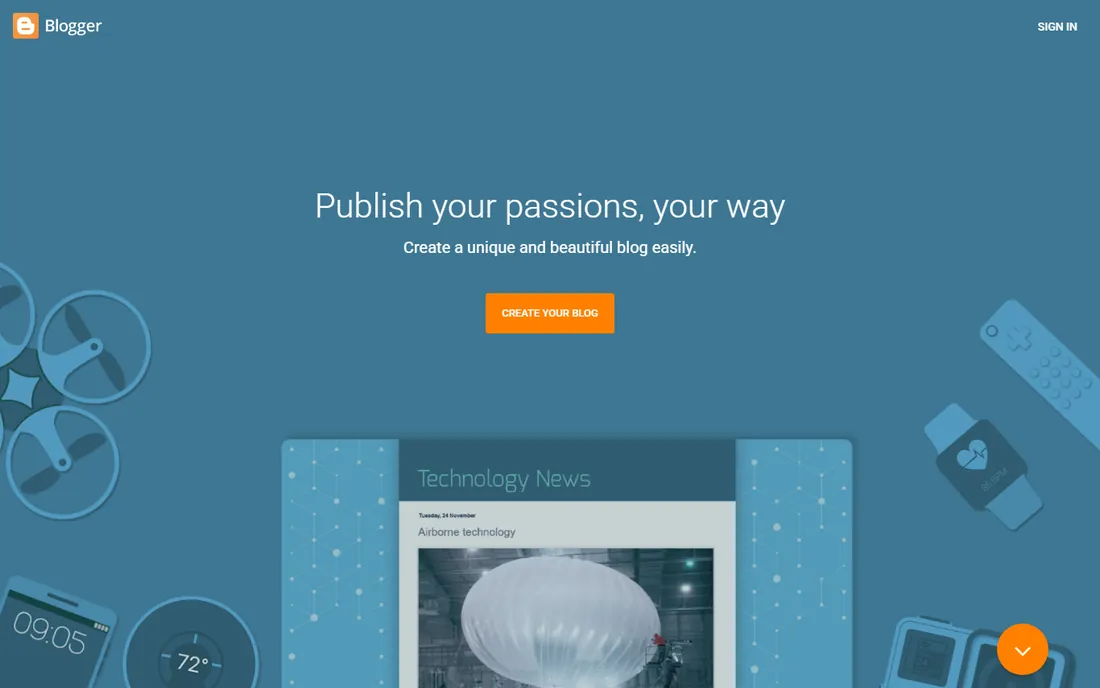
Blogger is Google's free blogging platform: simple, reliable, and completely free including hosting. AdSense integration makes basic monetization easy. For a personal blog with zero budget and zero fuss, it still works decades after launch.
Google barely develops it; the interface and features feel dated. Serious publishers outgrow it. But free is free, and for casual blogging Blogger remains functional. There is also longevity value: Blogger has existed for decades and Google keeps it running, which is more than can be said for some startups.
What we like- Completely free
- Google integration
- Simple
Watch out for- Dated
- Minimal development
- Limited features
Starting priceSee website
Free planSee website
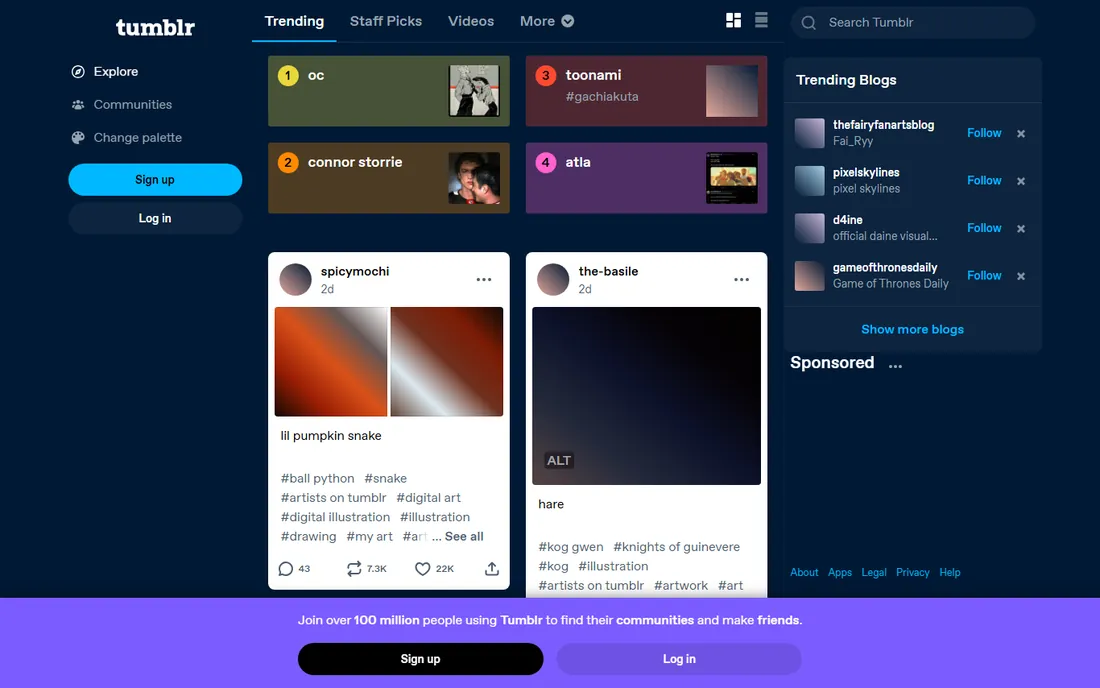
Tumblr is microblogging with community: short posts, images, GIFs, and reblogs within passionate fandoms and creative communities. The social dynamics drive discovery. It is free and multimedia-friendly, with a dashboard experience unlike any other platform.
The audience skews niche and young. Long-form writing is not the strength. Monetization options are weak. But for community-driven creative publishing, Tumblr's culture is unique. Artists, writers, and fandom creators find audiences here that do not exist on mainstream platforms.
What we like- Strong communities
- Multimedia friendly
- Free
Watch out for- Niche audience
- Limited for long-form
- Monetization weak
Starting priceSee website
Free planSee website
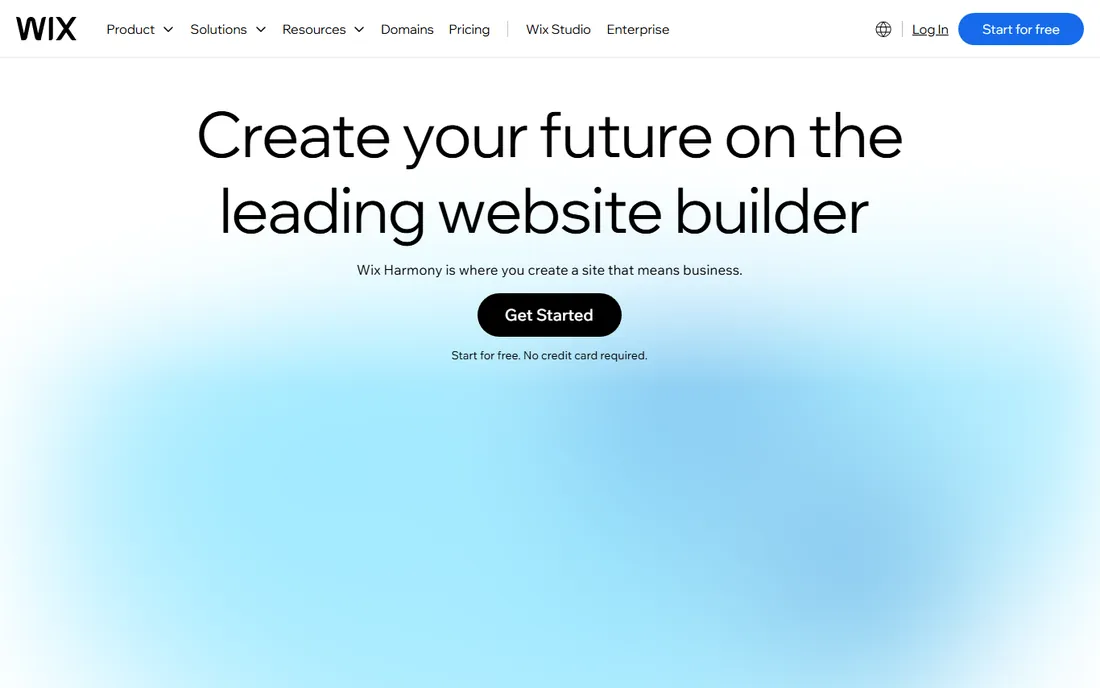
Wix lets beginners build a full website with a blog included: drag-and-drop design, no code needed. For small businesses and portfolios that need blogging as one feature among many, Wix is convenient. The blog tools cover the basics well enough for company news and updates.
Serious bloggers find the blogging features limiting. Switching templates later is painful. But as a website builder with blogging attached, Wix serves its audience. Local businesses, restaurants, and freelancers get a professional web presence with blog capability in an afternoon.
What we like- Drag-and-drop building
- Blog included
- Easy for beginners
Watch out for- Blogging features basic
- Template lock-in
- Costs
Starting priceSee website
Free planSee website
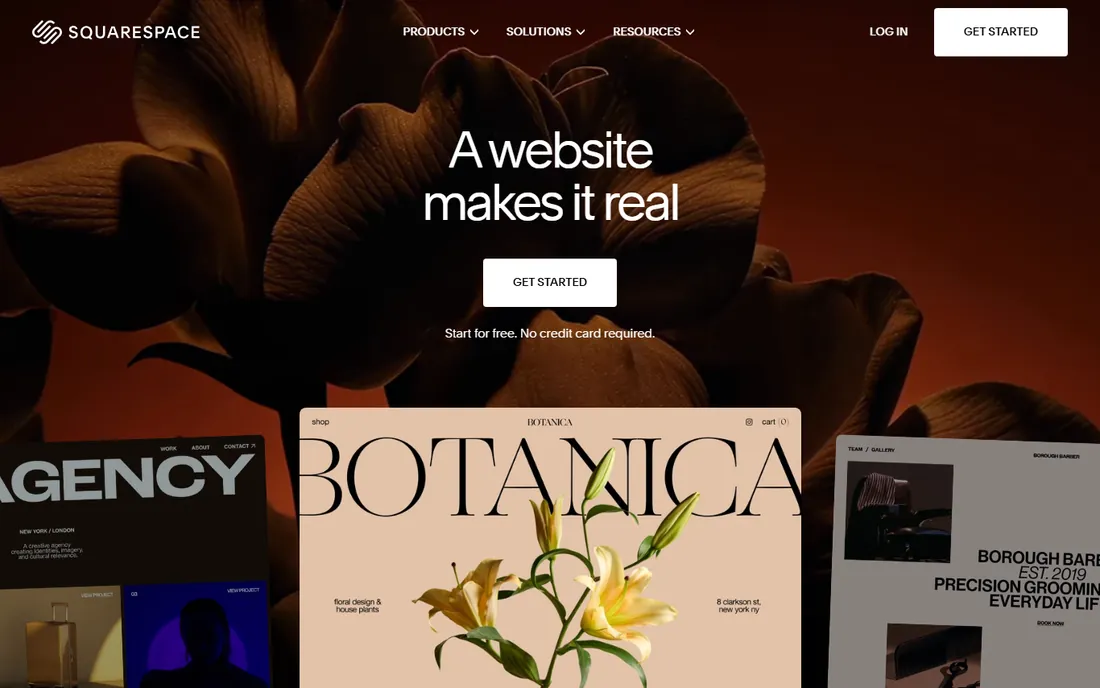
Squarespace combines stunning templates with solid blogging: an all-in-one platform for beautiful sites with integrated blogs. Designers, photographers, and creative businesses get polish without effort. Blogging features are genuinely good, not an afterthought, with scheduling and contributor controls.
Flexibility trails WordPress. Pricing is fixed tiers. But for beautiful blogs where design matters, Squarespace delivers. The templates look professional immediately, which matters for creatives whose site is their portfolio.
What we like- Beautiful templates
- All-in-one
- Good blogging tools
Watch out for- Less flexible than WordPress
- Pricing
Ownership vs audience: the core tradeoff
The fundamental choice: own your platform (WordPress.com, Ghost, Wix, Squarespace) or borrow an audience (Medium, Substack, Tumblr). The owned platforms give control, branding, and portability; you keep your readers and your revenue. Audience platforms give instant distribution; you trade control for reach. Neither is wrong; they serve different stages of a publishing career.
Many successful publishers do both: an owned site as home base, with Medium or Substack as distribution. Start with your priority. If building a long-term asset, own it. If testing ideas or reaching readers fast, borrow the audience first. The hybrid approach also hedges platform risk: if one channel declines, the other sustains you.
Monetization paths compared
How each platform makes money for you: Substack and Ghost excel at paid subscriptions (Ghost takes no cut on self-hosted plans; Substack takes 10%). WordPress.com supports memberships, ads, and e-commerce via plans and plugins, scaling with your ambition. Medium pays through the Partner Program based on member engagement and reading time. Blogger monetizes via AdSense. Wix and Squarespace support e-commerce and memberships for diversified revenue streams. Tumblr monetization is minimal at best.
Choose based on your business model. Paid newsletter: Substack or Ghost. Ad-supported content: WordPress or Blogger. Creative portfolio with blog: Squarespace. The platform should fit how you plan to earn, not just how you plan to write. Be honest about which model suits your content: subscription works for devoted niches; advertising needs volume.
What to check before you buy
Define your primary goal. Hobby writing: Blogger, Medium, Tumblr (free). Building an audience business: WordPress.com, Ghost, Substack. Blog as part of a business site: Wix, Squarespace. Newsletter income: Substack, Ghost. The goal determines the platform more than feature lists. Write down your goal before comparing features; it prevents buying capability you will never use.
Then consider portability. Can you export your content and leave? WordPress and Ghost offer full export; leaving is feasible. Medium, Substack, and Tumblr make exit harder; your audience stays with the platform. For long-term projects, portability is insurance worth having. Email lists are the most portable asset: whatever platform you choose, build an email list you own.
Finally, test the writing experience. You will spend hundreds of hours in the editor; it should feel good. Try each candidate's editor before committing. A platform with slightly fewer features but a joyful writing experience will get more posts published, and published posts beat perfect setups. Consistency matters more than tooling.
Frequently asked questions
What is the best blogging platform for beginners?
WordPress.com for flexibility, Wix for website-plus-blog simplicity, Medium for zero-setup writing, Blogger for free simplicity. Beginners should prioritize ease of publishing over features; you can migrate later as needs grow. The biggest beginner mistake is over-researching platforms instead of publishing.
Can I make money blogging in 2026?
Yes, through paid subscriptions (Substack, Ghost), advertising (WordPress with ad networks, Blogger with AdSense), affiliate marketing, sponsored content, and selling products or services. It takes consistent publishing and audience building; there are no shortcuts. Most successful bloggers publish for a year or more before meaningful income appears.
WordPress.com vs WordPress.org: what's the difference?
WordPress.com is hosted: they handle servers, security, and updates; you pay for plans. WordPress.org is free software you install on your own hosting; you manage everything but get full control and plugin freedom. Beginners usually start with .com. Migrate to .org when you need plugins or custom code that hosted plans restrict.
Should I use Medium or own my blog?
Use Medium for immediate readers and zero maintenance; own your blog (WordPress, Ghost) for control, branding, and long-term asset building. Many writers publish on both: originals on their site, republished or teaser content on Medium. Canonical links help avoid duplicate content issues when cross-posting.
How much does blogging software cost?
Free options exist (Blogger, Medium, Tumblr, WordPress.com free tier). Paid plans typically run $5-50 monthly depending on features. Substack is free until you earn, then takes 10%. Budget for a custom domain ($10-15 yearly) regardless of platform. A custom domain is the cheapest credibility upgrade available.
Can I migrate my blog later?
Usually yes, with effort. WordPress and Ghost import from most platforms. Moving off Medium, Substack, or Tumblr is possible but messier; formatting and audience do not transfer cleanly. Starting on an export-friendly platform saves future pain. Before committing, check that your chosen platform offers full content export.
How we chose
We selected blogging platforms that appear consistently in blogging comparisons, creator discussions, and usage data. Each vendor's site was checked to confirm the product is current in 2026. Pricing details come from vendor pages where published. No hands-on publishing was conducted for this guide; assessments reflect documented features and long-standing market positions.
Sources we checked (8)
- https://www.wordpress.com
- https://www.medium.com
- https://www.ghost.org
- https://www.substack.com
- https://www.blogger.com
- https://www.tumblr.com
- https://www.wix.com
- https://www.squarespace.com
Is your product missing or out of date?
We review this list regularly. Vendors can request a listing, send updated pricing or ask about featured placement.

Shihab Mia · Founder, Rankite
Shihab has 5+ years in B2B and SaaS SEO. He writes Rankite's software buying guides from pricing pages, documentation and public user reviews. More about Shihab.