How we make this list: we compare pricing pages, product documentation and public user reviews. Rankite is independent; if a vendor ever pays for a featured spot, that listing is clearly labeled Partner.
Key takeaways
- The cheapest AI-built site with hosting is Hostinger, where vendor pricing starts at $2.99 a month on long prepay terms, while Durable gets you live in seconds at $25 a month.
- Free plans are common here: Wix, Webflow (staging), Framer, Durable, Jimdo, and GoDaddy all let you start without paying, though a custom domain always costs extra.
- Squarespace remains the design-led choice, with Blueprint AI included and subscriptions starting at $19 a month after a 14-day trial.
- 10Web is the only tool on this list that builds on real WordPress, so you keep full ownership of your site instead of renting it from a platform.
Quick comparison
| Tool | Best for | Starting price | Free plan |
|---|
 Wix Wix | All-round AI builder with the deepest feature set | See website | Yes |
 Squarespace Squarespace | Design-first sites for brands and portfolios | $19/month | No |
 Webflow Webflow | Designer-grade sites without code | $15/month (billed yearly) | Yes |
 Framer Framer | AI design agent for high-polish marketing sites | See website | Yes |
 Hostinger Hostinger | Cheapest AI builder bundled with hosting | $2.99/month | No |
 Durable Durable | Fastest route to a live business site | $25/month | Yes |
 10Web 10Web | AI-built sites on real WordPress | See website | No |
 Jimdo Jimdo | Solopreneurs who need bookings and payments fast | See website | Yes |
 GoDaddy GoDaddy | Small businesses starting inside GoDaddy's ecosystem | $24.99/month (billed yearly) | Yes |
Is your product missing or out of date?
We review this list regularly. Vendors can request a listing, send updated pricing or ask about featured placement.
#1
Wix
Best for: All-round AI builder with the deepest feature set
Visit wix.com
Starting priceSee website
Free planYes
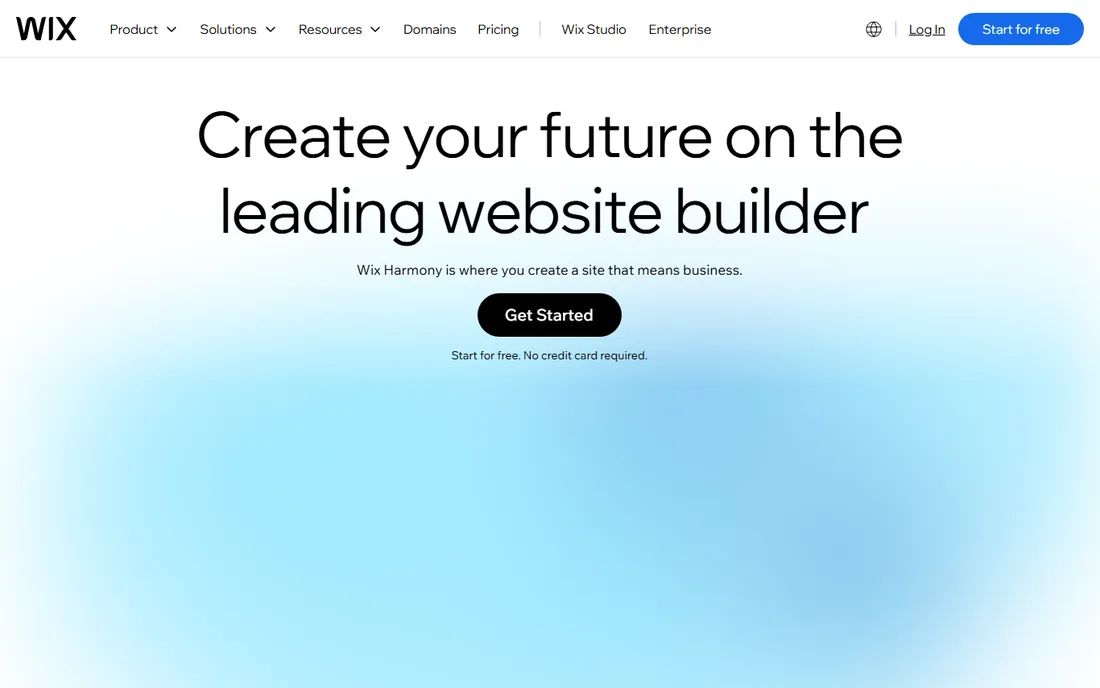
If you want the AI site you generate today to still fit your business in two years, Wix is the safest bet. Its AI builder (currently branded as Wix Harmony) generates a site from a few prompts, and then you can edit anything with the drag-and-drop editor, install apps from the Wix App Market, or add e-commerce, bookings, and email marketing as the business grows. The platform also includes an AI assistant that answers questions like how to improve SEO or connect a domain, which beginners tend to use a lot.
The trade-off is complexity. Wix does not show pricing on its homepage, runs promotional billing cycles, and has enough tiers that picking the right one takes thought. The free plan is genuinely useful for testing the AI builder, but a custom domain requires a paid plan. For a business that needs a site that can grow into a store or booking system without migrating platforms, the breadth is worth it.
What we like- AI generation plus full manual editing (no dead ends)
- 2,000+ templates and the largest app market in the category
- Genuinely usable free plan with no credit card
Watch out for- Pricing is not shown on the homepage and runs on several tiers
- Free plan shows Wix ads and blocks custom domains
- AI-generated content usually needs rewriting
Starting price$19/month
Free planNo
Design-first brands keep returning to Squarespace for one reason: the output looks good without much effort. Blueprint AI asks a few questions about your business and generates a complete site with tailored copy and images, then the drag-and-drop editor lets you refine layouts, colors, and fonts. Squarespace's own site states subscriptions start at $19 a month, and all plans include the AI website builder, hosting, SSL, and built-in SEO tools.
What you give up is flexibility. Squarespace offers less pixel-level control than Wix or Webflow, and the extension marketplace is modest. There is no permanent free plan, so you pay from the start after the trial.
What we like- Blueprint AI (a TIME Best Invention pick for 2025) included in all plans
- Templates look polished with minimal effort
- Hosting, security, and domains in one account
Watch out for- No free plan, only a 14-day trial
- Less layout freedom than Wix or Webflow
- Third-party extensions are limited compared with open platforms
Starting price$15/month (billed yearly)
Free planYes
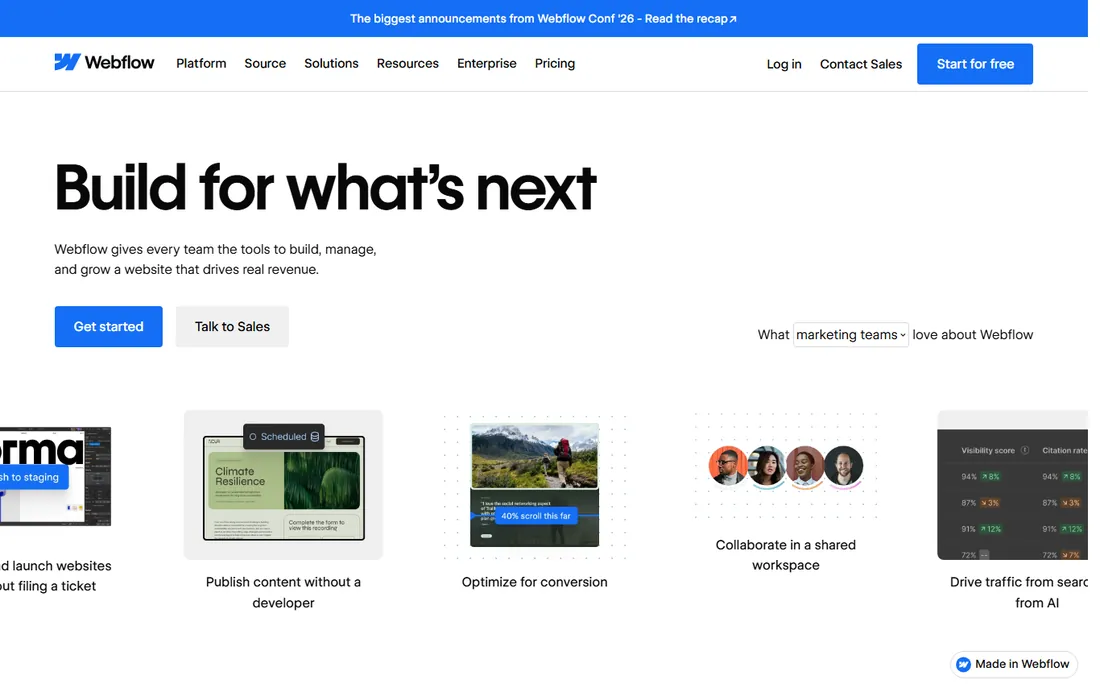
Webflow is not really competing with the other tools on this list. It is competing with hiring a developer. You design in a visual canvas that writes production-quality HTML and CSS, manage content in a visual CMS, and publish to fast global hosting. The vendor's pricing page confirms a free Starter site plan (two pages on a webflow.io domain) and paid site plans from $15 a month billed yearly for a custom domain.
That power comes with a steeper path. Webflow assumes you care about typography, breakpoints, and interactions, and beginners often bounce off it. The plan structure splits into Workspace plans (per account) and Site plans (per published site), so read carefully before buying.
What we like- Professional-grade design control with clean code output
- Free Starter plan for building and staging
- Visual CMS and e-commerce on higher site plans
Watch out for- Learning curve is real for non-designers
- Two plan layers (Workspace and Site) confuse first-time buyers
- Costs climb fast with CMS, e-commerce, and team seats
#4
Framer
Best for: AI design agent for high-polish marketing sites
Visit framer.com
Starting priceSee website
Free planYes
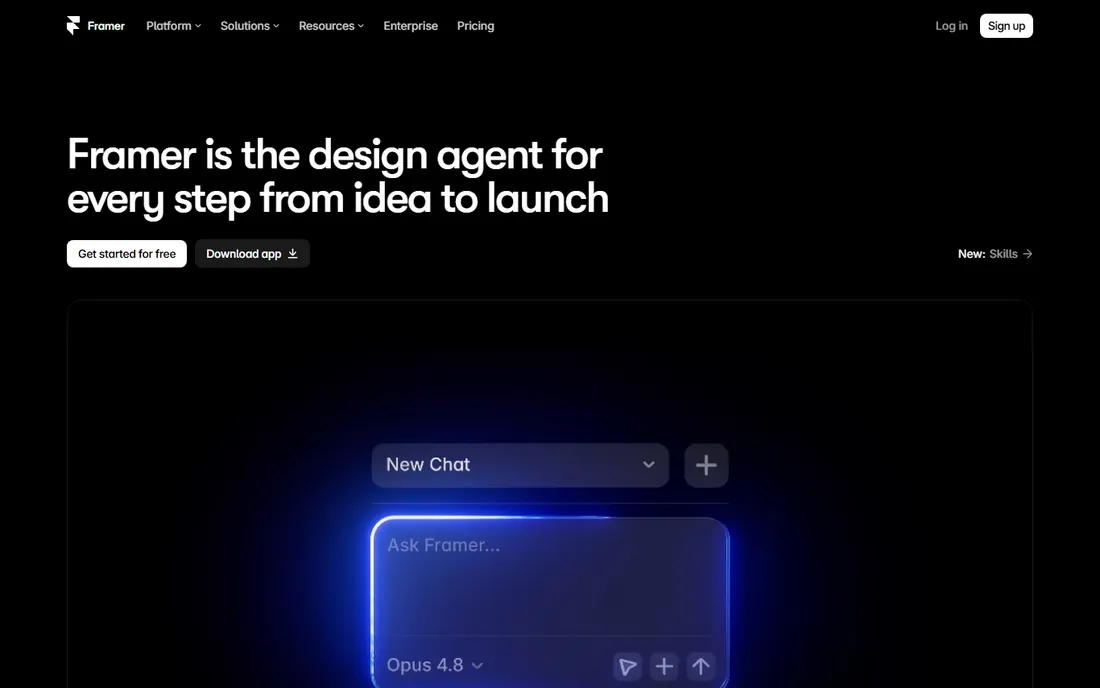
Framer started as a design tool and grew into a publishing platform, and that origin shows in the best way. In 2026 it positions itself around a design agent: you prompt it to create layout variations, generate content, or set up your CMS, and every change happens visibly on the canvas where you can adjust it by hand. The result is sites with motion and polish that are hard to match in simpler builders.
The vendor's own pricing FAQ confirms a free plan with CMS collections, up to 1,000 pages, and collaboration for up to three editors, which is unusually generous. The catch is that paid plan prices are not shown without starting signup, and the AI agent runs on credits shared across your workspace. Pick Framer when your site is primarily a marketing asset where design quality sells the business.
What we like- A design agent that works directly on your canvas
- Strong animation and interaction capabilities
- A real free plan for exploring and publishing experiments
Watch out for- Plan pricing is not shown upfront on the pricing page
- Weaker for complex e-commerce
- Credit system for AI agents adds a new thing to budget
Starting price$2.99/month
Free planNo
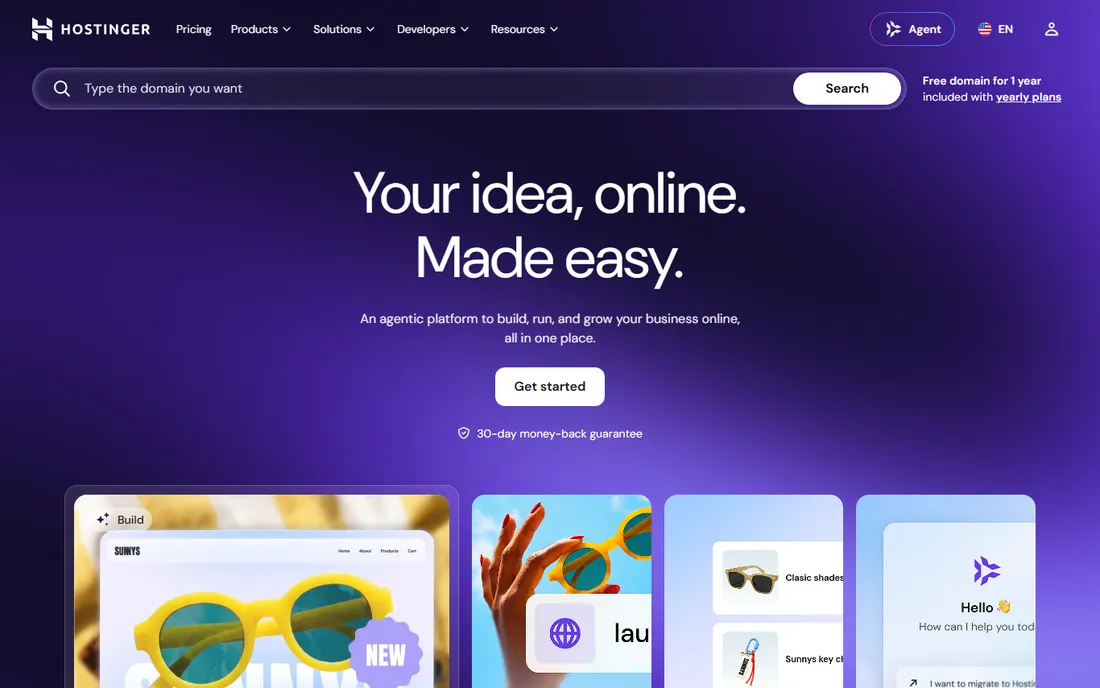
Nobody expects the hosting company to be the cheapest AI website builder, but Hostinger is. The vendor's own FAQ states plans start at $2.99 a month, and the homepage shows the Premium plan at that price with a free domain for a year, AI tools, and e-commerce capability. You describe what you want and the AI builder creates the site, store, or even a small web app, then you refine it with chat or drag-and-drop editing.
Read the billing terms before celebrating. The $2.99 price needs a multi-year prepay, and renewal rates run several times higher. Even so, getting hosting, a domain for the first year, business email, and an AI builder in one account at that price is unmatched for side projects and small business sites where budget decides.
What we like- Vendor pricing starts at $2.99 a month
- AI builder bundled with hosting, domain, email, and marketing tools
- 30-day money-back guarantee
Watch out for- Headline price requires long prepay and renews much higher
- AI generation runs on limited credits on some plans
- Design output is more template-driven than Wix or Squarespace
Starting price$25/month
Free planYes
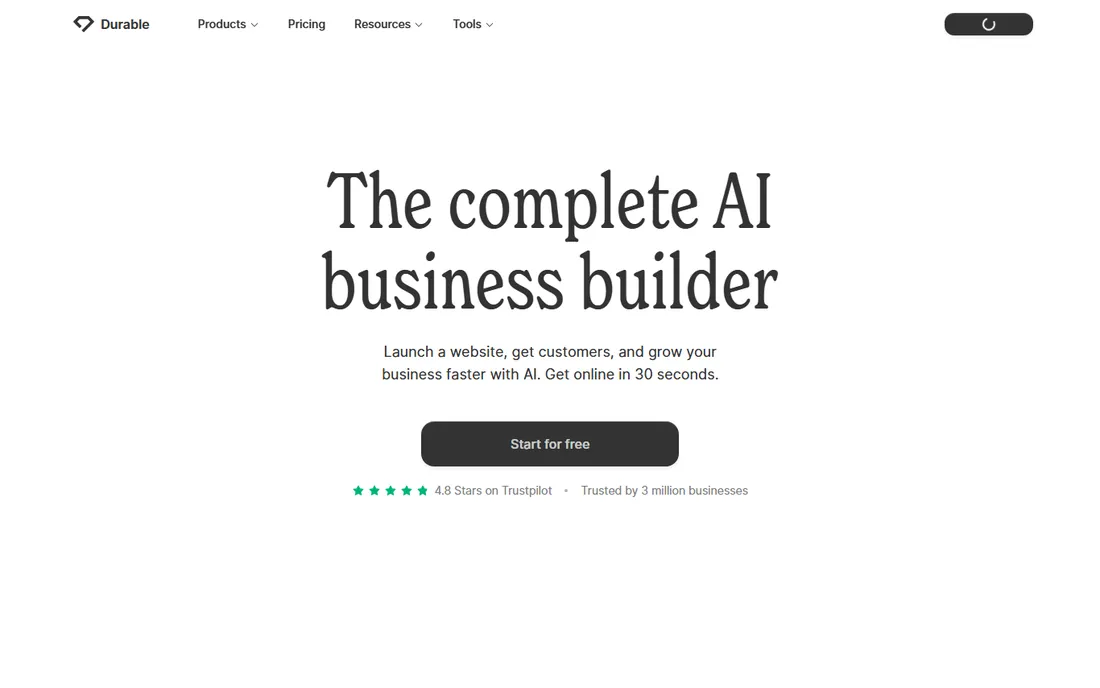
Durable's whole pitch is speed: answer three or four questions and get a live site in 30 seconds. The vendor's site shows the Launch plan at $25 a month and states the platform replaces several subscriptions, bundling a CRM, invoicing, booking tools, and marketing automation with the website itself. For a plumber, consultant, or cleaning service that needs to look legitimate online today, that bundle removes a lot of decisions.
The ceiling arrives quickly. You cannot redesign the site the way you can in Wix or Webflow, and there is no clean export, so switching platforms later means rebuilding from scratch. Durable knows exactly who it serves: small businesses that want a professional presence plus basic business tools in one subscription.
What we like- Site generated in about 30 seconds from a few questions
- Launch plan at $25 a month includes CRM, invoicing, and bookings
- Simple single-subscription pricing
Watch out for- Design customization is limited
- No clean site export, so leaving means rebuilding
- Aimed at small service businesses, not content-heavy or complex sites
Starting priceSee website
Free planNo
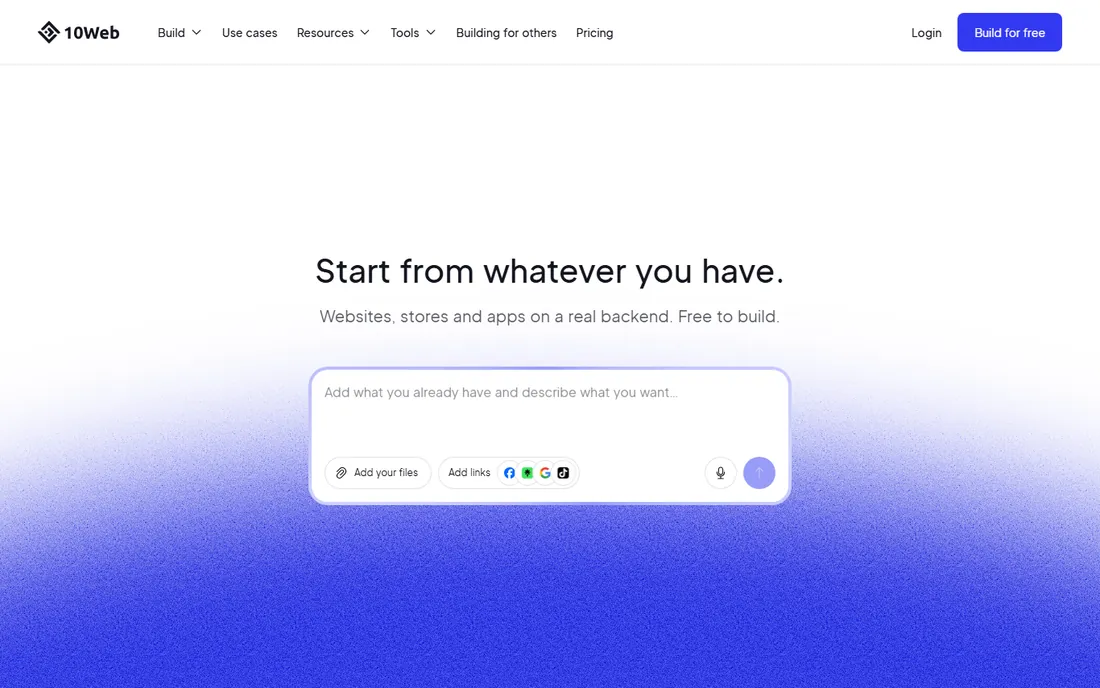
10Web is the odd one out here, and for WordPress fans that is a compliment. Instead of locking your site inside a proprietary platform, its AI builder generates a real WordPress website, hosted on Google Cloud, which you can edit with the 10Web editor, move to another host, or extend with any of the tens of thousands of WordPress plugins. E-commerce runs on WooCommerce, and the PageSpeed Booster pushes performance scores automatically.
Because the site is yours, the responsibilities are yours too: updates, security, and plugin conflicts fall to you, though 10Web manages hosting and backups. Independent reviews consistently report paid plans starting around $10 a month, a 7-day free trial, and no free tier, so verify current figures on the vendor's pricing page. Choose 10Web if you want AI speed without giving up WordPress portability.
What we like- Generates genuine WordPress sites you fully own
- Google Cloud hosting and 90+ PageSpeed optimization built in
- 7-day free trial with no credit card
Watch out for- No permanent free plan
- You inherit WordPress maintenance and security duties
- Template variety is smaller than Wix or Squarespace
#8
Jimdo
Best for: Solopreneurs who need bookings and payments fast
Visit jimdo.com
Starting priceSee website
Free planYes
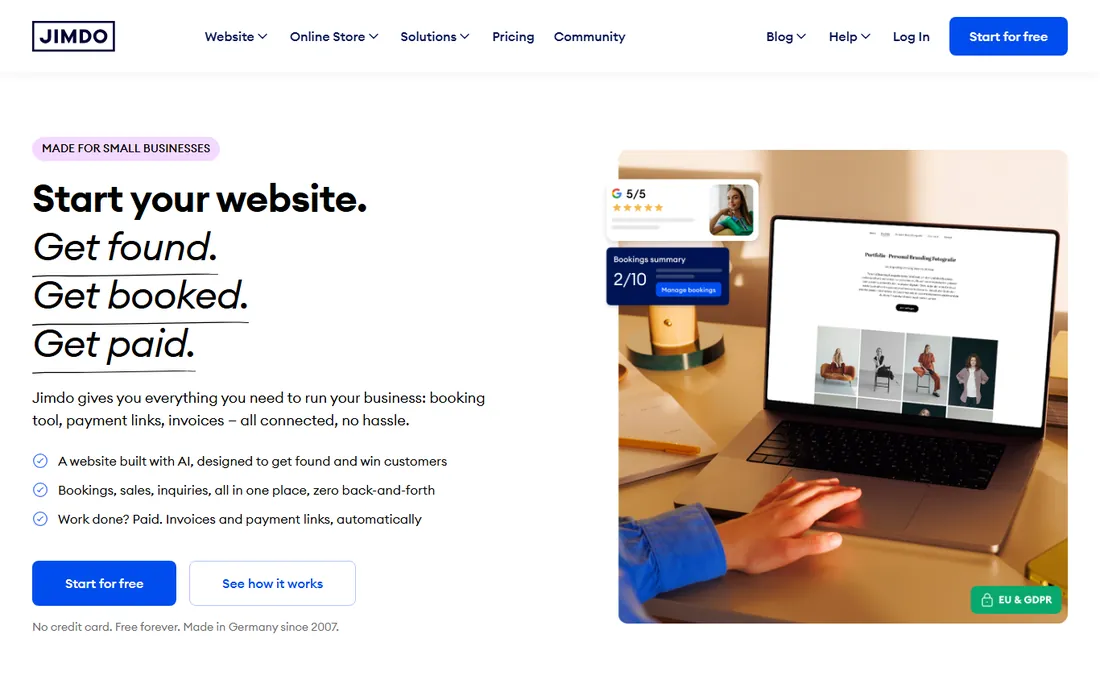
Jimdo is aimed squarely at the one-person business. Tell it what you do and the AI builds your site with structure, copy, and images in under five minutes, optimized for search from the start. Bookings, smart forms, an online shop, invoices, and payment links all feed one customer database, so a hairdresser or consultant can take appointments and get paid without assembling five tools. The vendor's homepage states the free plan is free forever with no credit card.
What we like- Free-forever plan with no credit card required
- AI builds site, copy, and images in under five minutes
- Bookings, invoices, and payment links connected in one database
Watch out for- Entry-level design options feel basic
- Paid plan pricing is not shown on the homepage
- GDPR-centric setup can feel unfamiliar outside Europe
#9
GoDaddy
Best for: Small businesses starting inside GoDaddy's ecosystem
Visit godaddy.com
Starting price$24.99/month (billed yearly)
Free planYes
GoDaddy rebuilt its builder around Airo, an AI layer that stretches beyond the site itself. Describe your business and Airo creates the site, plus a logo, and helps with email campaigns and social posts afterward. The vendor's homepage states you can start for free with 50 AI credits a month and no credit card, and shows the AI Builder Professional plan at $24.99 a month billed annually, including up to 10 sites, bookings, payments, and built-in SEO.
The design ceiling is lower than the design-led builders here, and the product naturally favors customers who already keep domains, email, and hosting at GoDaddy. Treat it as the best option inside its ecosystem rather than the best standalone builder.
What we like- Start free with 50 AI credits a month and no credit card
- Airo AI assistant spans domains, logos, marketing, and the site itself
- Deep integration with GoDaddy domains, email, and payments
Watch out for- Site design quality trails Squarespace and Framer
- Plan details favor the annual billing shown on the homepage
- Works best if you already buy domains from GoDaddy
Frequently asked questions
Is there a completely free AI website builder?
Several tools here let you build without paying. Wix, Framer, Durable, Jimdo, and GoDaddy all offer free plans or free starts with no credit card, and Webflow's free Starter plan covers building and staging. The catch is consistent: free plans exclude custom domains, show platform branding or ads, and limit features. A professional site that looks like your business will need a paid plan.
How much does an AI website builder cost?
It depends on the category. Budget bundles start at $2.99 a month on Hostinger's long prepay terms. Purpose-built small business tools like Durable charge around $25 a month. Mainstream builders land between $15 and $25 a month billed yearly (Webflow, Squarespace). WordPress-based AI builders like 10Web start around $10 a month. Annual billing typically cuts 15 to 50 percent off monthly rates, but renewal prices often jump, so check them before you commit.
Can I move my site away from an AI website builder later?
It depends on the platform. 10Web builds real WordPress sites, so you can move your site to any WordPress host. Wix, Squarespace, Framer, Durable, Jimdo, GoDaddy, and Hostinger are proprietary platforms: you can usually export content, but the design and structure stay behind. If portability matters to you, factor that in before you build your whole business on one platform.
Do AI website builders handle SEO?
They handle the basics: meta titles, descriptions, sitemaps, SSL, and mobile-friendly templates are standard across this list. Squarespace and Jimdo include AI-assisted SEO copy, 10Web generates SEO meta tags automatically, and Wix has an SEO assistant that flags issues. None of them replace real SEO work like keyword strategy, content quality, and earning links. Treat the built-in tools as a foundation, not a finished strategy.
Which AI website builder is best for an online store?
For simple stores, Wix and Squarespace have the most complete built-in commerce. Hostinger includes e-commerce at its low price point. 10Web uses WooCommerce, which is the most flexible option if you expect to grow and add extensions. Webflow handles beautiful product pages but gets expensive at scale. Match the store to your product count and shipping complexity rather than to the AI hype.
Do I need design skills to use these tools?
No, and that is the point. Every tool here generates a starting site from a few questions or prompts, and you refine it with plain language or drag-and-drop. Tools like Wix, Squarespace, Jimdo, Durable, and GoDaddy assume zero design knowledge. Webflow and Framer reward some design sense with better results, but you can still launch something decent without it.
What to check before you commit
Match the builder to the site you will have in a year, not just the site you need this week. A simple brochure site can live happily on Jimdo, Durable, or GoDaddy. A content-heavy site with a blog and landing pages wants Wix or Squarespace. A marketing site where design quality is the product wants Webflow or Framer. A store with plans to scale wants Wix, Squarespace, or WordPress through 10Web. The cheapest option today becomes expensive if it forces a rebuild in twelve months.
Then check the billing reality behind the headline price. Several vendors advertise monthly equivalents that require annual or multi-year prepay, and renewal rates can jump sharply (Hostinger states renewals explicitly on its homepage). Confirm what the domain costs after the free first year, whether AI credits or site generations are capped, and how many sites the plan includes. A plan that allows one site is a poor fit if you run three businesses.
Finally, look at the lock-in question honestly. Only 10Web gives you a portable site you truly own. Every other builder here is a rental: fine while you are happy, painful if you outgrow it. That is a reason to pick the one whose ceiling you will not hit.
Free plans, trials, and the renewal trap
Free tiers in this category are genuinely useful, not just demos. Wix and Jimdo offer free plans with no credit card, Framer's free plan covers real projects, Webflow's Starter plan lets you build and stage, and GoDaddy gives 50 AI credits a month to start. Use them to test the AI generation quality on your actual business before paying, because the generated output varies more between tools than the marketing suggests.
Trials fill the gap where free plans do not exist: Squarespace and 10Web both offer trials with no credit card required. Set a calendar reminder for the trial end date so the charge does not surprise you.
The real trap is renewal pricing. Introductory rates on multi-year prepays can double or triple at renewal, and plan names and prices shift over time. Screenshot the pricing page when you buy, note the renewal date, and check the current price before each renewal. The fifteen minutes this takes is the cheapest insurance in website building.
How we chose
We researched each vendor's own site, pricing page, and documentation, plus public reviews on G2, Capterra, and Reddit threads comparing AI builders. Every tool had to generate a website with AI (not just templates), be an active product in October 2026, and offer real publishing, not just mockups. We mixed budget bundles, mainstream builders, designer-grade platforms, and the WordPress-based option so buyers at different budgets and skill levels each have a real choice. Pricing figures come from the vendors' own pages; where a vendor did not show pricing, we wrote See website instead of guessing.
Sources we checked (12)
- https://www.wix.com
- https://squarespace.com/
- https://www.webflow.com
- https://www.webflow.com/pricing
- https://www.framer.com/
- https://www.framer.com/pricing
- https://www.hostinger.com
- https://durable.co
- https://10web.io
- https://10web.io/pricing
- https://www.jimdo.com
- https://godaddy.com/
Is your product missing or out of date?
We review this list regularly. Vendors can request a listing, send updated pricing or ask about featured placement.

Shihab Mia · Founder, Rankite
Shihab has spent more than a decade helping SaaS and e-commerce brands grow through search. He writes Rankite's software buying guides from pricing pages, documentation and public user reviews. More about Shihab.