How we make this list: we compare pricing pages, product documentation and public user reviews. Rankite is independent; if a vendor ever pays for a featured spot, that listing is clearly labeled Partner.
Key takeaways
- AudioEye and Level Access pair automation with human experts, which matters because no scanner alone catches every WCAG issue.
- accessiBe and EqualWeb focus on fast deployment through an on-site widget, a practical route for smaller teams that need coverage quickly.
- Deque and Evinced plug directly into developer workflows, so engineering teams can fix issues before code ships.
- Siteimprove bundles accessibility with broader site quality checks like broken links and SEO, while DubBot focuses on monitoring with plain-language fix guidance for distributed content teams.
- Most vendors price by page count or traffic and keep exact numbers behind a sales call, so expect "See website" below and ask for a quote based on your page volume.
Why accessibility work never really ends
A demand letter arrives on a Tuesday morning. It names your website, cites the ADA, and gives you a deadline to fix barriers a scanner would have flagged months ago. This is how most companies start caring about digital accessibility: not from a strategy deck, but from a legal notice. Web accessibility lawsuits kept climbing through 2025, and the pattern is consistent. Plaintiffs target sites with obvious barriers like missing alt text, keyboard traps, and unlabeled forms.
The uncomfortable part is that fixing a site once does not keep it fixed. Every new page, redesign, third-party script, and marketing embed can reintroduce the same barriers you just removed. That is why the category below is platforms, not one-time audit tools. The best digital accessibility platforms combine continuous scanning with remediation help, whether that means automated fixes, developer guidance, or a managed service that does the work for you.
We compared eight platforms on how they find issues, how they help you fix them, who they suit, and what they cost. None of them replaces judgment entirely, and you should know that going in: automated checks catch roughly a third to half of real WCAG failures, so the human side of each platform is where the value lives.
Quick comparison
| Tool | Best for | Starting price | Free plan |
|---|
 AudioEye AudioEye | Managed accessibility with legal support | See website | No |
 accessiBe accessiBe | Fast widget deployment for SMBs | See website | No |
 EqualWeb EqualWeb | Widget plus done-for-you remediation | See website | No |
 Level Access Level Access | Enterprise programs at scale | See website | No |
 Deque Deque | Developer-first testing with axe tools | See website | Free trial |
 Siteimprove Siteimprove | Accessibility plus site quality checks | See website | Free trial |
 DubBot DubBot | Accessibility monitoring with plain-language fixes | See website | Free trial |
 Evinced Evinced | AI-assisted testing in the dev pipeline | See website | Free trial |
Is your product missing or out of date?
We review this list regularly. Vendors can request a listing, send updated pricing or ask about featured placement.
Starting priceSee website
Free planNo
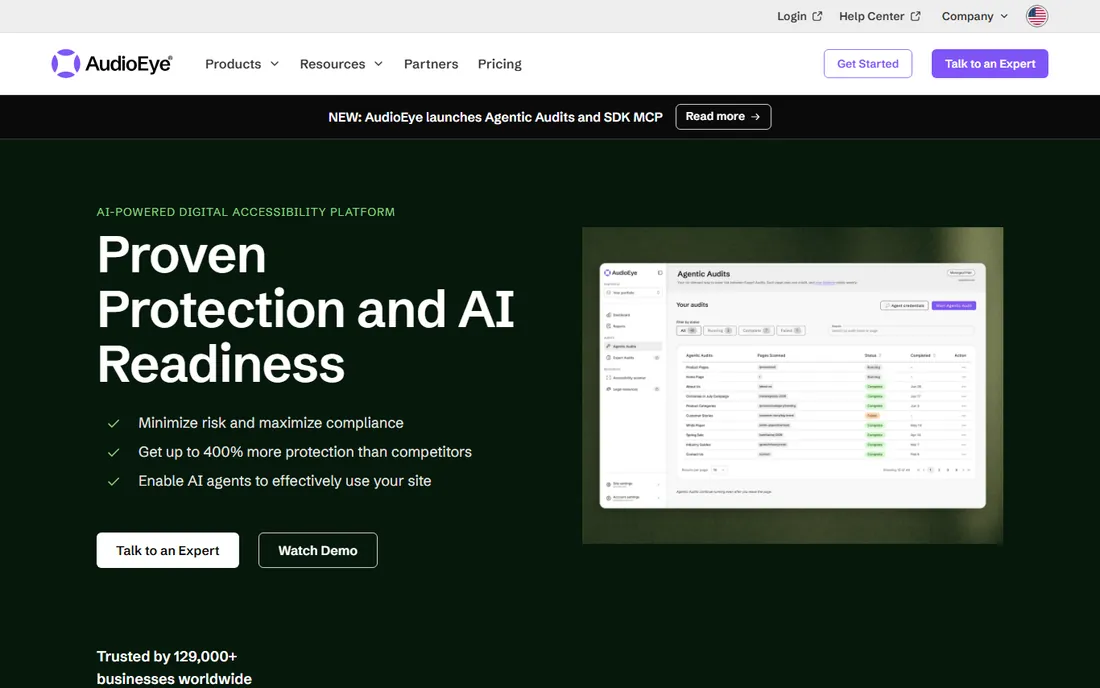
AudioEye has been in the accessibility business longer than most of the widget-first vendors, and it shows in how the service is structured. The platform runs automated scans and applies fixes where it safely can, then routes the rest to human testers who verify with assistive technology. That two-layer approach is the honest answer to the limits of automation, and it is why AudioEye shows up in so many ADA defense conversations.
The company also leans into the legal side. Plans can include ongoing monitoring, an accessibility statement, and support if a claim arrives, which is exactly the bundle a general counsel wants to see. Reporting is granular enough to show progress over time, a useful thing when you need to demonstrate good-faith effort. The trade-off is cost and opacity: pricing depends on your page count and traffic, and you will talk to sales before you see a number. For organizations that want a managed outcome rather than another dashboard, that trade is usually worth it.
What we like- Combines automation with certified human testers, Includes legal support and indemnification options, Detailed issue tracking and reporting, Works with most CMS platforms
Watch out for- Pricing is quote-based and not published, Can be expensive for very large sites, Some fixes still need developer time
Starting priceSee website
Free planNo
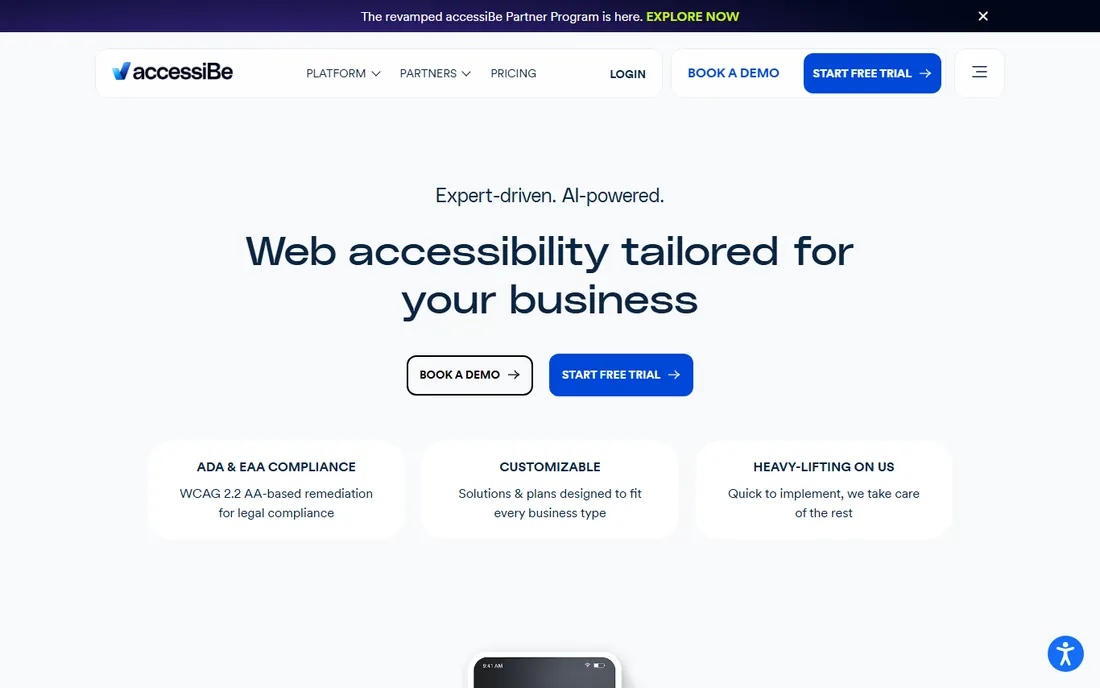
accessiBe became the most recognized name in the category by making accessibility feel installable. You add a JavaScript snippet, the accessWidget appears, and the company claims its AI rescans and adjusts the site every 24 hours. For a small business owner who just received a demand letter and needs to show action this week, that speed is the entire pitch.
The company has expanded beyond the widget. accessFlow gives developers a platform to find and fix issues in source code, and accessiBe offers manual audits and remediation services for customers who want more than automation. Critics in the accessibility community argue overlays do not fix underlying code, and that debate is worth reading before you buy. But as a pragmatic first step with litigation support attached, accessiBe remains one of the fastest routes from zero to monitored.
What we like- Deploys in minutes with one snippet, AI-driven daily rescans of site content, accessFlow helps developers fix code directly, Litigation support included on paid plans
Watch out for- Widget-only approach draws criticism from accessibility advocates, Annual billing with no monthly option on some tiers, Heavier sites may see performance impact
Starting priceSee website
Free planNo
EqualWeb follows the familiar widget model but pairs it with a monitoring console and optional hands-on remediation. The widget gives visitors tools like font resizing, contrast changes, and keyboard navigation aids, while the dashboard tracks compliance status across your pages over time. For teams without an in-house accessibility specialist, the combination of a visible user-facing tool and a back-end monitor covers both audiences.
The company also sells remediation as a service, which closes the loop that pure widget vendors leave open: someone actually edits the code. Multi-language support makes it a reasonable pick for international sites. Pricing is quote-based, tied to page count and traffic, so you will need a conversation with sales. EqualWeb is a solid mid-market option, especially for organizations that want the widget convenience without abandoning code-level fixes.
What we like- Accessibility widget with broad customization, Monitoring dashboard with issue history, Offers manual remediation services, Multi-language support
Watch out for- Smaller brand presence in the US market, Quote-based pricing, Widget approach shares the same limits as competitors
Starting priceSee website
Free planNo
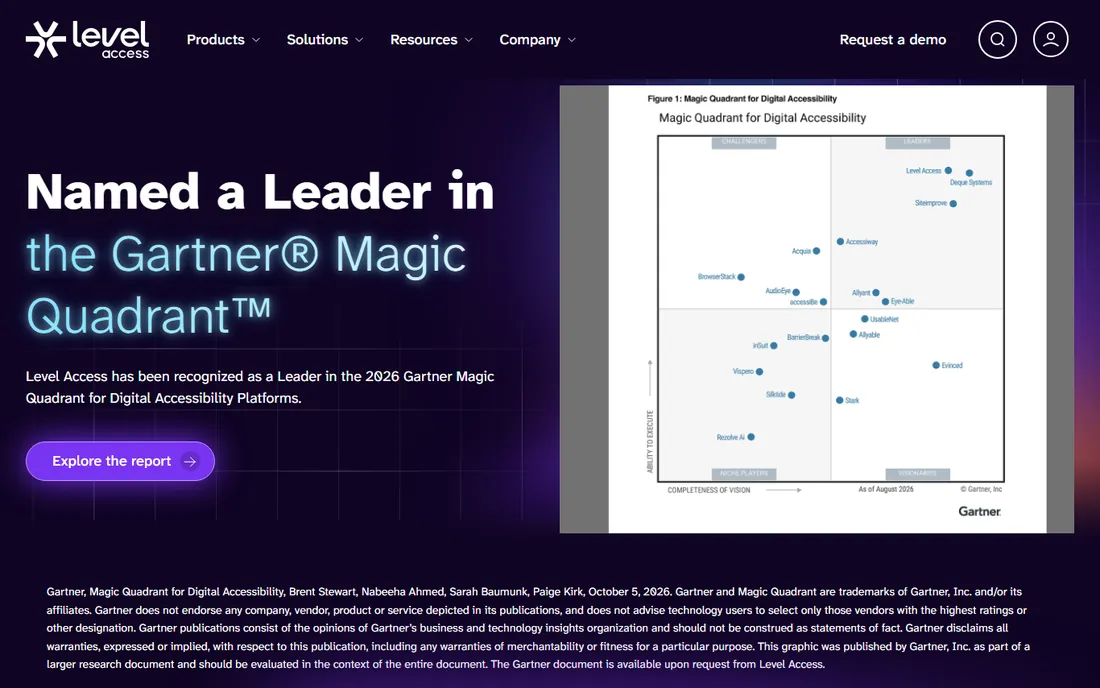
Level Access is the enterprise end of this list. Its platform covers auditing, monitoring, and remediation workflow, but the real product is the program around it: consultants who scope the work, auditors who test with assistive tech, and training that teaches your team to build accessibly. Large organizations with legal exposure and complex sites tend to land here, because the engagement looks like a proper compliance program rather than a plugin.
The 2024 acquisition of UserWay gave Level Access a widget-based entry point for smaller sites, broadening a portfolio that was previously enterprise-only. If you are choosing for a Fortune 500 company or a university system, Level Access belongs on the shortlist. If you run a ten-page marketing site, it is more machine than you need, and the sales process will make that clear quickly.
What we like- Full platform for enterprise accessibility programs, Deep bench of consultants and auditors, Strong training and certification offerings, Acquired UserWay to extend SMB reach
Watch out for- Enterprise pricing excludes small teams, Implementation can be heavy, Sales-led buying process
Starting priceSee website
Free planFree trial
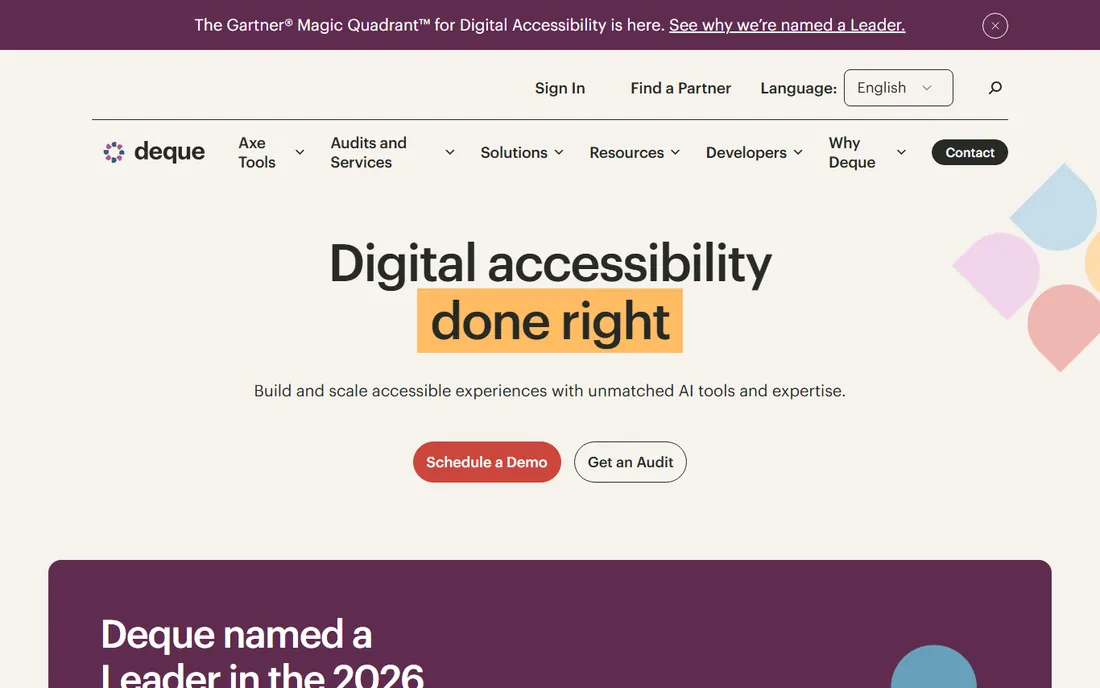
Deque built axe-core, the open-source engine that powers a large share of accessibility testing on the web, including the axe DevTools browser extension many developers already use. That pedigree matters: when your engineers run Deque tools, they are testing with the same ruleset the industry trusts. The commercial platform adds axe Monitor for scheduled scanning across large sites, workflow for assigning and tracking fixes, and integrations that put checks inside your build pipeline.
This is the choice for organizations that want to fix accessibility at the source instead of patching it at the edge. Developers get fast, specific guidance inside the tools they already use, and managers get dashboards that show whether the backlog is shrinking. The catch is that Deque assumes you have developers to do the fixing. If your team cannot edit the site's code, pair Deque with a service vendor or pick a managed option from this list instead.
What we like- Axe-core is the industry-standard testing engine, Integrates with CI/CD and major frameworks, axe Monitor tracks accessibility at scale, Strong documentation and community
Watch out for- Requires developer involvement to get value, Enterprise pricing for the full platform, Less hand-holding than managed services
Starting priceSee website
Free planFree trial
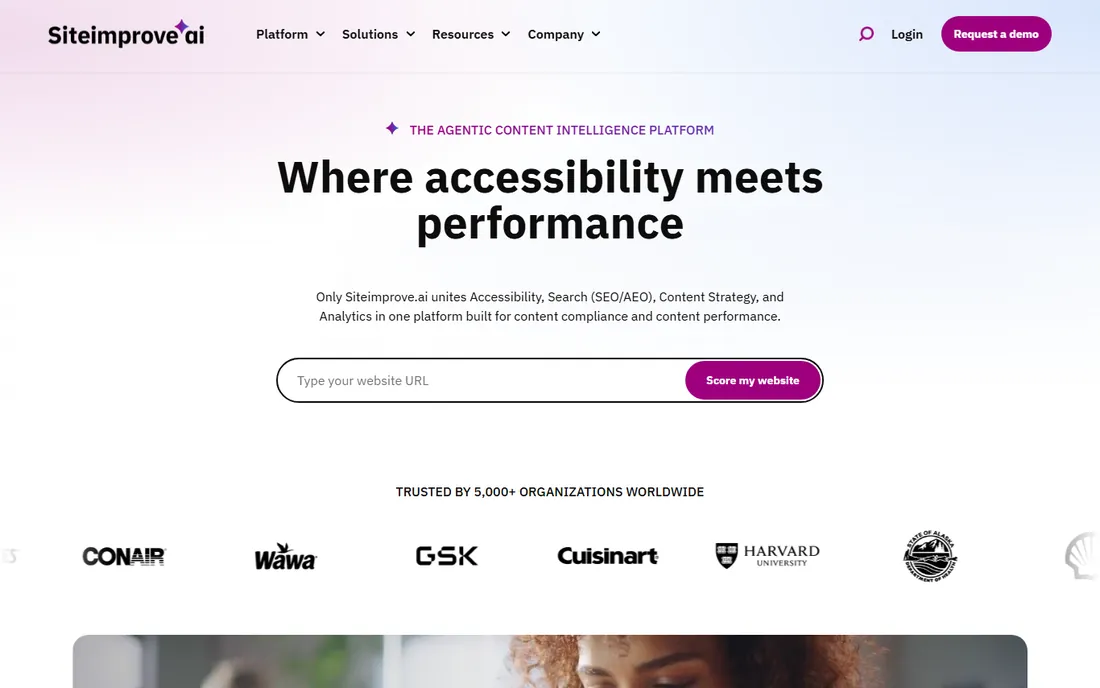
Siteimprove approaches accessibility as part of overall site health. The same crawl that flags WCAG violations also finds broken links, spelling errors, and SEO problems, and the dashboard prioritizes everything by impact. For marketing and communications teams who own the website end to end, that single pane of glass is genuinely useful: one login, one backlog, one report for leadership.
Accessibility depth is solid for a generalist platform, with checks mapped to WCAG criteria and guidance written for content editors rather than engineers. Universities and public sector organizations are a stronghold, which tells you the product handles large, decentralized sites well. If accessibility is your only concern, a specialist may go deeper. If you want one platform that keeps the whole site honest, Siteimprove earns its place.
What we like- Accessibility alongside SEO, QA, and analytics, Clear prioritization of issues by impact, Good reporting for non-technical stakeholders, Strong higher-education customer base
Watch out for- Accessibility is one module among many, Pricing scales with the full suite, Can feel broad if you only need accessibility
#7
DubBot
Best for: Accessibility monitoring with plain-language fixes
Visit dubbot.com
Starting priceSee website
Free planFree trial
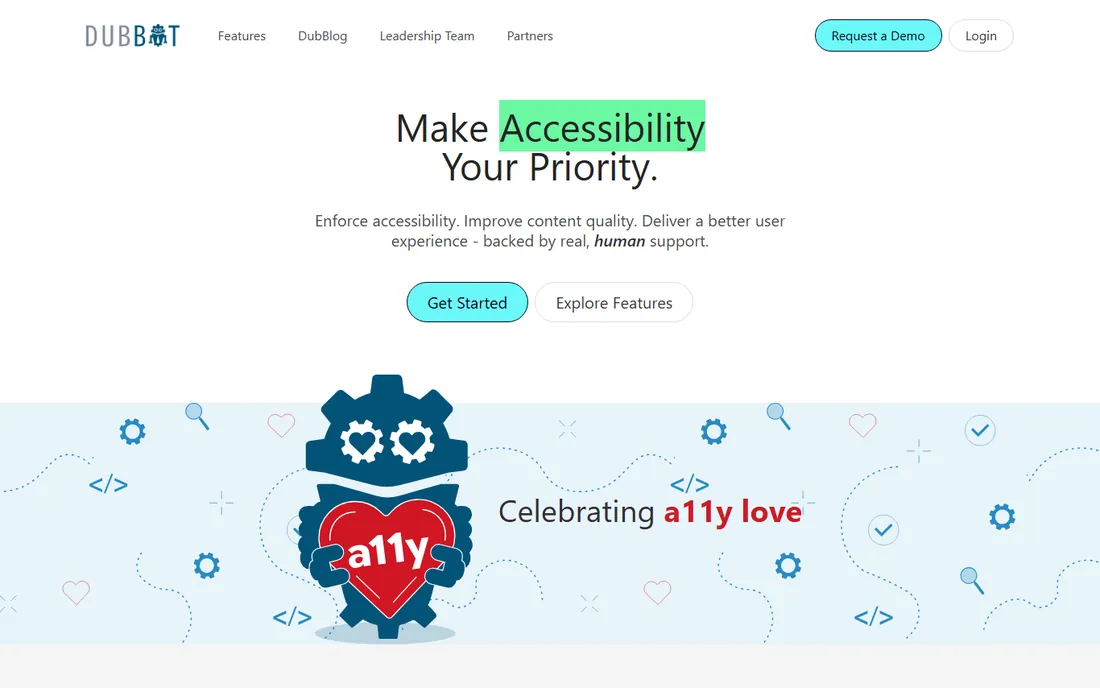
DubBot is an automated accessibility monitoring tool with a strong following in higher education and government. It crawls your site on a schedule, flags WCAG issues, and routes them to the right content owners with fix guidance written in plain language. That last part is the differentiator: in organizations where dozens of people publish content, telling each person exactly what to fix without jargon is what actually moves the needle.
The product stays focused on monitoring and remediation workflow rather than trying to cover every aspect of site governance. Pricing is quoted based on page volume. For universities, agencies, and mid-size organizations that need steady, understandable accessibility oversight without enterprise overhead, DubBot is a natural fit.
What we like- Built for accessibility monitoring at scale, Clear remediation guidance for non-developers, Good for distributed content teams, Strong higher-education customer base
Watch out for- Narrower focus than full governance suites, Quote-based pricing, Smaller company
Starting priceSee website
Free planFree trial
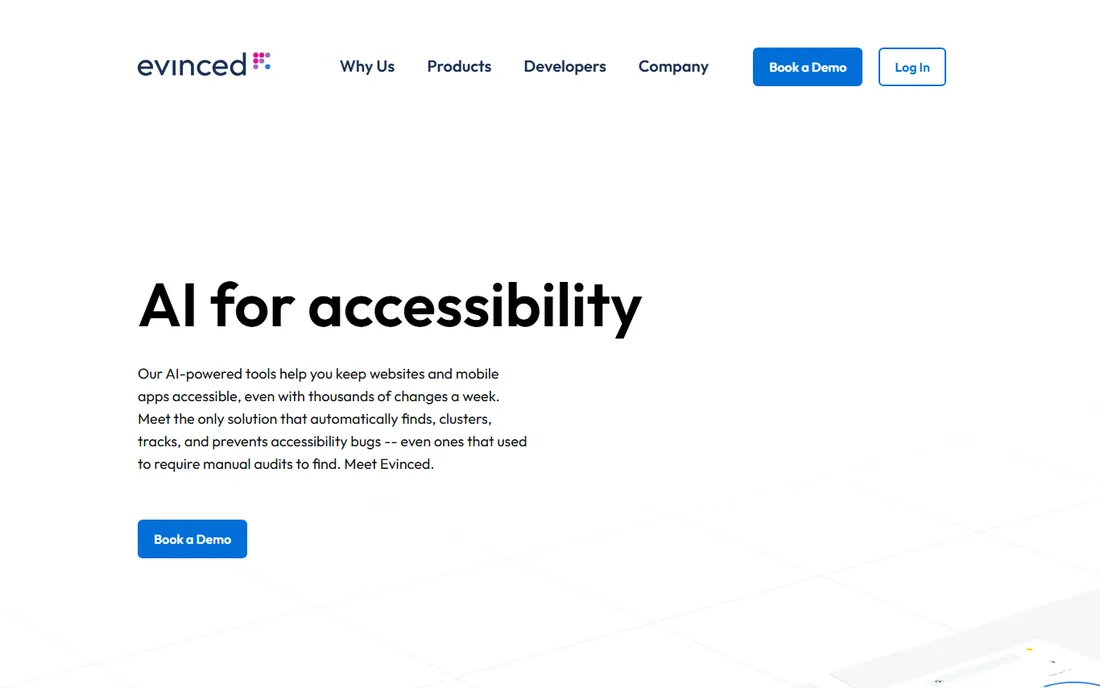
Evinced takes the developer-integrated approach and adds machine learning to cut the noise. Traditional scanners produce long lists of findings that include plenty of false positives; Evinced claims its models filter those out so engineers only see real issues. For teams running accessibility checks in CI/CD, fewer false alarms means the checks actually stay turned on instead of getting ignored.
The platform covers both web and mobile, which matters as accessibility requirements increasingly extend to apps. The founding team comes from the accessibility testing world, and the product reflects that experience in how findings are explained and grouped. It is a newer name than Deque, so the ecosystem of plugins and community answers is thinner, but for engineering-led organizations that want modern, low-noise testing, Evinced is worth evaluating alongside the incumbents.
What we like- AI reduces false positives in test results, Purpose-built for continuous integration, Covers web and mobile apps, Founded by accessibility testing veterans
Watch out for- Newer brand with smaller community, Developer-centric like Deque, Pricing not published
How we chose
We started from the products that appear most often in buyer shortlists, analyst coverage, and accessibility community discussion, then filtered for platforms rather than one-off scanners. Every tool here offers ongoing monitoring, not just a single audit, because accessibility is a maintenance problem. We weighted how each product finds issues (automation quality and coverage), how it helps fix them (developer tooling, managed services, or both), and who it is built for, from solo site owners to enterprise programs.
We also considered the honest limits of the category. No automated tool finds every WCAG failure, so we favored vendors that pair scanning with human expertise or developer workflow instead of pretending the widget alone is enough. Pricing transparency counted against vendors that hide everything behind sales calls, though in this category that is the norm rather than the exception. What you see above is the trade-off as it stands in 2026: speed of deployment on one end, depth of remediation on the other.
Start with who will do the fixing. If you have developers, a testing platform like Deque or Evinced that plugs into your pipeline will produce better long-term results than any overlay, because the fixes land in your actual code. If you do not have developers, or you need coverage this week while a longer project spins up, a managed service like AudioEye or a widget-plus-service option like EqualWeb is the realistic path.
Next, size the risk. A site that already received a demand letter needs litigation support and documented monitoring, which points to AudioEye, accessiBe, or Level Access depending on your budget. A university, agency, or mid-size company doing the right thing proactively can get far with Siteimprove or DubBot, especially when the same team owns SEO and content quality.
Finally, count your pages and your rate of change. A 20-page brochure site and a 50,000-page e-commerce catalog are different problems, and every vendor here prices on some version of page volume or traffic. Get quotes from two or three finalists with your real numbers, ask each one what percentage of findings their automation resolves without human help, and ask who fixes the rest. The answers will tell you more than any feature grid.
Frequently asked questions
Can an accessibility widget alone make my site ADA compliant?
No. Widgets improve the experience for some visitors and show good-faith effort, but they do not rewrite your underlying code, and courts and auditors evaluate the code. Use a widget as one layer, paired with scanning and real fixes.
How much does a digital accessibility platform cost?
Most vendors price by page count, traffic, or number of domains, and most keep exact prices behind a sales conversation. Expect a few hundred dollars per year for small sites on widget plans and five figures annually for enterprise programs.
What is the difference between WCAG and ADA compliance?
WCAG is the technical standard that describes what an accessible site looks like. The ADA is the US law that courts apply to websites. In practice, meeting WCAG 2.1 AA is the accepted way to reduce ADA risk.
Do I still need manual testing if I buy one of these platforms?
Yes. Automated checks catch a meaningful share of common issues but miss things like confusing navigation, illogical reading order, and broken keyboard flows. Every platform on this list either includes human testing or expects you to arrange it.
Which platform is best for developers?
Deque and Evinced are built for engineering teams, with testing inside browsers, IDEs, and CI pipelines. accessiBe's accessFlow also targets developers who want to fix issues in source code rather than through an overlay.
Sources we checked (8)
- https://www.audioeye.com/
- https://accessibe.com/
- https://www.equalweb.com/
- https://www.levelaccess.com/
- https://www.deque.com/
- https://www.siteimprove.com/
- https://dubbot.com/
- https://evinced.com/
Is your product missing or out of date?
We review this list regularly. Vendors can request a listing, send updated pricing or ask about featured placement.

Shihab Mia · Founder, Rankite
Shihab has spent more than a decade helping SaaS and e-commerce brands grow through search. He writes Rankite's software buying guides from pricing pages, documentation and public user reviews. More about Shihab.