How we make this list: we compare pricing pages, product documentation and public user reviews. Ratings come from G2, Capterra or Trustpilot, with the date we checked them.
Key takeaways
- Memgraph offers the closest Cypher compatibility in this list for teams migrating from Neo4j.
- ArangoDB and OrientDB suit teams that need document data alongside graph data.
- Amazon Neptune suits AWS teams that want a managed service without server work.
- TigerGraph and NebulaGraph suit large distributed graphs, with more operational and learning effort.
Quick comparison
| Tool | Best for | Starting price | Free plan |
|---|
 TigerGraph TigerGraph | Large-scale graph analytics | See website | Free trial |
 ArangoDB ArangoDB | Multi-model graph and document work | See website | Yes |
 Amazon Neptune Amazon Neptune | AWS-based graph workloads | See website | No |
 Memgraph Memgraph | Real-time streaming graph work | See website | Yes |
 Dgraph Dgraph | Distributed graph with GraphQL | See website | Yes |
 JanusGraph JanusGraph | Open-source distributed graphs | See website | Yes |
 NebulaGraph NebulaGraph | High-concurrency distributed graphs | See website | Yes |
 OrientDB OrientDB | Document and graph in one store | See website | Yes |
 FalkorDB FalkorDB | Low-latency in-memory graphs | See website | Yes |
Is your product missing or out of date?
We review this list regularly. Vendors can request a listing, send updated pricing or ask about featured placement.
The best neo4j alternatives
Starting priceSee website
Free planFree trial
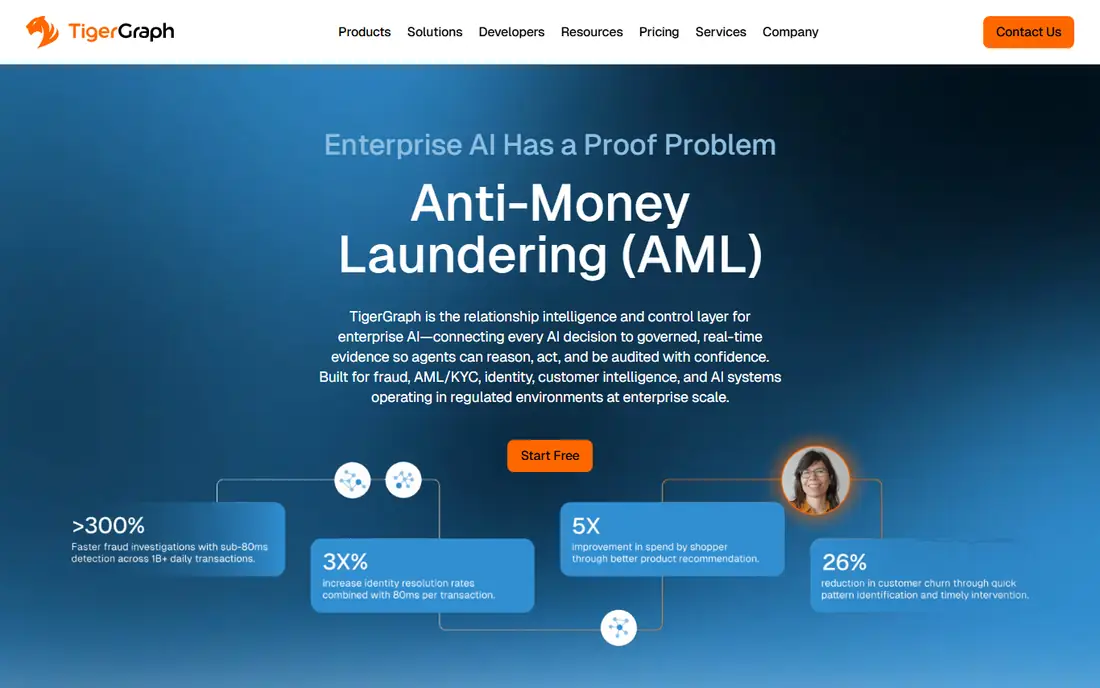
For teams that need large graph analytics, this is a practical place to start. TigerGraph is built for very large graphs and parallel analytics, which suits fraud, supply chain, and customer analysis at scale. Its query language supports complex analytics in the database, but teams should plan time to learn it.
In daily use, the deciding factors are usually Large-scale graph analytics, how the tool handles your existing stack, and whether the plan limits match your volume. Check the pricing page, the documentation for TigerGraph, and recent public reviews before you buy, and use a trial with a real project rather than a demo dataset. Pricing and plan limits are worth checking on the vendor pricing page before you commit, because tiers and add-ons change over time. If the tool fits your main workflow and its limits are acceptable, it is worth a shortlist spot. If not, move to the next option in this guide.
What we like- Distributed graph processing
- Parallel analytics
- Graph and vector queries
Watch out for- Steep learning curve
- Enterprise pricing
Starting priceSee website
Free planYes
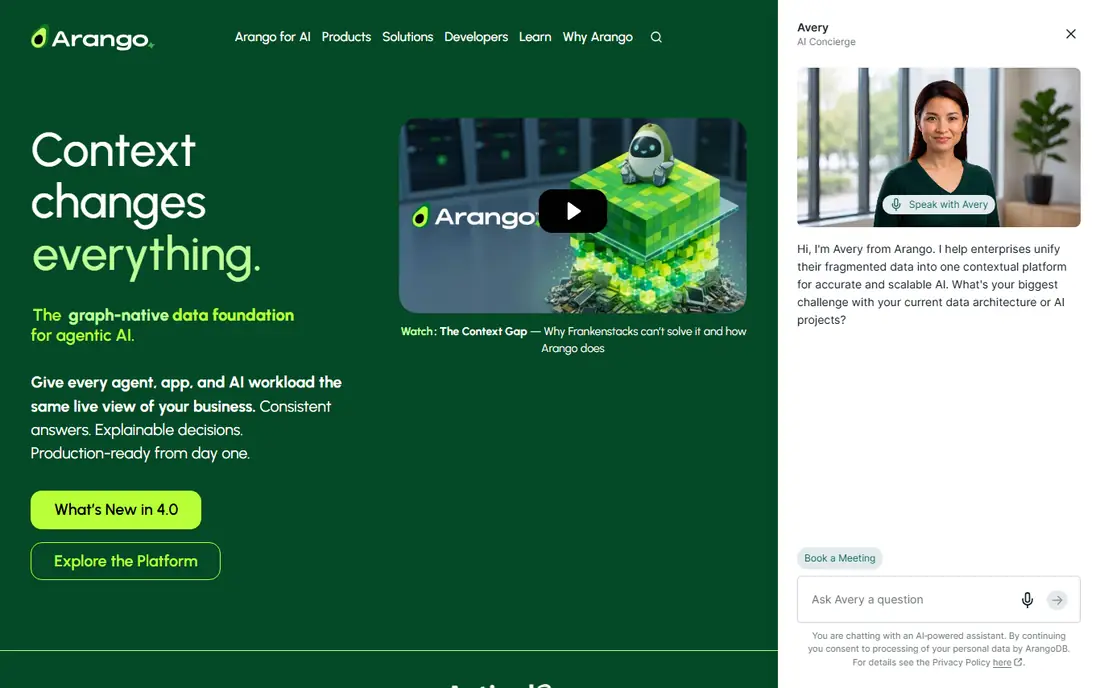
If your main problem is graph plus document data, this option deserves a close look. ArangoDB suits teams that need graph queries plus document and search data in the same system. That multi-model design reduces the number of databases to run, at the cost of learning AQL.
In daily use, the deciding factors are usually Multi-model graph and document work, how the tool handles your existing stack, and whether the plan limits match your volume. Check the pricing page, the documentation for ArangoDB, and recent public reviews before you buy, and use a trial with a real project rather than a demo dataset. Pricing and plan limits are worth checking on the vendor pricing page before you commit, because tiers and add-ons change over time. If the tool fits your main workflow and its limits are acceptable, it is worth a shortlist spot. If not, move to the next option in this guide.
What we like- Graph, document, key-value, and search in one engine
- AQL query language
- Managed cloud option
Watch out for- Graph-only analytics less specialized
- Migration from Cypher needed
Starting priceSee website
Free planNo
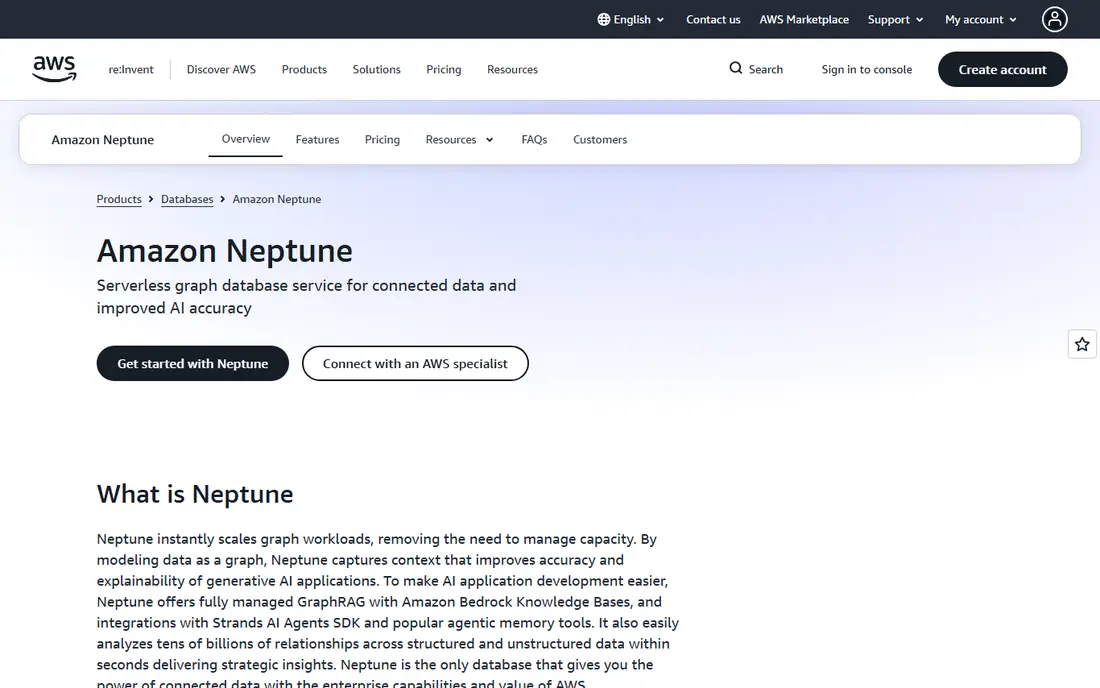
This option suits groups that want a managed AWS graph service without a long setup. Amazon Neptune is a managed graph database for teams already running on AWS. It removes server management, while its support for several query languages helps teams with mixed workloads.
In daily use, the deciding factors are usually AWS-based graph workloads, how the tool handles your existing stack, and whether the plan limits match your volume. Check the pricing page, the documentation for Amazon Neptune, and recent public reviews before you buy, and use a trial with a real project rather than a demo dataset. Pricing and plan limits are worth checking on the vendor pricing page before you commit, because tiers and add-ons change over time. If the tool fits your main workflow and its limits are acceptable, it is worth a shortlist spot. If not, move to the next option in this guide.
What we like- Fully managed service
- OpenCypher, Gremlin, and SPARQL support
- AWS integrations
Watch out for- Tied to AWS
- Query differences from Cypher
Starting priceSee website
Free planYes
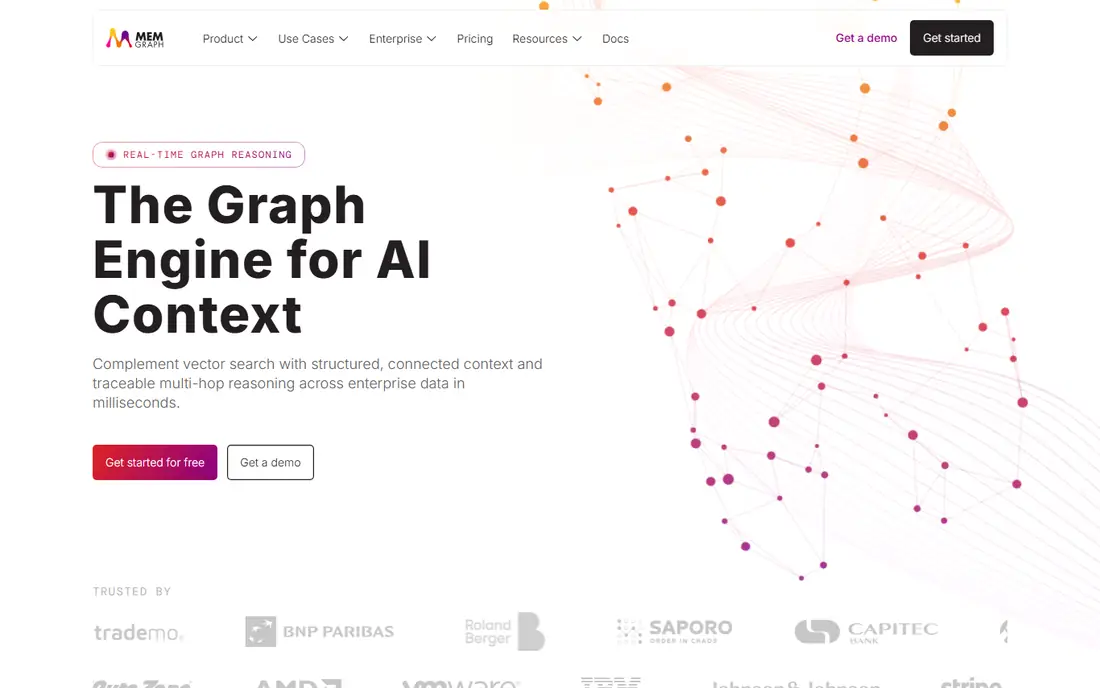
When real-time graph queries matters more than extra features, this tool fits well. Memgraph is built for low-latency graph queries and streaming data, with strong Cypher compatibility for Neo4j users. That compatibility can shorten migration, but teams with very large write loads should check scaling limits first.
In daily use, the deciding factors are usually Real-time streaming graph work, how the tool handles your existing stack, and whether the plan limits match your volume. Check the pricing page, the documentation for Memgraph, and recent public reviews before you buy, and use a trial with a real project rather than a demo dataset. Pricing and plan limits are worth checking on the vendor pricing page before you commit, because tiers and add-ons change over time. If the tool fits your main workflow and its limits are acceptable, it is worth a shortlist spot. If not, move to the next option in this guide.
What we like- In-memory speed
- Cypher and Bolt compatibility
- Streaming integrations
Watch out for- Writes do not scale horizontally in the same way
- Memory limits apply
Starting priceSee website
Free planYes
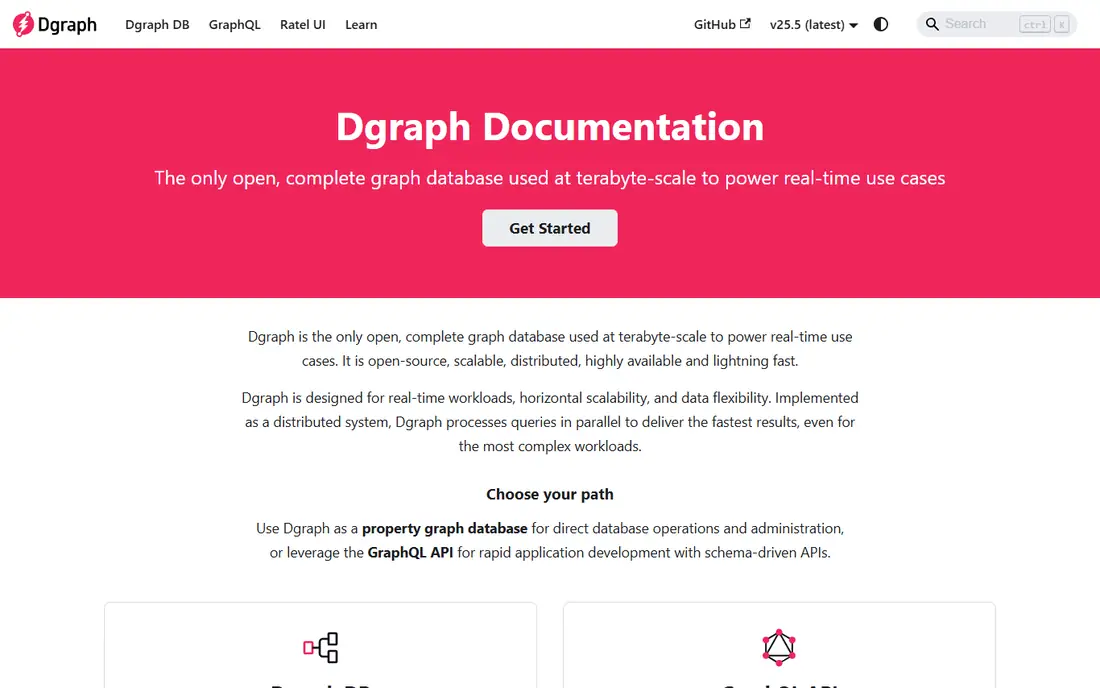
A good pick for people who put a distributed GraphQL-style graph first is this platform. Dgraph suits teams that want a distributed graph database with a GraphQL-style query approach. It scales across machines, but support and third-party tools are thinner than for larger platforms.
In daily use, the deciding factors are usually Distributed graph with GraphQL, how the tool handles your existing stack, and whether the plan limits match your volume. Check the pricing page, the documentation for Dgraph, and recent public reviews before you buy, and use a trial with a real project rather than a demo dataset. Pricing and plan limits are worth checking on the vendor pricing page before you commit, because tiers and add-ons change over time. If the tool fits your main workflow and its limits are acceptable, it is worth a shortlist spot. If not, move to the next option in this guide.
What we like- Distributed design
- GraphQL-style queries
- Horizontal scaling
Watch out for- Smaller community than Neo4j
- Tooling is narrower
Starting priceSee website
Free planYes
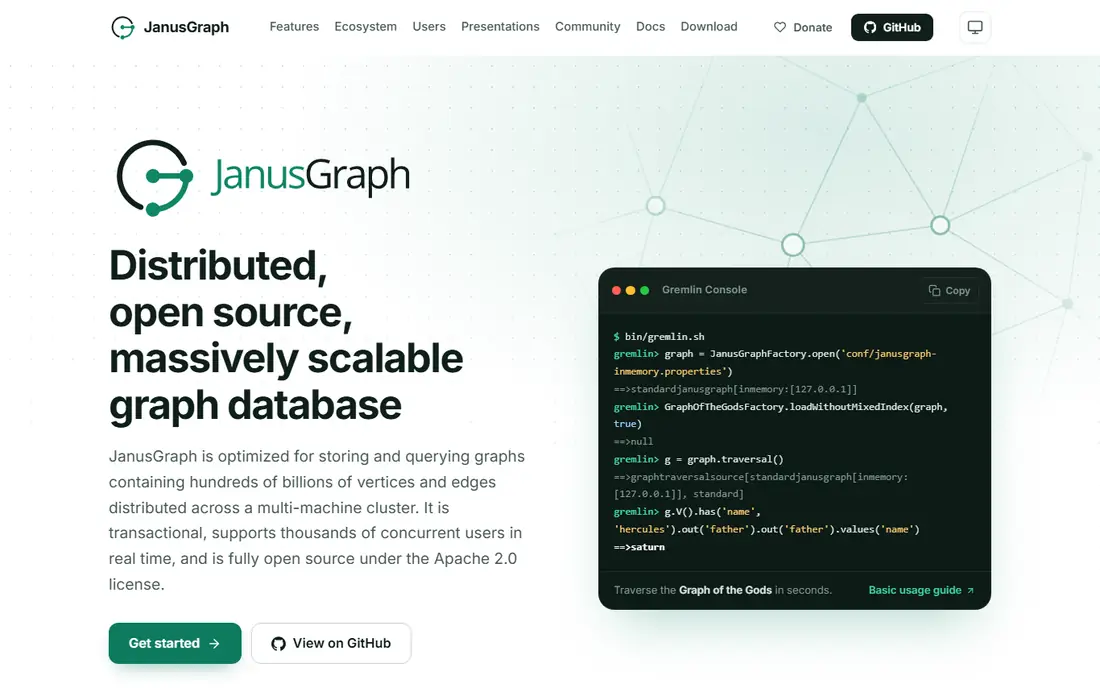
Consider this tool when open-source distributed graphs is the deciding factor. JanusGraph is an open-source graph database that can sit on several storage backends. That flexibility helps teams with existing big-data infrastructure, but operations and tuning fall to your own team.
In daily use, the deciding factors are usually Open-source distributed graphs, how the tool handles your existing stack, and whether the plan limits match your volume. Check the pricing page, the documentation for JanusGraph, and recent public reviews before you buy, and use a trial with a real project rather than a demo dataset. Pricing and plan limits are worth checking on the vendor pricing page before you commit, because tiers and add-ons change over time. If the tool fits your main workflow and its limits are acceptable, it is worth a shortlist spot. If not, move to the next option in this guide.
What we like- Open-source Apache license
- Pluggable storage backends
- Gremlin support
Watch out for- Self-managed operations
- Setup needs technical skill
Starting priceSee website
Free planYes
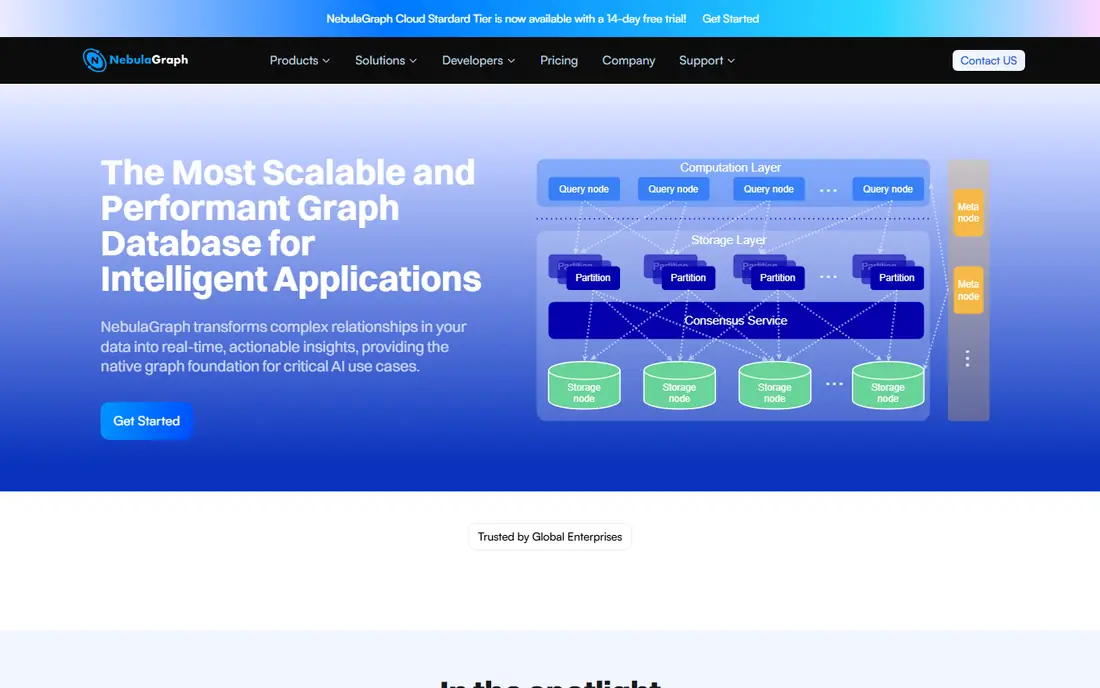
This platform works best where high-concurrency graph queries is the daily work. NebulaGraph is designed for distributed graphs with high concurrent query loads. It suits infrastructure teams comfortable running distributed systems, while application teams should budget for migration work.
In daily use, the deciding factors are usually High-concurrency distributed graphs, how the tool handles your existing stack, and whether the plan limits match your volume. Check the pricing page, the documentation for NebulaGraph, and recent public reviews before you buy, and use a trial with a real project rather than a demo dataset. Pricing and plan limits are worth checking on the vendor pricing page before you commit, because tiers and add-ons change over time. If the tool fits your main workflow and its limits are acceptable, it is worth a shortlist spot. If not, move to the next option in this guide.
What we like- Shared-nothing distributed design
- Open-source core
- High query concurrency
Watch out for- Query language differs from Cypher
- Operational lift
Starting priceSee website
Free planYes

For a setup built around document and graph storage, this is a strong candidate. OrientDB combines document and graph storage, which can suit apps that use both models. Its SQL-like query style may feel familiar, but teams needing deep graph analytics should compare it with specialist engines.
In daily use, the deciding factors are usually Document and graph in one store, how the tool handles your existing stack, and whether the plan limits match your volume. Check the pricing page, the documentation for OrientDB, and recent public reviews before you buy, and use a trial with a real project rather than a demo dataset. Pricing and plan limits are worth checking on the vendor pricing page before you commit, because tiers and add-ons change over time. If the tool fits your main workflow and its limits are acceptable, it is worth a shortlist spot. If not, move to the next option in this guide.
What we like- Document and graph models together
- SQL-like queries
- Open-source core
Watch out for- Smaller ecosystem
- Graph features less deep than specialists
Starting priceSee website
Free planYes
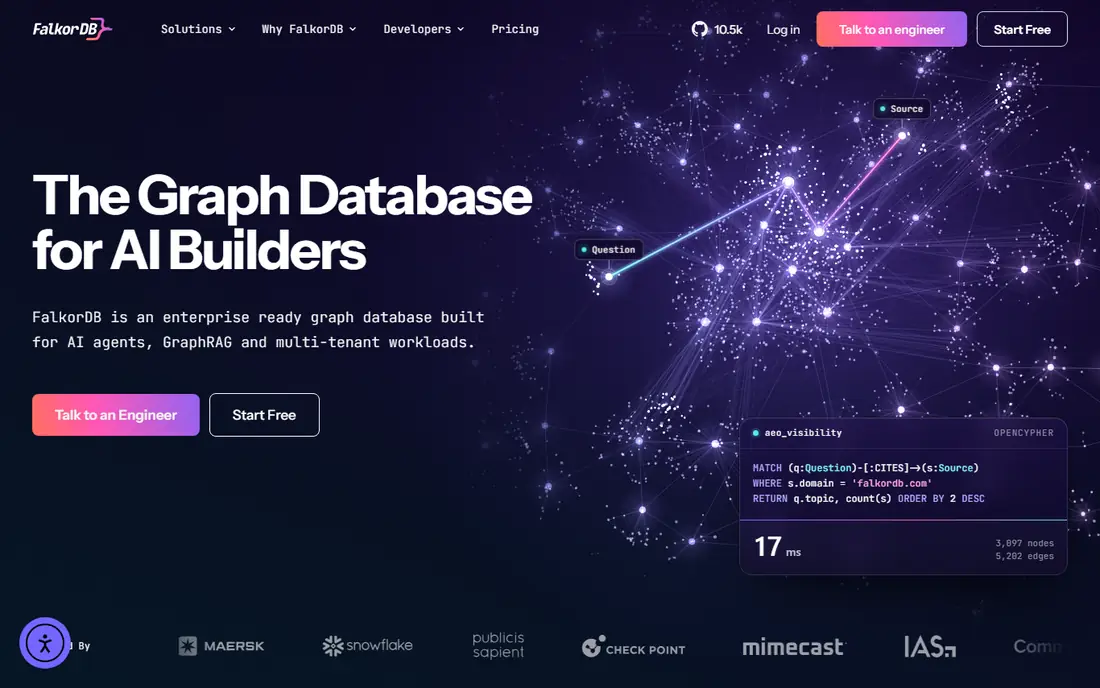
If you value low-latency graph lookups above all else, start your shortlist here. FalkorDB is built for fast multi-hop queries where latency is the main concern. It fits chat, recommendation, and real-time lookup work, while teams should check memory and scaling plans for large graphs.
In daily use, the deciding factors are usually Low-latency in-memory graphs, how the tool handles your existing stack, and whether the plan limits match your volume. Check the pricing page, the documentation for FalkorDB, and recent public reviews before you buy, and use a trial with a real project rather than a demo dataset. Pricing and plan limits are worth checking on the vendor pricing page before you commit, because tiers and add-ons change over time. If the tool fits your main workflow and its limits are acceptable, it is worth a shortlist spot. If not, move to the next option in this guide.
What we like- In-memory graph engine
- Fast multi-hop traversals
- Redis-based design
Watch out for- Newer ecosystem
- Scale planning needed
How we chose
We compared pricing pages, product documentation, and public reviews on G2, Capterra, and Reddit, then checked features, integrations, and fit for different company sizes. We did not count marketing claims as facts, and we left a price as See website when the vendor page did not publish a clear starting price.
That method favors tools with clear documentation and a plan that matches the job. A large platform can still be the wrong pick for a small team, and a small tool can still be the right pick for a focused job, so size fit mattered as much as feature count.
How to pick a graph database without a painful migration
Start with query language and compatibility
Cypher, Gremlin, SPARQL, AQL, and GraphQL-style queries are not interchangeable. If you have existing Cypher queries, Memgraph and Neptune reduce rewrite work. If you are starting fresh, pick the language your team can learn and maintain. Test your hardest queries on a small dataset before you migrate a full graph.
Check scale, latency, and operations
In-memory engines are fast but need memory planning. Distributed engines scale further but need more operations work. Managed services remove server work but tie you to a cloud vendor and usage pricing. Match the deployment model to your team size and budget, not just to peak query speed.
Plan the migration in stages
Export a sample graph, load it into the new system, and compare query results. Check indexes, constraints, and visualization tools, because a database is only part of the workflow. Keep the old system running until reports and apps produce matching results.
Frequently asked questions
Is there a direct drop-in replacement for Neo4j?
No tool in this list is a perfect drop-in replacement. Memgraph comes closest for Cypher and Bolt compatibility, but you should still test queries, drivers, and visualization tools before you migrate.
Should I choose a multi-model database or a pure graph database?
Choose a multi-model database if your app also needs document, key-value, or search data in the same system. Choose a pure graph database if graph queries and analytics are the main workload and performance matters most.
What does managed graph hosting change?
Managed hosting removes patching, backups, and scaling work, and adds usage-based pricing. Self-hosted open-source options cost less in license fees but need your team to run, monitor, and back up the system.
Do graph databases work for AI retrieval work?
Graph databases can support retrieval by linking documents, entities, and relationships, and several tools here add vector search. Check vector support, query latency, and update speed for your retrieval workload before you choose.
How much does a graph database cost?
Most vendors in this list use quoted or usage pricing, so costs depend on data size, query volume, and deployment. Open-source cores are free to run, but hosting, support, and operations still cost time and money.
Sources we checked (9)
- https://www.tigergraph.com/pricing
- https://www.arangodb.com/pricing
- https://aws.amazon.com/neptune/pricing
- https://memgraph.com/pricing
- https://dgraph.io/pricing
- https://janusgraph.org/
- https://www.nebula-graph.io/pricing
- https://www.orientdb.com/pricing
- https://www.falkordb.com/pricing
Is your product missing or out of date?
We review this list regularly. Vendors can request a listing, send updated pricing or ask about featured placement.

Shihab Mia · Founder, Rankite
Shihab has 5+ years in B2B and SaaS SEO. He writes Rankite's software buying guides from pricing pages, documentation and public user reviews. More about Shihab.