How we make this list: we compare pricing pages, product documentation and public user reviews. Ratings come from G2, Capterra or Trustpilot, with the date we checked them.
Key takeaways
- Vidyard is the closest like-for-like replacement for Loom, with a strong focus on sales and marketing video.
- ScreenPal and Cap are the best value picks, with usable free plans and low-cost paid tiers.
- Descript is the best choice if you want to edit video by editing text, and it adds podcast-style polish.
- Tella is the simplest option for short, good-looking product and support videos.
- BombBomb and Claap suit sales teams, but both cost more and target a narrower use case than Loom.
Quick comparison
| Tool | Best for | Starting price | Free plan |
|---|
 Vidyard Vidyard | Sales and marketing teams that send video at scale | About $59 per user per month | Yes, limited |
 ScreenPal ScreenPal | Individuals and educators who want simple, cheap recording | $4 per month | Yes |
 Tella Tella | Short, good-looking videos for product, support, and onboarding | $13 per month | 7-day trial |
 Descript Descript | Creators who want to edit video by editing a transcript | $16 per month | Yes |
 BombBomb BombBomb | Sales professionals who send personal video in email | See website | Free trial |
 Claap Claap | Revenue teams that want meeting recordings tied to their CRM | $32 per user per month (billed annually) | Yes (Basic plan) |
 Cap Cap | Developers and privacy-minded teams who want open source recording | Free for personal use | Yes |
 Zight Zight | Support and engineering teams that explain bugs visually | See website | See website |
Is your product missing or out of date?
We review this list regularly. Vendors can request a listing, send updated pricing or ask about featured placement.
The best loom alternatives
#1Vidyard
Best for: Sales and marketing teams that send video at scale4.5/5 on
G2 (832 reviews, checked Oct 2026)
Visit vidyard.com
Starting priceAbout $59 per user per month
Free planYes, limited
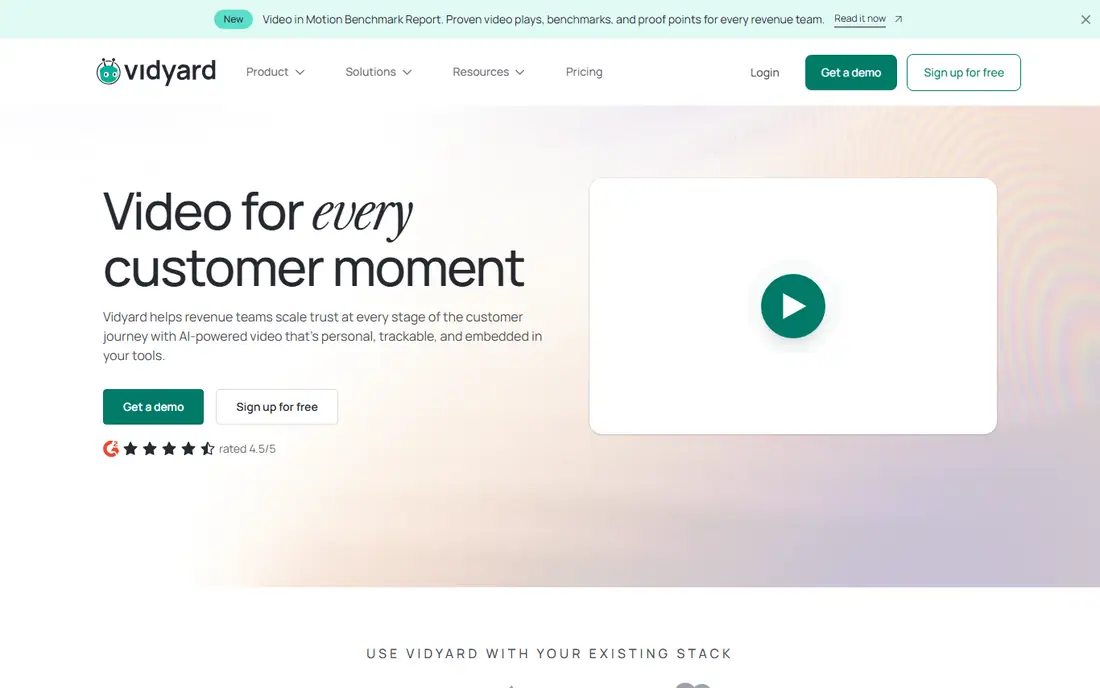
Vidyard is the tool most Loom users land on when they want a direct replacement with a sales focus. You record your screen, camera, or both, then share a link that plays in the browser. Viewers do not need an account, which keeps friction low for prospects and customers.
Where Vidyard pulls ahead of Loom is tracking. You can see who watched, how much they watched, and which parts they rewatched, and that data can flow into your CRM. That matters for sales teams that want to know whether a prospect actually watched a demo or a proposal walkthrough. It also matters for marketing teams that use video on landing pages and in email campaigns, since branded pages and calls to action are built in.
The trade-off is price. Vidyard costs more than most tools on this list once you move past the free plan, and some features that feel basic elsewhere sit behind higher tiers. Small teams that only record occasional internal updates may find it more than they need. If video is a core part of how you sell, though, the analytics and integrations justify the cost, and the free plan is enough to test the workflow before paying.
What we like- Strong viewer analytics, CRM integrations, branded video pages, easy sharing links
Watch out for- Paid plans are pricey, the free plan is limited, setup takes longer than simpler tools
#2ScreenPal
Best for: Individuals and educators who want simple, cheap recording4.5/5 on
G2 (139 reviews, checked Oct 2026)
Visit screenpal.com
Starting price$4 per month
Free planYes
ScreenPal, formerly Screencast-O-Matic, is one of the cheapest competent screen recorders available. The free plan covers basic recording and sharing, and the paid plan costs less per month than a coffee. For teachers, support staff, and solo workers, that price is hard to beat.
Recording is straightforward. You pick a region, a window, or the full screen, add a webcam bubble if you want one, and record. Sharing gives you a link or an embed code, and you can add simple captions and trims without opening a separate editor. ScreenPal also includes screenshot capture and a basic image editor, which is handy when a still image explains something faster than a video.
The limits show up when you need polish or teamwork. Editing is limited to trims, captions, and simple overlays, so you will not build a polished product video here. Team features such as shared libraries and review workflows are thin compared with Vidyard or Tella. If your needs are simple, though, ScreenPal delivers them at a price almost nothing else matches.
What we like- Very low price, simple recorder, screenshot and image tools included, works in the browser
Watch out for- Editing is basic, collaboration features are thin, the interface looks dated next to newer tools
#3Tella
Best for: Short, good-looking videos for product, support, and onboarding4.5/5 on
Capterra (2 reviews, checked Oct 2026)
Visit tella.tv
Starting price$13 per month
Free plan7-day trial
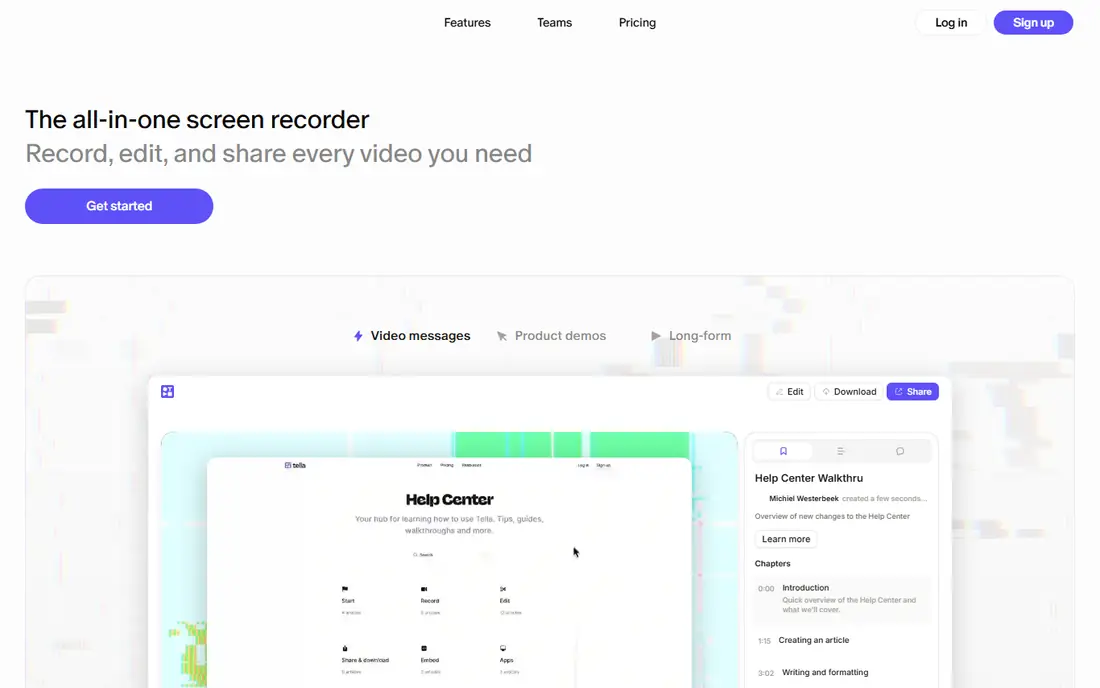
Tella is built for people who want their videos to look good without learning an editor. You record your screen and camera, then use layouts, backgrounds, and simple cuts to produce a video that looks designed rather than captured. For product tours, help-center videos, and onboarding clips, that polish matters, since these videos often represent your product to new users.
The workflow is fast. Recording, trimming, and layout changes all happen in one place, and the editor stays out of your way. A 7-day trial lets you test the full product before paying, and paid plans start at $13 per month, which is reasonable for a tool that replaces both a recorder and a light editor.
The main drawback is the lack of a permanent free plan. If you only record a video every few months, a subscription may feel wasteful, and ScreenPal or Cap would serve you better. Tella also has fewer CRM and marketing integrations than Vidyard, so it suits product and support teams more than sales teams. For its target use, though, it is one of the easiest tools here to produce something you are happy to publish.
What we like- Clean editor with layouts and backgrounds, fast to learn, good-looking output with little effort, share links play anywhere
Watch out for- No free plan beyond the trial, recording length limits on lower tiers, fewer integrations than Vidyard
#4Descript
Best for: Creators who want to edit video by editing a transcript4.6/5 on
G2 (928 reviews, checked Oct 2026)
Visit descript.com
Starting price$16 per month
Free planYes
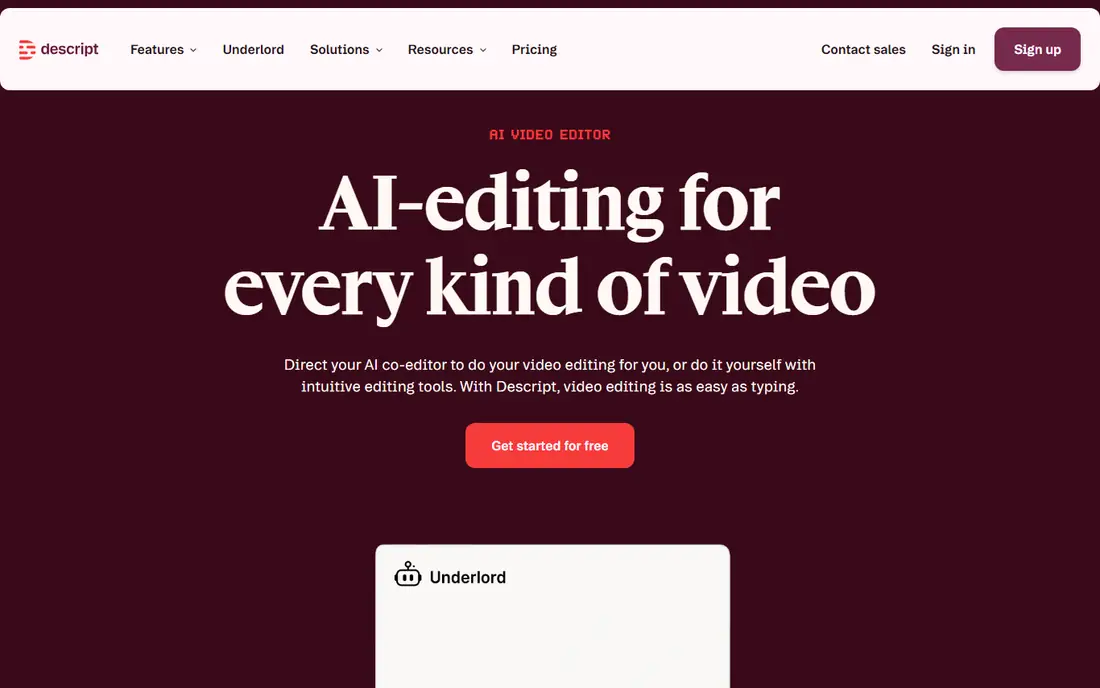
Descript takes a different approach to video. It transcribes your recording, and you edit the video by editing the transcript: delete a sentence in the text, and that part of the video disappears. If you have ever spent an hour trimming pauses and filler words in a traditional editor, you will understand why this is popular with podcasters, course creators, and marketing teams.
Descript also records your screen, so it works as a Loom replacement for walkthroughs and demos, not just for polished content. You can record, transcribe, clean up the audio, add captions, and publish from one app. The free plan is enough to learn the workflow, and paid plans start at $16 per month.
The catch is scope. Descript is a full editing suite, and it takes time to learn well. If you only need to record a two-minute bug report and send a link, Descript is more tool than the job requires, and a simpler recorder will get you there faster. But if you regularly turn recordings into publishable content, Descript saves more time than any other tool on this list.
What we like- Text-based editing is genuinely fast, good transcription, screen recording built in, strong audio tools
Watch out for- Learning curve for the full feature set, paid plans add up for teams, overkill for quick one-off recordings
#5BombBomb
Best for: Sales professionals who send personal video in email4.7/5 on
G2 (585 reviews, checked Oct 2026)
Visit bombbomb.com
Starting priceSee website
Free planFree trial
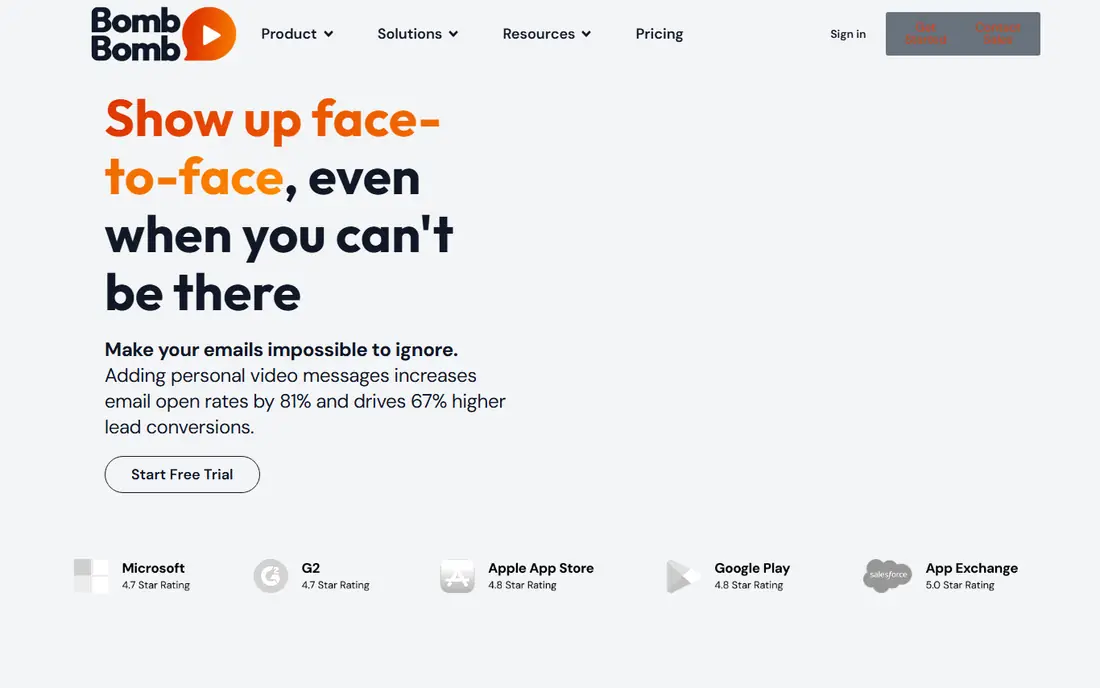
BombBomb is a video engagement platform built around one idea: a short personal video in an email gets more replies than plain text. You record from your browser or phone, drop the video into an email, and the recipient watches it on a branded page. Tracking shows you who opened and watched, which helps sales teams follow up at the right moment.
The platform is aimed squarely at sales, real estate, mortgage, and insurance professionals, and its integrations reflect that, with CRM connections and team workspaces for larger organizations. If your job is outreach, BombBomb fits the workflow better than a general recorder, because video email is its core use case rather than an afterthought.
The drawbacks are price transparency and scope. Pricing is not published plainly on the homepage, so you will need to start a trial or talk to sales to get a number, which is a hurdle for small teams. And if you mainly record internal updates or support videos, BombBomb's sales focus adds features you will not use. For outreach-heavy roles, though, it is a strong Loom alternative with a clear purpose.
What we like- Built for video email, CRM integrations, tracking on views, team workspaces and branding
Watch out for- Price is not published clearly, focused on sales rather than general recording, no permanent free plan
#6
Claap
Best for: Revenue teams that want meeting recordings tied to their CRM
Visit claap.io
Starting price$32 per user per month (billed annually)
Free planYes (Basic plan)
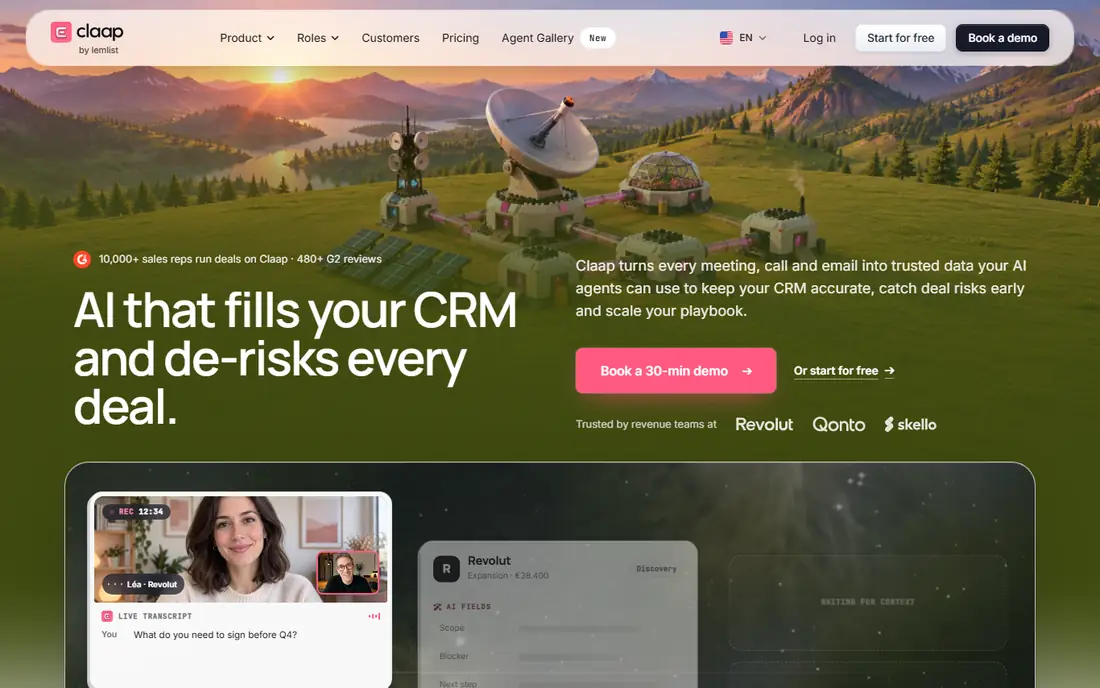
Claap has changed since it first appeared as a Loom-style recorder. It now positions itself as a sales intelligence tool: it captures meetings, calls, and emails, then turns them into structured CRM data, with deal scoring and next steps. Screen recording is still part of the product, but the emphasis has moved to revenue teams.
That shift is good news if you run a sales team. Claap can record Zoom, Google Meet, and Microsoft Teams calls without joining as a visible bot, and it writes qualification fields, risks, and next steps into HubSpot or Salesforce. A free Basic plan lets you try it, and Pro costs $32 per user per month billed annually, with Business at $60.
The shift is a drawback if you simply want a Loom replacement for quick screen recordings. Claap's interface and pricing now assume a sales workflow, and general users may find it heavier and pricier than ScreenPal, Cap, or Tella. Choose Claap when your recordings are meetings and deals, not when you just need to show someone a screen.
What we like- Records meetings without a bot, writes structured data to your CRM, AI summaries and deal scoring, free Basic plan
Watch out for- Now focused on sales meetings rather than general screen recording, Pro pricing is steep, best for teams with a CRM
#7
Cap
Best for: Developers and privacy-minded teams who want open source recording
Visit cap.so
Starting priceFree for personal use
Free planYes
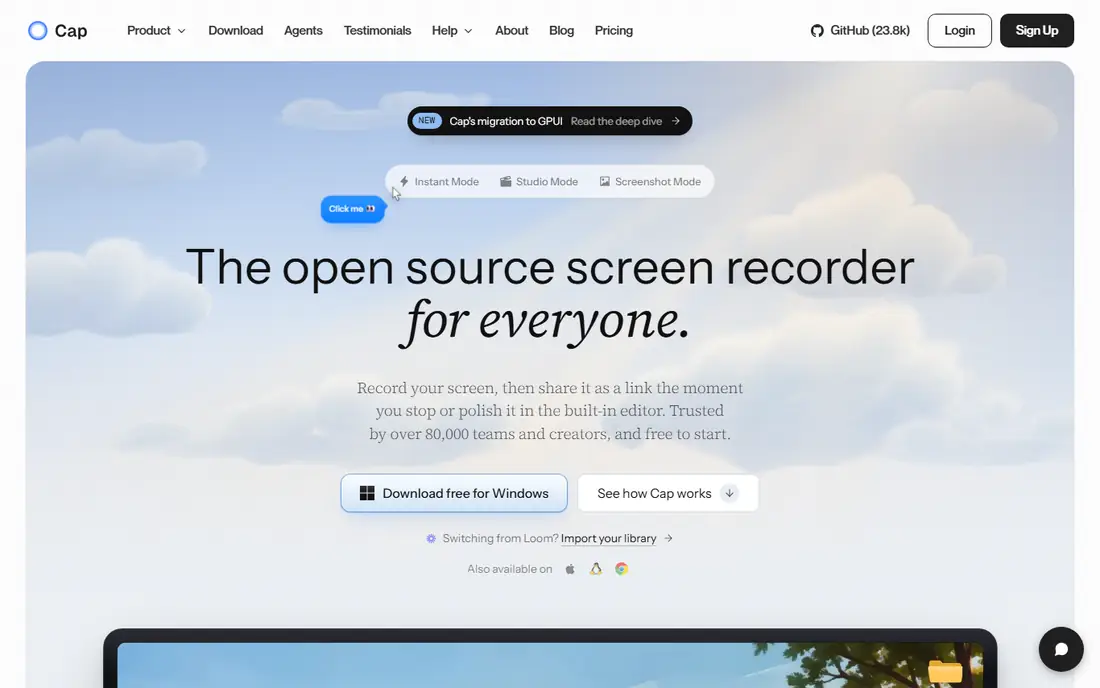
Cap is the open source answer to Loom. It records your screen, camera, and microphone, gives you a share link, and includes a Studio Mode editor with zooms, captions, and layouts. Because the code is open, you can audit it, self-host it, and point recordings at your own storage instead of a vendor's cloud.
That control is Cap's biggest selling point. Teams that handle sensitive data, or that simply dislike vendor lock-in, can keep recordings on their own infrastructure. Cap also runs natively on Mac, Windows, and Linux, which is rare among screen recorders, and the free version covers personal use with local recording and editing.
The trade-offs are commercial licensing and polish. Personal use is free, but commercial use requires a Desktop License at $58 one time or Cap Pro at $12 per user per month ($8.16 billed annually). Cloud sharing, custom domains, and team workspaces sit in Cap Pro. The product is also younger than Loom or Vidyard, so some workflows feel less finished. If open source and data control matter to you, those trade-offs are easy to accept.
What we like- Open source and self-hostable, native apps for Mac, Windows, and Linux, built-in editor, own your storage
Watch out for- Commercial use needs a paid license, cloud features require Cap Pro, smaller community than Loom
#8
Zight
Best for: Support and engineering teams that explain bugs visually
Visit zight.com
Starting priceSee website
Free planSee website
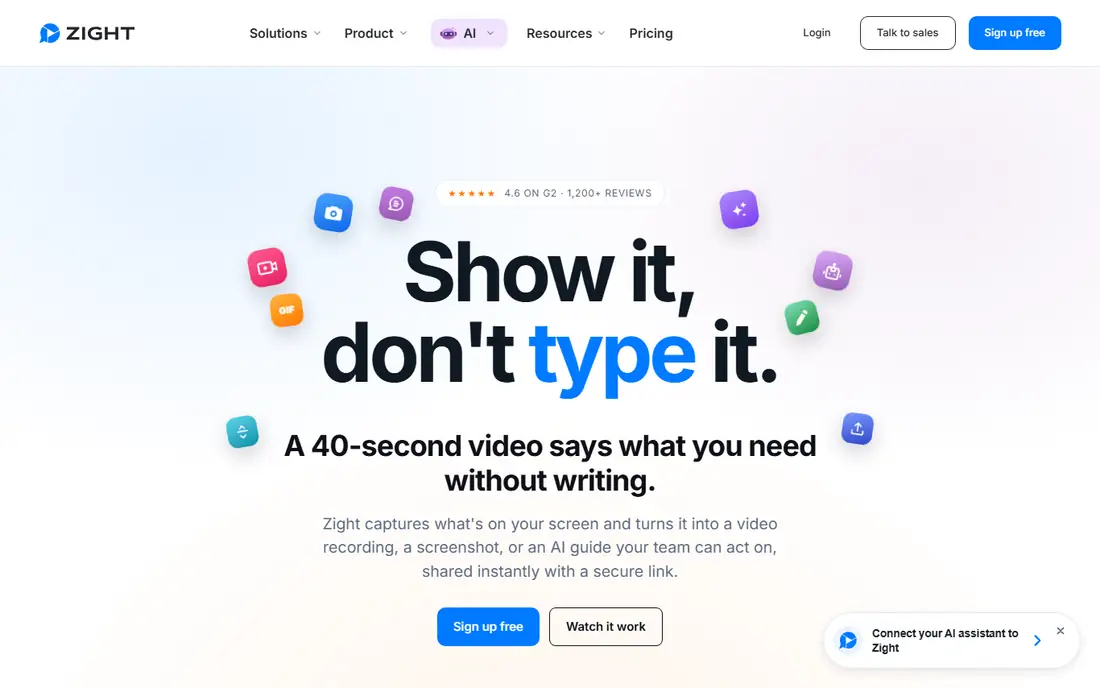
Zight, formerly CloudApp, is a visual communication tool for teams that explain things all day. You record your screen, capture a screenshot, or make a GIF, and share it with a link. Recipients need no account to watch, which keeps support conversations moving.
Zight's standout feature is Request Video. You send a link, and the other person records their screen back to you, with console logs and browser details attached. For support and engineering teams, that turns a vague bug report into something reproducible, and it removes the usual back-and-forth of asking for details. Zight also turns recordings into summaries and step-by-step guides, which helps teams build documentation from walkthroughs.
The main drawback is pricing transparency: the homepage does not publish plan prices, so you will need to check the pricing page or contact sales. Zight is also aimed at teams rather than solo recorders, so individuals may find simpler tools a better fit. For support, QA, and engineering workflows, though, its request-and-log features set it apart from every other tool here.
What we like- Request-video links let others record back to you, screenshots and GIFs included, console logs attach to bug reports, no account needed for recipients
Watch out for- Pricing is not published on the homepage, positioned toward teams rather than solo users, less known than Loom
How we chose
We compared tools that record a screen and camera, produce a shareable link, and work as a practical replacement for Loom in 2026. We checked each vendor homepage to confirm the product exists and matches its description, and we used published prices where the vendor shows them. Where a vendor does not publish a price, we wrote "See website" rather than guessing. Tools were kept only if they are actively maintained and genuinely usable for the job, not just similar in name.
Pick the tool that matches your main job
If you sell, Vidyard or BombBomb will fit best, with tracking and CRM features built for outreach. If you teach, support users, or record occasionally, ScreenPal or Cap will cover you at little or no cost. If your videos are public-facing and need to look polished, Tella or Descript will save you editing time. And if you run a support or engineering team, Zight's request-video workflow is worth a trial. Start with a free plan or trial, record a few real videos, and judge the tool on your own workflow before committing to a paid plan.
Frequently asked questions
Is there a free Loom alternative?
Yes. ScreenPal and Cap both offer genuinely usable free plans, and Descript and Vidyard have limited free tiers. For occasional recording, a free plan is often enough, and you can upgrade only if you need longer videos, team features, or more storage.
What is the cheapest Loom alternative?
ScreenPal is the cheapest paid option here at $4 per month, and Cap is free for personal use. Both cover basic recording and sharing well. If you need commercial use with Cap, the Desktop License is a $58 one-time purchase.
Which Loom alternative is best for sales teams?
Vidyard is the strongest all-round pick for sales, thanks to viewer analytics and CRM integrations. BombBomb suits teams that live in email outreach, and Claap fits teams that want meeting recordings tied directly to their CRM.
Can I edit my recordings in these tools?
Yes, to varying degrees. Descript offers the deepest editing through transcript-based cuts. Tella and Cap include layout and polish tools. ScreenPal covers basic trims and captions. For heavy editing, you may still want a dedicated video editor.
Do viewers need an account to watch?
No. All eight tools share videos through links that play in the browser without an account. Some tools offer password protection or private links if you need to limit access.
Which alternative is best for privacy?
Cap is the strongest choice for privacy, since it is open source and lets you self-host or use your own storage. Vidyard, Zight, and BombBomb also offer team controls such as permissions and private links on paid plans.
Sources we checked (0)
Is your product missing or out of date?
We review this list regularly. Vendors can request a listing, send updated pricing or ask about featured placement.

Shihab Mia · Founder, Rankite
Shihab has 5+ years in B2B and SaaS SEO. He writes Rankite's software buying guides from pricing pages, documentation and public user reviews. More about Shihab.