How we make this list: we compare pricing pages, product documentation and public user reviews. Ratings come from G2, Capterra or Trustpilot, with the date we checked them.
Key takeaways
- If your code already uses Kafka clients, Confluent, MSK, Aiven, and WarpStream keep migration closest to a straight move.
- Cloud-native options such as Event Hubs, Pub/Sub, and Kinesis reduce operations work, but they change APIs and pricing units.
- Pulsar suits teams that need multi-tenancy and many topics, while accepting a more complex platform to run.
- Streaming bills depend on throughput, retention, and egress, so compare a realistic workload, not only a headline rate.
Quick comparison
Is your product missing or out of date?
We review this list regularly. Vendors can request a listing, send updated pricing or ask about featured placement.
The best kafka alternatives
Starting priceSee website
Free planFree trial
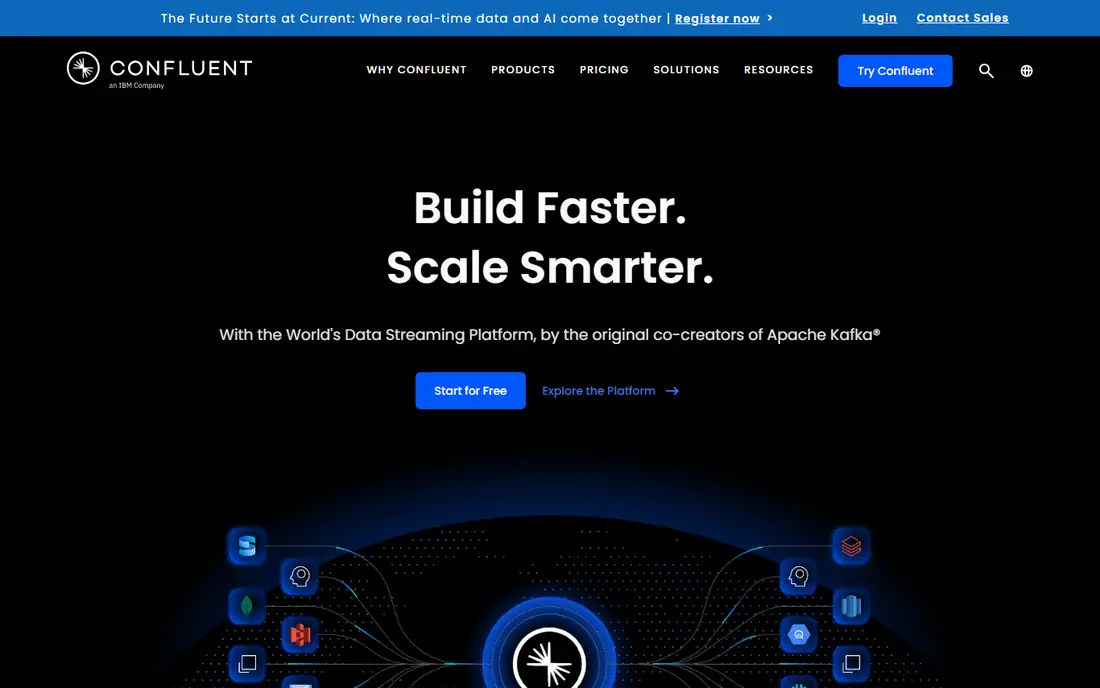
Confluent Cloud is the closest thing to a direct managed replacement for self-run Kafka, since it is built by the company behind much of Kafka's commercial ecosystem. Existing producers and consumers generally work without code changes, and teams gain managed connectors, schema registry, and stream processing in SQL-like form. That bundle suits organizations that want Kafka without running brokers, ZooKeeper or KRaft clusters, and patch cycles themselves.
Cost control is the main discipline to learn. Throughput, storage, connectors, and governance features are metered separately, so a small pilot can look cheap while a production pipeline with long retention costs far more. Start with a basic cluster for development, model a month of realistic traffic, and check which add-ons are actually required. For teams that need governed, multi-team streaming, Confluent is a strong default.
What we like- Full Kafka compatibility
- Managed connectors and stream processing
- Strong governance features
Watch out for- Usage pricing can grow fast
- Advanced governance sits on higher tiers
- Multi-product learning curve
Starting priceSee website
Free planNo
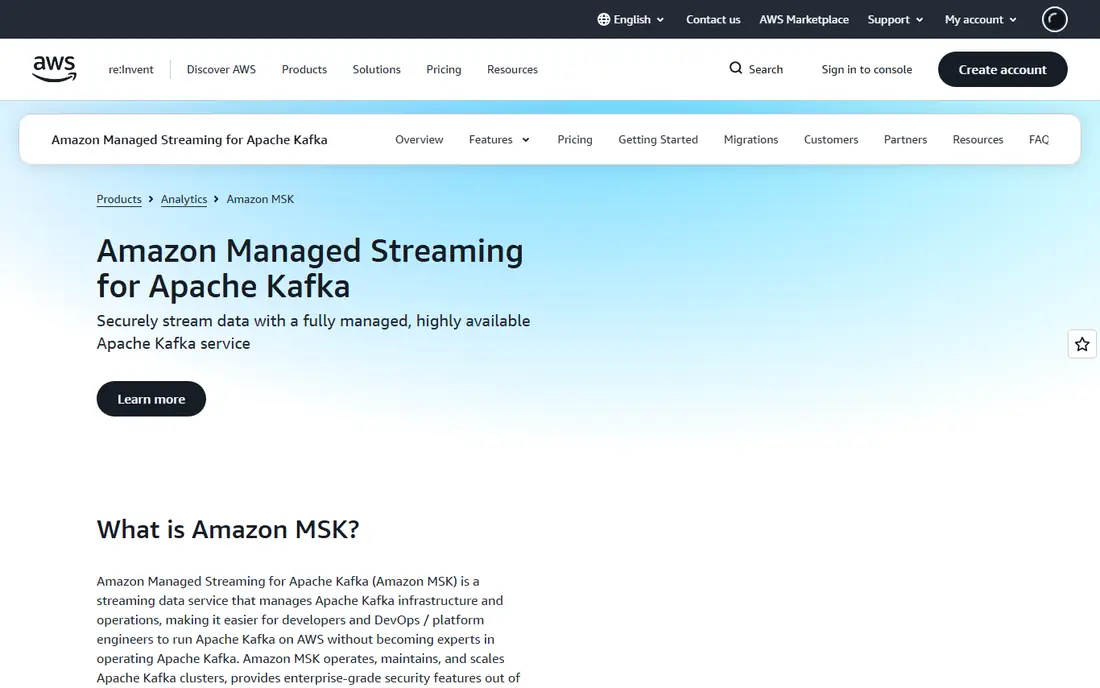
Amazon Managed Streaming for Apache Kafka, or MSK, suits teams already committed to AWS. It runs Apache Kafka as a managed service, so existing clients and tools keep working, while AWS handles broker patching, availability, and scaling tasks. Integrations with S3, Lambda, and analytics services shorten the path from stream to storage or dashboard.
MSK does not remove Kafka thinking. Partition counts, replication, retention, and broker types still affect performance and cost, and teams need someone who understands those trade-offs. Serverless MSK eases sizing for variable workloads, while provisioned clusters suit steady, high-throughput streams. For AWS shops that want Kafka without managing servers, MSK is a natural fit.
What we like- Runs real Apache Kafka
- Deep AWS integrations
- Provisioned and serverless options
Watch out for- Still requires Kafka knowledge
- AWS-only by design
- Broker sizing affects cost
Starting priceSee website
Free planNo
Azure Event Hubs gives Azure teams a managed ingestion service that also accepts Kafka protocol clients, which makes some migrations easier than a full rewrite. It scales to millions of events per second and connects to Stream Analytics, Functions, and Fabric for processing and dashboards. Throughput units let teams scale capacity up or down as traffic changes.
The limit to check is feature parity. Event Hubs covers ingestion and streaming well, but teams that rely on Kafka-specific features such as compacted topics, transactions, or Kafka Streams should verify each one before moving. For Azure-first teams focused on ingestion and analytics, Event Hubs is a practical and lower-operations choice.
What we like- Kafka protocol endpoint
- Elastic throughput units
- Strong Azure integrations
Watch out for- Not a full Kafka replacement for all features
- Pricing units take learning
- Azure-centered
Starting price$40 per TB after 10 GB free
Free planYes
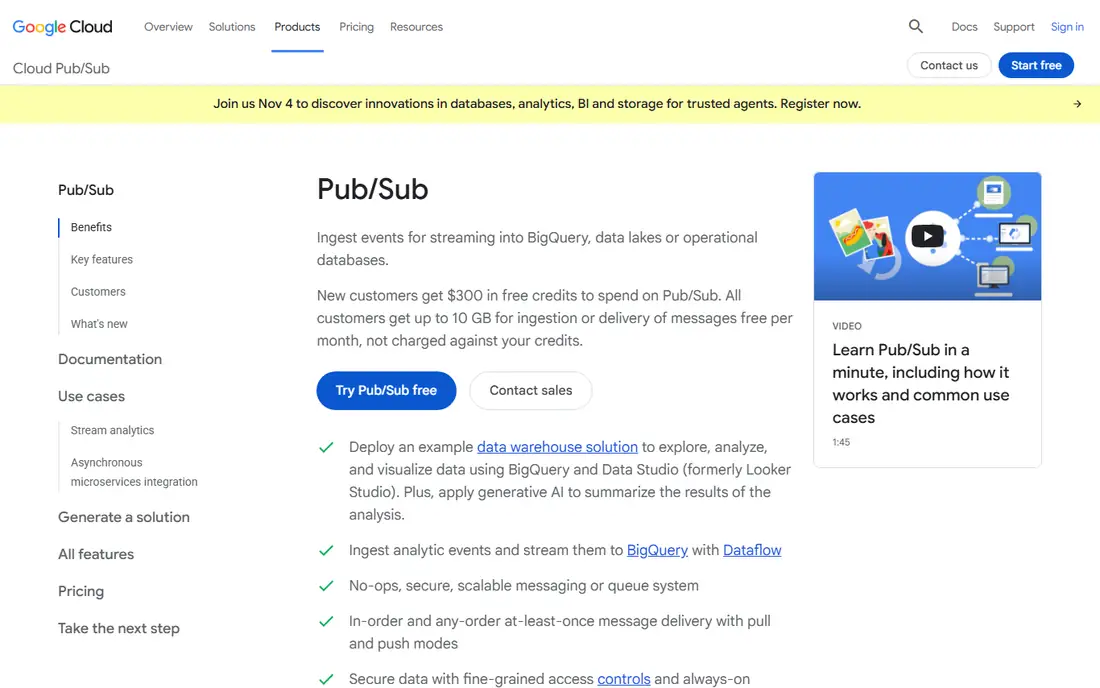
Google Pub/Sub suits teams that want messaging without operating a streaming cluster at all. There are no partitions to plan, scaling is automatic, and the first 10 GB per month is free, with further volume priced per terabyte. Native links to Dataflow and BigQuery make it a short path from events to analytics on Google Cloud.
Migration effort is the trade-off. Pub/Sub is not Kafka, so producers, consumers, ordering, and replay logic need redesign, even though concepts feel familiar. Teams with a fresh project, or a clear analytics goal on GCP, will get the most from it. Teams with a large existing Kafka codebase should weigh rewrite cost against operations savings.
What we like- No partitions or shards to manage
- Auto-scaling
- Strong BigQuery and Dataflow links
Watch out for- Different API from Kafka
- Ordering needs per-key design
- Replay model differs from Kafka logs
Starting priceSee website
Free planYes
Apache Pulsar is a distinct streaming platform, not a Kafka clone, with a layered design that separates serving from storage. That design supports very large topic counts, multi-tenancy with isolation, tiered storage to cheaper object storage, and geo-replication across regions. Teams that run many tenants or need both queuing and streaming in one system often look at Pulsar for that reason.
Operations complexity is the honest cost. Pulsar involves brokers, BookKeeper storage nodes, and a metadata store, so a production deployment needs more planning than a managed Kafka service. Managed Pulsar offerings reduce that burden, but self-hosting suits teams with platform skills. For organizations that need Pulsar's tenancy and scale model, the extra architecture can be worth it.
What we like- Open source
- Multi-tenancy built in
- Tiered storage and geo-replication
Watch out for- More components to operate
- Smaller Kafka-client ecosystem
- Learning curve for BookKeeper

#6
Aiven for Apache Kafka
Best for: Managed open-source Kafka
Visit aiven.io
Starting price$35 per month
Free planYes
Aiven offers managed Apache Kafka on AWS, Google Cloud, Azure, and other clouds, using the standard open-source distribution rather than a proprietary fork. That choice appeals to teams that want portability and no vendor-specific APIs. A free tier exists for small services, and a developer tier for Kafka starts at $35 per month according to Aiven's own pages, which makes early trials affordable.
The platform is narrower than Confluent in stream processing and governance extras, so teams that need those features should compare plans carefully. Support levels and backup retention also vary by tier. For teams that want plain, well-run Kafka across clouds, Aiven is a clear and fairly priced option.
What we like- Standard Apache Kafka
- Multi-cloud availability
- Free tier with no card
Watch out for- Smaller ecosystem than Confluent
- Advanced features vary by plan
- Support tiers differ
Starting priceSee website
Free planFree trial
WarpStream takes a different engineering route: stateless agents in your cloud account write streams directly to object storage, with no broker disks to manage. Because it speaks the Kafka protocol, existing clients can connect by changing the bootstrap address, which keeps migration work low for many workloads. The design aims to cut storage and cross-zone networking costs that disk-based brokers incur.
As a newer platform, WarpStream deserves a careful pilot. Teams should test latency, retention, connector coverage, and failure behavior under their own traffic before committing a critical pipeline. The bring-your-own-cloud model also means your cloud bill sits alongside the WarpStream charge. For cost-sensitive Kafka workloads on object storage, it is an interesting alternative to evaluate.
What we like- Kafka protocol compatible
- Writes to object storage
- Stateless agents scale quickly
Watch out for- Newer architecture to evaluate
- BYOC model needs cloud account setup
- Ecosystem still growing
Starting priceSee website
Free planNo
Amazon Kinesis is a family of AWS services for collecting, processing, and analyzing streaming data, including Data Streams, Firehose delivery, and Video Streams. It suits AWS teams that want a managed pipeline from ingestion to Lambda processing or S3 delivery without running Kafka at all. On-demand modes reduce capacity planning for variable traffic.
Kinesis is not Kafka, so migration means rewriting producers and consumers around shards, records, and AWS SDKs. Teams already on AWS with analytics or IoT workloads often accept that trade for lower operations work. Teams with portable Kafka code should compare total rewrite cost before choosing Kinesis over MSK.
What we like- Fully managed on AWS
- Serverless options
- Links to Lambda, Firehose, and analytics
Watch out for- Different API from Kafka
- Shard management on some modes
- AWS-only
How we chose
We compared tools on Kafka compatibility, managed versus self-hosted operations, cloud fit, pricing model, and features such as schema registry, connectors, and retention. Pricing was checked against vendor pages, with pay-as-you-go services marked as See website where the bill depends on throughput, storage, and retention rather than a flat plan. We did not claim hands-on testing. Public documentation and review coverage were used to check claims about compatibility and limits.
Choosing between a Kafka replacement and a new model
The first decision is whether to keep Kafka clients. If the answer is yes, narrow the list to Confluent, MSK, Aiven, WarpStream, and Event Hubs for Azure, then compare on cloud, governance, and cost. If the answer is no, Pub/Sub and Kinesis open up, with simpler operations but a rewrite.
Model cost on your own traffic
Streaming prices hide in retention, replication, and egress as much as in ingestion. A stream kept for seven days costs far more than one kept for one day, and cross-region replication can double a bill. Run a pilot with production-like volume for at least a week, then read the detailed bill by meter before signing a longer commit.
Check the features you actually use
List the Kafka features your system depends on, including transactions, compacted topics, exactly-once processing, schema evolution, and connector types. Verify each one in the candidate, since a platform can be Kafka-compatible for basic produce and consume while missing a feature your pipeline needs. A short feature checklist prevents a painful migration halfway through.
Plan the migration path
Mirror topics, run consumers in parallel, and switch producers in stages rather than cutting over in one move. Keep the old system readable until the new one has proven itself under peak load and failure conditions. Tools with cluster linking or replication support make this staged approach easier, so factor migration tooling into the choice.
Frequently asked questions
What is the closest drop-in alternative to self-managed Kafka?
Confluent Cloud, Amazon MSK, Aiven for Apache Kafka, and WarpStream are the closest, since they run Kafka or speak the Kafka protocol. Existing clients generally work with little or no code change. Check connectors, schema registry, and retention behavior in a pilot before committing.
Is it cheaper to replace Kafka with Pub/Sub or Kinesis?
It can be cheaper for variable or modest workloads, since both scale with use and need little operations work. For steady, high-throughput Kafka workloads, a managed Kafka service can be cheaper once rewrite and egress costs are counted. Model your own traffic rather than trusting a headline rate.
Do I need to rewrite code to use Azure Event Hubs?
Many Kafka clients can connect to Event Hubs through its Kafka endpoint, so basic produce and consume code often works. Features beyond basic streaming may need changes, so verify transactions, compaction, and stream processing needs first. A small pilot with real producers is the safest test.
Can I run Pulsar instead of Kafka for queuing and streaming?
Yes, Pulsar supports both individual message acknowledgement like a queue and stream consumption like Kafka. That dual model suits teams that would otherwise run two systems. The trade-off is a more complex deployment with brokers, BookKeeper, and a metadata store.
How should I estimate streaming costs?
Start with peak and average throughput, message size, retention days, replication factor, and expected egress to other regions or clouds. Add connector, processing, and governance charges separately, since vendors meter those on top of base streaming. A week-long pilot with realistic traffic gives a far better estimate than a pricing calculator alone.
Sources we checked (8)
- https://www.confluent.io
- https://aws.amazon.com/msk
- https://azure.microsoft.com/en-us/products/event-hubs
- https://cloud.google.com/pubsub
- https://pulsar.apache.org
- https://www.aiven.io
- https://www.warpstream.com
- https://aws.amazon.com/kinesis
Is your product missing or out of date?
We review this list regularly. Vendors can request a listing, send updated pricing or ask about featured placement.

Shihab Mia · Founder, Rankite
Shihab has 5+ years in B2B and SaaS SEO. He writes Rankite's software buying guides from pricing pages, documentation and public user reviews. More about Shihab.
 Confluent Cloud
 Amazon MSK
 Azure Event Hubs
 Google Pub/Sub
 Apache Pulsar
 WarpStream
 Amazon Kinesis