How we make this list: we compare pricing pages, product documentation and public user reviews. Ratings come from G2, Capterra or Trustpilot, with the date we checked them.
Key takeaways
- ChatGPT Work is the closest general-purpose alternative, with finished documents, spreadsheets, and decks on every ChatGPT plan.
- Microsoft Copilot Cowork suits teams that live in Microsoft 365, with governance built into the tenant.
- Manus and Lindy serve teams that delegate from chat or need research and decks produced in the cloud.
- OpenClaw and OpenWork are the open-source options for teams that want to inspect and host the agent themselves.
- Governance, approval gates, and where files travel matter more than model quality when choosing an agent for work.
Quick comparison
Is your product missing or out of date?
We review this list regularly. Vendors can request a listing, send updated pricing or ask about featured placement.
The best Claude Cowork alternatives
Starting price$20/month
Free planYes
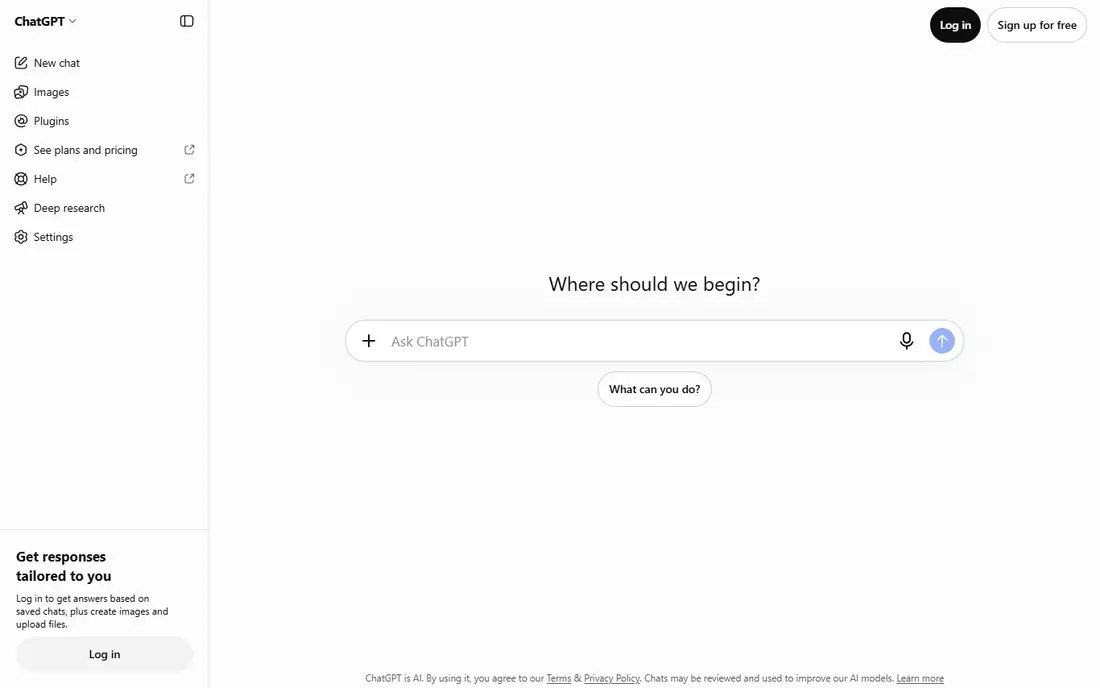
ChatGPT Work is an agent mode inside ChatGPT that takes a goal and produces finished artifacts: documents, spreadsheets, presentations, and dashboards, with a plan mode that shows its approach before it acts. It connects to more than 1,400 apps, runs scheduled and event-triggered tasks, and meets users inside Slack and Teams through shared agents.
The trade is governance. Controls are lighter than Microsoft's tenant governance or Google's admin plane, and the fast release cadence means administrators track new toggles frequently. Agent features start at the $20 Plus tier. For the broadest, fastest rollout of agentic work, ChatGPT Work is the closest Cowork alternative.
What we like- Finished documents, spreadsheets, and decks
- 1,400+ app connectors
- Scheduled and triggered tasks
Watch out for- Governance is lighter than Microsoft's or Google's
- Fast release cadence means admins chase new controls
- Agent features need Plus or higher
Starting priceSee website
Free planNo
Microsoft Copilot Cowork brings the same kind of multi-step agent work into Microsoft 365, running in the background across Office files, Teams, and tenant data, with agent workspace isolation and enterprise governance. For a team that already lives in Microsoft 365, Cowork's fit is structural: files, permissions, and audit live where the work already happens.
Pricing is consumption-based, measured in Copilot Credits, which makes bills harder to forecast than a flat subscription. It is also Microsoft-centered, so Google Workspace teams gain less. Copilot Cowork suits Microsoft shops that prioritize governance and tenant integration over predictable pricing.
What we like- Runs across the Microsoft 365 estate
- Strong tenant governance and isolation
- Edits shared Office files
Watch out for- Consumption-based pricing is hard to forecast
- Sits inside a larger Copilot licensing story
- Windows and M365 centered
Starting priceSee website
Free planNo
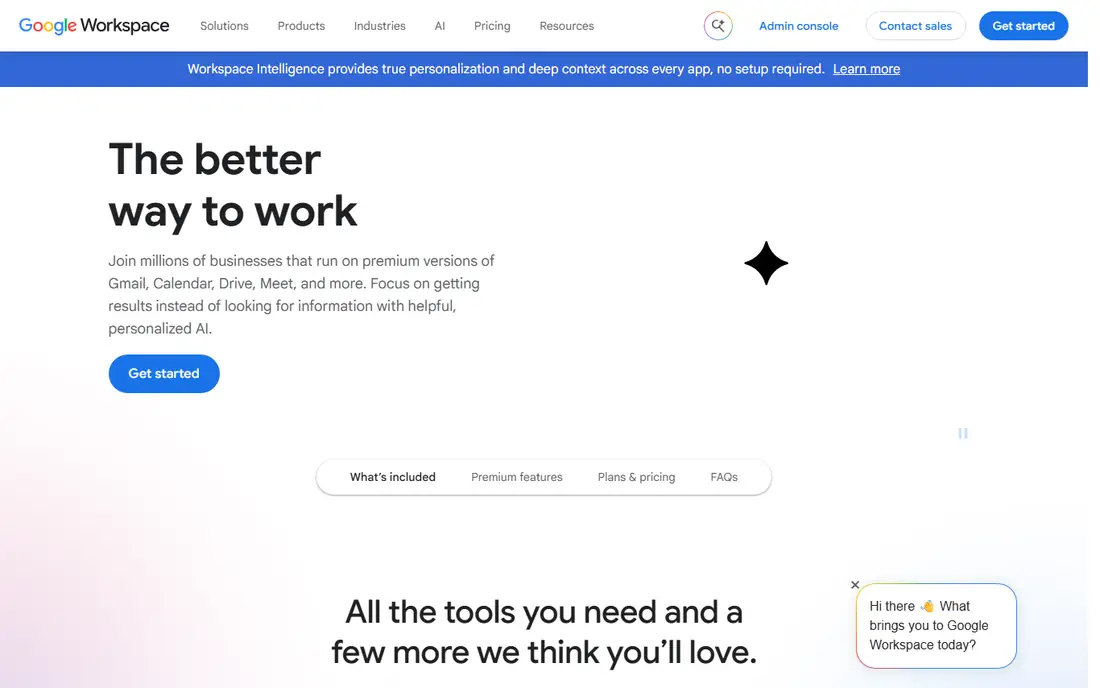
Google's Workspace agent, including its Gemini agent and Workspace Studio builder, runs long tasks across Docs, Sheets, Drive, and Gmail, with sub-agents and persistent coworker agents for recurring work. For a Google-native company, that integration is the main draw, with Chrome and Android reach extending it beyond the browser.
The agent is newer than ChatGPT Work or Copilot Cowork, and pricing for coworker agents has been unclear, with some features tied to higher-tier plans. Google Workspace teams should pilot it on a contained workflow before committing, and confirm current plan requirements on the vendor site.
What we like- Native Google Workspace integration
- Long-running tasks with sub-agents
- Chrome and Android reach
Watch out for- Agent features are newer and less proven
- Pricing for coworker agents is unclear
- Google-centered
Starting priceSee website
Free planFree trial
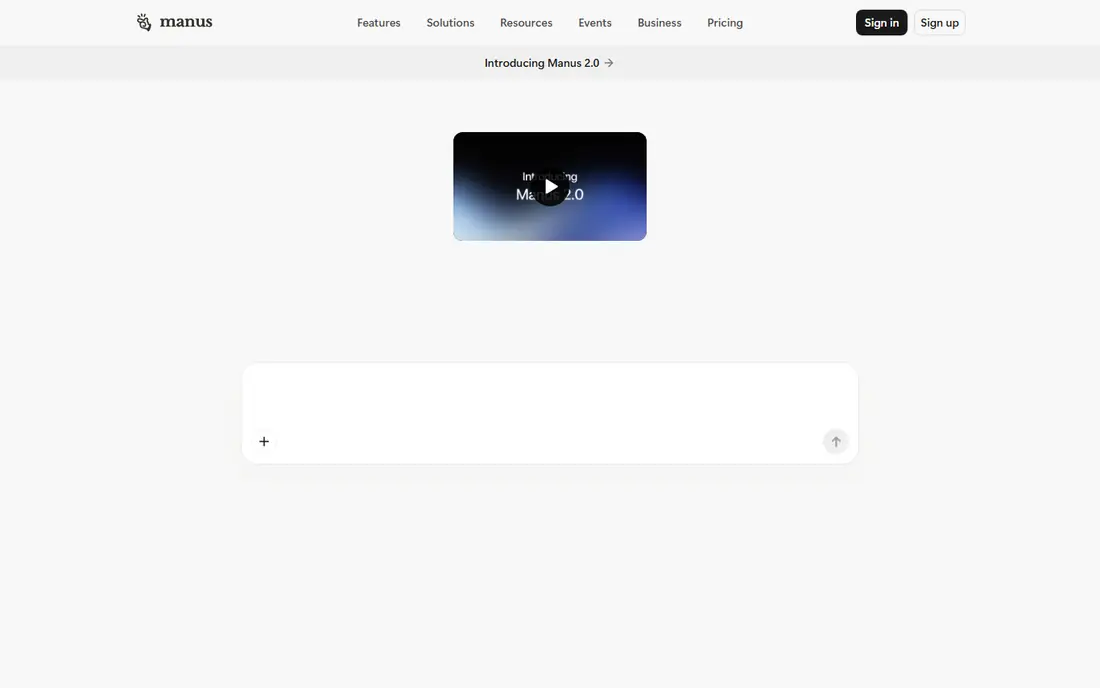
Manus runs agents on its own cloud computer and browser, producing research, decks, and reports with multi-agent orchestration, and teammates can be invited into a single task to collaborate. That cloud execution suits teams that want work done without tying up a local machine.
Files leave your environment by design, which matters for sensitive work, and pricing is confirmed on the vendor site. Manus suits teams producing research and presentation deliverables in the cloud, who are comfortable with a newer vendor and cloud-based execution.
What we like- Cloud computer and browser for research and deliverables
- Teammates can collaborate in one task
- Multi-agent orchestration
Watch out for- Pricing sits on the vendor site
- Cloud execution means files leave your machine
- Newer vendor with a shorter track record

#5Lindy
Best for: Delegation from Slack4.9/5 on
G2 (171 reviews, checked Oct 2026)
Visit lindy.ai
Starting priceSee website
Free planFree trial
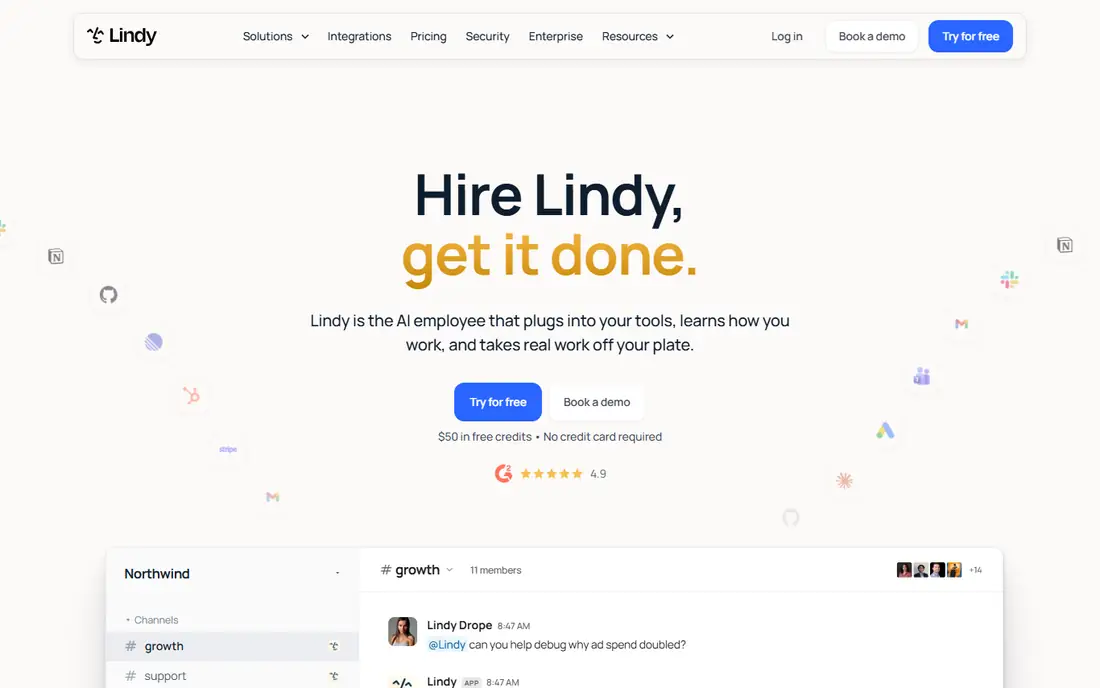
Lindy lets teams delegate work from Slack channels and direct messages, with shared team memory and a large template library for common workflows such as lead handling, meeting follow-up, and inbox triage. That chat-first design suits teams that already coordinate in Slack and want agents a message away.
Slack-centrism is also the limit: file-heavy, multi-step document work fits ChatGPT Work or Cowork better, and governance is lighter than Microsoft's or Google's suites. Lindy suits operations and sales teams that delegate repeatedly from chat and want templates over custom builds.
What we like- Delegate from Slack channels and DMs
- Shared team memory
- Many prebuilt agent templates
Watch out for- Slack-centered, less suited to file-heavy work
- Pricing varies by usage
- Governance is lighter than enterprise suites
Starting priceSee website
Free planFree trial
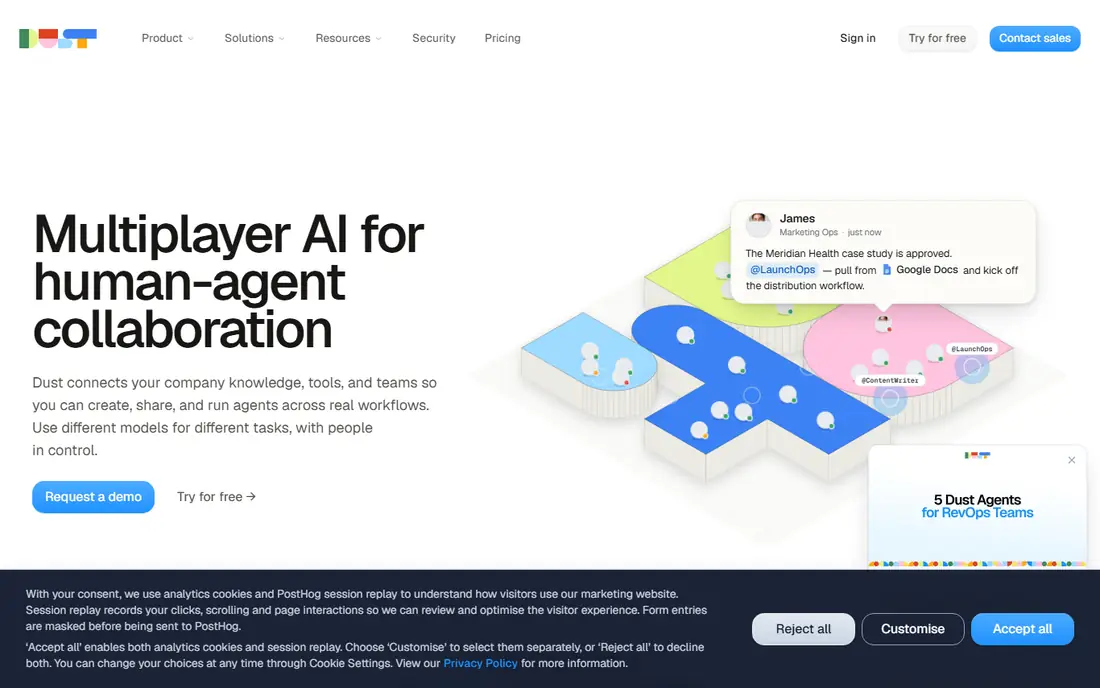
Dust builds agents on company knowledge, with shared pods that hold conversations, tasks, and files, and Slack integration for daily use. Teams use it to create assistants grounded in internal documents, wikis, and data, rather than general-purpose chat agents.
Setup needs knowledge base curation: an agent is only as good as the documents it can reach, and pricing is confirmed on the vendor site. Dust suits teams that want agents grounded in their own knowledge, with shared team spaces, and that will invest in keeping that knowledge current.
What we like- Agents built on company knowledge
- Shared pods with conversations, tasks, and files
- Slack integration
Watch out for- Pricing sits on the vendor site
- Smaller vendor than OpenAI or Microsoft
- Setup needs knowledge base curation
Starting priceFree
Free planYes
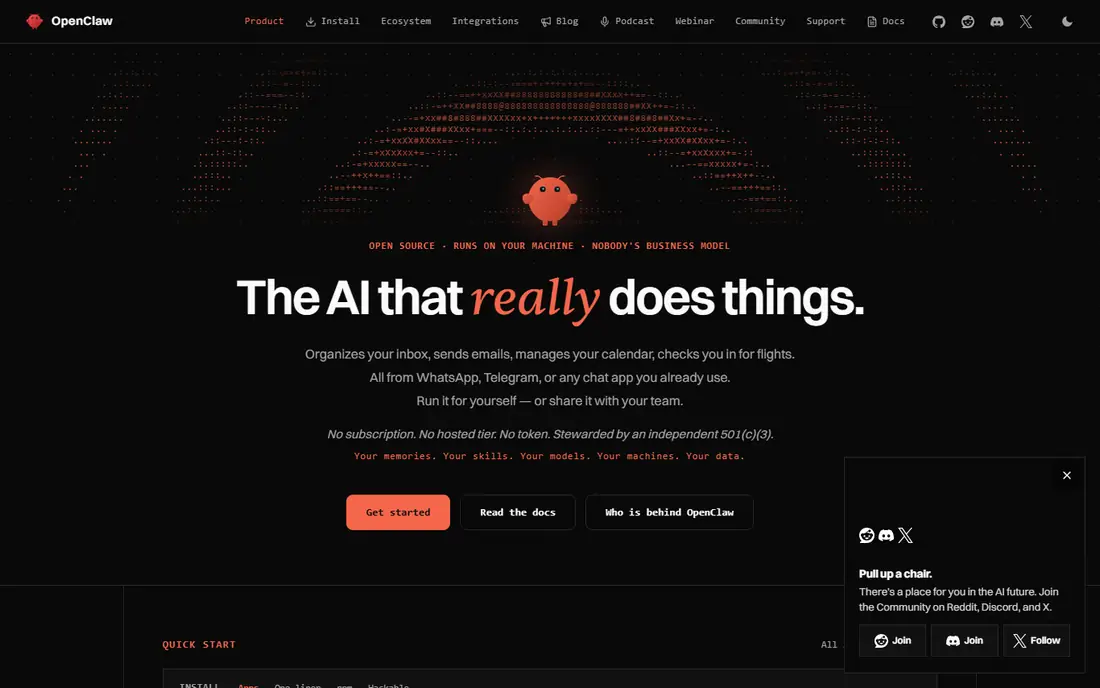
OpenClaw is an open-source personal agent that runs on your own hardware, with full computer access and connections to dozens of messaging channels, from WhatsApp to iMessage. You pay only for model API costs, and you can inspect every part of the system.
That freedom comes with responsibility: security, permissions, and safety are entirely yours to configure, and there is no vendor governance suite or support line. OpenClaw suits technical users and small teams that want a self-hosted agent and accept the operational burden that comes with it.
What we like- Free and open source
- Full computer access
- Dozens of messaging channels
- Self-hosted
Watch out for- Security is entirely your responsibility
- Setup is technical
- No vendor support or governance suite
Starting priceFree
Free planYes
OpenWork is an open-source desktop agent with shared skills and connectors, giving teams an inspectable, customizable alternative to closed agent products. Its desktop focus suits individual and small-team knowledge work that starts from local files and folders.
The community is smaller than OpenClaw's, setup is technical, and enterprise features such as centralized governance are limited. OpenWork suits teams that want open source on the desktop and are comfortable maintaining the tool themselves.
What we like- Free and open source
- Desktop app with shared skills and connectors
- Inspectable and customizable
Watch out for- Smaller community than OpenClaw
- Setup is technical
- Enterprise features are limited
Starting priceFree
Free planYes
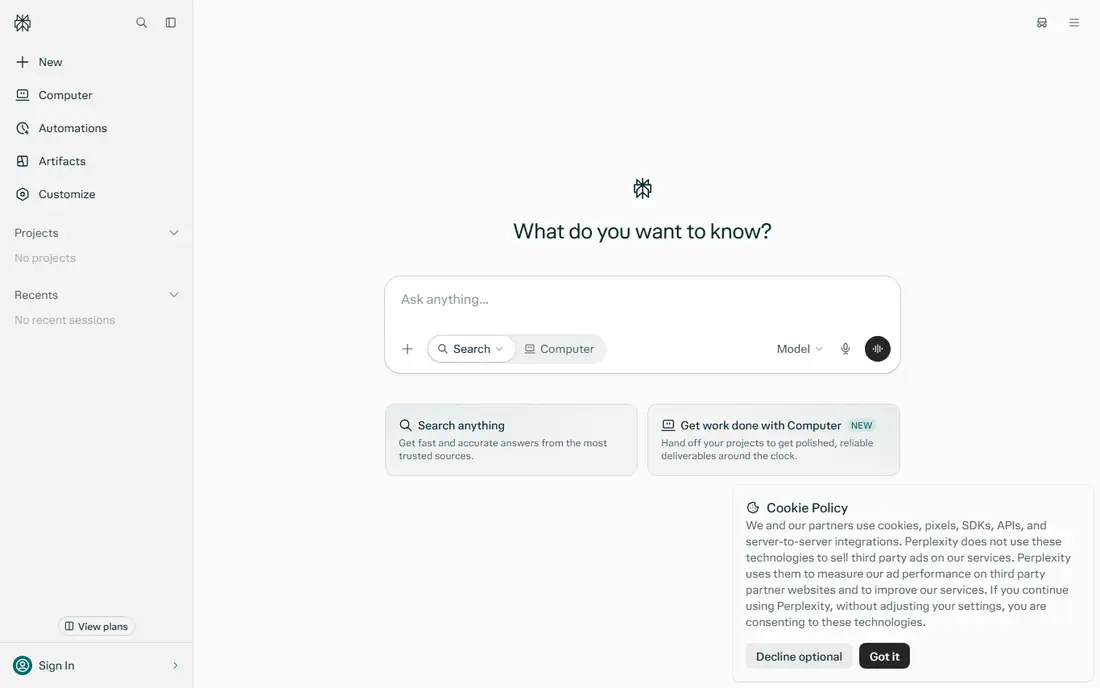
Perplexity Comet is a free agentic browser that handles research, browsing, and file generation across desktop and mobile platforms. Its low barrier makes it the easiest way to try agentic browsing without a subscription, and its research quality benefits from Perplexity's search heritage.
The scope is the browser, not the operating system: Comet cannot reach local folders and applications the way Cowork's desktop app can, and its audit story is thinner than enterprise agents. Comet suits research-heavy users who want a free agentic starting point, with a fuller agent for file work alongside it.
What we like- Free agentic browser on desktop and mobile
- Research, browsing, and file generation
- Low barrier to entry
Watch out for- Browser-scoped, no OS-level control
- Thinner audit story
- Not a full file-work agent
How we chose
We compared agentic tools that take a goal and carry multi-step knowledge work to a finished result, excluding single-purpose chatbots and code-only agents. Pricing figures come from each vendor's own pricing page, checked in October 2026, and where pricing is consumption-based or unannounced we say so. We weighed where work happens, team sharing, approval gates, governance, connector breadth, and whether the tool is open or closed.
Approve what goes out
Agents that send emails, edit shared files, or publish documents need approval gates on sensitive steps. Before rolling out any tool here, decide which actions require a human review, who can approve them, and where the audit trail lives. A fast agent without approval controls creates risk faster than it saves time.
Start with one contained workflow
Pick a single repetitive workflow, such as turning meeting notes into a report, and run it through one agent for a month. Measure time saved, error rate, and how often a human had to intervene. That evidence beats any vendor demo when deciding whether to expand agent use.
Agent permissions and least privilege
The most important security decision for any work agent is what it can reach. An agent with access to every folder, mailbox, and application can do impressive work, and it can also leak, delete, or send far more than intended when a prompt is ambiguous or a data source is compromised. The principle of least privilege applies directly: give each agent access only to the folders, apps, and actions its task requires, and nothing else. A report-writing agent needs read access to source documents and write access to one output folder, not full mailbox control.
Approval gates are the second layer. Decide which actions always need a human review, such as sending external emails, editing shared files, deleting data, or spending money, and configure those gates before rollout. Some tools offer approval controls natively, while open-source agents need manual configuration, but the requirement is the same regardless of vendor. Log every agent action with enough detail to reconstruct what happened, since an audit trail is the only way to answer questions after an incident.
Regularly review permissions as tasks change. An agent granted broad access for a one-off migration should not keep that access permanently, and team changes should trigger permission reviews just as they do for human staff. Treat agent permissions with the same discipline as employee access, and the security risk of agentic work stays manageable.
Frequently asked questions
What is the best Claude Cowork alternative overall?
ChatGPT Work, for general-purpose agent work with the widest connector library and finished artifacts. Microsoft Copilot Cowork wins for Microsoft 365 teams that need tenant governance.
Is there a free Claude Cowork alternative?
Yes. OpenClaw and OpenWork are free and open source, though you pay for model costs, and Perplexity Comet offers a free agentic browser. ChatGPT also offers a free tier, with agent features on paid plans.
Which alternative is best for teams?
It depends on the stack. Microsoft 365 teams should choose Copilot Cowork, Google Workspace teams should pilot the Gemini agent, and ChatGPT-centered teams should use ChatGPT Work. Slack-first teams should look at Lindy or Dust.
Do AI agents replace employees?
No. Agents handle repetitive, multi-step tasks and produce drafts and deliverables, but they need human review, especially for external communication and consequential decisions. Treat them as support for skilled staff, not replacements.
How do I keep agent work secure?
Limit the folders and apps an agent can reach, require approval for external sends and publishes, and check where files travel during cloud execution. For sensitive work, prefer tenant-governed tools or self-hosted open-source agents.
Sources we checked (11)
- https://chatgpt.com
- https://www.microsoft.com/microsoft-365/copilot
- https://workspace.google.com
- https://manus.im
- https://www.lindy.ai
- https://dust.tt
- https://openclaw.ai
- https://openwork.ai
- https://www.perplexity.ai
- https://kylon.io/blog/claude-cowork-alternatives
- https://o-mega.ai/articles/top-10-claude-cowork-ai-agent-alternatives-2026-guide
Is your product missing or out of date?
We review this list regularly. Vendors can request a listing, send updated pricing or ask about featured placement.

Shihab Mia · Founder, Rankite
Shihab has 5+ years in B2B and SaaS SEO. He writes Rankite's software buying guides from pricing pages, documentation and public user reviews. More about Shihab.
 ChatGPT Work
 Microsoft Copilot Cowork
 Gemini Workspace agent
 Manus
Manus Dust
Dust OpenClaw
 OpenWork
 Perplexity Comet