How we make this list: we compare pricing pages, product documentation and public user reviews. Ratings come from G2, Capterra or Trustpilot, with the date we checked them.
Key takeaways
- InvokeAI is the best balanced local alternative, with a canvas for editing, layers, and model management in a polished interface.
- AUTOMATIC1111 still has the largest extension library, though its core updates have slowed compared with newer forks.
- Fooocus and Easy Diffusion suit beginners who want a prompt, a button, and a good image without tuning settings.
- Stable Diffusion WebUI Forge is the better pick for AUTOMATIC1111 users who want faster runs and lower memory use.
- RunComfy and ThinkDiffusion remove local setup by running ComfyUI or similar tools on rented GPUs.
Quick comparison
Is your product missing or out of date?
We review this list regularly. Vendors can request a listing, send updated pricing or ask about featured placement.
The best comfyui alternatives
Starting priceFree
Free planYes
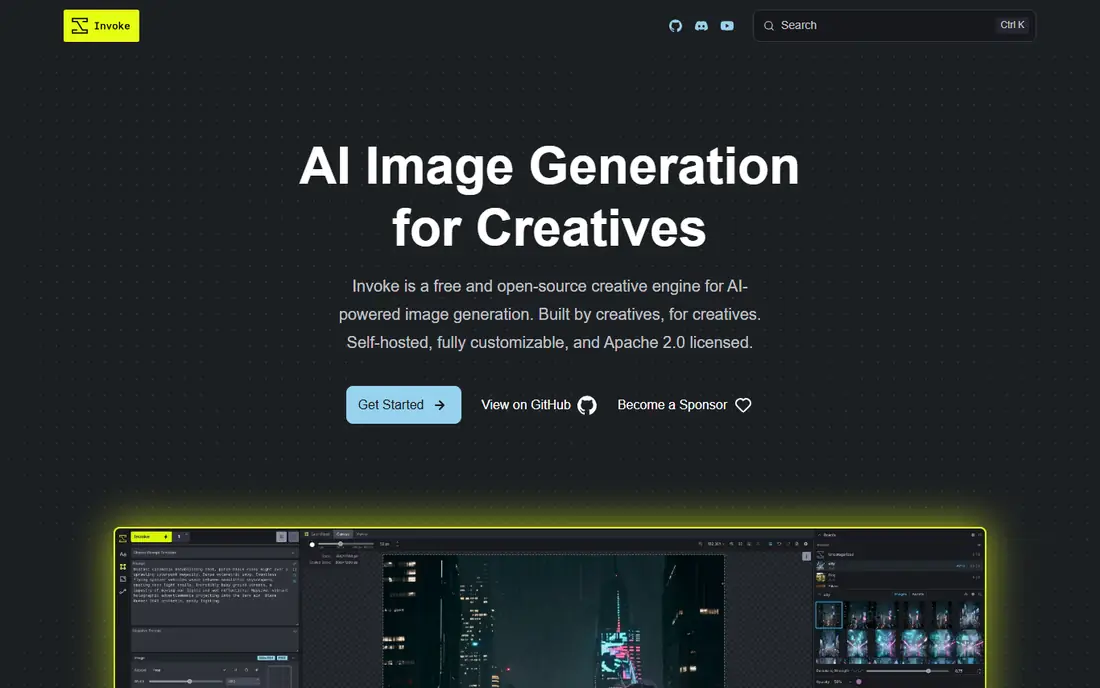
InvokeAI presents image generation as a creative studio rather than a graph. You can generate, paint on a canvas, expand an image, and refine a region without wiring nodes together. Its model manager keeps checkpoints and add-ons organised, which matters once a library grows past a handful of models.
Support for Flux, SDXL, and SD 1.5 covers the models most local users run. The honest limit is hardware: larger models still need a strong GPU and enough memory. If your machine meets that bar, InvokeAI is the most complete local replacement for everyday image work.
What we like- Layer-based canvas for inpainting and outpainting
- Built-in model manager for checkpoints, LoRAs, and ControlNets
- Runs locally under an Apache 2.0 licence
Watch out for- Needs a capable GPU for larger models
- Node workflows are present but less central than in ComfyUI
Starting priceFree
Free planYes
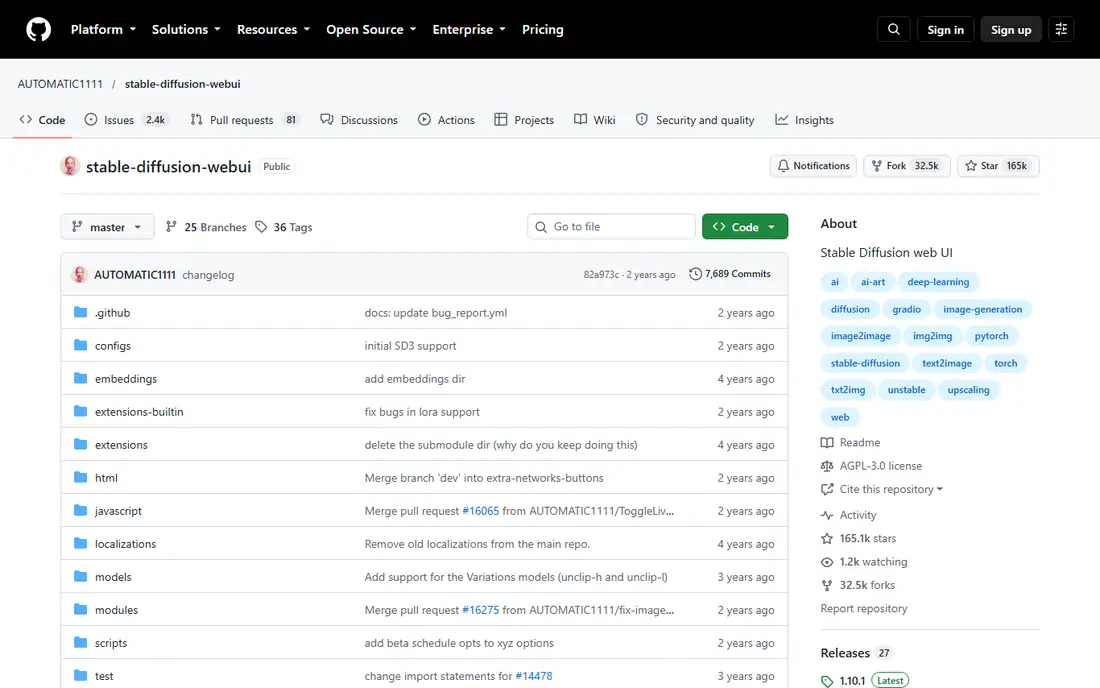
AUTOMATIC1111, often called A1111, was the default Stable Diffusion interface for years. Its tabbed layout is easy to grasp: one tab for text to image, one for image to image, one for inpainting, and more for training and extras. Thousands of community extensions add new samplers, upscalers, scripts, and integrations.
The caution is about pace. Recent community reports note long gaps between core updates, even though extensions keep arriving. That does not make A1111 unusable, but new model support may lag. Pick it for breadth of extensions, not for being first with every new model.
What we like- Huge community extension library
- Familiar tabbed interface for txt2img, img2img, and inpainting
- Extensive ControlNet and LoRA support
Watch out for- Core development has slowed
- Newer models may arrive later than in ComfyUI or Forge
Starting priceFree
Free planYes
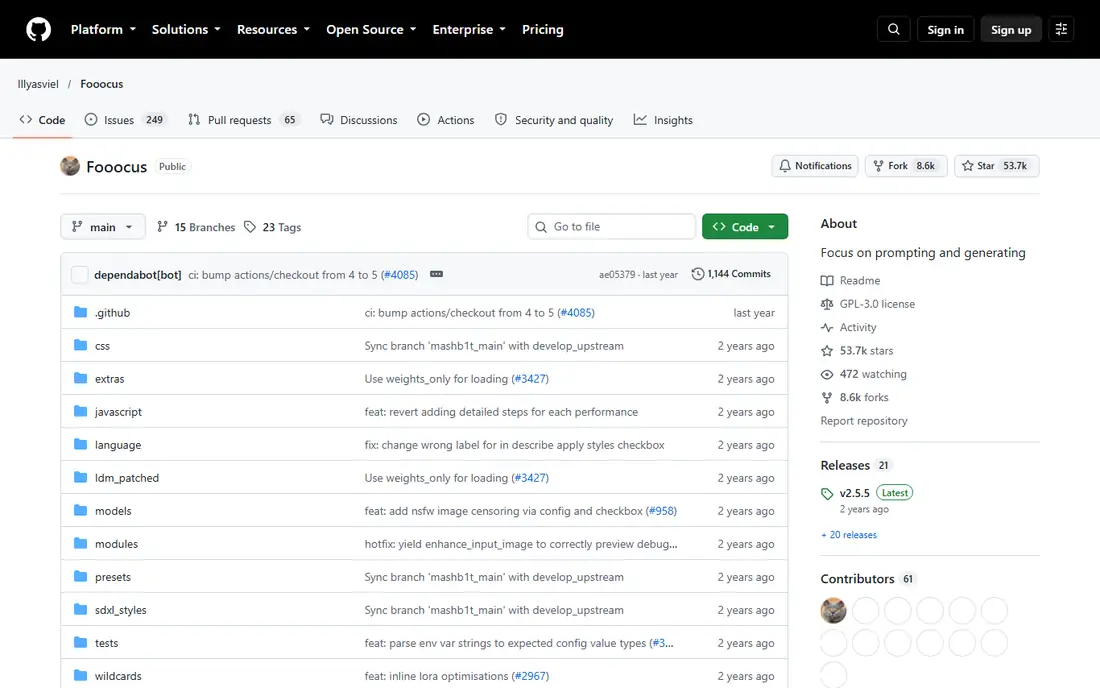
Fooocus strips image generation down to a prompt and a few choices, such as style and aspect ratio. Behind the scenes it picks settings that usually work well, which is why it became popular with people who wanted results without a manual. You can still adjust quality, styles, and image counts, but you are not expected to.
That simplicity is also a ceiling. If you want detailed ControlNet setups, custom pipelines, or the latest video models, Fooocus will feel small. Use it as a fast local generator, and keep a fuller tool beside it for complex work.
What we like- Almost no settings to learn
- Sensible defaults produce strong images
- Runs fully offline once models are downloaded
Watch out for- Limited control over advanced workflows
- Newer model support is narrower than ComfyUI

#4
Stable Diffusion WebUI Forge
Best for: Faster AUTOMATIC1111-style runs
Visit github.com
Starting priceFree
Free planYes
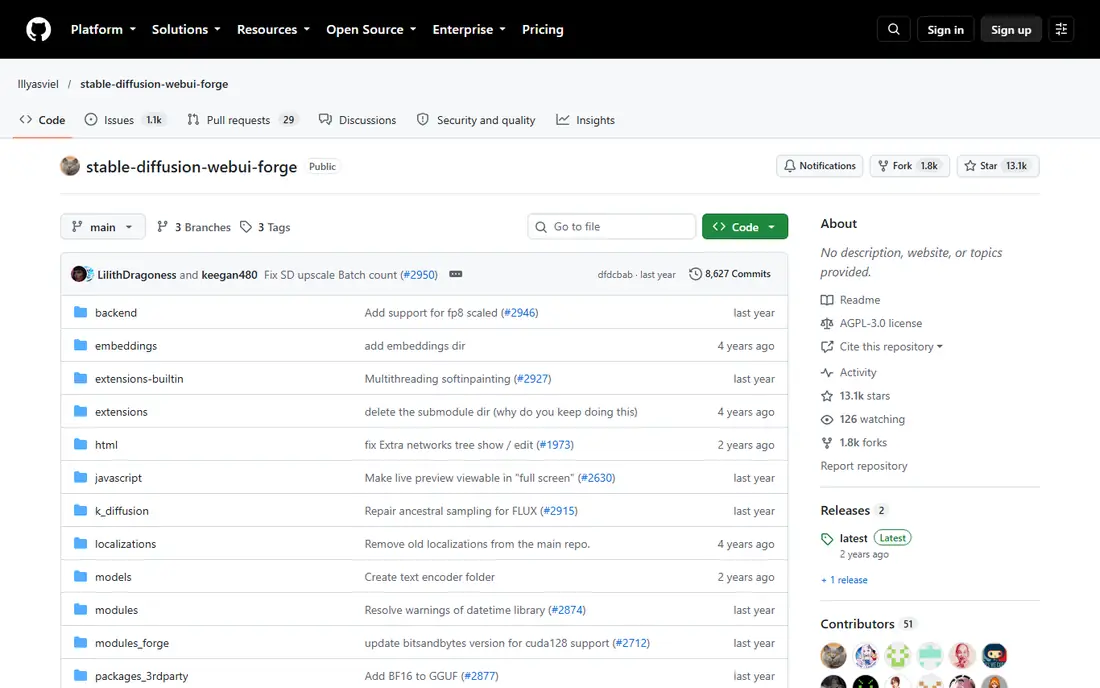
Forge started as a fork of AUTOMATIC1111 with a focus on speed and memory efficiency. Users coming from A1111 will recognise the layout at once, which makes migration easy. The project also added support for newer models that A1111 was slower to adopt, including Flux.
Compatibility is close but not identical, so a few older extensions may behave differently. For most A1111 users who want the same workflow with better performance, Forge is the natural next step rather than a fresh start.
What we like- Familiar A1111 interface with faster sampling
- Lower memory use on many setups
- Supports newer models such as Flux
Watch out for- Extension compatibility is mostly, not fully, the same as A1111
- Still needs local GPU setup
Starting priceFree
Free planYes
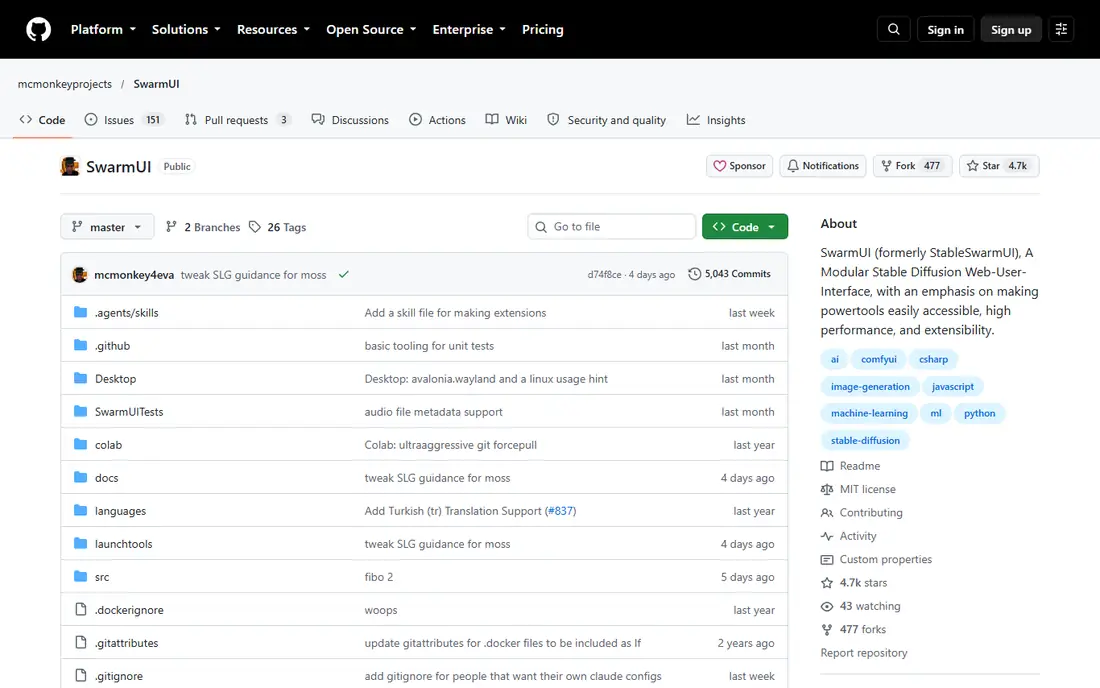
SwarmUI tries to keep ComfyUI strength without forcing every user into the node graph all day. It runs on top of ComfyUI, so workflows and models from that ecosystem carry over, while day-to-day generation uses a more conventional interface. That hybrid design suits users who like ComfyUI output but want a calmer front end.
It remains a self-hosted tool, so installation, drivers, and model downloads are your job. SwarmUI is best for users who already know ComfyUI basics and want a smoother daily interface, not for complete beginners.
What we like- Uses ComfyUI as a backend while offering a cleaner interface
- MIT licence
- Generation queue and session handling suit shared use
Watch out for- Setup is still local and technical
- The project is smaller than InvokeAI or A1111
Starting priceFree
Free planYes
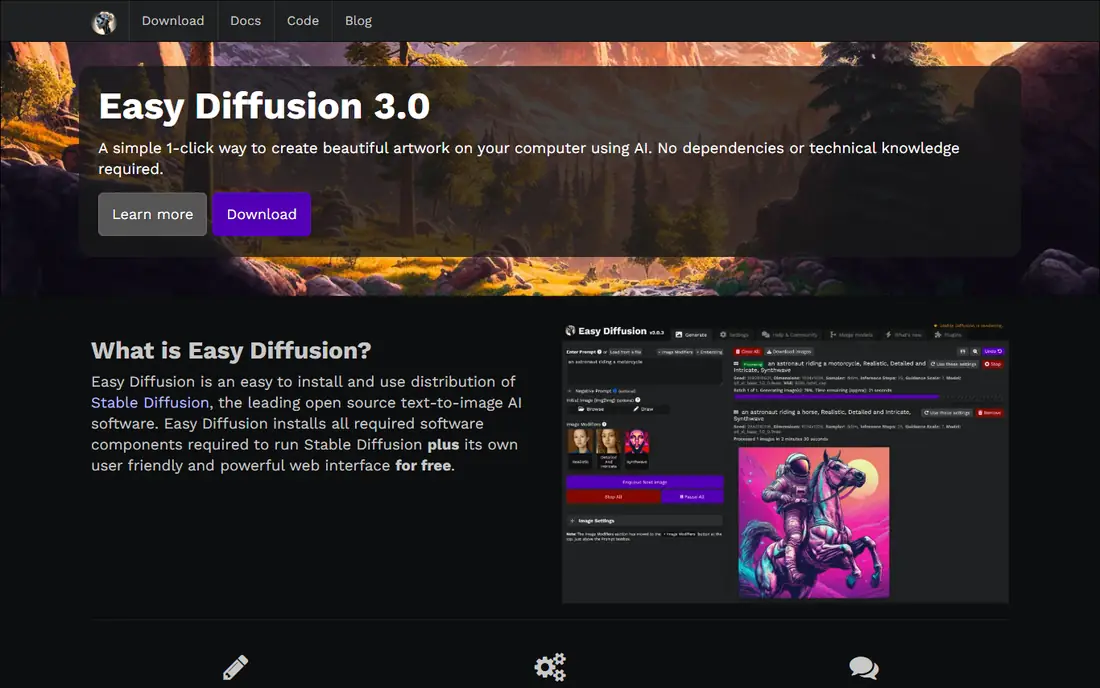
Easy Diffusion focuses on installation, which is where many first-time local users give up. Its installer handles much of the setup, and the interface keeps the common controls visible without a wall of options. That makes it a good first local tool for someone who has only used web generators before.
Advanced users will soon want more: custom pipelines, detailed ControlNet control, and newer model types. Easy Diffusion is a starting point and a reliable backup, rather than a full replacement for a power-user workflow.
What we like- One-click style installer for Windows, Mac, and Linux
- Clean interface with useful defaults
- Low barrier for first-time local users
Watch out for- Fewer advanced controls than ComfyUI
- Large model downloads still need disk space and patience
Starting priceSee website
Free planNo
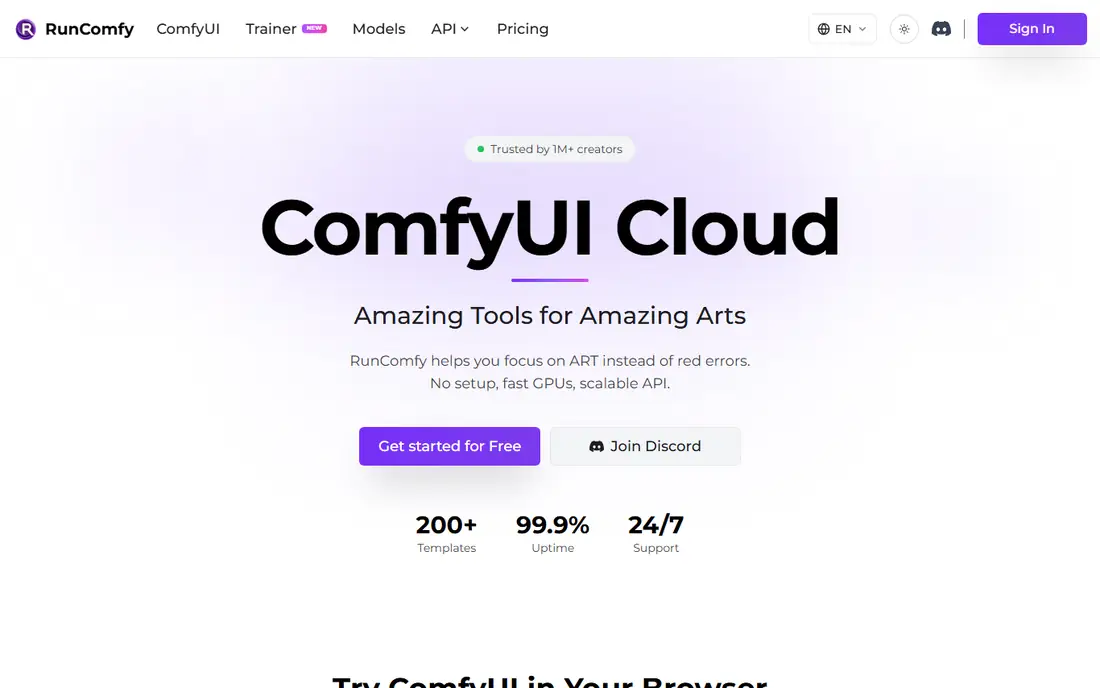
RunComfy answers a specific problem: you like ComfyUI, but your computer cannot run it well. It hosts ComfyUI on rented GPUs, so your saved workflows, custom nodes, and LoRAs work in the cloud much as they do locally. That makes it useful for occasional heavy projects and for trying large models before buying hardware.
Pricing is based on GPU time and credits, so the bill depends on how long and how often you generate. It is not a simpler interface, and beginners may still prefer a tool like Fooocus. For existing ComfyUI users without a strong GPU, it is the most direct cloud route.
What we like- Runs real ComfyUI in the cloud, so existing workflows and custom nodes carry over
- No local GPU needed
- Pay for GPU time rather than buying hardware
Watch out for- Costs add up with heavy use
- You still need to understand node graphs to get the most from it
Starting priceSee website
Free planNo
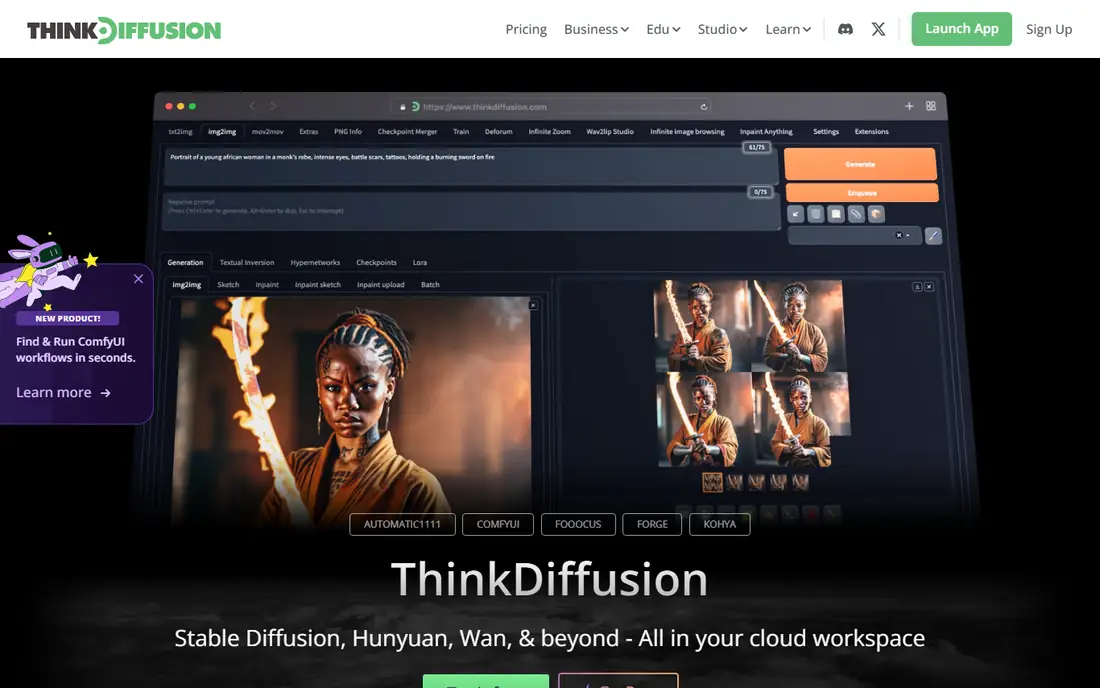
ThinkDiffusion rents full cloud machines preloaded with ComfyUI, AUTOMATIC1111, and related tools. You connect to a machine, work as if it were local, and stop paying when the session ends. That setup suits a team that needs a shared environment, a short project, or a test run on a stronger GPU than anyone owns.
The trade-off is cost control and data movement. Hourly rates reward short, focused sessions, and large model libraries take time to upload. ThinkDiffusion fits project-based work better than always-on daily use, unless the budget allows for it.
What we like- Ready-made cloud machines with ComfyUI and AUTOMATIC1111
- No driver or dependency setup
- Useful for teams and short projects
Watch out for- Hourly pricing can grow quickly
- Local files and models need a transfer plan
How we chose
We checked vendor and project documentation, release activity, and public discussion on Reddit, GitHub, and community forums, and compared interface style, model support, hardware needs, and hosting options. We favoured tools that are actively maintained or widely used, and we noted where a popular project has slowed, rather than hiding that fact. Prices are marked as See website for cloud services that bill by GPU time or credits, since the total depends on usage. We did not claim hands-on testing, and hardware needs should be checked against the model you plan to run.
Picking by skill level and hardware
If you want images with little setup
Start with Fooocus or Easy Diffusion on a local machine, or a hosted service if you have no GPU. Both keep the interface small and the defaults sensible. Move on only when you hit a specific limit, such as a missing model type or a need for precise editing.
If you want editing control without nodes
InvokeAI is the clear middle ground. Its canvas, layers, and inpainting tools cover most editing work, while model management keeps a growing library usable. SwarmUI is the alternative if you want to stay close to ComfyUI workflows.
If you already use ComfyUI
Ask what problem you are solving. For speed, Forge or a local ComfyUI update may be enough. For hardware, RunComfy or ThinkDiffusion move the same workflows to the cloud. For a simpler daily front end, SwarmUI keeps the backend you know.
Budget for models and storage
Models are large, and a small collection can fill tens of gigabytes. Check disk space, download time, and VRAM needs before choosing a tool, especially for Flux and other large models. Cloud pricing should be compared on a typical session length, not on the headline hourly rate alone.
Test one model end to end
Before settling on a tool, run one full project in it, from model download to final export. That project should include the kind of image you actually make, whether that is a portrait, a product shot, or an edited scene. A tool can look fast on a single generation and still frustrate you when you need batch work, upscaling, or consistent style across many images.
Note the practical details as you go: how long setup took, how much disk space models used, how often the app needed a restart, and how easy it was to repeat a good result. Those notes matter more than a headline feature, because they describe the daily cost of using the tool.
Frequently asked questions
Is ComfyUI itself free?
Yes, ComfyUI is open source and free to run locally. Cloud services that host it charge for GPU time and managed setup, not for ComfyUI itself.
Which ComfyUI alternative is easiest for a beginner?
Fooocus is easiest for pure generation, while Easy Diffusion is easiest for a first local install. InvokeAI takes a little longer to learn but gives far more editing control.
Do I need a powerful GPU for these tools?
Local tools run best with a dedicated GPU, and larger models need more VRAM. Smaller models can run on modest hardware, but generation will be slower. Cloud options remove the GPU requirement at the cost of hourly billing.
Can I use my existing ComfyUI workflows elsewhere?
RunComfy is designed for that, since it runs real ComfyUI in the cloud. SwarmUI also builds on ComfyUI, so many workflows carry over. Other tools use different interfaces, so workflows usually need rebuilding.
Is AUTOMATIC1111 still worth installing in 2026?
Yes, if you value its extension library and familiar interface. Be aware that core updates have slowed, so check model support for the specific models you plan to use before committing.
Are images made with these tools mine to use?
Most local tools are open source and do not claim your outputs, but model licences and the rules of any hosted service can differ. Check the licence for the model you use, especially for commercial work.
Sources we checked (8)
- https://invoke.ai
- https://github.com/AUTOMATIC1111/stable-diffusion-webui
- https://github.com/lllyasviel/Fooocus
- https://github.com/lllyasviel/stable-diffusion-webui-forge
- https://github.com/mcmonkeyprojects/SwarmUI
- https://easydiffusion.github.io
- https://www.runcomfy.com
- https://thinkdiffusion.com
Is your product missing or out of date?
We review this list regularly. Vendors can request a listing, send updated pricing or ask about featured placement.

Shihab Mia · Founder, Rankite
Shihab has 5+ years in B2B and SaaS SEO. He writes Rankite's software buying guides from pricing pages, documentation and public user reviews. More about Shihab.
 InvokeAI
 AUTOMATIC1111
 Fooocus
 SwarmUI
 Easy Diffusion
 RunComfy
 ThinkDiffusion