How we make this list: we compare pricing pages, product documentation and public user reviews. Ratings come from G2, Capterra or Trustpilot, with the date we checked them.
Key takeaways
- Otter.ai and Fireflies.ai are the most complete team options, with live transcription, searchable libraries, and broad integrations.
- Fathom offers a generous free tier for individuals, with unlimited recordings and summaries that suit solo users and small teams.
- Jamie and Bluedot come closest to Granola on bot-free capture, recording from the user's device rather than joining the call.
- Fellow and tl;dv suit teams that want structured notes, action items, and easy review of recorded moments.
- Free plan limits differ sharply, from minute caps to storage caps, so checking the limit that binds a given workflow matters more than the headline price.
Quick comparison
| Tool | Best for | Starting price | Free plan |
|---|
 Otter.ai Otter.ai | Live transcription and search | $8.33 per user/month (billed annually) | Yes |
 Fireflies.ai Fireflies.ai | Team analytics and CRM sync | $10 per user/month (billed annually) | Yes |
 Fathom Fathom | Generous free recording | $16 per user/month (billed annually) | Yes |
 Read AI Read AI | Meeting summaries and insights | $15 per user/month (billed annually) | Yes |
 Fellow Fellow | Structured meetings and actions | $7 per user/month (billed annually) | Yes |
 Notta Notta | Bilingual notes and translation | $8.17 per month (billed annually) | Yes |
 tl;dv tl;dv | Reviewing recorded calls | $18 per user/month (billed annually) | Yes |
 Jamie Jamie | Bot-free notes like Granola | See website | Yes |
 Bluedot Bluedot | Bot-free capture for browser calls | $18 per user/month (billed annually) | Free trial |
Is your product missing or out of date?
We review this list regularly. Vendors can request a listing, send updated pricing or ask about featured placement.
The best Granola AI alternatives
#1Otter.ai
Best for: Live transcription and search4.4/5 on
G2 (505 reviews, checked Oct 2026)
Visit otter.ai
Starting price$8.33 per user/month (billed annually)
Free planYes
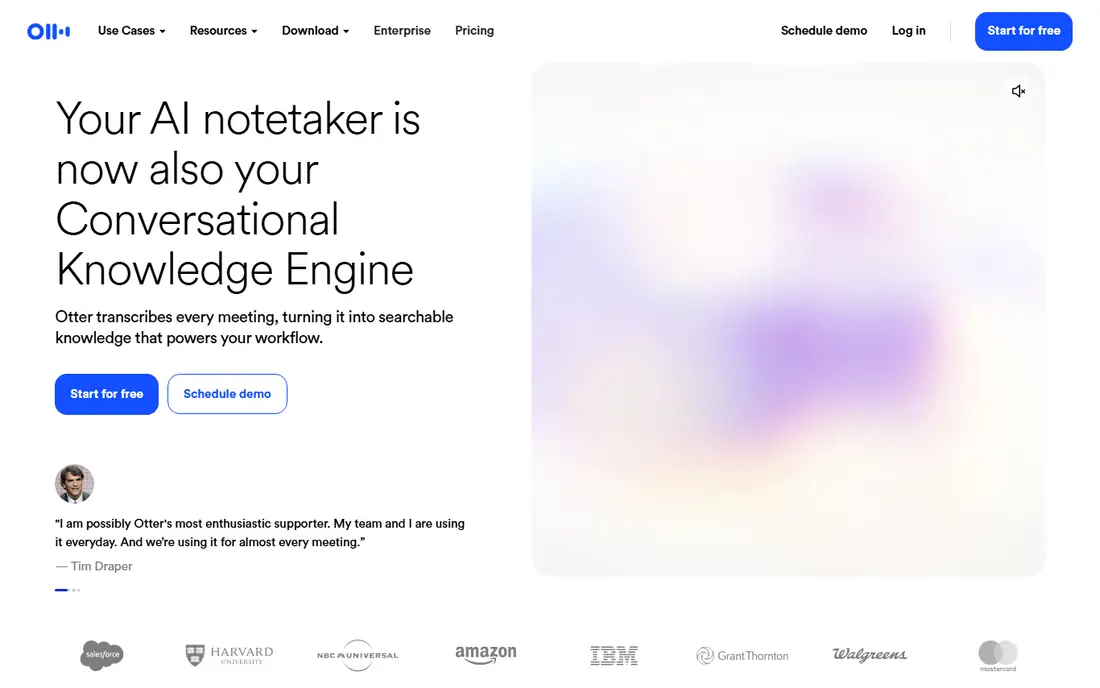
Otter.ai is the longest-running name in this group, and its strength is the live transcript. Users can read along during a call, search past conversations by keyword, and pull out action items from a searchable library. That search function matters for people who revisit old decisions and need exact wording.
The free plan gives 300 transcription minutes per month, with a 30-minute cap per conversation, which suits light use but not a heavy meeting week. Paid plans raise those limits and add team features, with Pro starting at $8.33 per user per month when billed annually. Otter can join as a bot, or record through its desktop and mobile apps, so users who dislike bots have a partial workaround.
Otter fits lecturers, interviewers, and teams that value a full transcript they can search later. It is less close to Granola on privacy, since recordings are kept for playback and review, rather than deleted after transcription.
What we like- Live transcript during the call
- Searchable meeting library
- Works across Zoom, Meet, and Teams
Watch out for- Free plan caps minutes and meeting length
- Bot joins many meetings unless the desktop app is used
#2Fireflies.ai
Best for: Team analytics and CRM sync4.7/5 on
G2 (754 reviews, checked Oct 2026)
Visit fireflies.ai
Starting price$10 per user/month (billed annually)
Free planYes
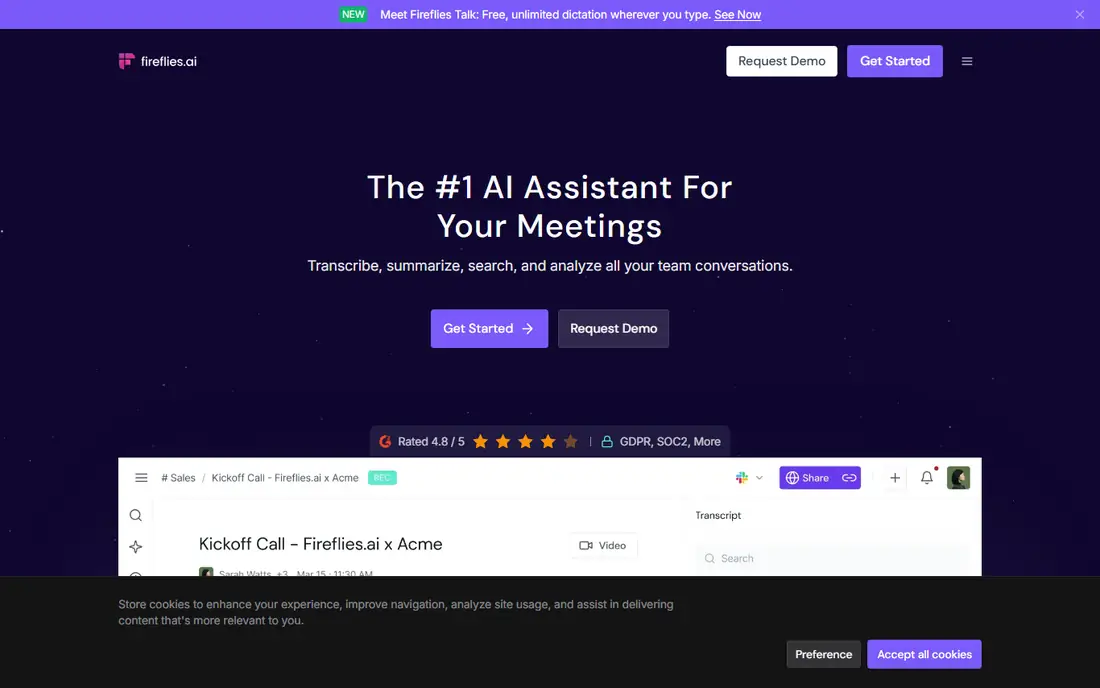
Fireflies.ai leans toward teams rather than solo note takers. It transcribes meetings, generates summaries, tracks topics and speaker talk time, and pushes notes and tasks into CRMs and project tools. Sales teams use those analytics to spot risks and keep follow-ups from slipping.
Pricing starts at $10 per seat per month for Pro when billed annually, with a free plan that offers unlimited transcription but limited storage. That storage limit is the detail to watch, since a team that records every call can hit it faster than the minute caps used by rivals. Paid tiers raise storage and add video, analytics, and advanced AI features.
Fireflies fits teams that want a shared, searchable record of customer conversations. It is a bigger step away from Granola than a bot-free tool, but the team library and CRM sync may justify that step for a sales-led organization.
What we like- Unlimited transcription on the free tier with storage limits
- Strong CRM and task integrations
- Conversation analytics
Watch out for- Free storage is limited to 400 minutes per team
- Bot presence is visible in many meetings
#3Fathom
Best for: Generous free recording5.0/5 on
G2 (7,076 reviews, checked Oct 2026)
Visit fathom.video
Starting price$16 per user/month (billed annually)
Free planYes
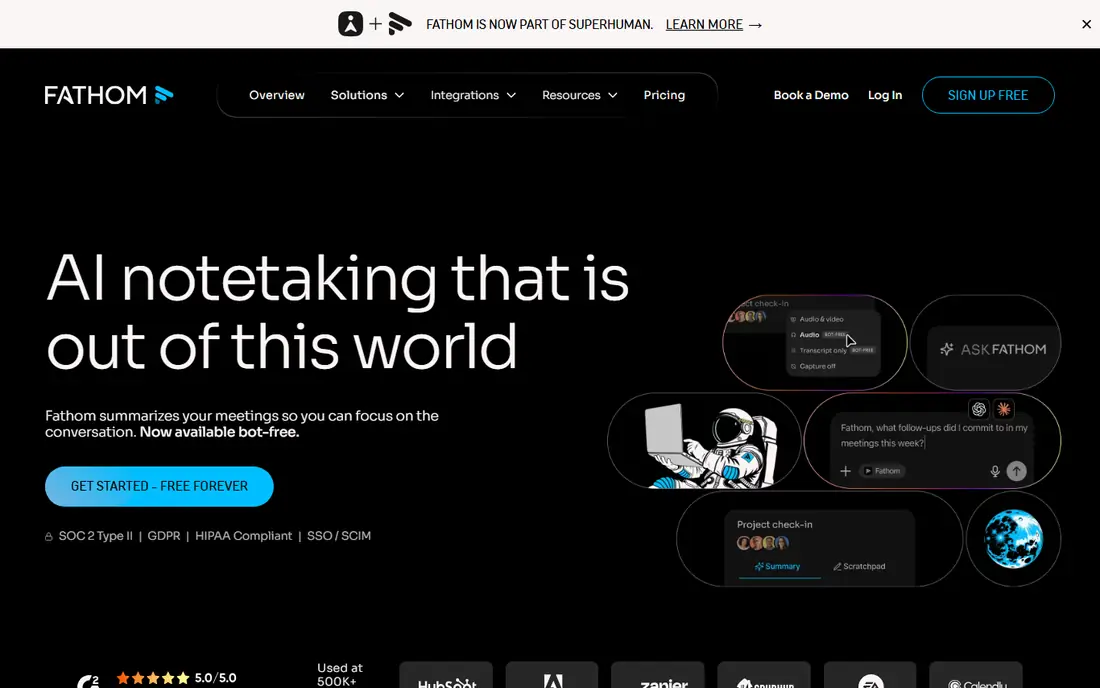
Fathom is often the first tool people try after Granola, because its free plan is unusually generous for an individual. Recordings and storage are unlimited on the free tier, with a limited number of advanced AI summaries per month, so a solo user can record a full week of calls without hitting a minute cap. Summaries arrive quickly after the call, with action items and key moments highlighted.
Paid plans start at $16 per user per month for Premium when billed annually, and add more AI summaries and team features. Fathom joins meetings as a bot in most cases, with bot-free recording in beta on Mac.
Fathom fits individuals and small teams who want strong notes for free and are willing to pay later for team features. It is less suited to buyers who need a guaranteed bot-free experience on Windows or in the browser today.
What we like- Free plan includes unlimited recordings
- Clear summaries with action items
- Ask Fathom search across calls
Watch out for- Paid plans cost more than Otter or Fireflies
- Bot-free recording is still limited by platform
Starting price$15 per user/month (billed annually)
Free planYes
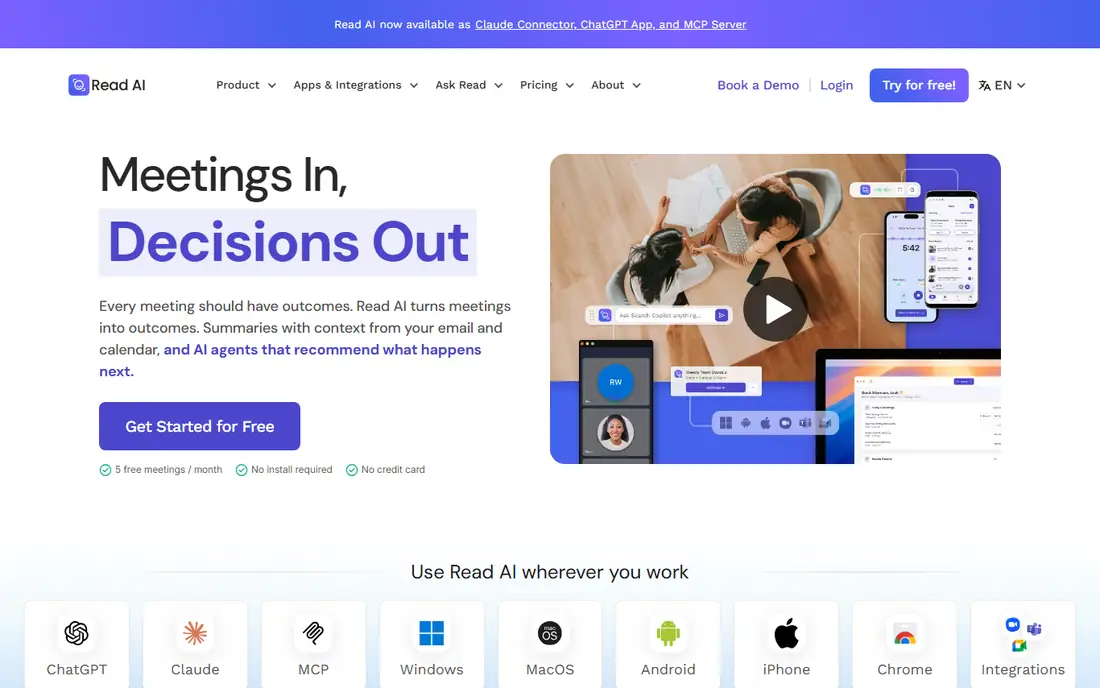
Read AI focuses on what happened in the meeting and what should happen next. It produces summaries, action items, and playback clips, plus insights on engagement and speaking patterns that managers use for coaching. The interface is tidy, and the summaries read well enough to forward to a client or a colleague without heavy editing.
The free plan covers a small number of meetings per month, up to an hour each, which suits a trial but not daily use. Pro starts at $15 per user per month when billed annually, and adds more meetings, longer history, and deeper analytics. A desktop recorder offers a bot-free option, while the bot remains available for calendar-based capture.
Read AI fits professionals who want polished summaries and light coaching data from their calls. It is less suited to high-volume users who need unlimited recording on a free plan, where Fathom or Fireflies may stretch further.
What we like- Concise summaries with playback and coaching insights
- Desktop recorder without a bot
- Search across meetings
Watch out for- Free plan limits meetings per month
- Playback is limited on lower tiers
#5Fellow
Best for: Structured meetings and actions4.7/5 on
G2 (2,440 reviews, checked Oct 2026)
Visit fellow.app
Starting price$7 per user/month (billed annually)
Free planYes
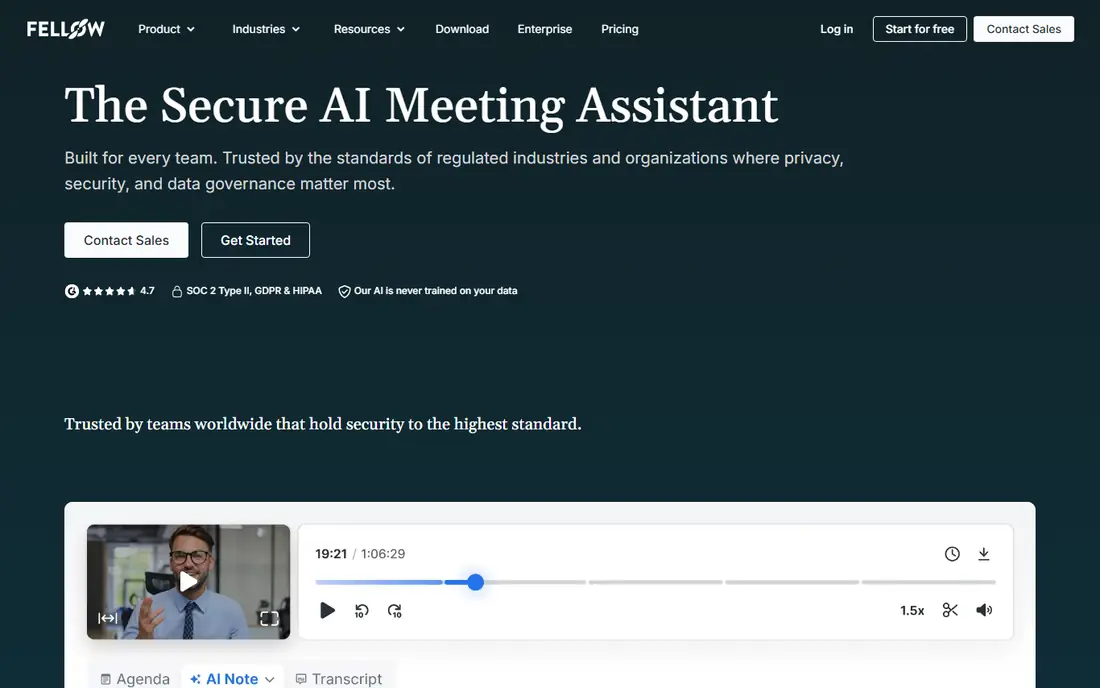
Fellow treats the meeting as a workflow, not just a transcript. Users build agendas before the call, capture AI notes during it, and track action items after it, all in one place. That structure helps teams that run recurring meetings and want decisions recorded clearly.
Pricing starts at $7 per user per month for the Team plan when billed annually, which is lower than most rivals in this list. The free plan is limited, with a small lifetime allowance of AI notes and recordings, so it works as a trial rather than a long-term free tool. Fellow also offers botless recording through its desktop app, which brings it closer to Granola than bot-only tools.
Fellow fits managers and teams that run structured one-to-ones, standups, and reviews. It is less suited to users who only want a quick transcript and summary, where a simpler recorder may be faster.
What we like- Low starting price
- Agendas, notes, and action items in one place
- Botless recording option
Watch out for- Free plan limits AI notes and recordings over a lifetime
- Fewer analytics than Fireflies
#6Notta
Best for: Bilingual notes and translation4.3/5 on
G2 (347 reviews, checked Oct 2026)
Visit notta.ai
Starting price$8.17 per month (billed annually)
Free planYes
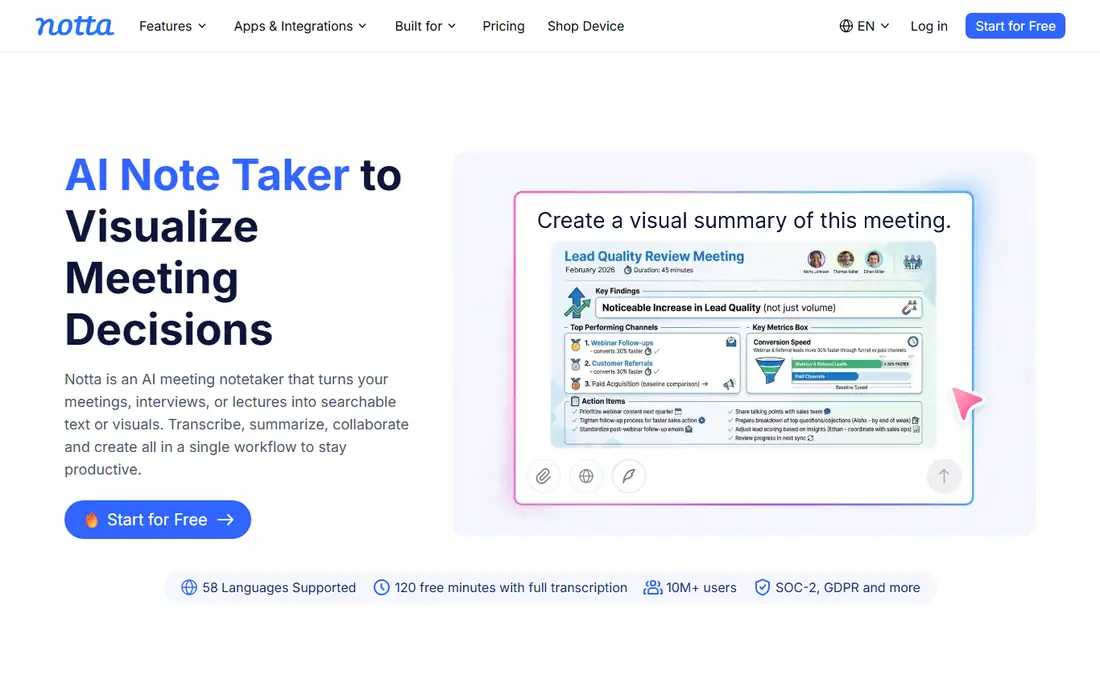
Notta stands out for language coverage. It transcribes and translates meetings in many languages, which helps teams working across countries or interviewing in more than one language. Users can record through a bot, a desktop app, a browser extension, or by uploading audio and video files.
The free plan gives 120 minutes per month, with short per-conversation limits, so it suits testing and occasional use. Pro starts at $8.17 per month when billed annually for a single seat, and adds more minutes, longer conversations, and more AI summaries. That per-seat pricing is simple for a solo user, though team pricing needs a check on the vendor site.
Notta fits bilingual teams, researchers, and anyone who regularly works across languages. It is less suited to teams that need deep CRM analytics, where Fireflies or Fathom offer more on that front.
What we like- Strong multilingual transcription and translation
- Web, desktop, and mobile capture
- File uploads
Watch out for- Free plan caps minutes and conversation length
- AI summary allowance is limited on lower tiers
#7tl;dv
Best for: Reviewing recorded calls4.7/5 on
G2 (537 reviews, checked Oct 2026)
Visit tldv.io
Starting price$18 per user/month (billed annually)
Free planYes
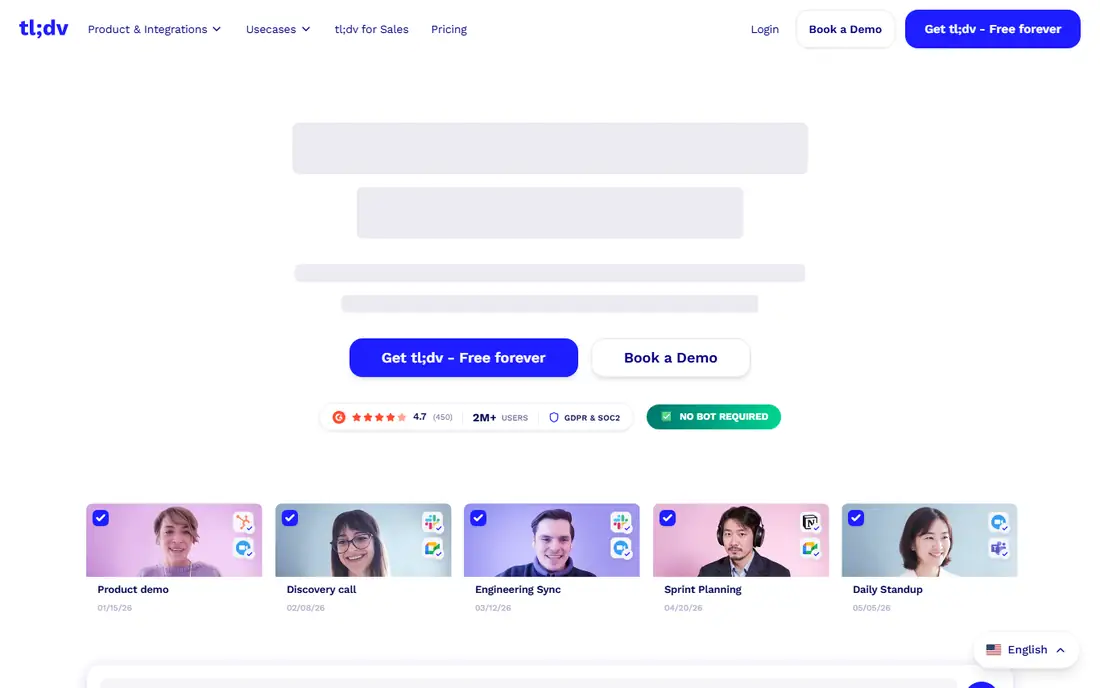
tl;dv, pronounced as the letters, is built around review. It records meetings, transcribes them, and lets users clip key moments, timestamp decisions, and share short highlights with colleagues who missed the call. That clip workflow is useful for coaching, product feedback, and handoffs.
The free plan includes a small number of AI-note meetings and Ask AI queries, with a recording length limit, so it works for a trial. Pro starts at $18 per seat per month when billed annually, and raises those limits while adding more AI features and integrations. The bot joins meetings in the standard flow, so buyers who want bot-free capture should look at Jamie or Bluedot instead.
tl;dv fits sales, product, and customer teams that review calls together and share moments. It is less suited to solo users who want the lowest price, since Otter, Fellow, and Notta start lower.
What we like- Easy clipping and sharing of moments
- Searchable transcripts
- Good for sales call review
Watch out for- Higher starting price than several rivals
- Free plan limits AI-note meetings
Starting priceSee website
Free planYes
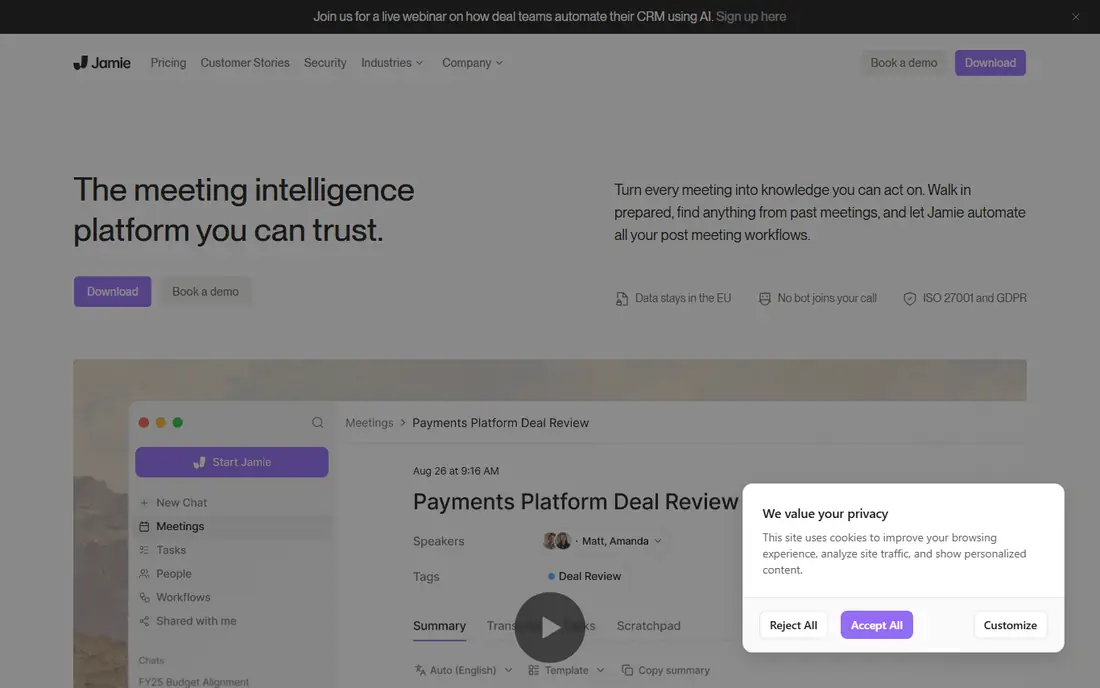
Jamie is the closest match to Granola in this list on privacy and capture method. It records from the user's own device, without sending a bot into the meeting, and it deletes audio after transcription. That makes it a natural switch for Granola users who want the same feel.
The free plan covers a small number of notes per month, with a meeting length limit, which is enough to test the summary quality. Paid plans are priced in euros and start above the cheapest rivals, so buyers should check the current price in their own currency before comparing. Jamie also offers phone apps, which help for in-person meetings and calls taken away from a desk.
Jamie fits privacy-conscious users who dislike bots and want notes without stored audio. It is less suited to teams that need a shared library, CRM analytics, and video playback, where Fireflies or Fathom may fit better.
What we like- No bot joins the call
- Audio is deleted after transcription, like Granola
- Desktop and phone apps
Watch out for- Pricing is in euros and varies by plan
- Fewer team analytics than Fireflies
#9Bluedot
Best for: Bot-free capture for browser calls4.8/5 on
G2 (223 reviews, checked Oct 2026)
Visit bluedot.io
Starting price$18 per user/month (billed annually)
Free planFree trial
Bluedot records meetings from the user's device, so no bot appears in the participant list. That approach works well for browser-based calls and for users who want a cleaner guest experience, similar to Granola. Notes, summaries, and action items follow the call, and recordings can be shared with a team.
Pricing starts at $18 per user per month when billed annually, with a free trial rather than a permanent free plan. That puts Bluedot at the higher end of this list, so buyers should weigh the bot-free benefit against cheaper rivals that use a bot. Bluedot also offers integrations with common work tools, though its team analytics are lighter than Fireflies.
Bluedot fits professionals who take client calls in a browser and want bot-free capture with polished notes. It is less suited to budget buyers, where Fathom's free tier or Otter's lower paid tier may be enough.
What we like- Records from the device without joining the call
- Browser and app coverage
- AI notes and summaries
Watch out for- Higher starting price
- No permanent free plan, only a trial
How we chose
We compared tools on capture method, summary quality in principle, language support, integrations, and total cost including free plan limits. We checked vendor pricing pages and documentation, and we read public reviews on G2, Capterra, and Reddit for patterns in transcription accuracy, bot behaviour, and support. Tools were kept only if they produce AI meeting notes or summaries from real meetings today, not generic note apps without meeting capture.
We also weighed privacy and workflow fit. A tool that stores audio suits a team library, while a tool that deletes audio after transcription suits a private note taker, so retention details counted as heavily as price.
How to pick an AI meeting assistant that fits your calls
Start with how you meet. Browser calls, desktop calls, phone calls, and in-person meetings each favour a different capture method. A bot works well for scheduled video calls, while a device recorder works better for ad-hoc and in-person conversations. Pick the capture method first, then compare summary quality and price.
Decide on bots and recording retention
Ask whether a visible bot is acceptable in client calls, and whether stored audio or video is needed later. If bots are a problem, shortlist Jamie, Bluedot, and Granola-style device recorders. If playback and coaching matter, a bot-based tool with a library, such as Fireflies or tl;dv, may be worth the trade-off.
Match the free plan to your meeting volume
Count meetings per week and average length, then compare that total with each free plan limit. A minute cap binds a heavy user, a storage cap binds a team that records everything, and a meeting-count cap binds a user with many short calls. A free plan that covers a trial week may not cover a normal month.
Check language, integrations, and sharing
Confirm the languages used in meetings are supported, and check whether notes flow into the CRM, task tool, or docs system already in use. Sharing controls matter too, since meeting notes often contain client details. A tool that makes sharing easy, but hard to control, can create a privacy risk.
Test summary quality on real calls
Run the same two or three meetings through two shortlisted tools and compare summaries for accuracy, action items, and readability. A summary that needs heavy editing saves little time, even when the price is low. Testing on real calls, with real accents and jargon, gives a truer result than a demo recording.
Frequently asked questions
Is Granola really bot-free, and do its alternatives match that?
Yes, Granola captures audio from the user's device and does not send a bot into the call. Jamie and Bluedot use a similar device-based approach, while Otter, Fireflies, Fathom, and others can use a bot or a desktop recorder depending on the plan and platform. Check the capture method for the exact platform in use before buying.
Which Granola alternative is best for a solo user?
Fathom is a strong starting point for a solo user, thanks to unlimited recordings on its free plan. Otter is also useful when a searchable transcript matters more than a polished summary. A privacy-focused solo user who wants bot-free capture should test Jamie or Bluedot first.
Do AI meeting notes work for in-person meetings?
They can, when the tool offers a mobile or desktop recorder that captures device audio. Otter, Jamie, and Notta all offer mobile capture, while bot-based tools need a meeting link and are less suited to a room conversation. Audio quality and speaker separation are harder in a room, so results vary more than on a video call.
Are meeting recordings kept, and can I delete them?
Retention varies by tool. Some tools keep audio and video for playback and search, while Granola-style tools delete audio after transcription. Most tools allow manual deletion and offer retention controls on team plans, but the default settings differ. Check the privacy and retention page for any tool handling client or sensitive calls.
Can these tools sync notes to a CRM?
Many can, with Fireflies and Fathom offering the broadest CRM and task integrations in this list. Fellow, Read AI, and tl;dv also sync notes or tasks to common tools, though the depth varies. Confirm the exact CRM and the fields that sync, since a simple note export is not the same as a structured CRM update.
What is the cheapest way to start with AI meeting notes?
Start with a free plan that matches meeting volume, such as Fathom for unlimited recordings or Otter for 300 minutes per month. Use the free tier for two or three real weeks before paying, and only upgrade when a limit actually binds. That approach avoids paying for minutes or storage that a light schedule never uses.
Sources we checked (9)
- https://otter.ai/pricing
- https://fireflies.ai/pricing
- https://fathom.video/pricing
- https://www.read.ai/pricing
- https://fellow.app/pricing
- https://www.notta.ai/pricing
- https://tldv.io/pricing
- https://www.meetjamie.ai/pricing
- https://www.bluedot.io/pricing
Is your product missing or out of date?
We review this list regularly. Vendors can request a listing, send updated pricing or ask about featured placement.

Shihab Mia · Founder, Rankite
Shihab has 5+ years in B2B and SaaS SEO. He writes Rankite's software buying guides from pricing pages, documentation and public user reviews. More about Shihab.