How we make this list: we compare pricing pages, product documentation and public user reviews. Ratings come from G2, Capterra or Trustpilot, with the date we checked them.
Key takeaways
- Jasper is the closest fit for marketing teams that need a shared brand voice across many writers, while Rytr and QuillBot cover solo writers on a tight budget.
- Writesonic and Frase suit teams whose main goal is search visibility, because they combine drafting with scoring, briefs, and tracking in one place.
- Anyword stands out for ad and email copy where predicted performance matters more than long blog posts.
- Writer and Grammarly fit regulated or large teams better, since they focus on consistency, compliance controls, and editing inside other apps.
- Before you pay for a full platform, check word limits, seat limits, and whether SEO or brand features sit on a higher plan.
Quick comparison
| Tool | Best for | Starting price | Free plan |
|---|
 Jasper Jasper | Brand voice for marketing teams | $59 per user/month (billed annually) | Free trial (7 days) |
 Writesonic Writesonic | SEO articles and AI search visibility | $79 per month (billed annually) | Free trial |
 Rytr Rytr | Budget short-form copy | $7.50 per user/month (billed annually) | Yes |
 Anyword Anyword | Ad and email performance copy | $39 per user/month (billed annually) | Free trial |
 Frase Frase | SEO briefs and content optimization | $39 per user/month (billed annually) | Free trial |
 Writer Writer | Enterprise writing with controls | See website | Free trial |
 Grammarly Grammarly | Editing and tone across apps | $12 per user/month (billed annually) | Yes |
 QuillBot QuillBot | Paraphrasing and summarizing | $8.33 per user/month (billed annually) | Yes |
 Scalenut Scalenut | SEO content planning and drafting | See website | Free trial |
Is your product missing or out of date?
We review this list regularly. Vendors can request a listing, send updated pricing or ask about featured placement.
The best Copy.ai alternatives
#1Jasper
Best for: Brand voice for marketing teams4.8/5 on
Capterra (1,855 reviews, checked Oct 2026)
Visit jasper.ai
Starting price$59 per user/month (billed annually)
Free planFree trial (7 days)
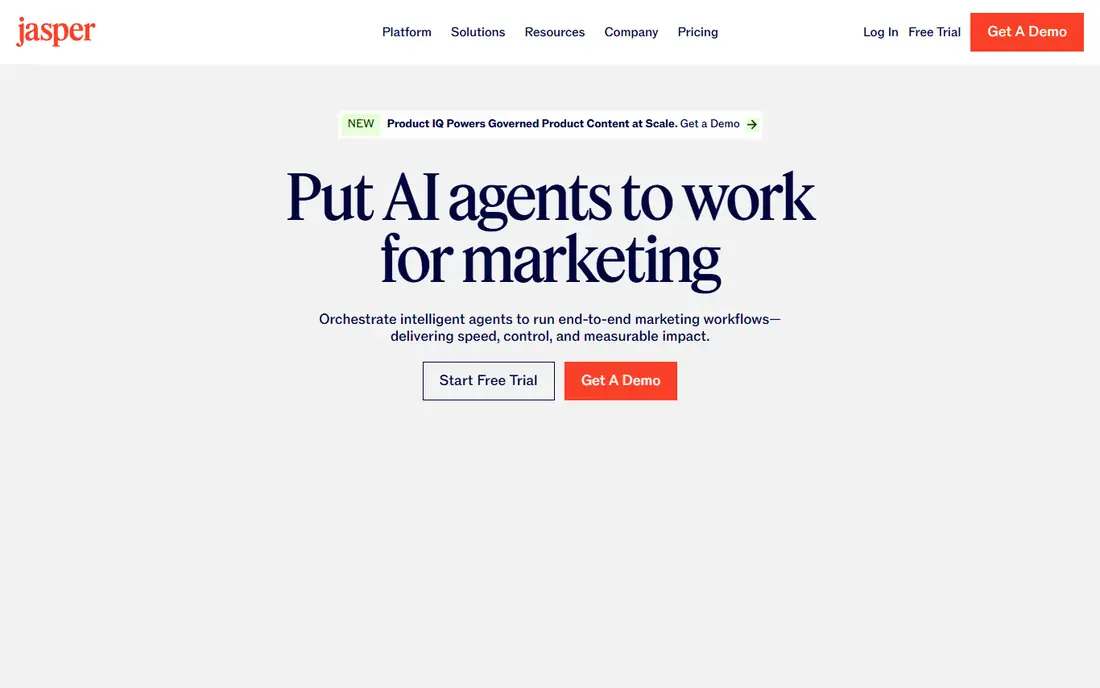
Jasper suits a marketing team that publishes often and needs every writer to sound like the same brand. You set up brand voices, knowledge assets, and audiences, then reuse them across blog posts, ads, and social copy. That structure saves editing time when three or more people create content each week.
The catch is price and scope. At $59 per user per month on annual billing, a small team can quickly spend more than it would on a general assistant plus an editor. The entry plan also caps brand voices and knowledge assets, so larger teams may need the custom Business plan. Check those caps before you sign, and use the trial to test voice output on your own past posts.
What we like- Strong brand voice controls
- Canvas workspace for campaigns
- Useful agents for common marketing workflows
Watch out for- No free plan
- Price rises fast with extra seats
- Lower plan limits brand voices and knowledge assets
#2Writesonic
Best for: SEO articles and AI search visibility4.7/5 on
G2 (2,133 reviews, checked Oct 2026)
Visit writesonic.com
Starting price$79 per month (billed annually)
Free planFree trial
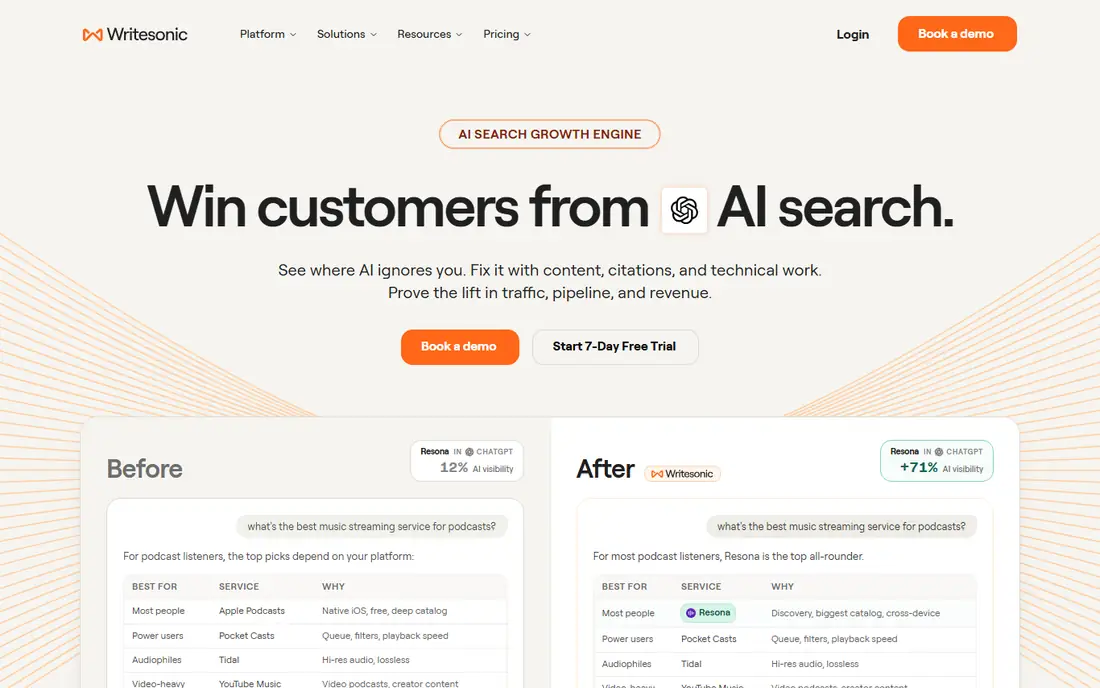
Writesonic has moved from a simple writer to a search visibility platform. Its Starter plan includes AI articles, site audits, and tracking of prompts in AI answers, which helps a content team see where a brand appears and where it is missing. For a team whose traffic depends on search and AI answers, that combined view is a real time saver.
The trade-off is that you pay for tracking even if you only want drafts. Starter includes 15 articles per month on the plan described in recent pricing summaries, and broader engine coverage and the full Action Center sit on higher tiers. If your main job is short social copy, a cheaper writer will serve you better.
What we like- Combines article generation with AI search tracking
- Site audits included
- Useful for teams focused on search traffic
Watch out for- Entry plan covers a limited number of articles
- Higher tiers add broader engine coverage
- Expensive if you only need drafting
#3Rytr
Best for: Budget short-form copy4.7/5 on
G2 (822 reviews, checked Oct 2026)
Visit rytr.me
Starting price$7.50 per user/month (billed annually)
Free planYes
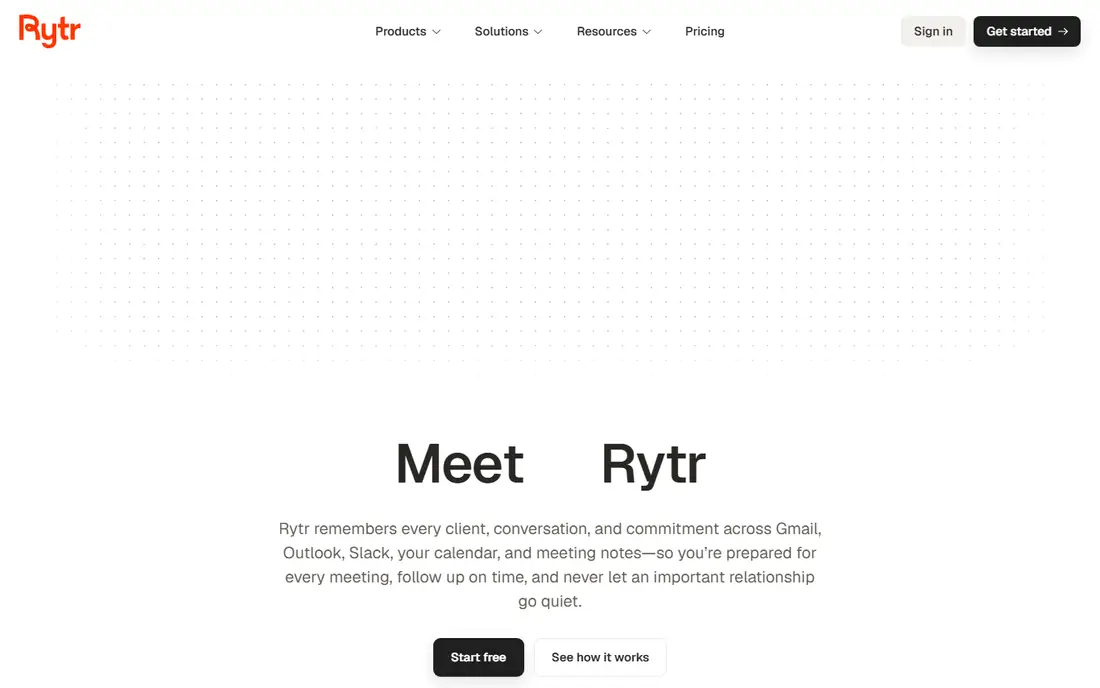
Rytr is the simplest way to replace Copy.ai on a budget. It covers emails, social posts, product descriptions, and short blog sections through templates, and the free plan gives 10,000 characters per month for testing. Solo creators and small shops can produce a steady stream of short copy without a monthly bill that hurts.
Long articles are where Rytr shows its limits. It can draft sections, but structure, sourcing, and depth still need a human editor, and it lacks the brand governance that larger teams expect. Treat it as a fast first-draft tool for short formats, not as a full content operation.
What we like- Very low price
- Free plan for light use
- Many templates and languages
Watch out for- Weaker for deep long-form writing
- Output often needs editing
- Fewer team and brand controls
#4Anyword
Best for: Ad and email performance copy4.8/5 on
G2 (1,228 reviews, checked Oct 2026)
Visit anyword.com
Starting price$39 per user/month (billed annually)
Free planFree trial
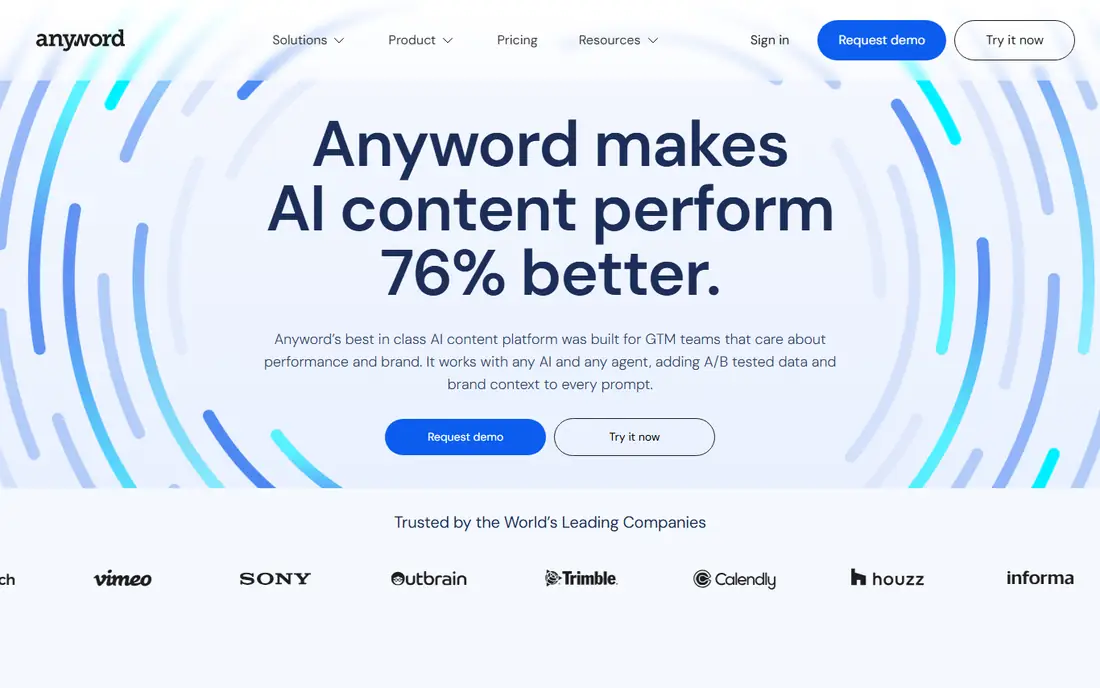
Anyword takes a different angle from most writers on this list. Instead of only generating text, it scores variants and helps marketers pick the version most likely to perform. That matters when you run paid ads or email tests, because small wording changes can shift click rates and signups.
The limit is breadth. Anyword is built for performance copy first, so teams that need research briefs, SEO scoring, and long-form structure will still need another tool. Use it when you test copy at volume, and judge it on your own campaign results rather than on its scores alone.
What we like- Predictive scoring for copy variants
- Strong for ads, landing pages, and email
- Clear focus on conversion
Watch out for- Less suited to long SEO articles
- Scoring is a guide, not a guarantee
- Higher plans needed for larger teams
#5Frase
Best for: SEO briefs and content optimization4.8/5 on
G2 (311 reviews, checked Oct 2026)
Visit frase.io
Starting price$39 per user/month (billed annually)
Free planFree trial
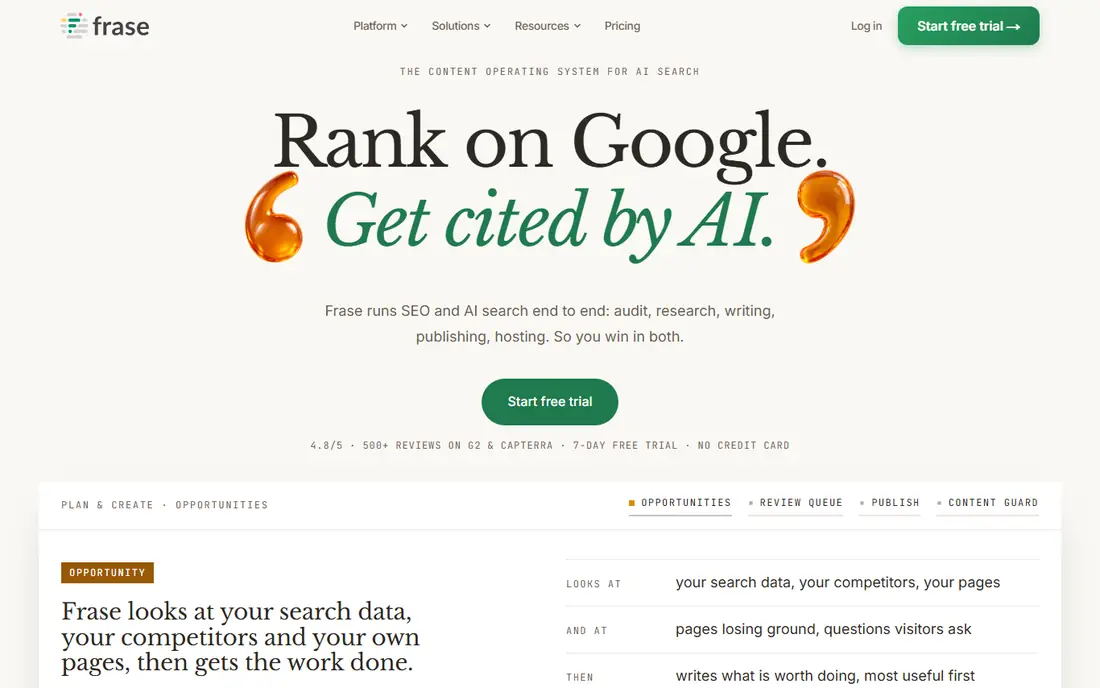
Frase starts with research, not a blank page. It builds briefs from search results, shows the topics and questions a page should cover, and scores drafts against competing pages. For an SEO writer, that brief-first flow cuts research time and gives editors a clear checklist.
Writing quality is solid but not the main selling point. You will still edit for voice, flow, and accuracy, and lower plans cap the number of articles and audits. Frase fits best when ranking is the goal and you already have writers who can turn a good brief into a finished piece.
What we like- Strong SERP-based briefs
- Content scoring and audits
- AI visibility tracking on entry plan
Watch out for- Drafts still need human polish
- Article limits on lower plans
- Less useful for pure ad copy
Starting priceSee website
Free planFree trial
Writer is aimed at companies that cannot risk off-brand or noncompliant copy. It enforces style guides, approved terms, and review controls across teams, which helps legal, healthcare, and financial firms publish with fewer surprises. Its enterprise focus also shows in security and admin features that smaller tools skip.
That strength comes with friction. Pricing is not published for the main plans, so budgeting requires a sales conversation, and setup takes more time than a self-serve writer. Solo writers and tiny teams will find it too heavy. Larger teams with strict review needs are the right audience.
What we like- Strong style and terminology controls
- Compliance and security focus
- Own models for enterprise use
Watch out for- No public entry price
- Setup takes longer
- Overkill for solo writers
#7Grammarly
Best for: Editing and tone across apps4.7/5 on
G2 (14,073 reviews, checked Oct 2026)
Visit grammarly.com
Starting price$12 per user/month (billed annually)
Free planYes
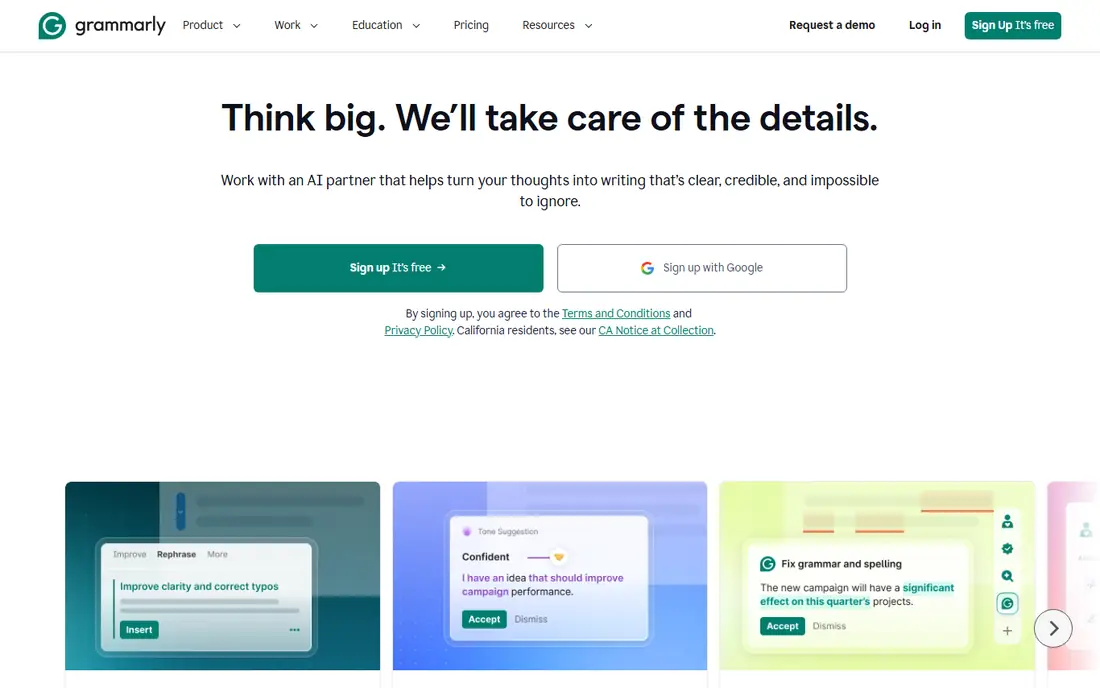
Grammarly does a different job from Copy.ai, and that is why it belongs here for many buyers. It polishes drafts you already wrote, in the apps where you write them, rather than generating long posts from a prompt. For teams that value clean, consistent English across email, docs, and support replies, that daily editing layer is often more useful than another generator.
Do not buy Grammarly expecting a full content engine. It can help with rewrites and short drafts, but it will not plan an SEO article or manage campaigns. Pair it with a generator if you need both, or use it alone if editing and consistency are your main gaps.
What we like- Works inside email, docs, and browsers
- Good grammar, clarity, and tone checks
- Free plan covers basics
Watch out for- Not a full article generator
- AI prompts are limited on free plan
- Team controls sit on higher plans
#8QuillBot
Best for: Paraphrasing and summarizing4.4/5 on
G2 (79 reviews, checked Oct 2026)
Visit quillbot.com
Starting price$8.33 per user/month (billed annually)
Free planYes
QuillBot is best understood as a rewriting tool, not a campaign writer. It helps you rephrase a paragraph, tighten a draft, summarize a long document, and check grammar, all at a low price. Students, editors, and solo marketers often use it to improve text they already have.
Original article creation is not its strength. You can generate short passages, but you will not get a researched, structured blog post in one pass. If most of your work starts from existing notes, briefs, or drafts, QuillBot is a strong low-cost pick. If you need fresh long-form ideas, look at Jasper, Frase, or Writesonic instead.
What we like- Low price
- Useful paraphrase modes and summarizer
- Good for rewriting existing drafts
Watch out for- Limited for original long-form creation
- Free plan has word limits
- Fewer marketing templates
#9Scalenut
Best for: SEO content planning and drafting4.7/5 on
G2 (316 reviews, checked Oct 2026)
Visit scalenut.com
Starting priceSee website
Free planFree trial

Scalenut tries to cover the full SEO content path, from keyword clusters and outlines to a scored draft. That appeals to small SEO teams that want one tool for planning and writing, rather than stitching together a keyword tool, a brief tool, and a writer. Its faster draft mode helps when you need a solid first version quickly.
The honest catch is that SEO scores and fast drafts do not replace judgment. You still need to check facts, add original examples, and edit for a human voice. Confirm the current plan limits on the vendor pricing page before you buy, since entry limits have shifted over time.
What we like- Keyword planning plus drafting in one flow
- Content optimization scores
- Useful Cruise Mode for faster drafts
Watch out for- Pricing and plan limits change often
- Less brand governance than Jasper or Writer
- Still needs human editing
How we chose
We compared pricing pages, documentation, and public reviews on G2, Capterra, and Reddit, and we checked each tool for a clear fit with Copy.ai use cases: short marketing copy, blog drafting, brand consistency, and SEO content. Tools made the list only if they exist today, serve US buyers, and offer a distinct angle rather than a duplicate feature set. Where a price could not be confirmed on the vendor page at the time of writing, we wrote See website instead of guessing.
What to check before you switch
Start with the job, not the feature list. A team that needs ten short ads per week has a different tool than a team that needs two researched SEO posts per week, and buying the wrong one wastes both money and editing time.
Match the tool to the output
List your top three outputs for the next 90 days, such as ads, emails, blog posts, or product pages. Then test each shortlisted tool on one real example of each output. A tool that scores well on ads may disappoint on long articles, and the reverse is also true.
Count seats, words, and articles
Entry prices can hide caps. Check how many seats are included, whether words or articles reset monthly, and whether unused credits roll over. A $39 plan with a strict article cap can cost more in practice than a $59 plan with room to grow.
Test brand voice on your own copy
Upload or paste your own past posts during a trial and compare output side by side. Look for tone, banned phrases, product names, and formatting habits. If a tool keeps drifting from your voice, editors will spend the savings on rewrites.
Check export and integration needs
Confirm that you can export drafts cleanly to your CMS, docs, or email tool, and that integrations you rely on are on your plan, not only on enterprise tiers. Also check support hours and response times, since a content deadline does not wait for a slow ticket queue.
Frequently asked questions
Is Copy.ai still a good tool?
Copy.ai remains useful for short marketing copy and go-to-market workflows, but many buyers leave because higher workflow tiers cost much more and long-form writing needs heavy editing. The tools above cover the main reasons people switch: brand voice, SEO, budget, and performance copy.
Which Copy.ai alternative is cheapest?
Rytr is the cheapest full writer on this list, at $7.50 per user per month on annual billing, with a free plan for light use. QuillBot is close for rewriting work, while Grammarly offers a useful free editing tier if you do not need generation.
Which alternative is best for SEO content?
Frase and Writesonic lead for SEO work, with Frase stronger on briefs and optimization and Writesonic stronger on AI search visibility tracking. Scalenut is a useful third option for teams that want planning and drafting in one place.
Do any of these tools offer a free plan?
Yes. Rytr, Grammarly, and QuillBot offer free plans with limits, while Jasper, Writesonic, Anyword, Frase, Writer, and Scalenut offer trials instead of a permanent free tier. Always check the current free limits, since they change.
Can one tool replace Copy.ai completely?
It depends on how you used Copy.ai. A single tool can cover short copy well, but teams that used it for ads, blogs, and brand work may need two tools, such as a generator plus Grammarly for editing. Start with one, measure editing time, then add a second tool only if a gap remains.
How do I avoid paying for features I will not use?
Write down the three outputs you need most, test those exact outputs in a trial, and check which plan includes them. Avoid annual billing until you have used the tool for at least one full content cycle.
Sources we checked (9)
- https://www.jasper.ai/pricing
- https://www.writesonic.com/pricing
- https://www.rytr.me/pricing
- https://www.anyword.com/pricing
- https://www.frase.io/pricing
- https://www.writer.com/pricing
- https://www.grammarly.com/pricing
- https://www.quillbot.com/pricing
- https://www.scalenut.com/pricing
Is your product missing or out of date?
We review this list regularly. Vendors can request a listing, send updated pricing or ask about featured placement.

Shihab Mia · Founder, Rankite
Shihab has 5+ years in B2B and SaaS SEO. He writes Rankite's software buying guides from pricing pages, documentation and public user reviews. More about Shihab.