How we make this list: we compare pricing pages, product documentation and public user reviews. Ratings come from G2, Capterra or Trustpilot, with the date we checked them.
Key takeaways
- Microsoft Power BI is the lowest-cost mainstream replacement for teams already using Microsoft 365, with a $14 per user per month Pro tier.
- Tableau leads on visual exploration, with Viewer pricing from $15 per user per month, though Creator licences cost far more.
- Looker suits Google Cloud teams that need a governed metric layer, but it requires modelling skill and custom pricing.
- ThoughtSpot and Qlik Sense suit business users who want to explore data with search or associative analysis, rather than building dashboards from scratch.
- Metabase and Zoho Analytics offer the lowest entry cost, while QuickSight suits AWS teams that want pay-per-session pricing.
Quick comparison
| Tool | Best for | Starting price | Free plan |
|---|
 Microsoft Power BI Microsoft Power BI | Microsoft 365 teams | $14 per user/month (billed annually) | Yes |
 Tableau Tableau | Visual exploration | $15 per user/month (billed annually) | Free trial |
 Looker Looker | Governed metrics on Google Cloud | See website | No |
 ThoughtSpot ThoughtSpot | Search-driven analysis | $25 per user/month | Free trial |
 Qlik Sense Qlik Sense | Associative exploration | $30 per user/month (billed annually) | Free trial |
 Metabase Metabase | Low-cost team dashboards | See website | Yes |
 Sisense Sisense | Embedded analytics | See website | Free trial |
 Zoho Analytics Zoho Analytics | Small business dashboards | $24 per month (billed annually) | Yes |
 Amazon QuickSight Amazon QuickSight | AWS-based reporting | See website | Free trial |
Is your product missing or out of date?
We review this list regularly. Vendors can request a listing, send updated pricing or ask about featured placement.
The best Domo alternatives
#1Microsoft Power BI
Best for: Microsoft 365 teams4.5/5 on
G2 (1,661 reviews, checked Oct 2026)
Visit microsoft.com
Starting price$14 per user/month (billed annually)
Free planYes
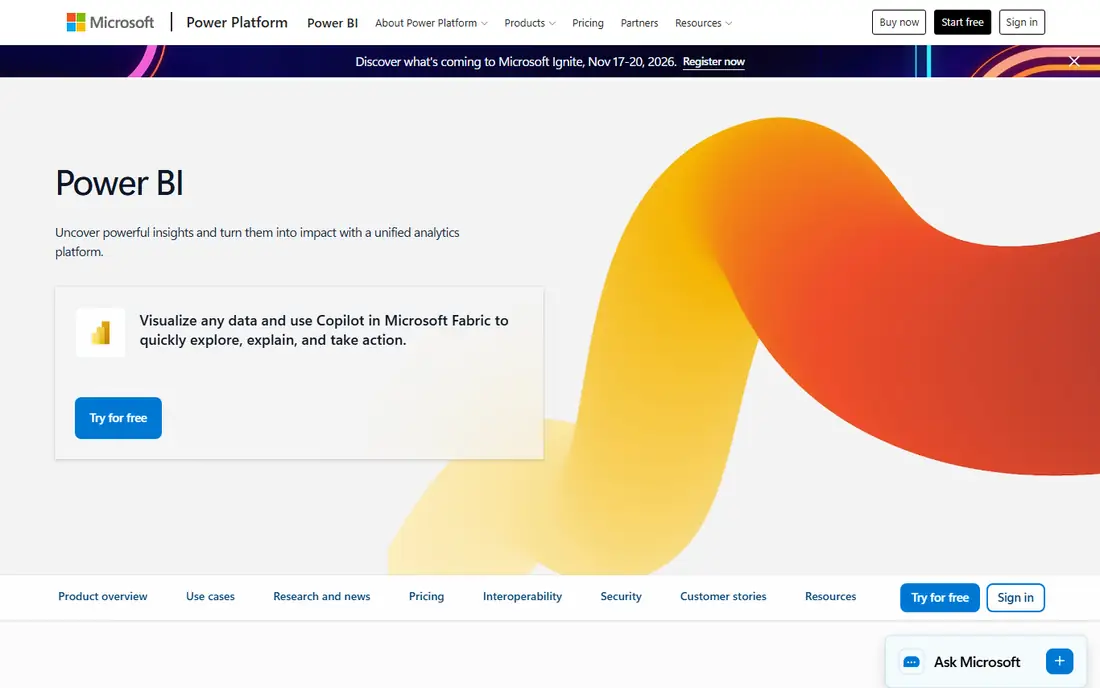
Power BI is the most common Domo replacement for cost reasons alone. Pro starts at $14 per user per month, and a free Desktop version lets analysts build reports before buying. For a team already on Microsoft 365, the fit is natural, with Excel, Teams, and SharePoint sitting close to the reporting workflow.
The platform covers dashboards, paginated reports, and AI-assisted insights, plus Copilot features on higher tiers. Data preparation uses Power Query, and modelling uses DAX, which gives skilled analysts a lot of control over measures and calculations. That control is also the learning curve, since complex models need training and care.
Power BI fits Microsoft-centric companies of any size that want a mainstream, well-supported BI tool at a modest per-user price. It is less suited to teams that need a fully governed semantic layer out of the box, or that run mainly on Google Cloud, where Looker may fit better.
What we like- Low Pro price
- Deep Excel and Teams integration
- Large connector library
Watch out for- Advanced modelling needs DAX skill
- Sharing requires paid licences for viewers in many cases
#2Tableau
Best for: Visual exploration4.4/5 on
G2 (3,787 reviews, checked Oct 2026)
Visit tableau.com
Starting price$15 per user/month (billed annually)
Free planFree trial
Tableau remains the visual analysis leader for many analysts. Drag-and-drop exploration, rich chart types, and fast filtering help users find patterns without writing code for every question. The community, public gallery, and training materials also make it easier to hire and upskill analysts.
Pricing needs care. Viewer starts at $15 per user per month, while Explorer and Creator tiers cost more, and Creator is required to build and publish full content. A team that only counts Viewer seats will understate the real cost, since at least some Creators are needed to build the reports viewers read.
Tableau fits visualization-first teams, analysts, and companies where dashboard quality and exploration speed matter most. It is less suited to teams that need built-in data pipelines like Domo, since ingestion and preparation often sit in other tools.
What we like- Excellent visual analysis
- Large community and learning resources
- Flexible publishing options
Watch out for- Creator licences cost far more than Viewer
- Data preparation often needs a separate step
Starting priceSee website
Free planNo
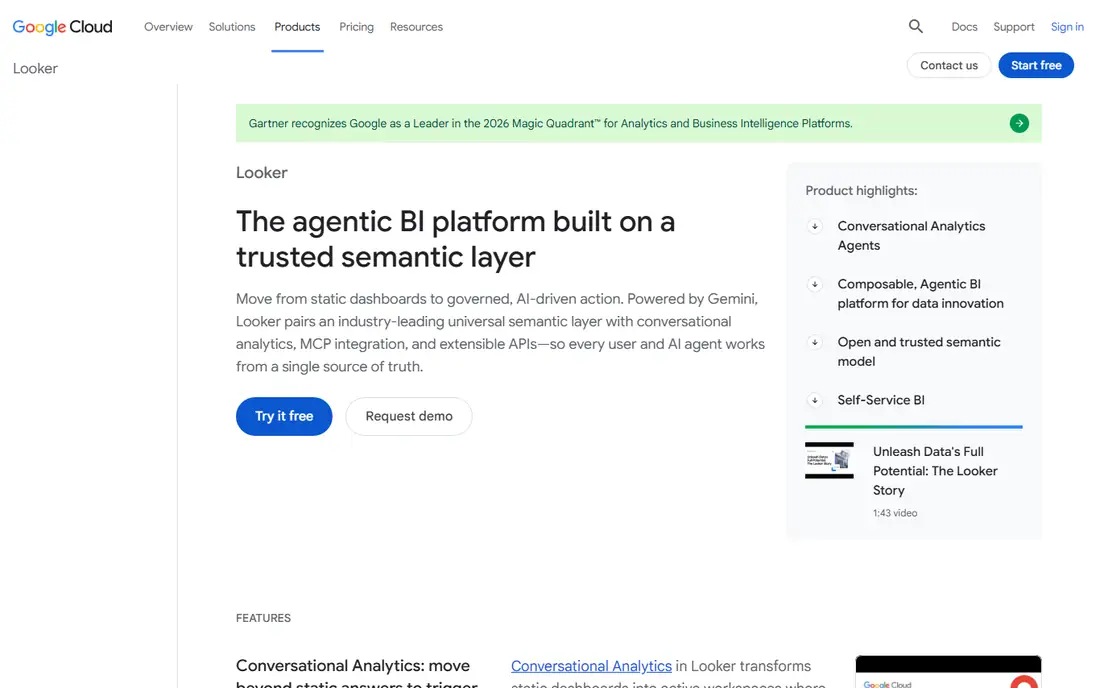
Looker, from Google Cloud, is built around governed metrics. Data teams define measures and dimensions once in LookML, and business users then explore those trusted definitions without rebuilding logic in every report. That single definition layer reduces conflicting numbers across teams, which is a common complaint in looser BI setups.
The trade-off is setup effort and skill. LookML is a modelling language, so a team needs analysts or engineers who can write and maintain models, plus Git workflows for version control. Pricing is custom, which makes budgeting harder for small teams, though larger Google Cloud customers often negotiate it as part of a wider deal.
Looker fits enterprises and Google Cloud teams that value metric governance above speed to first dashboard. It is a poor fit for a small team that wants to connect a spreadsheet and build a dashboard in an afternoon.
What we like- Strong governed metric layer with LookML
- Git-based version control
- Good embedded options
Watch out for- Custom pricing
- LookML modelling requires technical skill
- Slower to set up than self-service tools
Starting price$25 per user/month
Free planFree trial
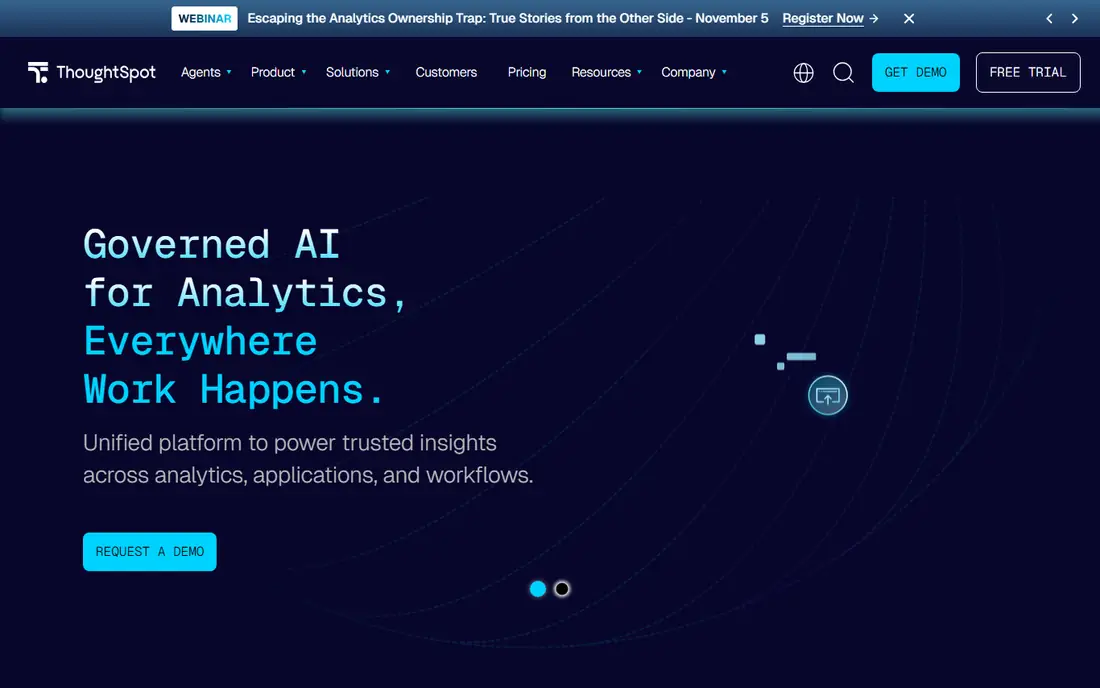
ThoughtSpot changes how business users ask questions. Instead of opening a dashboard and filtering, a user types a question in plain language and gets a chart or table back, with suggestions for follow-up questions. That search model suits executives and managers who need an answer now, without waiting for an analyst.
Good search still needs good modelling. Data teams must prepare worksheets and define measures before users can ask useful questions, so the time to value depends on data readiness. Pricing starts at $25 per user per month for Essentials in published material, with higher tiers for larger deployments and embedded use.
ThoughtSpot fits companies that want self-service for non-technical users and are willing to invest in modelling upfront. It is less suited to teams that mainly need pixel-perfect executive dashboards, where Tableau or Power BI may be stronger.
What we like- Natural language search for questions
- AI-assisted insights
- Approachable for non-technical users
Watch out for- Modelling work is still needed before search works well
- Enterprise pricing rises with scale
#5Qlik Sense
Best for: Associative exploration4.4/5 on
G2 (929 reviews, checked Oct 2026)
Visit qlik.com
Starting price$30 per user/month (billed annually)
Free planFree trial
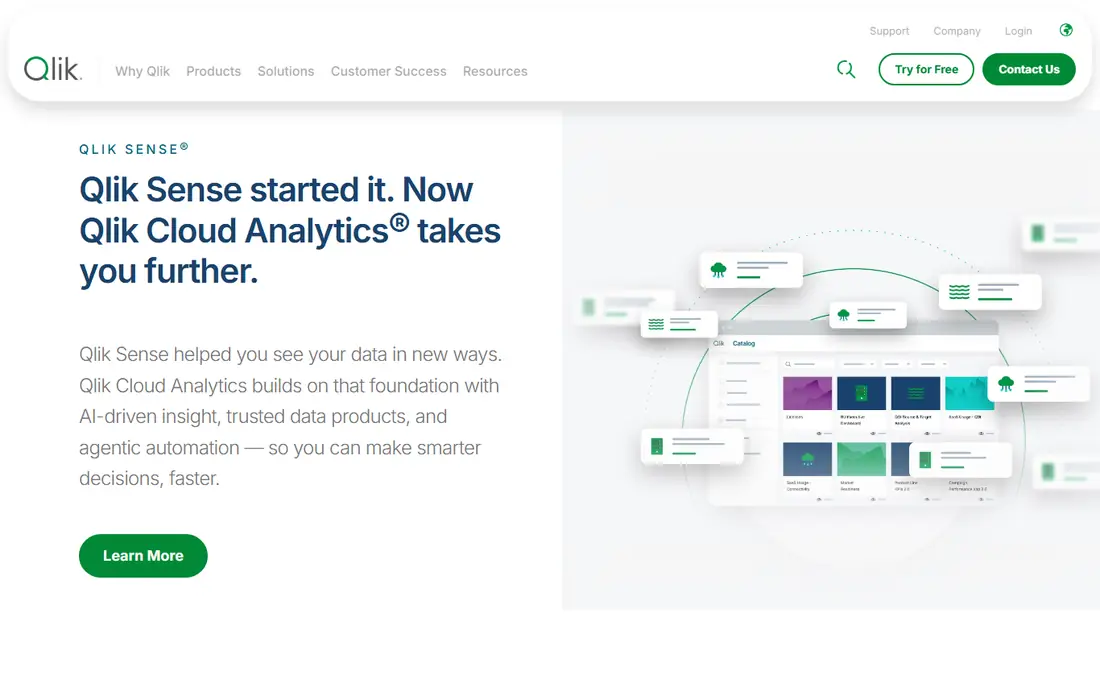
Qlik Sense uses an associative engine, which means users can explore freely and see how selections affect all related data, including values that would be excluded in a traditional query. That approach helps analysts spot relationships they did not think to ask about, and it suits exploratory work more than fixed reporting.
The interface supports dashboards, self-service analysis, and AI-assisted insights, with a mobile experience that works well for executives on the move. Pricing starts at $30 per user per month for Business in published material, with enterprise tiers for larger or governed deployments. Teams should confirm which tier covers their sharing and governance needs.
Qlik Sense fits teams that explore data openly and value discovery over a fixed dashboard path. It is less suited to buyers who want the simplest possible pricing, since tier differences need a careful read before signing.
What we like- Associative engine surfaces related data
- Strong exploration without fixed query paths
- Good mobile experience
Watch out for- Pricing and tier details vary
- Learning curve for advanced scripting
#6Metabase
Best for: Low-cost team dashboards4.4/5 on
G2 (147 reviews, checked Oct 2026)
Visit metabase.com
Starting priceSee website
Free planYes
Metabase is the budget-friendly option in this list, and the open source version can be self-hosted for free. Business users can ask questions with a visual builder, save them as dashboards, and share results without writing SQL, while analysts can still use SQL when needed. Setup is fast compared with governed platforms such as Looker.
Paid cloud tiers add hosting, permissions, single sign-on, and support, so a team that outgrows the free version has a clear upgrade path without changing tools. The main limits are in data preparation and enterprise governance, where Domo, Looker, and Sisense offer more built-in depth.
Metabase fits startups, small teams, and internal reporting where cost and speed matter more than enterprise governance. It is less suited to large companies with strict permission, audit, and embedded analytics needs, where a paid enterprise tier may still be needed.
What we like- Open source option for self-hosting
- Simple question builder for non-technical users
- Fast setup
Watch out for- Advanced governance and permissions need paid tiers
- Data preparation features are lighter than Domo
#7Sisense
Best for: Embedded analytics4.2/5 on
G2 (1,063 reviews, checked Oct 2026)
Visit sisense.com
Starting priceSee website
Free planFree trial
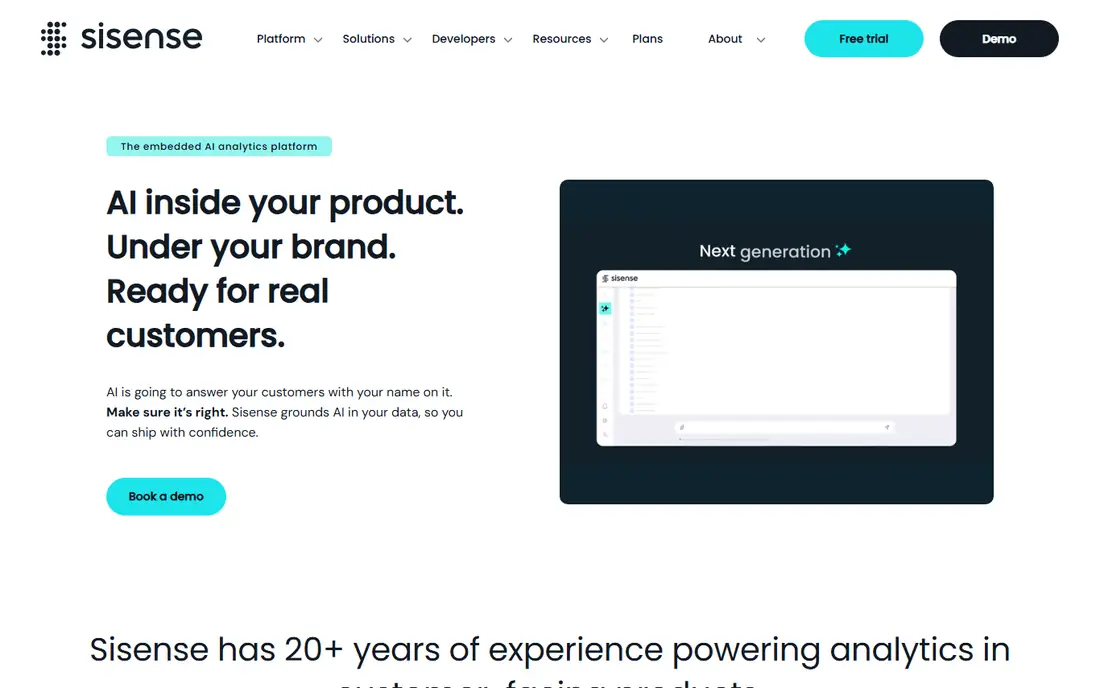
Sisense is best known for embedded analytics, where a software company puts dashboards and insights inside its own product for customers to use. That use case differs from internal reporting, and Sisense handles white labelling, permissions, and performance for external users well. Internal teams can use the same platform for dashboards, though the embedded strength is the main draw.
Pricing is custom, which reflects the range of embedded deployments, from a small customer portal to a large multi-tenant product. Implementation time varies with data complexity and embedding needs, so buyers should plan a proof of concept with real customer data before committing.
Sisense fits SaaS companies and product teams that embed analytics for customers. It is less suited to a small internal team that only needs simple dashboards, where Metabase or Zoho Analytics will cost far less.
What we like- Strong embedded analytics for customer-facing products
- Flexible data modelling
- AI-assisted analysis
Watch out for- Custom pricing
- Implementation can take time for complex embedded use
#8Zoho Analytics
Best for: Small business dashboards4.2/5 on
G2 (289 reviews, checked Oct 2026)
Visit zoho.com
Starting price$24 per month (billed annually)
Free planYes
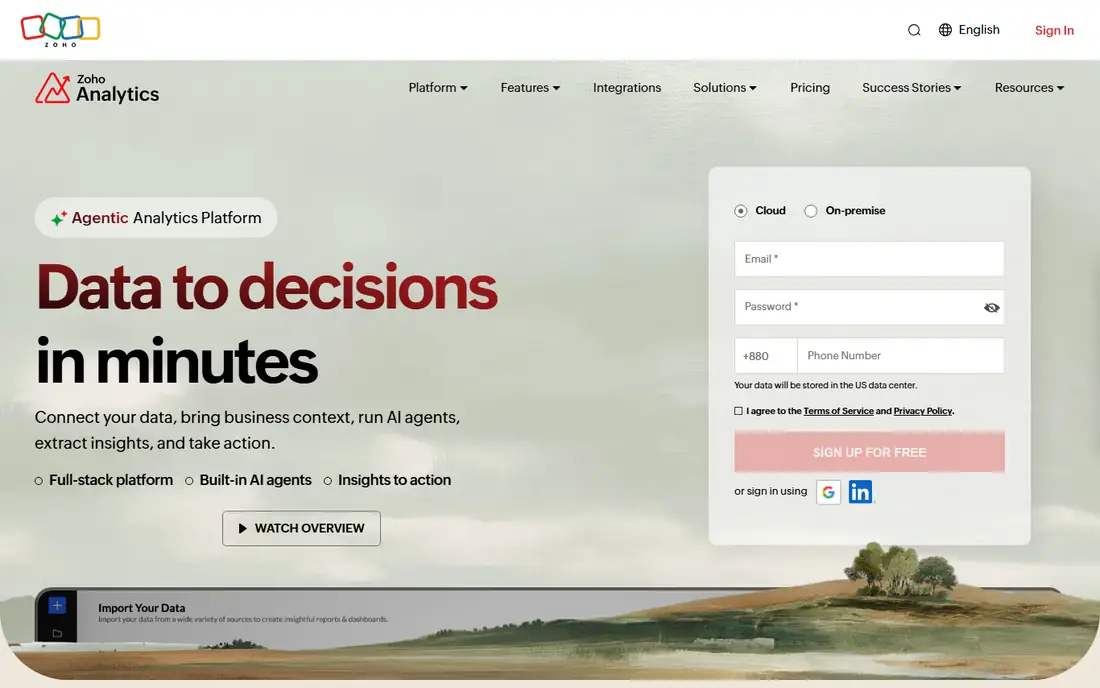
Zoho Analytics is a practical choice for small businesses, especially those already using Zoho CRM, Books, or other Zoho apps. Dashboards, reports, and data blending are straightforward, and the AI assistant can answer plain language questions about the data. A free plan for two users lets a small team test the product before paying.
Pricing starts at $24 per month for Basic when billed annually, which is low compared with enterprise BI platforms. Higher tiers add more users, rows, and features, but the total remains modest for a small company. The trade-off is enterprise depth, since governance, modelling, and embedded options are lighter than Looker, Sisense, or Tableau.
Zoho Analytics fits small and mid-sized businesses that want affordable dashboards without a data team. It is less suited to large enterprises with complex governance, multi-warehouse modelling, or heavy embedded needs.
What we like- Low starting price
- Wide connector library including Zoho apps
- AI assistant for questions
Watch out for- Less depth for large enterprise governance
- Advanced modelling is lighter than Looker
Starting priceSee website
Free planFree trial
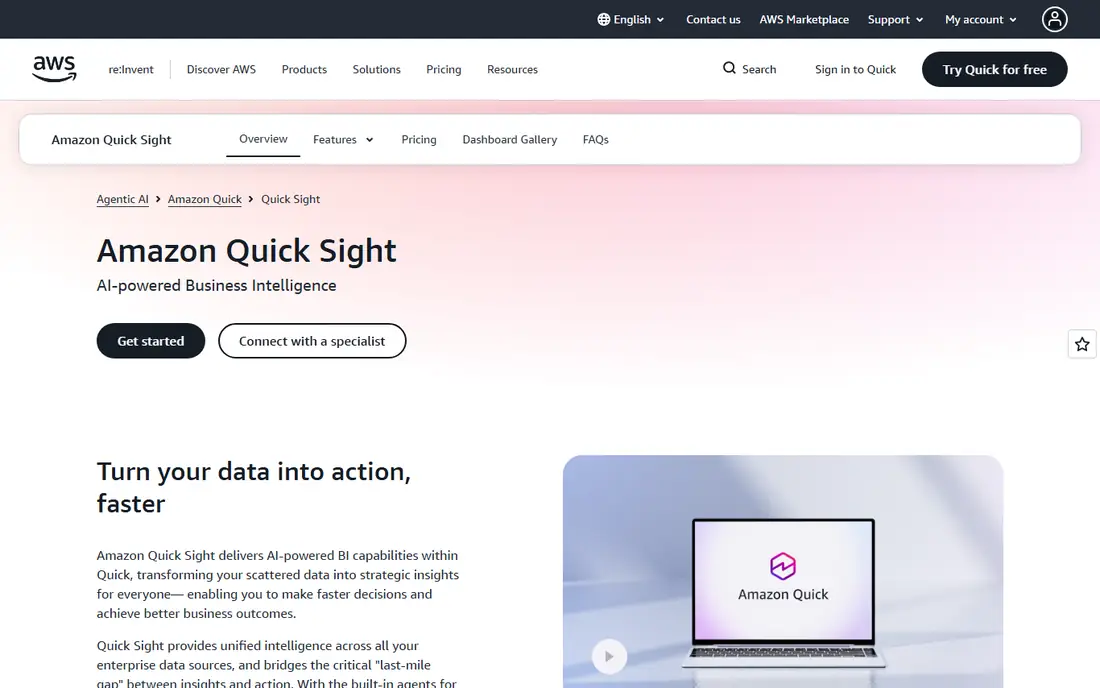
Amazon QuickSight suits teams already running on AWS. It connects to AWS data sources, scales without server management, and offers pay-per-session pricing for readers, which can keep costs low when many people view dashboards only occasionally. Authors pay a monthly rate, while readers can be charged per session up to a monthly cap.
That pricing model needs modelling before buying. A team with many daily readers may hit the cap and pay the full monthly reader rate, while a team with occasional readers saves money. QuickSight also offers natural language querying and AI-assisted insights, though its dashboard design and community are smaller than Power BI or Tableau.
QuickSight fits AWS-centric companies, especially those with a large occasional reader base. It is less suited to teams outside AWS, or to teams that want a large analyst community and a long track record in standalone BI.
What we like- Pay-per-session pricing for readers
- Tight AWS integration
- Serverless scaling
Watch out for- Author pricing and session caps need careful modelling
- Less mature as a standalone BI brand
How we chose
We compared tools on dashboard quality, data preparation, governance, self-service for business users, embedded options, and total cost including tier differences and reader pricing. We checked vendor pricing pages and documentation, and we read public reviews on G2, Capterra, and Reddit for patterns in setup time, support, and pricing surprises. Tools were kept only if they offer a real BI platform today, with dashboards, data connections, and sharing.
We also weighed the Domo gap each tool fills. A team leaving Domo for cost reasons needs a different answer from a team leaving for governance or self-service reasons, so we included low-cost, governed, search-driven, and embedded options rather than nine near-identical dashboard tools.
How to choose a Domo replacement without repeating the same problem
Start by naming why Domo is being replaced. Cost, governance, self-service, embedded needs, and data preparation each point to a different shortlist, and a tool that fixes one problem may repeat another. A clear reason for switching keeps the evaluation honest and prevents a like-for-like purchase that costs the same.
Map who builds, who views, and who governs
Count authors, viewers, and data stewards separately, since pricing and permissions depend on those roles. A tool that is cheap for viewers but expensive for authors can cost more than expected, and a tool with weak governance can create conflicting metrics. Confirm permission controls, metric definitions, and audit needs before choosing.
Check data sources and preparation needs
List every source that must connect, from warehouses and databases to spreadsheets and SaaS apps. If Domo handled preparation inside the platform, check whether the replacement does too, or whether a separate ETL tool and warehouse will be needed. That extra stack changes both cost and setup time.
Run a proof of concept on real data
Build two or three real dashboards, with real measures and real users, before signing. Test refresh speed, mobile viewing, sharing, and export, plus how business users ask ad-hoc questions. A demo on sample data hides modelling work, permission gaps, and performance issues that only appear with production data.
Model total cost for three years
Add licence fees, reader and author tiers, capacity charges, implementation time, and any ETL or warehouse costs. Compare that three-year total across shortlisted tools, not just the first-year price. A low entry price that rises sharply with users can cost more than a higher starting price with stable tiers.
Frequently asked questions
What is the closest direct replacement for Domo?
There is no exact copy, since Domo combines connections, preparation, dashboards, and apps in one platform. Power BI comes closest for mainstream internal reporting at a lower price, while Tableau leads on visual analysis. Teams that need Domo-style data preparation may need an ETL tool alongside the BI replacement.
Is Power BI really cheaper than Domo?
In most published pricing, yes for per-user costs, with Pro at $14 per user per month. The full comparison depends on capacity tiers, viewer licences, and any Fabric or premium needs. Model author and viewer counts together, since sharing rules can change the total.
Which Domo alternative is best for non-technical users?
ThoughtSpot suits users who prefer search over dashboards, while Power BI and Tableau suit users who like visual exploration. Metabase and Zoho Analytics are also approachable for small teams. The best test is to let business users ask real questions during a trial, rather than judging from a demo.
Do I need a data warehouse to use these tools?
Not always. Small teams can connect spreadsheets, databases, and SaaS apps directly, and tools such as Metabase and Zoho Analytics handle that well. Larger teams usually benefit from a warehouse for performance and governance, and tools such as Looker and Sigma-style platforms assume a warehouse is present.
Can these tools embed dashboards in my product?
Yes, with different strengths. Sisense and ThoughtSpot are built for embedded use, Looker offers strong embedded options, and Power BI and Tableau also support embedding with licence conditions. Check reader pricing, white labelling, and permission controls for external users before choosing.
How long does switching from Domo usually take?
Timing depends on dashboard count, data complexity, and modelling needs. A small team with a few dashboards can move in weeks, while a large governed deployment can take months. A proof of concept on the most complex dashboards gives the most honest timeline, since simple reports move faster than governed metrics.
Sources we checked (9)
- https://www.microsoft.com/en-us/power-platform/products/power-bi/pricing
- https://www.tableau.com/pricing
- https://cloud.google.com/looker/pricing
- https://www.thoughtspot.com/pricing
- https://www.qlik.com/us/products/qlik-sense/pricing
- https://www.metabase.com/pricing
- https://www.sisense.com/pricing
- https://www.zoho.com/analytics/pricing
- https://aws.amazon.com/quicksight/pricing
Is your product missing or out of date?
We review this list regularly. Vendors can request a listing, send updated pricing or ask about featured placement.

Shihab Mia · Founder, Rankite
Shihab has 5+ years in B2B and SaaS SEO. He writes Rankite's software buying guides from pricing pages, documentation and public user reviews. More about Shihab.