How we make this list: we compare pricing pages, product documentation and public user reviews. Ratings come from G2, Capterra or Trustpilot, with the date we checked them.

Key takeaways
- Spreadsheets built for big data, such as Row Zero and Gigasheet, keep a familiar grid while moving the heavy work to a database engine.
- Airtable and Smartsheet suit structured operational data, but their record limits make them a poor fit for raw files with millions of rows.
- Power BI and Tableau are the stronger picks when the end goal is a dashboard that many people read, rather than a sheet many people edit.
- Google Sheets and Rows work well for teams that already live in the cloud and need sharing, comments, and live connections more than raw scale.
- Check row limits, file size limits, and export options before you migrate, because those three limits decide whether a tool survives your real workload.
Quick comparison
| Tool | Best for | Starting price | Free plan |
|---|
 Row Zero Row Zero | Warehouse-scale spreadsheets | $12 per user/month (billed annually) | Yes |
 Gigasheet Gigasheet | Very large CSV and JSON files | $75 per user/month (billed annually) | Yes |
 Google Sheets Google Sheets | Everyday cloud collaboration | $14 per user/month (billed annually) | Yes |
 Airtable Airtable | Structured team databases | $10 per user/month (billed annually) | Yes |
 Smartsheet Smartsheet | Project-linked data tracking | See website | Free trial |
 Power BI Power BI | Company dashboards | $14 per user/month (billed annually) | Yes |
 Tableau Tableau | Deep visual analysis | See website | Free trial |
 Rows Rows | Connected team spreadsheets | See website | Yes |
 Sourcetable Sourcetable | AI-assisted data analysis | $29 per user/month (billed annually) | Yes |
Is your product missing or out of date?
We review this list regularly. Vendors can request a listing, send updated pricing or ask about featured placement.
The best alternatives to Excel for large data sets
Starting price$12 per user/month (billed annually)
Free planYes
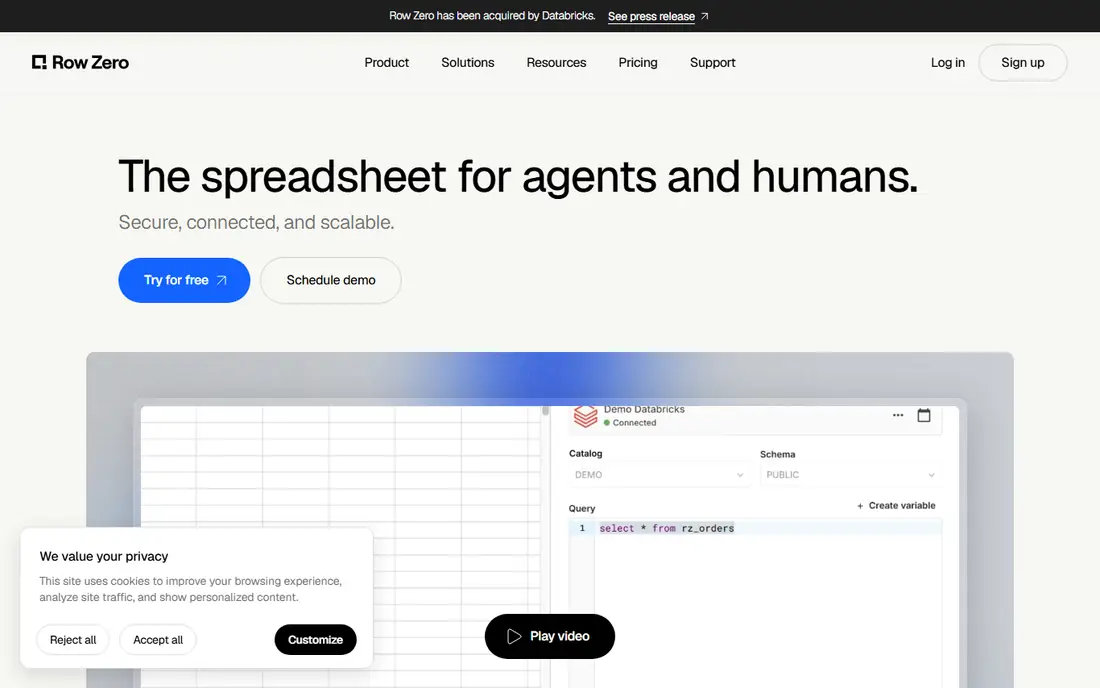
Row Zero is the closest thing on this list to Excel, with one major difference. It was built to open multi-gigabyte files and pull tables directly from a data warehouse, so analysts can pivot and chart data that would freeze a desktop spreadsheet. If your team knows Excel formulas and wants to keep that skill, the learning curve stays short.
The catch is that scale comes with plan decisions. The free tier covers a single workbook, and teams that need shared workspaces, stronger controls, or frequent warehouse refreshes will move to paid plans. Check how often your source data changes, because a live connection is only useful if the refresh schedule matches how your team actually reports.
What we like- Handles very large row counts
- Live warehouse connections
- Familiar spreadsheet interface
Watch out for- Advanced governance sits on higher tiers
- AI features have usage limits
Starting price$75 per user/month (billed annually)
Free planYes
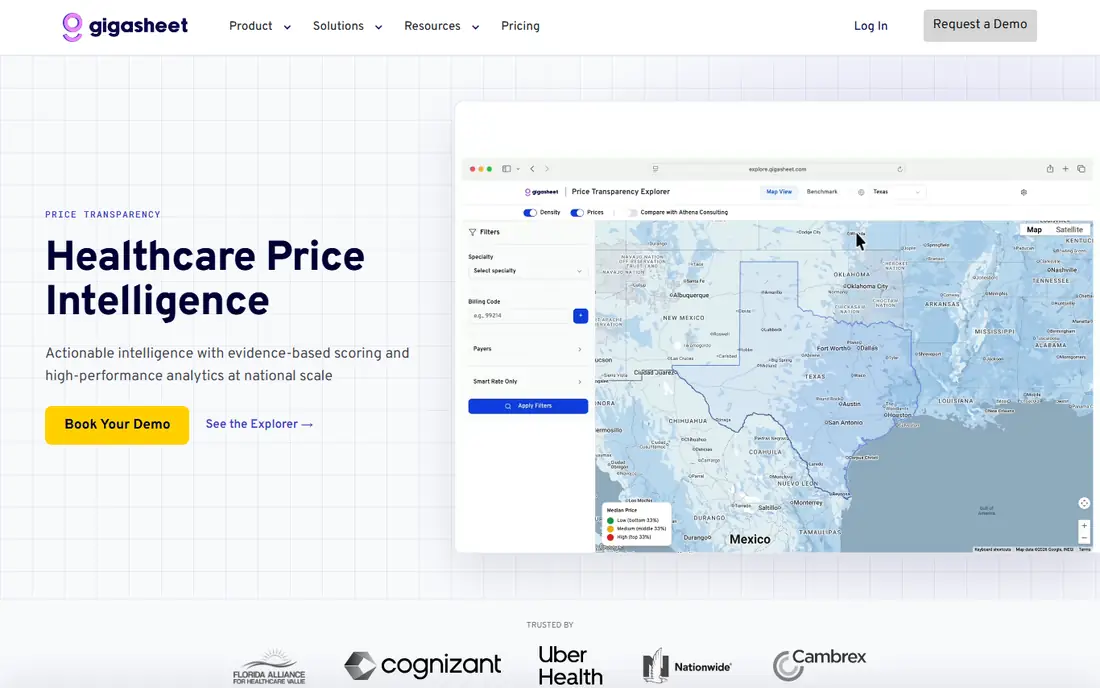
Gigasheet treats a giant file as a normal task. You upload a CSV or JSON file, filter it, group it, and share the result without splitting the file into pieces or writing code. That makes it a practical choice for operations teams, researchers, and analysts who receive messy exports from other systems.
The honest trade-off is editing. Gigasheet is stronger for exploring, cleaning, and summarising data than for building a complex financial model cell by cell. If your work is mostly analysis and reporting, that matters little. If your work is heavy formula modelling, pair it with a modelling tool rather than forcing it to do both jobs.
What we like- Opens files too large for desktop tools
- No-code filtering and grouping
- Cloud sharing
Watch out for- Cell editing is more limited than a full spreadsheet
- Paid pricing rises fast for larger use
#3Google Sheets
Best for: Everyday cloud collaboration4.7/5 on
Capterra (13,223 reviews, checked Oct 2026)
Visit google.com
Starting price$14 per user/month (billed annually)
Free planYes
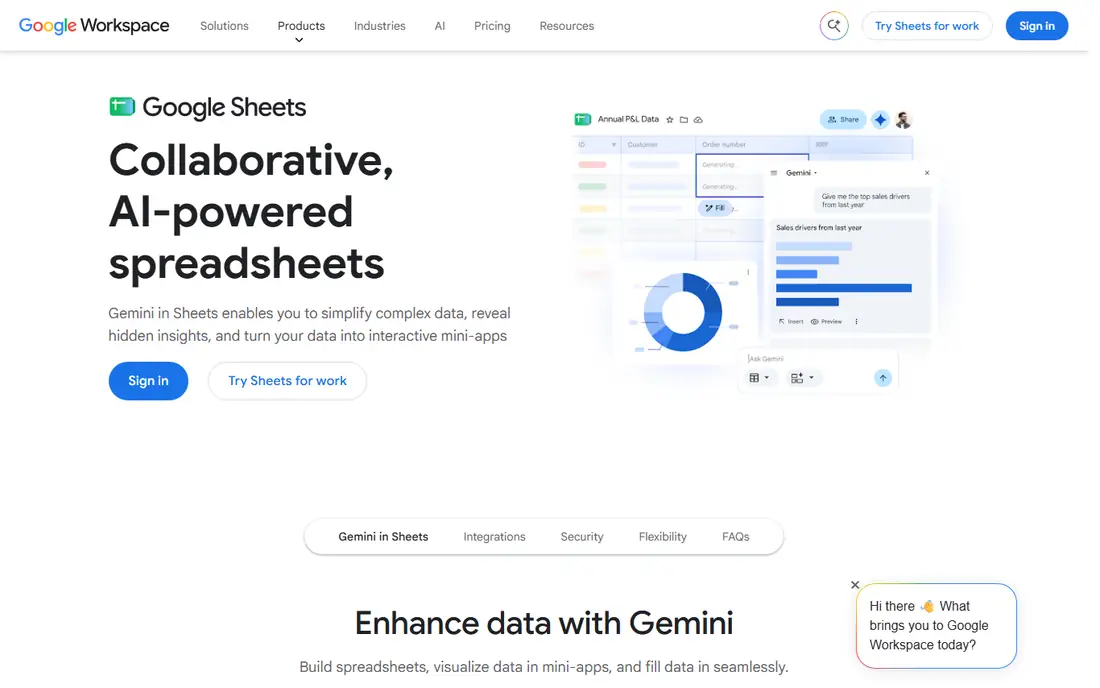
Google Sheets wins on collaboration, not raw scale. Several people can edit, comment, and review the same sheet at once, and version history makes it easy to see who changed what. For teams that pass a report back and forth every week, that alone can justify the switch from emailed files.
Scale is where you need to be careful. Sheets handles everyday business data well, but performance drops as rows, formulas, and linked sheets grow. Use it for the working layer, such as cleaned summaries and team trackers, and keep the raw million-row file in a tool built for that size.
What we like- Real-time collaboration
- Strong sharing controls
- Wide add-on ecosystem
Watch out for- Slows down with very large sheets
- Fewer advanced analysis features than BI tools
#4Airtable
Best for: Structured team databases4.6/5 on
G2 (3,300 reviews, checked Oct 2026)
Visit airtable.com
Starting price$10 per user/month (billed annually)
Free planYes
Airtable looks like a spreadsheet but behaves like a simple database. Linked records connect customers to orders, projects to tasks, and content to owners, which removes a lot of copy-and-paste work. Views such as kanban, calendar, and gallery let different teams see the same data in a form that suits their job.
For large data sets, the limit is the point. Paid plans cap records per base, and performance can suffer long before you reach a million rows. Airtable is a strong choice when the data set is structured and actively managed by a team. It is the wrong choice when the job is to analyse a huge static export.
What we like- Linked records and multiple views
- Useful automations
- Easy for non-technical teams
Watch out for- Record limits on lower plans
- Not built for raw big-data analysis
#5Smartsheet
Best for: Project-linked data tracking4.4/5 on
G2 (22,767 reviews, checked Oct 2026)
Visit smartsheet.com
Starting priceSee website
Free planFree trial
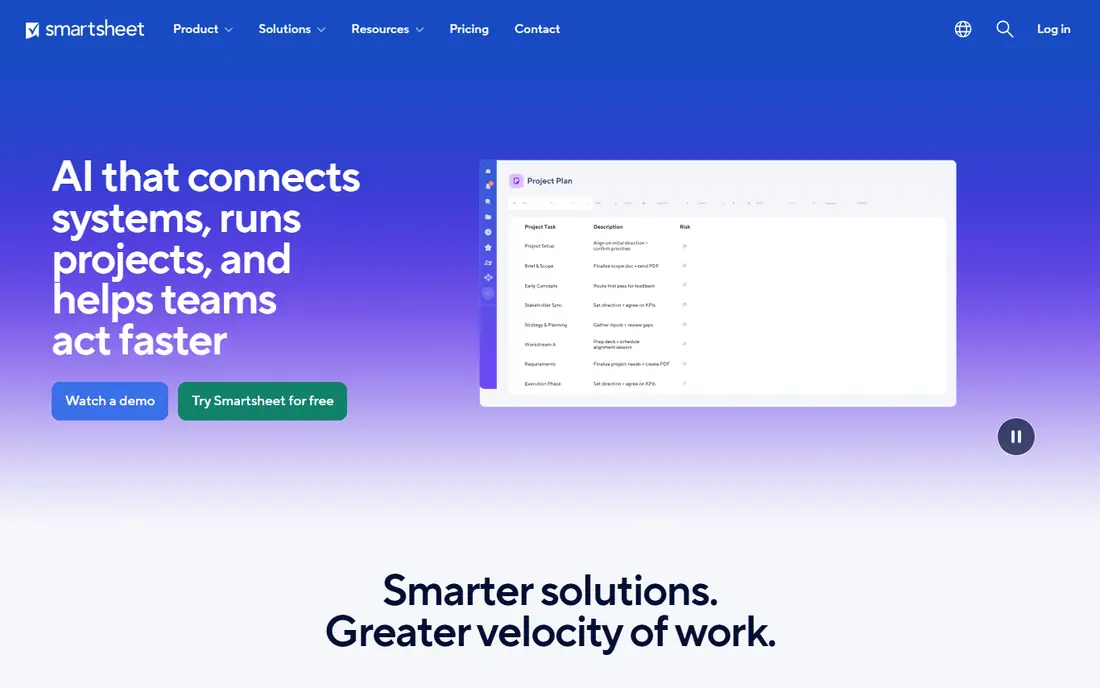
Smartsheet suits teams that track work and data together. A project plan, a budget tracker, and a status report can live in related sheets, with forms feeding new rows in from the field or from other teams. That structure helps managers who need both a schedule and the numbers behind it.
It is not a data warehouse tool. Smartsheet is best when each row represents a task, an asset, or a request, and when the value comes from status, ownership, and dates. Teams with huge analytical files should use it as the tracking layer on top of cleaned data, not as the place where that data is first analysed.
What we like- Grid, card, and Gantt views
- Strong project tracking
- Familiar spreadsheet layout
Watch out for- Pricing requires a quote for some plans
- Less suited to deep statistical analysis
Starting price$14 per user/month (billed annually)
Free planYes
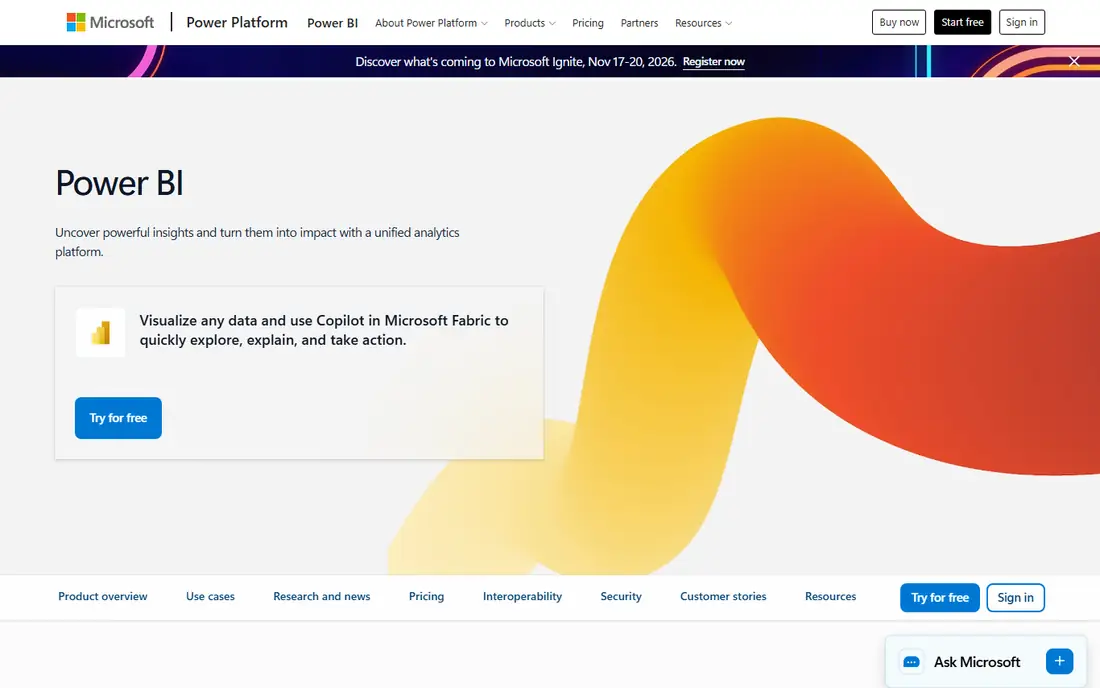
Power BI is the right pick when many people need to read the same numbers. You connect it to databases, spreadsheets, and cloud apps, build a data model once, and publish dashboards that update on a schedule. That separation matters: the analyst owns the model, and the rest of the company reads a clean dashboard instead of editing a shared file.
Setup takes longer than opening a spreadsheet. Data modelling, relationships, and refresh settings need care, and sharing a report with colleagues outside a paid workspace can get confusing. For a small team with one report, a spreadsheet may be faster. For a company with repeated reporting, Power BI pays back the setup time quickly.
What we like- Connects to many data sources
- Strong sharing in Microsoft 365
- Scheduled refresh
Watch out for- Full publishing and sharing need paid licences
- Modelling takes time to learn
#7Tableau
Best for: Deep visual analysis4.4/5 on
G2 (3,787 reviews, checked Oct 2026)
Visit tableau.com
Starting priceSee website
Free planFree trial
Tableau is built for questions, not just reports. Analysts can drag fields onto a canvas, filter on the fly, and follow a pattern in the data without rebuilding a chart each time. That freedom makes it useful for teams that explore data before they know exactly what the final dashboard should show.
The cost and complexity are the trade-offs. Tableau is a serious analysis platform, and small teams may find the licensing and training heavier than they need. It earns its place when visual exploration is a daily job, when data comes from several large sources, or when a team needs to publish polished dashboards to a wide audience.
What we like- Flexible visual exploration
- Many connectors
- Strong handling of large sources
Watch out for- Pricing is not simple to compare at a glance
- Learning curve for advanced calculations
#8Rows
Best for: Connected team spreadsheets4.9/5 on
G2 (24 reviews, checked Oct 2026)
Visit rows.com
Starting priceSee website
Free planYes
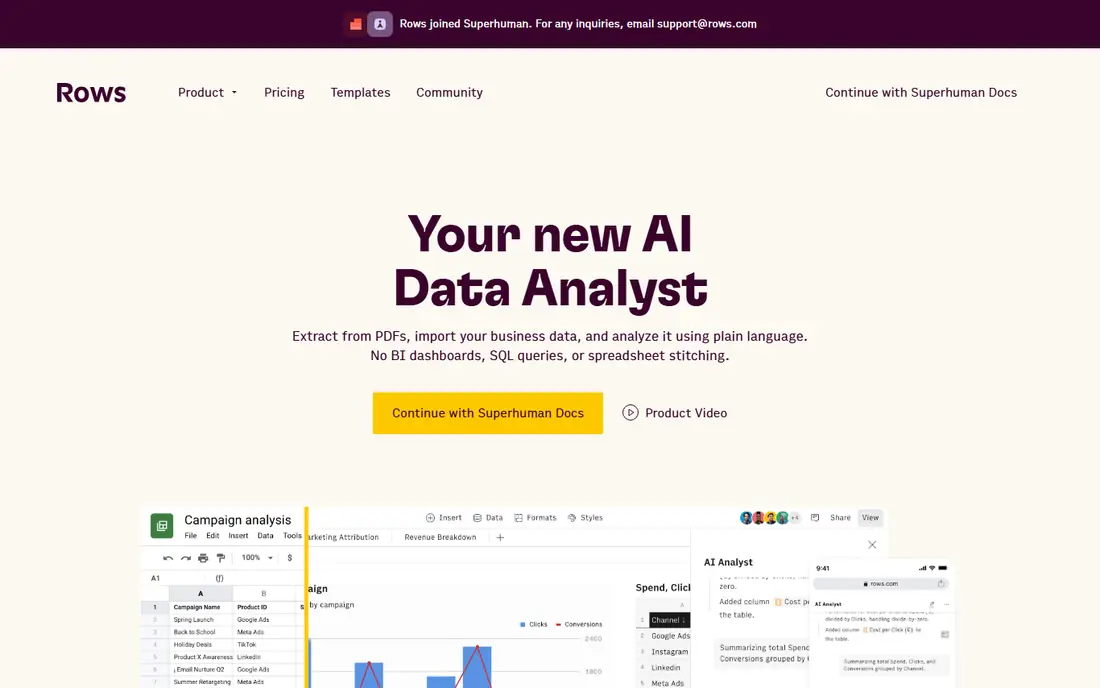
Rows takes the familiar spreadsheet and adds live connections to tools such as CRMs, payment platforms, and analytics apps. Instead of exporting data every week, a team can pull fresh numbers into a sheet and build a report that stays current. That is a real time saver for sales, marketing, and finance teams that repeat the same report.
Rows is not the tool for billion-row files. Its strength is the connected workflow for everyday business data, with charts and sharing built in. If your data set is moderate in size but changes often, Rows fits well. If your data set is huge and static, start with Row Zero or Gigasheet instead.
What we like- Built-in integrations with business apps
- Modern sharing
- AI assistance for formulas
Watch out for- Smaller ecosystem than Google or Microsoft
- Some advanced features sit on higher tiers
Starting price$29 per user/month (billed annually)
Free planYes
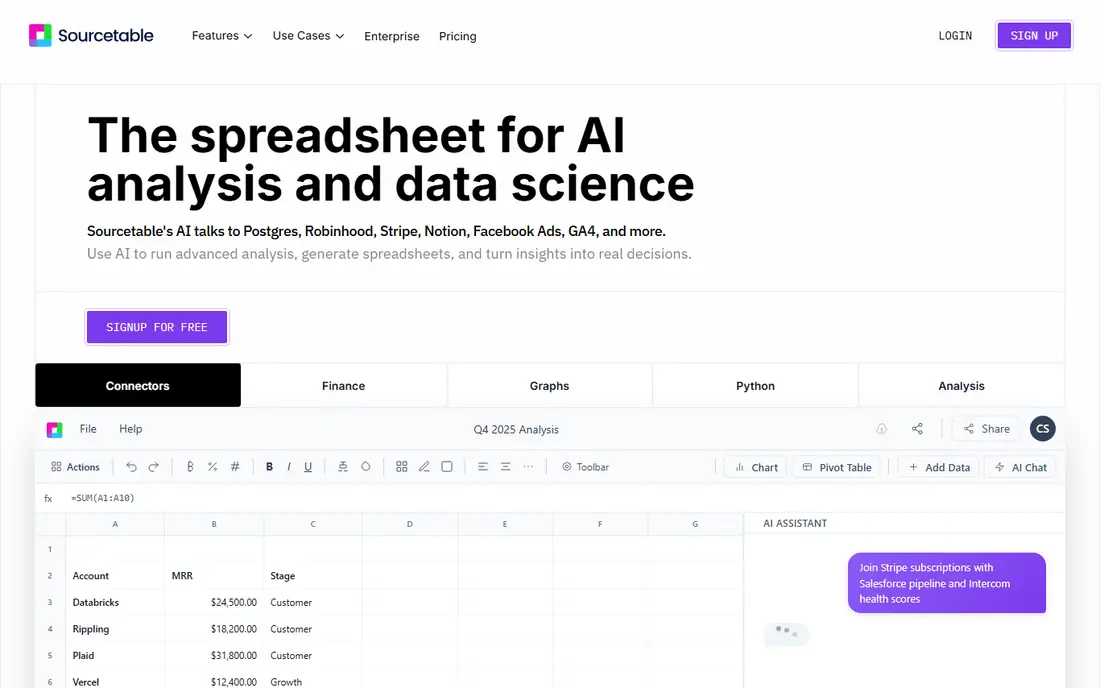
Sourcetable blends a spreadsheet with AI assistance and live connectors. You can ask for an analysis in plain language, connect a data source, and get a structured result without writing SQL or Python. For analysts who are comfortable in a grid but want faster first drafts of a report, that combination is appealing.
Watch the credit model. AI work is metered, so a team that leans on AI for every query may hit limits on the entry plan. Sourcetable works best as an analysis assistant for a team that still checks the numbers, rather than as a hands-off reporting engine that runs itself.
What we like- AI help with analysis and formulas
- Live data connectors
- Spreadsheet-style interface
Watch out for- AI credits limit heavy use on lower tiers
- Newer product with a smaller template library
How we chose
We compared pricing pages, product documentation, and public reviews on G2, Capterra, and Reddit, and we checked each tool against the same question: does it handle data that is too large, too messy, or too shared for a desktop spreadsheet? Tools made the list only if they exist today, fit the large-data use case, and offer a clear path from import to analysis to sharing. We did not claim hands-on testing, and we left out tools that only duplicate Excel without solving the scale problem.
What to check before you switch
Start with the file, not the feature list. Measure your largest file in rows and megabytes, count how many people edit it, and note how often it changes. Those three facts narrow the list faster than any demo.
Row limits and refresh
Ask what happens at the limit. Some tools slow down, some cap records, and some charge more for a larger workspace. Also ask how data refreshes: a manual upload, a scheduled sync, or a live warehouse connection each suit a different reporting rhythm.
Export and exit
Make sure you can get your data out in CSV or a similar open format, including calculated fields where possible. A tool that locks your cleaned data inside its own format creates a migration problem later, even if the first month feels easy.
Who edits and who reads
Split your team into editors and readers. Editors need a grid or a model they can change safely. Readers need a dashboard or a shared view they cannot break. Buying editor licences for everyone is a common waste, and most tools on this list let you separate the two roles.
Frequently asked questions
What is the best alternative to Excel for large data sets?
Row Zero and Gigasheet are the most direct answers when the problem is file size, because both keep a spreadsheet interface while handling far more rows than a desktop file. Power BI or Tableau are better when the end product is a dashboard. Choose by the job: editing a huge file, or publishing numbers for others to read.
Can Google Sheets handle millions of rows?
Google Sheets can open large sheets, but performance falls as rows and formulas grow, and collaboration becomes harder to manage. It works well for cleaned summaries and team trackers. For raw files with millions of rows, use a big-data spreadsheet or a BI tool and send only the summary to Sheets.
Is Airtable a good Excel replacement for big data?
Airtable is a good replacement for structured operational data, such as project trackers and lightweight CRMs. It is not a good fit for raw analytical files, because record limits on lower plans and slower performance at scale get in the way. Use it where linked records and views add value.
Do I need to learn SQL to use these tools?
No, not for most of them. Row Zero, Gigasheet, Airtable, Smartsheet, and Rows are designed for people who work in a grid. SQL helps in Power BI and Tableau when you build complex models, but both tools also offer visual ways to connect and shape data.
How much does it cost to move from Excel to a big-data spreadsheet?
Costs range from free tiers for small use to $75 per user per month or more for large-file tools, plus BI licences where dashboards are needed. Start with a free tier on your largest real file, measure speed and row limits, and only then buy seats for the people who edit every week.
Can I keep Excel for some work and use a new tool for the rest?
Yes, and that is often the smartest move. Keep Excel for small models and one-off analysis, use a big-data tool for the large file, and publish summaries in a dashboard or a shared sheet. That mix avoids a painful full migration while fixing the file that actually causes problems.
Sources we checked (9)
- https://www.rowzero.io/pricing
- https://www.gigasheet.com/pricing
- https://workspace.google.com/pricing
- https://www.airtable.com/pricing
- https://www.smartsheet.com/pricing
- https://www.microsoft.com/en-us/power-platform/products/power-bi/pricing
- https://www.tableau.com/pricing
- https://rows.com/pricing
- https://www.sourcetable.com/pricing
Is your product missing or out of date?
We review this list regularly. Vendors can request a listing, send updated pricing or ask about featured placement.

Shihab Mia · Founder, Rankite
Shihab has 5+ years in B2B and SaaS SEO. He writes Rankite's software buying guides from pricing pages, documentation and public user reviews. More about Shihab.