How we make this list: we compare pricing pages, product documentation and public user reviews. Ratings come from G2, Capterra or Trustpilot, with the date we checked them.
Key takeaways
- Kaggle Notebooks and Lightning AI give the most useful free starting point, while Paperspace and RunPod suit people who want to pay only for the GPU hours they use.
- Deepnote and Hex are the stronger picks for teams, because shared notebooks, comments and data connections matter more than raw GPU specs once several people work on one analysis.
- Saturn Cloud has shifted toward GPU cloud operators, so individual notebook users should check its current workspace offer before committing to it.
- Session limits, idle shutdowns and weekly GPU quotas shape the real cost more than the headline price, so check those limits against how long your jobs actually run.
Quick comparison
| Tool | Best for | Starting price | Free plan |
|---|
 Kaggle Notebooks Kaggle Notebooks | Free GPU notebooks and datasets | Free | Yes |
 Paperspace Gradient Paperspace Gradient | Pay-as-you-go GPU notebooks | See website | Yes |
 Deepnote Deepnote | Collaborative data notebooks | See website | Yes |
 Lightning AI Lightning AI | Persistent GPU studios | See website | Yes |
 Saturn Cloud Saturn Cloud | GPU workspaces on your own infrastructure | See website | No |
 Hex Hex | Team analytics notebooks and apps | See website | Yes |
 JetBrains Datalore JetBrains Datalore | Smart Python notebooks with collaboration | See website | Yes |
 RunPod RunPod | Flexible on-demand GPU pods | See website | No |
Is your product missing or out of date?
We review this list regularly. Vendors can request a listing, send updated pricing or ask about featured placement.
The best Colab alternatives
Starting priceFree
Free planYes

Kaggle Notebooks is the first place most people should look when Colab limits start to bite. You open a notebook in the browser, pick a GPU or TPU accelerator, and start working with Python libraries that are already installed. The dataset library is the real draw. Instead of downloading large files and uploading them again, you can attach public datasets directly to a notebook and get moving in minutes.
The limits are real and worth planning around. GPU use is capped on a weekly basis, and sessions end after a set number of hours, so a job that needs days of uninterrupted training will not fit here. Kaggle also works best when your work lives inside its ecosystem. If you need private infrastructure, custom networking or long-running production jobs, you will outgrow it. For learning, competitions, coursework and short experiments, though, it remains hard to beat at a price of nothing.
What we like- Free GPU and TPU access
- Huge public dataset library
- Notebooks run in the browser with no setup
Watch out for- Weekly GPU quota limits long jobs
- Tied closely to the Kaggle platform
- Session limits interrupt extended training
Starting priceSee website
Free planYes
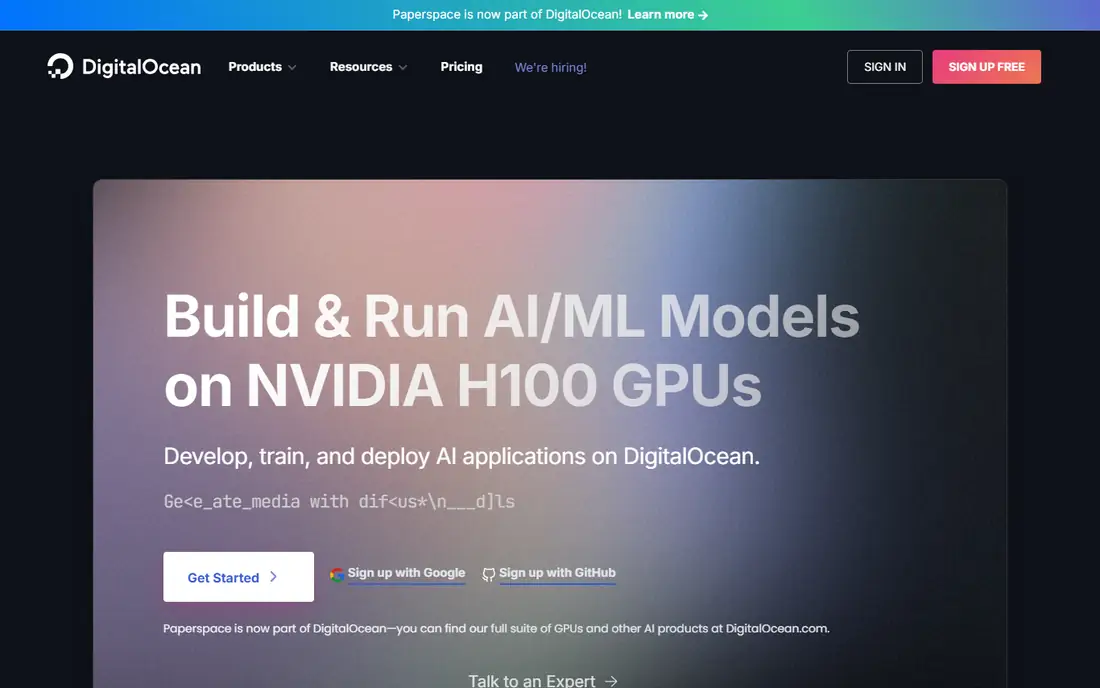
Paperspace Gradient gives you a Jupyter-style notebook backed by cloud GPUs you rent by the hour. That model suits people whose workloads are uneven. You can spin up a modest GPU for an afternoon experiment, shut it down, and pay only for the time it ran, rather than paying a flat monthly fee for capacity you rarely use. The GPU range stretches from entry-level cards up to high-end data center GPUs for serious training.
The catch is that Paperspace is in transition. The company is now part of DigitalOcean, and its public pages point new buyers toward DigitalOcean GPU products. That does not make Gradient unusable, but it does mean you should confirm the current notebook plans and prices on the site before you build a workflow around it. The free tier is also best treated as a learning tier. Its hardware is modest, and anyone training larger models will need a paid machine fairly quickly.
What we like- Notebook interface with a wide GPU catalog
- Per-second billing on paid machines
- Now part of DigitalOcean
Watch out for- Pricing and plans have changed since the DigitalOcean move
- Free tier hardware is modest
- Setup takes more care than Colab
Starting priceSee website
Free planYes
Deepnote feels like a notebook built for a team rather than a single analyst. Several people can work in the same notebook at once, leave comments on individual blocks, and review changes without passing files back and forth. SQL blocks sit alongside Python cells, which matters when your data lives in a warehouse and you do not want to export it just to chart it. You can also schedule notebooks to run on a timetable and publish results as a simple app for stakeholders.
That breadth comes with a trade-off. Deepnote is a strong analytics workspace first and a GPU training platform second. You can choose larger machines and GPUs, but heavy model training will cost more than it does on a bare GPU rental service, and the bill grows with each editor you add. If your main job is shared analysis, reporting and light modeling, Deepnote earns its place. If your main job is training large models for days, pair it with a cheaper GPU service instead.
What we like- Real-time collaboration with comments
- SQL blocks sit next to Python
- Scheduled runs and app publishing
Watch out for- GPU-heavy training costs extra
- Pricing rises as teams grow
- Cloud-only, with no offline mode
Starting priceSee website
Free planYes

Lightning AI, from the team behind PyTorch Lightning, offers cloud studios that feel closer to a real development machine than a throwaway notebook. Your files, packages and environment persist between sessions, and you can edit code in a full editor in the browser with terminal and SSH access on paid plans. That persistence removes one of the most annoying parts of Colab, which is rebuilding your environment after every session ends.
The free tier is genuinely useful for trying the platform, with free GPU hours offered to new users, but it is not a long-term home for heavy training. Larger GPUs burn through credits quickly, and studios restart periodically, so long jobs need checkpoints saved to persistent storage. For researchers and developers who want an IDE-style workflow with on-demand GPUs and a clear path from prototype to deployment, Lightning AI is a strong Colab replacement. Just set a budget alert before you pick an H100.
What we like- Persistent studios that keep files and environments
- VS Code style editing in the browser
- Wide GPU choice
Watch out for- Free credits run out fast on larger GPUs
- Studios restart on a schedule
- Costs need watching on high-end hardware
Starting priceSee website
Free planNo
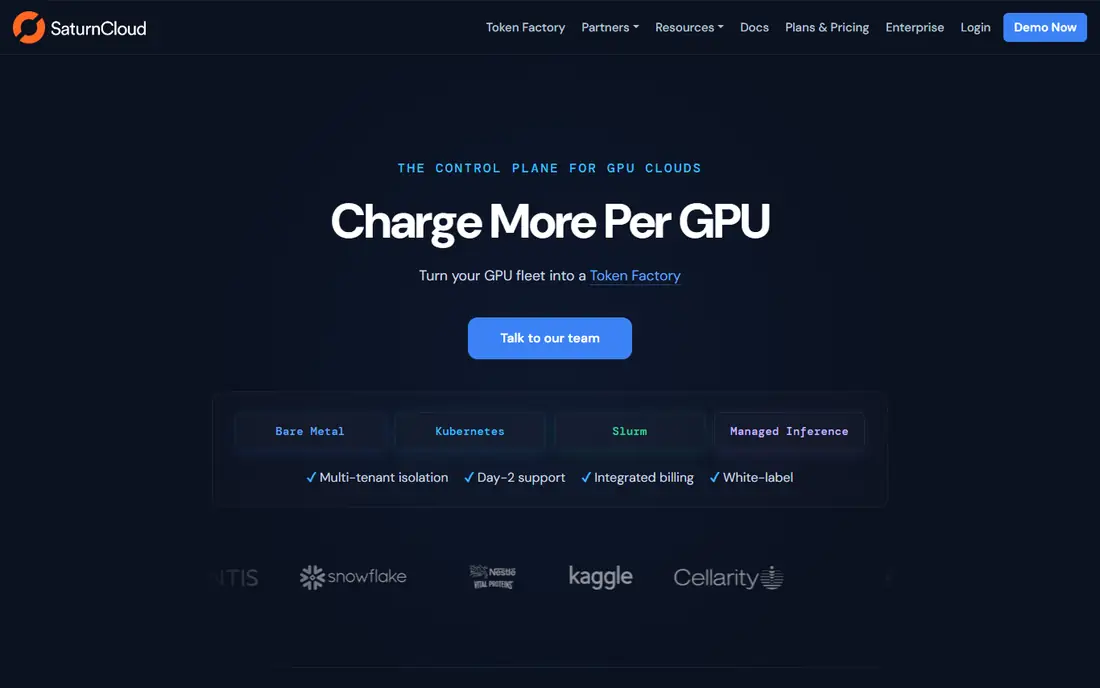
Saturn Cloud deserves a careful note, because the product you may remember has changed. Its homepage now presents it as a control plane for GPU clouds, aimed at providers and teams that run GPU fleets on Kubernetes, Slurm or bare metal. It still offers GPU development workspaces with JupyterLab, VS Code and SSH access, plus metering by GPU hour, and its site lists hourly GPU pricing from $2.95 per hour for H100 capacity. That makes it a serious option for a team that already owns or rents GPU infrastructure and wants one console to manage it.
For a solo Colab user, though, Saturn Cloud is no longer the simple swap it once was. There is no straightforward free notebook tier to try, and the sales and setup path is built around operators rather than individuals. Include it on your shortlist if you run a team or a GPU service and want hosted workspaces with billing and isolation built in. If you just want a free notebook with a GPU, start with Kaggle or Lightning AI instead.
What we like- JupyterLab and VS Code workspaces
- Runs on Kubernetes, Slurm or bare metal
- Per-GPU-hour metering
Watch out for- Now aimed at GPU cloud operators, not solo users
- No simple free tier
- Setup is heavier than a browser notebook
#6Hex
Best for: Team analytics notebooks and apps4.5/5 on
G2 (404 reviews, checked Oct 2026)
Visit hex.tech
Starting priceSee website
Free planYes
Hex takes the notebook idea and stretches it toward the whole analytics workflow. Data practitioners can write SQL and Python in notebooks, then turn the same project into an interactive app or dashboard that business users can explore without touching code. Connections to warehouses and databases are central to the design, and projects can be exported to Git for review and version control. That combination suits teams tired of juggling a notebook tool, a dashboard tool and a pile of screenshots.
The trade-off is focus. Hex is an analytics platform, not a GPU training service, so it will not replace Colab for someone whose main task is training neural networks. Pricing is also structured around teams and editors, which makes it expensive for a lone user who only needs an occasional notebook. Choose Hex when the goal is shared, trusted analysis that ends in something stakeholders can use. Choose a GPU notebook service when the goal is a trained model.
What we like- Notebooks, apps and dashboards in one workspace
- Strong warehouse connections
- Git export for version control
Watch out for- Built for data teams, not model training
- Pricing is team-based
- Overkill for a single notebook user
Starting priceSee website
Free planYes
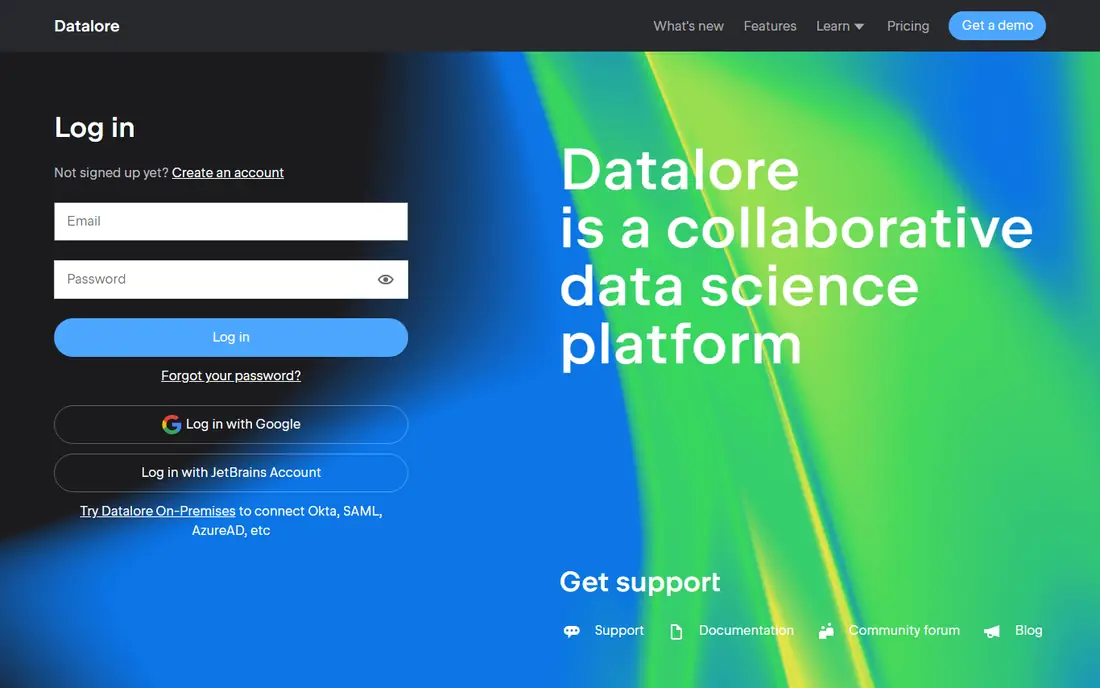
Datalore comes from JetBrains, the company behind PyCharm and IntelliJ, and that heritage shows in the editing experience. Code completion, refactoring help and a polished notebook interface make it pleasant for long Python sessions, and you can share notebooks, collaborate in real time and publish results without leaving the browser. For data scientists who already live in JetBrains tools, the familiar feel is a genuine plus.
Where Datalore falls short as a Colab replacement is raw GPU muscle. It offers compute options for analysis and modeling, but it does not present the same deep GPU catalog as Paperspace or RunPod, and the most useful team features sit behind paid plans. Think of Datalore as a better notebook for analysis, reporting and teaching, rather than a training cluster. If your models are modest and your priority is a clean, collaborative notebook, it fits well.
What we like- Intelligent code completion for Python
- Collaborative editing and publishing
- Runs in the browser
Watch out for- GPU options are limited compared with GPU clouds
- Heavier features sit on paid plans
- Smaller community than Kaggle
Starting priceSee website
Free planNo
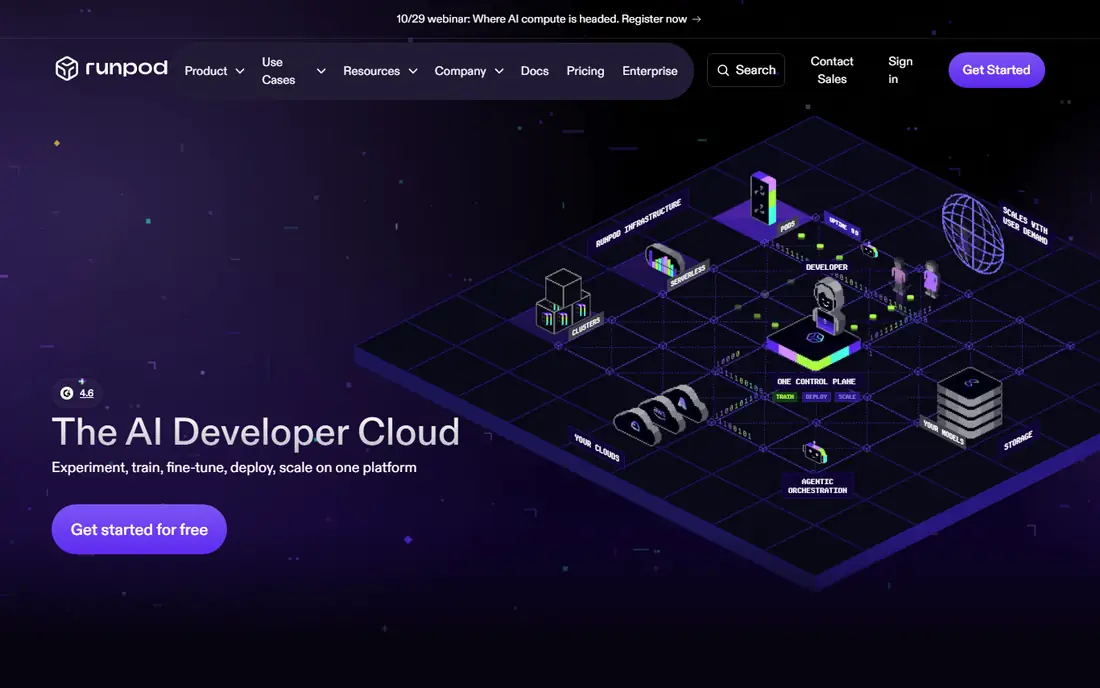
RunPod is the pick for people who are comfortable with a little infrastructure and want control over the GPU they rent. You launch a pod, pick a GPU from a large catalog, and start from a template that includes JupyterLab, so you can be writing code within minutes. When a model is ready, the same platform offers serverless endpoints that scale to zero when idle, which gives you a path from experiment to a deployed service without moving providers.
That flexibility has a price in effort. RunPod is a cloud infrastructure platform, not a curated notebook app, so you manage storage, shutdowns and costs yourself. There is no free tier, and prices vary by GPU and by whether you choose secure or community capacity. For experienced users, that control is the point. You pay for exactly the hardware you need, stop it when you are done, and avoid the session limits that frustrate Colab users. Beginners should start elsewhere and graduate to RunPod when they know what hardware their work needs.
What we like- Large GPU catalog across many regions
- Jupyter templates for fast starts
- Serverless endpoints for deployment
Watch out for- Needs more setup than a notebook service
- No free tier
- Community GPU pricing varies by host
How we chose
We compared notebook services and GPU platforms on the factors that decide a Colab replacement in practice: whether a free tier exists and what it actually allows, the range of GPUs on offer, session and quota limits, collaboration features, and how pricing is charged. We checked vendor homepages and pricing pages, and weighed public documentation and user reviews on G2, Capterra and Reddit, with attention to what breaks a workflow, such as idle shutdowns and lost environments. We did not claim hands-on testing of every platform, and prices change, so the vendor pricing page remains the final word before you sign up.
What to check before you switch
Start with your longest job, not your average one. A platform with a generous free tier can still fail you if sessions end after a few hours and your training run needs twelve. Check the session limit, the idle shutdown rule, and whether checkpoints and datasets persist after a restart. Then check the GPU quota. Weekly caps, monthly credits and per-second billing all sound similar, but they produce very different bills for someone who trains every day versus someone who experiments twice a week.
Next, match the tool to the shape of your work. Solo learners and competition entrants get the most from Kaggle and Lightning AI. Teams that share analysis should weigh Deepnote, Hex and Datalore, where comments, permissions and publishing matter. People training larger models should price the same job on Paperspace and RunPod, including storage and egress, before committing. Finally, test the export path. Make sure you can download your notebooks, data and model weights in standard formats, so a price rise or a product change never traps your work.
A short switching checklist
- Confirm the session limit and idle timeout for your plan.
- Confirm the weekly or monthly GPU quota and what happens when it runs out.
- Check whether files, environments and checkpoints persist between sessions.
- Price one realistic job end to end, including storage.
- Export a notebook and confirm it opens cleanly in Jupyter elsewhere.
Frequently asked questions
Is there a completely free Colab alternative?
Yes, Kaggle Notebooks is the closest to a fully free option, with free GPU and TPU access and a large dataset library. Its weekly GPU quota and session limits mean it suits learning and short experiments better than multi-day training runs. Lightning AI also offers free GPU hours for new users, which is useful for trying a persistent studio before paying.
Which Colab alternative is best for teams?
Deepnote and Hex lead for teams, because both combine shared notebooks with comments, permissions and publishing. Deepnote leans toward collaborative data science with SQL and Python side by side, while Hex leans toward turning analysis into apps and dashboards for business users. Datalore is a good smaller-team option when a polished Python editing experience matters most.
Can I train large models on these platforms?
Yes, but the right platform depends on the size of the job. Paperspace and RunPod give you access to high-end GPUs by the hour, which suits larger training runs, while Kaggle and free tiers suit smaller models and learning. For very large or multi-GPU training, expect to pay hourly rates and to manage checkpoints carefully, since sessions can still end.
Do I need to install anything to use these alternatives?
No, all eight tools run in the browser, and most need nothing more than an account to start. RunPod and Saturn Cloud ask for more setup decisions, such as choosing a GPU type and storage, but they still start from browser-based consoles and templates. If you want local control, you can also run Jupyter on your own machine and skip cloud limits entirely.
What happens to my work when a session ends?
It depends on the platform. Kaggle, Deepnote, Hex and Datalore keep your notebooks in the cloud, while Lightning AI studios keep files in persistent storage between restarts. On RunPod and Paperspace, you should use network or persistent volumes for anything you want to keep, and save model checkpoints often. Always export important notebooks and weights before a plan change.
Why is Saturn Cloud listed if it now targets GPU operators?
Because it still offers hosted GPU workspaces with JupyterLab and VS Code, and some teams will find that combination useful. We flag the change openly so solo users do not sign up expecting a simple free notebook. If you run GPU infrastructure for others, Saturn Cloud fits that brief; if you want a personal notebook, the other tools on this list fit better.
Sources we checked (9)
- https://www.kaggle.com
- https://www.paperspace.com
- https://deepnote.com
- https://lightning.ai
- https://saturncloud.io
- https://hex.tech
- https://datalore.jetbrains.com
- https://www.runpod.io
- https://www.thundercompute.com/blog/colab-alternatives-for-cheap-deep-learning-in-2025
Is your product missing or out of date?
We review this list regularly. Vendors can request a listing, send updated pricing or ask about featured placement.

Shihab Mia · Founder, Rankite
Shihab has 5+ years in B2B and SaaS SEO. He writes Rankite's software buying guides from pricing pages, documentation and public user reviews. More about Shihab.