How we make this list: we compare pricing pages, product documentation and public user reviews. Ratings come from G2, Capterra or Trustpilot, with the date we checked them.
Key takeaways
- Google Hangouts Chat is discontinued: Google retired Hangouts and moved users to Google Chat, so this article lists current chat tools, not Hangouts itself.
- Slack remains the best choice for teams that need many integrations and channel-based chat, with a free plan and paid plans from $7.25 per user per month.
- Microsoft Teams is the natural choice for Microsoft 365 users, since chat, meetings, and Office files sit in one place, with Essentials from $4 per user per month.
- Google Chat suits Google Workspace teams that want simple messaging inside Gmail and Docs, without a separate app to manage.
- Pumble, Chanty, and Zulip offer lower-cost or open options for small teams that need unlimited history, simple tasks, or threaded topics.
- Free plan limits matter more than headline prices: Slack free keeps only 90 days of history, while Pumble free keeps unlimited history.
Quick comparison
| Tool | Best for | Starting price | Free plan |
|---|
 Slack Slack | Channel chat and integrations | $7.25/user/month | Yes |
 Microsoft Teams Microsoft Teams | Microsoft 365 teams | $4/user/month | Yes |
 Google Chat Google Chat | Google Workspace teams | See website | Yes |
 Zoom Team Chat Zoom Team Chat | Video-first teams | See website | Yes |
 Discord Discord | Casual and community teams | Free | Yes |
 Pumble Pumble | Unlimited message history | $2.49/user/month | Yes |
 Chanty Chanty | Small business chat and tasks | $3/user/month | Yes |
 Zulip Zulip | Threaded, topic-based chat | $6.67/user/month | Yes |
Is your product missing or out of date?
We review this list regularly. Vendors can request a listing, send updated pricing or ask about featured placement.
The best Google Hangouts Chat alternatives
#1Slack
Best for: Channel chat and integrations4.5/5 on
G2 (39,944 reviews, checked Oct 2026)
Visit slack.com
Starting price$7.25/user/month
Free planYes
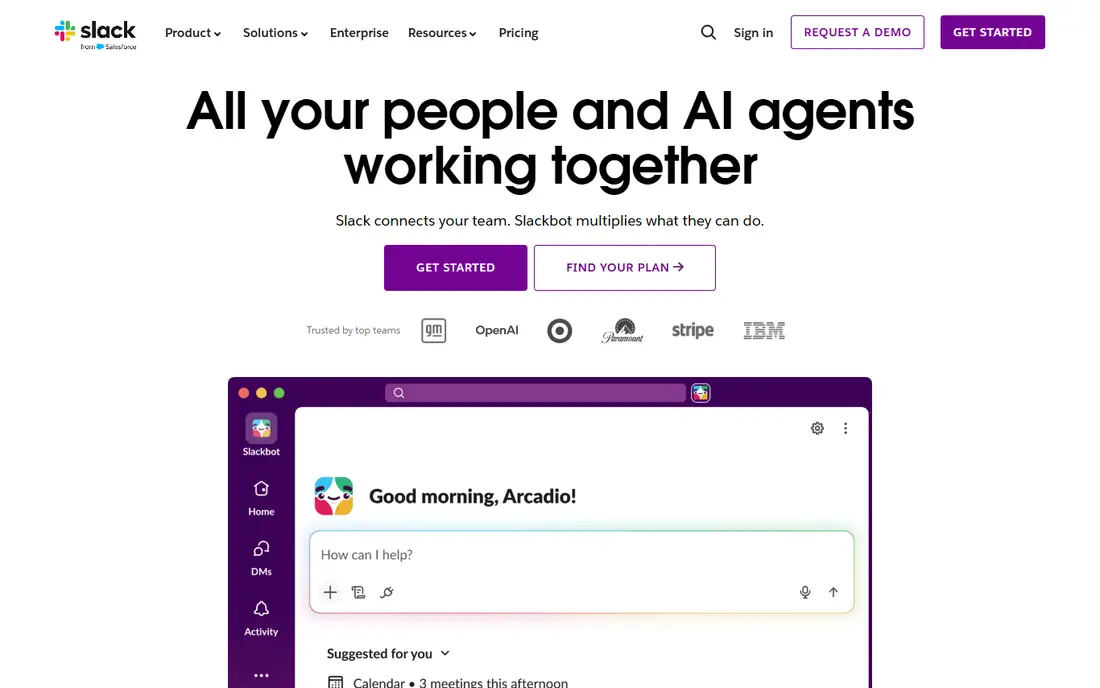
Slack remains the best choice for teams that need many integrations and channel-based chat. It offers channels, threads, direct messages, file sharing, and over 1,200 app integrations, plus Workflow Builder for no-code automation. The free plan covers basic chat, but history is limited to 90 days, which pushes growing teams to paid plans.
Paid plans start at $7.25 per user per month for Pro, with Business Plus at $12.50 per user per month in published comparisons. Total cost can climb with Slack AI near $10 per user per month and compliance archiving near $5 per user per month, so budget for add-ons, not just the seat price. Teams that live in chat and connect many tools will find Slack the strongest Hangouts Chat replacement.
What we like- Deepest integration ecosystem
- Channel-based chat
- Workflow Builder automation
- Strong search
- Free plan available
Watch out for- Free plan limited to 90-day history
- Costs add up with AI and compliance add-ons
- Notification overload for large teams
#2Microsoft Teams
Best for: Microsoft 365 teams4.4/5 on
G2 (19,330 reviews, checked Oct 2026)
Visit microsoft.com
Starting price$4/user/month
Free planYes
Microsoft Teams is the natural choice for Microsoft 365 users, since chat, meetings, and Office files sit in one place. It offers channel chat, direct messages, video meetings, file co-authoring, and deep integration with Outlook, OneDrive, and SharePoint. Teams already paying for Microsoft 365 often get Teams bundled, which makes the marginal cost low.
Essentials starts at $4 per user per month in published comparisons, with other bundles at $6, $12.50, and $22 per user per month depending on the Microsoft 365 plan. The interface can feel overwhelming, and notification overload affects large teams. Microsoft-centric organizations get the best value here, since chat sits beside the documents and meetings teams already use.
What we like- Chat, meetings, and Office files in one place
- Essentials from $4
- Free individual plan
- Strong video conferencing
Watch out for- Can feel overwhelming
- Complex interface
- Notification overload
- Pricing varies by Microsoft 365 bundle
Starting priceSee website
Free planYes
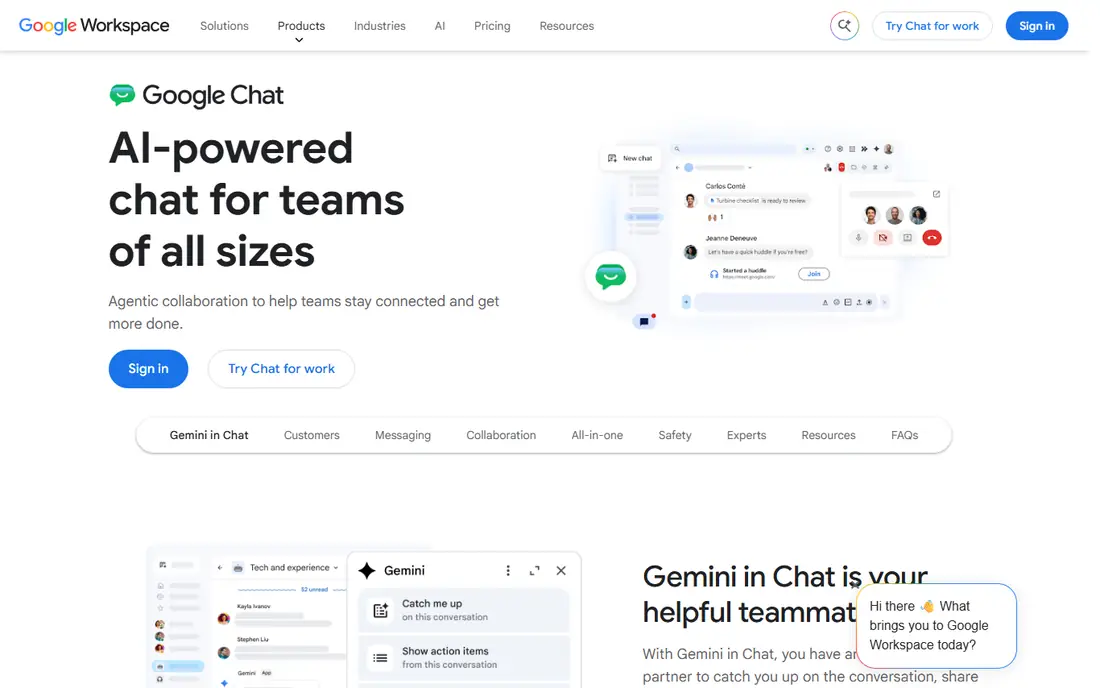
Google Chat is the direct successor to Hangouts Chat, and it suits Google Workspace teams that want simple messaging inside Gmail and Docs without a separate app to manage. Conversations stay next to the work, with spaces for team rooms, direct messages, file sharing, and Meet video links. Migration from Hangouts was handled by Google, so existing Workspace users already have access.
Pricing varies by Workspace plan, with published figures near $6 per user per month for Workspace Business Starter and $4.90 per user per month in another comparison, so confirm the current bundle. Features are fewer than Slack, and customization is limited. Google Workspace teams that want the simplest Hangouts replacement should stay with Google Chat.
What we like- Successor to Hangouts Chat
- Built into Gmail, Docs, and Meet
- Simple interface
- Strong search
- Included with Workspace
Watch out for- Fewer features than Slack
- Limited customization
- Reliance on Google ecosystem
- Pricing varies by Workspace plan
Starting priceSee website
Free planYes
Zoom Team Chat suits video-first teams that want chat inside the same hub as meetings. It offers channel chat, direct messages, one-click video calls, and AI thread summaries, so a conversation can turn into a call without switching apps. The free plan covers basic chat, and the platform is rated well for startups and small businesses.
Paid plans start near $13.32 per user per month in published comparisons, with Business near $18.32 per user per month, which is higher than Slack or Teams entry prices. Chat depth sits behind Slack for integrations and workflow automation. Meeting-heavy teams that already run Zoom will find Team Chat a practical Hangouts replacement.
What we like- One-click video calls
- AI thread summaries
- Chat inside a UCaaS hub
- Free plan available
- Good for startups and SMBs
Watch out for- Paid plans near $13.32 per user per month
- Chat depth behind Slack
- Video-first design suits meeting-heavy teams
#5Discord
Best for: Casual and community teams4.6/5 on
G2 (43 reviews, checked Oct 2026)
Visit discord.com
Starting priceFree
Free planYes
Discord suits casual and community-focused teams that want a free chat tool with no user limits or message-history caps. It offers text channels, voice channels, direct messages, and community features such as roles and moderation tools, with full core features on the free plan. Small businesses and community teams use it for day-to-day coordination without paying a seat fee.
The design is casual, which suits communities more than enterprises, and admin controls are thinner than Slack or Teams. Nitro costs $2.99 per month for Basic in published comparisons, but it adds perks rather than core chat features. Budget-conscious and community teams get the best free chat experience here.
What we like- Free with no user limits or message-history caps
- Voice channels
- Community features
- Full features on free
Watch out for- Casual design suits communities more than enterprises
- Admin controls thinner than Slack
- Nitro costs extra for perks
#6Pumble
Best for: Unlimited message history4.5/5 on
G2 (40 reviews, checked Oct 2026)
Visit pumble.com
Starting price$2.49/user/month
Free planYes
Pumble suits startups and small teams that need unlimited message history at a low cost. The free plan includes unlimited users, message history, workspaces, and integrations, which beats Slack free 90-day history by a wide margin. Paid plans start near $2.49 per user per month in published comparisons, with other listings near $3.99 per user per month, so confirm the current rate.
As a newer platform, Pumble offers fewer features and integrations than Slack, and customization is limited. The user base is smaller, which means fewer community resources. Teams that value history and low cost over deep integrations will find Pumble a strong Hangouts replacement.
What we like- Free plan with unlimited users and message history
- Affordable paid plans
- Simple interface
- Good for startups
Watch out for- Newer platform with fewer features
- Limited customization
- Smaller user base
- Fewer integrations than Slack
#7Chanty
Best for: Small business chat and tasks4.4/5 on
G2 (57 reviews, checked Oct 2026)
Visit chanty.com
Starting price$3/user/month
Free planYes
Chanty suits small to medium teams looking for a simple and affordable chat solution with tasks built in. It offers unlimited message history on all plans, task management, audio and video calls, and a team book for contacts, with a simple interface that needs little admin time. Setup takes minutes, which suits teams of 2 to 50 that need chat working on day one.
Paid plans start near $3 per user per month in published comparisons, with other listings near $4 per user per month, so confirm the current rate. Integrations are fewer than Slack, customization is limited, and the free plan is limited to 5 users in some listings. Small teams that want chat plus tasks in one simple tool should test Chanty.
What we like- Simple interface
- Affordable pricing
- Unlimited message history on all plans
- Task management
- Audio and video calls
Watch out for- Fewer integrations than competitors
- Limited customization
- Smaller user base
- Free plan limited to 5 users in some listings
#8Zulip
Best for: Threaded, topic-based chat4.6/5 on
G2 (117 reviews, checked Oct 2026)
Visit zulip.com
Starting price$6.67/user/month
Free planYes
Zulip suits technical and async-first teams that want threaded, topic-based chat. Every message belongs to a topic inside a channel, which keeps long conversations organized and makes catching up easier than scrolling a single channel stream. The open source option allows self-hosting, and the free plan covers basic use.
Paid plans start near $6.67 per user per month in published comparisons, and the thread-first design takes learning for teams used to Slack-style channels. The ecosystem is smaller than Slack, with fewer integrations. Teams that struggle with noisy channels and lost decisions will find Zulip topic threading a real improvement.
What we like- Threaded topics keep conversations organized
- Open source option
- Good for technical teams
- Free plan available
Watch out for- Thread-first design takes learning
- Paid plans near $6.67 per user per month
- Smaller ecosystem than Slack
How we chose
We compared Hangouts Chat alternatives on channel and thread design, integration depth, message history limits, video meeting support, pricing, and fit for small versus enterprise teams. Google retired Hangouts and moved users to Google Chat, so we treated Google Chat as the successor rather than listing Hangouts itself. We weighted history limits heavily, since Slack free 90-day history versus Pumble free unlimited history changes the true cost for growing teams, and we flagged add-on costs where published comparisons reported them. Prices come from vendor pages and published team chat comparisons from 2026, and they change often, so confirm the current price before purchase.
How to choose the right Google Hangouts Chat alternative
Start with your existing suite. Google Workspace teams should stay with Google Chat, Microsoft 365 teams should use Teams, and teams without a suite should test Slack or Pumble. Next, check the history limit that will bite first: Slack free caps history at 90 days, while Pumble and Chanty offer unlimited history, which matters for teams that search old decisions. Finally, match the chat style to the team: channel-first teams suit Slack, topic-first teams suit Zulip, video-first teams suit Zoom Team Chat, and community teams suit Discord.
Migration cost also deserves a line in the budget, since exporting and re-importing message history, files, and integrations can cost $5,000 to $25,000 in consulting fees for mid-sized organizations in published estimates, before productivity losses during transition. Start with a pilot team, confirm integrations and history import work, and roll out in stages rather than cutting over the whole company at once.
Frequently asked questions
Is Google Hangouts Chat still available?
No, Google retired Hangouts and moved users to Google Chat. Google Chat is the current Google team chat tool, built into Gmail, Docs, and Meet.
What is the best free alternative to Hangouts Chat?
Discord is the best free option, with no user limits or message-history caps on the free plan. Pumble free also offers unlimited users and history, while Slack free caps history at 90 days.
Is Slack better than Google Chat?
Slack offers deeper integrations, workflow automation, and channel features, which suits teams that live in chat. Google Chat is simpler and better for Google Workspace teams that want messaging beside Gmail and Docs without a separate app.
Which chat tool is cheapest for small teams?
Pumble paid plans start near $2.49 per user per month, and Chanty near $3 per user per month, in published comparisons. Discord and Pumble free plans cost nothing for basic use.
Can I migrate chat history from Hangouts?
Google migrated Hangouts conversations to Google Chat automatically for Workspace users. Migrating to a different platform such as Slack or Teams needs export and import tools, and history migration costs can be significant for mid-sized teams.
Does Microsoft Teams include chat for free?
Yes, Microsoft Teams offers a free individual plan, and paid Essentials starts near $4 per user per month. Teams is also bundled with many Microsoft 365 subscriptions, so existing subscribers may already have access.
Sources we checked (0)
Is your product missing or out of date?
We review this list regularly. Vendors can request a listing, send updated pricing or ask about featured placement.

Shihab Mia · Founder, Rankite
Shihab has 5+ years in B2B and SaaS SEO. He writes Rankite's software buying guides from pricing pages, documentation and public user reviews. More about Shihab.