How we make this list: we compare pricing pages, product documentation and public user reviews. Ratings come from G2, Capterra or Trustpilot, with the date we checked them.
GanttPRO vs TeamGantt: which one should your team pick
GanttPRO and TeamGantt both start from the same idea. A project plan should be visible on a timeline, with tasks, dates and owners in one place. GanttPRO builds that idea into a dedicated Gantt chart tool with cost tracking, resource load and baselines. TeamGantt builds it into a simpler timeline first tool that a small team can learn in an afternoon.
GanttPRO suits teams that manage several projects and need to see overload, cost and baseline drift. TeamGantt suits teams that want a clean shared timeline and flat pricing.
Direct answer: GanttPRO is the top pick for most teams that need a full Gantt chart with dependencies, baselines, resource load and cost tracking at a low per user price. It suits project managers, agencies and operations teams that run dated plans with real deadlines. TeamGantt is the better alternative for small teams that want a simple timeline, flat pricing and fast onboarding, and that do not need deep budget or workload reporting.
Key takeaways
- GanttPRO starts at $8 per user per month billed annually, with a 14 day free trial and no free plan.
- TeamGantt starts at $59 per month flat per account, with a free Personal plan for 1 user, 1 project and 40 tasks.
- GanttPRO gives stronger baselines, cost tracking and workload views than TeamGantt.
- TeamGantt pricing does not rise per user, so a large team on few projects can pay less.
- Instagantt starts at $12 per month for one user and adds a stronger Gantt layer for Asana users.
- Smartsheet Pro starts at $9 per member per month billed annually, and Business is $19.
- monday Work Management starts at $9 per seat per month billed annually, with a free plan for up to 2 seats.
- Asana Starter starts at $10.99 per user per month billed annually, and ClickUp Core starts at $9.
GanttPRO has the stronger Gantt chart for teams that need detail. It supports task dependencies, milestones, critical path views, baselines, progress tracking and resource allocation in the same chart. You can switch between Gantt, board and table views, set working calendars, and compare the current plan with the saved baseline. That matters when a project slips and you need to show what changed and which tasks caused the delay.
TeamGantt has a cleaner and simpler Gantt chart. It focuses on drag and drop scheduling, clear bars, dependencies and a shared timeline that the whole team can read at a glance. The trade off is depth. TeamGantt does not match GanttPRO on baselines, cost tracking or portfolio level control. If your main need is a shared plan that everyone can follow, TeamGantt is enough. If your main need is control over a complex plan, GanttPRO is the stronger choice.
How much do GanttPRO and TeamGantt cost in 2026
GanttPRO charges per user. Core is $8 per user per month billed annually for teams of up to 15 members, or $7 for 20 or more, and $9 billed monthly. Advanced is $12, or $10 for 20 or more, Business is $19, or $17 for 20 or more, and Enterprise is $25 per user per month on a limited offer. There is no free plan, but there is a 14 day free trial. Single user plans are annual only. The per user model is predictable, but the monthly bill rises with every seat you add.
TeamGantt charges a flat fee per account, by project count, not per user. Base is $59 per month, or $49 per month billed annually. Business starts from $120 per month, and Builder Edition starts from $199 per month. The free Personal plan covers 1 user, 1 project and 40 tasks. This model can be much cheaper for a large team on a small number of projects, because adding a tenth or twentieth user does not add to the bill. Note one price conflict. TeamGantt help docs from Aug 2026 still list a Basic plan at $24 per month, but Nov 2026 vendor pricing shows Base at $59 per month, so this guide uses $59.
GanttPRO is better for workload, budgets and reporting. It shows resource load across projects, so you can spot a person who is booked on three tasks at once. It tracks planned and actual cost at task and project level, and it offers reports and dashboards that pull that data together. That helps a manager answer three plain questions: who is overloaded, what will this project cost, and are we on track.
TeamGantt is better for simple workload views and team communication. It shows who is assigned to what on the timeline, and it keeps the focus on dates and progress rather than cost. It has reporting and workload tools, but they are lighter than GanttPRO. A small team that needs to know who is busy this week will find TeamGantt clear and fast. A team that needs to prove budget use, track cost per task or manage load across many projects will find GanttPRO more complete.
How hard is it to switch from GanttPRO to TeamGantt, or the other way
Switching between GanttPRO and TeamGantt is a medium effort task, not a one click move. Both tools support import from spreadsheets and common project formats, and both let you export task lists, dates and assignees. The basic move is simple: export tasks, dates, owners and dependencies, clean the file, then import it into the new tool. The hard part is the detail that does not transfer cleanly. Baselines, cost fields, custom fields, saved views and templates often need to be rebuilt by hand.
Plan a short test before you move a live project. Import one real project, check that dates, dependencies and assignees landed correctly, and rebuild the views your team uses every day. Run both tools in parallel for one or two weeks if you can, so the team can learn the new layout while the old plan stays safe. Tell the team what will change, especially if the pricing model changes from per user to flat per account, or the other way.
Quick comparison
| Tool | Best for | Starting price | Free plan |
|---|
 GanttPRO | dedicated Gantt chart at a low per user price | $8 per user per month billed annually | No, 14 day free trial |
 TeamGantt | small teams that want a simple timeline-first Gantt chart | $59 per month flat billed annually | Yes, Personal plan for 1 user, 1 project and 40 tasks |
 Instagantt | Asana teams that need a stronger Gantt layer | $12 per month for one user ($10 billed annually) | Yes, for Asana users, up to 3 projects and 1 user |
 Smartsheet | spreadsheet style sheets with Gantt, reports and dashboards | $9 per member per month billed annually | No, free plan closed to new signups 28 Aug 2024, 30 day trial instead |
 monday Work Management | Gantt charts inside a visual work platform | $9 per seat per month billed annually | Yes, up to 2 seats |
 Asana | task management with a Gantt timeline view | $10.99 per user per month billed annually | Yes, Personal plan up to 2 users |
 ClickUp | Gantt charts, docs, goals and tasks in one low cost platform | $9 per user per month billed annually | Yes, Free Forever |
 ProjectManager | formal project planning, workload and reporting | $15 per user per month billed annually | No, 30 day free trial |
Is your product missing or out of date?
We review this list regularly. Vendors can request a listing, send updated pricing or ask about featured placement.
These eight tools cover the main ways to buy a Gantt chart in 2026. GanttPRO and TeamGantt lead the list. Instagantt adds Gantt depth to Asana. Smartsheet, monday Work Management, Asana and ClickUp cover teams that want Gantt charts inside a wider work platform. ProjectManager adds a more formal option with strong planning and reporting.
#1GanttPRO
Best for: dedicated Gantt chart at a low per user price4.8/5 on
G2 (588 reviews, checked Oct 2026)
Visit ganttpro.com
Starting price$8 per user per month billed annually
Free planNo, 14 day free trial
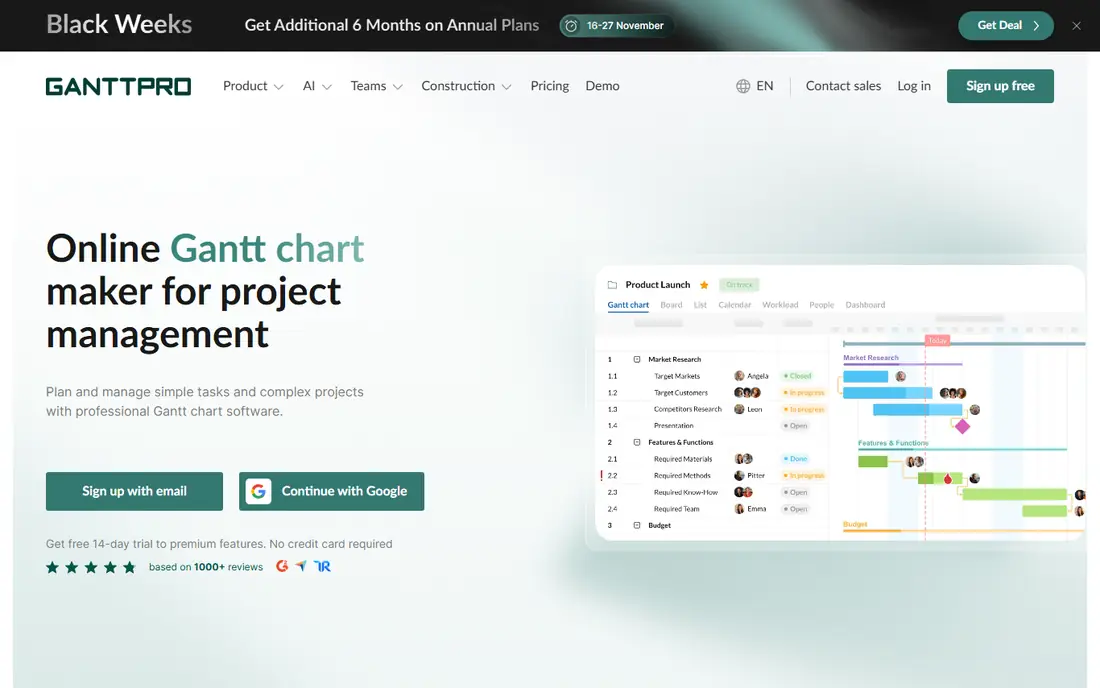
GanttPRO is a focused Gantt chart tool that gives a project manager the controls a simple timeline cannot. You can build a plan with tasks, subtasks, milestones and dependencies, then save a baseline and track progress against it. The chart shows who is assigned, how long each task should take and what it should cost. Resource load views help you see when one person has too much work in the same week.
What we like- Strong dependencies, baselines, critical path, resource load and cost tracking
Watch out for- No free plan
- Single user plans are annual only
#2TeamGantt
Best for: small teams that want a simple timeline-first Gantt chart4.8/5 on
G2 (895 reviews, checked Oct 2026)
Visit teamgantt.com
Starting price$59 per month flat billed annually
Free planYes, Personal plan for 1 user, 1 project and 40 tasks
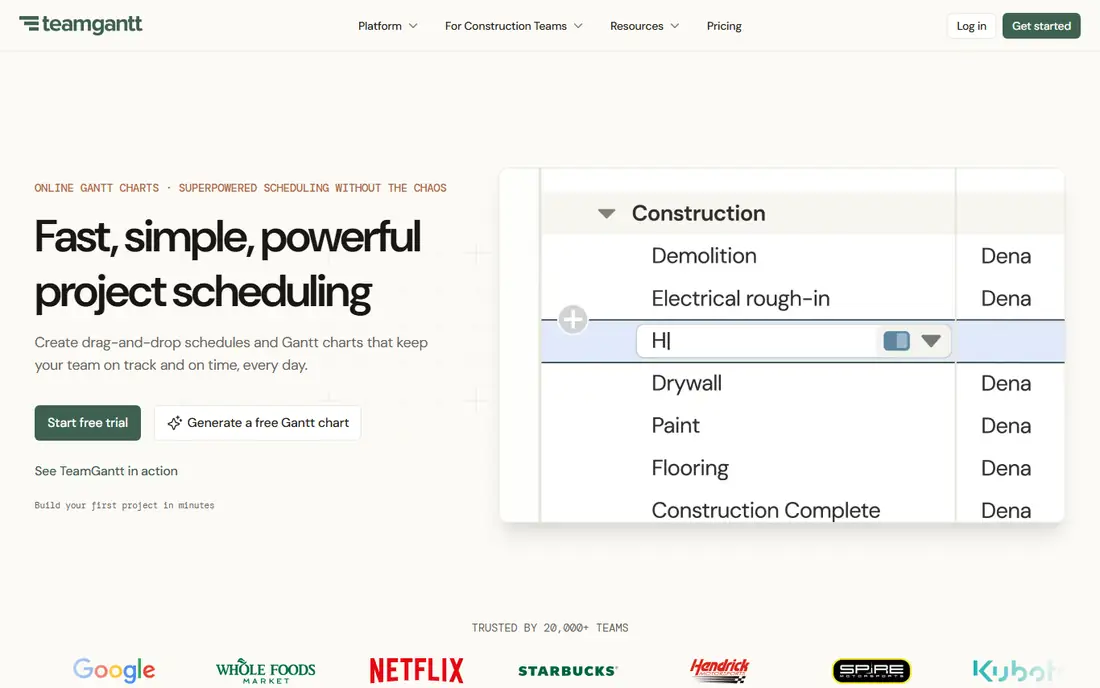
TeamGantt keeps project planning simple on purpose. The timeline is the main view, and tasks are easy to move, resize and link. A team can see the full plan, who owns each task and what is due next, without learning a complex project system. That clarity helps small teams and non technical users that plan in weeks rather than in detailed work breakdowns. The flat pricing model is a real benefit for a team with many users and few projects, because the bill stays the same when you add people.
What we like- Simple drag and drop timeline
- Flat pricing that does not rise per user
Watch out for- Lighter baselines, cost tracking and reporting than GanttPRO
#3Instagantt
Best for: Asana teams that need a stronger Gantt layer4.3/5 on
G2 (29 reviews, checked Oct 2026)
Visit instagantt.com
Starting price$12 per month for one user ($10 billed annually)
Free planYes, for Asana users, up to 3 projects and 1 user
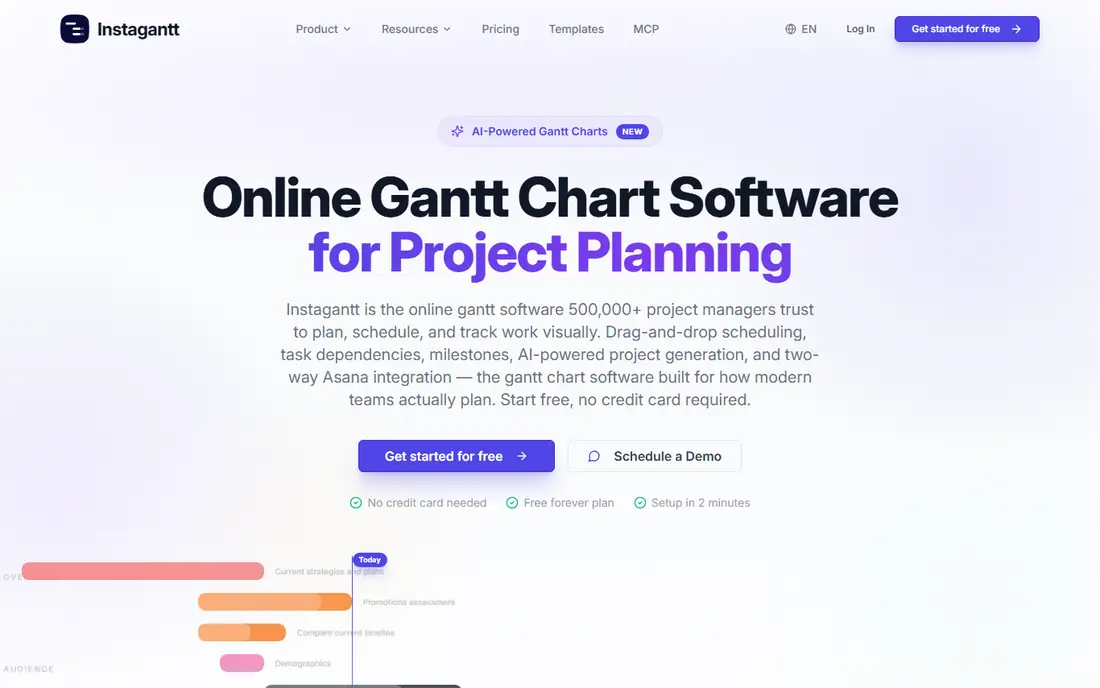
Instagantt is built for teams that already use Asana and want a better Gantt chart without leaving Asana behind. It connects to Asana and turns Asana tasks into a full Gantt view with dependencies, workload, baselines and progress tracking. Changes sync back to Asana, so the team can keep working in Asana while the manager plans in Instagantt. The Individual plan is $12 per month, or $10 billed annually, for one user. The Teams plan is flat at $24 per month, or $20 billed annually, for 3 collaborators, then $8 per extra collaborator.
What we like- Deep Gantt features that sync with Asana
- Workload views and dependencies
Watch out for- It is an add on, not a full standalone platform, so you still need Asana
#4Smartsheet
Best for: spreadsheet style sheets with Gantt, reports and dashboards4.4/5 on
G2 (22,767 reviews, checked Oct 2026)
Visit smartsheet.com
Starting price$9 per member per month billed annually
Free planNo, free plan closed to new signups 28 Aug 2024, 30 day trial instead
Smartsheet works like a spreadsheet with project controls added on top. Each row can be a task, with dates, owners, status and dependencies, and the Gantt view turns those rows into a timeline. That layout suits teams that already think in sheets and want to track many projects in the same format. Reports and dashboards pull data from several sheets, so a manager can see status across teams without opening each plan. Pro is $9 per member per month billed annually, and Business is $19 billed annually.
What we like- Familiar sheet layout with Gantt, automation, reports and dashboards
Watch out for- Pro is capped at 10 members, so growing teams must move to Business at $19
#5
monday Work Management
Best for: Gantt charts inside a visual work platform
Visit monday.com
Starting price$9 per seat per month billed annually
Free planYes, up to 2 seats
monday Work Management is a visual work platform where a Gantt chart is one view among many. Teams can plan in boards, switch to timeline or Gantt view, and add automations that move tasks, notify owners and update status. Basic is $9 per seat per month billed annually, Standard is $12 and Pro is $19. The free plan covers up to 2 seats, which is enough for a pair to test the layout. These are Work Management prices, not monday CRM prices, so do not compare them with monday CRM tiers.
What we like- Visual boards with Gantt, timeline and calendar views
- Strong automations
Watch out for- Best Gantt and reporting features need Standard or Pro, not Basic
#6Asana
Best for: task management with a Gantt timeline view4.4/5 on
G2 (13,930 reviews, checked Oct 2026)
Visit asana.com
Starting price$10.99 per user per month billed annually
Free planYes, Personal plan up to 2 users
Asana is a task and project platform with a timeline view that works as a Gantt chart for many teams. Tasks can have subtasks, dependencies, due dates, owners and comments, and the timeline shows how those tasks fit together. Starter is $10.99 per user per month billed annually, or $13.49 billed monthly, and Advanced is $24.99 billed annually, or $30.49 billed monthly. The free Personal plan covers up to 2 users. The Gantt view needs Starter or above, so a team that wants timeline planning must pay.
What we like- Clear task lists, timelines and collaboration
- Wide integration range
Watch out for- Gantt view needs Starter or above
- Advanced at $24.99 is a large jump from Starter
#7ClickUp
Best for: Gantt charts, docs, goals and tasks in one low cost platform4.6/5 on
G2 (14,878 reviews, checked Oct 2026)
Visit clickup.com
Starting price$9 per user per month billed annually
Free planYes, Free Forever
ClickUp packs a lot into one platform. It has task lists, boards, docs, goals, time tracking, automations and a Gantt view, so a team can plan, write, track and report without leaving the tool. Core is $9 per user per month billed annually, and Business is $17. The Free Forever plan is a real free tier for small teams, with limits on storage and advanced features. That makes ClickUp easy to start and easy to test on a live project. The trade off is complexity, and a team that only wants a clean Gantt chart may find the menus harder to learn than TeamGantt.
What we like- Gantt, docs, goals, time tracking and automations
- Free Forever plan
Watch out for- Feature range can feel crowded for teams that only want a simple Gantt chart
#8ProjectManager
Best for: formal project planning, workload and reporting4.4/5 on
G2 (103 reviews, checked Oct 2026)
Visit projectmanager.com
Starting price$15 per user per month billed annually
Free planNo, 30 day free trial
ProjectManager is a formal project management tool with Gantt charts, kanban boards, workload views, timesheets and dashboards in one place. It suits teams that need to plan in detail, track time and cost, and report progress to clients or senior managers. Team is $15 per user per month billed annually, and Business is $28. There is no free plan, but there is a 30 day free trial. The higher entry price buys more structure than a simple timeline tool, including resource management and reporting that a small team may not need.
What we like- Strong planning with Gantt, kanban, workload and dashboards
- Clear reporting
Watch out for- No free plan
- Team at $15 is higher than GanttPRO, ClickUp and Smartsheet entry prices
Comparison table
| Tool |
Starting price |
Free plan |
Best for |
| GanttPRO |
$8 per user per month billed annually |
No, 14 day trial |
Dedicated Gantt chart at a low per user price |
| TeamGantt |
$59 per month flat billed annually |
Yes, Personal plan |
Simple timeline-first Gantt chart |
| Instagantt |
$12 per month for one user |
Yes, Asana users |
Stronger Gantt layer for Asana teams |
| Smartsheet |
$9 per member per month billed annually |
No, 30 day trial |
Spreadsheet sheets with Gantt and reports |
| monday Work Management |
$9 per seat per month billed annually |
Yes, up to 2 seats |
Gantt charts in a visual work platform |
| Asana |
$10.99 per user per month billed annually |
Yes, up to 2 users |
Task management with a Gantt timeline |
| ClickUp |
$9 per user per month billed annually |
Yes, Free Forever |
Gantt, docs and tasks in one platform |
| ProjectManager |
$15 per user per month billed annually |
No, 30 day trial |
Formal planning, workload and reporting |
Frequently asked questions
Is GanttPRO better than TeamGantt for most teams?
GanttPRO is better for most teams that need a full Gantt chart with dependencies, baselines, cost tracking and workload views. It gives a project manager more control over a complex plan and more ways to report progress. TeamGantt is better for small teams that want a simple timeline and fast onboarding. Choose GanttPRO when reporting and control matter, and choose TeamGantt when clarity and speed matter more.
How much does TeamGantt cost per month in 2026?
TeamGantt Base costs $59 per month, or $49 per month billed annually, as a flat fee per account, not per user. Business starts from $120 per month, and Builder Edition starts from $199 per month. The free Personal plan covers 1 user, 1 project and 40 tasks. Help docs from Aug 2026 still list a Basic plan at $24 per month, but Nov 2026 vendor pricing shows Base at $59.
Does GanttPRO have a free plan?
No, GanttPRO does not have a free plan. It offers a 14 day free trial instead. Core starts at $8 per user per month billed annually, or $9 billed monthly. Advanced is $12, Business is $19 and Enterprise is $25 per user per month on a limited offer. Single user plans are annual only. If you need a free tier, TeamGantt Personal, ClickUp Free Forever and Asana Personal are options to test first.
Which tool is best for Asana users who need a better Gantt chart?
Instagantt is the best pick for Asana users who need a better Gantt chart. It syncs with Asana tasks and adds dependencies, workload views, baselines and progress tracking that Asana alone lacks. Individual pricing is $12 per month, or $10 billed annually, for one user. Teams pricing is flat at $24 per month, or $20 billed annually, for 3 collaborators, then $8 per extra collaborator.
Is monday Work Management or Smartsheet better for Gantt charts?
The answer depends on how your team likes to work. monday Work Management suits teams that want visual boards, automations and a Gantt view in one clear platform, starting at $9 per seat per month billed annually. Smartsheet suits teams that like spreadsheet style sheets with Gantt, reports and dashboards, starting at $9 per member per month billed annually. Smartsheet has stronger reporting across sheets, while monday has stronger visual boards.
Sources we checked (8)
- https://ganttpro.com/pricing
- https://www.teamgantt.com/pricing
- https://www.instagantt.com/pricing
- https://smartsheet.com/pricing
- https://monday.com/pricing
- https://asana.com/pricing
- https://clickup.com/pricing
- https://www.projectmanager.com/pricing
Is your product missing or out of date?
We review this list regularly. Vendors can request a listing, send updated pricing or ask about featured placement.

Shihab Mia · Founder, Rankite
Shihab has 5+ years in B2B and SaaS SEO. He writes Rankite's software buying guides from pricing pages, documentation and public user reviews. More about Shihab.