How we make this list: we compare pricing pages, product documentation and public user reviews. Ratings come from G2, Capterra or Trustpilot, with the date we checked them.
Asana vs monday: which one fits your team?
Asana and monday are the two names most teams shortlist first, and the choice usually comes down to how your team likes to work rather than which tool has more features. Asana organises work around tasks, projects, and portfolios, which suits teams who plan in phases and report upward. monday organises work around boards built from typed columns, which suits teams who shape each workflow to their own process. The real differences show up in pricing structure, automation limits, and where each tool starts charging for the features that matter. Asana charges per user with no seat minimum, while monday requires at least three seats on every paid plan. Asana gates portfolios and workload behind its Advanced tier, while monday gates automations behind Standard. This guide compares both head to head and adds six alternatives, so you can see the full price and feature picture before you commit.
How much do Asana and monday cost in 2026?
Start with the annual rates, since both vendors discount them heavily against monthly billing. Asana Starter costs $10.99 per user per month billed annually, or $13.49 billed monthly. Advanced costs $24.99 billed annually, or $30.49 billed monthly. Note the figure of $13.49 that appears in many guides: that is the monthly rate, not the annual rate. monday Work Management Basic costs $9 per seat per month billed annually, or $12 monthly. Standard costs $12 annually, or $14 monthly. Pro costs $19 annually, or $24 monthly. Do not confuse these with monday CRM, which is a separate product priced at $12, $17, and $28 per seat per month billed annually for Basic, Standard, and Pro. For a team of ten on annual billing, Asana Starter costs $109.90 a month, monday Basic costs $90, and monday Standard costs $120. The cheapest headline price is not always the cheapest usable price. monday Basic has no automations or integrations, so most teams need Standard at $12. Asana Starter includes unlimited automations, but portfolios and workload need Advanced at $24.99. Enterprise tiers on both are quote only.
Check three things before you move a team: migration, limits, and the true monthly bill. First, test the import path with a real project, not a demo board, and confirm that attachments, comments, and custom fields carry over. Both Asana and monday offer importers, but field mapping varies and some history may not transfer. Second, read the limits on your chosen tier. Automation caps, storage limits, guest rules, and seat minimums change the experience more than the feature list suggests. monday caps Standard automations at 250 actions a month, while Asana Starter allows unlimited automations. Third, price the plan you will actually use in six months, not the plan that looks cheapest today. A team that outgrows Trello Standard or Wrike Team moves to a tier that costs twice as much.
Quick comparison
| Tool | Best for | Starting price | Free plan |
|---|
 Asana | Teams that want structured projects with timelines, portfolios, and goals in one place. | Starter $10.99 per user per month billed annually ($13.49 billed monthly); Advanced $24.99 billed annually ($30.49 billed monthly). Prices checked 17 November 2026. | Personal plan is free for up to 2 users, with unlimited tasks and projects. |
 monday Work Management | Teams that want visual boards with typed columns and heavy automation. | Basic $9 per seat per month billed annually ($12 monthly); Standard $12 ($14 monthly); Pro $19 ($24 monthly). Prices checked 17 November 2026. | Free plan for up to 2 seats. |
 ClickUp | Teams that want tasks, docs, chat, and whiteboards in one low-cost app. | Unlimited $7 per user per month billed annually ($10 monthly); Business $12 ($19 monthly). Prices checked 17 November 2026. | Free Forever plan with unlimited tasks and members and 60 MB storage. |
 Trello | Small teams that want simple visual kanban boards with almost no setup. | Standard $5 per user per month billed annually ($6 monthly); Premium $10 ($12.50 monthly); Enterprise from $17.50. Prices checked 17 November 2026. | Free plan with unlimited cards and up to 10 boards per workspace. |
 Jira | Software teams that run sprints against a prioritised backlog. | Standard about $7.91 per user per month on annual billing (about $9.70 billed monthly); Premium about $14.54 on annual billing (about $19.60 billed monthly). Prices checked 17 November 2026. | Free plan for up to 10 users. |
 Wrike | Larger teams and departments that run formal request intake and approvals. | Team $9.80 per user per month billed annually; Business $24.80 billed annually. Prices checked 17 November 2026. | Free plan for unlimited users with a 200 active task limit. |
 Smartsheet | Teams that plan in spreadsheets and need formulas, budgets, and portfolio rollups. | Pro $9 per member per month billed annually ($12 monthly); Business $19 ($24 monthly). Prices checked 17 November 2026. | No free plan; 30-day trial available. |
 Notion | Teams that want docs, wikis, and project tracking in one workspace. | Plus $10 per member per month billed annually ($12 monthly); Business $20 billed annually. Prices checked 17 November 2026. | Free plan for individuals and small teams with unlimited pages and blocks for personal use. |
Is your product missing or out of date?
We review this list regularly. Vendors can request a listing, send updated pricing or ask about featured placement.
The table below shows the entry paid price for each tool on annual billing, with the free plan noted where one exists. Prices were checked against vendor pricing pages and current 2026 sources on 17 November 2026. Where sources disagreed, the conflict is noted in that tool's entry below.
| Tool | Entry paid price | Free plan | Best for |
| Asana | Starter $10.99 per user per month | Personal, up to 2 users | Structured projects and portfolios |
| monday Work Management | Basic $9 per seat per month | Free, up to 2 seats | Visual boards and automations |
| ClickUp | Unlimited $7 per user per month | Free Forever | All-in-one tasks, docs, and chat |
| Trello | Standard $5 per user per month | Free, up to 10 boards | Simple visual kanban boards |
| Jira | Standard about $7.91 per user per month | Free, up to 10 users | Software teams running sprints |
| Wrike | Team $9.80 per user per month | Free, unlimited users | Complex projects and approvals |
| Smartsheet | Pro $9 per member per month | No free plan, 30-day trial | Spreadsheet-style planning |
| Notion | Plus $10 per member per month | Free plan | Docs and tracking in one place |
#1Asana
Best for: Teams that want structured projects with timelines, portfolios, and goals in one place.4.4/5 on
G2 (13,930 reviews, checked Oct 2026)
Visit asana.com
Starting priceStarter $10.99 per user per month billed annually ($13.49 billed monthly); Advanced $24.99 billed annually ($30.49 billed monthly). Prices checked 17 November 2026.
Free planPersonal plan is free for up to 2 users, with unlimited tasks and projects.
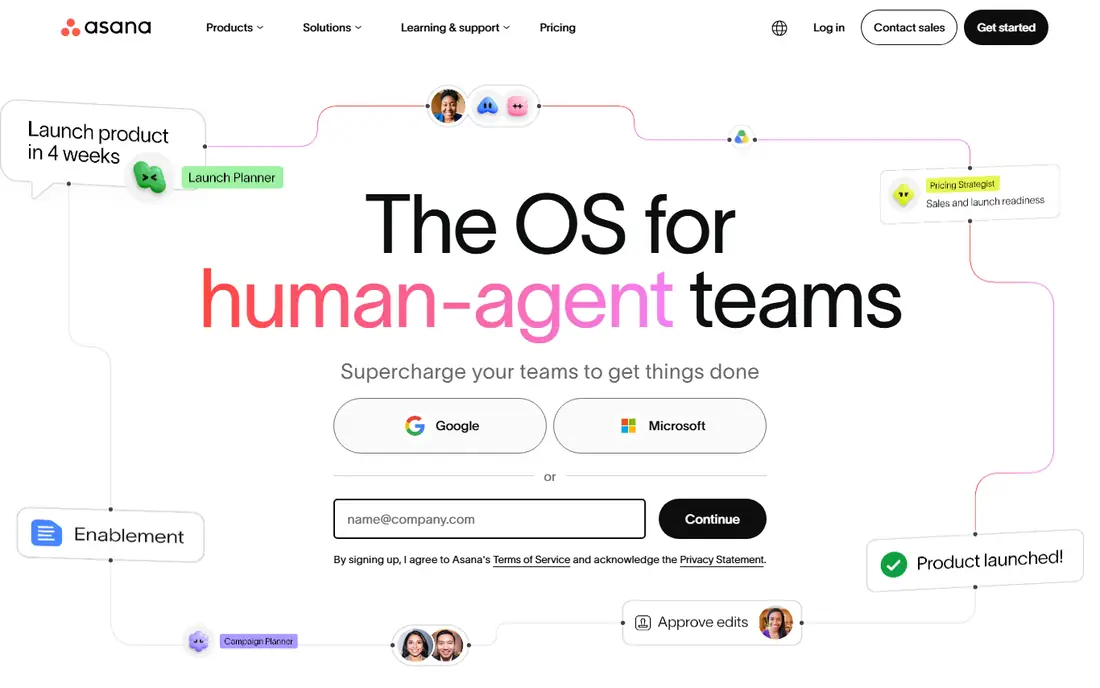
Asana suits teams that plan in a clear hierarchy. Work flows from tasks into projects, projects into portfolios, and portfolios into goals, which makes reporting to managers straightforward. Timeline and Gantt views, dashboards, forms, and custom fields arrive on Starter, and unlimited free guests keep clients and contractors in the loop without extra seats. The trade off is the jump to Advanced. Workload, goals, approvals and proofing, and native time tracking all sit there, so a team that wants the full picture pays $24.99 per user per month rather than $10.99. Asana is a strong pick for marketing, operations, and product teams that value structure, and a weaker pick for teams that want cheap automations and flexible boards.
What we like- Clear timeline and Gantt views, unlimited automations on paid plans, strong portfolio and goal tracking on Advanced, unlimited free guests.
Watch out for- The features most teams need, such as workload, portfolios, and goals, sit on the Advanced plan at more than double the Starter price, and seat counts are sold in fixed increments above five users.
#2
monday Work Management
Best for: Teams that want visual boards with typed columns and heavy automation.
Visit monday.com
Starting priceBasic $9 per seat per month billed annually ($12 monthly); Standard $12 ($14 monthly); Pro $19 ($24 monthly). Prices checked 17 November 2026.
Free planFree plan for up to 2 seats.
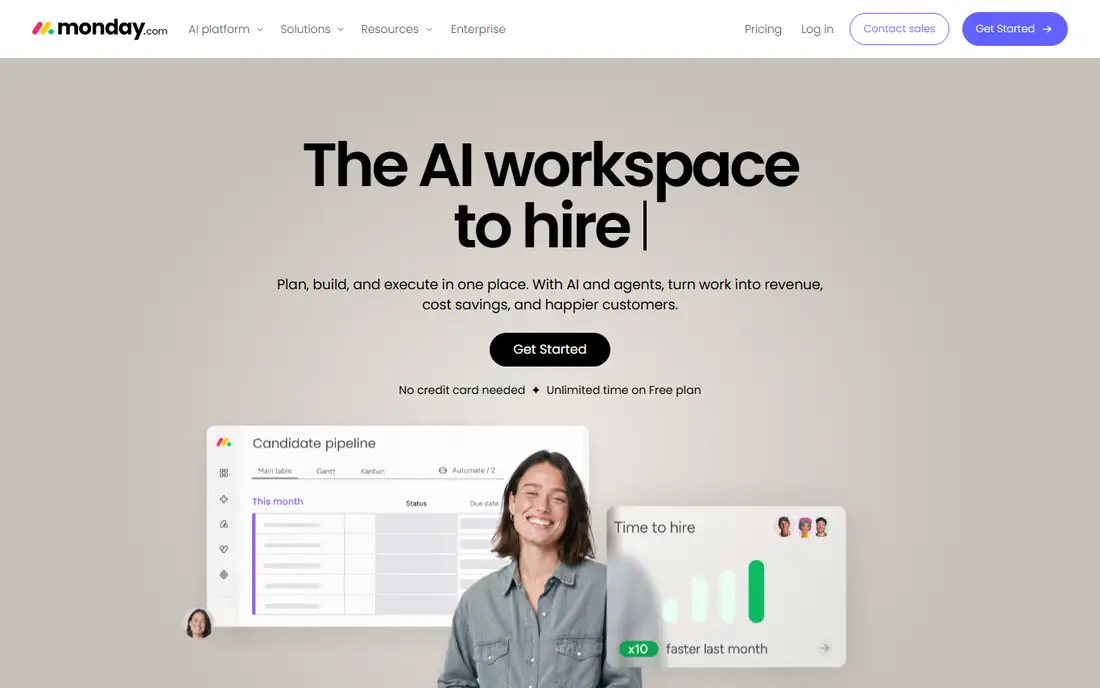
monday Work Management suits teams that think in boards. Each board is built from typed columns, so a team can track status, owners, dates, and budgets in one view. Automations and integrations start on Standard, with 250 actions a month each, and Pro raises both to 25,000 a month while adding time tracking, private boards, and formula columns. Every paid plan starts at three seats, so a solo user or a pair still pays for three. Basic looks cheap at $9 a seat, but it has no automations or integrations, which are the main reason to choose monday over a spreadsheet. Watch the product line too: monday CRM is priced separately at $12, $17, and $28 a seat, so a team that needs both work management and CRM pays twice.
What we like- Visual boards are quick to build, automations scale to 25,000 actions a month on Pro, generous AI credit allowances, unlimited free viewers.
Watch out for- Paid plans carry a 3-seat minimum, so a solo user still pays for three seats, and Basic has no automations or integrations at all, which makes Standard the real entry point for most teams.
#3ClickUp
Best for: Teams that want tasks, docs, chat, and whiteboards in one low-cost app.4.6/5 on
G2 (14,878 reviews, checked Oct 2026)
Visit clickup.com
Starting priceUnlimited $7 per user per month billed annually ($10 monthly); Business $12 ($19 monthly). Prices checked 17 November 2026.
Free planFree Forever plan with unlimited tasks and members and 60 MB storage.
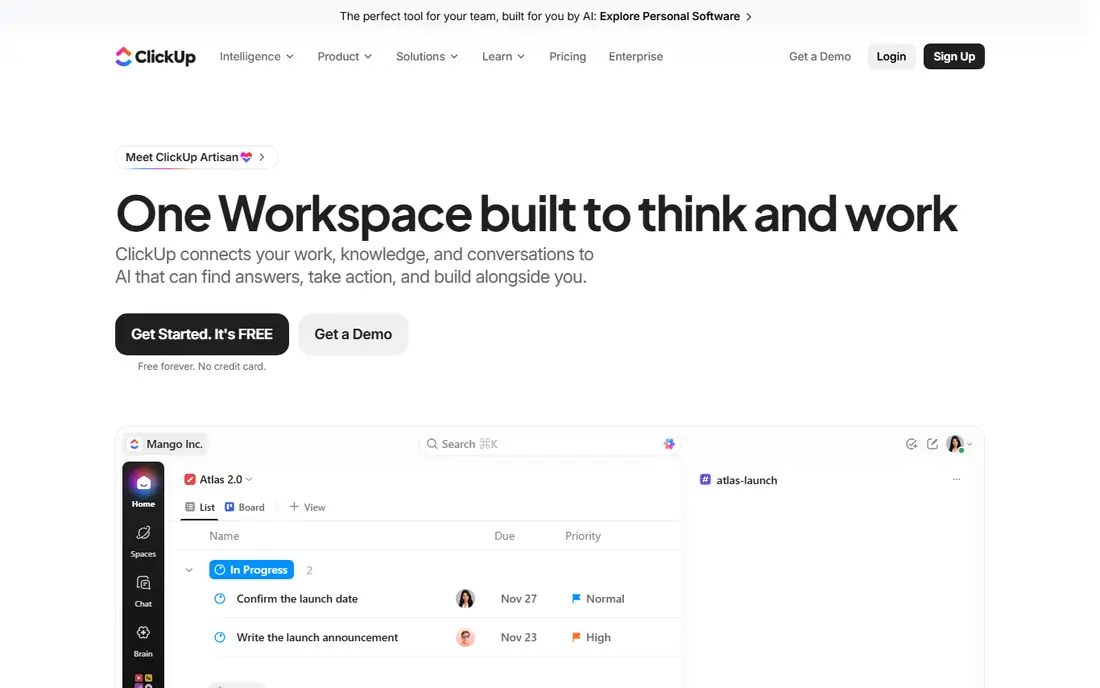
ClickUp suits teams that want one app for tasks, docs, chat, and whiteboards. The Unlimited plan at $7 per user per month is the lowest entry price among the full featured tools here, and it includes unlimited storage, Gantt charts, integrations, and dashboards. Business at $12 adds advanced automations, goals, and workload views. The drawback is complexity. ClickUp packs so many features into one interface that setup takes longer and new users need training before the tool feels natural. AI is also a paid add on: ClickUp Brain costs $9 per user per month on top of the base plan. One caution for buyers: an October 2026 source reported that ClickUp's pricing page was showing a new plan lineup under the name Core without visible prices, so confirm the current plan names before you buy.
What we like- Very low entry price, native time tracking and docs included, unlimited storage from Unlimited, wide view options.
Watch out for- The interface packs in so many features that new teams face a long setup and learning period, and AI (ClickUp Brain) costs $9 per user per month on top of the base plan.
#4Trello
Best for: Small teams that want simple visual kanban boards with almost no setup.4.4/5 on
G2 (14,064 reviews, checked Oct 2026)
Visit trello.com
Starting priceStandard $5 per user per month billed annually ($6 monthly); Premium $10 ($12.50 monthly); Enterprise from $17.50. Prices checked 17 November 2026.
Free planFree plan with unlimited cards and up to 10 boards per workspace.
Trello suits small teams that want to start in minutes. Boards, lists, and cards are the whole model, and most people understand it without training. The Standard plan at $5 per user per month adds unlimited boards, advanced checklists, custom fields, and larger attachments. Premium at $10 adds Calendar, Timeline, Table, Dashboard, and Map views, plus unlimited automation. The limit is scope. Trello is a board tool, not a work platform, so reporting, resource views, and cross project rollups are thin, and several features need paid Power-Ups or a Premium upgrade. Trello is the best pick here for a small team with simple work, and the weakest pick for a team that needs portfolios or workload planning.
What we like- Fastest setup of any tool here, simple drag-and-drop boards, low starting price, Butler automation included.
Watch out for- Reporting, Gantt views, and advanced features need Premium or paid Power-Ups, so costs rise as soon as a team outgrows basic boards.
#5Jira
Best for: Software teams that run sprints against a prioritised backlog.4.3/5 on
G2 (7,984 reviews, checked Oct 2026)
Visit atlassian.com
Starting priceStandard about $7.91 per user per month on annual billing (about $9.70 billed monthly); Premium about $14.54 on annual billing (about $19.60 billed monthly). Prices checked 17 November 2026.
Free planFree plan for up to 10 users.
Jira suits software teams that run sprints. Scrum and Kanban boards, backlogs, roadmaps, and agile reports such as velocity and burndown are built in, and automation rules cover common cases such as moving an issue when a pull request merges. Pricing needs care. Jira's annual plans are priced by user band, not a flat per user rate, so the per user figure changes with team size. Current sources list Standard at about $7.91 per user per month on annual billing, with monthly billing at $9.70, and Premium at about $14.54 annual or $19.60 monthly. Older guides list $7.75 and $13.53, so treat those as outdated. Outside software work Jira feels heavy, and non technical teams often prefer a simpler tool.
What we like- Built for agile work with scrum boards, backlogs, and velocity reporting, strong automation rules, deep Atlassian integration.
Watch out for- Annual pricing is set by user band rather than a flat per-user rate, so the per-user figure changes with team size, and the interface feels heavy for teams outside software development.
#6Wrike
Best for: Larger teams and departments that run formal request intake and approvals.4.2/5 on
G2 (4,540 reviews, checked Oct 2026)
Visit wrike.com
Starting priceTeam $9.80 per user per month billed annually; Business $24.80 billed annually. Prices checked 17 November 2026.
Free planFree plan for unlimited users with a 200 active task limit.
Wrike suits departments that run complex projects with formal intake and approvals. Request forms feed work into the system, Gantt charts with dependencies arrive on the Team plan, and approvals and proofing help marketing and creative teams manage review cycles. Cross-tagging lets one task appear in several folders without a duplicate record. Team costs $9.80 per user per month billed annually and covers 2 to 15 users, while Business costs $24.80 and adds time tracking, custom workflows, and more automation. Some 2026 sources round these figures to $10 and $25, but $9.80 and $24.80 are the figures shown on the vendor pricing page. A team of 16 moves to Business, and Wrike lists no monthly self-serve price.
What we like- Gantt charts with dependencies on the entry paid plan, strong request forms and approvals, cross-tagging lets one task appear in several folders.
Watch out for- Team covers only 2 to 15 users, so growing teams move to Business quickly, and Wrike lists no monthly self-serve price, which limits flexibility for short projects.
#7Smartsheet
Best for: Teams that plan in spreadsheets and need formulas, budgets, and portfolio rollups.4.4/5 on
G2 (22,767 reviews, checked Oct 2026)
Visit smartsheet.com
Starting pricePro $9 per member per month billed annually ($12 monthly); Business $19 ($24 monthly). Prices checked 17 November 2026.
Free planNo free plan; 30-day trial available.
Smartsheet suits teams that plan in spreadsheets. Sheets, formulas, and cross-sheet references feel familiar to anyone who lives in Excel, and Gantt, card, and calendar views sit on top of the same data. Portfolio reports roll individual sheets into one view. Pro costs $9 per member per month billed annually and covers 1 to 10 members, while Business costs $19 and adds unlimited automation and more capacity. One 2026 source listed Business at $32, but the vendor pricing page and most current sources list $19, so the higher figure looks like an error or a different bundle. There is no free plan for new sign-ups, only a 30-day trial, and Pro stops at ten members, so a team of eleven pays Business rates for everyone.
What we like- Familiar spreadsheet layout, column formulas and cross-sheet references, portfolio reporting, AI features included in paid plans without a credit meter.
Watch out for- Pro stops at 10 members, so a team of 11 pays Business rates for everyone, and there is no free plan for new sign-ups, only a trial.
#8Notion
Best for: Teams that want docs, wikis, and project tracking in one workspace.4.6/5 on
G2 (13,834 reviews, checked Oct 2026)
Visit notion.com
Starting pricePlus $10 per member per month billed annually ($12 monthly); Business $20 billed annually. Prices checked 17 November 2026.
Free planFree plan for individuals and small teams with unlimited pages and blocks for personal use.
Notion suits teams that want docs and tracking in one place. Pages, databases, wikis, and task lists share one model, so a knowledge base and a project tracker can live in the same workspace. Plus costs $10 per member per month billed annually and adds unlimited blocks, unlimited file uploads, and 30-day page history. Business costs $20 and adds full Notion AI, SAML single sign-on, and private teamspaces. One 2026 source listed Business at $18, but the vendor pricing page lists $20, so use $20 when you budget. The trade off is depth. Notion's project features are lighter than a dedicated tool, with weaker native time tracking and reporting, so a team that needs workload views or portfolio reporting may need a dedicated platform instead.
What we like- Docs and databases share one model, flexible templates, workspace export to Markdown, HTML, and CSV, low learning curve for docs-first teams.
Watch out for- Project features are lighter than dedicated tools, with weaker native time tracking and reporting, and full Notion AI only arrives on Business, which doubles the bill.
Frequently asked questions
Is Asana or monday cheaper for a small team?
For ten users on annual billing, monday Basic costs $90 a month and Asana Starter costs $109.90, so monday looks cheaper. The picture changes once you need automations: monday Basic has none, so most teams need Standard at $120 a month, while Asana Starter includes unlimited automations at $109.90. Compare the tier you will actually use, not the cheapest headline rate.
Which is better for software teams, Asana or monday?
Asana fits software teams that plan in projects and portfolios, with timeline views and goal tracking. monday fits teams that want flexible boards and heavy automation. Neither is built for sprints the way Jira is, so a development team that runs scrum usually picks Jira and uses Asana or monday for cross team work instead. Trial both with a real sprint before you decide.
Can I move my boards from monday to Asana?
Yes, both tools offer importers, and Asana can import monday boards through its importer or a CSV file. Test the move with one real project first and check that custom fields, attachments, comments, and assignees carry over. Some history may not transfer cleanly, so keep the old workspace readable until the team confirms nothing important was lost.
Do Asana and monday have free plans?
Yes, both do, but both are small. Asana Personal is free for up to two users with unlimited tasks and projects. monday has a free plan capped at two seats. Neither free plan suits a real team, so treat them as trials. ClickUp and Trello offer more generous free plans if you need to run a small team at no cost.
Which alternative is best if budget is the priority?
Trello Standard at $5 per user per month is the cheapest paid plan in this guide, and ClickUp Unlimited at $7 is the cheapest full featured plan, with docs, time tracking, and Gantt charts included. Trello suits simple board work, while ClickUp suits teams that want more features for little extra cost. Compare the free plans first, since both tools let a small team start without paying.
Sources we checked (8)
- https://asana.com/pricing
- https://monday.com/pricing
- https://clickup.com/pricing
- https://trello.com/pricing
- https://www.atlassian.com/software/jira/pricing
- https://www.wrike.com/pricing/
- https://www.smartsheet.com/pricing
- https://www.notion.com/pricing
Is your product missing or out of date?
We review this list regularly. Vendors can request a listing, send updated pricing or ask about featured placement.

Shihab Mia · Founder, Rankite
Shihab has 5+ years in B2B and SaaS SEO. He writes Rankite's software buying guides from pricing pages, documentation and public user reviews. More about Shihab.