How we make this list: we compare pricing pages, product documentation and public user reviews. Ratings come from G2, Capterra or Trustpilot, with the date we checked them.
Key takeaways
- Darktable is the best free alternative to Lightroom, with a free, open source RAW workflow, non-destructive editing, and professional color management built for photographers.
- Affinity going free in 2026 turned the best paid Photoshop alternative into the best free one, covering RAW support, layers, masks, and non-destructive editing at zero cost.
- Photopea is the best free Photoshop-style editor in a browser, opening PSD, XCF, Sketch, and XD files without installing anything, with ads removed for $5 per month.
- Adobe's Photography Plan costs around $120 per year with no option to buy outright, while every tool here costs nothing to start, so test one tool end to end before paying Adobe again.
Quick comparison
| Tool | Best for | Starting price | Free plan |
|---|
 Darktable Darktable | Lightroom-class RAW editing free | Free | Yes |
 RawTherapee RawTherapee | Maximum RAW detail recovery | Free | Yes |
 Photopea Photopea | Browser editing without installing | Free | Yes |
 GIMP GIMP | Retouching and compositing free | Free | Yes |
 Affinity Affinity | Full professional editor free | Free | Yes |
 Polarr Polarr | Fast filter-driven edits | Free | Yes |
 Krita Krita | Digital art and illustration | Free | Yes |
 Snapseed Snapseed | Mobile editing free | Free | Yes |
Is your product missing or out of date?
We review this list regularly. Vendors can request a listing, send updated pricing or ask about featured placement.
The best free alternatives to Lightroom
Starting priceFree
Free planYes
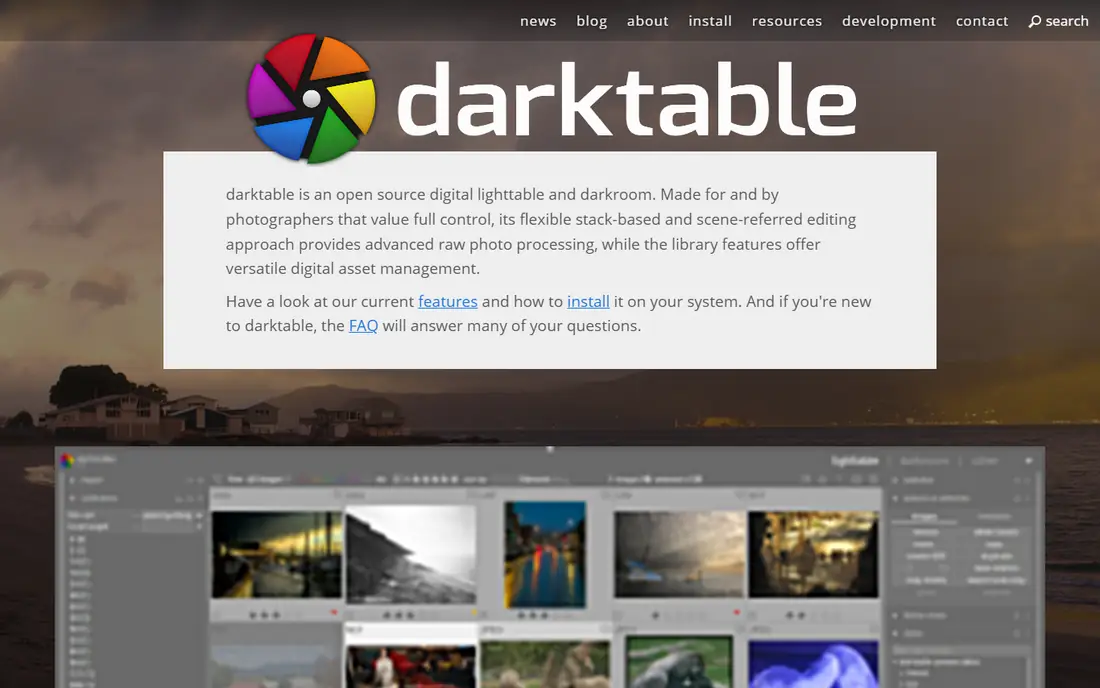
Darktable is a free, open source RAW workflow app with non-destructive editing and professional color management, built specifically for photographers rather than general image editing. It runs on Windows, Mac, and Linux, handles RAW development, cataloging, and export, and rivals Lightroom for RAW photo processing and management in 2026 guides. Its module-based editing gives precise control over tone, color, and lens corrections without a subscription.
The learning curve runs 2 to 3 days for photographers used to Lightroom, and it lacks layered compositing, so retouching work needs a second tool like GIMP. For photographers who shoot RAW and want a free, vendor-free developing workflow, Darktable is the best free alternative to Lightroom here.
What we like- Genuinely capable and completely free
- Non-destructive RAW workflow
- Professional color management
Watch out for- Learning curve of 2 to 3 days
- No layered compositing
- Interface feels technical for beginners
#2RawTherapee
Best for: Maximum RAW detail recovery4.1/5 on
G2 (56 reviews, checked Oct 2026)
Visit rawtherapee.com
Starting priceFree
Free planYes
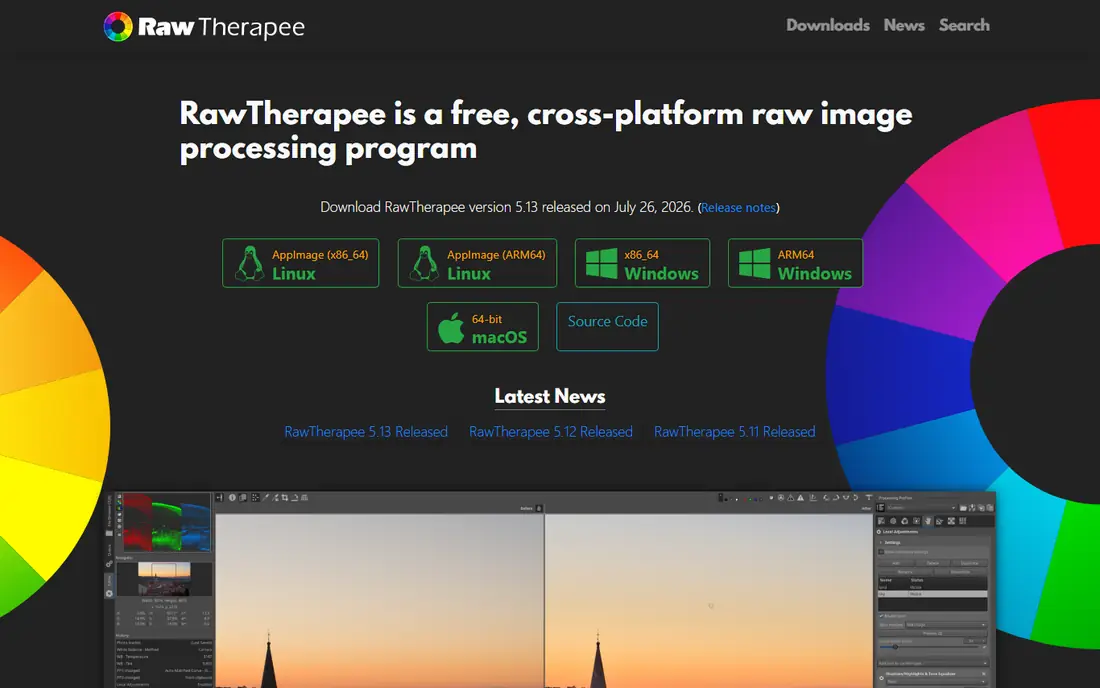
RawTherapee suits technical photographers who want maximum RAW control, with strong detail recovery, demosaicing options, and tone tools that rival Lightroom for RAW processing. It runs on Windows, Mac, and Linux, is free and open source, and pairs well with GIMP for retouching, since RawTherapee handles development while GIMP handles pixel work. Its learning curve of about 1 day is shorter than Darktable for pure RAW work.
It has no catalog or layers, and its interface is more technical than Darktable, so photographers who need library management should prefer Darktable. For photographers who prioritize RAW detail recovery above all else, RawTherapee offers the deepest RAW controls here.
What we like- Maximum RAW control
- Strong detail recovery
- Free and open source
Watch out for- Learning curve of about 1 day
- No catalog or layers
- Interface is more technical than Darktable
#3Photopea
Best for: Browser editing without installing4.6/5 on
G2 (21 reviews, checked Oct 2026)
Visit photopea.com
Starting priceFree
Free planYes
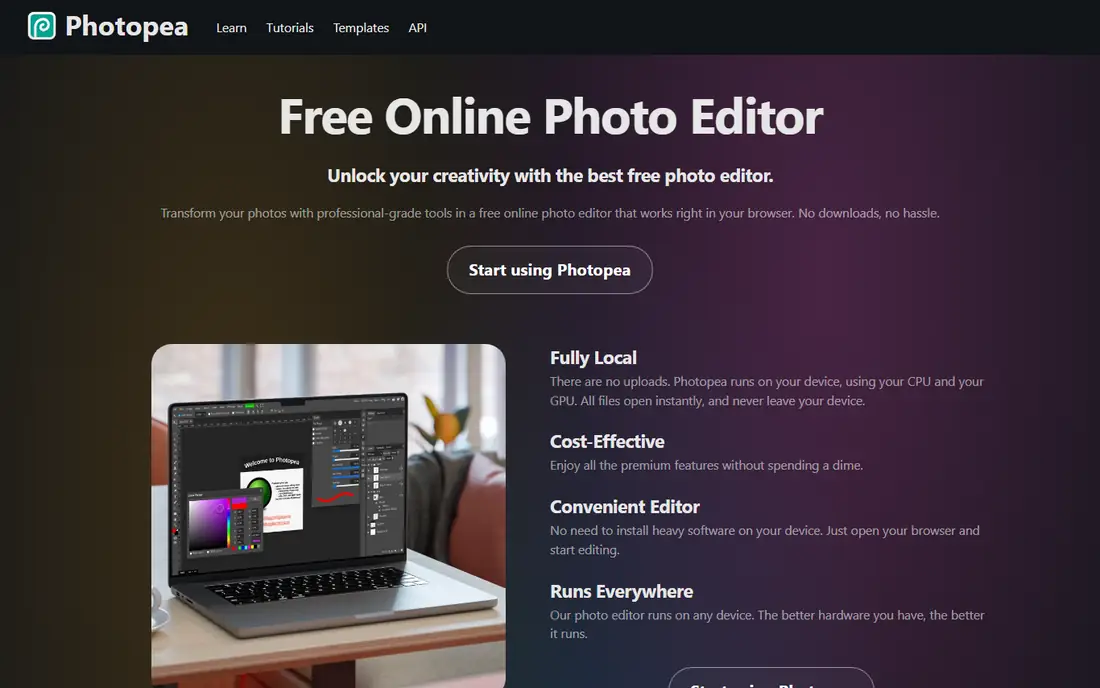
Photopea is the best free Photoshop-style editor in a browser, opening PSD, XCF, Sketch, and XD files directly without installing anything, with full Photoshop compatibility for brushes and actions. It runs on any browser, works on tablets and Chromebooks, and offers an offline mode after the first visit, making it the best option when you need Photoshop's interface in a browser. RAW files open in Photopea as well, though its RAW development is lighter than Darktable.
Ads appear in the free version and can be removed for $5 per month, and performance depends on internet speed for large files. For occasional editors who need to open a PSD or RAW file in a browser, Photopea is the most convenient free tool here.
What we like- Zero installation required
- Opens PSD, XCF, Sketch, and XD files
- Works on tablets and Chromebooks
Watch out for- Ads in free version, removed for $5 per month
- Dependent on internet speed for large files
#4GIMP
Best for: Retouching and compositing free4.3/5 on
G2 (1,484 reviews, checked Oct 2026)
Visit gimp.org
Starting priceFree
Free planYes
GIMP remains the most customizable free editor, with a large plugin library and Python and Script-Fu scripting for automation, plus full layer management with blend modes, masks, and groups. It suits retouching and compositing, handling skin retouching, frequency separation, and complex composites that RAW developers cannot, and it pairs with Darktable as the ultimate free Photoshop plus Lightroom combo: develop RAW in Darktable, export a 16-bit TIFF, then retouch in GIMP.
RAW support needs a plugin rather than being built in, and the learning curve is steeper than single-app solutions, since two programs cover the full workflow. For photographers who live in Photoshop but hate the bill, the GIMP plus Darktable duo gives the full professional workflow at zero cost.
What we like- Most customizable free editor
- Large plugin library
- Python and Script-Fu scripting
Watch out for- RAW support needs a plugin
- Steeper learning curve than single-app solutions
- No catalog
Starting priceFree
Free planYes
Affinity, the all-in-one successor to Affinity Photo 2, is now free to download and use, offering a full professional photo editor with RAW support, layers, masks, and non-destructive editing that previously cost $70. Its free release in 2026 turned the best paid alternative into the best free one, and it is the download guides recommend first for almost everyone, since it covers most everyday editing tasks without a subscription. It runs on Windows and Mac, with an iPad version coming.
AI tools need a Canva premium plan rather than being free, and plugin support is limited to macros and scripting rather than a full plugin ecosystem. For freelancers who want desktop photo tools without paying, Affinity offers the most complete free editor here.
What we like- Full professional photo editor free
- RAW support, layers, masks, non-destructive editing
- Previously cost $70
Watch out for- AI tools need a Canva premium plan
- Plugin support limited to macros and scripting
- IPad version still coming
Starting priceFree
Free planYes
Polarr suits fast, filter-driven edits across phone, desktop, and web, with a free tier and a simple interface that beginners learn quickly. It handles RAW files and offers filters, adjustments, and masks for everyday edits, with Pro at $3.99 per month on annual billing for fuller features. Its cross-device workflow suits photographers who edit on phone and desktop interchangeably.
Layers are limited compared with GIMP or Affinity, and its RAW depth trails Darktable for serious development work. For photographers who want fast, attractive edits without a learning curve, Polarr offers the quickest path here.
What we like- Fast filter-driven edits across phone and desktop
- Free tier available
- Easy for beginners
Watch out for- Limited layers
- Pro at $3.99 per month yearly for fuller features
- Less depth than Darktable for RAW
#7Krita
Best for: Digital art and illustration4.4/5 on
G2 (65 reviews, checked Oct 2026)
Visit krita.org
Starting priceFree
Free planYes
Krita is the best free option for digital art and illustration, with brush engines that rival Photoshop painting tools, full layer support, and plugin extensibility. It runs on Windows, Mac, and Linux, is free and open source, and suits photographers who also paint, illustrate, or create digital art alongside photo work. Its painting tools exceed what photo editors offer for brush work.
It has no RAW support, and its painting focus means less photo workflow depth than Darktable or Affinity, so photographers should pair it with a RAW developer rather than using it alone. For artists and photographers who paint, Krita offers the strongest free brush tools here.
What we like- Best free option for digital art
- Brush engines rival Photoshop painting tools
- Full layers and plugins
Watch out for- No RAW support
- Painting focus means less photo workflow
- Interface suits artists over photographers
Starting priceFree
Free planYes
Snapseed suits mobile editing on iOS and Android, offering free selective adjustments, filters, and tuning tools without a subscription or ads. Its selective editing lets photographers adjust brightness, contrast, and saturation in specific areas, and its simplicity makes it the best free mobile editor for quick edits before sharing. It is available on Google Play and the App Store.
There is no desktop version, and it lacks catalog or RAW workflow depth, so it complements rather than replaces a desktop RAW editor. For photographers who edit on a phone and want a free, capable mobile tool, Snapseed is the best mobile pick here.
What we like- Free mobile editing on iOS and Android
- Strong selective adjustments
- No subscription
Watch out for- No desktop version
- No catalog or RAW workflow depth
- Google-owned, so future support is uncertain
How we chose
We compared October 2026 guide rankings for free photo editors, checking price, RAW support, layers, plugins, platforms, and learning curves. We favored tools that are completely free rather than trial-only, and we flagged where AI tools or fuller features need paid plans. We did not claim hands-on testing, and free tools change often, so confirm current availability on each vendor site before committing.
Building a free Lightroom replacement
The classic free replacement pairs Darktable for RAW development and cataloging with GIMP for retouching and compositing, covering the full professional workflow at zero cost. Start by opening your three most common file types in the candidate tool and doing one real job end to end, since a tool that survives your actual files earns its place. If you only do basic editing, Affinity or Photopea cover cropping, resizing, exposure fixes, retouching, text, and social exports at zero cost, saving about $276 per year versus Adobe.
When to keep paying Adobe
Pay for Adobe when its AI features, collaboration tools, or native file exchange earn their $22.99 per month, not out of habit. Photographers who need Lightroom cloud sync across devices, Photoshop generative AI, or team collaboration may find Adobe worth the cost, while solo photographers with local workflows rarely do. Test a free tool for a month alongside Adobe before canceling, so you know exactly what you lose and what you gain.
Migration tips for Lightroom users
Export your Lightroom catalog structure before switching, since free tools do not import Lightroom catalogs directly, and keep original RAW files plus exported TIFFs as a safety net. Learn one tool at a time rather than switching everything at once, starting with Darktable for RAW work and adding GIMP only when retouching needs arise. Community forums and tutorials cover most migration questions, since these open source tools have large, active user bases.
Frequently asked questions
What is the best free alternative to Lightroom?
Darktable is the best free alternative to Lightroom, with a free, open source RAW workflow, non-destructive editing, and professional color management built for photographers. Affinity is the best free all-round editor, while Photopea is the best browser option.
Can free tools really replace Lightroom and Photoshop?
Yes, for most everyday editing, since Darktable plus GIMP covers RAW development and retouching, while Affinity covers both in one free app. Adobe still leads for AI features, cloud sync, and collaboration, so pay for Adobe only when those features earn their monthly cost.
Is Affinity really free now?
Yes, Affinity became free to download and use in 2026, after previously costing $70 for a perpetual licence. AI tools need a Canva premium plan, but the core photo editor, including RAW support, layers, and masks, is free.
Do free RAW editors support my camera?
Darktable and RawTherapee support most major camera RAW formats, though very new camera models may need a few months before support arrives. Check each tool's camera support list for your specific model before switching, since support varies by release.
What is the easiest free photo editor for beginners?
Polarr and Snapseed are the easiest free editors for beginners, with simple interfaces and fast filter-driven edits. Photopea suits beginners who know Photoshop, while Darktable and GIMP need more learning time but offer deeper control.
Sources we checked (10)
- https://www.darktable.org
- https://rawtherapee.com
- https://www.photopea.com
- https://www.gimp.org
- https://affinity.serif.com
- https://photoeditor.polarr.com
- https://krita.org
- https://play.google.com/store/apps/details?id=com.niksoftware.snapseed
- https://rankite.com/blog/best-editing-software-for-photography
- https://www.findingtheuniverse.com/lightroom-alternatives/
Is your product missing or out of date?
We review this list regularly. Vendors can request a listing, send updated pricing or ask about featured placement.

Shihab Mia · Founder, Rankite
Shihab has 5+ years in B2B and SaaS SEO. He writes Rankite's software buying guides from pricing pages, documentation and public user reviews. More about Shihab.