How we make this list: we compare pricing pages, product documentation and public user reviews. Ratings come from G2, Capterra or Trustpilot, with the date we checked them.
Key takeaways
- Capture One is the best professional Lightroom alternative, with superior colour tools and tethered shooting.
- Luminar Neo suits photographers who want AI-powered editing without a subscription.
- DxO PhotoLab leads on RAW processing quality, especially noise reduction and lens corrections.
- Darktable and RawTherapee are free, open-source options for photographers who want full control at no cost.
- Affinity Photo is a one-time purchase editor that pairs well with a free RAW manager for a subscription-free workflow.
Quick comparison
Is your product missing or out of date?
We review this list regularly. Vendors can request a listing, send updated pricing or ask about featured placement.
The best Adobe Lightroom alternatives

#1Capture One
Best for: Professional colour and tethering4.5/5 on
G2 (78 reviews, checked Oct 2026)
Visit captureone.com
Starting priceSee website
Free planFree trial
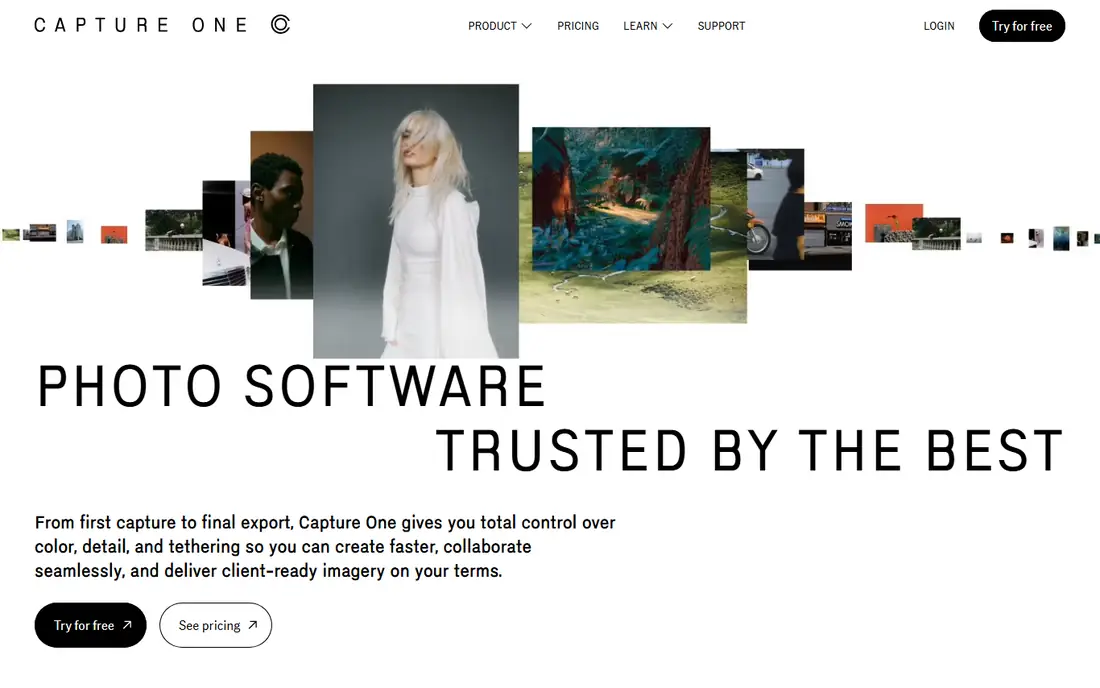
Capture One is the professional's choice for studio and commercial photography, and its colour tools are the reason. Colour grading, skin tone editing and ICC profile support are deeper than Lightroom's, and tethered shooting, shooting directly into the app from a camera, is the best in the industry, which is why studios rely on it.
Layers, luminosity masks and advanced masking let you edit precisely without leaving the app, and RAW processing quality is excellent across supported cameras. Sessions, a project-based workflow, suit studio shoots, while catalogues handle larger libraries.
Capture One costs more than most rivals, with subscription or perpetual licence options, and its learning curve is steeper. The catalogue experience is also less polished than Lightroom's. But for professionals who prioritise colour and tethering, Capture One is the strongest Lightroom alternative.
What we like- Excellent colour editing and skin tones
- Best tethered shooting
- Strong layer and masking tools
Watch out for- Higher price than rivals
- Steeper learning curve
- Catalogue less polished than Lightroom

#2Luminar Neo
Best for: AI-powered editing4.4/5 on
G2 (115 reviews, checked Oct 2026)
Visit skylum.com
Starting priceSee website
Free planFree trial

Luminar Neo uses AI to speed up edits that take minutes by hand. Sky replacement, portrait enhancement, relighting, dust removal and atmosphere effects all work with a few sliders, and the results are often impressive for social media and client previews. A lifetime purchase option appeals to photographers tired of subscriptions.
The interface is friendly for beginners, with presets and AI tools alongside manual controls for exposure, colour and detail. Batch editing and a growing extension library add depth, and Luminar works as a plugin for Lightroom and Photoshop as well as a standalone app.
Catalogue and digital asset management features are weaker than Lightroom's, so photographers with huge libraries may need a separate manager. Performance can also lag on older machines with AI tools active. But for fast, AI-assisted editing without a subscription, Luminar Neo is hard to beat.
What we like- Powerful AI tools for sky, portrait and relighting
- No subscription required with lifetime option
- Easy to learn
Watch out for- Catalogue and DAM features weaker than Lightroom
- Performance varies on older machines

#3DxO PhotoLab
Best for: RAW quality and denoising4.4/5 on
Capterra (14 reviews, checked Oct 2026)
Visit dxo.com
Starting priceSee website
Free planFree trial
DxO PhotoLab is built around RAW processing quality. Its DeepPRIME and DeepPRIME XD noise reduction are widely regarded as the best available, recovering clean detail from high-ISO images that other editors leave noisy. Automatic optical corrections, based on lab-measured camera and lens profiles, fix distortion, vignetting and chromatic aberration without manual work.
Local adjustments, including control points and masks, plus a clean interface, make everyday editing pleasant, and PhotoLab handles most RAW formats well. A free trial lets you compare its output with Lightroom's on your own images, which is the best way to judge the difference.
Library management is basic compared with Lightroom's catalogue, so many users pair PhotoLab with a separate manager. Pricing is per major version rather than subscription, which suits buyers who prefer owning software. For photographers who prioritise image quality above all, PhotoLab leads the field.
What we like- Best-in-class noise reduction with DeepPRIME
- Automatic lens corrections
- Excellent RAW detail
Watch out for- Library management is basic
- No subscription option confusion aside, pricing is per version
Starting priceSee website
Free planFree trial
ON1 Photo RAW is an all-in-one editor that combines browsing, RAW processing, layered editing, effects and resizing in a single app, with no subscription required. Photographers can organise, edit and export without switching tools, and the masking, layering and effects system is deep enough for creative work that Lightroom users would need Photoshop for.
Features include AI masking, portrait tools, sky replacement, panorama stitching and HDR, plus a large preset library. The app runs on Windows and Mac, with a mobile companion for on-the-go browsing.
Performance with very large catalogues can be slower than Lightroom's, and the interface packs a lot in, which takes time to learn. But as a single, subscription-free replacement for Lightroom plus some Photoshop tasks, ON1 Photo RAW offers strong value.
What we like- Editing, effects and organisation in one app
- No subscription required
- Good masking and layers
Watch out for- Performance can be slow with large catalogues
- Interface takes learning
Starting priceSee website
Free planFree trial
Affinity Photo is a professional image editor sold as a one-time purchase, which makes it the most popular subscription-free alternative to Photoshop, and a strong companion to a RAW manager for a Lightroom-free workflow. Layers, masks, retouching, frequency separation, panorama stitching and HDR are all included, with performance that feels fast even on modest machines.
RAW development covers exposure, white balance, lens corrections and detail, though catalogue and library management are weaker than Lightroom's, so many users pair Affinity Photo with Darktable, Capture One or a simple folder system for organisation.
A free trial lets you test the full app, and the one-time price is a fraction of a year's Adobe subscription. For photographers who want professional editing without a monthly bill, Affinity Photo is the best value available.
What we like- One-time purchase, no subscription
- Professional layer and retouching tools
- Excellent value
Watch out for- RAW management and catalogue weaker than Lightroom
- Learning curve for Photoshop converts
Starting priceFree
Free planYes
Darktable is a free, open-source RAW editor and photo manager that rivals commercial tools on power, if not on polish. Non-destructive editing covers exposure, colour, tone curves, masks, denoise and lens corrections, with a module system that lets you build a custom workflow. Catalogue features include tagging, rating, grouping and search across large libraries.
The community is active, with regular releases, camera support updates and extensive documentation, and the app runs on Windows, Mac and Linux. For photographers who want full control without paying, Darktable is the most capable free option.
The learning curve is steep: the interface assumes photographic knowledge, and some modules have unfamiliar names. But once learned, Darktable handles professional RAW work, and its price, free forever, cannot be beaten.
What we like- Completely free and open source
- Powerful non-destructive editing
- Excellent masking and colour tools
Watch out for- Steep learning curve
- Interface less polished than commercial rivals
Starting priceFree
Free planYes
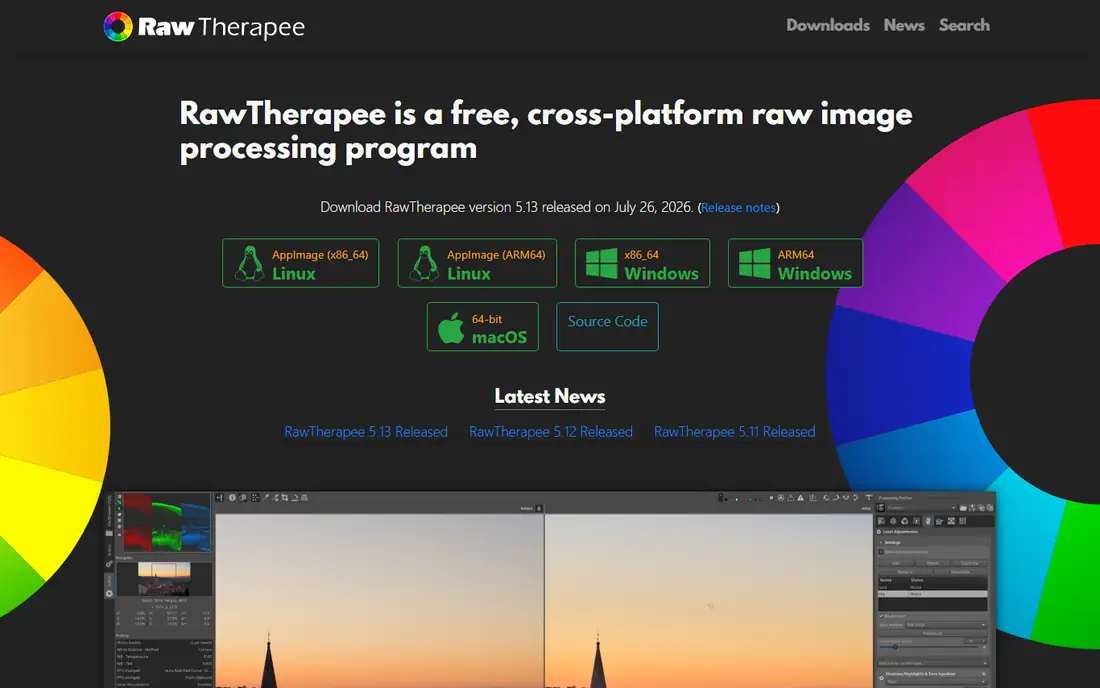
RawTherapee is another free, open-source RAW processor, focused on squeezing maximum detail and colour accuracy from RAW files. Controls cover demosaicing, noise reduction, sharpening, tone mapping, colour profiles and wavelet editing, with a depth that appeals to technical photographers who want every parameter available.
Processing quality is excellent, particularly for detail retention and highlight recovery, and the app supports a wide range of cameras. Batch processing and profiles help with large shoots, and the app runs on Windows, Mac and Linux.
RawTherapee has no catalogue or library management, so it pairs best with a file browser or a manager like digiKam, and the interface is technical rather than friendly. Development is slower than Darktable's. But for pure RAW processing quality at no cost, RawTherapee is a strong choice.
What we like- Free and open source
- Deep RAW controls
- Excellent detail and colour tools
Watch out for- No catalogue management
- Interface is technical
- Slower development pace

#8ACDSee Photo Studio
Best for: Photo management plus editing4.4/5 on
G2 (282 reviews, checked Oct 2026)
Visit acdsee.com
Starting priceSee website
Free planFree trial
ACDSee Photo Studio combines fast photo management with solid RAW editing, which suits photographers whose libraries are large and need organising. Browsing is notably quick, with no import wait, and tools for tagging, rating, searching and face detection help manage thousands of images.
Editing covers RAW development, layers, AI masking, noise reduction and lens corrections, plus batch processing for event and wedding photographers. One-time purchase options exist alongside subscriptions, giving buyers flexibility.
Editing depth does not match Capture One's colour tools or Luminar's AI breadth, and the interface feels more utilitarian than modern rivals. But for photographers who prioritise fast management plus capable editing in one app, ACDSee Photo Studio is a well-rounded alternative.
What we like- Fast browsing and management
- Good RAW editing
- One-time purchase options
Watch out for- Editing depth less than Capture One
- AI features thinner than Luminar
How we chose
We compared tools on RAW processing quality, editing depth, catalogue management, tethering, AI features and price. Prices were checked against vendor sites, and where pricing varies by licence type we say so. We also read public photographer reviews to confirm which tools professionals actually use daily and which ones suit hobbyists better.
Switching from Lightroom without losing your work
Before switching, export your Lightroom catalogue data: ratings, keywords and collections do not always transfer cleanly, so back up the catalogue and export key metadata to files. Test your top alternative with a real shoot, including tethering if you use it, and check that your camera's RAW files are supported. Keep Lightroom installed during the transition month, so you can fall back if a feature you rely on is missing.
Build a subscription-free workflow
A popular free or one-time setup pairs Darktable or RawTherapee for RAW management with Affinity Photo for layered editing, covering Lightroom plus Photoshop for a one-time or zero cost. If you prefer one app, ON1 Photo RAW, Luminar Neo or ACDSee Photo Studio each cover management and editing together.
Frequently asked questions
What is the best free Lightroom alternative?
Darktable is the best free alternative, with powerful non-destructive RAW editing and catalogue management. RawTherapee is another excellent free option for pure RAW processing, though it lacks a catalogue.
Is Capture One better than Lightroom?
For colour editing and tethered shooting, many professionals prefer Capture One. For catalogue management, cloud sync and a larger preset ecosystem, Lightroom remains stronger. The best choice depends on your workflow.
Can I use Lightroom presets in other editors?
Not directly, in most cases. Presets are usually tied to their editor, though many preset makers sell versions for Capture One, Luminar and ON1. Check compatibility before buying presets for a new editor.
Do I need Photoshop if I switch from Lightroom?
Not necessarily. ON1 Photo RAW, Affinity Photo and Luminar Neo all include layered editing that covers many Photoshop tasks. Heavy compositing and advanced retouching still favour Photoshop or Affinity Photo.
Which alternative is best for beginners?
Luminar Neo is the easiest to learn, thanks to AI tools and presets. Darktable is powerful but steep to learn, so beginners who want free software should expect a learning curve.
Can I keep my Lightroom catalogue if I switch?
You can keep the catalogue files, but other editors cannot open Lightroom catalogues directly. Export metadata to files, back up the catalogue, and use migration tools or manual import for ratings and keywords where supported.
Sources we checked (8)
- https://www.captureone.com
- https://skylum.com/luminar
- https://www.dxo.com/dxo-photolab/
- https://www.on1.com/products/photo-raw/
- https://affinity.serif.com/en-gb/photo/
- https://www.darktable.org
- https://rawtherapee.com
- https://www.acdsee.com
Is your product missing or out of date?
We review this list regularly. Vendors can request a listing, send updated pricing or ask about featured placement.

Shihab Mia · Founder, Rankite
Shihab has 5+ years in B2B and SaaS SEO. He writes Rankite's software buying guides from pricing pages, documentation and public user reviews. More about Shihab.
 ON1 Photo RAW
 Affinity Photo
 Darktable
 RawTherapee