How we make this list: we compare pricing pages, product documentation and public user reviews. Ratings come from G2, Capterra or Trustpilot, with the date we checked them.
Key takeaways
- iCloud Photos suits Apple households best, while Amazon Photos suits Prime members who want unlimited full-resolution photo storage.
- Ente Photos and Proton Photos suit privacy-focused users, with end-to-end encryption and cross-platform apps, though paid storage costs more per gigabyte than big-cloud plans.
- Immich, PhotoPrism, and Synology Photos suit people who want to own their library, but they need a server or NAS and regular backups.
- Microsoft OneDrive and Dropbox suit users who already pay for office or file storage, since photo backup can ride on a plan they already own.
Quick comparison
| Tool | Best for | Starting price | Free plan |
|---|
 Apple iCloud Photos Apple iCloud Photos | Apple households | $0.99 per user/month | Yes |
 Amazon Photos Amazon Photos | Prime members with large libraries | See website | Yes |
 Ente Photos Ente Photos | Private encrypted photo backup | See website | Yes |
 Immich Immich | Self-hosted Google Photos style backup | Free | Yes |
 Microsoft OneDrive Microsoft OneDrive | Windows and Microsoft 365 users | See website | Yes |
 Dropbox Dropbox | Simple file and photo backup | See website | Yes |
 Proton Photos Proton Photos | Encrypted photos inside Proton Drive | See website | Yes |
 Flickr Flickr | Photographers and public sharing | See website | Yes |
 Mylio Photos Mylio Photos | Local-first library across devices | See website | Yes |
 Synology Photos Synology Photos | NAS owners with large libraries | See website | No |
Is your product missing or out of date?
We review this list regularly. Vendors can request a listing, send updated pricing or ask about featured placement.
The best Google Photos alternatives
Starting price$0.99 per user/month
Free planYes
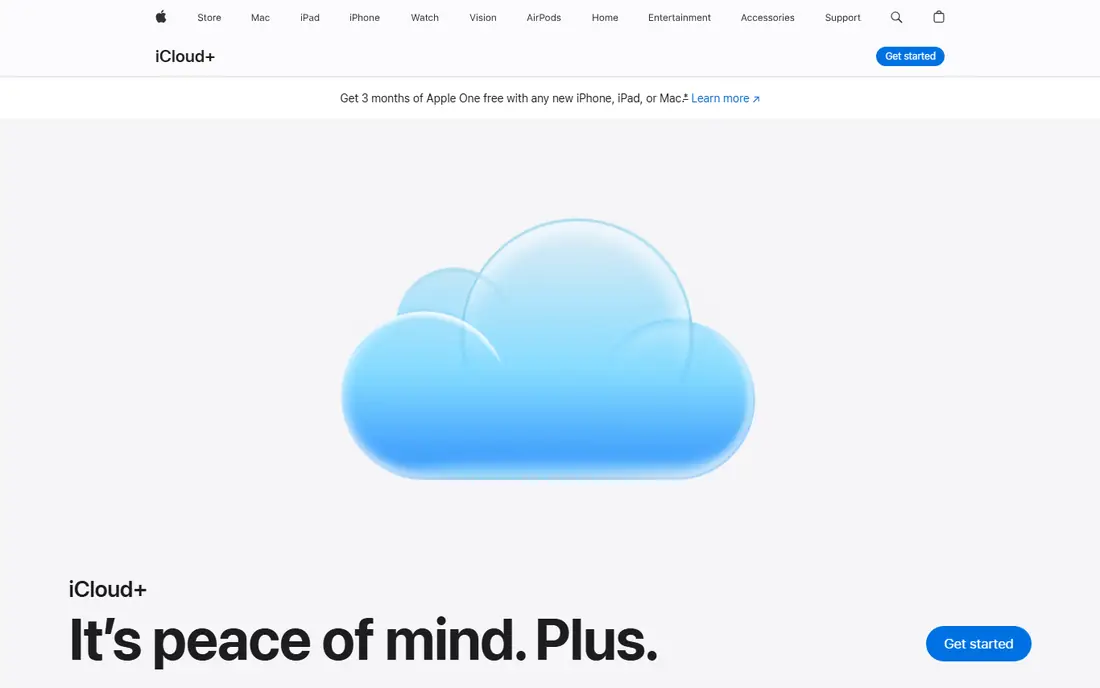
Apple iCloud Photos is the simplest switch for anyone already using an iPhone, iPad, or Mac. Photos back up automatically, appear on every Apple device, and sync edits, albums, and favourites without extra setup. Family Sharing lets up to six people share a storage plan, and shared albums make it easy to collect holiday photos from relatives. For Apple households, no other tool on this list feels as integrated.
The limits are storage and platform. The free 5 GB tier, shared with mail, backups, and files, fills after a few hundred photos, so most users need iCloud+ starting at $0.99 per month for 50 GB. Android users get web access only, which is weaker than a native app. If your household mixes iPhone and Android, a cross-platform option such as Ente or OneDrive may fit better.
What we like- Deep integration with iPhone, iPad, and Mac
- Shared albums and family sharing
- Automatic backup
Watch out for- 5 GB free tier fills quickly
- Android access is web only
- Storage is shared with other iCloud data
Starting priceSee website
Free planYes
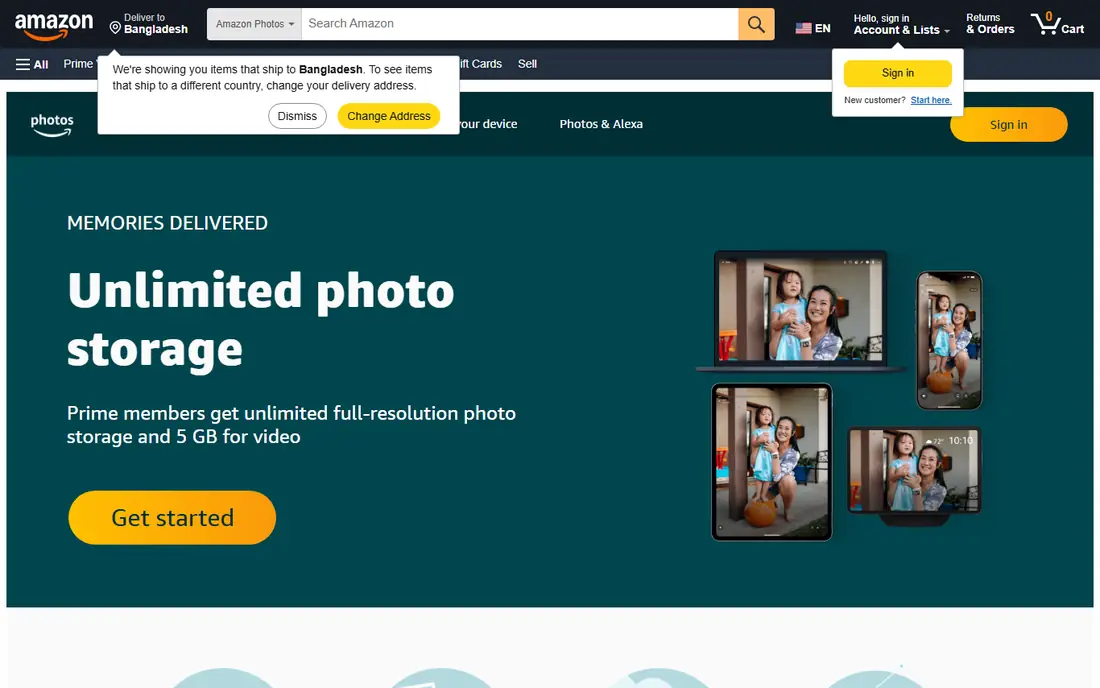
Amazon Photos is easy to overlook, which is a shame for Prime members. Prime includes unlimited full-resolution photo storage, plus 5 GB for video, which covers large photo libraries without a separate photo subscription. Family Vault lets up to six people share storage, and mobile apps back up photos automatically. For a Prime household that already pays for delivery and video, photo backup can feel close to free.
Video is the main gap. The 5 GB video allowance fills fast for families that shoot a lot of video, and extra storage costs more. Search and memories features also trail Google Photos, and non-Prime users face different pricing by country. Check the current Amazon Photos plan for your country before you commit. For photo-heavy Prime users, though, the value is hard to beat.
What we like- Unlimited full-resolution photo storage for Prime members
- Family vault sharing
- Automatic backup apps
Watch out for- Video storage limited to 5 GB for Prime
- Non-Prime pricing varies by country
- Search weaker than Google Photos
#3
Ente Photos
Best for: Private encrypted photo backup
Visit ente.io
Starting priceSee website
Free planYes
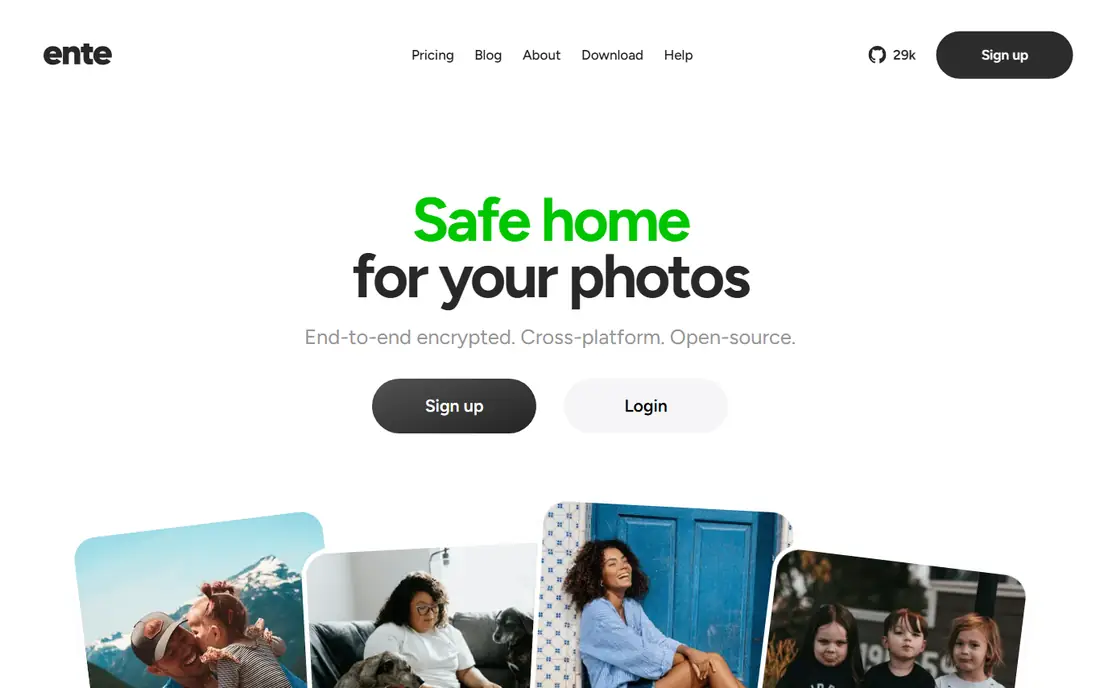
Ente Photos is the closest private replacement for Google Photos that still feels like a managed service. Photos are end-to-end encrypted, so Ente cannot read your library, and apps cover Android, iOS, web, macOS, Linux, and Windows. Features include automatic backup, shared albums, memories, face grouping, and search, with family sharing at no extra cost on paid plans. A 10 GB free tier lets you test backup and sharing before paying.
Privacy has a price. Paid storage costs more per gigabyte than iCloud or Google One at large sizes, and on-device search, while private, is less powerful than Google's cloud search. Ente also lacks the wider office and file tools that come with OneDrive or iCloud. For users who want a Google Photos style app without giving a big cloud provider access to their photos, Ente is the strongest managed choice.
What we like- End-to-end encryption
- Open-source apps
- Cross-platform backup and sharing
- Family sharing included
Watch out for- Paid storage costs more than big-cloud plans
- AI search is on-device and more limited
Starting priceFree
Free planYes
Immich has become the default answer for self-hosted photo backup. Mobile apps back up photos in the background, much like Google Photos, and the web app offers a timeline, albums, sharing, face recognition, and content search using models that run on your own server. There is no monthly fee for the software itself, and your library stays on hardware you control. For privacy and long-term cost, that control is appealing.
Control brings responsibility. You need a server, NAS, or VPS with enough storage and memory, plus Docker comfort for installation. You also own backups, since losing the server without an off-site copy means losing the library. Upgrades can include breaking changes, so read release notes before updating. Immich suits users with a home server or the patience to learn one. Others should pick a managed service instead.
What we like- Free open-source software
- Automatic mobile backup
- Face recognition and smart search
- Albums and sharing
Watch out for- Needs a server, NAS, or VPS
- You own maintenance and backups
- Upgrades need care
#5Microsoft OneDrive
Best for: Windows and Microsoft 365 users4.3/5 on
G2 (10,433 reviews, checked Oct 2026)
Visit microsoft.com
Starting priceSee website
Free planYes
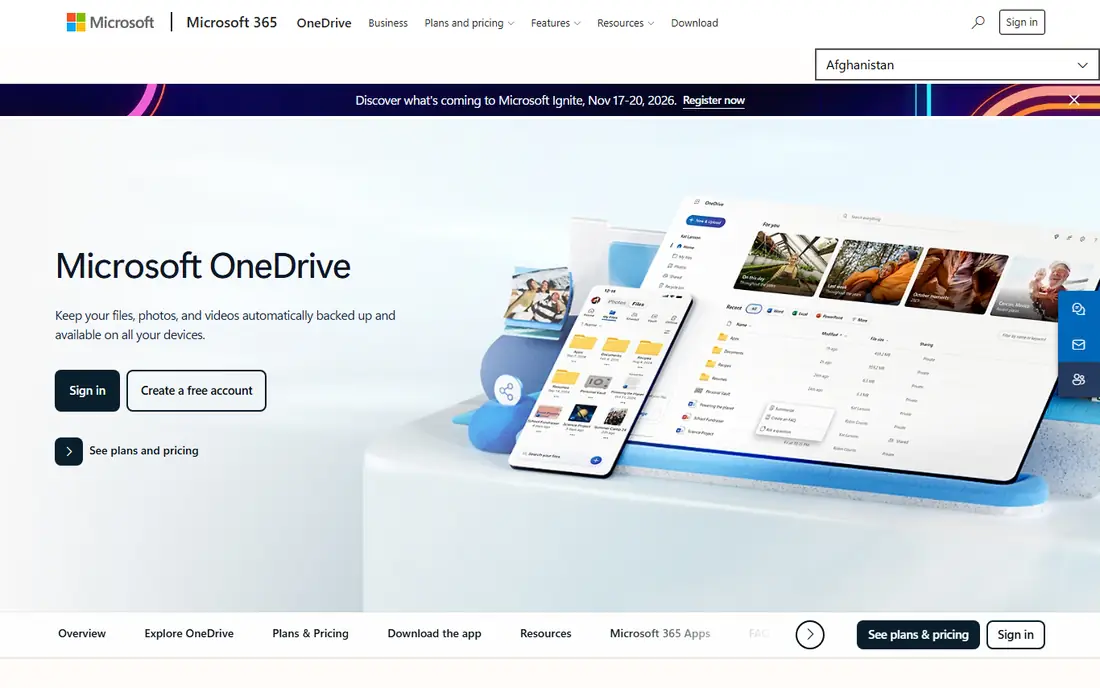
Microsoft OneDrive works well as a photo alternative when you already use Windows or Microsoft 365. Mobile apps back up photos, and files sync to Windows PCs with little setup. A Microsoft 365 Personal or Family plan adds 1 TB per user plus Word, Excel, and PowerPoint, which makes photo backup part of a wider productivity bundle rather than a separate cost. Sharing albums and folders is straightforward for families and small teams.
As a photo library, OneDrive trails Google Photos and iCloud on search, memories, and face grouping. The free tier is also small, so most photo users will need a paid plan. OneDrive fits best when office tools and file storage matter as much as photos. If photos are the whole job, Ente or iCloud will feel more focused.
What we like- Photo backup plus file and office storage
- Strong Windows integration
- Family plan options
Watch out for- Photo features weaker than Google Photos
- Free tier is small
- Best value needs a Microsoft 365 plan
#6Dropbox
Best for: Simple file and photo backup4.4/5 on
G2 (31,453 reviews, checked Oct 2026)
Visit dropbox.com
Starting priceSee website
Free planYes
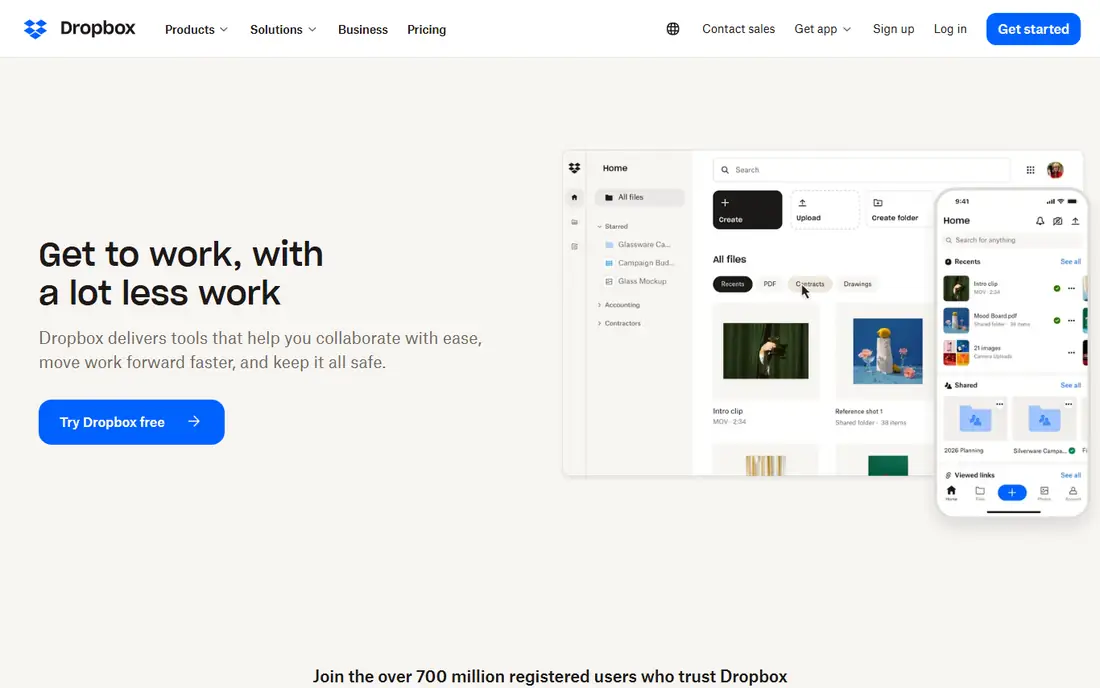
Dropbox is a file sync service that can double as photo backup, and its reliability is its main selling point. Camera uploads back up phone photos, files sync across Windows, Mac, mobile, and web, and sharing a folder or album link takes seconds. Teams that already use Dropbox for work files can keep personal photos in the same account without learning a new tool.
Photo-specific features are thinner than in Google Photos, iCloud, or Ente. Search, face grouping, and memories are limited, and the library feels more like folders than a photo timeline. Paid storage also costs more per gigabyte than iCloud or Google One at some tiers, so check current pricing before you commit. Dropbox suits users who value sync reliability and already live in Dropbox for files.
What we like- Reliable sync across devices
- Easy sharing
- Camera uploads on mobile
Watch out for- Photo organisation weaker than dedicated photo apps
- Paid plans cost more per gigabyte than some rivals
#7
Proton Photos
Best for: Encrypted photos inside Proton Drive
Visit proton.me
Starting priceSee website
Free planYes
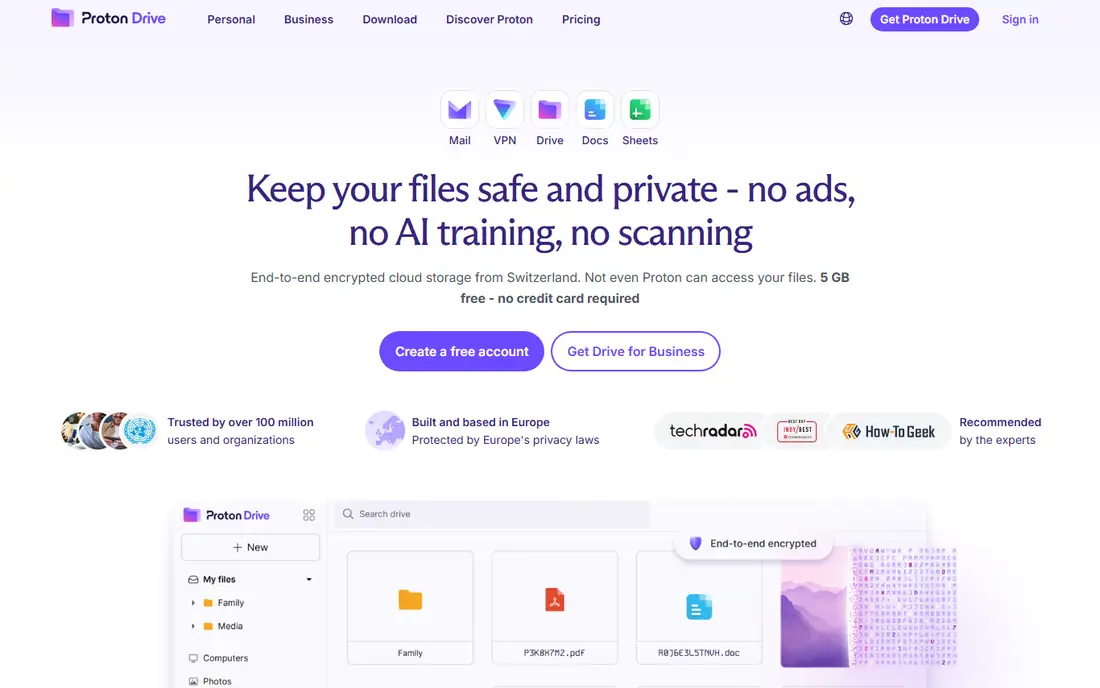
Proton Photos lives inside Proton Drive, which gives privacy-focused users a single encrypted home for files and photos. Photos are end-to-end encrypted, and Proton's zero-access model means the provider cannot read your library. Apps cover mobile and web, with backup and album sharing for personal use. Users who already pay for Proton Mail or VPN can add photos to a bundle they trust.
Photo features are newer than Ente's, so expect fewer smart search and memories options than Google Photos offers. Storage tiers also follow Proton plan structure, which may not match a photo-only budget. Proton Photos fits users who already value Proton's privacy model and want photos inside that system. Photo-first users who want the richest app may prefer Ente.
What we like- End-to-end encryption
- Swiss-based privacy model
- Photos inside a wider encrypted drive
Watch out for- Photo features newer and less mature than Ente
- Storage tiers tied to Proton plans
#8Flickr
Best for: Photographers and public sharing4.1/5 on
G2 (332 reviews, checked Oct 2026)
Visit flickr.com
Starting priceSee website
Free planYes
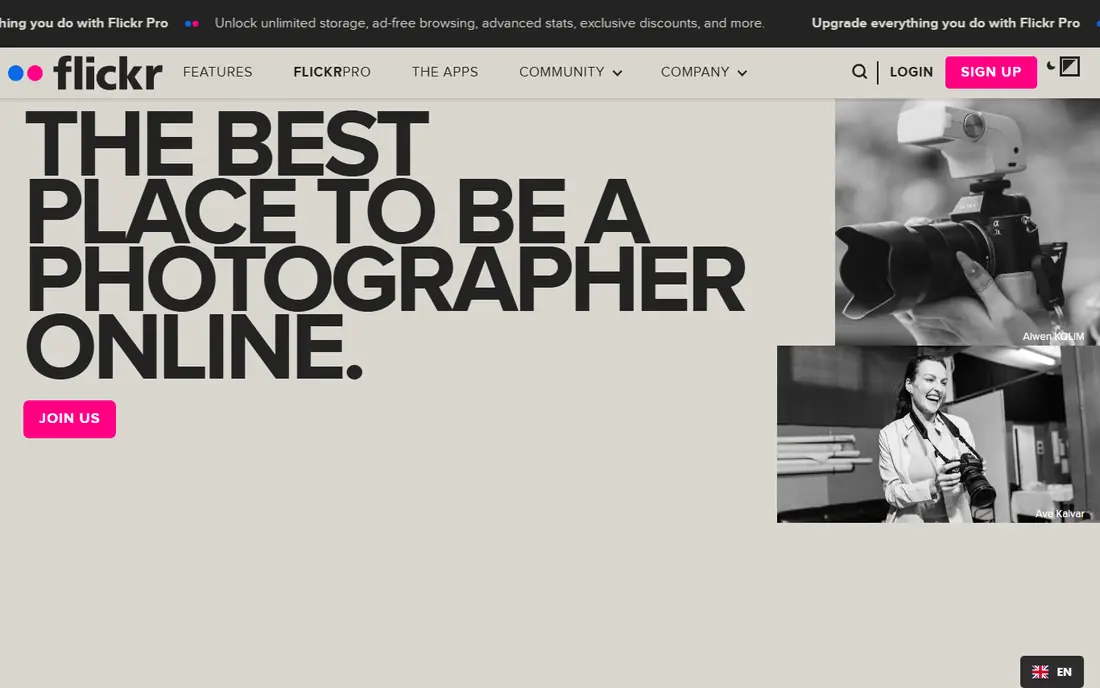
Flickr serves a different need from the backup tools above. It is a photography community as well as a storage service, with albums, groups, comments, and exposure for photographers who want feedback or clients. A Pro subscription offers unlimited full-resolution storage, ad-free browsing, and detailed stats. For a photographer building a portfolio, Flickr combines storage with an audience.
As a family backup tool, Flickr is weaker. The free tier caps uploads at 1,000 photos, and automatic phone backup is less central than in iCloud, Amazon Photos, or Ente. Privacy controls exist, but the service is built for sharing, not for private archiving alone. Choose Flickr when community and portfolio matter. Choose a backup-first tool when private family archiving is the main job.
What we like- Strong photography community
- Full-resolution storage on Pro
- Albums, groups, and licensing options
Watch out for- Free tier limits uploads to 1,000 photos
- Backup features weaker than cloud photo apps
#9
Mylio Photos
Best for: Local-first library across devices
Visit mylio.com
Starting priceSee website
Free planYes
Mylio Photos takes a local-first approach. Your library lives on your phones, computers, and drives, and Mylio syncs between them without requiring all photos to sit in a single cloud. That model suits photographers and families who want offline access, local control, and a library that survives a cloud subscription change. It also handles large libraries across several devices better than a phone-only backup app.
Local-first means more setup. You must plan storage on each device, and a large library takes time to index and sync. Cloud backup, if you want it, sits alongside the local model rather than replacing it. Mylio fits users who distrust cloud-only storage, travel offline, or manage photos across several computers. Cloud-first users will find Ente or iCloud simpler.
What we like- Library lives on your devices, not only in a cloud
- Works offline
- Syncs across phones and computers
Watch out for- Cloud backup is not the core model
- Setup takes time for large libraries
- Pricing varies by plan
Starting priceSee website
Free planNo
Synology Photos is the photo app for households that already own, or plan to buy, a Synology NAS. Mobile apps back up photos to the NAS automatically, and the web app offers timelines, albums, sharing, and face recognition. There is no monthly photo subscription beyond the hardware and drives, which can save money over years for large libraries. Data stays at home, under your control, with sharing links for family.
The entry cost is hardware, not software. A NAS plus drives costs more upfront than a year of cloud storage, and you own backups, drive replacement, and software updates. Synology Photos also only runs on Synology hardware, so it is not an option without that investment. For NAS owners, it is a strong, private alternative. For everyone else, a managed service will be cheaper to start.
What we like- No monthly photo fee beyond hardware
- Automatic mobile backup
- Albums, sharing, and face recognition
Watch out for- Needs a Synology NAS and drives
- You own backups and maintenance
- Features tied to Synology hardware
How we chose
We compared vendor pricing pages, product documentation, and public reviews on G2, Capterra, and Reddit, and we checked each tool for automatic backup, sharing, search, encryption, and platform support. We favoured tools that are still available, that state their storage limits clearly, and that fit a distinct use case, from Apple households to self-hosters and photographers. We did not claim hands-on testing, and we avoided tools with unclear ownership or discontinued apps.
We also weighed fit by household type and privacy needs. A family sharing photos needs different features from a photographer building a portfolio, so the list mixes big-cloud, encrypted, and self-hosted options rather than ranking on price alone. Where a price could not be confirmed on the vendor site at the time of writing, we wrote See website instead of guessing.
Moving your library without losing photos
Export from Google Photos first, then import in batches
Use Google Takeout to export your library, and keep the JSON metadata files that accompany photos, since they carry album and date details. Import in batches by year or album, and check counts after each batch before deleting anything from Google. A staged import catches missing files early, while a single large import can hide gaps until it is too late.
Keep two copies during the switch
Do not delete your Google library the day you start a new service. Keep Google as a second copy until the new library is backed up, shared albums are checked, and family members can open their photos. For self-hosted options, that second copy should also include an off-site backup, such as an external drive stored elsewhere or a second NAS location.
Test sharing and search before you invite family
Invite one family member first and test shared albums, upload permissions, and search on their phone. Check that faces, dates, and locations appear as expected, and that a shared link opens without a login problem. Fixing these details with one tester is far easier than fixing them after ten relatives have joined and started uploading.
Frequently asked questions
What is the best free alternative to Google Photos?
Ente Photos offers 10 GB free with encryption and cross-platform apps, which is the strongest free managed option. Amazon Photos offers 5 GB free without Prime, and Immich is free software if you have your own server. For most users without a server, Ente is the best free starting point.
Is iCloud Photos a good Google Photos alternative for Android users?
It works through the web on Android, but it is weaker than on Apple devices, with no full native app. Android-first households should consider Amazon Photos, Ente, OneDrive, or Dropbox instead. Apple households, by contrast, will find iCloud the simplest and most integrated switch.
Can I self-host a Google Photos replacement?
Yes. Immich is the closest self-hosted match, with mobile backup, albums, sharing, and smart search. Synology Photos suits NAS owners, and PhotoPrism suits users who want a self-hosted archive with strong indexing. Self-hosting needs a server or NAS, regular updates, and your own backups.
Which Google Photos alternative is most private?
Ente Photos and Proton Photos both offer end-to-end encryption, so the provider cannot read your photos. Immich and Synology Photos offer a different kind of privacy, since data stays on your own hardware. Choose encrypted cloud if you want managed backup, and self-hosting if you want full control over hardware and data.
How much storage do I need for my photos?
A typical phone library of 10,000 photos needs roughly 30 to 50 GB, depending on resolution, while video adds far more. Check your current Google storage use before you pick a plan, and add room for a year of growth. Families that shoot video should budget at least 200 GB, or use a plan with unlimited photo storage such as Amazon Photos for Prime members.
Will I lose albums and dates when I move?
You may lose some album structure if you move files without metadata, so use Google Takeout and an import tool that reads its JSON files where available. Immich offers a Takeout import path, and Ente and other tools support folder-based imports. Check a sample album after import, and keep your Google copy until the move is verified.
Sources we checked (10)
- https://www.apple.com/icloud/
- https://www.amazon.com/photos
- https://ente.io
- https://immich.app
- https://www.microsoft.com/microsoft-365/onedrive
- https://www.dropbox.com
- https://proton.me/drive
- https://www.flickr.com
- https://mylio.com
- https://www.synology.com/en-global/dsm/feature/photos
Is your product missing or out of date?
We review this list regularly. Vendors can request a listing, send updated pricing or ask about featured placement.

Shihab Mia · Founder, Rankite
Shihab has 5+ years in B2B and SaaS SEO. He writes Rankite's software buying guides from pricing pages, documentation and public user reviews. More about Shihab.