How we make this list: we compare pricing pages, product documentation and public user reviews. Rankite is independent; if a vendor ever pays for a featured spot, that listing is clearly labeled Partner.
Key takeaways
- Adobe Lightroom ($19.99/mo Photography plan) remains the default for most photographers: catalog, AI masks and cloud sync in one workflow.
- Capture One (~$18/mo or $299 perpetual) wins for studio tethering and color precision.
- DxO PhotoLab (from $159.99 one-time) has the best noise reduction and optical corrections, no subscription.
- darktable and RawTherapee are genuinely free, open-source and powerful, if you can handle the learning curve.
- ON1 Photo RAW and Luminar Neo offer one-time licenses for photographers who refuse subscriptions.
Quick comparison
| Tool | Best for | Starting price | Free plan |
|---|
 Adobe Lightroom Adobe Lightroom | most photographers, all-in-one | $19.99 per month (Photography plan, 1TB) | Free trial |
 Capture One Capture One | studio tethering, color work | From $18 per month (or $299 perpetual license) | Free trial |
 DxO PhotoLab DxO PhotoLab | noise reduction, lens corrections | From $159.99 one-time | Free trial |
 ON1 Photo RAW ON1 Photo RAW | subscription-free all-in-one | See website | Free trial |
 Luminar Neo Luminar Neo | AI-assisted creative edits | From $129 one-time | Free trial |
 darktable darktable | free open-source workflow | Free | Yes |
 RawTherapee RawTherapee | free technical RAW control | Free | Yes |
 Affinity by Canva Affinity by Canva | free Photoshop-style editing | Free | Yes |
 Zoner Photo Studio X Zoner Photo Studio X | budget all-in-one (Windows) | $5.99 per month (or $59 per year) | Free trial |
Is your product missing or out of date?
We review this list regularly. Vendors can request a listing, send updated pricing or ask about featured placement.
The best software for editing raw photos
The wrong RAW editor costs you twice: once in the subscription you keep paying, and again in hours lost to a workflow that fights you. RAW files hold far more data than JPEGs, so the software you use to develop them decides how much quality you can actually pull out of your camera. Nine tools below cover the full spectrum, from Adobe's ecosystem to genuinely free open-source powerhouses.
Starting price$19.99 per month (Photography plan, 1TB)
Free planFree trial
Lightroom is the default for a reason: it combines RAW development, photo organization and cloud sync in one coherent workflow. The Photography plan bundles Lightroom, Lightroom Classic, Photoshop and 1TB of storage for $19.99 a month. AI masking has closed the gap with specialist tools, and the mobile apps mean your edits follow you.
The catch is the subscription, full stop. There is no buy-it-once Lightroom, and Adobe has been quietly testing higher photography pricing. If you process high volumes, need Photoshop, or want your library everywhere, it is still the easiest recommendation. If the subscription bothers you, everything below exists.
What we like- Best all-around catalog plus development workflow
- Strong AI masking and generative remove
- Cloud sync across desktop and mobile
Watch out for- Subscription only
- Catalog can feel sluggish on huge libraries
- Pricing keeps creeping up
Starting priceFrom $18 per month (or $299 perpetual license)
Free planFree trial
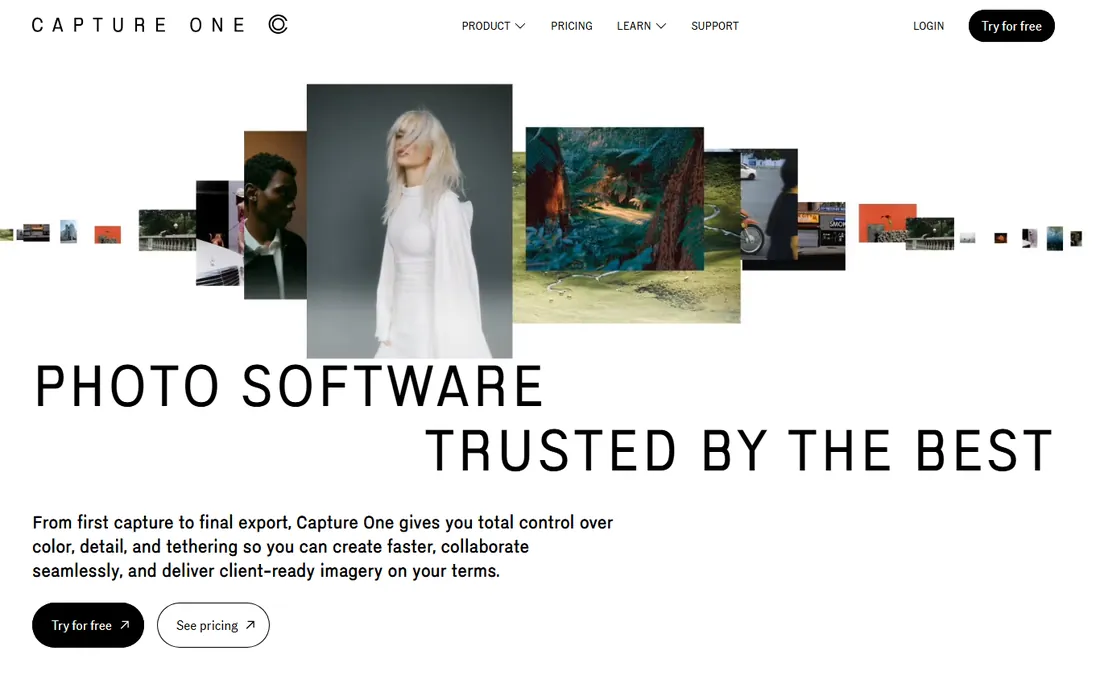
Capture One is the studio photographer's editor. Tethered capture, the thing art directors and clients watch during a shoot, is genuinely the best in the industry, and the color tools give finer control than Lightroom's. Sessions keep each job in a self-contained folder, which commercial workflows love. Pricing runs around $18 a month, with a $299 perpetual license still available for Pro.
For weddings and events, Lightroom's culling speed and AI masks win. For studio, fashion, product and portrait work where color precision and tethering decide the day, Capture One earns its price. Some photographers run both: Lightroom for volume, Capture One for studio jobs.
What we like- Best-in-class tethered shooting
- Exceptional color tools including 8-channel Advanced Color Editor
- Session-based workflow suits commercial jobs
Watch out for- Expensive, especially for teams
- Smaller plugin ecosystem
- Weaker for high-volume event culling
#3
DxO PhotoLab
Best for: noise reduction, lens corrections
Visit dxo.com
Starting priceFrom $159.99 one-time
Free planFree trial
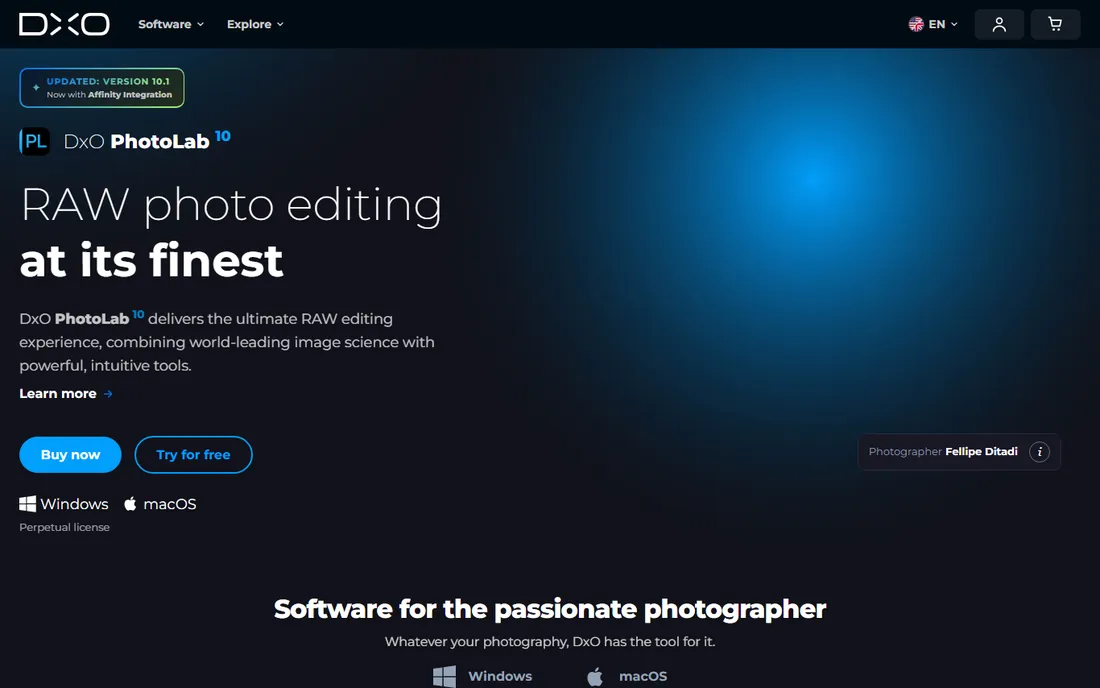
DxO PhotoLab exists for one reason: image quality. DeepPRIME noise reduction rescues high-ISO shots that other editors cannot, and the lab-measured lens modules fix distortion, vignetting and chromatic aberration automatically for supported camera-lens combinations. It is a one-time purchase, not a subscription.
The trade is organization: PhotoLab's library tools lag Lightroom, and your camera must be on DxO's support list. It works best as the quality engine in your workflow, often paired with Lightroom for cataloging. For scenery, wildlife and low-light shooters, the noise reduction alone justifies it.
What we like- DeepPRIME noise reduction is the industry benchmark
- Automatic lens corrections from lab-tested modules
- No subscription, one-time license
Watch out for- Catalog and asset management are weaker than Lightroom
- Camera must be supported to process its RAW files
- No cloud or mobile story
#4
ON1 Photo RAW
Best for: subscription-free all-in-one
Visit on1.com
Starting priceSee website
Free planFree trial
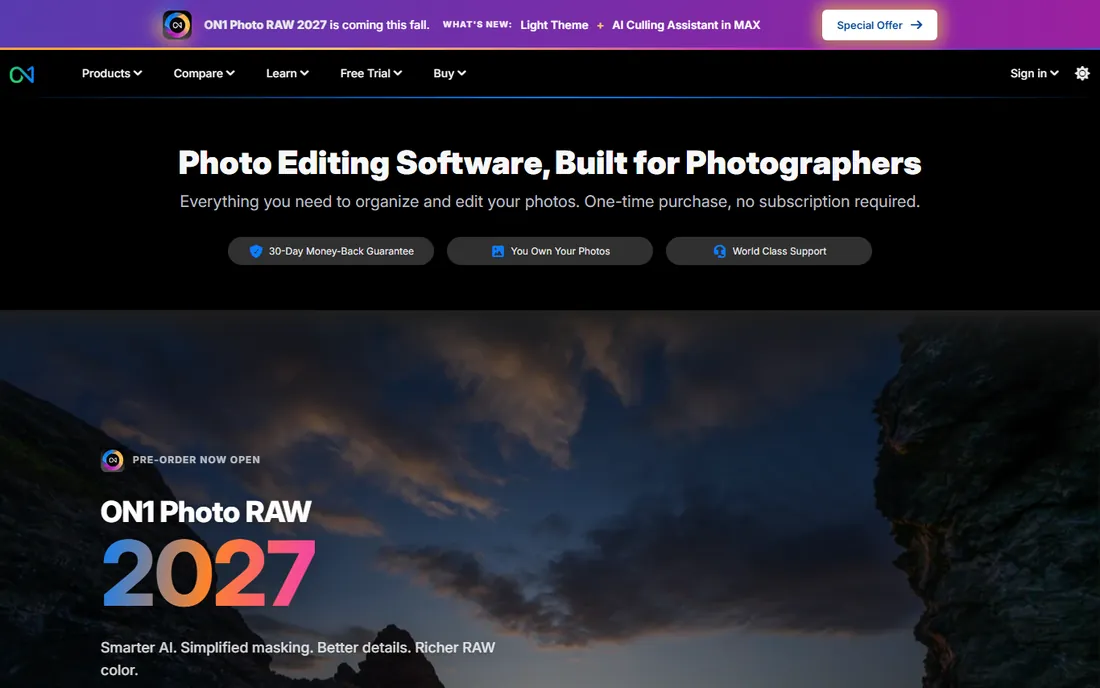
ON1 Photo RAW is the all-in-one for photographers who refuse subscriptions. Browsing, RAW development, layers, effects, portrait tools and HDR merge all live in one application, with a perpetual license option alongside subscription plans. The 30-day trial is generous enough to process real shoots.
It does not match Lightroom's catalog depth or Capture One's color precision, and the interface tries to do a lot at once. But as a single purchase that covers the whole workflow, it is one of the strongest Adobe alternatives available.
What we like- Browse, develop, layers, effects and HDR in one app
- Perpetual license option
- Generous 30-day trial
Watch out for- Interface can feel cluttered
- Smaller community and preset market than Adobe
- Performance varies on older machines
Starting priceFrom $129 one-time
Free planFree trial
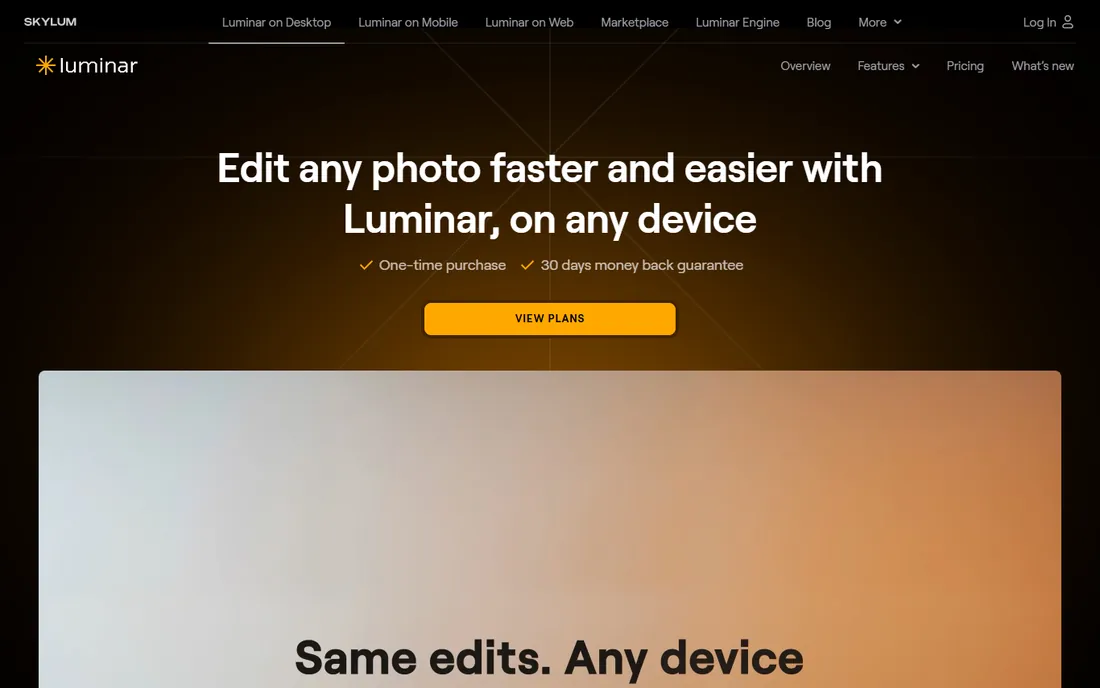
Luminar Neo is the shortcut: AI tools that do in one click what takes layers and masks in Photoshop. Sky replacement, relighting a scene, enhancing a portrait, erasing objects. It is genuinely fun and fast, and it runs as a plugin inside Lightroom and Photoshop too.
It is not a professional volume workflow. Cataloging is basic, batch editing is limited, and heavy AI edits can drift into the artificial. For hobbyists, portrait and scenery photographers who want striking results quickly, it is excellent. For 4,000-frame wedding galleries, look elsewhere.
What we like- One-click AI tools (sky replacement, relight, portrait enhance)
- Approachable for beginners
- Works as a Lightroom/Photoshop plugin
Watch out for- Weak catalog and batch workflow
- AI edits can look artificial if overused
- Not built for high-volume professionals
Starting priceFree
Free planYes
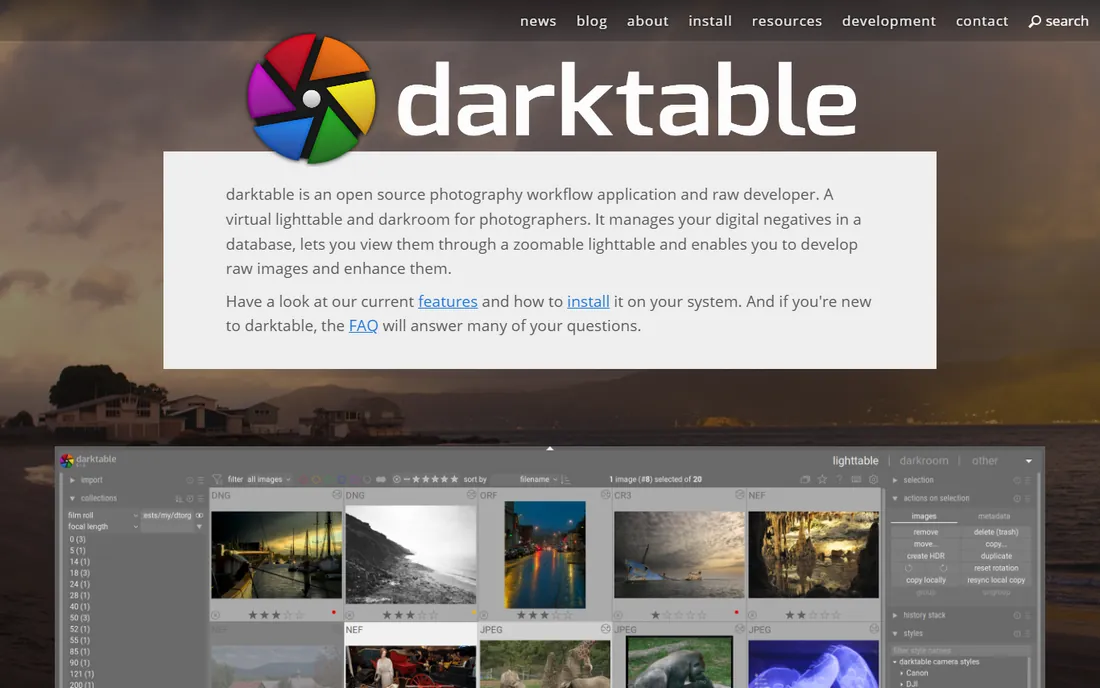
darktable is the free answer to Lightroom: a full RAW development and photo workflow application, open source, with serious color science, GPU acceleration and tethered shooting. Your edits are stored as plain-text XMP sidecar files, so no company can ever lock you out of your own work.
The learning curve is real, and the interface prioritizes function over beauty. But the image quality is legitimate, and the price is zero forever. For photographers who value ownership and are willing to learn, darktable is the strongest free option in this list.
What we like- Completely free and open source
- Professional-grade color science and masking
- Your edits live in portable XMP sidecars you own
Watch out for- Steep learning curve
- Interface is utilitarian
- Best on Linux, with Windows and macOS builds slightly behind
Starting priceFree
Free planYes
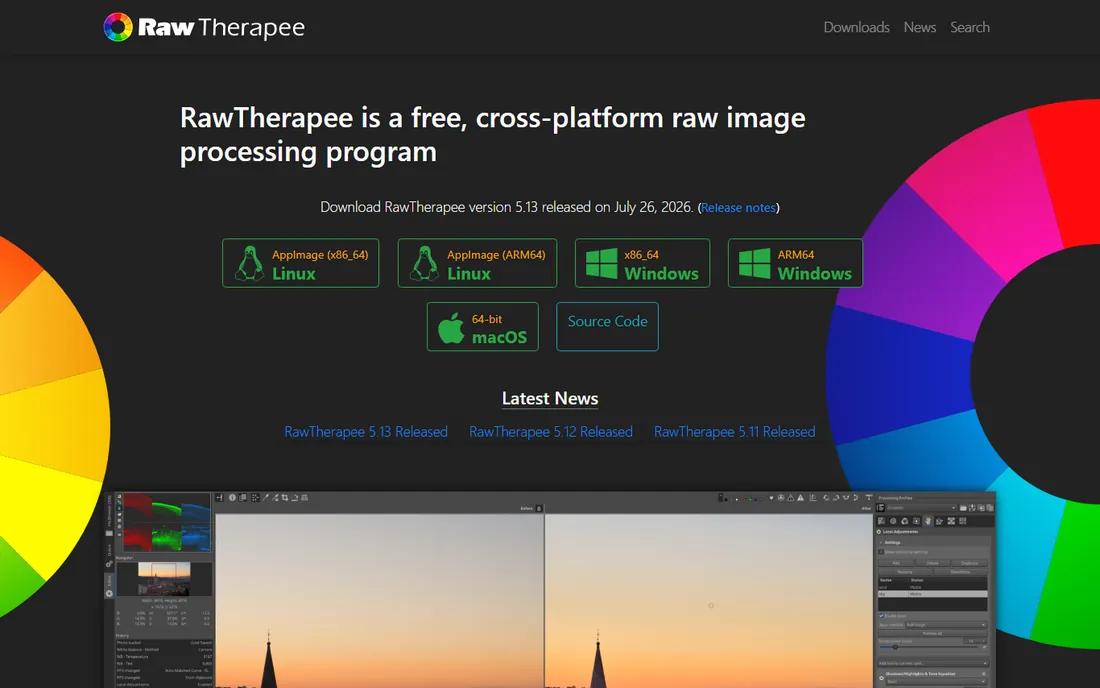
RawTherapee gives you more manual control over RAW development than almost anything else, free or paid. Demosaicing options, 32-bit floating point processing, and fine-grained control over every stage of the pipeline make it a favorite of technically minded photographers.
It is not an all-in-one: there is no real catalog or asset management, and the interface looks like engineering software. Pair it with a free organizer like digiKam and you have a zero-cost professional workflow. Enthusiasts who want to understand exactly what their RAW converter is doing will love it.
What we like- Completely free and open source
- Deepest manual control over demosaicing and development
- Huge community and documentation
Watch out for- No real asset management
- Dated interface
- Intimidating for beginners
Starting priceFree
Free planYes
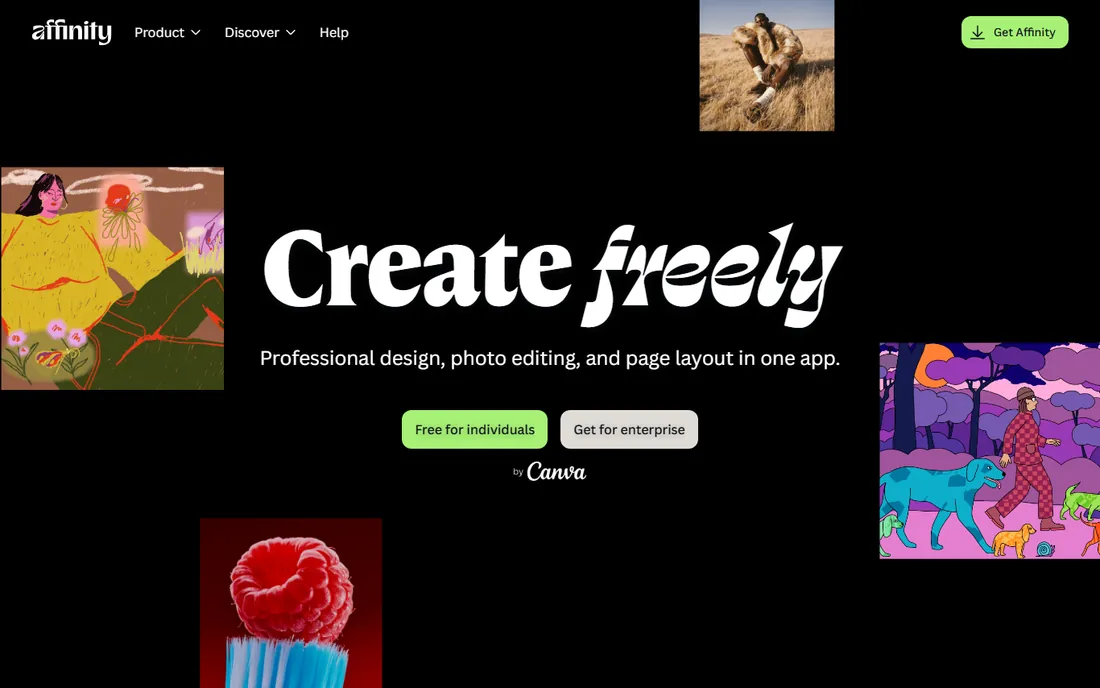
Since Canva acquired Serif, Affinity is now completely free: the former Photo, Designer and Publisher merged into one pro-grade app. It handles RAW development, full layer editing, HDR merge and focus stacking with no subscription and no paywall on the core tools.
It is a Photoshop replacement, not a Lightroom replacement: there is no catalog or high-volume batch workflow. Use it as the finishing station after developing RAWs elsewhere, or as your entire editor if your volume is modest. For free, the quality is remarkable.
What we like- Completely free pro-grade editor (Photo, Designer, Publisher in one app)
- Full layer workflow with RAW development
- No subscription
Watch out for- Not a catalog or batch workflow tool
- Newer unified app still maturing
- Advanced AI features need a Canva plan
#9
Zoner Photo Studio X
Best for: budget all-in-one (Windows)
Visit zoner.com
Starting price$5.99 per month (or $59 per year)
Free planFree trial
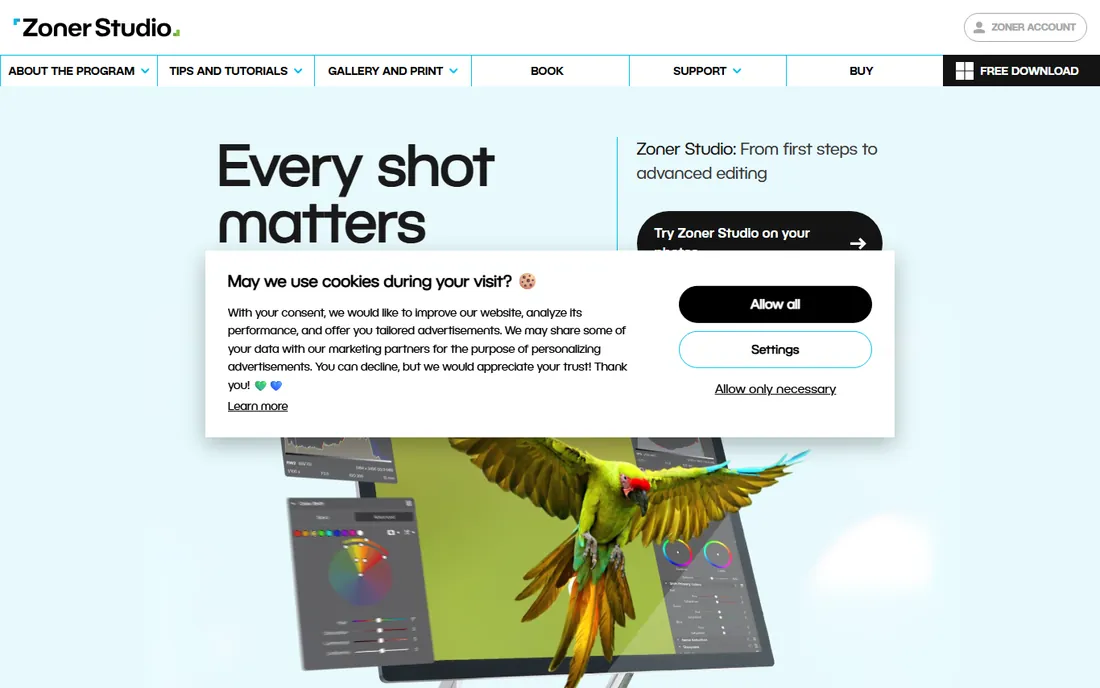
Zoner Photo Studio X is the quiet value pick: a single Windows application that organizes, develops, retouches and even edits video, for $5.99 a month or $59 a year. Twice-yearly updates are included, and it handles the full journey from card to client.
The catch is platform: Windows only, no macOS. The ecosystem is smaller than Adobe's, and the trial is just seven days. For Windows photographers who want one affordable app that does everything, it is hard to beat at this price.
What we like- One app for organizing, developing, editing and even video
- Very affordable
- Twice-yearly updates included
Watch out for- Windows only
- Smaller ecosystem than Adobe
- 7-day trial is short
How we chose
We compared RAW development quality, workflow completeness (catalog, batch editing, tethering), pricing model and platform support. Pricing reflects 2026 published figures: Adobe's $19.99 Photography plan, Capture One around $18/mo or $299 perpetual, DxO PhotoLab from $159.99 one-time, Luminar Neo from $129 one-time, Zoner at $5.99/mo. Free tools were judged on capability, not price. We did not process test images; this reflects documented capabilities and professional consensus, not hands-on trials.
Subscription vs. one-time: the real math
Five years of Lightroom at $19.99 a month is about $1,200. Five years of Capture One perpetual at $299 plus one paid upgrade is under $500. DxO PhotoLab, ON1 and Luminar at one-time prices are cheaper still, and the free tools cost nothing. The subscription argument is not really about money, though. It is about whether the continuous updates, cloud sync and Photoshop bundle are worth the rent.
Do the honest math for your volume. If you process thousands of frames a month and use Photoshop weekly, the Adobe bundle is defensible. If you edit a few hundred frames and never touch Photoshop, a one-time license or a free tool leaves hundreds of dollars in your pocket with no real loss in quality.
darktable, RawTherapee and Affinity cover the whole pipeline for free: develop RAWs in darktable or RawTherapee, finish in Affinity. The image quality is professional. What you give up is polish: slower learning, less hand-holding, smaller preset markets, no cloud sync.
That trade suits a lot of photographers. Hobbyists, students, and professionals with established workflows do not need Adobe's cloud. The free tools also cannot lock you out: your edits and your files stay yours. If the subscription model bothers you on principle, the free stack is no longer a compromise.
Frequently asked questions
What is the best software for editing RAW photos?
For most photographers, Adobe Lightroom is the best all-around choice: RAW development, cataloging and cloud sync in one workflow at $19.99 a month. Capture One suits studio work, DxO PhotoLab suits image quality purists, and darktable is the best free option.
Is there good free RAW photo editing software?
Yes. darktable and RawTherapee are both free, open source and capable of professional-quality RAW development. Affinity by Canva is free and covers the Photoshop-style finishing work. Together they form a complete zero-cost workflow.
Can I edit RAW photos without a subscription?
Yes. DxO PhotoLab (from $159.99), ON1 Photo RAW, Luminar Neo (from $129) and Capture One ($299) all offer perpetual licenses. darktable, RawTherapee and Affinity are free. Only Lightroom is subscription-only among the major options.
Is Capture One better than Lightroom?
For tethered studio shooting and color precision, Capture One is better. For high-volume culling, AI masking, cloud sync and Photoshop integration, Lightroom is better. Many professionals use both: Lightroom for events, Capture One for studio work.
Does Photoshop edit RAW files?
Yes, Photoshop opens RAW files through Adobe Camera Raw, which shares Lightroom's processing engine. But Photoshop is a pixel editor without Lightroom's catalog or batch workflow, so it is a finishing tool, not a RAW workflow.
What is the cheapest good RAW editor?
Zoner Photo Studio X at $5.99 a month is the cheapest paid all-in-one, though it is Windows only. For zero cost, darktable is the strongest free RAW workflow. Luminar Neo's one-time license is the cheapest way to get AI-assisted editing without a subscription.
Sources we checked (13)
- https://www.adobe.com/creativecloud/photography.html
- https://www.captureone.com
- https://www.dxo.com
- https://www.on1.com
- https://skylum.com/luminar-neo
- https://www.darktable.org
- https://www.rawtherapee.com
- https://www.affinity.studio
- https://www.zoner.com
- https://techyorker.com/the-8-best-software-and-apps-for-editing-raw-photos/
- https://www.aiarty.com/edit-photo/raw-editing-software.htm
- https://www.itechguides.com/best/photography-software/
- https://picstack.com/blog/capture-one-vs-lightroom
Is your product missing or out of date?
We review this list regularly. Vendors can request a listing, send updated pricing or ask about featured placement.

Shihab Mia · Founder, Rankite
Shihab has spent more than a decade helping SaaS and e-commerce brands grow through search. He writes Rankite's software buying guides from pricing pages, documentation and public user reviews. More about Shihab.