How we make this list: we compare pricing pages, product documentation and public user reviews. Ratings come from G2, Capterra or Trustpilot, with the date we checked them.
Framer is the easier platform to learn. Its interface is close to a design tool, and a new user can publish a simple site in a day. Templates, built-in animations and a simple page editor keep the learning curve short. Framer also lets you copy a design from Figma and paste it into a live page, which speeds up the first build.
Webflow takes longer to learn. Its visual editor is powerful, but it asks the user to think in CSS terms such as classes, flexbox and grid. That structure pays off on larger sites, because styles stay consistent and pages are easier to maintain. A designer with CSS knowledge will feel at home within a week. A beginner with no design background may need several weeks before they work quickly.
If your team has no dedicated designer, Framer is the safer choice. If you have a designer who wants full control over layout and interactions, Webflow is worth the extra learning time.
How do Framer and Webflow compare on price?
Framer is cheaper at the entry level. Its Basic plan costs $10 per month on annual billing, or $15 on monthly billing. Its Pro plan costs $30 per month on annual billing, or $45 monthly. Its Scale plan costs $100 per month on annual billing only. All prices are per site. Extra editors cost $20 per month on Basic and $40 on Pro and Scale, while content editors cost $10 per month. The free plan costs nothing and is useful for testing the editor before committing.
Webflow starts higher. Its Basic plan costs $15 per month on annual billing. Its Premium plan costs $25 per month on annual billing, or $39 monthly. Premium was created in May 2026 when Webflow merged its old CMS and Business plans into one plan. Webflow also charges separately for workspace seats and for ecommerce add-ons, so the total bill can grow beyond the site plan price.
For a single small marketing site, Framer usually costs less over a year. For a content-heavy site with many CMS items, Webflow Premium at $25 per month on annual billing is competitive, because it replaces the old two-plan structure with one plan.
Webflow has the stronger CMS. It supports structured collections, reference fields, multi-reference fields and large item limits on higher plans. That matters for blogs, directories, job boards and resource libraries with hundreds of pages. Webflow also gives fine control over meta titles, meta descriptions, Open Graph tags, redirects and sitemaps.
Framer has a simpler CMS. It handles blogs and small content collections well, and its built-in SEO settings cover the basics such as titles, descriptions and social images. For a marketing site with a blog and a handful of landing pages, Framer is enough. For a site where content is the product, Webflow is the stronger choice.
Both platforms publish clean, fast pages and support custom domains and SSL. Framer sites tend to score well on speed out of the box because of its rendering approach. Webflow sites can match that speed, but the result depends more on how the designer builds the page. Neither platform needs a plugin for core SEO settings.
When should you choose a different website builder?
Choose a different builder when your site is mainly a store, a simple brochure site, or a large content site you want to own outright. Shopify and BigCommerce are built for ecommerce first, with inventory, checkout and payment tools that Framer and Webflow do not match. Wix and Squarespace are simpler than both Framer and Webflow, and they suit owners who want to build a site themselves with no design background.
WordPress.org and WooCommerce suit buyers who want full ownership and are willing to manage hosting, updates and plugins. They are the most flexible options in this list, but they also need the most maintenance. Pick Framer or Webflow when design quality and speed matter most. Pick one of the six alternatives when selling, simplicity or ownership matters more than design polish.
Quick comparison
| Tool | Best for | Starting price | Free plan |
|---|
 Framer | Design-led marketing sites and startups that want to publish fast | $10 per month billed annually ($15 monthly) for Basic | Yes, free plan with Framer subdomain and basic features |
 Webflow | Designers and teams building larger content sites with a structured CMS | $15 per month billed annually for Basic | Yes, free starter plan with Webflow subdomain |
 Wix | Small businesses that want an easy all-in-one site builder | $17 per month billed annually for Light | Yes, free plan with Wix subdomain and Wix ads |
 Squarespace | Portfolios, creatives and small businesses that value polished templates | $19 per month billed annually for Basic | No free plan, 14-day free trial only |
 WordPress.org | Buyers who want full ownership and the widest plugin ecosystem | Free software; hosting typically a few dollars to $25 or more per month | Yes, the software itself is free and open source |
 Shopify | Online stores that need reliable checkout, inventory and payment tools | $29 per month billed annually ($39 monthly) for Basic | No free plan, 3-day free trial and low-cost first months on offer |
 WooCommerce | WordPress users who want a free store plugin with full control | Free plugin; hosting typically $25 to $350 per month | Yes, the core plugin is free |
 BigCommerce | Growing stores that need built-in ecommerce features without many apps | $29 per month for Core | No free plan, 15-day free trial only |
Is your product missing or out of date?
We review this list regularly. Vendors can request a listing, send updated pricing or ask about featured placement.
8 website builders compared
#1Framer
Best for: Design-led marketing sites and startups that want to publish fast4.5/5 on
G2 (144 reviews, checked Oct 2026)
Visit framer.com
Starting price$10 per month billed annually ($15 monthly) for Basic
Free planYes, free plan with Framer subdomain and basic features
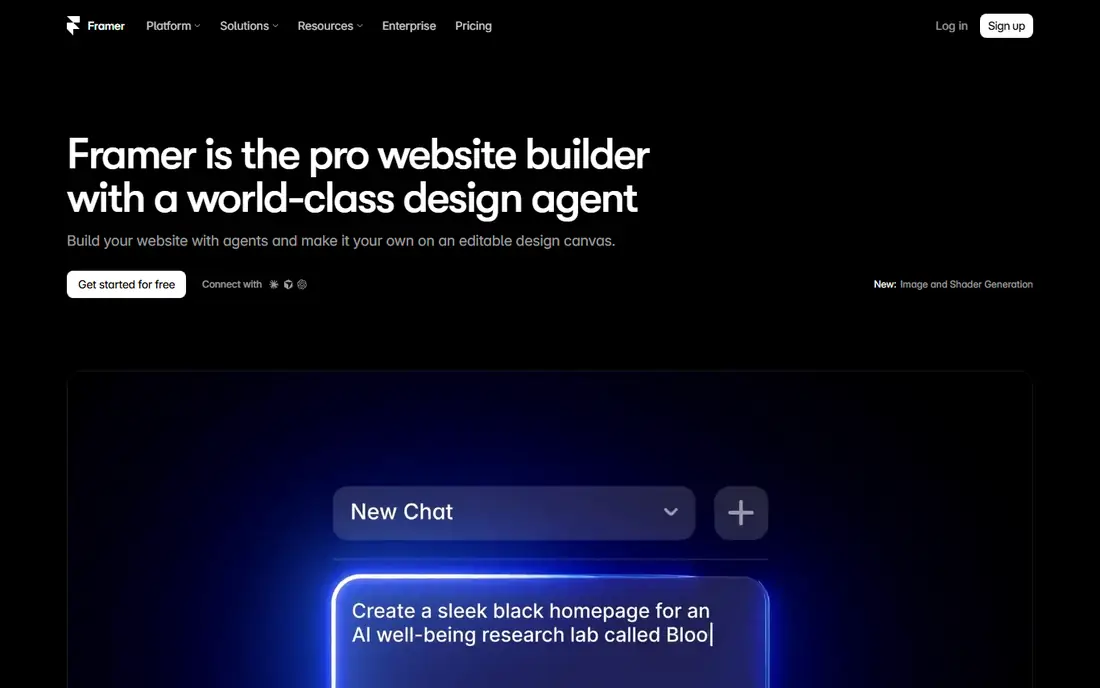
Framer is a website builder aimed at teams that want a polished marketing site without hiring a developer. Its editor feels like a design tool, and it includes templates for startups, agencies and SaaS products. Pages publish quickly, and built-in animation tools make it easy to add motion without code. Framer also offers AI-assisted site generation for a first draft, which a designer can then refine. The platform suits landing pages, product sites and small blogs. Teams that need a large structured content library or advanced ecommerce should look at Webflow or a dedicated store platform instead. Pricing is per site, so a team running several sites should budget for each one separately.
What we like- Fast to learn, strong templates, smooth built-in animations, Figma import
Watch out for- CMS is simpler than Webflow, so large content sites can outgrow it
#2Webflow
Best for: Designers and teams building larger content sites with a structured CMS4.4/5 on
G2 (995 reviews, checked Oct 2026)
Visit webflow.com
Starting price$15 per month billed annually for Basic
Free planYes, free starter plan with Webflow subdomain
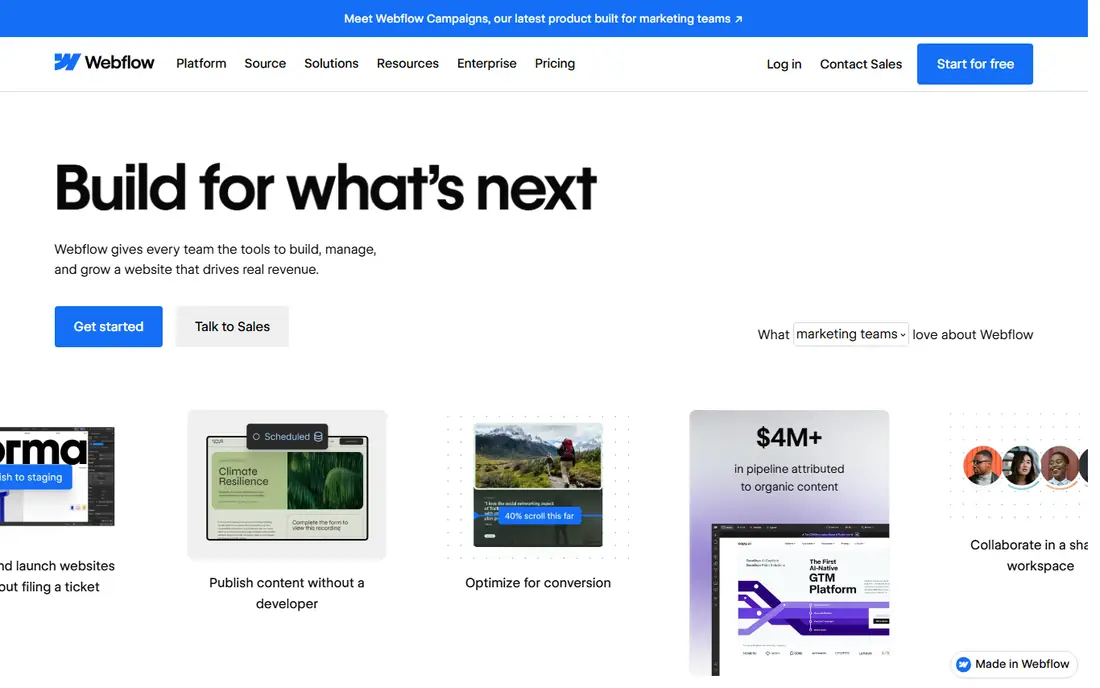
Webflow combines a visual design tool with a real CMS, which makes it a strong choice for sites where content volume matters. Designers can build custom layouts, interactions and animations without writing code, and developers can export clean HTML and CSS when needed. The CMS supports collections, references and large item counts, so blogs, directories and resource hubs are easy to manage. Webflow also includes hosting, SSL and a visual editor for content updates. Publication spot-check: sources conflict on the bandwidth figure for the Premium plan, with figures of 50 GB and 200 GB both reported, so confirm the current figure on the vendor pricing page before buying.
What we like- Deep CMS, fine design control, clean code export, strong SEO settings
Watch out for- Steeper learning curve, and workspace seats and ecommerce add-ons raise the total cost
#3Wix
Best for: Small businesses that want an easy all-in-one site builder4.2/5 on
G2 (1,888 reviews, checked Oct 2026)
Visit wix.com
Starting price$17 per month billed annually for Light
Free planYes, free plan with Wix subdomain and Wix ads
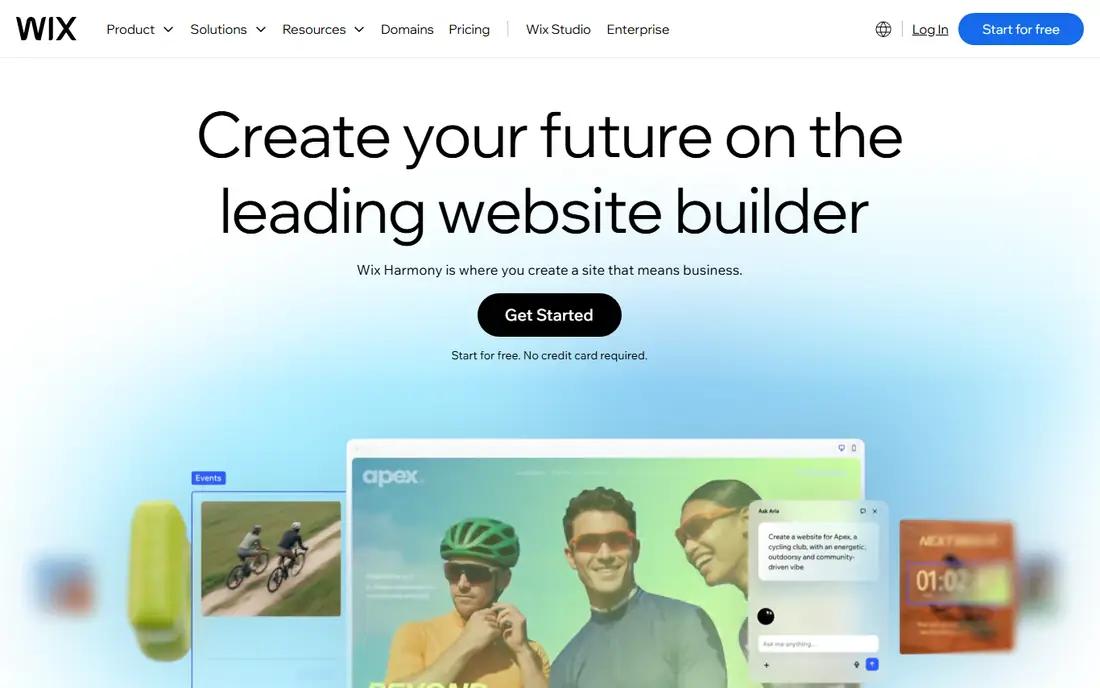
Wix is one of the easiest builders in this list. Its drag-and-drop editor lets a business owner build a site without design skills, and its template library covers restaurants, services, portfolios and online stores. Built-in tools include booking, forms, email marketing and a small online store. Higher plans add more storage, remove Wix branding and unlock ecommerce features. Wix often advertises 50 percent off the first year, but the price renews at the full rate, so buyers should budget for the renewal price. Wix suits small businesses that want a site live quickly and do not need the design precision of Framer or Webflow.
What we like- Very easy to use, large template library, many built-in apps
Watch out for- Template switching is limited once a site is built, and the editor can feel busy
#4Squarespace
Best for: Portfolios, creatives and small businesses that value polished templates4.4/5 on
G2 (1,133 reviews, checked Oct 2026)
Visit squarespace.com
Starting price$19 per month billed annually for Basic
Free planNo free plan, 14-day free trial only
Squarespace is known for clean, polished templates that suit photographers, designers, restaurants and service businesses. Its editor is simpler than Webflow and more structured than Wix, which keeps sites looking tidy. Blogging tools are solid, and built-in features cover online stores, bookings, memberships and email campaigns. Squarespace renamed its plans in July 2026 to Basic, Core, Plus and Advanced, so older price figures such as $16, $23, $28 and $52 no longer apply. Buyers comparing old reviews should check the current plan names and prices on the vendor pricing page. Squarespace is a good fit when template quality matters more than pixel-level control.
What we like- Polished templates, good blogging tools, built-in ecommerce and scheduling
Watch out for- Less design freedom than Framer or Webflow, and no free plan
#5WordPress.org
Best for: Buyers who want full ownership and the widest plugin ecosystem4.4/5 on
G2 (9,546 reviews, checked Oct 2026)
Visit wordpress.org
Starting priceFree software; hosting typically a few dollars to $25 or more per month
Free planYes, the software itself is free and open source
WordPress.org is free open-source software that powers a large share of the web. It runs on hosting the buyer chooses, and it supports thousands of themes and plugins for blogs, stores, membership sites and directories. That flexibility is its main strength, and it is also its main cost. The owner is responsible for updates, backups, security and performance, or must pay a host or developer to handle them. Hosting can cost a few dollars per month for a small site and $25 or more for managed hosting. WordPress.org suits buyers who want to own their site outright and are willing to manage it, or who need a feature no hosted builder offers.
What we like- Full ownership, huge plugin and theme library, no platform lock-in
Watch out for- Owner must manage hosting, updates, backups and security
#6Shopify
Best for: Online stores that need reliable checkout, inventory and payment tools4.4/5 on
G2 (5,144 reviews, checked Oct 2026)
Visit shopify.com
Starting price$29 per month billed annually ($39 monthly) for Basic
Free planNo free plan, 3-day free trial and low-cost first months on offer
Shopify is the most popular dedicated ecommerce platform in this list. It handles products, inventory, orders, discounts, shipping and taxes, and its checkout is trusted by millions of stores. The app store adds features such as reviews, loyalty programs and subscriptions, though many useful apps charge monthly fees. Shopify also includes a website builder and blogging tools, but they are simpler than Webflow or Framer. Pricing note: a read dated 16 November 2026 showed Grow at $89 and Advanced at $359 on yearly billing, and a non-US read showed Basic at $19 and Grow at $49, so confirm the price for your region at checkout before buying.
What we like- Strong checkout, large app store, reliable hosting, good payment options
Watch out for- Content and blogging tools are weaker than Webflow, and apps add cost
#7WooCommerce
Best for: WordPress users who want a free store plugin with full control4.4/5 on
G2 (1,283 reviews, checked Oct 2026)
Visit woocommerce.com
Starting priceFree plugin; hosting typically $25 to $350 per month
Free planYes, the core plugin is free
WooCommerce is a free plugin that turns a WordPress site into an online store. It supports physical and digital products, subscriptions, bookings and many payment gateways. WooPayments charges 2.9 percent plus $0.30 per transaction on US card payments. Because WooCommerce runs on WordPress, the owner controls the design, data and hosting, and there is no monthly platform fee for the core software. The trade-off is maintenance. Hosting, a theme, extensions and security all fall to the owner, and costs can reach $25 to $350 per month for a busy store. WooCommerce suits WordPress users who sell online and want ownership without a platform subscription.
What we like- Free core plugin, full ownership, huge extension library, no monthly platform fee
Watch out for- Owner manages hosting, updates and security, and extensions add cost
#8BigCommerce
Best for: Growing stores that need built-in ecommerce features without many apps4.2/5 on
G2 (580 reviews, checked Oct 2026)
Visit bigcommerce.com
Starting price$29 per month for Core
Free planNo free plan, 15-day free trial only
BigCommerce is a hosted ecommerce platform aimed at growing stores. It includes product management, checkout, discounts, multi-currency support and built-in SEO tools, so stores need fewer paid apps than on some rivals. Plans were renamed in June 2026 to Core, Growth, Scale and Performance, priced at $29, $79 and $299 per month, with Performance from $1,499. GMV caps apply to the lower tiers, and Scale carries a 0.9 percent overage fee above its cap, so a fast-growing store should check its annual sales volume against the tier limits. BigCommerce suits mid-size stores that want strong built-in features and a platform that scales without constant app spending.
What we like- Strong built-in ecommerce features, no transaction fees on most plans, good scalability
Watch out for- GMV caps apply, with 0.9 percent overage on Scale, and themes are limited
Comparison table
| Tool |
Starting price (annual billing) |
Free plan |
Best for |
| Framer |
$10 per month |
Yes |
Design-led marketing sites |
| Webflow |
$15 per month |
Yes |
Larger content sites with a structured CMS |
| Wix |
$17 per month |
Yes |
Easy small business sites |
| Squarespace |
$19 per month |
Trial only |
Polished portfolios and small business sites |
| WordPress.org |
Free software, hosting extra |
Yes |
Full ownership and flexibility |
| Shopify |
$29 per month |
Trial only |
Online stores |
| WooCommerce |
Free plugin, hosting extra |
Yes |
WordPress stores with full control |
| BigCommerce |
$29 per month |
Trial only |
Growing online stores |
Frequently asked questions
Is Framer or Webflow better for a small business website?
Framer is usually the better choice for a small business that wants a modern marketing site live quickly. Its editor is easier to learn, its templates look polished, and its Basic plan costs $10 per month on annual billing. Webflow is the better choice when the business needs a larger blog, a directory or many structured pages, because its CMS is deeper and its design controls are stronger. Either platform can host a small business site well.
Can I switch from Framer to Webflow later?
You can switch, but the move is a rebuild rather than a simple export. Framer does not export a site that Webflow can import directly, and Webflow does not import Framer projects either. You would rebuild the design, copy the content into the new CMS and set up redirects from the old URLs. Plan for a few days of work on a small site. Keep the old site live until the new one is ready and tested.
Which is cheaper, Framer or Webflow?
Framer is cheaper at the entry level. Framer Basic costs $10 per month on annual billing, while Webflow Basic costs $15 per month on the same terms. At the next tier, Framer Pro costs $30 per month on annual billing and Webflow Premium costs $25, so Webflow is cheaper there. Remember that both platforms charge extra for additional editors or seats, so compare the full yearly cost for your team, not just the headline site plan price.
Do Framer and Webflow support ecommerce?
Both platforms support selling online, but neither is a dedicated store platform. Framer has basic ecommerce features for small catalogs, and Webflow offers ecommerce plans with product management and checkout. For a store with many products, inventory rules or complex shipping, Shopify, WooCommerce or BigCommerce are stronger choices. They are built for selling first, with tools for orders, taxes and fulfillment that Framer and Webflow do not match.
Is WordPress.org a better alternative to Framer and Webflow?
WordPress.org is a better alternative when ownership and flexibility matter most. The software is free, and its plugin library covers almost any feature, from memberships to multilingual sites. The trade-off is maintenance, because you manage hosting, updates, backups and security yourself. Framer and Webflow are better when you want a hosted platform that handles those tasks for you and a design tool that keeps the site looking polished with less effort.
Sources we checked (10)
- https://www.framer.com/pricing
- https://www.framer.com
- https://webflow.com/pricing
- https://webflow.com/cms
- https://www.wix.com/plans
- https://www.squarespace.com/pricing
- https://wordpress.org
- https://www.shopify.com/pricing
- https://woocommerce.com
- https://www.bigcommerce.com/pricing
Is your product missing or out of date?
We review this list regularly. Vendors can request a listing, send updated pricing or ask about featured placement.

Shihab Mia · Founder, Rankite
Shihab has 5+ years in B2B and SaaS SEO. He writes Rankite's software buying guides from pricing pages, documentation and public user reviews. More about Shihab.