How we make this list: we compare pricing pages, product documentation and public user reviews. Ratings come from G2, Capterra or Trustpilot, with the date we checked them.
Key takeaways
- Wix covers the most use cases from one platform, while Squarespace leads on visual template quality for brand-led sites.
- Webflow gives designers the most control without code, but it asks for more learning time than template builders.
- Framer produces polished marketing sites fast, and Hostinger is the cheapest route to a live business site.
- Always price year two before you commit, since intro rates and renewal rates differ sharply on several builders.
Quick comparison
| Tool | Best for | Starting price | Free plan |
|---|
 Wix Wix | All-round business websites | $17 per month | Yes |
 Squarespace Squarespace | Design-led brand websites | $19 per month | Free trial |
 Webflow Webflow | Designer-grade control | $15 per month | Yes |
 Framer Framer | Polished marketing sites | $10 per month | Yes |
 Hostinger Hostinger | Cheapest AI-built sites | $2.99 per month | No |
 WordPress.com WordPress.com | Flexible sites on WordPress | $4 per month | Yes |
 Shopify Shopify | Product-led online stores | $29 per month | Free trial |
 Carrd Carrd | Simple one-page sites | $9 per year | Yes |
Is your product missing or out of date?
We review this list regularly. Vendors can request a listing, send updated pricing or ask about featured placement.
#1Wix
Best for: All-round business websites4.2/5 on
G2 (1,888 reviews, checked Oct 2026)
Visit wix.com
Starting price$17 per month
Free planYes
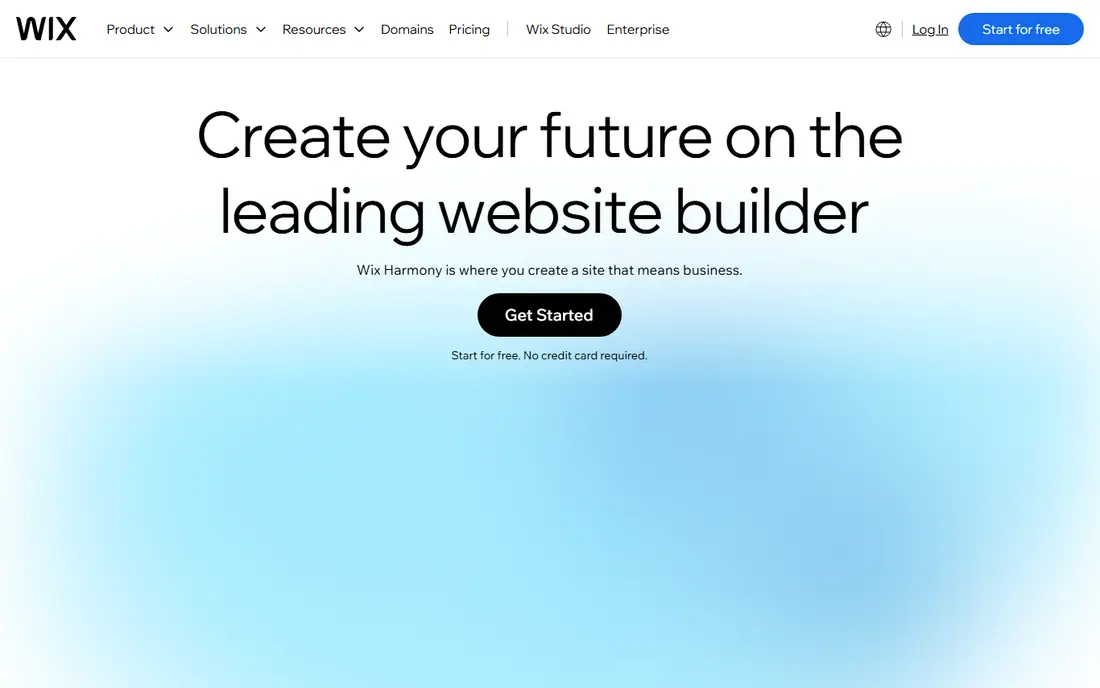
Wix is the safest default when you want one platform to cover a business website, bookings, and a small store. Its editor ranges from a guided AI build to full drag-and-drop control, and the app market adds bookings, events, menus, and memberships without outside tools. A small business can launch a presentable site in a weekend and keep adding features as it grows, which is why Wix tops most general builder lists.
The limits are portability and price creep. Once you pick a template, switching designs means rebuilding, and paid apps stack onto the base plan over time. The free plan works for testing but keeps Wix branding and a Wix domain. For breadth and ease, though, no other builder in this group covers as many use cases from a single dashboard.
What we like- Broadest app ecosystem
- AI builder plus manual editing
- Booking, events, and stores in one place
Watch out for- Template lock-in after launch
- App costs add up
- Free plan shows Wix branding
#2Squarespace
Best for: Design-led brand websites4.4/5 on
G2 (1,133 reviews, checked Oct 2026)
Visit squarespace.com
Starting price$19 per month
Free planFree trial
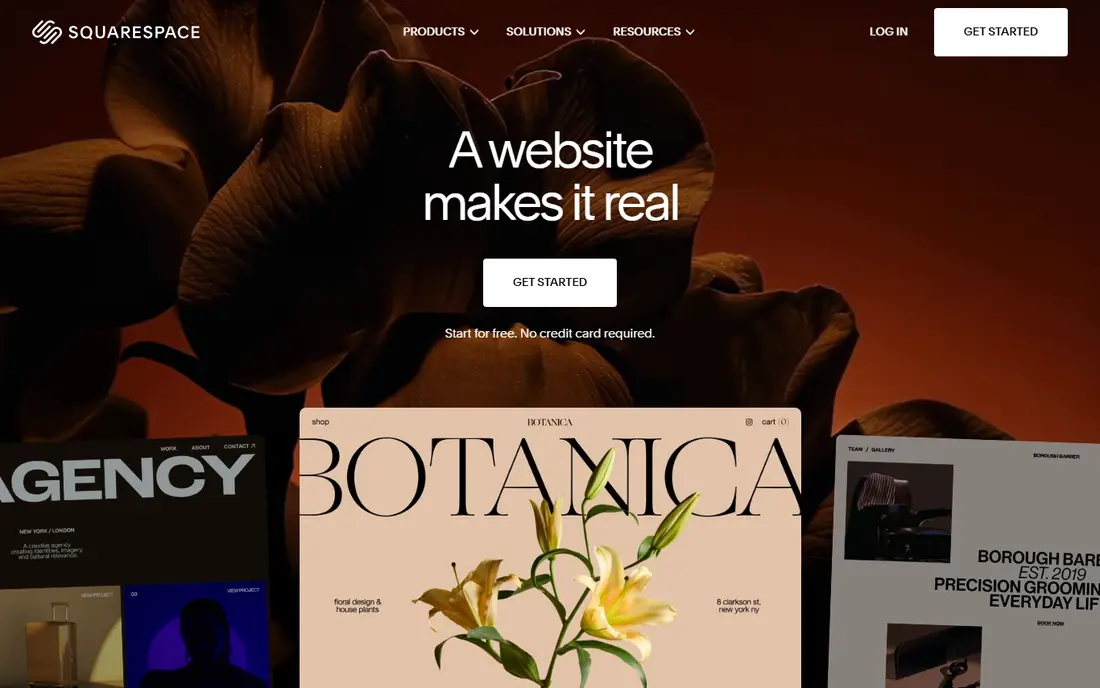
Squarespace suits businesses where the site itself is part of the brand. Its templates look considered from page to page, with typography and spacing that need little fixing. Blueprint AI builds a starting site from a few answers, and the editor keeps the design coherent as you add pages. Portfolios, blogs, and small catalog stores all look strong here, and the built-in selling tools handle a shop attached to a brand site.
The trade-offs are price and flexibility. There is no free plan, only a 14-day trial, and paid publication is required to go live. Some plans charge transaction fees on sales, so compare selling costs across plans before you commit. Integration depth is thinner than Wix, which matters if you rely on niche third-party tools.
What we like- Best visual template quality of any general builder
- Blueprint AI included
- Strong blogging and portfolios
Watch out for- No free plan, only a 14-day trial
- Transaction fees on some plans
- Less integration depth than Wix
#3Webflow
Best for: Designer-grade control4.4/5 on
G2 (995 reviews, checked Oct 2026)
Visit webflow.com
Starting price$15 per month
Free planYes
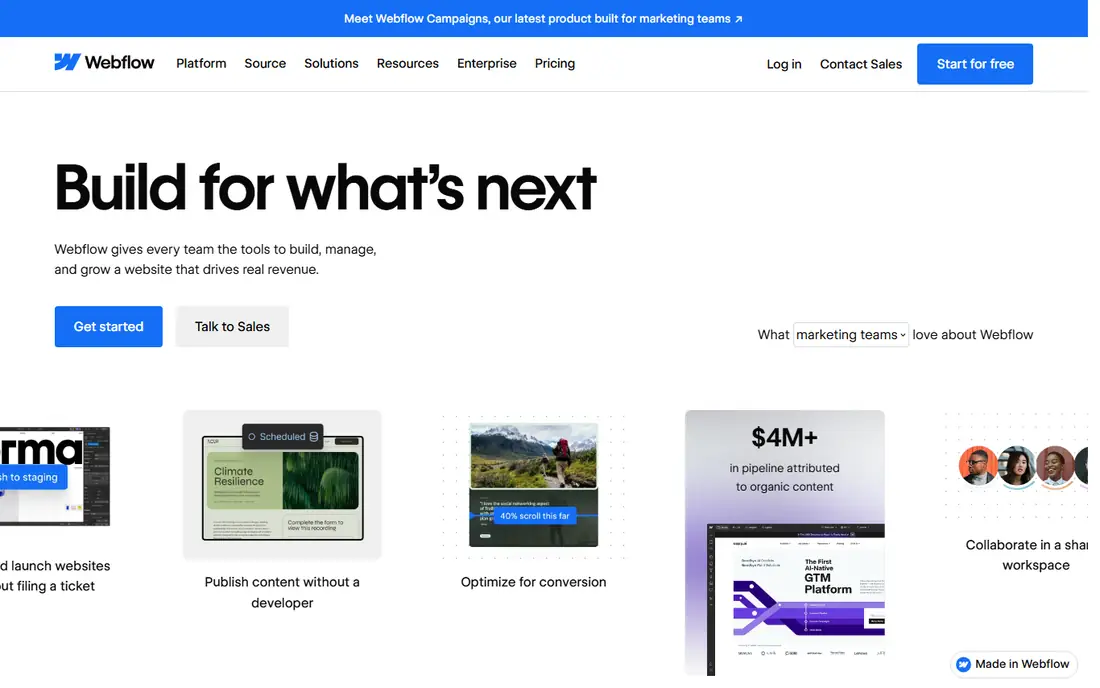
Webflow is the pick for people who want design control without writing production code by hand. Its visual canvas handles layout, interactions, and animations at a level template builders cannot reach, and the CMS manages blogs, directories, and case study libraries well. Agencies and marketing teams use it for sites that must match a brand exactly, and the exported code stays clean enough for developers to extend.
That power asks for time. New users should expect days of learning before building fluently, and Webflow separates site plans from workspace plans, which confuses first-time buyers. Ecommerce adds cost and a transaction fee on top of the site plan. If design precision matters more than speed, Webflow earns its learning curve.
What we like- Precise visual design control
- Clean exportable code
- Strong CMS for content sites
Watch out for- Steeper learning curve
- Ecommerce adds cost and fees
- Plan distinctions take time to learn
#4Framer
Best for: Polished marketing sites4.5/5 on
G2 (144 reviews, checked Oct 2026)
Visit framer.com
Starting price$10 per month
Free planYes
Framer targets design-forward marketing sites and landing pages. Its AI-assisted design output looks polished with little manual fixing, and managed hosting keeps pages fast without server work. Pricing stays simple, starting at $10 per month billed annually for a basic site, with a free plan for staging on a Framer subdomain. Startups and SaaS teams use it for launch pages that must look sharp on day one.
Commerce is the gap. Framer is not a native ecommerce platform, so selling needs a third-party connection, and the template library is smaller than Wix. Extra editors cost more per seat. For a marketing site where visual quality matters most, Framer is the fastest route to a polished result.
What we like- Fast, polished AI-assisted design output
- Managed hosting included
- Simple pricing
Watch out for- Not a native ecommerce platform
- Commerce needs a third-party connection
- Fewer templates than Wix
#5Hostinger
Best for: Cheapest AI-built sites4.4/5 on
G2 (834 reviews, checked Oct 2026)
Visit hostinger.com
Starting price$2.99 per month
Free planNo
Hostinger wins on year-one price. Its AI builder creates a business site from a few prompts, hosting is bundled, and the intro rate runs $2.99 per month on a long prepayment term. For a first-time site owner with a tight budget, that combination is hard to beat. Setup is quick, and the editor covers the basics without overwhelming new users.
Read the renewal terms before you buy. The intro rate requires a 48-month prepayment in some offers, and renewal runs far higher, around $10.99 per month in published comparisons. Ecommerce is limited next to Shopify or Wix. Price out year two and year three, not just the first invoice, before you commit.
What we like- Lowest year-one cost
- AI builder bundled with hosting
- Fast setup
Watch out for- Intro rate needs long prepayment
- Renews much higher
- Ecommerce is limited
#6WordPress.com
Best for: Flexible sites on WordPress4.4/5 on
G2 (2,717 reviews, checked Oct 2026)
Visit wordpress.com
Starting price$4 per month
Free planYes
WordPress.com suits owners who want the flexibility of the WordPress ecosystem without managing a server. The free plan lets you test on a WordPress.com subdomain, and paid plans add a custom domain, remove ads, and open more design options. The theme and plugin range dwarfs every other builder here, which matters for blogs, publishers, and membership sites with unusual needs.
The catch is plan gating. Plugin installs and deeper customization sit on higher plans, and the free plan shows WordPress.com ads. Setup also asks for more decisions than a guided AI builder. If you value ownership and flexibility over a one-click build, WordPress.com is the long-term pick.
What we like- Full WordPress flexibility
- Huge theme and plugin range
- Free plan for testing
Watch out for- Plugin installs need higher plans
- Ads on the free plan
- Setup takes more decisions
#7Shopify
Best for: Product-led online stores4.4/5 on
G2 (5,144 reviews, checked Oct 2026)
Visit shopify.com
Starting price$29 per month
Free planFree trial
Shopify is the right answer when selling products is the point of the site. Its checkout, payment processing, inventory, and shipping tools are deeper than any general builder, and the app store covers nearly every commerce need. Product-based businesses should start here and end here, since every other platform treats commerce as a feature rather than the core product.
For a simple brochure site, Shopify is overkill at $29 per month, and app subscriptions plus payment fees add to the bill. Design freedom is narrower than Webflow, since themes constrain layout. If the site exists to sell, though, Shopify pays for itself in conversion and reliability.
What we like- Most complete commerce platform
- Huge app store
- Strong checkout and payments
Watch out for- Overkill for a simple brochure site
- App and payment fees add up
- Design freedom is narrower than Webflow
#8Carrd
Best for: Simple one-page sites4.5/5 on
G2 (34 reviews, checked Oct 2026)
Visit carrd.co
Starting price$9 per year
Free planYes
Carrd is the minimalist pick. It builds single-page sites for portfolios, landing pages, and link hubs in minutes, and the Pro plan costs $9 per year, which undercuts every other builder here by a wide margin. The free plan covers up to three sites on a Carrd subdomain without a custom domain or forms. For a simple presence, nothing else comes close on price or speed.
The limit is scope. Carrd builds one page, not a multi-page site, and it has no native booking or store features. Growing businesses will outgrow it and move to Wix or Squarespace. For a landing page, a personal profile, or a coming-soon page, Carrd is the obvious cheap choice.
What we like- Extremely low cost
- Fast one-page builds
- Custom domains on paid plans
Watch out for- One page only
- No native booking or store
- Limited for growing sites
How we chose
We compared pricing pages, editor capabilities, and hosting terms for each builder, then checked them against recent buyer guides and user reviews on G2, Capterra, and Reddit. Tools made the list only if they publish a live site today, cover the quick-publish use case Glitch fans valued, and fit a clear buyer type. Where guide figures disagreed with vendor pages, we used the vendor page figure or See website rather than printing a contested number.
Price the whole two years, not the first month
The most common mistake with website builders is modeling intro pricing instead of renewal pricing. Hostinger jumps sharply after its intro term, Squarespace domains renew at the vendor rate, and Wix app subscriptions stack onto the base plan. Before you commit, add up two full years: base plan, domain renewal, paid apps, and any transaction fees on expected sales. That total, not the headline monthly rate, is the real comparison.
Also test the exit path. Template lock-in means rebuilding if you switch designs on Wix, while Webflow exports code you can take elsewhere. WordPress.com sites can move to self-hosted WordPress with more effort. Pick the builder whose two-year cost and exit path you can live with, not just the one with the prettiest demo.
Frequently asked questions
What happened to Glitch-style fast web publishing?
Glitch made it easy to remix a web app in the browser and publish it instantly. The builders here replace different parts of that experience: Wix and Squarespace for fast business sites, Webflow and Framer for design-led sites, and Carrd for instant one-page publishing. None of them remix code the way Glitch did, so developers who need that workflow should look at code-first platforms instead.
Which builder is cheapest overall?
Carrd at $9 per year is cheapest for a one-page site. For a full multi-page business site, Hostinger has the lowest year-one cost, but its renewal rate is far higher. Compare two-year totals, including domain renewal and apps, before calling any builder the cheapest.
Can I sell products on these builders?
Yes, with different depth. Shopify is built for selling. Wix and Squarespace handle small catalog stores well. Webflow and Framer need extra setup or third-party connections for commerce. Carrd has no native store, so it suits landing pages that link out to a separate checkout.
Do I need a custom domain?
A custom domain looks more professional and is worth the yearly fee for any business site. Free plans use branded subdomains, which suit testing and personal pages. Paid plans on every builder here let you connect a domain you already own or buy one through the platform.
Which builder is best for a complete beginner?
Wix and Hostinger are the easiest starting points, with guided AI builds and simple editors. Squarespace suits beginners who care most about visual quality. Webflow suits beginners only if they are willing to invest learning time for design control.
Sources we checked (8)
- https://www.wix.com
- https://www.squarespace.com
- https://www.webflow.com
- https://www.framer.com
- https://www.hostinger.com
- https://www.wordpress.com
- https://www.shopify.com
- https://www.carrd.co
Is your product missing or out of date?
We review this list regularly. Vendors can request a listing, send updated pricing or ask about featured placement.

Shihab Mia · Founder, Rankite
Shihab has 5+ years in B2B and SaaS SEO. He writes Rankite's software buying guides from pricing pages, documentation and public user reviews. More about Shihab.