How we make this list: we compare pricing pages, product documentation and public user reviews. Ratings come from G2, Capterra or Trustpilot, with the date we checked them.
Key takeaways
- The best website builder for a service business in 2026 is Wix for all round booking and business tools, while Squarespace leads on design polish.
- Service businesses need bookings, contact forms, and local search visibility more than online stores, so judge builders on those features first.
- Intro prices often renew higher, so always check the renewal price before committing to a plan.
- Duda suits agencies and multi location operators, while GoDaddy suits owners who want the fastest possible launch.
- A free plan works for testing, but a custom domain and removal of builder branding need a paid plan.
Quick comparison
| Tool | Best for | Starting price | Free plan |
|---|
 Wix Wix | All round service businesses | $17 per month | Yes |
 Squarespace Squarespace | Design led service brands | $16 per month | No |
 Duda Duda | Agencies and multi location | $19 per month | No |
 GoDaddy GoDaddy | Fastest launch | $9.99 per month | Yes |
 Webflow Webflow | Design control | $14 per month | Yes |
 Hostinger Hostinger | Tight budgets | $2.99 per month | No |
 WordPress.com WordPress.com | Flexible publishing | $4 per month | Yes |
 Weebly Weebly | Simple starter sites | $10 per month | Yes |
Is your product missing or out of date?
We review this list regularly. Vendors can request a listing, send updated pricing or ask about featured placement.
The best website builders for service businesses
#1Wix
Best for: All round service businesses4.2/5 on
G2 (1,888 reviews, checked Oct 2026)
Visit wix.com
Starting price$17 per month
Free planYes
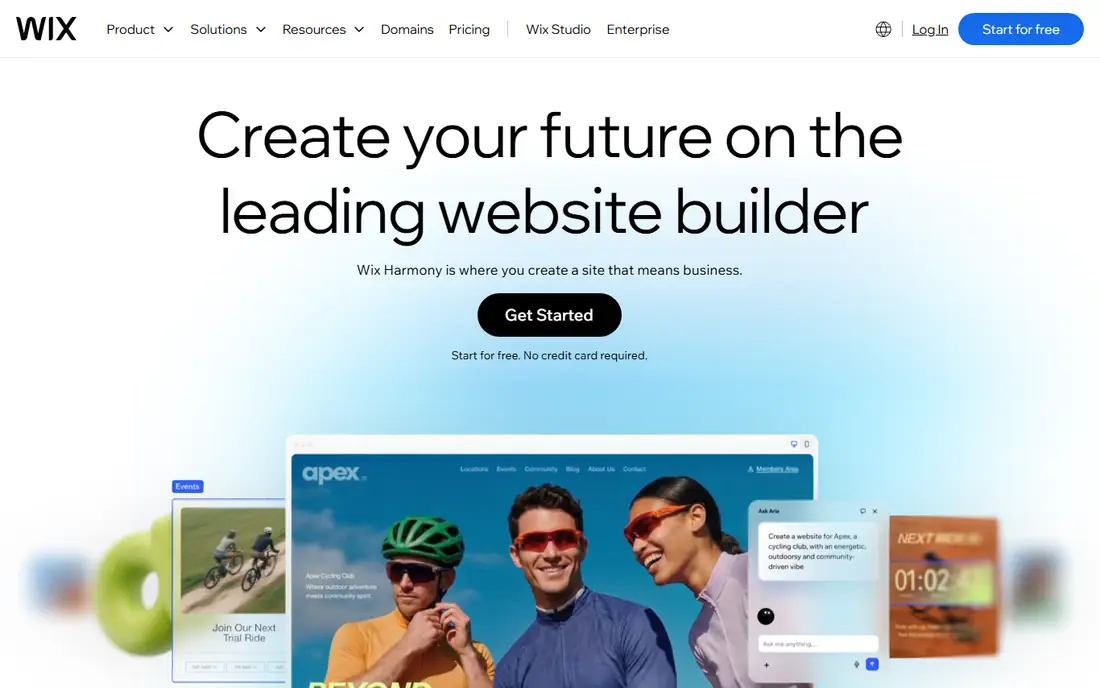
Wix is the strongest all rounder for service businesses, with native bookings and scheduling, strong lead forms, capable search tools, a huge template library, and an app market that adds reviews, chat, and payments. The Light plan starts around 17 dollars per month on annual billing, and the AI site generator can draft a full site from a short business description.
The limits are choice overload and renewal pricing. Wix offers so many options that beginners can spend too long deciding, and intro rates renew higher. For a service business that wants bookings, forms, and marketing in one place, Wix is the best starting point.
What we like- Native bookings and scheduling
- Huge template library
- Strong app market
Watch out for- Many options can overwhelm beginners
- Renewal prices rise
- Design freedom needs care
#2Squarespace
Best for: Design led service brands4.4/5 on
G2 (1,133 reviews, checked Oct 2026)
Visit squarespace.com
Starting price$16 per month
Free planNo
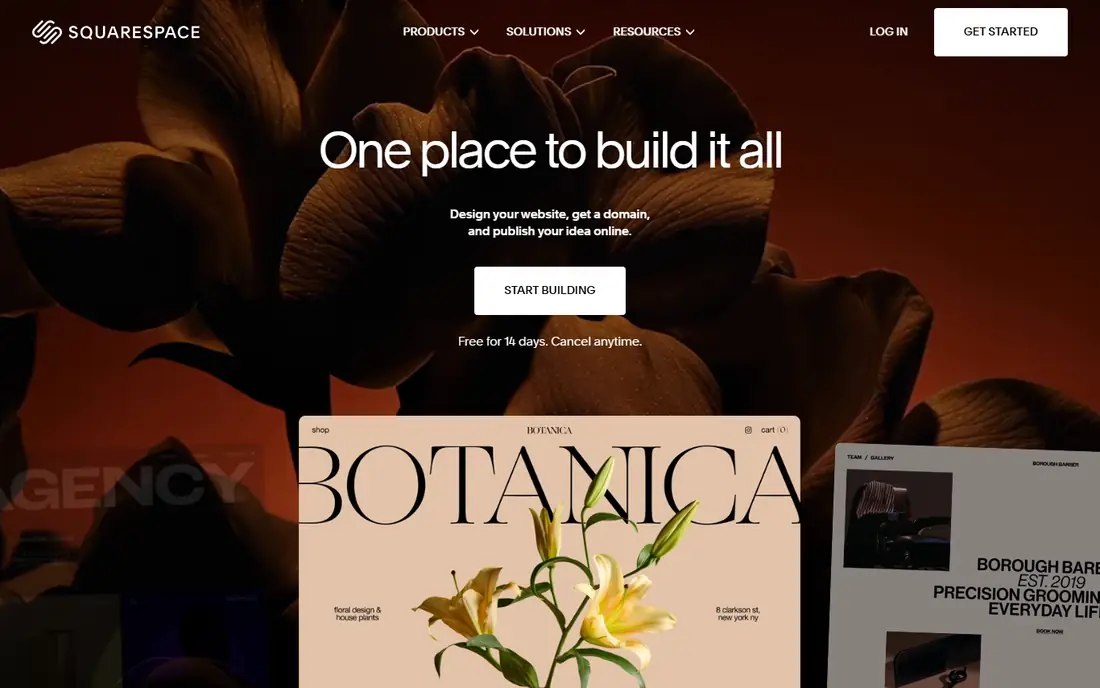
Squarespace leads on design polish, with templates that make even a simple service site look premium, and its Scheduling add on, built on Acuity, handles appointments well. The Basic plan starts around 16 to 19 dollars per month on annual billing depending on the source, and its clean search basics suit local service businesses.
The limits are cost and flexibility. Squarespace has no free plan, only a trial, and scheduling is an add on rather than a core feature. For brand led service businesses where design quality matters most, Squarespace is the best choice.
What we like- Best in class templates
- Built in scheduling add on
- Polished mobile output
Watch out for- No free plan
- Scheduling costs extra
- Less flexible than Wix
#3Duda
Best for: Agencies and multi location4.6/5 on
G2 (790 reviews, checked Oct 2026)
Visit duda.com
Starting price$19 per month
Free planNo
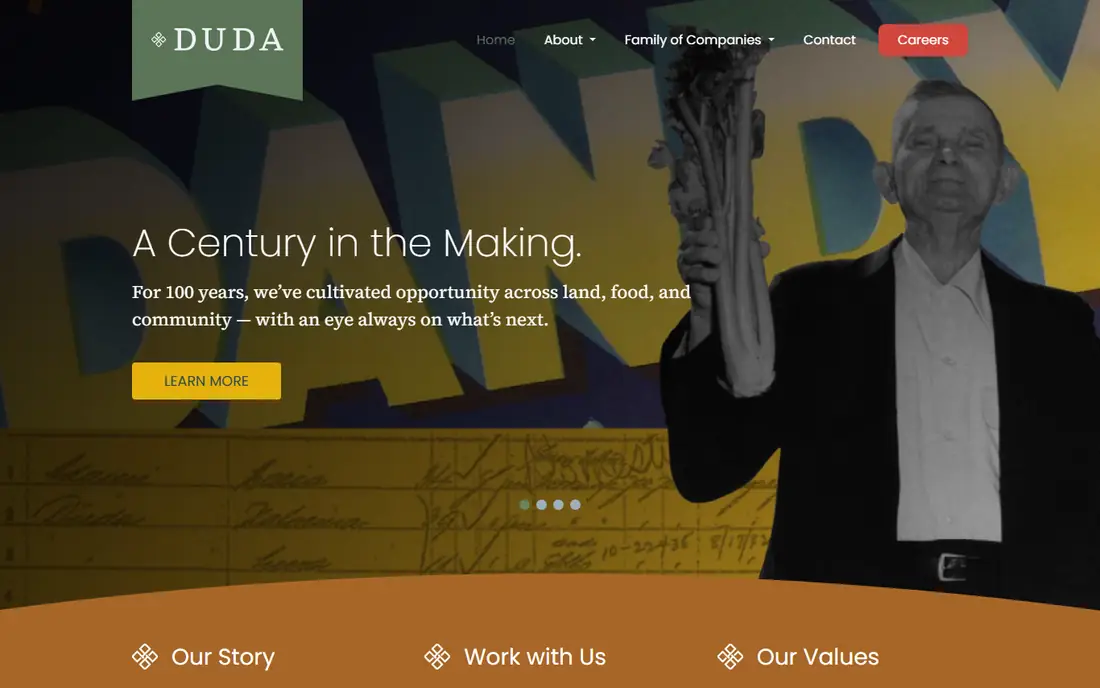
Duda is built for agencies and multi location operators, with fast, mobile optimized output, strong team and client tools, and widgets for local business needs. The Basic plan starts around 19 dollars per month on annual billing, and its workflow tools make managing many client sites far easier than general builders.
The limits are audience and templates. Duda is built for professional site production, not the default solo owner choice, and its template range is smaller than Wix. For agencies and businesses with many locations, Duda is the best tool.
What we like- Fast mobile output
- Strong team and client tools
- Built for many sites
Watch out for- Less suited to single site owners
- No free plan
- Smaller template range
#4GoDaddy
Best for: Fastest launch4.1/5 on
G2 (189 reviews, checked Oct 2026)
Visit godaddy.com
Starting price$9.99 per month
Free planYes
GoDaddy Websites and Marketing suits owners who want the simplest, fastest launch, with guided setup, built in appointments on higher tiers, email and social marketing, and a domain in the same account. Paid plans start around 9.99 dollars per month on annual billing, and a free plan exists for testing.
The limits are flexibility and portability. GoDaddy sites are harder to move elsewhere, and its design options are narrower than Wix or Squarespace. For an owner who wants a decent site live this week with minimal effort, GoDaddy is the fastest route.
What we like- Guided setup
- Domain in one account
- Email and social marketing included
Watch out for- Less flexible and portable
- Appointments on higher tiers
- Design limits
#5Webflow
Best for: Design control4.4/5 on
G2 (995 reviews, checked Oct 2026)
Visit webflow.com
Starting price$14 per month
Free planYes
Webflow gives designers and agencies full control over layout, with pixel level design freedom, fast clean code, and strong technical search features. The Basic site plan starts around 14 dollars per month on annual billing, and a free Starter plan exists on a webflow.io subdomain.
The limits are booking and learning curve. Webflow has no native booking tool, so service businesses must add a third party scheduler, and its interface takes longer to learn than Wix. For design driven service sites where visual control matters most, Webflow is unmatched.
What we like- Pixel level design freedom
- Fast clean code
- Strong technical search tools
Watch out for- No native booking
- Steeper learning curve
- Pricing spans site and workspace plans
Starting price$2.99 per month
Free planNo
Hostinger offers the lowest entry cost of any builder on this list, with an AI site builder, hosting included, and a Business plan starting around 2.99 dollars per month on a long term, with renewal around 16.99 dollars per month. For a budget first service business launching one site, that entry price is hard to beat.
The limits are renewal pricing and booking depth. The intro rate expires and renews much higher, and Hostinger is lighter on native booking than Wix or Squarespace. For a business that needs the cheapest possible start and can handle renewals, Hostinger is a strong value choice.
What we like- Lowest entry cost
- AI site generation
- Hosting included
Watch out for- Intro price renews much higher
- Lighter on native booking
- Support varies
#7WordPress.com
Best for: Flexible publishing4.4/5 on
G2 (2,717 reviews, checked Oct 2026)
Visit wordpress.com
Starting price$4 per month
Free planYes
WordPress.com is the cheapest path to a custom domain at around 4 dollars per month on annual billing, with real extensibility on higher tiers through plugins. The software itself is free, and the platform suits service businesses that publish lots of content, need custom forms, or want long term platform flexibility.
The limits are maintenance and setup. Hosting, themes, plugins, security, and updates need attention, and booking requires a plugin rather than a native tool. For a service business that values content and control over quick setup, WordPress.com is the most flexible choice.
What we like- Cheapest custom domain path
- Huge plugin range
- Full content control
Watch out for- Maintenance responsibility
- Booking needs plugins
- Design needs more work
#8Weebly
Best for: Simple starter sites4.2/5 on
G2 (482 reviews, checked Oct 2026)
Visit weebly.com
Starting price$10 per month
Free planYes
Weebly remains a simple option for beginners, with drag and drop editing, a free plan, and phone, chat, and email support. The Personal plan starts around 10 dollars per month on annual billing, and the platform suits a small service business that needs a basic brochure site with a contact form.
The limits are modern features and templates. Weebly's template range and feature set lag behind Wix and Squarespace, and it now sits inside Square's product line. For a very simple starter site, Weebly still does the job well.
What we like- Simple drag and drop
- Free plan
- Phone, chat, and email support
Watch out for- Fewer modern features
- Smaller template range
- Owned by Square now
How we chose
We ranked builders by booking and scheduling tools, contact forms, local search features, design quality, ease of use, and total cost including renewal pricing. We favored builders with native booking over those that need third party add ons, since bookings are the core job of a service business website. We also weighed how fast a non technical owner can launch, because a powerful builder that never goes live helps no one. Finally, we checked mobile output carefully, since most local service customers find and contact businesses from phones, and a site that looks great on a desktop but breaks on a phone loses the customers who matter most.
Buying guide
Start with three questions: what do you sell, how technical are you willing to get, and what is your real monthly budget after the intro discount expires? Service businesses usually do best with strong booking and form tools, while pure brochure sites can stay cheaper and simpler.
Next, test the booking flow as a customer. Book an appointment on your own test site, fill in the contact form, and check the confirmation emails. A builder whose booking flow confuses customers will cost you inquiries no matter how good the design looks.
Finally, check the renewal price and the exit path. Confirm what your plan costs after the first term, and check whether you can export your content or move your domain if you leave. A cheap first year that doubles on renewal is not a bargain, and a site you cannot move is a long term risk.
Also check reviews and local search features before you buy. A service business lives on local search, so confirm the builder handles business hours, location pages, service areas, and review display well. Add your Google Business Profile link, your phone number in the header, and a clear call to action on every page, since local customers decide fast and will call a rival if your site makes them hunt for contact details.
Frequently asked questions
Do I need bookings on my service website?
Yes, if clients book appointments. Online booking reduces phone tag, fills gaps in your schedule, and lets customers book outside business hours. Builders with native booking, like Wix, handle this better than those needing add ons.
Is a free website builder plan enough?
A free plan works for testing, but it usually shows builder branding and uses a subdomain, which looks less professional. A paid plan with a custom domain is worth the cost for any business that wants customer trust.
How much should a service business website cost?
Most service businesses pay between 10 and 25 dollars per month for a builder plan, plus a domain. Intro prices can be lower, but check renewal rates, since some builders renew at double the intro price.
Wix or Squarespace for a service business?
Wix suits most service businesses, with stronger booking tools and more flexibility. Squarespace suits brand led businesses where design polish matters most and booking needs are simple.
Can I switch builders later?
Yes, but moving a site takes work, since designs do not transfer between builders. Content and domains can move, but expect to rebuild the design. Choose carefully at the start to avoid a rebuild later.
Sources we checked (0)
Is your product missing or out of date?
We review this list regularly. Vendors can request a listing, send updated pricing or ask about featured placement.

Shihab Mia · Founder, Rankite
Shihab has 5+ years in B2B and SaaS SEO. He writes Rankite's software buying guides from pricing pages, documentation and public user reviews. More about Shihab.