How we make this list: we compare pricing pages, product documentation and public user reviews. Ratings come from G2, Capterra or Trustpilot, with the date we checked them.
Direct answer
For most buyers, Midjourney is the top pick among dalle alternatives for stylized images, with Basic at $10 per month. Adobe Firefly suits teams that need a free daily allowance and Adobe plan credits, starting at US$9.99 per month. Ideogram fits text-led graphics at $20 per month.
Key takeaways
- Artists who want a paid image plan can start with Midjourney Basic at $10 per month, with 3.3 hours of Fast GPU time.
- Adobe users can start with Adobe Firefly Standard at US$9.99 per month, with 2,000 monthly generative credits.
- Poster makers can use Ideogram Plus at $20 per month, with 2,400 credits each month and private generation.
- Developers can price FLUX at $0.048 per image on the vendor calculator, with no subscription or seat fee stated.
- Solo designers can use Canva Pro at US$18 per month, or US$12 per month billed yearly, for AI tools inside Canva designs.
Quick comparison
| Tool | Best for | Starting price | Free plan |
|---|
 Midjourney | Stylized art and concept images | Basic $10 per month ($96 per year) | None found on vendor page |
 Adobe Firefly | Adobe plan users and brand teams | Standard US$9.99 per month | Free daily generations |
 Ideogram | Posters and text-led graphics | Plus $20 per month ($180 per year) | No free credits for new accounts; eligible existing accounts may keep 30 credits per week |
 Leonardo AI | Creators who need model choice | Essential $12 per month billed monthly ($10 per month billed yearly) | 150 fast tokens daily |
 Recraft | Vector logos, icons, and brand graphics | Basic $12 per month ($120 per year) | Free plan with daily credit reset; vector generation and Vector Editor included |
 Krea AI | Switching models in one workspace | Basic $9 per month | 100 units per day |
 FLUX by Black Forest Labs | Developers paying per image | $0.048 per image (pricing calculator rate) | None found on vendor page |
 Stable Diffusion by Stability AI | API and self-host control | Stable Image Core 3 credits per image ($0.03 per image) | 25 free credits |
 Google Imagen 4 | Google Cloud image generation | Imagen 4 Fast $0.02 per image | None found on vendor page |
 Canva Magic Media | Social posts inside Canva designs | Canva Pro US$18 per month ($144 per year) | Free plan available; exact Magic Media image count not stated on opened vendor page |
Is your product missing or out of date?
We review this list regularly. Vendors can request a listing, send updated pricing or ask about featured placement.
The best dalle alternatives
Many buyers still search for DALL-E when they want text to image generation, but the buying choice in 2026 is wider than one model name. The tools below sell access in different ways: monthly GPU time, monthly credits, daily tokens, per image API prices, or AI features inside a design plan. This list ranks them by buyer fit, starting price, free access, and limits stated on vendor pages. A tool that is cheap for 20 images a month can be costly for 2,000 images, and a free plan can still block client work if the terms limit commercial use.
Starting priceBasic $10 per month ($96 per year)
Free planNone found on vendor page
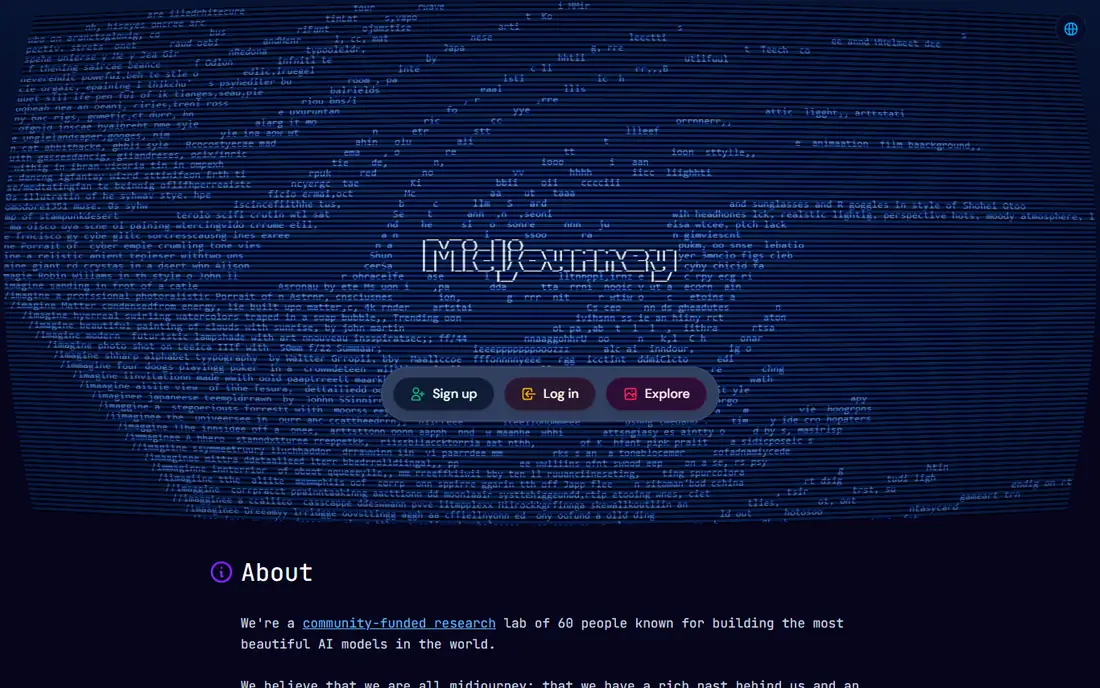
Midjourney is a subscription image service with four tiers named Basic, Standard, Pro, and Mega. Basic costs $10 per month and includes 3.3 hours of Fast GPU time each month. Standard costs $30 per month with 15 hours of Fast GPU time and unlimited Relax image generations. Pro costs $60 per month, and Mega costs $120 per month. The plan page also lists Discord direct message work, concurrent prompt limits, and extra GPU time at $4 per hour. It suits buyers who want one paid image tool and can work within GPU time limits.
The catch is that the cheapest plan is narrow. Basic has no Relax mode, no Stealth Mode, and SD video only. Companies over $1,000,000 in yearly gross revenue must buy Pro or Mega. Pick Midjourney if stylized output matters more than a free trial. Look elsewhere for a free plan or per image API billing. Check the revenue rule before a company rollout.
What we like- Annual billing cuts the listed price by 20 percent
- Standard adds unlimited Relax image generations
- Pro and Mega add Stealth Mode for private images and videos
Watch out for- No free plan is listed on the vendor plan page
- Basic has no Relax mode and no Stealth Mode
Starting priceStandard US$9.99 per month
Free planFree daily generations
Adobe Firefly is Adobe generative AI for images, video, and audio inside Adobe plan pages. The vendor plan summary lists a free plan with limited daily generations, then Standard at US$9.99 per month with 2,000 generative credits. Pro costs US$19.99 per month with 4,000 credits, Pro Plus costs US$49.99 per month with 10,000 credits, and Premium costs US$199.99 per month with 50,000 credits. Adobe also states Pro credits can cover up to 800 images and 40 five-second videos. It suits buyers who already use Adobe tools and want credits tied to an Adobe plan.
The catch is that credits set the real limit. Large image batches or videos can spend 2,000 credits faster than the price suggests. Adobe does not state a fixed free daily count in the plan summary used here. Pick Firefly if Adobe workflow matters. Look elsewhere for a fixed per image API price. Check credit costs before a large batch.
What we like- Free plan includes daily generations
- Standard includes 2,000 monthly generative credits
- Pro raises the allowance to 4,000 monthly credits
Watch out for- Free daily generation count is not stated in the plan summary
- Premium costs US$199.99 per month for 50,000 credits
Starting pricePlus $20 per month ($180 per year)
Free planNo free credits for new accounts; eligible existing accounts may keep 30 credits per week
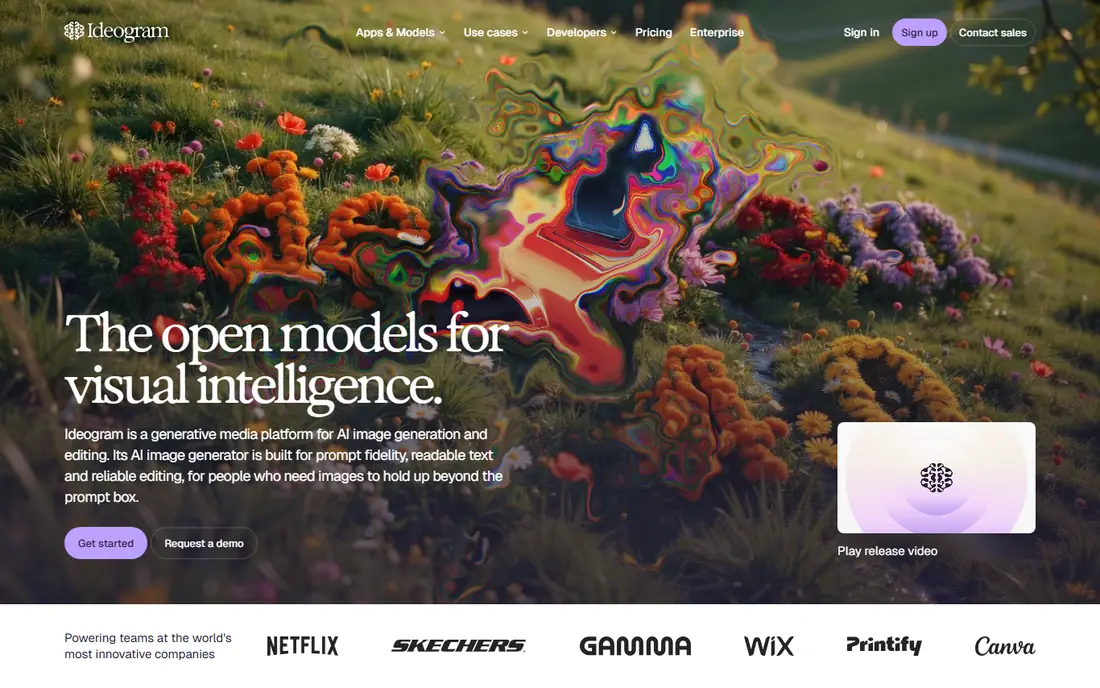
Ideogram is an image service sold through credits and subscriptions. Plus costs $20 per month, or $15 per month billed yearly at $180 a year, with 2,400 credits each month. Pro costs $60 per month with 7,500 credits, and Team costs $30 per user per month with 3,600 credits per user. Vendor docs list image costs by model and quality, such as 3, 6, or 10 credits per Ideogram 4.5 image. It suits buyers making posters, social graphics, and other text-led images who want the cost shown before a run.
The catch is that free access is limited for new buyers. New accounts without a creator badge start with zero free credits, and pay as you go generations are public. Monthly credits reset and do not roll over. Pick Ideogram if private generation on Plus fits. Look elsewhere if you need free credits on day one. Check eligibility before you plan free output.
What we like- Plus includes private generation and quality export
- Plus, Pro, and Team can keep using Ideogram models in a slower queue after credits run out
- The run button shows the cost before many image runs start
Watch out for- New accounts start with zero free credits
- Monthly credits do not roll over
Starting priceEssential $12 per month billed monthly ($10 per month billed yearly)
Free plan150 fast tokens daily
Leonardo AI is a creative platform for image, video, design, and motion work under one subscription. The pricing page lists Free at 150 fast tokens daily, Essential at 8,500 monthly fast tokens, Premium at 25,000 monthly fast tokens, and Ultimate at 60,000 monthly fast tokens. Vendor pages state Essential costs $12 billed monthly or $10 per month billed yearly. Paid plans also have rollover token bank limits, top-up tokens, and model training options described on the pricing page. It suits creators who want daily free tokens and a choice of image models in one account.
The catch is that tokens are not a fixed image count. Token cost depends on task and GPU load, so one token does not equal one image. Unlimited relaxed generation covers listed models only. Pick Leonardo AI if daily free tokens fit your pace. Look elsewhere for a simple price per image. Check token costs before a large image batch.
What we like- Free plan gives 150 fast tokens each day
- Essential includes 8,500 monthly fast tokens
- Premium adds unlimited relaxed image generation on listed models
Watch out for- Token cost changes with task complexity
- Unlimited relaxed generation covers listed models only
Starting priceBasic $12 per month ($120 per year)
Free planFree plan with daily credit reset; vector generation and Vector Editor included
Recraft is an image and vector design tool for logos, icons, illustrations, mockups, and brand graphics. Vendor pages state Basic starts at $12 per month for 1,000 credits, with commercial rights and private files on paid plans. Recraft docs list raster and vector model credit costs, including 1 credit for Recraft V4.1 Flash V2, 2 credits for Recraft V4.1, and 4 credits for Recraft V4.1 Vector. The docs also state vector generation and the Vector Editor are included on Free. It suits designers who need editable vector output, not only flat images.
The catch is that free work has client use limits. Free plan images are public, owned by Recraft, and have limited commercial use rights. Subscription credits reset and do not roll over. Pick Recraft if vector files are the main job. Look elsewhere if you need free commercial use. Check ownership, privacy, and commercial terms before any client delivery date.
What we like- Vector generation and the Vector Editor are included on every plan, including Free
- Top-up credits never expire
- Vendor docs list model credit costs, such as 2 credits for Recraft V4.1
Watch out for- Subscription credits reset and do not roll over
- Free plan images are public with limited commercial use
#6
Krea AI
Best for: Switching models in one workspace
Visit krea.ai
Starting priceBasic $9 per month
Free plan100 units per day
Krea AI is a creative workspace that sells access through compute units. Vendor pages list Free at 100 units per day and Basic at $9 per month with 5,000 units per month. The pricing FAQ states Basic, Pro, Max, Business, and Enterprise include a commercial license for generated content. It also states Business includes up to 50 members at one flat price for the chosen compute pack. Krea suits buyers who want to compare image models, upscale images, and keep one monthly unit budget across tools. It also lists LoRA training on Basic.
The catch is that unit math decides value. Basic, Pro, and Max units reset and do not roll over. Free users must wait for the daily refill or upgrade. The commercial license is listed for paid plans, not Free. Pick Krea AI if 5,000 units fit. Look elsewhere for rollover units. Check unit costs before a month with heavy video use.
What we like- Free plan lists 100 units per day
- Basic includes a commercial license
- Basic lists image upscaling up to 22K
Watch out for- Basic, Pro, and Max units do not roll over
- Free users must wait for the daily refill or upgrade when units run out
#7
FLUX by Black Forest Labs
Best for: Developers paying per image
Visit bfl.ai
Starting price$0.048 per image (pricing calculator rate)
Free planNone found on vendor page
FLUX is Black Forest Labs image generation sold mainly through pay as you go API pricing. The vendor pricing page states there are no subscriptions and no seat fees, and buyers pay only for what they generate. Its calculator shows a rate of $0.048 per image. Pricing is based on the resolution tier in the request, and the same rate applies to text to image and image to image generation. The page also lists open weights licensing tiers for teams that run FLUX models on their own setup. It suits developers who want image cost tied to output count.
The catch is that FLUX is not sold like a consumer design app. Builder open weights terms list 10K images per month, 1 domain, and 10 licensed users. No free plan is listed. Pick FLUX if per image API billing fits. Look elsewhere for a finished design editor or free daily allowance. Check license tier limits before a product launch.
What we like- Vendor page states no subscriptions and no seat fees
- Rejected, failed, and moderation withheld outputs are not charged
- Reference images and prompts are included at no extra charge
Watch out for- No free plan is listed on the vendor pricing page
- Open weights licenses set image, domain, and user limits by tier
Starting priceStable Image Core 3 credits per image ($0.03 per image)
Free plan25 free credits
Stable Diffusion is Stability AI image model family, sold through API credits and self-host licensing. The vendor pricing page states 1 credit equals $0.01 and new accounts get 25 free credits. Stable Image Core costs 3 credits per image, Stable Diffusion 3.5 Large costs 6.5 credits, and Stable Image Ultra costs 8 credits. The page also lists edit services such as erase, inpaint, and remove background at 5 credits each. It suits developers and technical teams who want model choice, API control, or self-host options under the stated license terms.
The catch is that the low price comes with setup and license checks. Pricing is subject to change, and covered commercial use is free only below $1M yearly revenue. Above that line, buyers need an Enterprise License. Pick Stable Diffusion for API control. Look elsewhere for a simple design app. Check credit expiry and license terms before any product launch.
What we like- New API accounts get 25 free credits
- 1 credit equals $0.01 on the vendor pricing page
- Edit, upscale, and control services have listed credit prices
Watch out for- API pricing is credit based and subject to change
- Organizations over $1M yearly revenue need an Enterprise License for covered commercial use
Starting priceImagen 4 Fast $0.02 per image
Free planNone found on vendor page
Google Imagen 4 is Google image generation sold through Google Cloud pricing. The vendor pricing page lists Imagen 4 Fast image generation at $0.02 per image, Imagen 4 image generation at $0.04 per image, and Imagen 4 Ultra at $0.06 per image. It also lists Imagen 4 upscaling at $0.06 per image. The same page prices Gemini image models by tokens, with stated per image output costs by resolution. It suits teams that already buy Google Cloud services and want image generation priced by count or token use. Prices are listed in US dollars.
The catch is that cloud pricing needs care before a large run. Gemini 3 Pro Image adds input tokens, with output at $0.134 for 1K and 2K and $0.24 for 4K. No free image plan is listed. Pick Google Imagen 4 for Google Cloud teams. Look elsewhere for a consumer app. Check region and token rates before any large launch.
What we like- Imagen 4 Fast lists $0.02 per image
- Imagen 4 lists $0.04 per image for generation
- Imagen 4 upscaling lists $0.06 per image
Watch out for- No free image plan is listed on the pricing page
- Gemini image models can add input token charges on top of output image cost
#10
Canva Magic Media
Best for: Social posts inside Canva designs
Visit canva.com
Starting priceCanva Pro US$18 per month ($144 per year)
Free planFree plan available; exact Magic Media image count not stated on opened vendor page
Canva Magic Media is Canva AI image creation inside Canva designs, now sold through Canva plans rather than as a separate image subscription. Canva states Pro costs US$18 month to month, or US$12 per month billed yearly at US$144 per year. Pro is for individual creators and solo business owners, and only one person can hold a Pro subscription. Canva also lists 100GB of cloud storage on Pro and a 30-day Pro trial. It suits buyers who need AI images placed into social posts, presentations, and marketing designs in the same editor.
The catch is that Canva sells a design plan first. AI allowance during the Pro trial is the same as Canva Free, and Pro remains single-user. Pick Canva Magic Media if finished designs matter most. Look elsewhere for per image API pricing or a multi-user plan at the Pro price. Check seat and storage needs before a shared team rollout.
What we like- Canva Pro includes premium content, Brand Kit access, and AI tools
- Pro includes 100GB of cloud storage
- Canva lists a 30-day Pro trial
Watch out for- Canva Pro is a single-user plan
- AI allowance during the Pro trial is the same as Canva Free
Should you pay per image or buy a monthly plan?
Pay per image when your monthly count is easy to forecast, and buy a monthly plan when your team needs daily access, private work, or design features. At 1,000 images, simple multiplication gives $20 for Google Imagen 4 Fast at $0.02 per image, $30 for Stable Image Core at $0.03 per image, and $48 for FLUX at the $0.048 calculator rate. Monthly plans work differently. Midjourney Basic is $10 per month but limits Fast GPU time to 3.3 hours. Ideogram Plus is $20 per month with 2,400 credits, while Krea Basic is $9 per month with 5,000 units. The right choice depends on whether your limit is image count, GPU time, credits, or editor features. A buyer making 100 images a month pays $2 at Imagen 4 Fast rates, $3 at Stable Image Core rates, and $4.80 at the FLUX calculator rate, before edit or upscale charges. At that volume, a monthly plan can cost more than API use, but it may include private generation, editor tools, or a commercial license that API pricing alone does not settle.
Which dalle alternative is best for text in images?
Ideogram is the clearest pick for posters and text-led graphics. Plus costs $20 per month with 2,400 credits and private generation. Vendor docs list Layerize text among credit-based actions. Recraft fits better when text must become part of a logo or vector file.
Which option fits a team that needs commercial rights?
Check the plan terms before you compare image quality. Krea states Basic, Pro, Max, Business, and Enterprise include a commercial license. Recraft states paid plans grant commercial rights, while free plan images are public with limited commercial use. Midjourney states companies with more than $1,000,000 in yearly gross revenue must buy Pro or Mega. Stability AI states covered commercial use is free below $1M yearly revenue, with an Enterprise License above that line.
Can you use a free plan for client work?
Sometimes, but free terms decide the answer. Leonardo AI gives 150 fast tokens daily and states free users get a non-exclusive, royalty-free commercial license, while Leonardo holds rights to use free images. Krea lists its commercial license on paid plans. Recraft free images are public with limited commercial use.
Frequently asked questions
What is the best dalle alternative for most people?
Midjourney is the top pick for stylized images, with Basic at $10 per month and 3.3 hours of Fast GPU time. Adobe Firefly fits Adobe users at US$9.99 per month. Ideogram fits posters and text-led graphics at $20 per month.
Which dalle alternative has the cheapest starting price?
Google Imagen 4 Fast lists $0.02 per image on Google Cloud pricing, and Stable Image Core lists 3 credits per image at $0.01 per credit. Those are API prices, not monthly app plans. For a monthly app plan, Krea Basic lists $9 per month with 5,000 units, and Midjourney Basic lists $10 per month.
Is there a free dalle alternative with daily images?
Leonardo AI lists 150 fast tokens daily on Free, and Krea lists 100 units per day on Free. Adobe Firefly lists free daily generations, but the plan summary used here does not state a fixed daily count. Ideogram is different for new buyers, since new accounts start with zero free credits.
Which tool should developers choose instead of DALL-E?
FLUX, Stable Diffusion, and Google Imagen 4 fit developers who want priced API use. FLUX shows $0.048 per image. Stable Image Core costs 3 credits per image. Google Imagen 4 Fast costs $0.02 per image. Choose by license terms and cloud fit.
Which dalle alternative is best for logos and icons?
Recraft fits logos, icons, and brand graphics because vector generation and the Vector Editor are included on every plan, including Free. Basic costs $12 per month for 1,000 credits and adds paid plan commercial rights. Ideogram can fit text-led graphics, but Recraft is the vector-first pick in this list.
What to look for before you buy
First, count your monthly images and edits, then match that count to GPU time, credits, tokens, or per image prices. Second, read the commercial terms for the exact plan you will buy, not only the free plan. Third, check whether credits roll over, reset, or need top-ups. Fourth, confirm private generation if client work cannot be public. Fifth, check the output type you need, such as flat images, vector files, upscales, or images placed inside finished designs.
How we chose
We compared 10 live tools from the candidate set and checked vendor pricing pages, plan pages, and official docs on 2026-11-28. Prices and limits in this guide come from those vendor pages. We ranked tools by buyer fit, starting price, free access, commercial terms, and output type. We did not claim hands-on testing, and we did not use star ratings or review counts.
Sources we checked (14)
- https://docs.midjourney.com/hc/en-us/articles/27870484040333-Comparing-Midjourney-Plans
- https://www.adobe.com/products/firefly/plans.html?sdid=FHRLZ5JT&mv=social&mv2=paidsoc
- https://docs.ideogram.ai/plans-and-billing/available-plans
- https://leonardo.ai/pricing
- https://leonardo.ai/news/midjourney-vs-leonardo-ai
- https://www.recraft.ai/docs/plans-and-billing/credits
- https://www.recraft.ai/blog/stable-diffusion-alternatives
- https://canvas.krea.ai/pricing?plan=creator_max&period=monthly&level=2
- https://www.krea.ai/apps/edit/face-swap
- https://bfl.ai/pricing
- https://docs.stability.ai/pricing.md
- https://cloud.google.com/gemini-enterprise-agent-platform/generative-ai/pricing
- https://www.canva.com/pricing/
- https://www.canva.com/learn/canva-pro-vs-canva-enterprise/
Is your product missing or out of date?
We review this list regularly. Vendors can request a listing, send updated pricing or ask about featured placement.

Shihab Mia · Founder, Rankite
Shihab has 5+ years in B2B and SaaS SEO. He writes Rankite's software buying guides from pricing pages, documentation and public user reviews. More about Shihab.