How we make this list: we compare pricing pages, product documentation and public user reviews. Ratings come from G2, Capterra or Trustpilot, with the date we checked them.
Key takeaways
- Midjourney leads on artistic quality, while Ideogram leads on readable text inside images.
- ChatGPT image generation is easiest for editing in conversation, with strong prompt following.
- Adobe Firefly is the safest choice for client work, thanks to licensed training data.
- Flux suits photorealism and production use, while Recraft suits vectors and brand sets.
- Test the same prompt on two tools, and check text, hands, and brand colours before paying.
Quick comparison
| Tool | Best for | Starting price | Free plan |
|---|
 Midjourney Midjourney | Artistic quality and style control | $10 per month | No |
 ChatGPT (GPT Image) ChatGPT (GPT Image) | Prompt following and editing in chat | $20 per month (ChatGPT Plus) | Yes |
 Adobe Firefly Adobe Firefly | Commercially safe brand images | $9.99 per month | Yes |
 Ideogram Ideogram | Text, logos, and posters | See website | Yes |
 Leonardo AI Leonardo AI | Game assets and character design | $12 per month | Yes |
 Flux (Black Forest Labs) Flux (Black Forest Labs) | Photorealism and production workflows | See website | Yes |
 Recraft Recraft | Vectors, brand sets, and consistent styles | See website | Yes |
Is your product missing or out of date?
We review this list regularly. Vendors can request a listing, send updated pricing or ask about featured placement.
#1Midjourney
Best for: Artistic quality and style control4.4/5 on
G2 (102 reviews, checked Oct 2026)
Visit midjourney.com
Starting price$10 per month
Free planNo
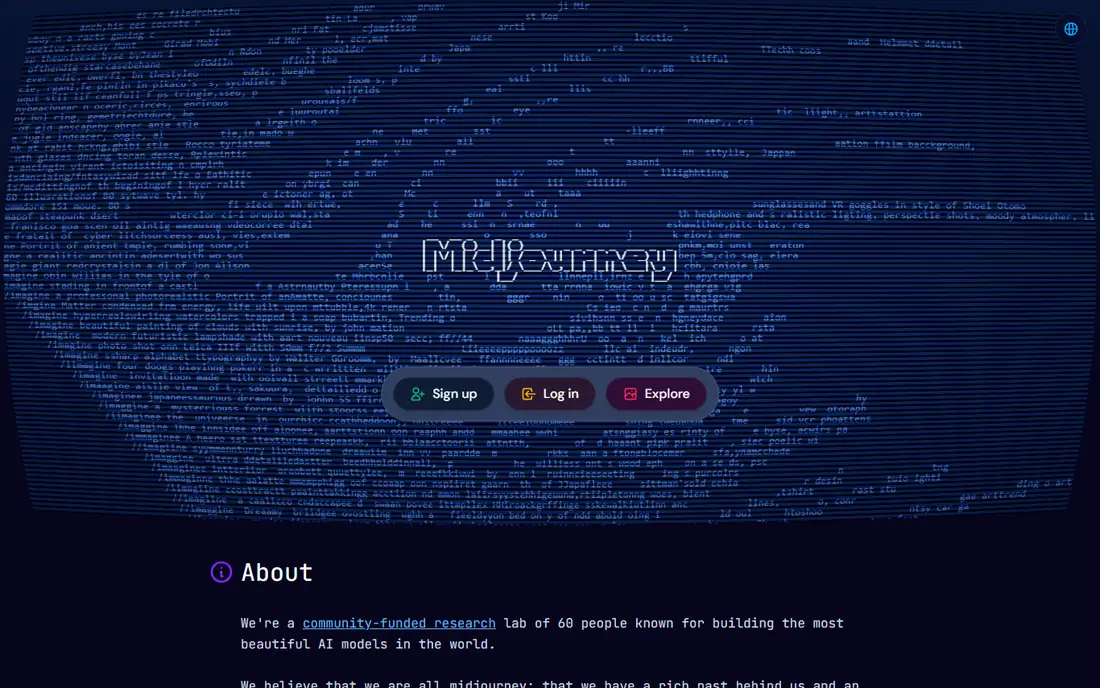
Midjourney is still the benchmark for readers who judge an image by how it looks first. Prompts, style references, and variations produce polished, art-directed images for thumbnails, hero images, and concept art. It is built around artistic quality and style control, and that focus shows in how the main screens are arranged, with the most used actions close at hand and less used settings kept out of the way. For a new user, the first week usually settles the question of fit, because the core routine either feels natural or it starts to feel like extra work.
In daily use, Midjourney works best when it holds one clear job at first. Move only the lists or schedules you already use, and check the tool on a phone as well as on a computer, because a tool that is awkward on the device you carry will be skipped on busy days.
On price, compare the free plan or trial against the features you use every week, not against the full feature list. Midjourney fits readers who want artistic quality and style control. If the limits below look like daily friction, choose a different option from this list instead of forcing a fit.
What we like- Strong artistic and cinematic quality
- Style references and variations
- Web app without Discord needed
Watch out for- No free tier
- Weaker at accurate text in images
#2
ChatGPT (GPT Image)
Best for: Prompt following and editing in chat
Visit chatgpt.com
Starting price$20 per month (ChatGPT Plus)
Free planYes
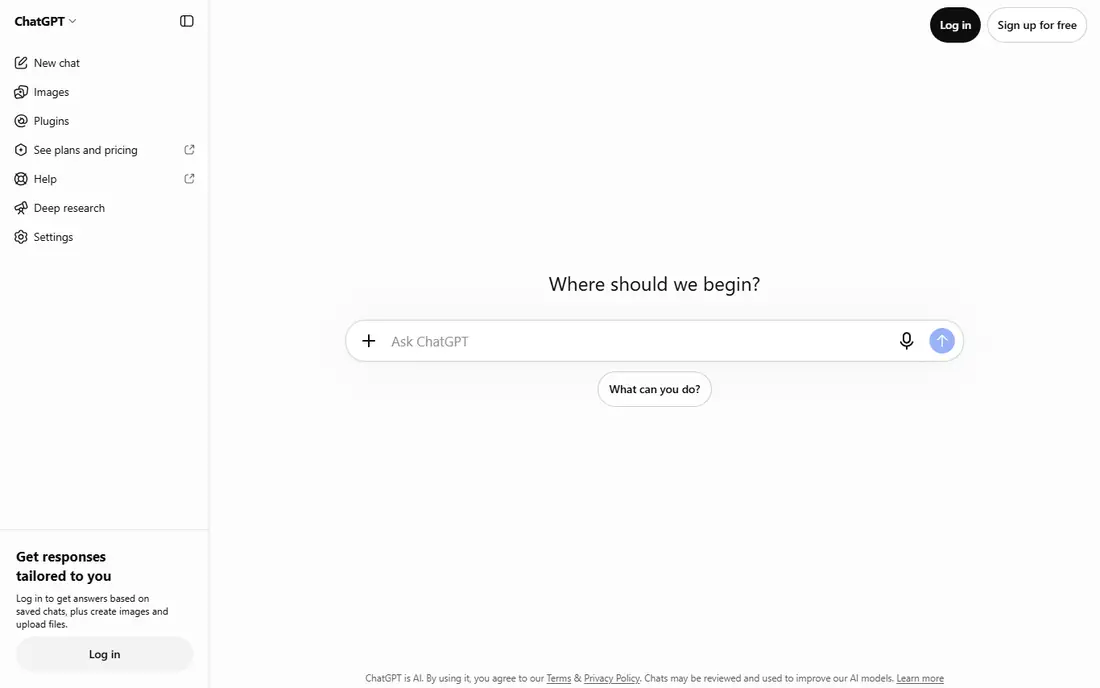
ChatGPT image generation suits readers who want to describe, edit, and refine an image in plain conversation. A chat thread can generate an image, change one element, and keep the rest steady, which helps when a brief needs several rounds of edits. It is built around prompt following and editing in chat, and that focus shows in how the main screens are arranged, with the most used actions close at hand and less used settings kept out of the way. For a new user, the first week usually settles the question of fit, because the core routine either feels natural or it starts to feel like extra work.
In daily use, ChatGPT (GPT Image) works best when it holds one clear job at first. Move only the lists or schedules you already use, and check the tool on a phone as well as on a computer, because a tool that is awkward on the device you carry will be skipped on busy days.
On price, compare the free plan or trial against the features you use every week, not against the full feature list. ChatGPT (GPT Image) fits readers who want prompt following and editing in chat. If the limits below look like daily friction, choose a different option from this list instead of forcing a fit.
What we like- Strong prompt following
- Easy editing in conversation
- Useful for multi-element scenes
Watch out for- Less style control than Midjourney
- Full image access needs a paid plan
#3Adobe Firefly
Best for: Commercially safe brand images4.4/5 on
G2 (373 reviews, checked Oct 2026)
Visit adobe.com
Starting price$9.99 per month
Free planYes
Adobe Firefly is the safest pick for client and brand work where rights matter as much as looks. Models trained on licensed content produce images that can move into Photoshop or Express, with transparency tools that show AI was used. It is built around commercially safe brand images, and that focus shows in how the main screens are arranged, with the most used actions close at hand and less used settings kept out of the way. For a new user, the first week usually settles the question of fit, because the core routine either feels natural or it starts to feel like extra work.
In daily use, Adobe Firefly works best when it holds one clear job at first. Move only the lists or schedules you already use, and check the tool on a phone as well as on a computer, because a tool that is awkward on the device you carry will be skipped on busy days.
On price, compare the free plan or trial against the features you use every week, not against the full feature list. Adobe Firefly fits readers who want commercially safe brand images. If the limits below look like daily friction, choose a different option from this list instead of forcing a fit.
What we like- Commercially safe Adobe models
- Works with Photoshop and Express
- Content Credentials for transparency
Watch out for- Creative ceiling is lower than Midjourney
- Credit limits affect heavy users
Starting priceSee website
Free planYes
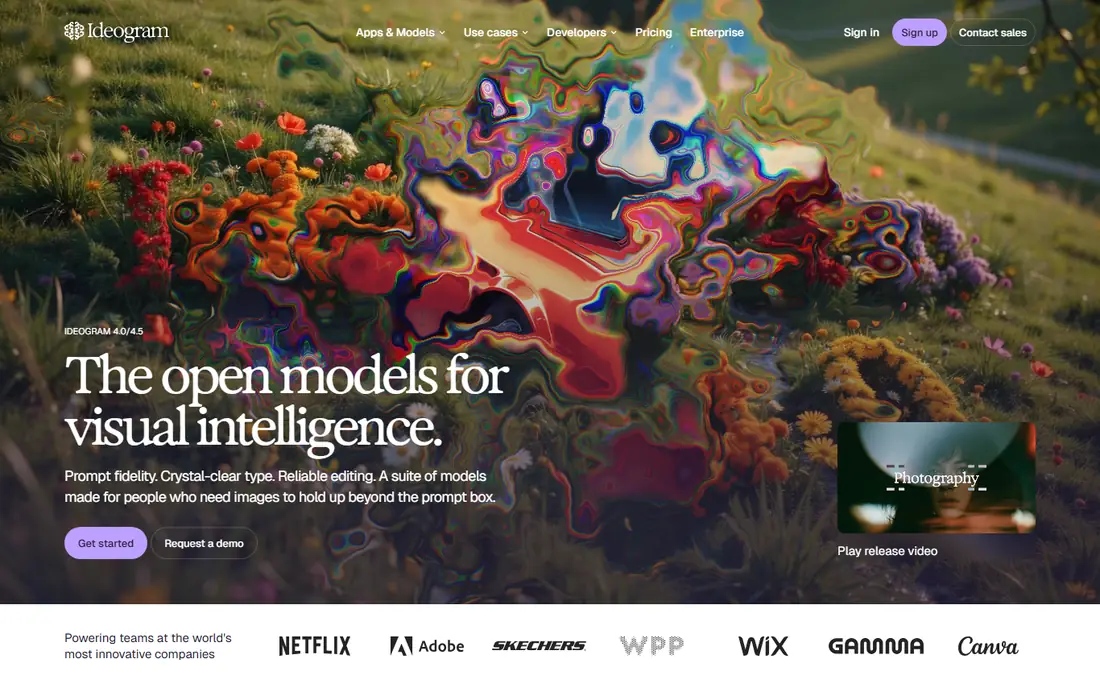
Ideogram is the specialist pick when an image must contain readable words. Posters, logos, and social graphics with headlines, labels, and layout elements render text far more reliably than most general image tools. It is built around text, logos, and posters, and that focus shows in how the main screens are arranged, with the most used actions close at hand and less used settings kept out of the way. For a new user, the first week usually settles the question of fit, because the core routine either feels natural or it starts to feel like extra work.
In daily use, Ideogram works best when it holds one clear job at first. Move only the lists or schedules you already use, and check the tool on a phone as well as on a computer, because a tool that is awkward on the device you carry will be skipped on busy days.
On price, compare the free plan or trial against the features you use every week, not against the full feature list. Ideogram fits readers who want text, logos, and posters. If the limits below look like daily friction, choose a different option from this list instead of forcing a fit.
What we like- Reliable readable text in images
- Good for posters and layouts
- Editing that stays close to intent
Watch out for- Narrower style range than Midjourney
- Paid plan details vary by tier
#5Leonardo AI
Best for: Game assets and character design4.5/5 on
G2 (32 reviews, checked Oct 2026)
Visit leonardo.ai
Starting price$12 per month
Free planYes
Leonardo AI suits creators who need many variations, characters, and game-style assets. Custom models, style options, and a daily free token allowance support concept art, characters, and product-style images at volume. It is built around game assets and character design, and that focus shows in how the main screens are arranged, with the most used actions close at hand and less used settings kept out of the way. For a new user, the first week usually settles the question of fit, because the core routine either feels natural or it starts to feel like extra work.
In daily use, Leonardo AI works best when it holds one clear job at first. Move only the lists or schedules you already use, and check the tool on a phone as well as on a computer, because a tool that is awkward on the device you carry will be skipped on busy days.
On price, compare the free plan or trial against the features you use every week, not against the full feature list. Leonardo AI fits readers who want game assets and character design. If the limits below look like daily friction, choose a different option from this list instead of forcing a fit.
What we like- Free daily tokens
- Many models for different styles
- Good for characters and game art
Watch out for- Interface has many options for beginners
- Some models need higher plans
#6
Flux (Black Forest Labs)
Best for: Photorealism and production workflows
Visit bfl.ai
Starting priceSee website
Free planYes
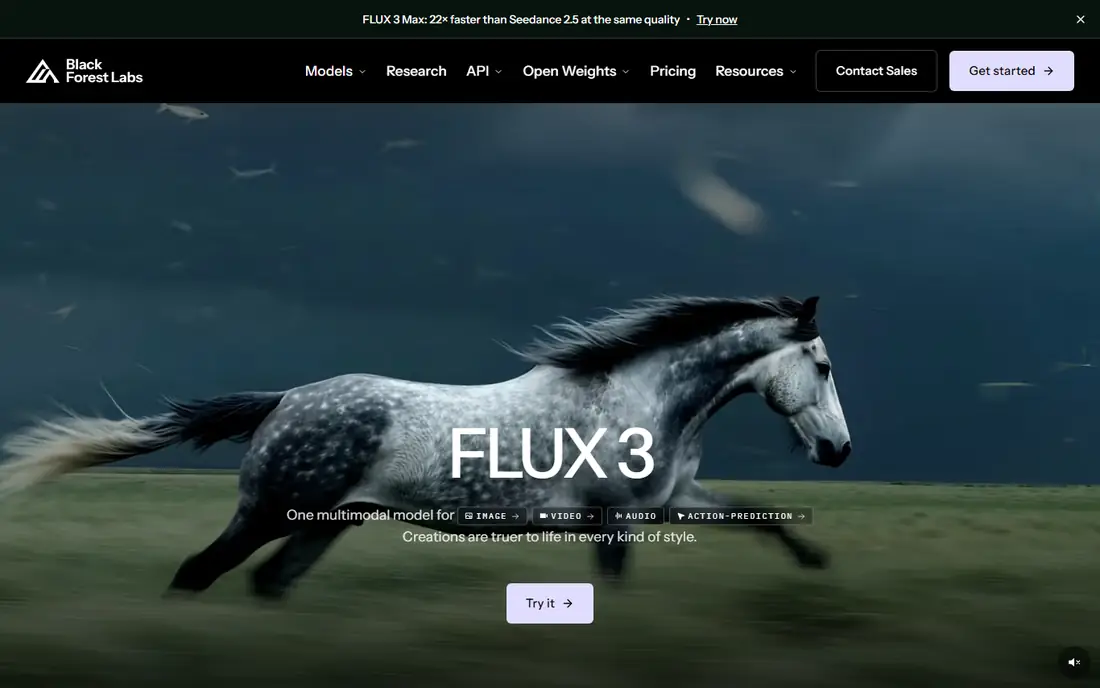
Flux is the pick for photorealistic images and for teams that need an API or local models. Photorealistic product shots, portraits, and scenes come from a model family that also offers open weights and an API for larger workflows. It is built around photorealism and production workflows, and that focus shows in how the main screens are arranged, with the most used actions close at hand and less used settings kept out of the way. For a new user, the first week usually settles the question of fit, because the core routine either feels natural or it starts to feel like extra work.
In daily use, Flux (Black Forest Labs) works best when it holds one clear job at first. Move only the lists or schedules you already use, and check the tool on a phone as well as on a computer, because a tool that is awkward on the device you carry will be skipped on busy days.
On price, compare the free plan or trial against the features you use every week, not against the full feature list. Flux (Black Forest Labs) fits readers who want photorealism and production workflows. If the limits below look like daily friction, choose a different option from this list instead of forcing a fit.
What we like- Strong photorealism
- Open models for local use
- API for production pipelines
Watch out for- Pricing is per image on API plans
- Setup is harder for non-developers
#7Recraft
Best for: Vectors, brand sets, and consistent styles4.7/5 on
G2 (456 reviews, checked Oct 2026)
Visit recraft.ai
Starting priceSee website
Free planYes
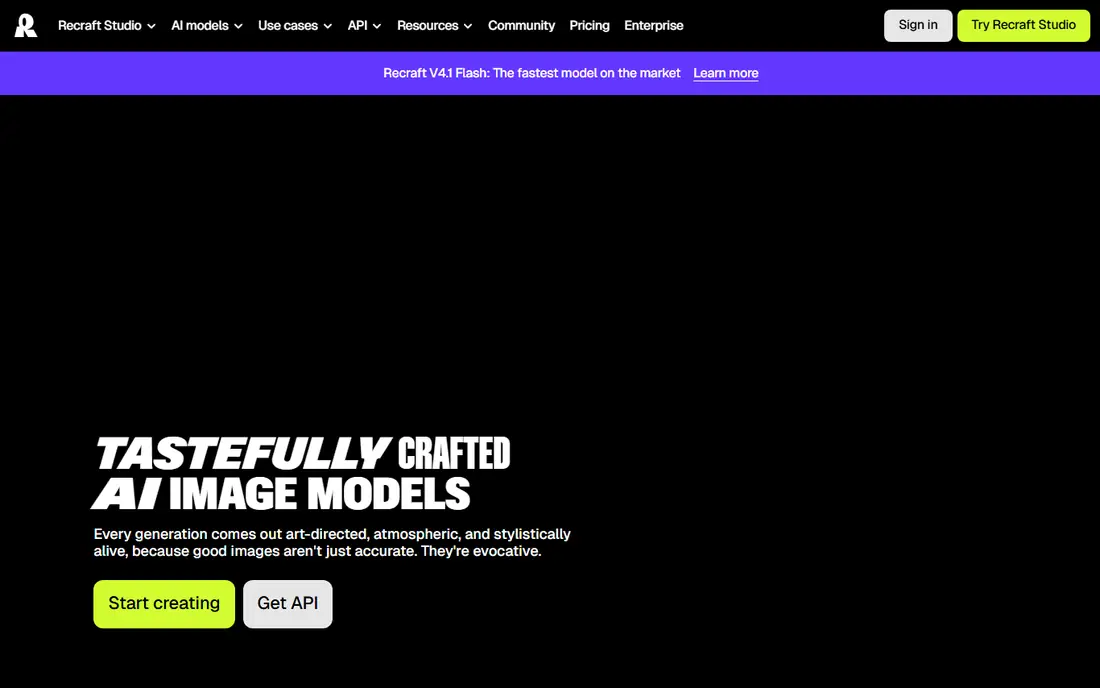
Recraft suits designers who need vectors and a consistent brand style across many assets. A reference style can be reused across a set of images, vectors, and mockups, which helps a brand keep one look across social posts and ads. It is built around vectors, brand sets, and consistent styles, and that focus shows in how the main screens are arranged, with the most used actions close at hand and less used settings kept out of the way. For a new user, the first week usually settles the question of fit, because the core routine either feels natural or it starts to feel like extra work.
In daily use, Recraft works best when it holds one clear job at first. Move only the lists or schedules you already use, and check the tool on a phone as well as on a computer, because a tool that is awkward on the device you carry will be skipped on busy days.
On price, compare the free plan or trial against the features you use every week, not against the full feature list. Recraft fits readers who want vectors, brand sets, and consistent styles. If the limits below look like daily friction, choose a different option from this list instead of forcing a fit.
What we like- Strong vector generation
- Consistent styles without training
- Good for brand design sets
Watch out for- Less known than larger rivals
- Some features need paid plans
How we chose
We compared pricing pages, product documentation, and public feature descriptions for tools that are available in the United States in 2026, and we kept only tools that fit the category without stretching the definition. Price, free plan terms, platform support, and the limits that affect daily use carried more weight than marketing claims, because a tool that looks strong in a demo can still fail on a normal Tuesday. We also checked that each official homepage loads and belongs to the named product, and we left out tools that could not be verified. Where a price could not be confirmed from the vendor page at the time of writing, the entry says See website rather than guessing a figure.
Match the tool to the image type
Art and concept images suit Midjourney. Posters and logos suit Ideogram. Brand and client images suit Adobe Firefly. Photorealistic product shots suit Flux. Vectors and brand sets suit Recraft. Chat-based edits suit ChatGPT image generation.
Test text, hands, and consistency
Generate the same prompt three times and check the same weak points each time: readable text, hands, logos, and background details. A tool that passes once but fails twice will waste time on a deadline. Save the prompts that work, and reuse them as a starting point.
Check rights before publishing client work
Commercial use depends on the plan and the licence terms, so read them before a client project. Adobe Firefly offers the clearest commercial safety case. For other tools, use a paid plan, keep the licence terms with the project file, and avoid using a tool for work its terms do not cover.
Frequently asked questions
Which AI image generator is best overall?
Midjourney is the best overall pick for artistic quality, while ChatGPT image generation is best for prompt following and chat editing. Adobe Firefly is best for commercially safe work. The right pick depends on whether the image needs art, text, or client-safe rights.
Can I use AI images commercially?
Yes, on most paid plans, but terms differ by tool and tier. Adobe Firefly is the safest choice for commercial work, thanks to licensed training data and indemnification for eligible workflows. Always check the current terms for the plan you use.
Which AI tool is best for text in images?
Ideogram is the best tool for readable text in posters, logos, and social graphics. ChatGPT image generation also handles text well in many cases. Midjourney is weaker at accurate text, so test a headline prompt before relying on it.
Is there a free AI image generator?
Yes, Adobe Firefly, Ideogram, Leonardo AI, Flux, and Recraft offer free tiers or credits, and ChatGPT offers limited free image generation. Free tiers usually limit credits, resolution, or commercial use, so check those limits before a large project.
How much does AI image generation cost?
Entry plans in this guide start at about ten dollars per month, with ChatGPT Plus at twenty dollars per month. API tools such as Flux charge per image, which can be cheaper for low volume and more expensive for high volume.
What is the best AI image tool for beginners?
ChatGPT image generation is the easiest starting point, because it works in plain conversation. Adobe Firefly is also easy for beginners who already use Adobe apps. Midjourney gives better art, but it needs more prompt practice.
Sources we checked (7)
- https://www.midjourney.com/pricing
- https://chatgpt.com/pricing
- https://www.adobe.com/products/firefly/pricing.html
- https://ideogram.ai/pricing
- https://leonardo.ai/pricing
- https://bfl.ai/pricing
- https://www.recraft.ai/pricing
Is your product missing or out of date?
We review this list regularly. Vendors can request a listing, send updated pricing or ask about featured placement.

Shihab Mia · Founder, Rankite
Shihab has 5+ years in B2B and SaaS SEO. He writes Rankite's software buying guides from pricing pages, documentation and public user reviews. More about Shihab.