How we make this list: we compare pricing pages, product documentation and public user reviews. Rankite is independent; if a vendor ever pays for a featured spot, that listing is clearly labeled Partner.
What makes a DAM different from cloud storage
Cloud storage keeps files. A DAM understands them. The difference shows up in metadata and search: a DAM lets you find "the horizontal product shot from the spring campaign with usage rights for Europe" in seconds, while a shared drive makes you browse folders and hope. Version control means the old logo stops circulating. Expiry dates on licensed images prevent legal trouble. Brand portals give agencies and distributors self-serve access without emailing your team for every file.
Media asset management, a close cousin, focuses more on video and rich media workflows, but modern DAM platforms handle both. When you evaluate tools, the questions that matter are search quality, metadata automation, rights management, and how assets flow out to the channels where they get used.

#1
Bynder
Best for: Enterprises that need governed brand asset management with modular workflows
Visit bynder.com
Starting priceSee website
Free planDemo available
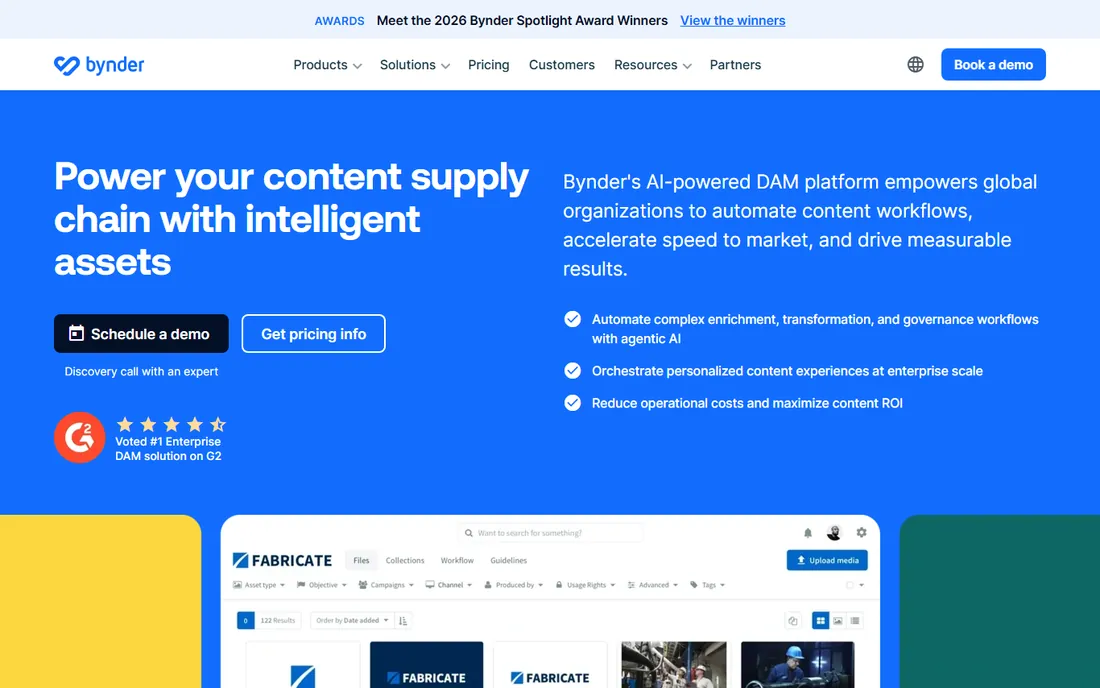
Bynder is one of the names that comes up in almost every enterprise DAM shortlist, and for good reason. The platform is built around a core DAM with optional modules for creative workflows, brand guidelines, templating, and analytics, so large organizations can start with asset management and expand into full content operations without switching vendors.
Pricing is fully custom, built around users, storage, modules, and support, which means a sales conversation is unavoidable. That is standard at this end of the market. Bynder fits best where brand governance matters: global teams, agencies, and regional offices all pulling from one approved source of truth, with audit trails and permissions keeping everything controlled.
What we like- Modular packages that scale from core DAM to full content operations, strong brand guideline and template features, deep enterprise integrations
Watch out for- Custom quote-only pricing, can be more than smaller teams need

#2
Canto
Best for: Marketing teams that want visual, intuitive asset organization with AI search
Visit canto.com
Starting priceSee website
Free planDemo available
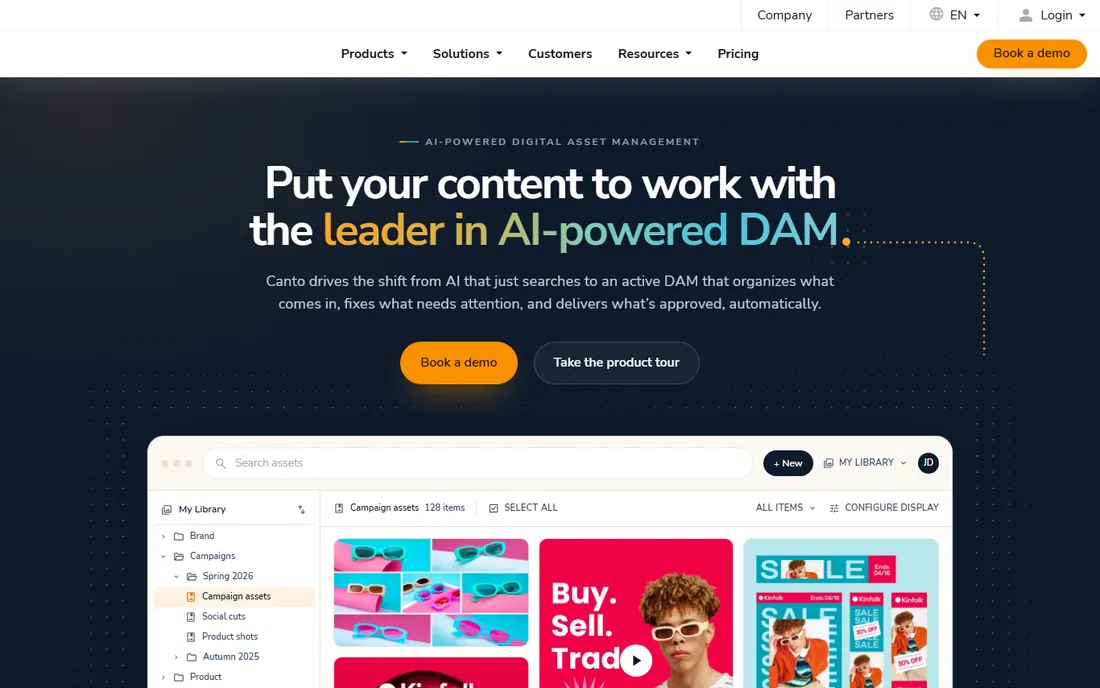
Canto built its reputation on being the DAM that non-technical marketers actually enjoy using. The interface is visual and fast, and the AI visual search can find images by what is in them rather than relying on perfect manual tagging. For product-driven brands, Canto also combines DAM with product information management, so product content and product data live side by side.
The pricing page lays out four tiers, Core Essentials, Enhanced Collaboration, the Omni Brand Solution for product brands, and Advanced for large organizations, but all pricing is customized to team size and storage needs. If your team dreads the complexity of enterprise DAM and wants something people will adopt quickly, Canto is a strong contender.
What we like- AI-powered visual search that finds assets by image content, combined DAM and product information management, clear tier structure from essentials to enterprise
Watch out for- No public pricing, advanced AI features sit in higher tiers

#3
Brandfolder
Best for: Brand-focused teams that want simple sharing with performance analytics
Visit brandfolder.com
Starting priceSee website
Free planDemo available
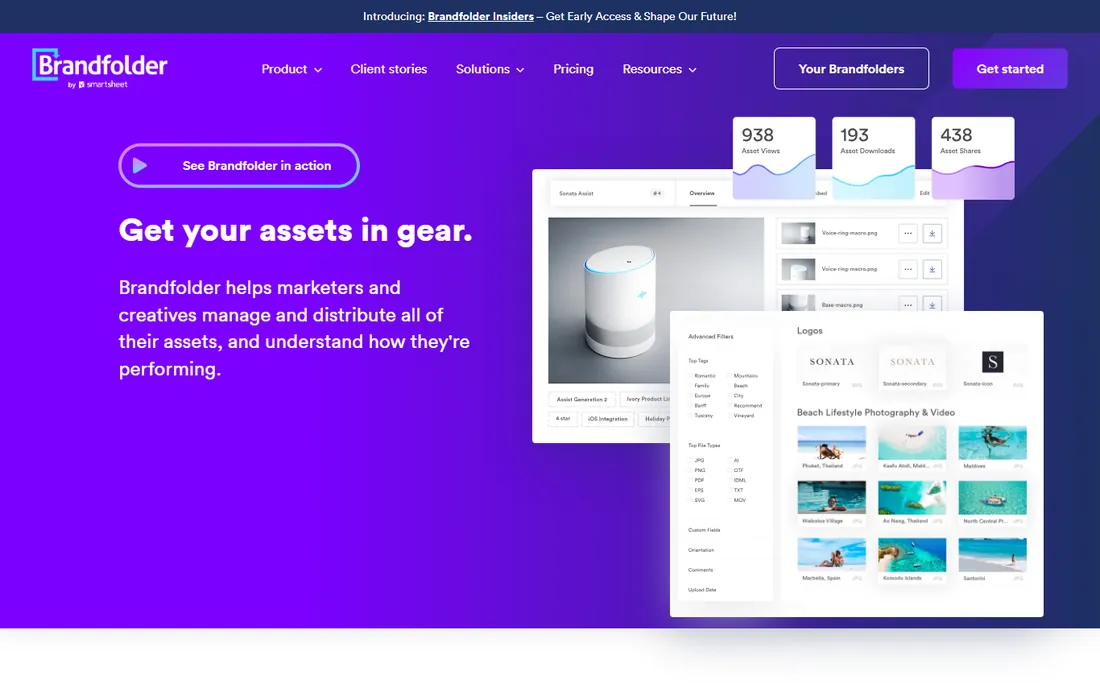
Brandfolder's pitch is right in its old tagline: DAM made simple. The platform focuses on getting approved brand assets into the hands of everyone who needs them, with shareable brand portals, collections, and analytics that show which assets actually get used. Since its acquisition by Smartsheet, it sits inside a broader work management ecosystem.
Pricing is quote-based across its tiered plans. Brandfolder shines for organizations whose main DAM job is distribution: partner portals, press kits, sales enablement libraries, and franchise or retail networks that need the right logo and the right product shot without asking. Teams with complex creative production workflows may want a more operations-heavy alternative.
What we like- Clean, simple interface built for brand asset distribution, brand performance analytics, backed by Smartsheet
Watch out for- Quote-based pricing, less suited to heavy video production workflows

#4
Aprimo
Best for: Large enterprises that want DAM unified with marketing planning and workflows
Visit aprimo.com
Starting priceSee website
Free planDemo available
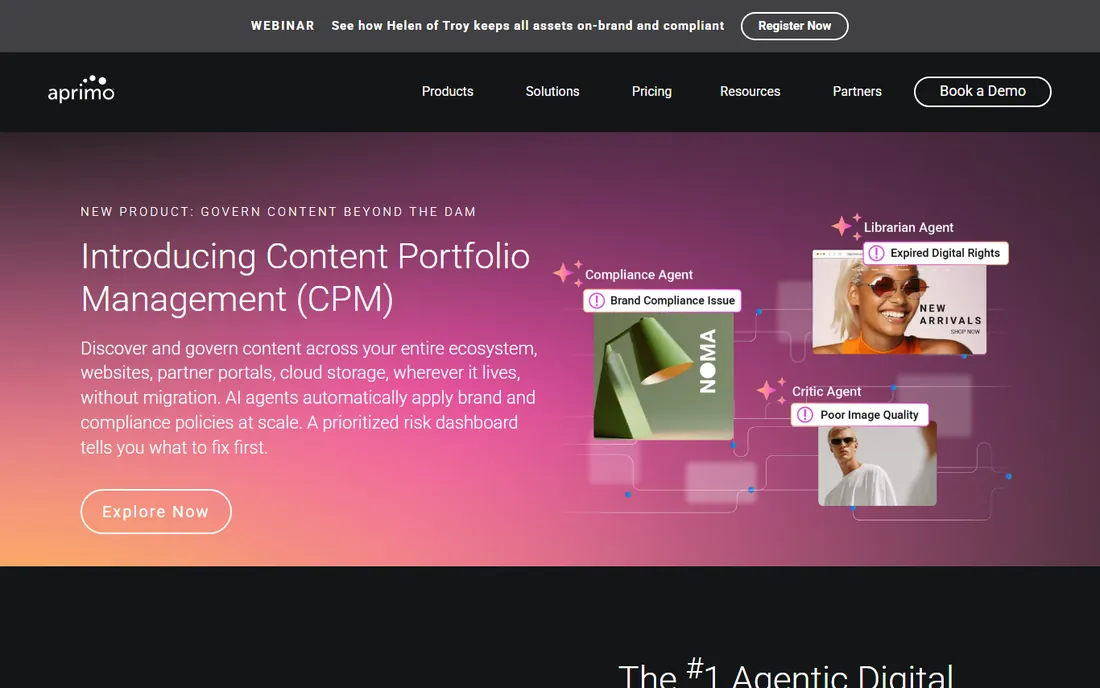
Aprimo is the heavyweight on this list. It combines digital asset management with productivity management, planning, spend tracking, and personalization in one content operations platform, running on Microsoft Azure with enterprise certifications including GDPR and FedRAMP. The company has been pushing agentic AI features that automate metadata tagging, workflow routing, and compliance checks.
This is unambiguously enterprise software: custom pricing, implementation services, and a platform designed for global marketing organizations in regulated industries like financial services and life sciences. If your needs stop at storing and sharing assets, Aprimo is more than you need. If content operations is a strategic function with dozens of stakeholders, it belongs at the top of your evaluation.
What we like- Full content operations platform beyond DAM, strong workflow engine and compliance features, AI agents for metadata and personalization
Watch out for- Enterprise-only pricing and implementation, overkill for teams that just need asset storage

#5
Acquia DAM
Best for: Organizations in the Acquia and Drupal ecosystem, plus teams wanting DAM with PIM
Visit acquia.com
Starting priceSee website
Free planDemo available
Acquia DAM is the product formerly known as Widen, one of the longest-running names in the category, now folded into Acquia's digital experience platform. The combination pairs digital asset management with product information management, which makes it a natural fit for commerce-driven organizations that need product content and product data managed together.
Acquia sells it in flat tiers, Workgroup, Mid-Market, and Enterprise, with user and storage limits published but pricing quote-based. The flat-fee structure avoids per-seat penalties as teams grow. If your web presence already runs on Acquia or Drupal, the native integration is a compelling reason to choose it. Outside that ecosystem, evaluate it against the other enterprise options on features alone.
What we like- Tight integration with Acquia's digital experience platform, combined DAM and PIM capabilities, flat tier structure without per-seat penalties
Watch out for- Quote-only pricing, strongest value inside the Acquia ecosystem

#6
Cloudinary
Best for: Developer-led teams that need DAM plus automated media optimization and delivery
Visit cloudinary.com
Starting priceSee website
Free planFree plan available; 30-day DAM trial
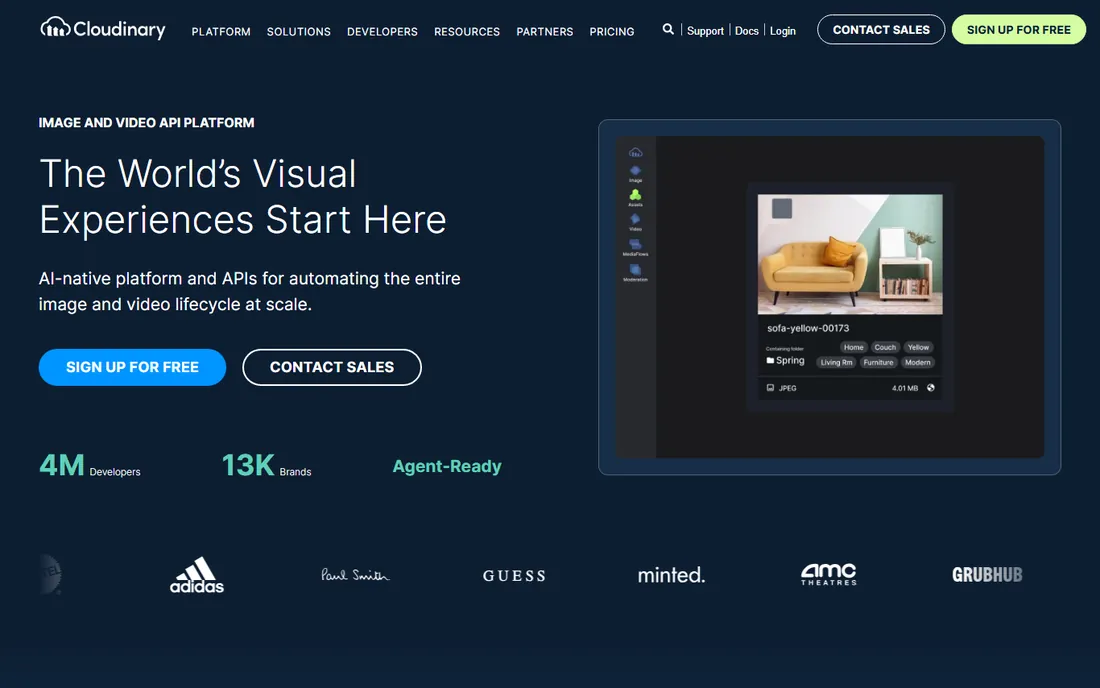
Cloudinary occupies a unique spot: it is a DAM where stored assets are also optimized and delivered to websites, apps, and storefronts through the same platform. Automatic format selection, responsive cropping, and adaptive video happen from a single original, which eliminates the manual derivative-making that eats creative teams' time. More than 25 SDKs and deep API coverage make it the developer favorite.
Pricing is public and credit-based. The free plan costs nothing forever with no credit card required, the Plus plan runs $89 per month annually, and Advanced $224 per month annually. The full Cloudinary Assets DAM offers a free 30-day trial with 3 users and 25 GB of storage before moving to custom enterprise pricing. Teams blending creative operations with modern development workflows should look here first.
What we like- Free forever platform plan with no credit card required, powerful APIs and SDKs for transformations, automatic format and quality optimization
Watch out for- Full DAM is enterprise quote-based, credit-based pricing takes effort to forecast

#7
MediaValet
Best for: Enterprises that want Azure-based DAM with unlimited users
Visit mediavalet.com
Starting priceSee website
Free planDemo available

MediaValet was built from the ground up on Microsoft Azure, and that foundation is its calling card: enterprise security, global redundancy across dozens of data center regions, and compliance credentials that satisfy demanding IT departments. Pricing is storage-based with unlimited users, which suits organizations where hundreds of people need access but only a few manage the library.
The platform covers the full DAM toolkit with AI tagging, creative workflow integrations including Adobe Creative Suite and Office 365, and branded portals for external sharing. Pricing is quote-based, so expect a scoping conversation. Microsoft-centric enterprises and security-conscious teams should have it on the shortlist.
What we like- Built exclusively on Microsoft Azure with global data center coverage, unlimited user model, strong security and compliance posture
Watch out for- No public pricing, sales-led evaluation process
Starting priceSee website
Free planDemo available
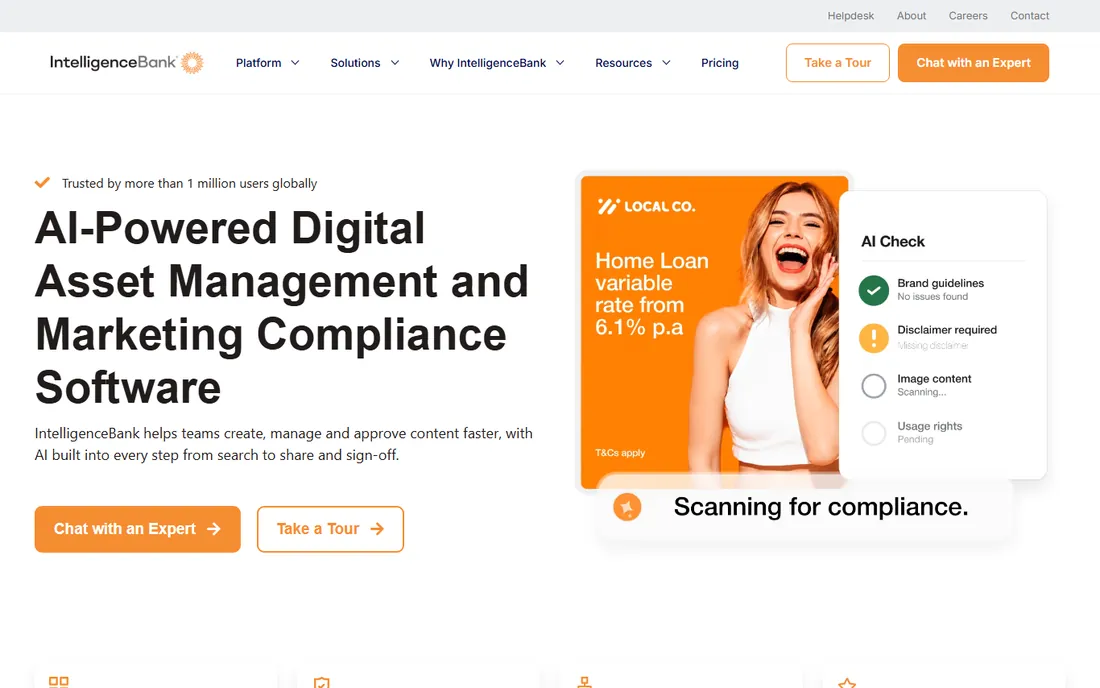
IntelligenceBank pairs digital asset management with marketing operations and compliance, which makes it the pick for industries where the wrong asset in the wrong place creates legal risk. Every content decision is logged and time-stamped, approval workflows are version-controlled, and features like claims management and regulatory disclaimer libraries are built for financial services, healthcare, and government teams.
The DAM itself is modern: AI-powered auto-tagging, face and object recognition, CDN links for instant external updates, and creative templates that turn approved content into channel-ready variations. The company reports usage by more than 500 brands across 55 countries. Pricing is quote-based. If compliance is a checkbox on your requirements list rather than the headline, a simpler tool will serve you better.
What we like- Compliance features like audit trails, approvals, and claims management, AI auto-tagging and content transformation, strong brand governance tools
Watch out for- Quote-based pricing, compliance depth adds complexity for simple use cases

#9
Pics.io
Best for: Small and mid-sized teams that want transparent pricing and flexible storage
Visit pics.io
Starting price$100 per month (Solo plan, monthly billing)
Free planFree trial available
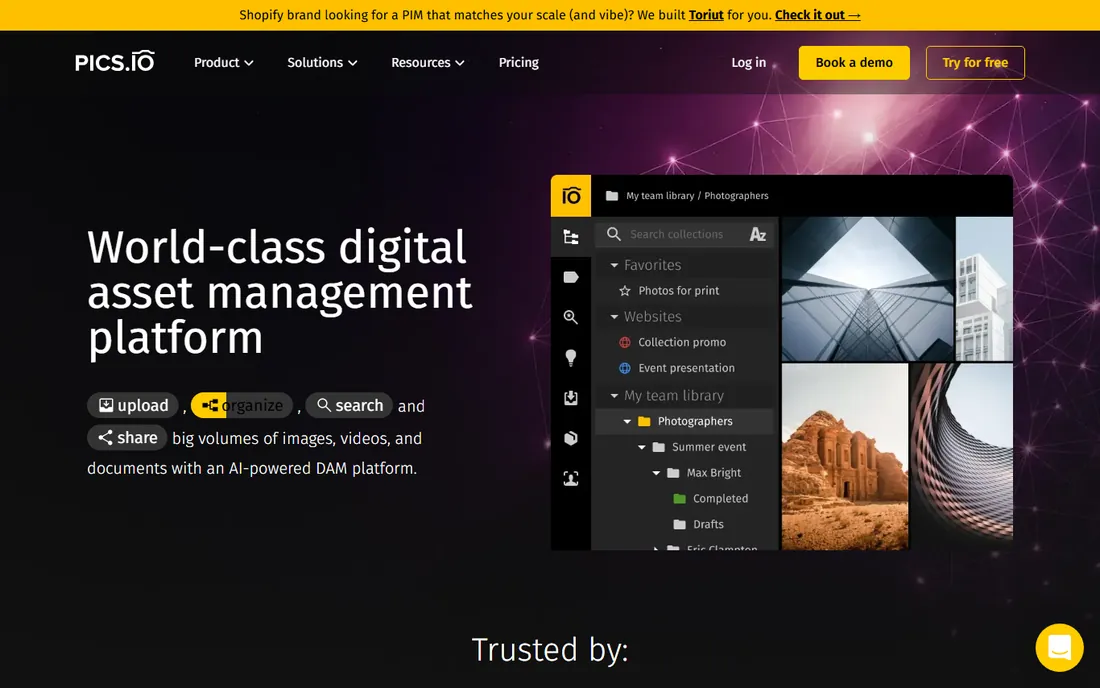
Pics.io is the transparency champion of this list. Every plan price is published: Solo at $100 per month for individual use, Micro at $250 per month or $225 annually, Small at $800 per month or $680 annually, and Enterprise by quote. A genuinely useful differentiator is storage flexibility: you can keep assets in Pics.io storage or connect your existing Google Drive or Amazon S3, which avoids a painful migration.
The platform handles more than 60 file formats, from standard images and video to Adobe files, audio, and 3D models, with version control, visual comparison, commenting, and AI keywording. For creative teams and agencies that want real DAM functionality without enterprise sales cycles, Pics.io hits a sweet spot.
What we like- Fully public pricing across all tiers, works with your own Google Drive or S3 storage, wide file format support including Adobe and 3D files
Watch out for- Solo plan is monthly-only and single-user oriented, costs scale with users and storage

#10
Filecamp
Best for: Creative teams and freelancers that need affordable DAM with unlimited users
Visit filecamp.com
Starting price$29 per month (Basic plan)
Free plan30-day free trial, no credit card required
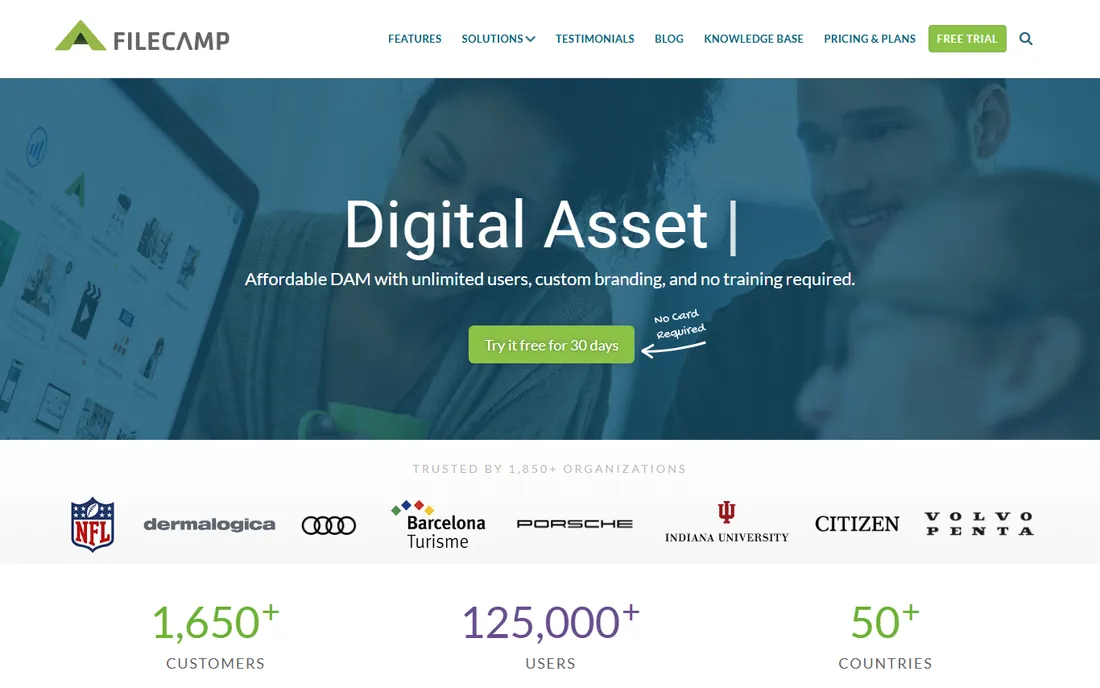
Filecamp is the budget-friendly workhorse built specifically for creative businesses. Every plan includes unlimited users, which is rare at this price: Basic at $29 per month with 20 GB storage, Advanced at $59 with 50 GB, and Professional at $89 with 100 GB plus proofing, white labeling, and a custom domain. Extra storage can be added to any plan at published rates.
The interface is deliberately simple, with familiar folder browsing, tagging, and search that clients and contractors can use without training. Public download links and upload links make client collaboration painless. Every account starts with a 30-day free trial of the Professional plan with no credit card required. For freelancers, studios, and small agencies, it delivers the core DAM job at a fraction of enterprise prices.
What we like- Unlimited users on every plan, white labeling and custom domains, simple interface with no training needed
Watch out for- Storage caps are modest on lower tiers, advanced proofing features need higher plans
Pricing reality check: what DAM actually costs
DAM pricing falls into three bands. At the bottom, Filecamp starts at $29 per month and Pics.io at $100 per month, both with unlimited or generous user models and public pricing. Cloudinary's free plan and 30-day DAM trial let technical teams start at zero. In the middle, most vendors move to quote-based pricing scaled by users, storage, and modules, which typically lands in the low thousands per year for small teams.
At the top, enterprise platforms like Bynder, Aprimo, Acquia DAM, MediaValet, Canto, Brandfolder, and IntelligenceBank all price by quote, and annual contracts in the five figures are normal once you add implementation, training, and premium support. The quote is not just theater: your user count, storage volume, and required integrations genuinely change the cost. Get at least three quotes, and make sure each vendor prices the same scope so you can compare honestly.
Choosing the right DAM for your team
Start with your primary job. If the goal is getting approved assets to partners, distributors, and agencies, prioritize brand portals and sharing: Brandfolder, Canto, and Filecamp all do this well at different price points. If the goal is feeding assets into websites and apps with automatic optimization, Cloudinary is in a class of its own. If the goal is governing content in a regulated enterprise, Aprimo, IntelligenceBank, and MediaValet are built for that.
Next, count your users and your storage honestly, then check how each vendor charges for both. Unlimited-user models like Filecamp and MediaValet reward broad adoption, while per-seat or credit models punish it. Finally, trial with real assets. Upload a few hundred representative files, test search with the queries your team actually runs, and check that integrations with your CMS, PIM, or creative tools work before you sign.
The bottom line
There is no universal best DAM, only the best fit for how your team works. Enterprises with complex content operations should evaluate Bynder, Aprimo, and Acquia DAM. Marketing teams that want intuitive software with smart search will like Canto and Brandfolder. Regulated industries should look at IntelligenceBank and MediaValet. Developer-led teams get the most from Cloudinary. And smaller teams can get genuine DAM capability from Pics.io or Filecamp without an enterprise budget.
Whatever you choose, run a real trial with your own assets. A DAM lives or dies on search quality and adoption, and both only reveal themselves when your team uses it on real work.
Frequently asked questions
What is digital asset management (DAM) software?
DAM software is a centralized library for storing, organizing, and distributing brand assets like images, videos, logos, and documents, with metadata, version control, and usage rights tracking.
How much does DAM software cost?
Entry-level plans start around $50 to $200 per month for small teams. Mid-market platforms typically run $500 to $2,000 per month based on users and storage. Enterprise deployments are quote-based.
What is the difference between DAM and cloud file storage?
Cloud storage holds files; DAM adds metadata schemas, AI tagging, rights management, brand portals, and integrations with creative tools, making assets findable and usable at scale.
Sources we checked (14)
- https://www.bynder.com/en/
- https://www.canto.com/
- https://www.canto.com/pricing/
- https://brandfolder.com/
- https://www.aprimo.com/
- https://www.acquia.com/products/acquia-dam
- https://cloudinary.com/
- https://cloudinary.com/pricing
- https://www.mediavalet.com/
- https://intelligencebank.com/
- https://pics.io/
- https://pics.io/pricing
- https://filecamp.com/
- https://filecamp.com/pricing
Is your product missing or out of date?
We review this list regularly. Vendors can request a listing, send updated pricing or ask about featured placement.

Shihab Mia · Founder, Rankite
Shihab has spent more than a decade helping SaaS and e-commerce brands grow through search. He writes Rankite's software buying guides from pricing pages, documentation and public user reviews. More about Shihab.