How we make this list: we compare pricing pages, product documentation and public user reviews. Rankite is independent; if a vendor ever pays for a featured spot, that listing is clearly labeled Partner.
Key takeaways
- Digital signage is priced per screen per month: $5 to $30 across the market, so a 10-screen network costs anywhere from $600 to $3,600 a year before hardware.
- Cheapest real options: Juuno ($5/screen/month), Yodeck (free for 1 screen, then $8/screen) and OptiSigns (free up to 3 screens, then $10/screen).
- ScreenCloud ($20/screen) and Fugo ($20/screen billed annually) target teams that want design quality and dashboard integrations; TelemetryTV ($8/device) targets data and operations screens.
- Rise Vision ($11/display/month) is the education specialist with a free tier for qualifying K-12 schools; Raydiant (now Displai) is quote-only for multi-location retail.
- Hardware is the hidden half of the bill: budget $99-$349 per screen for a player plus the display itself.
Quick comparison
| Tool | Best for | Starting price | Free plan |
|---|
 Juuno Juuno | Budget-conscious SMBs that want full features cheap | $5/screen/month (Business) | Free trial |
 Yodeck Yodeck | Single screens and Raspberry Pi-based deployments | $0 (1 screen free); paid from $8/screen/month (Basic) | Yes (1 screen, free forever) |
 OptiSigns OptiSigns | Businesses that want the biggest app library on a budget | $0 (up to 3 screens free); paid from $10/screen/month (Standard) | Yes (3 screens, with OptiSigns branding) |
 TelemetryTV TelemetryTV | Data and operations screens with live metrics | $8/device/month (Entry, annual term) | Free trial |
 Rise Vision Rise Vision | K-12 schools and education | $11/display/month (Basic; free for qualifying K-12) | Free trial (14 days) |
 NoviSign NoviSign | Interactive touchscreen and self-service deployments | $14/screen/month (Business, billed annually) | Free trial |
 ScreenCloud ScreenCloud | Workplace comms and live BI dashboards on screens | $20/screen/month (Core, billed annually; $24 monthly) | Free trial (14 days) |
 Fugo Fugo | Marketing teams that want screens to look designed | $20/screen/month (billed annually; $24 monthly) | Free trial |
 Raydiant (Displai) Raydiant (Displai) | Multi-location retail and hospitality chains | See website (quote-based) | No |
Is your product missing or out of date?
We review this list regularly. Vendors can request a listing, send updated pricing or ask about featured placement.
The best digital signage software
A TV on the wall is cheap. The software that keeps its content current across locations is the recurring cost, and it is priced per screen, which means small price differences compound fast. A network of 10 screens at $8 per screen costs $960 a year; at $30 per screen it costs $3,600. This category also has unusually honest free tiers, so the right answer for one screen is often free. The nine tools below span the full price curve, from $5 to quote-only enterprise.
#1
Juuno
Best for: Budget-conscious SMBs that want full features cheap
Visit juuno.co
Starting price$5/screen/month (Business)
Free planFree trial
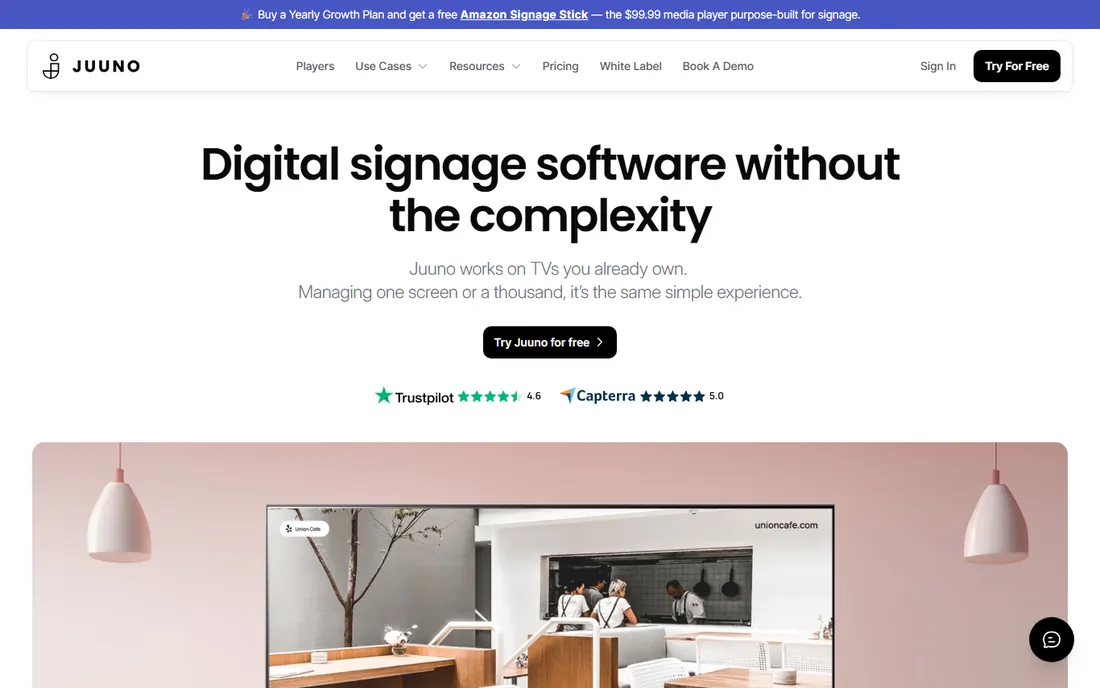
The math on Juuno is simple: $5 per screen per month for the Business plan puts it at less than a third of ScreenCloud's Pro tier and below every established competitor at every screen count past one. The Growth plan ($9/screen) adds proof-of-play reporting and API access, and the White Label tier ($100/month flat for the first 20 screens, then $5 per additional screen) is aimed at resellers and agencies. Juuno runs on a $99 Amazon Signage Stick or a smart TV browser, so hardware stays cheap.
The honest caveat is maturity. Juuno has fewer published reviews and community references than Yodeck or ScreenCloud, which makes internal buy-in harder for risk-averse IT teams. If you can live with a smaller app library and a newer name, it is the cheapest full-featured option for up to roughly 1,000 screens. Price your network at your screen count before dismissing it.
What we like- Lowest full-featured per-screen price in the market
- Flat regional pricing with no VAT surprises
- Dayparting-first scheduler
- White-label reseller tier ($100/month for 20 screens)
Watch out for- Newer vendor with fewer peer references than the incumbents
- Smaller app library than OptiSigns or ScreenCloud
- Integration ecosystem still growing
#2
Yodeck
Best for: Single screens and Raspberry Pi-based deployments
Visit yodeck.com
Starting price$0 (1 screen free); paid from $8/screen/month (Basic)
Free planYes (1 screen, free forever)
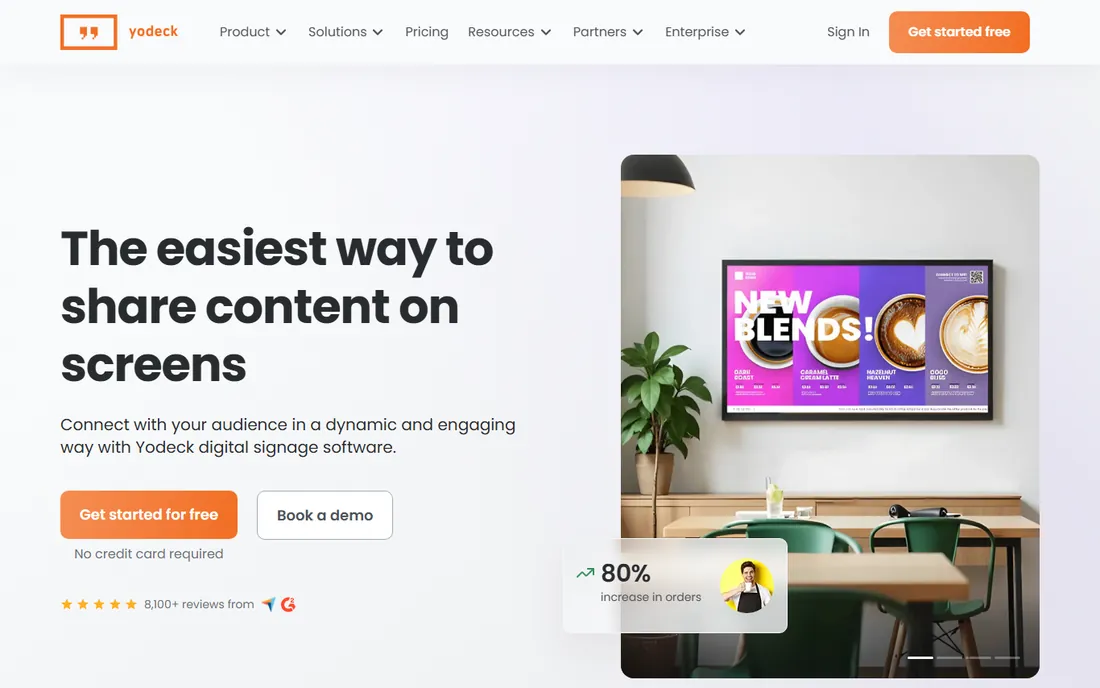
Yodeck's free tier is the most generous honest offer in the category: one screen free forever with Basic features, no credit card. New accounts get a 30-day full-access period on up to five screens, then drop to the free single screen. Paid plans start at $8 per screen per month for Basic, $12 for Premium (analytics and advanced integrations), and $16 for Enterprise (security and workspaces). Annual billing bundles a free Yodeck player per screen, which removes the hardware question.
The lock-in to watch is hardware and the free-tier cliff. The platform's player story is built around Raspberry Pi, which is fine for a hobbyist but worth noting for IT-managed estates. And the moment you add a second screen, the free screen converts to paid, so growth from one to two screens costs $16 a month, not $8. For one-screen shops, small restaurants and anyone starting out, Yodeck is the default first try.
What we like- One screen free forever is genuinely free
- Annual plans bundle a free Raspberry Pi player per screen
- Clear tiered pricing (Basic $8, Premium $12, Enterprise $16)
Watch out for- Hardware story centers on Raspberry Pi
- Adding a second screen makes every screen billable
- White-labeling reserved for Enterprise
#3
OptiSigns
Best for: Businesses that want the biggest app library on a budget
Visit optisigns.com
Starting price$0 (up to 3 screens free); paid from $10/screen/month (Standard)
Free planYes (3 screens, with OptiSigns branding)
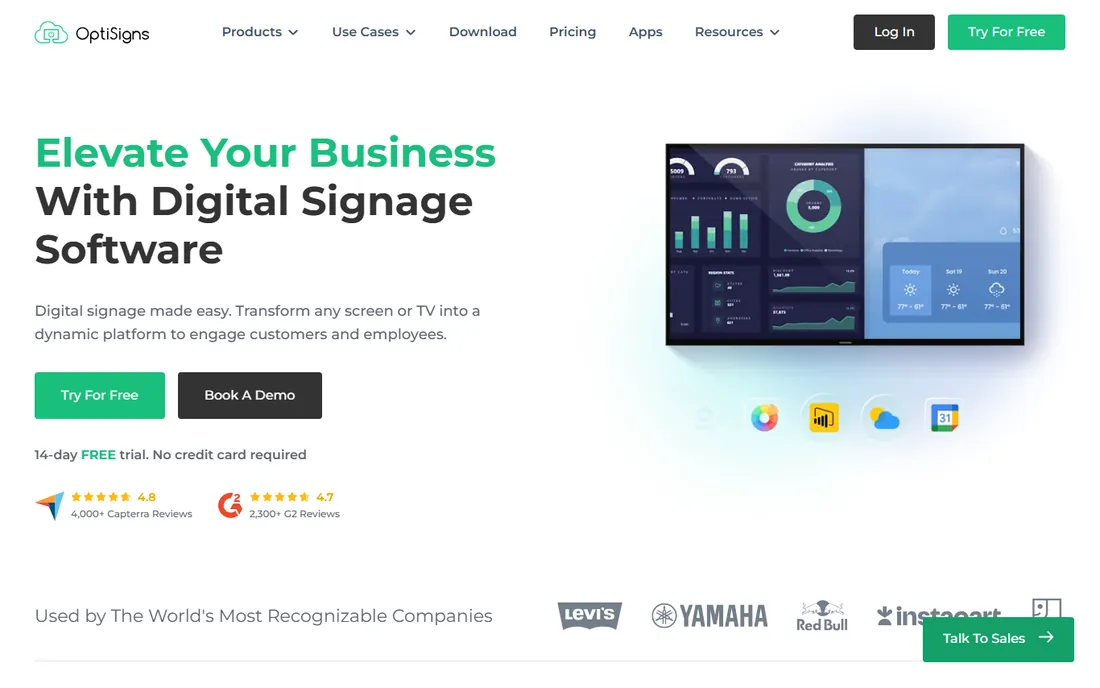
OptiSigns wins the app-library contest with over 140 integrations, pulling content from Google Slides, YouTube, social feeds and more into screen layouts. The free tier covers three screens with a watermark and 25 basic apps, which is enough to run a small cafe for nothing. Standard at $10 per screen per month adds schedules, zones, templates and unlimited storage; Pro Plus ($15) adds approvals, proof of play and SAML; Engage ($30) adds interactive kiosks and QR interactions; Enterprise ($45, 25-screen minimum) adds on-premise and private cloud options.
The pricing curve is the thing to model. The $10 entry is attractive, but the tier you will actually need (approvals, proof of play, kiosks) can be $15 to $30 per screen, and the free tier's file-size and app caps push active users upward. For teams that want a deep app ecosystem without enterprise pricing, OptiSigns is the pragmatic middle.
What we like- Three free screens is the largest free tier among mainstream vendors
- 100+ app library on paid plans
- Annual billing cuts rates ~10%
- Kiosk builder on Engage ($30/screen)
Watch out for- Free tier shows OptiSigns branding and caps file sizes at 25 MB
- Upper tiers ($30-$45/screen) get expensive fast
- Premium tiers carry 25-screen minimums
Starting price$8/device/month (Entry, annual term)
Free planFree trial
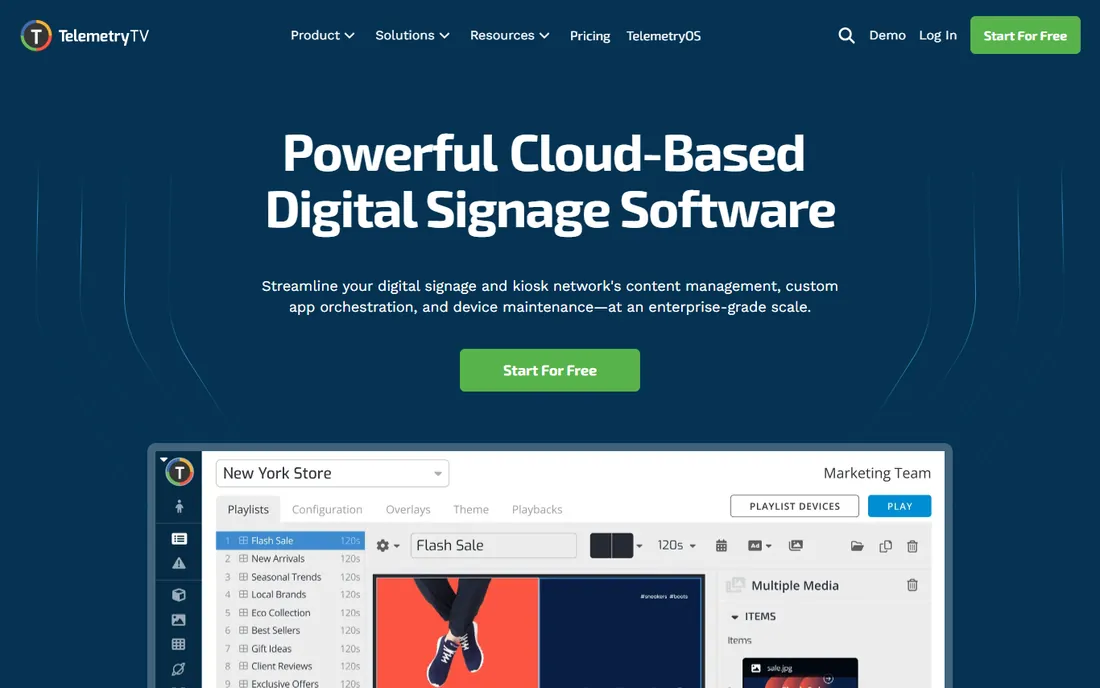
TelemetryTV treats the screen as an instrument, not a poster. It embeds dashboards from BI tools, pulls live data through APIs, supports live video streaming and can interrupt normal content with alerts when thresholds are crossed. That makes it the pick for operations floors, support centers, warehouses and engineering offices where the number on the wall must be current. Entry is $8 per device per month, Core $13, Elite $16 (10-device minimum) and Enterprise $35 (100-device minimum).
The trade-off is creative depth. Teams producing polished retail promotions find the design tooling less developed than ScreenCloud or Fugo, and usually design elsewhere and import finished files. If your screens show metrics, TelemetryTV is built for exactly that at a fair price. If your screens sell products, look elsewhere first.
What we like- Built for live data (BI dashboards, APIs, live video streaming)
- Low entry price for a data-capable platform
- No minimum devices on Entry and Core tiers
Watch out for- Creative and design tooling is thinner than marketing-oriented rivals
- Elite ($16) requires 10 devices
- Enterprise ($35) requires 100 devices
Starting price$11/display/month (Basic; free for qualifying K-12)
Free planFree trial (14 days)
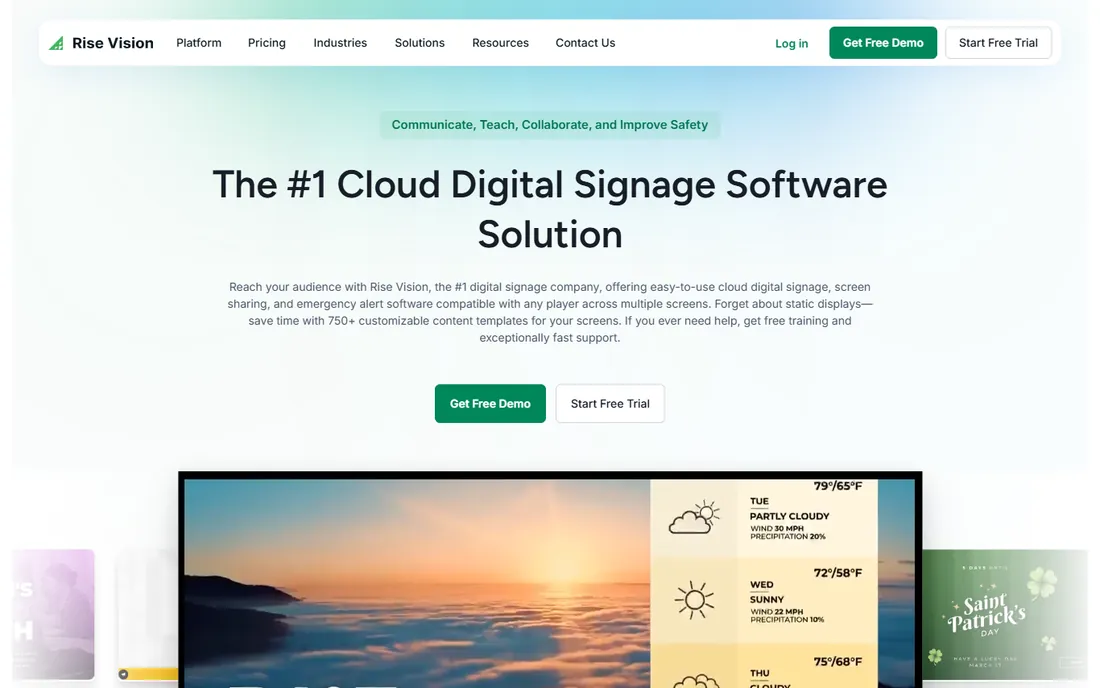
Rise Vision is the education specialist: the template library covers school announcements, sports scoreboards, cafeteria menus, emergency notifications and digital yearbooks, and the platform can override every display on campus with emergency messages. Basic is $11 per display per month, Advanced $13, Enterprise $164 per display per year, and Unlimited is $1,399 per school per year for whole-campus coverage. Qualifying K-12 schools get free access, which is unmatched.
Commercial buyers should know two things. First, the permanent free license was discontinued; non-education users get a 14-day trial only. Second, outside schools the feature set is thinner than generalist rivals, so a retail store buying on price alone will miss features. For schools, though, nothing else on this list combines the template depth, emergency alerts and education pricing.
What we like- Free tier for qualifying K-12 schools
- Huge education-focused template library (announcements, scoreboards, cafeteria menus)
- Emergency alert broadcasting across campus
- Strong Google Workspace integration
Watch out for- No permanent free plan for commercial users (free license discontinued)
- Feature set is weaker outside education
- Interactive templates need a separate annual add-on
#6
NoviSign
Best for: Interactive touchscreen and self-service deployments
Visit novisign.com
Starting price$14/screen/month (Business, billed annually)
Free planFree trial
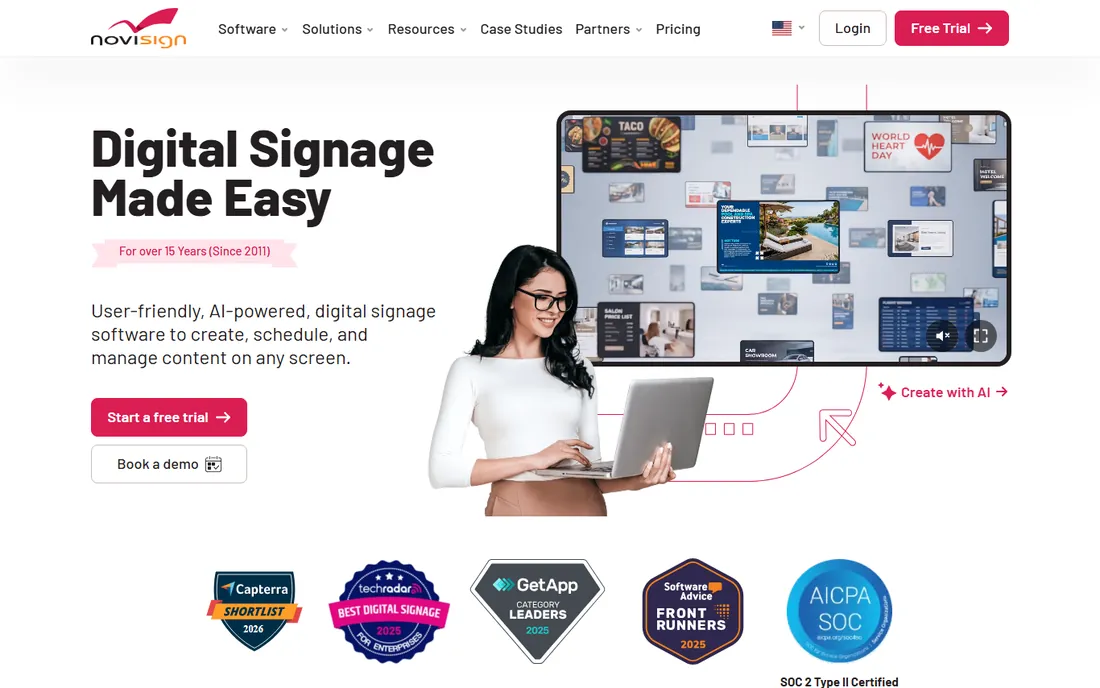
NoviSign has invested in screen interactivity longer than most competitors: touch widgets, quizzes, surveys and feedback forms ship without custom development, which is why it shows up in healthcare waiting rooms, schools and retail showrooms where a screen that answers questions removes work from staff. Business is $14 per screen per month billed annually ($16 monthly), Business Plus $17, Premium $25 with SSO and unlimited users.
The gripes are price and polish. The entry rate sits at the top of the SMB range, and reviewers consistently call the interface dated next to newer tools. Test it with the person who will use it daily before committing. For interactive and kiosk-style deployments where touch matters more than looks, NoviSign's feature depth justifies the premium.
What we like- Longest track record in touch interactivity (quizzes, polls, feedback forms)
- Free setup and training
- Power BI and Tableau integrations on Business Plus ($17)
Watch out for- Entry pricing is at the top of the SMB range
- Interface widely described as dated
- 1 user and 500 MB storage per license on Business
Starting price$20/screen/month (Core, billed annually; $24 monthly)
Free planFree trial (14 days)
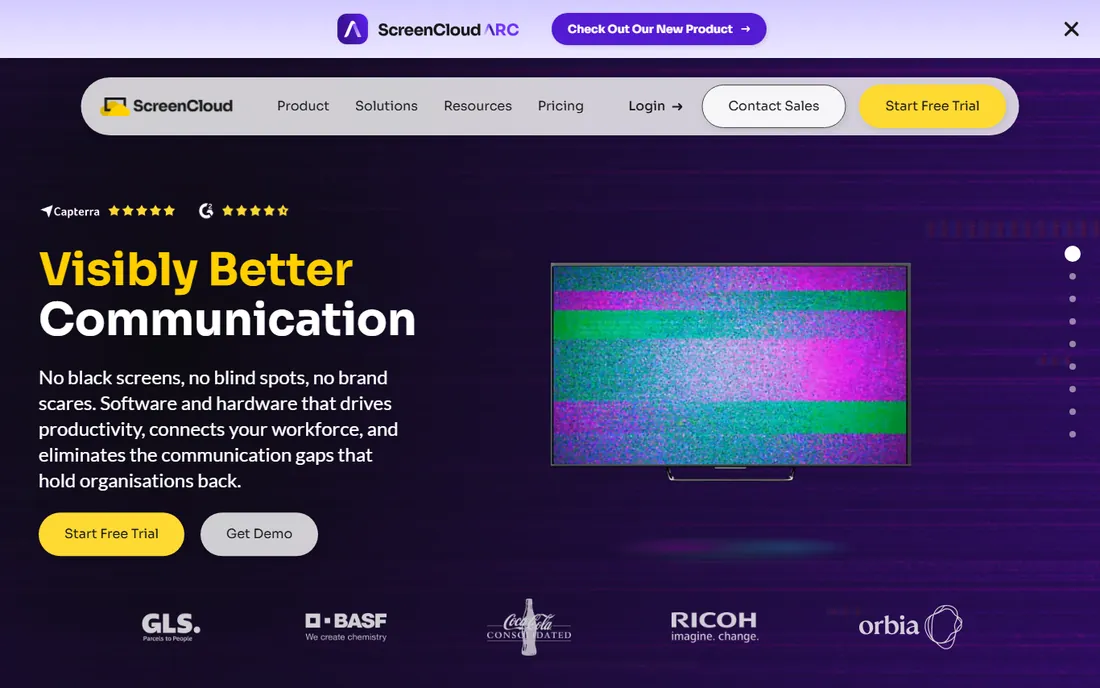
ScreenCloud is the workplace communications platform of digital signage: clean templates for company updates, KPI walls and onboarding content, deep integrations with Slack, Teams and BI tools, and an enterprise security layer (SSO, user provisioning, MFA) that survives IT review. Core is $20 per screen per month billed annually, Pro $30, and Enterprise (25-screen minimum) is quote-based.
The cost compounds fast: a 200-screen retail network at workplace-comms rates becomes a budget conversation, which is why customer-facing deployments often land on cheaper tools. Emergency alerting is also a genuine gap: ScreenCloud connects to third-party mass-alert platforms rather than handling alerts natively, adding an integration and a vendor. For corporate internal comms where design quality and IT governance matter, it is worth the price. For storefronts, it is not.
What we like- Strongest integration layer for workplace tools (Slack, Teams, Google Slides, BI dashboards)
- Canvas browser design tool
- Enterprise governance (SSO, provisioning, MFA)
Watch out for- Among the priciest per-screen rates
- Pro requires a 5-screen minimum
- No native emergency alerting (relies on third-party integrations)
#8
Fugo
Best for: Marketing teams that want screens to look designed
Visit fugo.ai
Starting price$20/screen/month (billed annually; $24 monthly)
Free planFree trial
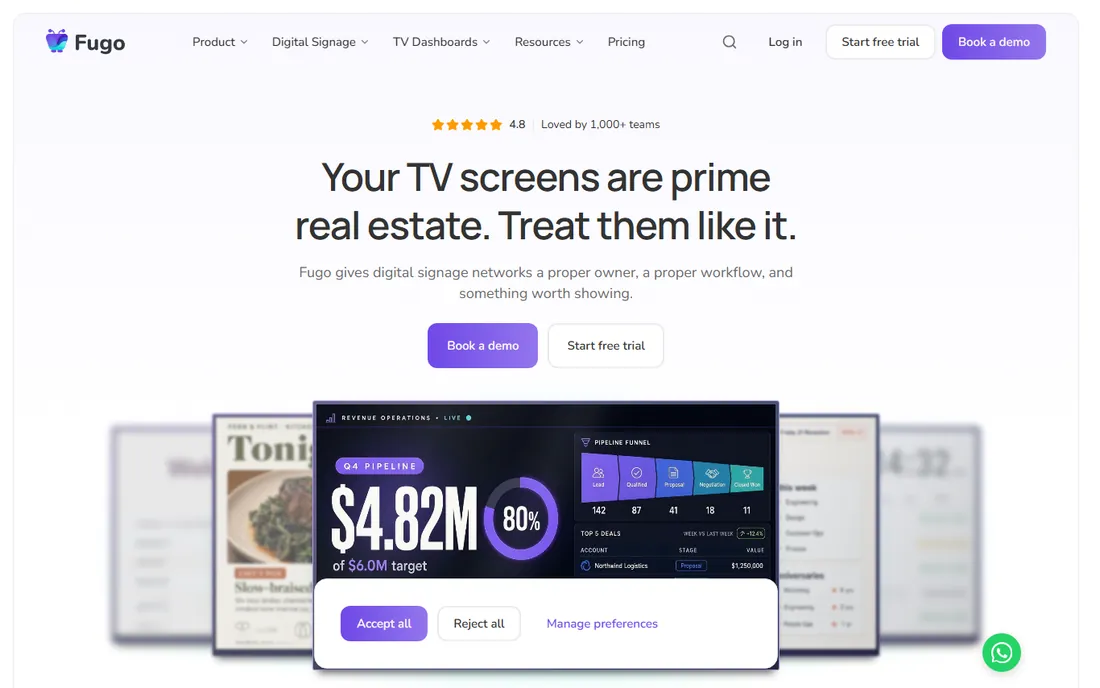
Fugo's pitch is that signage should look designed without a design budget: a design studio with apps and customizable templates, plus serious dashboard integrations (Google Data Studio, Power BI, Tableau, Looker, Grafana, Klipfolio) that put live business data on screens. It runs on consumer-grade devices rather than requiring dedicated players, and annual billing brings the per-screen rate from $24 to $20.
The honest comparison is with ScreenCloud, which occupies the same designed-screens space at the same price with a bigger footprint and deeper workplace integrations. Fugo's differentiator is its dashboard-integration depth for the price. For marketing and operations teams that live in BI tools and want those numbers on the wall in a polished layout, Fugo earns its premium. For simple promotional loops, cheaper tools do the job.
What we like- Design-studio approach with templates and apps
- Strong BI dashboard integrations (Power BI, Tableau, Looker, Grafana)
- Runs on consumer-grade hardware
- API access
Watch out for- $20-$24 per screen is premium pricing
- Smaller vendor footprint than ScreenCloud
- Review volume is thinner than the market leaders
#9
Raydiant (Displai)
Best for: Multi-location retail and hospitality chains
Visit raydiant.com
Starting priceSee website (quote-based)
Free planNo
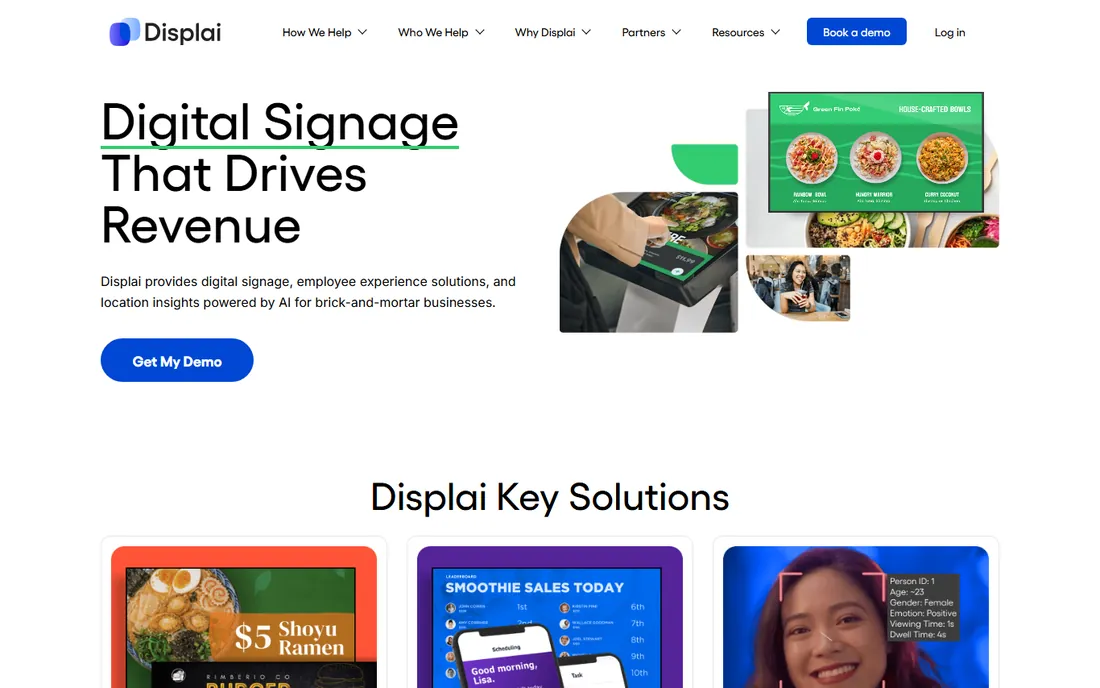
Raydiant, now rebranded as Displai, is the enterprise retail pick: POS integrations (Toast, Square, Clover class), menu sync, kiosk and ordering-adjacent workflows, and a platform used to global QSR and retail rollouts. Pricing is custom quote only, and reviewers consistently describe it as premium per-screen SaaS plus player hardware costs.
This is the specialist choice, not the default one. If you need menu board sync with your POS, kiosk workflows and a vendor experienced with multi-location rollouts, Displai is built for exactly that and the sales conversation is worth having. If you need reliable cloud signage on a public price list, Yodeck, OptiSigns or Play-style alternatives do it without the sales gate. Ask for a written per-screen plus hardware plus contract-term quote, then trial a cheaper rival with the same content before signing.
What we like- Built for in-location experience (POS integrations, menu sync, kiosks)
- Multi-location management narrative for chains
- Design services path for non-DIY brands
Watch out for- Pricing is quote-only with no public rate
- Premium per-screen SaaS plus player costs
- Third-party reviews flag support responsiveness
How we chose
We re-read each vendor's pricing page and plan documentation in October 2026 (this industry reprices often; Yodeck raised Premium and Enterprise rates on April 1, 2026, and OptiSigns reshuffled its top tiers this year). We cross-checked against a dated, source-linked pricing dataset re-verified on October 4, 2026, plus G2, Capterra and TrustRadius reviews from marketing, IT and operations buyers. We weighted verifiable per-screen pricing, real free-tier terms (not "free trial" marketing), hardware requirements, and fit by buyer type: SMB retail, schools, operations dashboards, and enterprise chains buy for different reasons.
Price the tier you will end up on, not the homepage tier
The homepage number is the entry tier, and almost nobody stays on it. Approvals, proof-of-play reporting, SSO, API access, interactive kiosks and emergency alerts all sit one to three tiers above the headline rate, and each jump can double or triple the per-screen cost. OptiSigns at $10 becomes $15 for approvals and $30 for kiosks; ScreenCloud at $20 becomes $30 for advanced integrations; TelemetryTV at $8 becomes $16 for the Elite features most operations teams want. Before shortlisting, write down the three features you cannot ship without, find which tier carries them, and multiply that rate by your screen count for a year. Then add hardware ($99-$349 per player plus displays) and installation. That total is your real budget line, and it is the number that should sit next to each vendor on your comparison sheet.
The hardware bill you forgot to budget
Software is the only recurring cost, and hardware is paid once, but buyers consistently under-budget the once. Per screen you need a display ($350 is a typical 43-inch sweet spot) and usually a player: a $99 Amazon Signage Stick, a bundled Raspberry Pi on Yodeck annual plans, or a $299-$349 dedicated player from vendors like ScreenCloud or OptiSigns. For a five-screen deployment on Yodeck annual, year one is $480 in software and roughly $2,250 in displays, plus players if not bundled. Installation, cabling and mounts add more, especially for wall-mounted menu boards or outdoor-rated enclosures. The software per-screen rate gets all the attention in comparisons because it is the only line that compounds. The hardware bill is bigger in year one. Budget both, and do not let a free software tier convince you the project is free.
Frequently asked questions
What is the best digital signage software?
For most small businesses, Yodeck (free for one screen, $8/screen after) or OptiSigns (free for three screens, $10/screen after) are the best starting points. ScreenCloud ($20/screen) suits corporate internal comms, Rise Vision ($11/display) suits schools, TelemetryTV ($8/device) suits live data dashboards, and Raydiant/Displai (quote-based) suits multi-location retail chains.
How much does digital signage software cost per screen?
Published cloud rates in 2026 run $5 to $30 per screen per month: Juuno $5, Yodeck $8, OptiSigns $10, Rise Vision $11, TelemetryTV $8-$16, NoviSign $14, ScreenCloud $20, Fugo $20. Enterprise tools (Displai, Appspace, Scala) are quote-only and typically higher. At 10 screens that is $600 to $3,600 a year in software alone.
Is there really free digital signage software?
Yes, with limits. Yodeck is free forever for exactly one screen, OptiSigns is free for up to three screens (with branding), and Rise Vision is free for qualifying K-12 schools. Open-source options (Xibo, Anthias) are free if you host and maintain them yourself. ScreenCloud, NoviSign and Raydiant/Displai offer trials only, no permanent free tier.
Do I need special hardware for digital signage?
Not strictly. Most platforms run on a smart TV's browser or a $99 Amazon Signage Stick. For reliability at scale, vendors recommend dedicated players ($99-$349 each). Yodeck centers on Raspberry Pi players (bundled free on annual plans). Budget roughly $350 for the display plus the player cost per screen, plus mounts and cabling.
What is the difference between digital signage software and a smart TV?
A smart TV can play a slideshow, but it cannot schedule content by time of day, manage dozens of screens from one dashboard, prove content played, integrate live data, or trigger emergency alerts. Signage software is the management layer: remote updates, scheduling, monitoring, permissions and integrations across every screen from one place.
How do I choose between Yodeck, OptiSigns and ScreenCloud?
Start with screen count and content type. One to three screens with simple content: Yodeck or OptiSigns free tiers. App-heavy content and interactive kiosks on a budget: OptiSigns. Corporate internal comms with BI dashboards and IT governance: ScreenCloud. Live operational data: TelemetryTV instead. Price each at your screen count on the tier you will actually use.
Sources we checked (19)
- https://www.g2.com/products/screencloud-digital-signage/pricing
- https://www.g2.com/products/yodeck/pricing
- https://www.g2.com/products/telemetrytv-digital-signage/reviews
- https://www.g2.com/products/rise-vision/pricing
- https://monitorsanywhere.com/blog/optisigns-vs-screencloud-vs-sklera-vs-screenly-which-digital-signage-software-fits-you-2026/
- https://posterbooking.com/signage/digital-signage/software/free-digital-signage-software-in-2026
- https://www.risevision.com/blog/best-cloud-based-digital-signage-software
- https://dataconomy.com/2026/09/18/best-digital-signage-software-in-2026-how-to-choose-the-right-platform-for-your-screens/
- https://www.yodeck.com/use-cases/small-business-digital-signage/
- https://juuno.co/blog/yodeck-alternatives
- https://playsignage.com/blog/yodeck-vs-play/
- https://github.com/born2net/digital-signage-pricing-2026
- https://kitcast.tv/novisign-alternative
- https://brixsignage.com/blog/best-optisigns-alternatives/
- https://juuno.co/blog/digital-signage-software
- https://www.flozic.ai/blog/best-digital-signage-software
- https://sourceforge.net/software/product/Fugo/
- https://playsignage.com/alternative/raydiant-digital-signage/
- https://www.yodeck.com/raydiant-alternative/
Is your product missing or out of date?
We review this list regularly. Vendors can request a listing, send updated pricing or ask about featured placement.

Shihab Mia · Founder, Rankite
Shihab has spent more than a decade helping SaaS and e-commerce brands grow through search. He writes Rankite's software buying guides from pricing pages, documentation and public user reviews. More about Shihab.