How we make this list: we compare pricing pages, product documentation and public user reviews. Ratings come from G2, Capterra or Trustpilot, with the date we checked them.
Key takeaways
- Avatar tools and cinematic generators solve different jobs, so choose by output type first and price second.
- Synthesia and HeyGen lead for training, onboarding, and presenter-led business video.
- Runway, Kling, and Luma suit short cinematic clips where camera control and visual style matter most.
- Pictory, InVideo, and VEED are stronger when you start from a script, article, or idea and need a finished, editable video fast.
- Credit systems vary widely, so check how many seconds or videos a plan actually covers before paying.
Quick comparison
| Tool | Best for | Starting price | Free plan |
|---|
 Synthesia Synthesia | Avatar training and corporate video | See website | Free trial |
 HeyGen HeyGen | Personal avatars and multilingual video | See website | Yes |
 Runway Runway | Creative prompt-to-video and editing | See website | Yes |
 Pictory Pictory | Script and article to video | $25 per month | Free trial |
 InVideo InVideo | Fast template and prompt videos | See website | Yes |
 VEED VEED | Social video creation and editing | See website | Yes |
 Luma Dream Machine Luma Dream Machine | Cinematic clips with camera control | See website | Yes |
 Kling Kling | Realistic motion and longer clips | See website | Yes |
 Pika Pika | Short creative clips and effects | See website | Yes |
Is your product missing or out of date?
We review this list regularly. Vendors can request a listing, send updated pricing or ask about featured placement.
The best text to video AI tools
#1Synthesia
Best for: Avatar training and corporate video4.6/5 on
G2 (2,804 reviews, checked Oct 2026)
Visit synthesia.io
Starting priceSee website
Free planFree trial
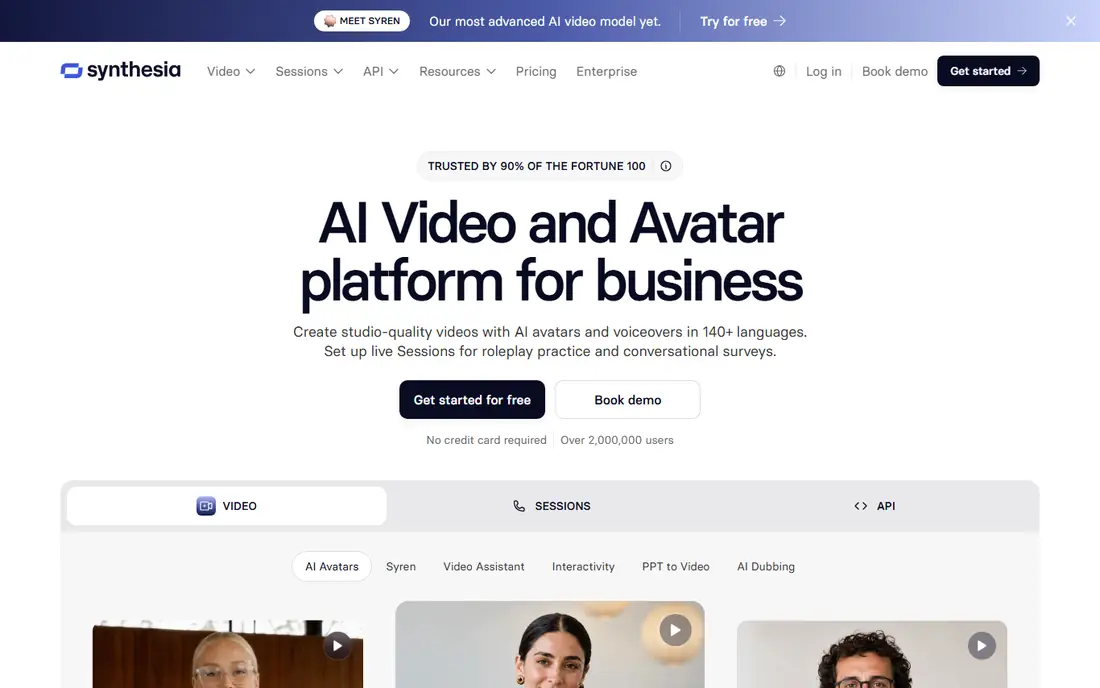
Synthesia is the practical pick when a company needs many consistent training or internal videos without booking a studio. You paste a script, pick an avatar, and update the text later without re-recording anything. That editing advantage matters for compliance, onboarding, and product training, where details change often and re-shoots would slow every update. Translation into many languages from the same script also helps global teams keep one source of truth.
The format has limits. Avatar presenters suit explainers and lessons, but they rarely carry a short social ad on their own. Voice and gesture range has improved, yet a viewer can still tell the presenter is synthetic, which matters for brand-led storytelling. Use Synthesia for volume and consistency, and use a cinematic tool when the goal is mood, movement, or a film-like scene.
What we like- Large avatar and language range for training content
- Brand controls and LMS publishing
- Translation across many languages
Watch out for- Presenter-led format can feel formal for social content
- Advanced features sit on higher plans
#2HeyGen
Best for: Personal avatars and multilingual video4.8/5 on
G2 (1,973 reviews, checked Oct 2026)
Visit heygen.com
Starting priceSee website
Free planYes
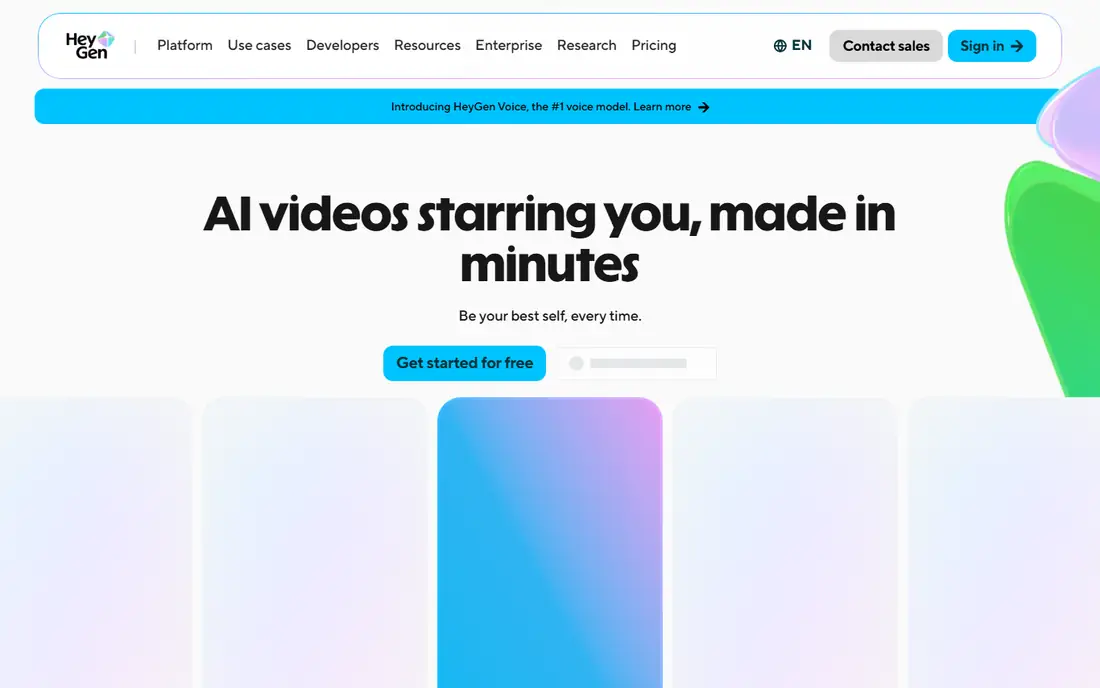
HeyGen appeals to creators and small teams who want a video to feature themselves without filming every version. You can create a personal avatar, type a script, and produce versions in other languages with synced lips. That is useful for course creators, sales outreach, and founders who repeat the same message for different audiences. The free plan lets you test the workflow before paying, which is a real advantage in a category full of credit systems.
Quality depends heavily on the reference clip or photo you supply. A poor input gives a stiff result, and longer scripts can expose timing quirks. HeyGen also enforces identity verification for custom avatars, which slows setup but protects against misuse. Check the credit cost per minute on your plan, because a plan that looks cheap can run out fast on longer videos.
What we like- Personal avatar creation with identity checks
- Video translation with lip sync
- Prompt-to-video for quick drafts
Watch out for- Credit limits shape how much you can produce on lower plans
- Avatar realism varies with input quality
#3Runway
Best for: Creative prompt-to-video and editing4.1/5 on
G2 (105 reviews, checked Oct 2026)
Visit runwayml.com
Starting priceSee website
Free planYes
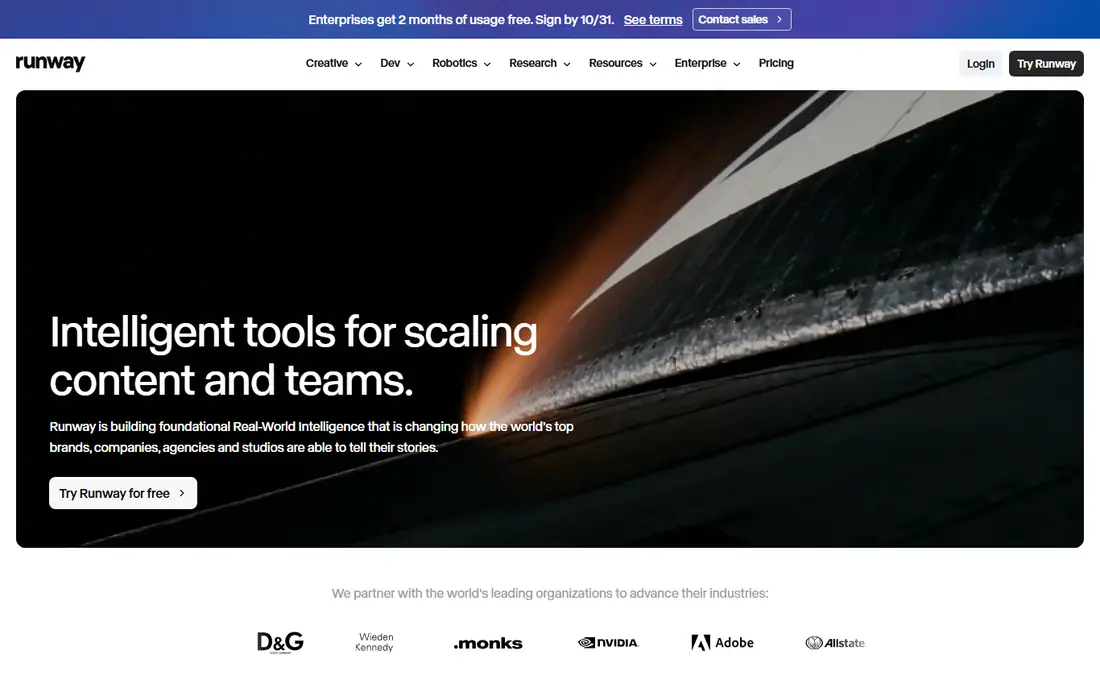
Runway sits closer to a creative workstation than to a template maker. You can generate clips from text, edit footage, and combine models and effects in one cloud workspace. Filmmakers and agencies use it for mood pieces, ads, and visual experiments where control over the shot matters more than speed. The developer platform also lets teams build generation into their own products, which template tools rarely offer.
That power comes with a learning curve. New users may spend time learning prompts, settings, and credit costs before output feels reliable. Short clips still need editing into a finished piece, so Runway is not the fastest route to a talking-head explainer. Choose it when craft and control justify the effort, and choose an avatar or template tool when you need a finished video in an hour.
What we like- Strong creative suite for generation and editing in one workspace
- Broad model access for developers
- Well suited to filmmakers
Watch out for- Credit-based pricing needs careful tracking
- Learning curve is steeper than template tools
#4Pictory
Best for: Script and article to video4.6/5 on
G2 (81 reviews, checked Oct 2026)
Visit pictory.ai
Starting price$25 per month
Free planFree trial

Pictory is built for people who already have words and need video. Paste a blog post, script, or slide deck, and it builds scenes with visuals, voiceover, and captions you can edit. That workflow suits marketers repurposing content, educators turning lessons into video, and teams that publish often. The newer agent-style flow lets you review the script and scenes before generating, which reduces rework on longer pieces.
The trade-off is visual originality. Stock footage and generated scenes work well for explainers, but they will not match a custom shoot for a flagship brand film. You should also check credit limits, because long videos and many revisions consume credits faster than short social cuts. Pictory wins on throughput for text-led teams, not on cinematic originality.
What we like- Turns scripts, articles, URLs, and slides into structured videos
- Captions and brand kits built in
- API for automation
Watch out for- Stock-led visuals can feel generic without your own footage
- Higher plans needed for larger volume
#5InVideo
Best for: Fast template and prompt videos4.2/5 on
G2 (183 reviews, checked Oct 2026)
Visit invideo.io
Starting priceSee website
Free planYes
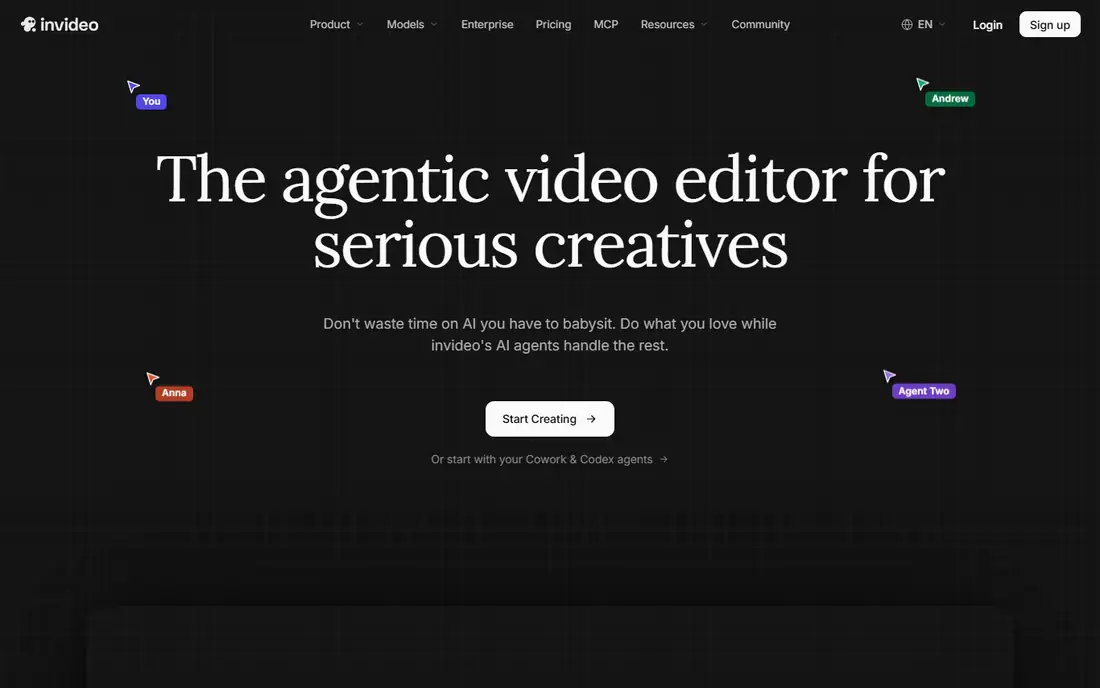
InVideo targets creators who want a finished video quickly and still want room to edit. You can start from a prompt, pick a template, and refine the result on a timeline with help from built-in agents. Team features such as shared editing and guest seats help small agencies produce client work without passing files between apps. The stock library also saves time when you lack your own footage.
Credits are the part to read carefully. Different models and resolutions consume credits at different rates, so two plans with similar monthly prices can cover very different amounts of video. Free output usually carries limits that rule it out for client work. Test a real project end to end on the free tier, then pick a plan based on minutes produced per month, not on headline features.
What we like- Large template range and agent-assisted editing
- Multiplayer editing for teams
- Stock footage included
Watch out for- Credit system varies by model and plan
- Advanced output needs a paid tier
#6VEED
Best for: Social video creation and editing4.6/5 on
G2 (2,175 reviews, checked Oct 2026)
Visit veed.io
Starting priceSee website
Free planYes
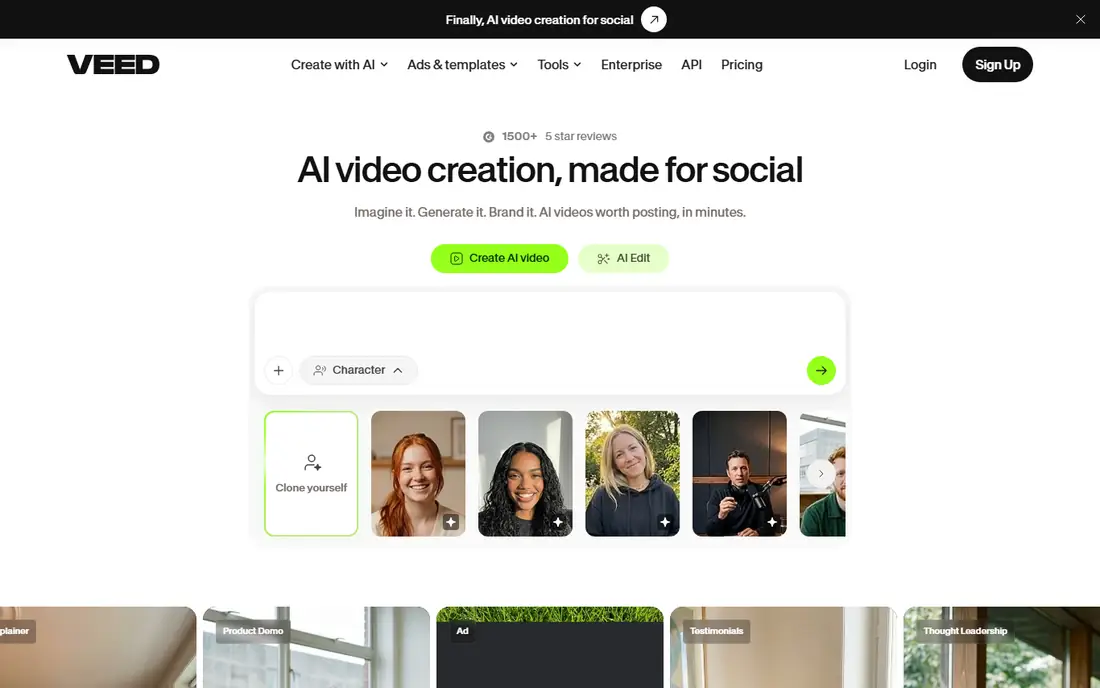
VEED works best as an all-in-one browser studio for social and marketing video. You can generate clips, add captions, clean audio, dub into other languages, and resize for each platform without leaving the browser. That breadth suits solo marketers and small teams who publish often and need consistent branding. The learning curve is gentle, and templates speed up repeat formats such as explainers and testimonials.
It is not primarily a cinematic generator. If you need long, film-like scenes with precise camera moves, a dedicated model tool will give stronger results. VEED also limits free exports, so client-ready work needs a paid plan. Pick it when editing, captions, and publishing speed matter more than generating every frame from a prompt.
What we like- Browser editing with captions, dubbing, and templates
- Good for social formats
- No software install needed
Watch out for- AI generation is one part of a wider editor, not a dedicated film model
- Watermark and export limits on free use
Starting priceSee website
Free planYes
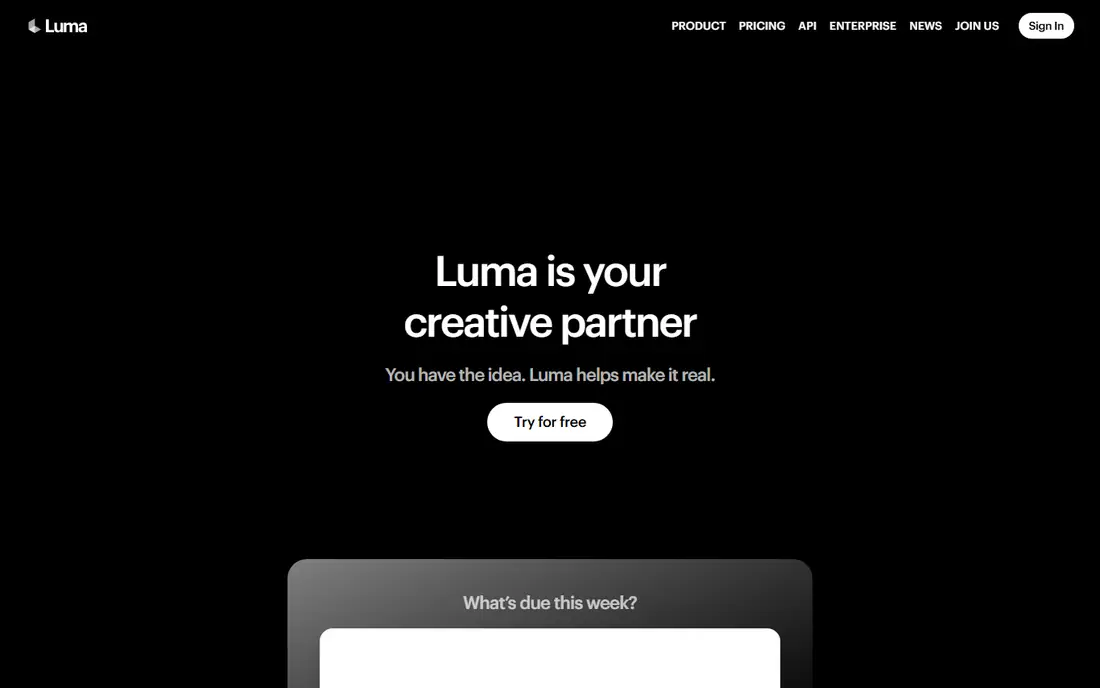
Luma Dream Machine, now part of the wider Luma platform, focuses on making a prompt feel like a directed shot. You can describe camera movement, hold a character or style across cuts, and iterate quickly until a clip fits the scene. That control appeals to advertisers, filmmakers, and social creators who care about how a shot moves, not just what it shows. Newer models add brand and character references, which help when a campaign needs the same look across many clips.
Clip length remains a constraint. You still need to stitch shots together for anything longer than a short scene, and complex motion can produce artifacts that need a second or third attempt. Treat Luma as a shot generator inside an editing workflow, not as a one-click finished video maker. When used that way, it earns its place for visual quality.
What we like- Strong camera direction and visual continuity
- Newer models add brand and character consistency
- Fast iteration on shots
Watch out for- Short clip lengths require editing for longer stories
- Quality varies by prompt and scene complexity
Starting priceSee website
Free planYes

Kling has built a name for realistic movement, especially for people, fashion, and product scenes. Its clips handle motion more cleanly than many early generators, which makes it useful for ads, e-commerce showcases, and short films. Longer generation options reduce the number of cuts needed for a scene, and image-to-video mode lets you start from a product photo or still frame.
New users should expect a learning period. Model choices, credit costs, and quality settings are not always obvious, and a vague prompt gives a vague result. Free credits are enough to test, but not enough for regular production. Kling suits creators who will invest time in prompting and editing, and who judge output on motion quality above all else.
What we like- Strong realistic motion for people and scenes
- Longer generations than many rivals
- Useful for ads and product showcases
Watch out for- Interface and plan details can confuse new users
- Best results need careful prompting
Starting priceSee website
Free planYes
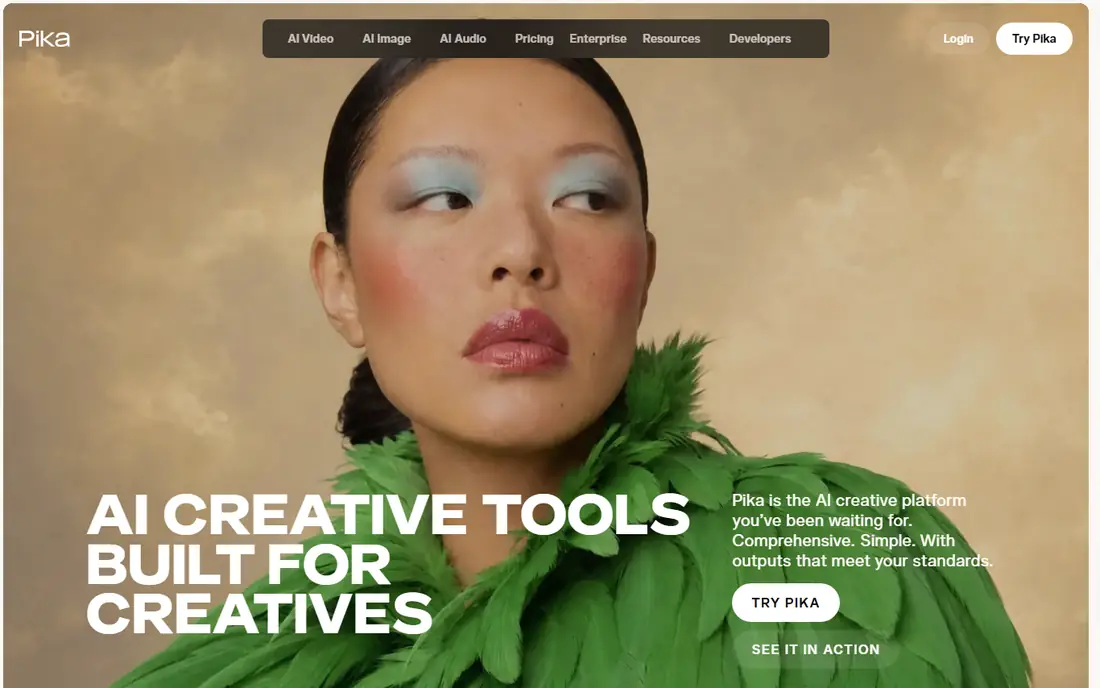
Pika is the experimentation pick. It generates short clips quickly, supports effects and style changes, and now brings several models together in one platform. That makes it fun for social creators testing ideas, and practical for teams that need many short variations of one concept. The interface stays simple, so you can move from idea to clip without learning a full editing suite.
The short-form focus is also its limit. Building a longer narrative means generating and editing many clips, which consumes credits and time. Free allowances will run out quickly if you test often. Use Pika to explore looks and make social clips, and pair it with an editor such as VEED or a longer-form tool when a project needs structure beyond a few seconds.
What we like- Fast short clips with playful effects
- Access to multiple models in one platform
- Good for social experimentation
Watch out for- Free credits are limited
- Short-form focus makes long stories harder to build
How we chose
We compared vendor homepages and documentation, public reviews on G2 and Capterra, and current comparison guides, and we opened each homepage to confirm the product still exists and matches this category. We favored tools with a distinct output type, such as avatars, cinematic clips, or script-led video, rather than listing near-identical generators. Prices change often in this category, so where a plan price could not be confirmed on the vendor pricing page at the time of writing, we wrote See website.
Choosing by the video you need to make
Start from the finished video, not from the model name. A training library needs consistent avatars, captions, and easy text updates. A product ad needs realistic motion and brand consistency across shots. A weekly social calendar needs templates, captions, and fast resizing. Matching the tool to that job saves more time than chasing the newest model release.
Check three practical limits before paying: clip length, credit cost per minute, and export rules. Ask whether the free tier watermarks output, whether commercial use is included, and whether you can edit a generated video without regenerating it. Run one real project through a trial, including captions and export, because a demo clip rarely shows where credits, watermarks, or editing limits appear.
Frequently asked questions
What is the best text to video AI tool for beginners?
Pictory, InVideo, and VEED are the easiest starting points, because they turn a script or idea into an editable video with templates and captions. Cinematic tools such as Runway and Kling give more control, but they need more prompting practice.
Can text to video tools make long videos?
Most generate short clips that you edit into longer videos, while avatar and script tools can produce longer presenter-led videos from a full script. If you need a 10 minute lesson, start with Synthesia, HeyGen, or Pictory rather than a clip generator.
Do free plans allow commercial use?
It depends on the tool and plan, so read the terms before publishing client or ad work. Free tiers often limit resolution, add watermarks, or restrict commercial use, even when generation itself is free.
How much does a good text to video tool cost per month?
Entry paid plans in this guide start around $25 per month, but credit systems mean the real cost depends on minutes produced. Heavy users should compare credit allowances, not just the monthly price.
Will AI video replace a human presenter or camera crew?
For training, explainers, and high-volume social content, avatar and template tools already replace much routine production. For brand films and emotional storytelling, human direction and editing still shape the result, with AI handling shots and drafts.
Sources we checked (9)
- https://www.synthesia.io/pricing
- https://www.heygen.com/pricing
- https://runwayml.com/pricing
- https://pictory.ai/pricing
- https://invideo.io/pricing
- https://www.veed.io/pricing
- https://lumalabs.ai/pricing
- https://klingai.com/pricing
- https://pika.art/pricing
Is your product missing or out of date?
We review this list regularly. Vendors can request a listing, send updated pricing or ask about featured placement.

Shihab Mia · Founder, Rankite
Shihab has 5+ years in B2B and SaaS SEO. He writes Rankite's software buying guides from pricing pages, documentation and public user reviews. More about Shihab.