How we make this list: we compare pricing pages, product documentation and public user reviews. Ratings come from G2, Capterra or Trustpilot, with the date we checked them.

Key takeaways
- Runway offers the most control for editors, while Kling and Hailuo give strong cinematic motion at lower monthly prices.
- Every credit-based tool here charges for retries and failed renders, so budget for three attempts per finished clip, not one.
- Pika's cheaper plans do not include commercial use or watermark-free downloads, so creators who publish for clients need the Pro plan.
- Synthesia and HeyGen solve a different job: presenter-led videos from a script, not generated footage.
- InVideo bundles many models under one subscription, but its pricing changed during 2026, so check the live pricing page before buying.
Quick comparison
| Tool | Best for | Starting price | Free plan |
|---|
 Runway Runway | Editor control and polished clips | $15 per month | Yes |
 Pika Pika | Quick playful social clips | $10 per month | Yes |
 Luma Dream Machine Luma Dream Machine | Cinematic photorealistic clips | $9.99 per month | Yes |
 Kling Kling | Realistic motion and physics | $8.80 per month | Yes |
 Hailuo Hailuo | Prompt accuracy at a low price | $10.50 per month | Yes |
 Synthesia Synthesia | Avatar-led training videos | $29 per month | Yes |
 HeyGen HeyGen | Avatar videos and translation | $29 per month | Yes |
 InVideo AI InVideo AI | Multi-model video projects | See website | Yes |
Is your product missing or out of date?
We review this list regularly. Vendors can request a listing, send updated pricing or ask about featured placement.
The best AI text to video services online
#1Runway
Best for: Editor control and polished clips4.1/5 on
G2 (105 reviews, checked Oct 2026)
Visit runwayml.com
Starting price$15 per month
Free planYes
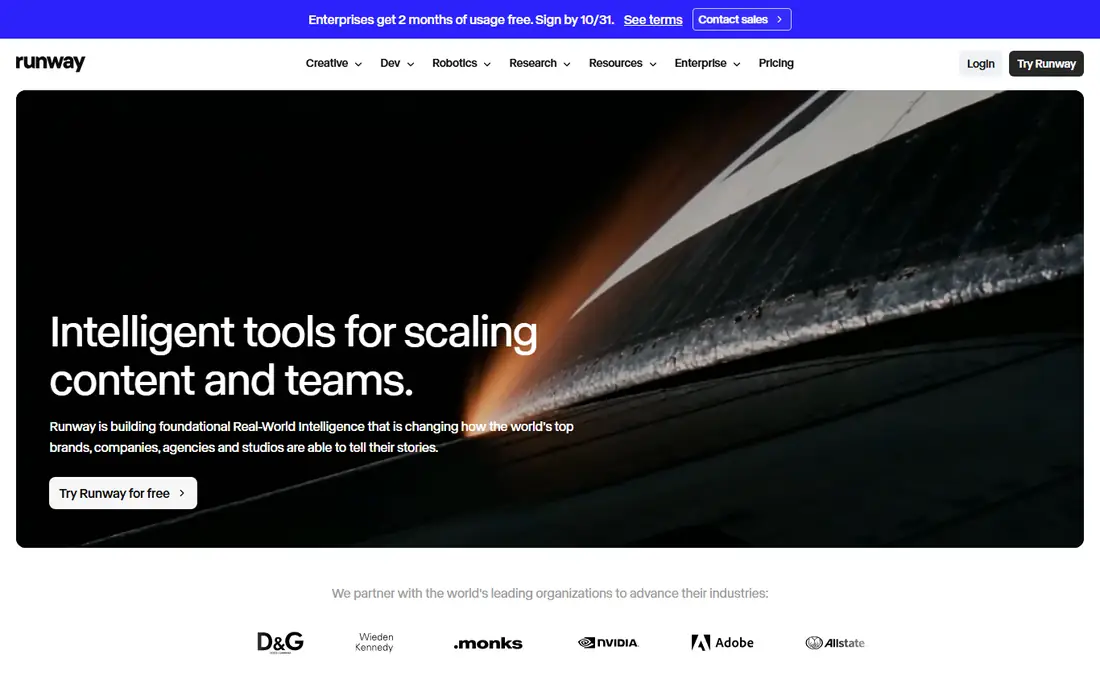
Runway is the tool professional editors reach for when a clip needs to look directed rather than generated. Its Gen-4 family handles text-to-video and image-to-video, and the editing layer adds camera direction, motion zones, inpainting and a timeline for combining shots. Recent versions also host rival models inside the same workspace, so one account can compare outputs without juggling subscriptions.
The credit math is the honest catch. Standard costs $15 per month ($12 billed annually) for 625 credits, and Gen-4.5 costs 12 credits per second, so a Standard month covers roughly 52 seconds of finished Gen-4.5 footage before retries. Pro at $35 per month ($28 annually) raises that to 2,250 credits. For short-form work with careful prompting, Standard is enough. For daily production, Pro or Max is the realistic tier.
What we like- Deepest editing controls including camera moves, motion brush and keyframes
- Gen-4.5 renders native 1080p with audio
- Hosts partner models like Veo and Kling in one app
Watch out for- Credits buy only about 52 seconds of Gen-4.5 per month on Standard
- Credits expire monthly below the Max tier
- Free plan is a one-time 125 credits
Starting price$10 per month
Free planYes
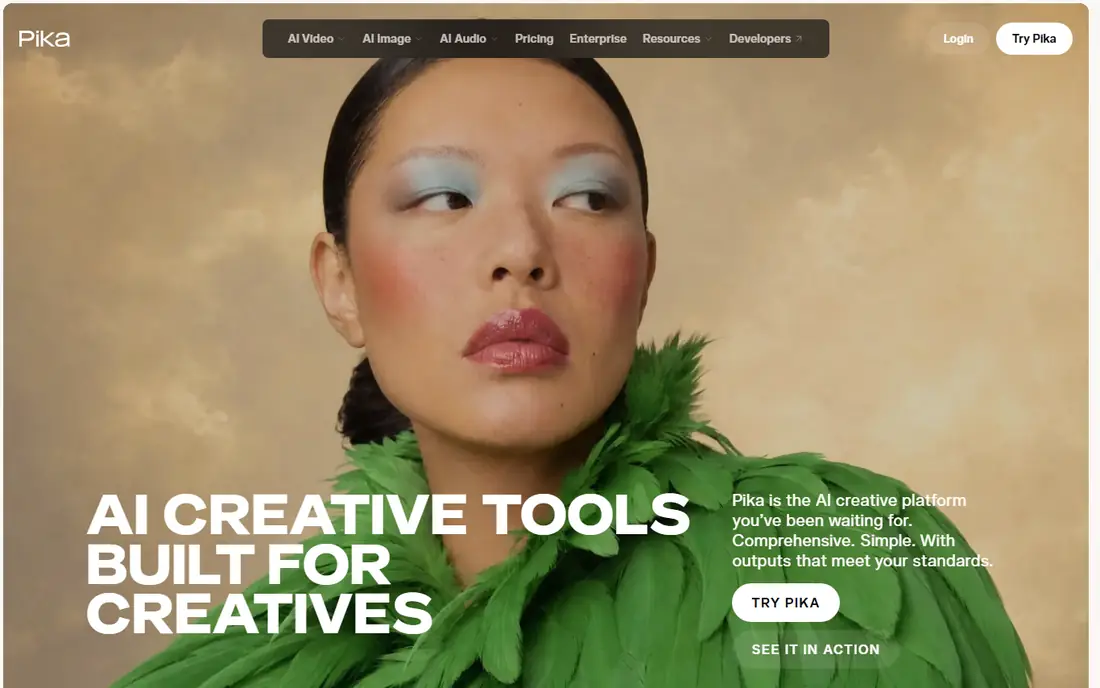
Pika is the friendliest way into AI video. Type a description or upload a still image, and a short clip comes back in a minute or two. Its signature feature is Pikaffects, which transforms a subject mid-clip, plus tools that swap objects, add elements and sync lips to speech. For social content, memes and quick prototypes, it is hard to beat for speed.
Read the license terms before publishing. The free Basic plan gives 80 credits per month at 480p, and Standard at $10 per month ($8 billed annually) gives 700 credits, but both are watermarked and non-commercial according to Pika's FAQ. Commercial use and watermark-free downloads start on Pro at $35 per month ($28 annually) with 2,300 credits. Creators who monetize their output should budget for Pro from the start.
What we like- Very simple interface with fast results
- Pikaffects transformations like inflate, melt and explode
- Lip sync for talking characters
Watch out for- Free and Standard plans are watermarked and non-commercial
- Clips stay short
- Output quality sits a tier below Runway and Kling
Starting price$9.99 per month
Free planYes
Luma's Dream Machine built its name on clips that look filmed rather than generated, with natural motion, believable physics and smooth camera paths. Keyframing lets a creator set a start image and an end image and let the model fill the movement between them, which gives more directorial control than a text prompt alone. The newer Ray models add sharper detail and longer clips.
Pricing needs care because Luma now sells two ladders: the older Dream Machine plans and a newer multi-model Agents subscription. On the Dream Machine side, Lite costs $9.99 per month for 3,200 credits but stays watermarked and non-commercial, while Plus at $29.99 per month adds 10,000 credits, commercial use and no watermark. The free tier offers limited daily credits at 720p with a watermark. For most creators, Plus is the first plan that produces publishable work.
What we like- Strong photorealism, lighting and camera motion
- Keyframe control with start and end images
- Video-to-video style transfer
Watch out for- Lite plan is watermarked and non-commercial
- Pricing now spans two product ladders that confuse comparison
- Clips top out around 10 seconds
Starting price$8.80 per month
Free planYes

Kling, built by Kuaishou, has become a favorite for lifelike motion. Limbs, faces and camera moves hold together better than on most rivals, and its newer models generate longer clips with native audio. It has also been used for award-winning short films and brand work, which says something about its output quality at the top end.
The October 2026 plan structure runs Standard at $8.80 per month for 660 credits, Pro at $32.56 for 3,000 and Premier from $80.96 for 8,000, with first-month discounts for new subscribers. A 10-second 1080p clip with sound costs about 120 credits, so three attempts at one keeper can eat more than half of a Standard month. Free Basic accounts exist but carry no fixed monthly allowance, a watermark and no commercial rights, so treat the free tier as a test drive only.
What we like- Excellent motion consistency for people, faces and camera moves
- 1080p and 4K output on paid plans
- Clips up to 30 seconds on newer models
Watch out for- Free accounts get no fixed monthly credit allowance
- Subscription credits expire after 31 days
- Queues lengthen on cheaper plans
Starting price$10.50 per month
Free planYes
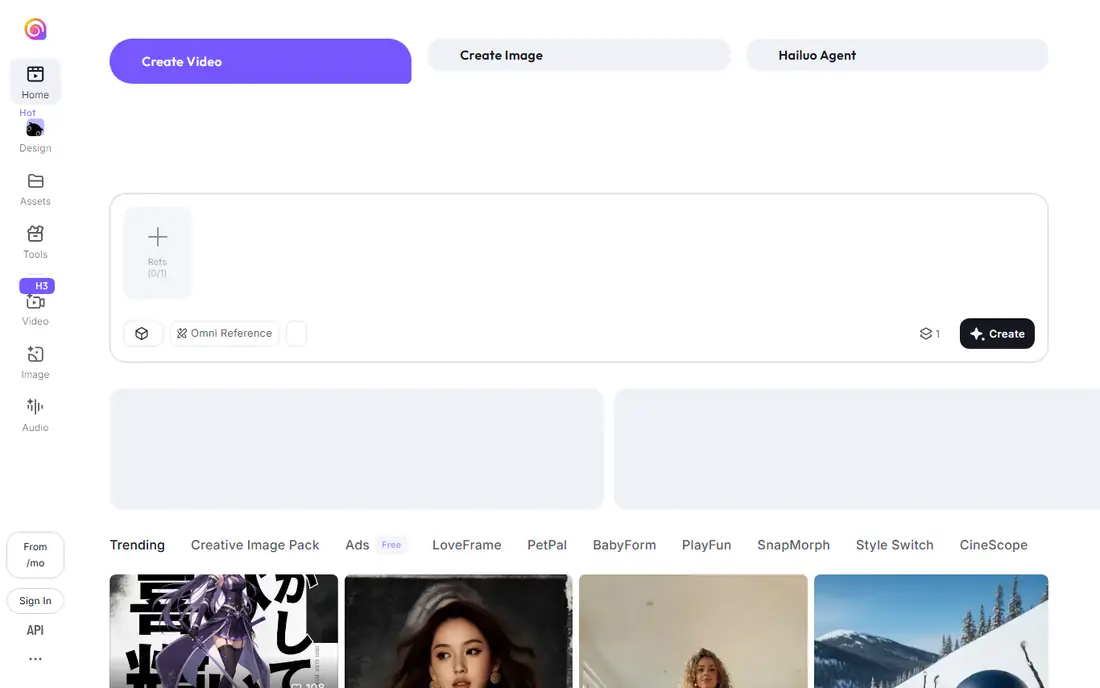
Hailuo, from MiniMax, is often called the best value in AI video, and the claim holds up on output quality. Its H3 model follows prompts closely, handles reference images well for edits, and produces 2K clips with stereo sound. For creators who want strong results without paying Runway prices, it is a serious contender.
Standard costs $10.50 per month ($8.40 billed annually) for 1,000 credits, with Pro at $38 for 4,500 and higher tiers above that. A five-second 2K H3 clip costs about 60 credits, so Standard covers roughly a dozen short clips before retries. The free tier gives one-time trial credits with a watermark and no monthly allowance. One caution from user reviews: billing and cancellation support draws complaints, so keep records of the plan and renewal date.
What we like- Strong prompt following and reference-based editing
- MiniMax H3 makes 2K clips up to 15 seconds with native sound
- Low entry price
Watch out for- Free tier is one-time trial credits only
- Credits expire monthly
- Billing and support complaints appear in user reviews
#6Synthesia
Best for: Avatar-led training videos4.6/5 on
G2 (2,804 reviews, checked Oct 2026)
Visit synthesia.io
Starting price$29 per month
Free planYes
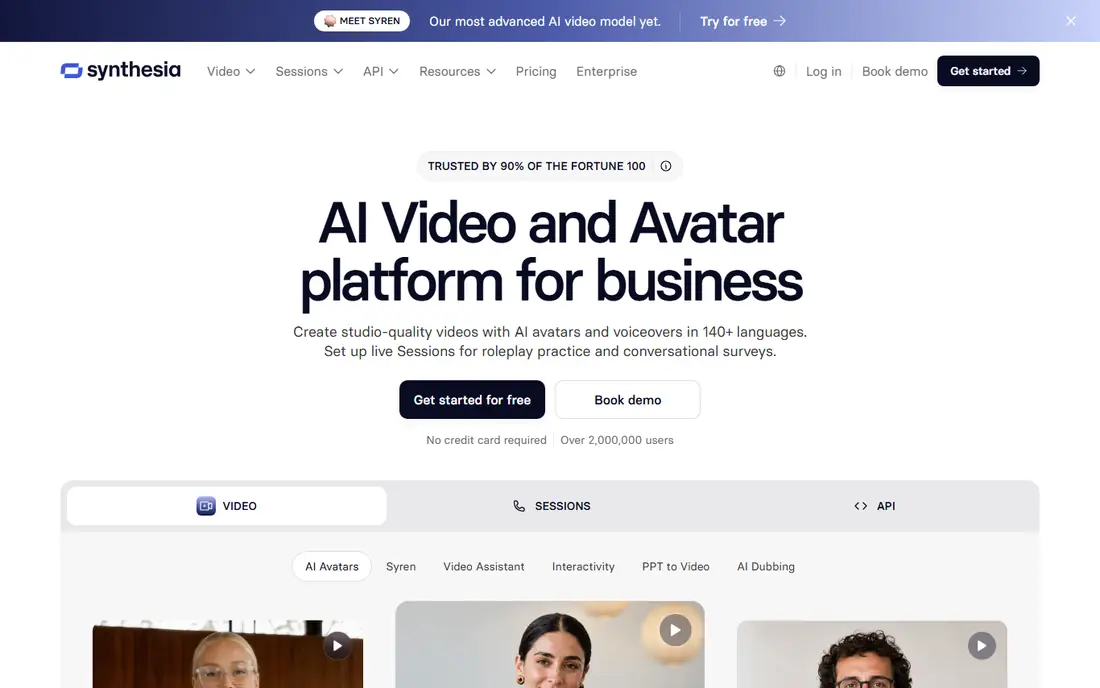
Synthesia does a different job from the rest of this list. Instead of generating footage from a prompt, it turns a script into a presenter-led video with a lifelike avatar speaking in one of 140 plus languages. Training teams, internal communicators and course creators use it to produce consistent videos without cameras, actors or studios, and updates are as simple as editing text.
The free Basic plan gives 10 minutes of video per month with 9 avatars, but videos cannot be downloaded, so it works as an evaluation sandbox rather than a publishing tool. Starter costs $29 per month ($18 billed annually) and adds downloads, logo removal and 125 plus avatars, while Creator at $89 per month ($64 annually) adds API access, interactive video and more minutes. For a business that publishes training or internal video every week, the time saved against filming is the real return.
What we like- Huge avatar library with 140 plus languages
- One-click translation keeps layout and voice consistent
- SCORM export for learning platforms
Watch out for- Free plan cannot download videos
- Minutes are rationed tightly on Starter
- Not a tool for generated cinematic footage
#7HeyGen
Best for: Avatar videos and translation4.8/5 on
G2 (1,973 reviews, checked Oct 2026)
Visit heygen.com
Starting price$29 per month
Free planYes
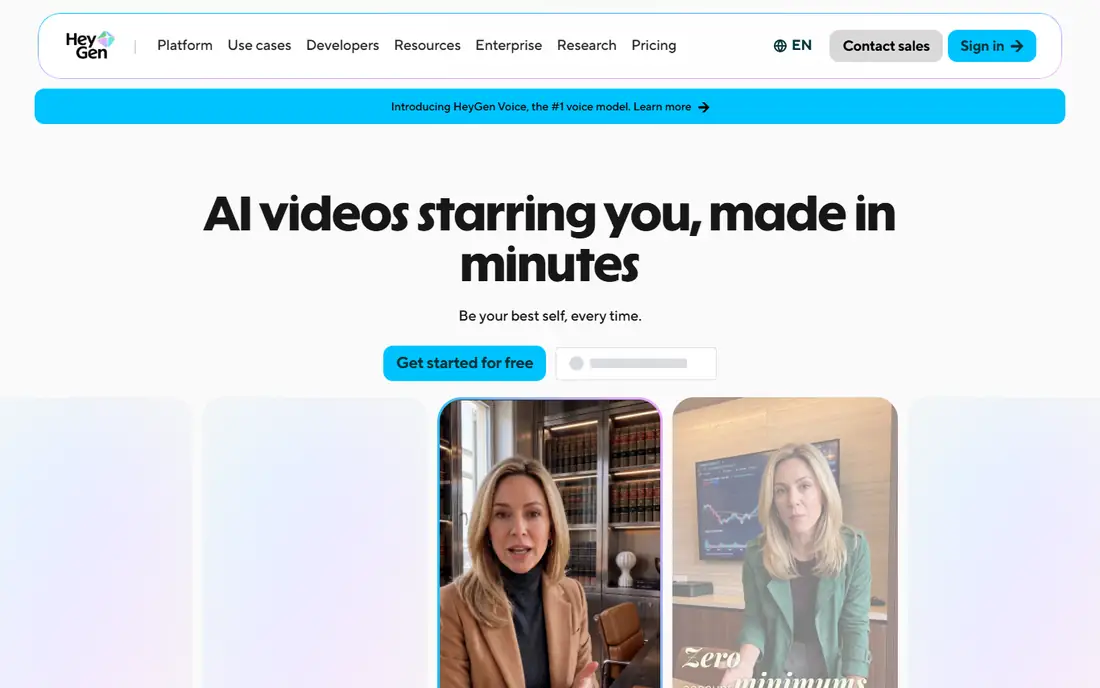
HeyGen is Synthesia's closest rival for avatar video, with a reputation for the most realistic avatars in the category. Its Avatar IV and newer Avatar V models keep a presenter's look, movement and expression consistent across angles, and its translation feature preserves tone and lip sync across 175 plus languages. A text-based editor makes it approachable for marketers and trainers.
The free plan covers three videos per month up to one minute each, with a watermark. Creator costs $29 per month ($24 billed annually) for 600 credits, 1080p export, watermark removal and voice cloning, while Pro starts at $49 per month with 4K export. Budget by credits, not by video count: avatar video runs roughly 20 credits per minute at production quality, so Creator's allowance translates to far less finished video than a casual reading suggests.
What we like- Very lifelike avatars with strong lip sync
- Video translation across 175 plus languages
- Voice cloning on paid plans
Watch out for- Credit math means Creator's 600 credits cover far fewer finished minutes than the headline suggests
- Top-ups cannot be bought mid-month on Creator
Starting priceSee website
Free planYes
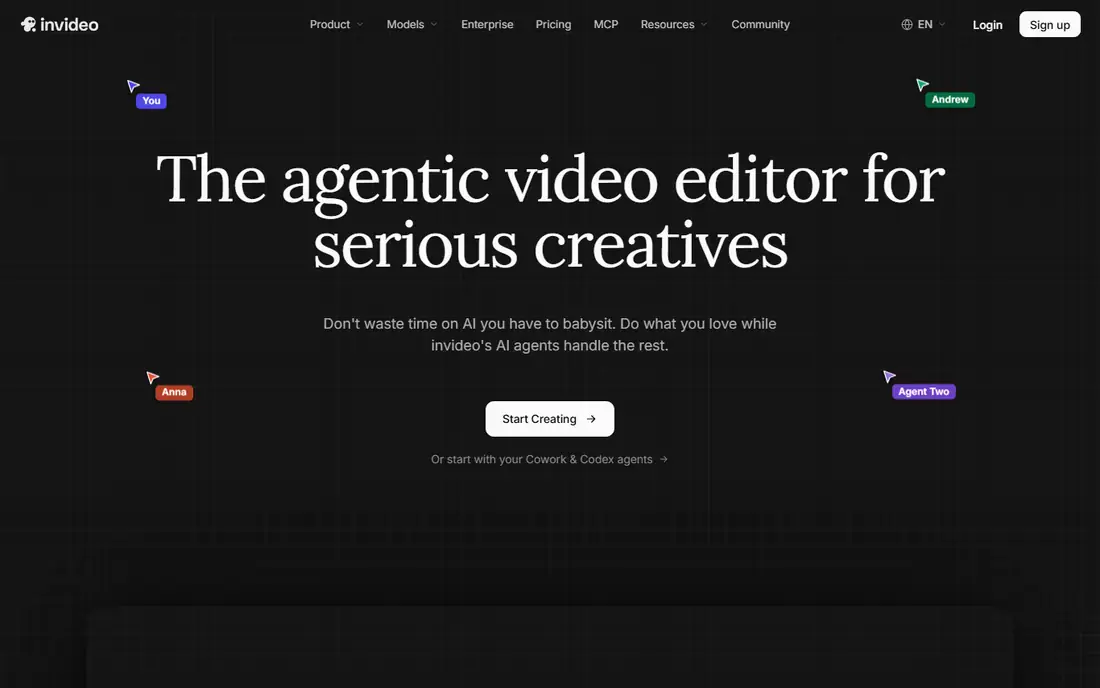
InVideo AI takes the aggregator route: instead of one house model, its agents route each scene to whichever model fits, including Veo, Kling and Seedance, then assemble the result in a timeline editor with voiceover, subtitles and music. For creators who want a finished social video from a single prompt rather than a raw clip to edit elsewhere, that workflow saves real time.
Pricing is the reason for caution. InVideo restructured its plans during 2026 from minutes-based tiers to per-seat credit plans, and published figures from different months disagree, with entry prices quoted anywhere from $20 to $60 per month depending on the source and date. Its own homepage now shows Starter, Plus and Max tiers with 400, 2,000 and 5,000 monthly credits per seat. Check the live pricing page and the credit cost shown before each generation, and treat the free tier's limited weekly quota and watermark as evaluation only.
What we like- Bundles many leading video models under one subscription
- Agent workflow plans a full video from a prompt
- Timeline editor for finishing work
Watch out for- Pricing structure changed during 2026 and published figures conflict
- Credit costs vary by model and can change without notice
- Credits do not roll over
How we chose
We picked services that exist today, accept text prompts online, and produce finished video a creator can actually publish. Prices and credit allowances were checked against vendor pricing pages and recent pricing guides in October 2026, and every homepage in this list was opened to confirm it loads and belongs to the product named. OpenAI's Sora is left out because its consumer access ended during 2026. We weighed output quality, motion consistency, clip length, commercial rights, watermark rules, and the true cost per finished clip after retries.
What to check before you pay
Start with the license, not the price. Several tools here watermark free and cheap-plan output or block commercial use entirely, which makes a low monthly fee useless for client work. Confirm watermark removal and commercial rights on the exact plan being bought, and check whether the tool trains on uploaded content, since some free tiers reserve that right.
Next, price the finished clip, not the plan. On credit-based tools, a ten-second clip can cost 40 to 120 credits, and three attempts per keeper is normal. Multiply the credit cost by the number of clips planned per month, then compare plans on that total. Finally, check clip limits that matter for the format: maximum length, resolution, frame rate and whether audio is generated natively or added afterwards. A tool that makes beautiful silent five-second clips is the wrong buy for a creator who needs thirty-second narrated videos.
Frequently asked questions
What is the best AI text to video service for beginners?
Pika is the easiest starting point thanks to its simple interface and low $10 per month Standard plan, while Luma Dream Machine is the friendliest route to cinematic-looking clips. Both have free tiers for testing. Creators who need publishable, watermark-free, commercial output should compare the Pro tiers, not the free ones.
How much does AI video generation cost per finished clip?
It varies widely by model and resolution. A ten-second 1080p clip costs roughly 40 to 120 credits depending on the tool, and most creators need two to four attempts per keeper. On a $10 to $15 per month plan, that works out to a handful of finished clips per month. Budget for retries before choosing a tier.
Can I use free AI video tools for commercial work?
Sometimes, but check each tool's terms. Runway and Luma allow commercial use on paid plans, while Pika blocks commercial use on its free and Standard plans and Kling blocks it on free accounts. Synthesia's free plan does not allow downloads at all. When in doubt, pay for the tier that explicitly includes commercial rights.
Which AI video generator makes the most realistic videos?
Kling and Luma Dream Machine lead for realistic motion and cinematic footage, with Runway close behind for directed, edited shots. Hailuo is a strong value alternative with good prompt accuracy. Realism still breaks down on complex scenes with many moving subjects, so test the exact type of shot needed before committing.
Do AI video tools generate audio too?
Some do. Runway's Gen-4.5 and Kling's newer models generate native audio with clips, and Hailuo H3 adds stereo sound. Others generate silent footage that needs a voiceover or music track added in an editor. Synthesia and HeyGen are built around spoken scripts, so audio is central to their output.
What happened to OpenAI's Sora?
Sora's consumer access ended during 2026, so it is not included in this list. Creators who want similar quality should look at Runway, Kling, Veo through Google's tools, or multi-model services like InVideo AI that bundle several frontier models.
Sources we checked (8)
- https://runwayml.com/pricing
- https://pika.art/pricing
- https://lumalabs.ai/pricing
- https://kling.ai/pricing
- https://hailuoai.video/pricing
- https://www.synthesia.io/pricing
- https://www.heygen.com/pricing
- https://invideo.io/pricing
Is your product missing or out of date?
We review this list regularly. Vendors can request a listing, send updated pricing or ask about featured placement.

Shihab Mia · Founder, Rankite
Shihab has 5+ years in B2B and SaaS SEO. He writes Rankite's software buying guides from pricing pages, documentation and public user reviews. More about Shihab.