How we make this list: we compare pricing pages, product documentation and public user reviews. Ratings come from G2, Capterra or Trustpilot, with the date we checked them.
Confluence vs SharePoint at a Glance
Confluence is the top pick for teams that want a structured wiki with deep permissions and Jira integration, while SharePoint is the top pick for Microsoft 365 teams that want an intranet, document libraries and team sites in one place. Confluence organises knowledge in spaces and page trees. SharePoint organises files, pages and sites across a Microsoft tenant. Confluence costs more per user at the entry tier, so the choice comes down to wiki structure against Microsoft integration.
Key takeaways:
- Confluence Standard costs 7.15 dollars per user per month, against 5 dollars for SharePoint Plan 1.
- Confluence is free for up to 10 users, while SharePoint has no free plan.
- Confluence wins on wiki structure, page history and Jira integration.
- SharePoint wins on document libraries, Microsoft 365 apps and intranet sites.
- Notion is the best alternative for flexible workspaces, and Google Docs is the best free pick for shared drafts.
Which is better for team documentation, Confluence or SharePoint?
Confluence and SharePoint both hold team documentation, but they start from different jobs. Confluence is a wiki first. Spaces hold pages in a clear tree, permissions control who sees what, and version history keeps every change. It fits product docs, handbooks and knowledge bases that need structure, and it works well with Jira for teams that already use Atlassian tools. SharePoint is a collaboration platform first. Team sites hold document libraries, lists and pages, and it comes with Microsoft 365, so Word, Excel, Teams and OneDrive sit in the same tenant. It fits intranets, file sharing and department sites that need Microsoft apps. Choose Confluence if your team writes docs that many people read, if page history and permissions matter, or if your team already runs Jira. Choose SharePoint if your team lives in Microsoft 365, if document libraries and file sharing matter more than wiki pages, or if you need an intranet with news and department sites.
How much do Confluence and SharePoint cost?
SharePoint costs less per user than Confluence at the entry tier, with one important warning. SharePoint Online Plan 1 costs 5 dollars per user per month, and Plan 2 costs 10 dollars, adding eDiscovery, compliance features and unlimited personal storage. Microsoft announced in January 2026 that the standalone plans are retiring, with no new customers after 31 May 2026, no renewals after January 2027, and full end of service in December 2029. New buyers get SharePoint inside Microsoft 365, starting with Business Basic at 7 dollars per user per month, which adds Teams, Exchange and the web Office apps. Confluence is free for up to 10 users with 2 GB of file storage. Standard costs 7.15 dollars per user per month on monthly billing for the first 100 users, after a price change on 13 October 2026, and Premium costs 14.10 dollars, adding analytics, unlimited storage and 24/7 support. Over three years, a 25-person team pays 6,435 dollars for Confluence Standard, 4,500 dollars for SharePoint Plan 1 where it still applies, and 6,300 dollars for Microsoft 365 Business Basic, which is the route new SharePoint buyers take.
For Microsoft 365 teams, SharePoint is the stronger default. It comes with the tenant, so document libraries, team sites, OneDrive and Teams share the same login, permissions and search, and files open in Word and Excel without a download. A team that already pays for Microsoft 365 gets SharePoint at no extra cost, which makes it hard to beat on price. Confluence is the stronger pick when the main job is a wiki rather than file sharing. Page trees, labels, templates and version history give docs a shape that SharePoint pages do not match, Notion suits teams that want one workspace for notes, wikis and databases, while Coda suits teams that want docs with tables and automations. Guru fits teams that need verified answers inside Slack, and Document360 fits teams that publish a customer help centre. GitBook fits teams that publish public docs with Git sync, and Google Docs is the best free option for shared drafts.
Confluence vs SharePoint Compared Side by Side
The table below puts the eight tools side by side on starting price, free plan and best use, so you can shortlist in a minute.
| Tool | Starting price | Free plan | Best for |
| Confluence | Free up to 10 users | Yes, free for up to 10 users | Structured team wikis |
| SharePoint | $5 per user per month (Plan 1, retiring) | No free plan | Microsoft 365 intranets and file sharing |
| Notion | $10 per user per month billed annually | Yes, free for one person | Notes plus databases and wikis |
| Coda | $12 per user per month billed annually | Yes, free for small teams | Docs with tables and automations |
| Guru | Quote, last published $25 per seat per month | No free plan, 30-day trial | Verified answers inside Slack and Teams |
| Document360 | Quote | No free plan | Customer help centres and knowledge bases |
| GitBook | Free for one user | Yes, free for one user | Public docs with Git sync |
| Google Docs | Free | Yes, free with a Google account | Shared drafts and live collaboration |
Quick comparison
| Tool | Best for | Starting price | Free plan |
|---|
 Confluence | Team wikis, documentation and structured knowledge bases | Free up to 10 users, Standard from $7.15 per user per month | Yes, free for up to 10 users with 2 GB of file storage |
 SharePoint | Microsoft 365 intranets, document libraries and team sites | $5 per user per month (Plan 1, retiring for new customers) | No free plan |
 Notion | Notes plus databases, wikis and team workspaces | $10 per user per month billed annually (Plus plan) | Yes, free for one person with unlimited pages and blocks |
 Coda | Docs with tables, buttons and automations for teams | $12 per user per month billed annually (Pro plan) | Yes, free for small teams with limited doc size |
 Guru | Verified answers inside Slack, Teams and the browser | Quote, last published $25 per seat per month billed annually | No free plan, 30-day free trial on the self-serve plan |
 Document360 | Customer help centres and public knowledge bases | Quote | No free plan |
 GitBook | Public docs and API documentation with Git sync | Free for one user, Essential from $65 per site per month plus $12 per user per month | Yes, free for one user with Git sync and API docs |
 Google Docs | Shared drafts, live collaboration and free writing in the browser | Free, Google Workspace from $7 per user per month (Starter plan) | Yes, free with a Google account |
Is your product missing or out of date?
We review this list regularly. Vendors can request a listing, send updated pricing or ask about featured placement.
The eight tools below cover structured wikis, Microsoft intranets, flexible workspaces and public docs. Prices were checked 18 November 2026.
#1Confluence
Best for: Team wikis, documentation and structured knowledge bases4.1/5 on
G2 (4,368 reviews, checked Oct 2026)
Visit atlassian.com
Starting priceFree up to 10 users, Standard from $7.15 per user per month
Free planYes, free for up to 10 users with 2 GB of file storage
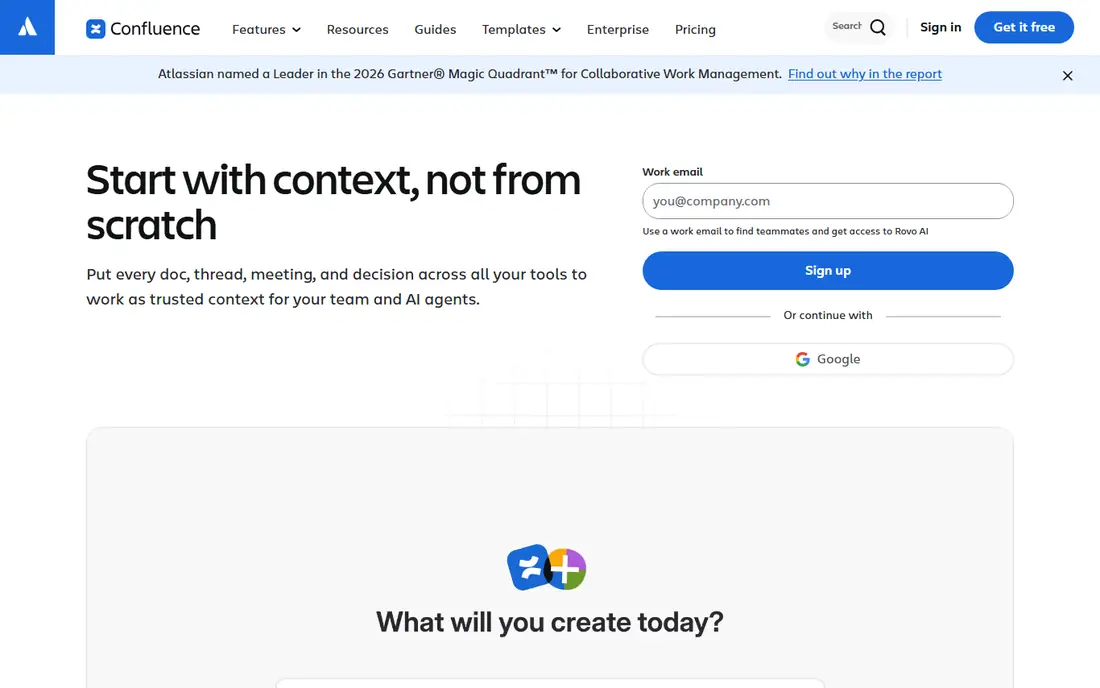
Confluence is Atlassian's team wiki, built for documentation that many people read and few people write. Spaces hold pages in a clear tree, permissions control who sees what, and version history keeps every change. It fits product docs, handbooks and knowledge bases that need structure, and it works well with Jira for teams that already use Atlassian tools. The free plan covers up to 10 users with 2 GB of file storage. Standard costs 7.15 dollars per user per month on monthly billing for the first 100 users, after a price change on 13 October 2026, and Premium costs 14.10 dollars, adding analytics, unlimited storage and 24/7 support. The trade-offs are cost and weight. Per-user pricing adds up fast for large teams, and the interface can feel heavy for a simple shared document.
What we like- Structured spaces and pages, deep permissions, strong Jira integration, page version history
Watch out for- Per-user pricing adds up fast for large teams, and the interface can feel heavy for simple docs
#2SharePoint
Best for: Microsoft 365 intranets, document libraries and team sites4.0/5 on
G2 (8,516 reviews, checked Oct 2026)
Visit microsoft.com
Starting price$5 per user per month (Plan 1, retiring for new customers)
Free planNo free plan
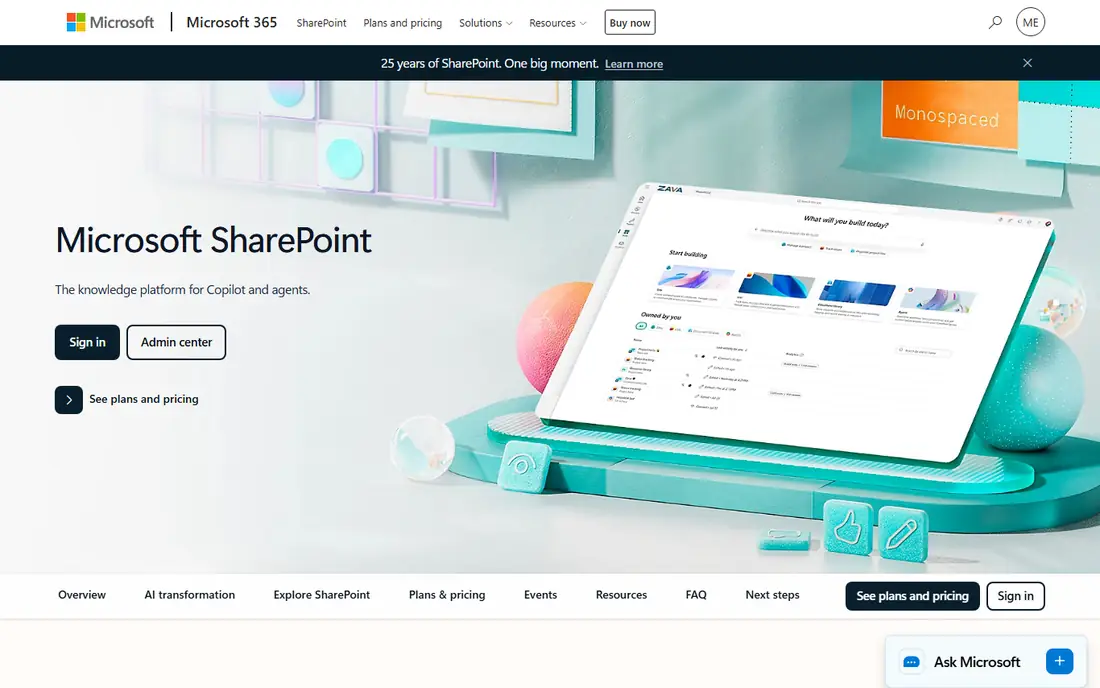
SharePoint is Microsoft's collaboration platform, and it comes with most Microsoft 365 plans. Team sites hold document libraries, lists and pages, and the same tenant gives you Word, Excel, Teams and OneDrive, so files open in the apps your team already uses. Plan 1 costs 5 dollars per user per month, and Plan 2 costs 10 dollars, adding eDiscovery, compliance features and unlimited personal storage. Microsoft announced in January 2026 that the standalone plans are retiring, with no new customers after 31 May 2026 and full end of service in December 2029, so new buyers take Microsoft 365 Business Basic at 7 dollars per user per month, which includes SharePoint, Teams and Exchange. The trade-offs are the retirement and the setup effort. The standalone price is a legacy figure, and a SharePoint intranet takes admin effort to shape well.
What we like- Deep Microsoft 365 integration, document libraries, team sites, strong search, 1 TB OneDrive per user
Watch out for- Standalone plans are retiring, and the interface takes admin effort to set up well
#3Notion
Best for: Notes plus databases, wikis and team workspaces4.6/5 on
G2 (13,834 reviews, checked Oct 2026)
Visit notion.com
Starting price$10 per user per month billed annually (Plus plan)
Free planYes, free for one person with unlimited pages and blocks
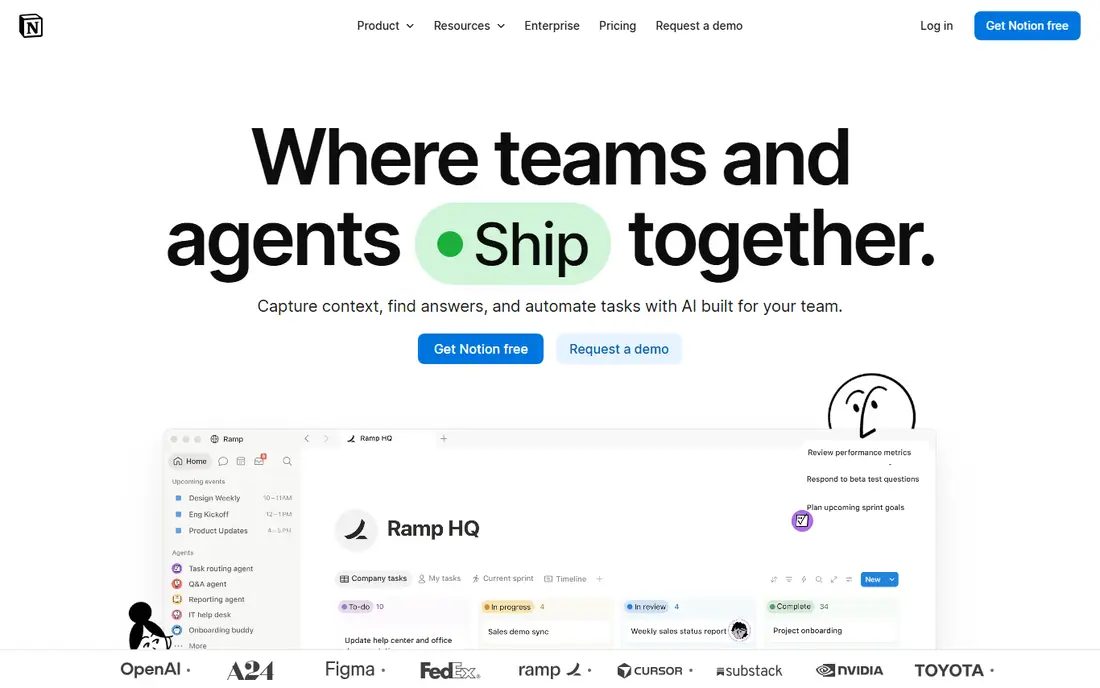
Notion is the most flexible tool in this list. A page can hold text, tables, boards, calendars and databases, so one workspace can replace a notes app, a wiki and a simple tracker. The free plan covers one person with unlimited pages and blocks, which is enough for most personal use. Plus costs 10 dollars per user per month billed annually, and Business costs 20 dollars. The trade-off is that Notion is a cloud app first. Offline access is limited, and a big workspace with many linked databases can load slowly. It is also weaker than Confluence for pure wiki work, since there is no built-in verification that flags stale docs, so a team must review pages by hand.
What we like- Databases, templates and wikis in one workspace, strong sharing, huge template library
Watch out for- Needs an internet connection for the best experience, and large workspaces can feel slow
#4
Coda
Best for: Docs with tables, buttons and automations for teams
Visit coda.io
Starting price$12 per user per month billed annually (Pro plan)
Free planYes, free for small teams with limited doc size
Coda turns a doc into a small app. Tables act like a light database, buttons trigger actions, and automations send reminders or update rows without anyone touching the doc. Packs connect Coda to tools such as Slack, Jira and GitHub, so a doc can pull live data instead of holding a stale copy. The free plan covers small teams with limited doc size. Pro costs 12 dollars per user per month billed annually, and Business costs 33 dollars. The trade-offs are price and learning time. Pro costs more per user than Confluence Standard or SharePoint Plan 1, and the formula and automation features take longer to learn than a plain wiki.
What we like- Tables, buttons and automations inside docs, strong formulas, good templates, packs for other tools
Watch out for- Costs more per user than Confluence or SharePoint at the entry tier, and the learning curve is steeper than a plain wiki
#5Guru
Best for: Verified answers inside Slack, Teams and the browser4.7/5 on
G2 (2,345 reviews, checked Oct 2026)
Visit getguru.com
Starting priceQuote, last published $25 per seat per month billed annually
Free planNo free plan, 30-day free trial on the self-serve plan
Guru is a knowledge platform that brings verified answers to where people already work. Cards hold short, trusted answers, and the browser extension and Slack integration surface them inside chat, email and CRM tools, so staff do not open a wiki to find a fact. Verification workflows ask owners to confirm cards on a schedule, which keeps answers current. The pricing page no longer publishes a price as of October 2026, so the number comes from a sales call. The last published price was 25 dollars per seat per month billed annually, or 30 dollars monthly, with a 10-seat minimum, so the real floor was 250 dollars a month. The trade-offs are price opacity and the seat model. Every reader needs a paid seat, so the bill scales with the whole company rather than a handful of authors.
What we like- AI search across tools, verification workflows, browser extension, strong Slack and Teams integration
Watch out for- No published price since October 2026, and every reader needs a paid seat, so costs scale with headcount
#6Document360
Best for: Customer help centres and public knowledge bases4.7/5 on
G2 (543 reviews, checked Oct 2026)
Visit document360.com
Starting priceQuote
Free planNo free plan
Document360 is a knowledge base platform built for customer-facing help as well as internal docs. It supports public portals with custom domains, private knowledge bases for staff, and analytics that show which articles get read and which searches return nothing. Versioning keeps a history of every article, and the AI assistant Eddy helps write and search docs. Pricing moved to quote-based in August 2024, and the free plan was retired, so the number comes from a sales conversation based on team size, workspaces, languages and AI usage. The trade-off is the lack of a public price. A small team cannot budget Document360 from the pricing page, and the sales-led model fits larger teams better than a five-person startup.
What we like- Public and private knowledge bases, strong search and analytics, versioning, AI assistant Eddy
Watch out for- Quote-only pricing since August 2024, so a small team cannot budget it from the pricing page
#7GitBook
Best for: Public docs and API documentation with Git sync4.7/5 on
G2 (207 reviews, checked Oct 2026)
Visit gitbook.com
Starting priceFree for one user, Essential from $65 per site per month plus $12 per user per month
Free planYes, free for one user with Git sync and API docs
GitBook is a docs platform for teams that publish documentation. The editor is clean, Git sync connects docs to GitHub or GitLab in both directions, and preview deployments let a team review a doc before it goes live. The free plan covers one user with Git sync, API docs and preview deployments. Essential costs 65 dollars per site per month plus 12 dollars per user per month billed annually, or 79 dollars plus 15 dollars monthly, adding team collaboration, a custom domain, analytics and AI search. Ultimate costs 249 dollars per site per month plus 12 dollars per user, adding the AI assistant, GitBook Agent and authenticated access. The trade-off is the pricing model. The per-site fee plus the per-user fee means a small team pays more than the headline site price, and every member costs the same 12 dollars.
What we like- Clean editor, two-way GitHub and GitLab sync, custom domains, AI search, preview deployments
Watch out for- Per-site plus per-user pricing adds up fast, and every member costs 12 dollars a month on paid plans
#8Google Docs
Best for: Shared drafts, live collaboration and free writing in the browser4.6/5 on
G2 (114 reviews, checked Oct 2026)
Visit docs.google.com
Starting priceFree, Google Workspace from $7 per user per month (Starter plan)
Free planYes, free with a Google account
Google Docs is the simplest tool in this list, and that is its strength. It is free with a Google account, it opens in any browser, and several people can edit the same document at once with comments and suggestions. For short notes, meeting minutes and shared drafts, it is faster to open than any dedicated app. Google Workspace adds business features, with Starter at 7 dollars per user per month, Standard at 14 dollars and Plus at 22 dollars. The trade-offs are formatting and offline depth. Long reports with complex styles and tables of contents are harder than in Word, and offline use works through the browser extension, but the full feature set needs a connection.
What we like- Free, real-time collaboration, comments and suggestions, strong search, works in any browser
Watch out for- Formatting is weaker than Word for long reports, and it needs a connection for the full feature set
Frequently asked questions
Is SharePoint still available to buy?
Yes, but only inside Microsoft 365 for new customers. Microsoft announced in January 2026 that the standalone SharePoint Online Plan 1 and Plan 2 are retiring, with no new customers after 31 May 2026, no renewals after January 2027, and full end of service in December 2029. New buyers get SharePoint inside Microsoft 365, starting with Business Basic at 7 dollars per user per month, which adds Teams, Exchange and the web Office apps.
Can I use Confluence and SharePoint together?
Yes, many teams use both, with Confluence for the wiki and SharePoint for files and intranet sites. Keep product docs, handbooks and decisions in Confluence, where page trees and version history shine, and keep document libraries, contracts and department sites in SharePoint, where Microsoft 365 apps and OneDrive live.
Does Confluence work with Jira?
Yes, Confluence and Jira are built to work together, since both come from Atlassian. A Confluence page can show live Jira issues, link to a project, and display a roadmap, while a Jira ticket can link back to the doc that explains the decision. The integration is the main reason Atlassian teams pick Confluence over SharePoint for their wiki, since SharePoint has no native Jira link and connects through third-party tools instead.
Which is better for a small team, Confluence or SharePoint?
A small team with ten people or fewer should start with Confluence, since the free plan covers the whole team and the structure scales as the wiki grows. A small team that already pays for Microsoft 365 should use SharePoint, since it comes with the tenant at no extra cost, and the document libraries and Teams integration cover most of the same ground.
Should I pay for Confluence Premium?
Pay for Premium if your team needs analytics, unlimited storage and 24/7 support. Premium costs 14.10 dollars per user per month, against 7.15 dollars for Standard, and adds page analytics, unlimited file storage, and round-the-clock support. Stay on Standard if your team mainly reads and writes docs, since Standard already includes spaces, permissions and version history, and the free plan covers teams of up to ten people.
Sources we checked (8)
- https://www.atlassian.com/software/confluence
- https://www.microsoft.com/en-us/microsoft-365/sharepoint/collaboration
- https://www.notion.com
- https://coda.io
- https://www.getguru.com
- https://document360.com
- https://www.gitbook.com
- https://docs.google.com
Is your product missing or out of date?
We review this list regularly. Vendors can request a listing, send updated pricing or ask about featured placement.

Shihab Mia · Founder, Rankite
Shihab has 5+ years in B2B and SaaS SEO. He writes Rankite's software buying guides from pricing pages, documentation and public user reviews. More about Shihab.