How we make this list: we compare pricing pages, product documentation and public user reviews. Ratings come from G2, Capterra or Trustpilot, with the date we checked them.
Key takeaways
- Most enterprise intranet vendors price by quote, so divide any quote by licensed headcount to compare fairly.
- Frontline reach is the deciding factor for deskless workforces: check mobile apps, offline access, and non email login options.
- Search quality matters more than page count, because employees abandon an intranet they cannot search.
- Microsoft SharePoint suits companies already on Microsoft 365, while Google Workspace shops should look at Happeo and LumApps.
- Governance, not launch, determines long term value: assign owners, review dates, and archive rules for every section.
Quick comparison
| Tool | Best for | Starting price | Free plan |
|---|
 Simpplr Simpplr | Personalized intranets with measurable communications | See website | No |
 Workvivo Workvivo | Culture led intranets for distributed teams | See website | No |
 Staffbase Staffbase | Large employers reaching frontline workers | See website | No |
 LumApps LumApps | Google Workspace companies needing an intranet | See website | No |
 Unily Unily | Enterprise intranets with broad integrations | See website | No |
 Microsoft SharePoint Microsoft SharePoint | Companies already using Microsoft 365 | $5 per user per month | No |
 Happeo Happeo | Google Workspace intranets with channels | See website | No |
 Blink Blink | Mobile first intranets for deskless teams | $3.75 per user per month | No |
Is your product missing or out of date?
We review this list regularly. Vendors can request a listing, send updated pricing or ask about featured placement.
The best company intranets
#1Simpplr
Best for: Personalized intranets with measurable communications4.6/5 on
G2 (377 reviews, checked Oct 2026)
Visit simpplr.com
Starting priceSee website
Free planNo
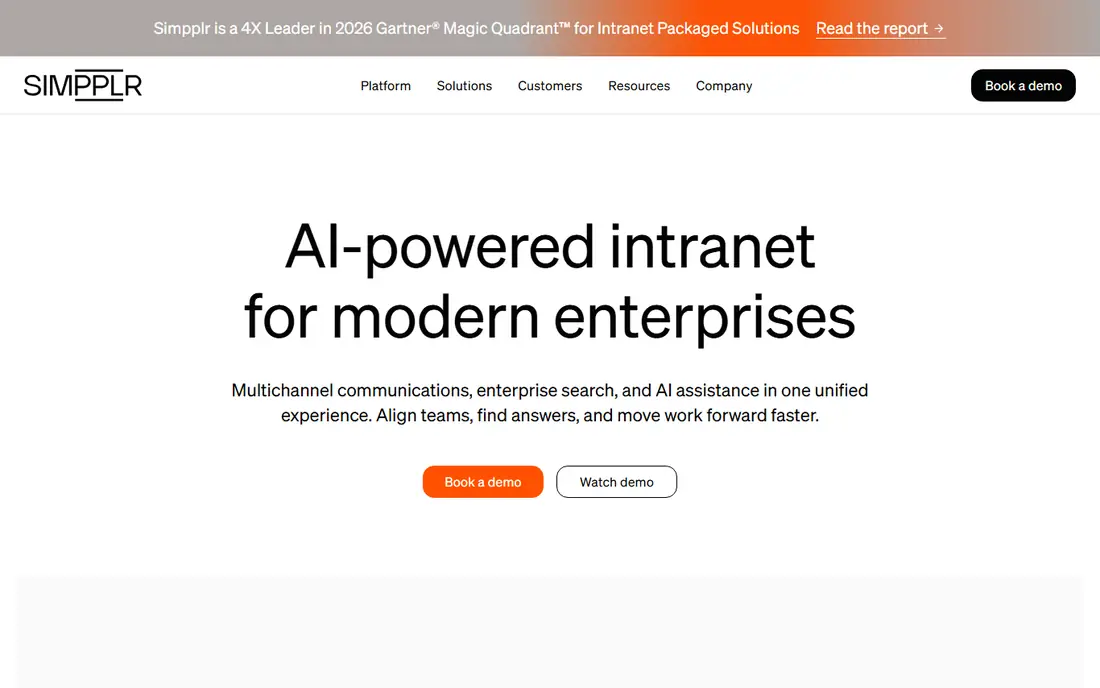
Simpplr treats the intranet as a communications platform, not just a document store. News, announcements, and pages are personalized by role, location, and interests, and analytics show which messages were read, which were ignored, and how sentiment trends over time. For a communications team that must prove that a policy update actually reached staff, that measurement is a real advantage over a static site.
The trade offs are pricing and structure. Simpplr prices by quote and volume, so small teams cannot estimate cost from the website, and the platform organizes content differently from a traditional folder intranet, which can frustrate admins who expect a file tree. Mobile publishing is also limited for admins. If your goal is a measurable, personalized intranet for a mid size to large company, Simpplr is a leading choice.
What we like- AI powered search and personalization
- Analytics on readership and sentiment
- Strong intranet and comms combination
Watch out for- Quote only pricing
- No browsable folder structure in the classic sense
- Mobile publishing is limited for admins
#2Workvivo
Best for: Culture led intranets for distributed teams4.8/5 on
G2 (2,712 reviews, checked Oct 2026)
Visit workvivo.com
Starting priceSee website
Free planNo
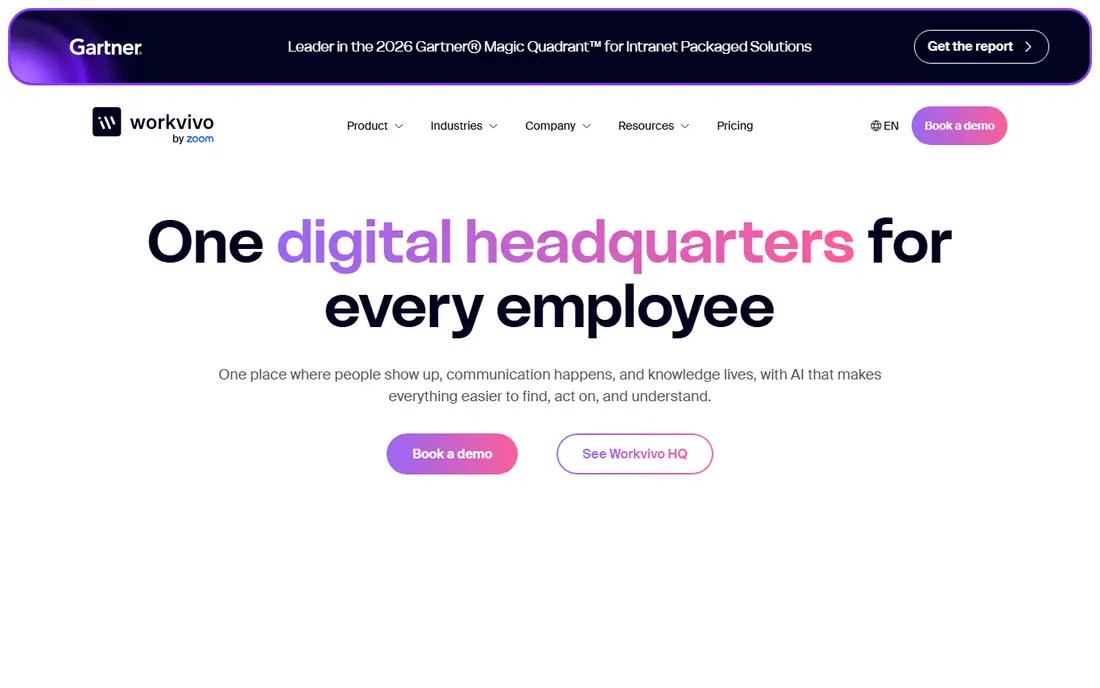
Workvivo, now part of Zoom, builds the intranet around a social feed that feels familiar to employees. Company news, shout outs, podcasts, livestreams, and community spaces sit in one place, which helps distributed teams feel connected when they rarely meet in person. The interface is easy to learn, and adoption is often faster than with a traditional portal, because employees already understand a feed.
Culture features are the strength, and also the limit. Chat is an add on, so a company that wants messaging included should price that separately. Analytics and measurement are present but less deep than Simpplr for communications teams that need detailed readership proof. If your main problem is connection and culture across a distributed workforce, Workvivo is a strong fit.
What we like- Social feed, podcasts, and livestreams
- Familiar social style interface
- Strong for distributed and hybrid teams
Watch out for- Quote only pricing
- Chat costs extra
- Engagement measurement is less deep than some rivals
#3Staffbase
Best for: Large employers reaching frontline workers4.6/5 on
G2 (249 reviews, checked Oct 2026)
Visit staffbase.com
Starting priceSee website
Free planNo
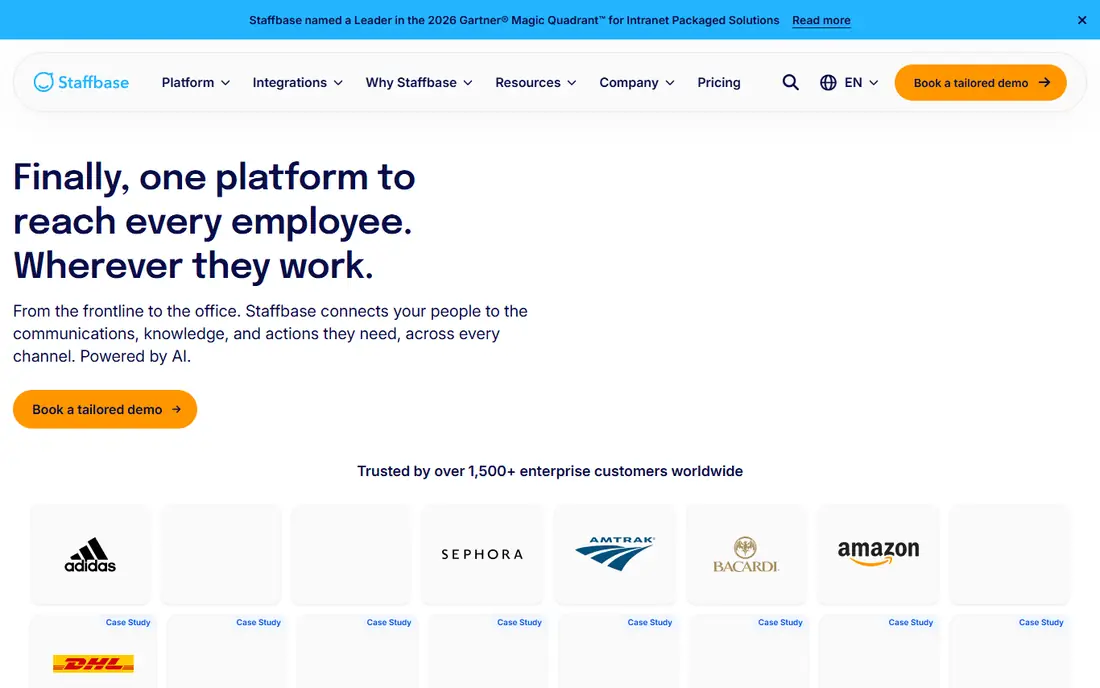
Staffbase is built for the hardest intranet audience: employees who have no company email, no desk, and limited time. Frontline workers get a branded mobile app, can log in without a corporate email address, and receive targeted news, shifts information, and policy updates on their own phones. Separate frontline pricing also helps large employers, because they do not pay a full knowledge worker license for every deskless employee.
Enterprise scope brings enterprise timelines. Rollout commonly takes months, with planning for audience data, permissions, and integrations, and admins publish mainly from desktop. Small companies that need a live intranet in weeks will find Staffbase heavy. For a large employer with factories, stores, hospitals, or field teams, Staffbase is one of the best frontline options available.
What we like- Dedicated frontline pricing
- White labeled mobile app
- No company email required for frontline staff
Watch out for- Quote only pricing
- Enterprise rollout commonly takes months
- Desktop publishing for admins
#4LumApps
Best for: Google Workspace companies needing an intranet4.4/5 on
G2 (165 reviews, checked Oct 2026)
Visit lumapps.com
Starting priceSee website
Free planNo
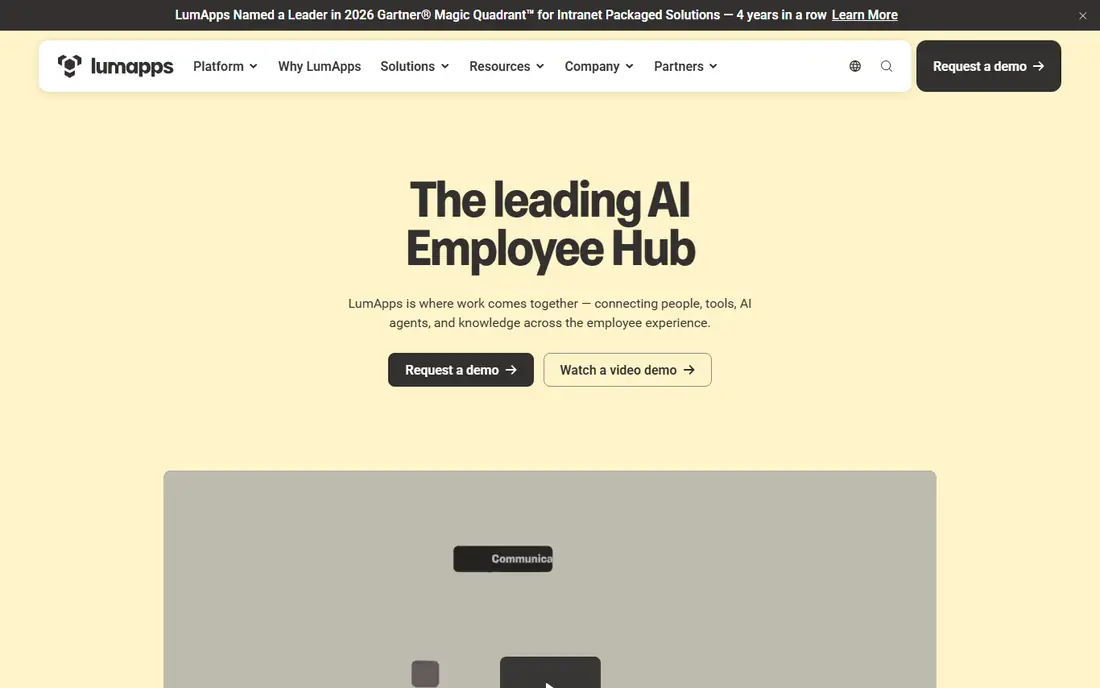
LumApps builds an intranet that sits naturally on Google Workspace, with Drive, Calendar, and Gmail integration that reduces duplicate content. Employees can search Drive documents, find people, and follow news without leaving the intranet, which helps adoption in Google shops. The addition of the Beekeeper frontline app also gives LumApps a route to deskless workers, a gap that many Workspace intranets leave open.
Pricing is quote only, and the sales process is demo led, so you cannot compare costs without a conversation. Module choices also affect what you actually get, so confirm whether frontline access, advanced analytics, and integrations are included in your quote. For a mid size to large company on Google Workspace, LumApps is a natural shortlist pick.
What we like- Deep Google Workspace integration
- Includes Beekeeper frontline app
- Multi language and multi site support
Watch out for- No published price list
- Demo led sales process
- Feature depth varies by module
#5Unily
Best for: Enterprise intranets with broad integrations4.5/5 on
G2 (39 reviews, checked Oct 2026)
Visit unily.com
Starting priceSee website
Free planNo
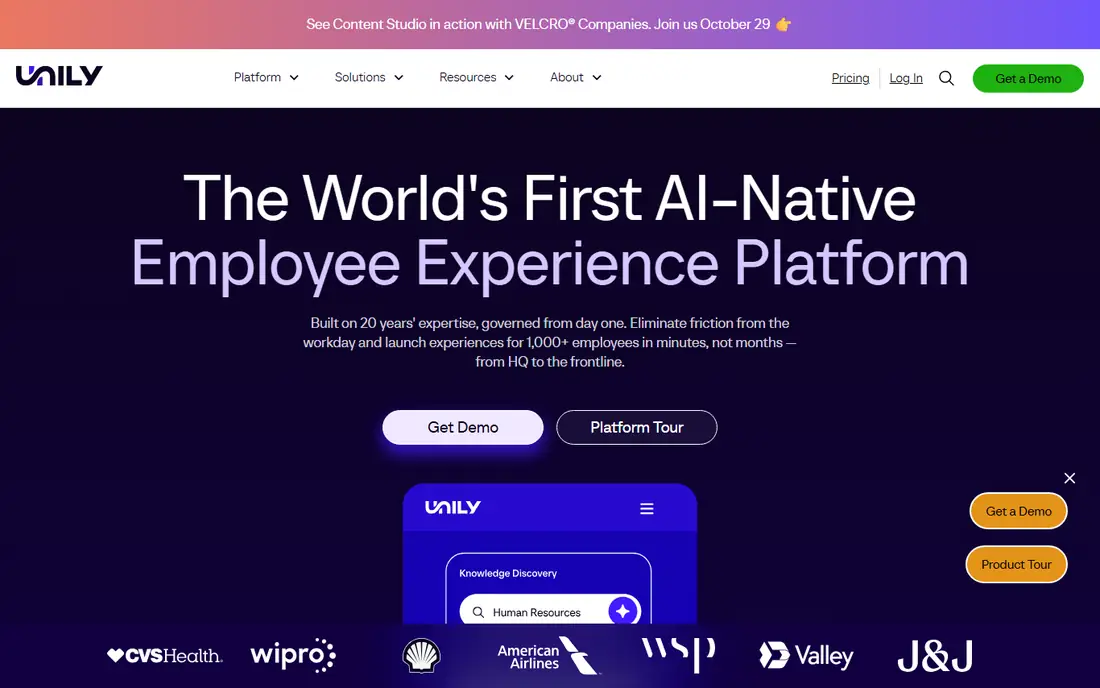
Unily suits enterprises that need an intranet to connect many systems: HR, IT service, learning, documents, and communications, across regions and brands. Permissions, approvals, and governance are enterprise grade, and integrations with Microsoft Teams and other workplace tools keep the intranet in the flow of work rather than as a separate destination. Multi language and multi site support also help global companies.
That enterprise focus is the drawback for smaller buyers. Pricing is by quote with add ons, and the platform is designed for organizations with a communications team and an implementation plan, not a team that wants a self serve setup in a week. If you run a large, complex organization and need governance and integrations above all, Unily deserves a demo.
What we like- Broad integration library, including Microsoft Teams
- Enterprise permissions and governance
- Multi brand and multi region support
Watch out for- Quote only, with add ons for some modules
- Built for larger organizations, so smaller teams may find it heavy
#6Microsoft SharePoint
Best for: Companies already using Microsoft 3654.0/5 on
G2 (8,961 reviews, checked Oct 2026)
Visit microsoft.com
Starting price$5 per user per month
Free planNo
SharePoint is the pragmatic intranet for Microsoft 365 companies, because it is already there. Sites, pages, news, and document libraries build on the files and permissions your teams already use, and the mobile intranet runs through Teams, so employees do not need another app for basic access. Starting at $5 per user per month for a standalone plan, and included in many Microsoft 365 bundles, it is also the cheapest route in this list for a company that already pays for Microsoft.
SharePoint is a platform, not a finished intranet product, so it needs design, information architecture, and governance to avoid becoming a sprawling set of sites. Premium SharePoint app features can also require additional Viva licensing, so check your bundle. If your company already lives in Microsoft 365 and you have someone to own the intranet design, SharePoint is hard to beat on value.
What we like- Included in many Microsoft 365 plans
- Builds on existing documents and permissions
- Teams integration
Watch out for- Needs design and governance work to feel like a modern intranet
- Premium app features may need extra Viva licensing
#7Happeo
Best for: Google Workspace intranets with channels4.5/5 on
G2 (155 reviews, checked Oct 2026)
Visit happeo.com
Starting priceSee website
Free planNo
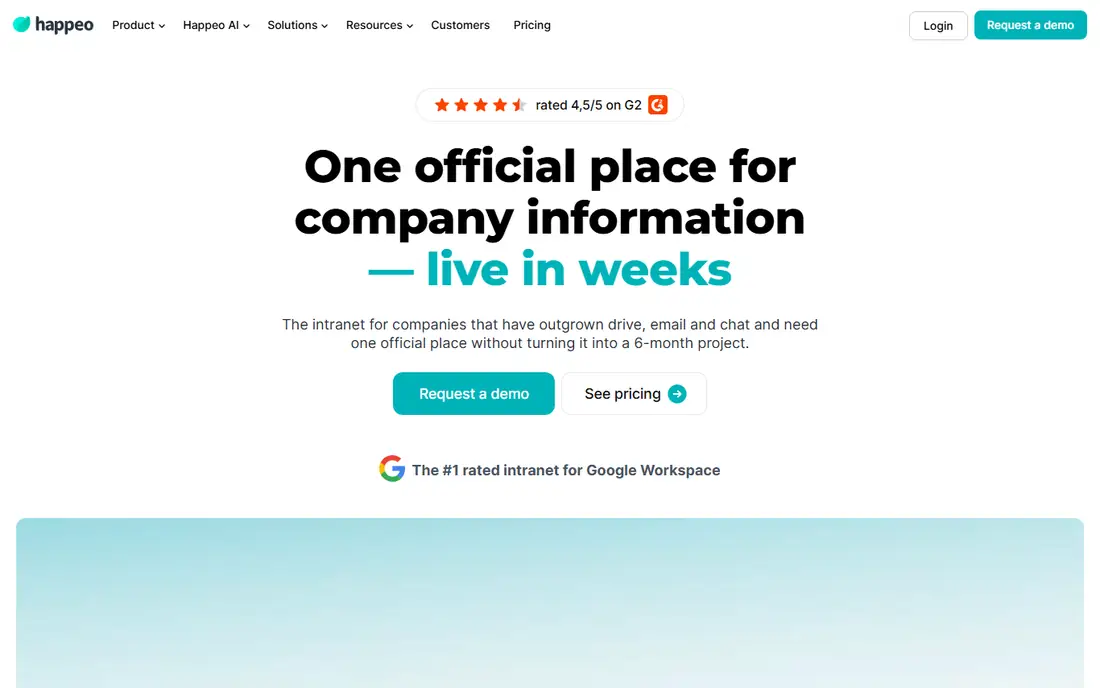
Happeo offers a Google Workspace intranet with channels, announcements, and people search, built around the way Google teams already work. Content, files, and groups connect to Drive and Gmail, so employees can find documents and colleagues without learning a new system. Setup is more straightforward than an enterprise platform, which suits mid size Google shops that want a live intranet without a long implementation.
Pricing is quoted per organization across plans, with a trial available through the site, so you will need a sales conversation for an exact figure. Very large enterprises with complex governance or multi brand needs may find LumApps or Unily deeper. For a Google Workspace company that wants a clean, channel based intranet, Happeo is a strong, focused choice.
What we like- Google Workspace native design
- Channels and announcements
- Straightforward setup for Google shops
Watch out for- Quoted per organization, so no public price
- Less enterprise depth than LumApps or Unily for very large companies
Starting price$3.75 per user per month
Free planNo
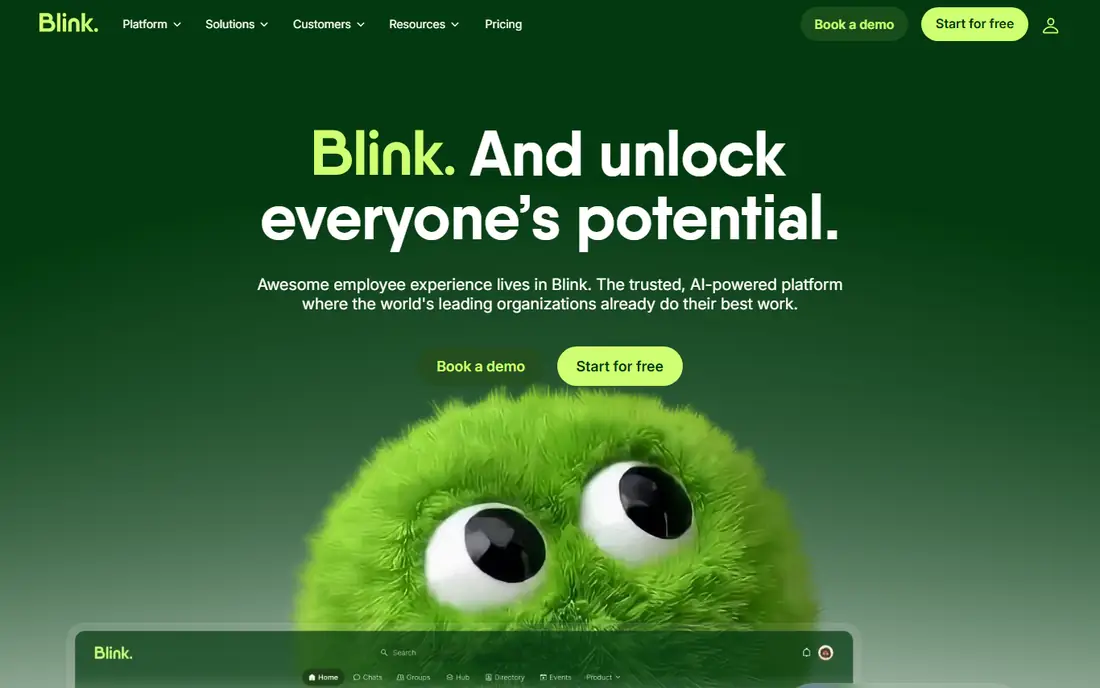
Blink is the clearest priced option in this list, with Core at $3.75 per user per month and Pro at $5.00 per user per month when billed annually. That transparency helps small and mid size teams budget without a sales process, and the mobile first app suits deskless staff who need news, documents, and forms on a phone. Blink also offers desktop and shared device access, which helps teams with shared tablets or kiosks.
The limit is depth. Blink excels at frontline communications and simple intranet needs, but it does not match Simpplr or Unily for complex intranet governance, personalization, and analytics. If your workforce is largely deskless and your goal is reliable reach plus a simple intranet, Blink offers excellent value. If you need a deep enterprise portal, look at the larger platforms above.
What we like- Published per user pricing, Core at $3.75 and Pro at $5.00 billed annually
- Mobile first app
- Simple setup
Watch out for- Less intranet depth than enterprise platforms
- Best for communications and frontline access, not complex document governance
How we chose
We compared vendor product pages, pricing transparency, mobile and frontline access, Google Workspace and Microsoft 365 integration, search and analytics, and public reviews on G2 and Capterra, alongside implementation models. We favored platforms with a clear audience fit, published or quotable pricing, and a governance model that keeps content current, and we marked pricing as See website where vendors publish no list price.
How to pick an intranet that people use
Start with audience, not features. List who must receive updates, what devices they use, whether they have a company email, and which languages they need. A platform that cannot reach your frontline staff on their phones will fail, no matter how good its desktop design looks. Next, test search with real employee questions, such as holiday policy, expense forms, and IT help, because search is where most intranets lose users.
Then plan governance before launch. Assign an owner and a review date to every section, decide what belongs on the intranet versus chat or email, and set archive rules for outdated pages. A launch with 500 pages and no owners becomes a graveyard within a year. Finally, compare quotes on the same headcount and module set, and ask about implementation, training, migration, and support costs separately.
Questions to ask every vendor
- How do frontline staff log in, and what happens without a company email.
- How does search handle documents, people, and news in one place.
- What analytics show readership by audience, not just page views.
- What is included in the quote, and what is an add on.
- How do we migrate existing content, and who owns that work.
Frequently asked questions
What is a company intranet?
A company intranet is a private internal website where employees find news, policies, documents, people, and tools in one place. Modern intranets add mobile apps, search, personalization, and analytics, so they function as both a communications channel and a workplace hub.
Do I need an intranet if I already use Teams or Slack?
Chat tools handle conversation, but they are poor at storing durable information such as policies, handbooks, and procedures. An intranet gives those documents a stable home, a search index, and an owner, while chat remains the place for day to day discussion.
How much does a company intranet cost?
Enterprise intranets are mostly quote based and depend on licensed headcount, modules, and implementation, so totals vary widely. Published per user options in this list start at $3.75 per user per month for Blink and $5 per user per month for SharePoint, while other vendors require a quote for a comparable figure.
How do intranets reach frontline workers?
Frontline intranets use mobile apps, personal device login without a company email, push notifications, and offline access for selected pages. Staffbase, Blink, and LumApps with Beekeeper all offer frontline routes, so check login method and device support before you buy.
How long does it take to launch an intranet?
Simple intranets can launch in weeks, while enterprise platforms commonly take three to four months including planning, migration, and training. Content migration and governance planning, not software installation, usually drive the timeline.
Should I choose SharePoint or a dedicated intranet platform?
Choose SharePoint if you are already on Microsoft 365, have someone to own design and governance, and want low cost. Choose a dedicated platform such as Simpplr, Workvivo, or Staffbase if you need personalization, frontline reach, or communications analytics that SharePoint does not provide out of the box.
Sources we checked (9)
- https://www.simpplr.com
- https://www.workvivo.com
- https://www.staffbase.com
- https://www.lumapps.com
- https://www.unily.com
- https://www.microsoft.com/microsoft-365/sharepoint
- https://www.happeo.com
- https://joinblink.com
- https://connecteam.com/best-company-intranet-apps/
Is your product missing or out of date?
We review this list regularly. Vendors can request a listing, send updated pricing or ask about featured placement.

Shihab Mia · Founder, Rankite
Shihab has 5+ years in B2B and SaaS SEO. He writes Rankite's software buying guides from pricing pages, documentation and public user reviews. More about Shihab.