How we make this list: we compare pricing pages, product documentation and public user reviews. Ratings come from G2, Capterra or Trustpilot, with the date we checked them.
Key takeaways
- Free team chat apps differ most on message history, storage, and integrations, so check free limits before your team grows into them.
- Slack and Microsoft Teams lead on integrations, while Discord and Google Chat lead on free simplicity for small teams.
- Rocket.Chat, Mattermost, and Zulip suit teams that want self hosting or open source control over their chat data.
- Channels beat direct messages for team knowledge, since a question answered in a channel helps the next person with the same question.
- Plan for growth, since a free tier that fits five people may break at twenty, when history and storage limits hit.
Quick comparison
Is your product missing or out of date?
We review this list regularly. Vendors can request a listing, send updated pricing or ask about featured placement.
The best free team chat apps

#1Slack
Best for: Channels and integrations4.5/5 on
G2 (39,944 reviews, checked Oct 2026)
Visit slack.com
Starting priceFree
Free planFree
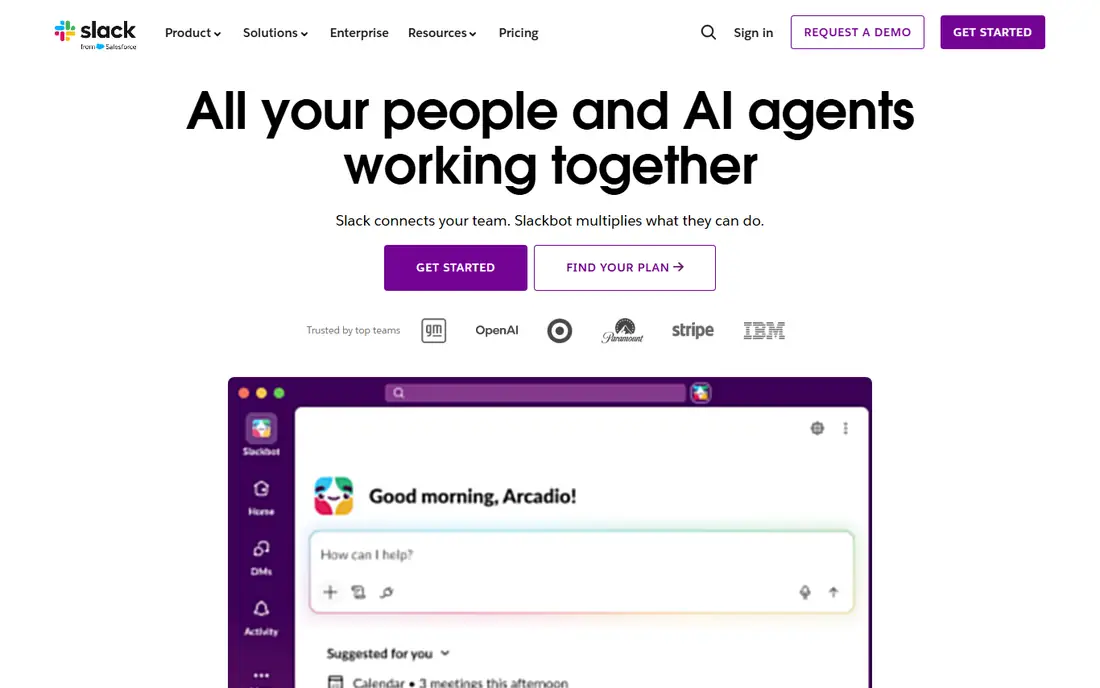
Slack organizes team chat into channels and threads, with a huge integration library covering docs, code, calendars, and project tools. Search finds past discussions, threads keep side conversations tidy, and huddles add quick voice chats. The free tier suits small teams starting out, with core chat and integrations included.
Free message history is limited to 90 days, and storage caps apply, so growing teams lose old discussions unless they upgrade. For a team that wants the widest integrations and the most familiar chat experience, Slack free tier offers the best start.
What we like- Huge integration library
- Channels and threads
- Search
Watch out for- Free history limited to 90 days
- Storage limits

#2Microsoft Teams
Best for: Microsoft 365 teams4.4/5 on
G2 (19,330 reviews, checked Oct 2026)
Visit microsoft.com
Starting priceFree
Free planFree
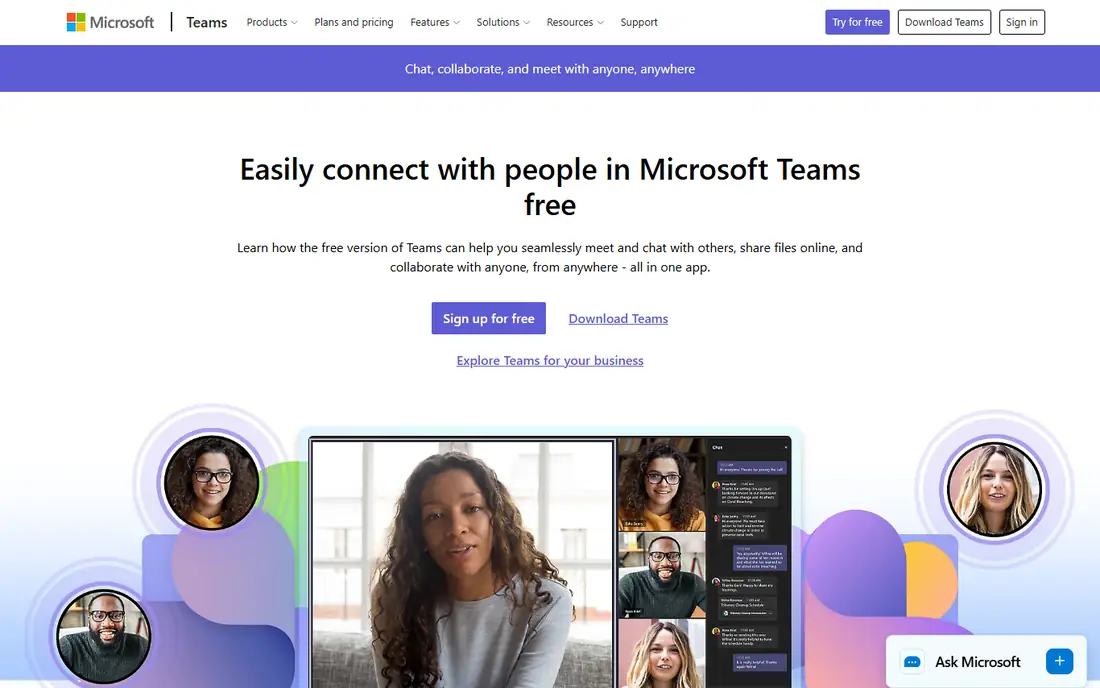
Microsoft Teams combines chat, meetings, and file sharing, with deep integration into Office apps, OneDrive, and SharePoint for Microsoft 365 users. Channels organize team chat, meetings run from the same app, and files shared in chat live in SharePoint. The free tier covers chat, meetings, and basic file sharing for small teams.
The interface is dense for chat only users, and free features are thinner than paid Microsoft 365 plans, with storage and meeting limits. For a team already on Microsoft tools, Teams free tier keeps chat, meetings, and files in one place.
What we like- Microsoft integration
- Meetings
- File sharing
Watch out for- Interface is dense
- Free features are thinner

#3Discord
Best for: Free community chat4.6/5 on
G2 (43 reviews, checked Oct 2026)
Visit discord.com
Starting priceFree
Free planFree

Discord offers free team chat with servers, channels, threads, and voice channels, plus unlimited message history on the free tier, which beats Slack free limits. Setup is fast, voice channels suit always on team rooms, and bots add automation for reminders and moderation. Small teams, gaming groups, and communities use Discord widely.
Business admin controls, compliance, and integrations are thinner than Slack or Teams, so regulated teams should look elsewhere. For a small team that wants free chat with full history and voice, Discord offers the most generous free tier.
What we like- Free unlimited history
- Voice channels
- Simple setup
Watch out for- Not built for business
- Admin controls are thinner
Starting priceFree
Free planFree
Google Chat, part of Google Workspace, organizes team chat into spaces and direct messages, with integration into Gmail, Drive, Docs, and Meet. Spaces suit project teams, files shared in chat live in Drive, and the interface stays simple for Google users. The free tier covers core chat for personal Google accounts and Workspace teams.
Integrations are thinner than Slack, and features stay basic compared with dedicated chat tools, with fewer bots and workflows. For a team already on Google Workspace, Google Chat offers the simplest free chat that fits their tools.
What we like- Google integration
- Spaces
- Simple interface
Watch out for- Integrations are thinner
- Features are basic

#5Rocket.Chat
Best for: Self hosted team chat4.2/5 on
G2 (374 reviews, checked Oct 2026)
Visit rocket.chat
Starting priceFree
Free planFree
Rocket.Chat is an open source team chat platform that teams can self host, with channels, threads, direct messages, video calls, and integrations. Self hosting gives full data control, which suits regulated teams and orgs that must keep chat on their own servers. The community edition is free, with a large feature set for a self hosted tool.
Hosting and maintenance take effort, including updates, backups, and security, and the interface is plainer than Slack. For a team that wants free chat with full data control, Rocket.Chat offers the most complete self hosted option.
What we like- Self hosted
- Open source
- Channels and video
Watch out for- Hosting effort
- Interface is plainer

#6Mattermost
Best for: Self hosted Slack alternative4.3/5 on
G2 (369 reviews, checked Oct 2026)
Visit mattermost.com
Starting priceFree
Free planFree
Mattermost provides a self hosted Slack like chat experience, with channels, threads, playbooks, and integrations, aimed at technical and regulated teams. The interface feels familiar to Slack users, which eases migration, while self hosting keeps data under team control. The open source edition covers core chat well.
Hosting takes effort, and advanced features such as enterprise compliance sit on paid plans. For a team that wants Slack familiarity with self hosted control, Mattermost offers the closest free match.
What we like- Self hosted
- Slack like experience
- Integrations
Watch out for- Hosting effort
- Advanced features are paid

#7Zulip
Best for: Threaded team chat4.6/5 on
G2 (117 reviews, checked Oct 2026)
Visit zulip.com
Starting priceFree
Free planFree
Zulip organizes chat by stream and topic, so every message belongs to a thread, which keeps busy channels readable and searchable. The model suits teams with high message volume, such as open source projects and research groups, where Slack channels turn chaotic. Open source code allows self hosting, and the free cloud tier covers small teams.
A learning curve comes with the topic model, since users must learn to follow topics, and the ecosystem is smaller than Slack. For a team drowning in channel noise, Zulip threading offers the clearest fix.
What we like- Topic threading
- Open source
- Self hosting
Watch out for- Learning curve
- Smaller ecosystem

#8Element
Best for: Matrix based secure chat4.2/5 on
G2 (43 reviews, checked Oct 2026)
Visit element.io
Starting priceFree
Free planFree
Element, built on the Matrix protocol, offers team chat with end to end encryption, federation across servers, and open source code. Teams can self host or use Element cloud, with rooms, threads, and spaces for organization. Encryption and federation suit security conscious teams and orgs that must control chat data.
Setup complexity is higher, especially for self hosted federation, and the interface is plainer than Slack. For a team that prioritizes encryption and open protocols, Element offers the most secure free chat path.
What we like- Matrix protocol
- Encryption
- Federation
Watch out for- Setup complexity
- Interface is plainer
How we chose
We compared free tier limits, message history, channels and threading, video and voice, integrations, self hosting options, security controls, and public team feedback. We favored tools with usable free tiers for small teams, clear upgrade paths, and honest history limits, rather than tools that hide limits until a team grows. No hands on testing is claimed, and prices are shown as Free where a free tier exists.
Running team chat without drowning in messages
Create channels by team and topic, not by person, since a channel question answered once helps everyone who reads it later. Use threads for side discussions, pin key decisions and links in each channel, and set a norm that urgent issues use a dedicated channel or direct message, not every channel at once. Mute noisy channels during focus time, and check them in batches, since constant chat notifications destroy deep work.
History, search, and knowledge habits
Save decisions from chat into docs, since chat history, especially on free tiers with limits, is a poor knowledge base. Summarize long discussions with a pinned decision, naming what was decided, by whom, and why, so future teammates need not read hundreds of messages. Search before asking, since most team questions repeat, and a searched answer saves everyone time. Good chat habits turn a noisy feed into a useful team memory.
Choosing a free tier that survives growth
Count team size, message volume, and storage needs before you pick, since free history limits hit growing teams first. Test the upgrade price early, so a team that outgrows free knows the cost before it must pay. For regulated teams, pick self hosted or encrypted options from the start, since migrating chat history later is painful. The best free tier is one your team can still afford and use at twice its current size.
Before you decide
Name channels clearly with a purpose in the topic line, so new members know where to ask and where to listen without guessing. Archive channels for finished projects instead of deleting them, since old project chats hold decisions that future work may need to revisit. Set a team rule that files shared in chat also go to the shared drive, because chat file storage fills fast and links break when history expires. Use status messages for focus time, travel, and leave, so teammates know when to expect a reply instead of pinging repeatedly. Review channel membership each quarter and remove people who left projects, since stale members see internal discussions they no longer need. Keep a short list of bots and integrations that the team actually uses, and remove the rest, because unused bots add noise and security risk. Audit that list each quarter, since a bot added for one project often lingers long after the project ends, quietly reading messages it no longer needs and adding risk with no benefit at all, every quarter.
Frequently asked questions
What is the best free team chat app?
Slack free tier suits teams that want integrations, Discord suits teams that want unlimited free history and voice, and Google Chat suits Google Workspace teams. Self hosted teams should test Rocket.Chat or Mattermost. Pick by your stack, team size, and history needs, not by popularity alone.
Does Slack free really delete old messages?
Slack free tier limits searchable history to 90 days, so older messages become inaccessible on the free plan, though upgrading restores access to history. Teams that need long term history should use Discord, self hosted tools, or a paid Slack plan. Save key decisions in docs regardless of tier.
Is Discord suitable for business teams?
Discord suits small, informal teams and communities, with generous free history and voice, but business admin, compliance, and integrations lag Slack and Teams. Regulated or larger business teams should prefer Slack, Teams, or self hosted options. For a small startup or creative team, Discord often works well.
Should a team self host chat?
Self hosting suits regulated teams, security conscious orgs, and teams that must control data residency, with Rocket.Chat, Mattermost, and Zulip as leading options. Hosting takes effort for updates, backups, and security, so small teams without IT support should prefer cloud free tiers. Weigh control against maintenance honestly.
How do I reduce chat overload for my team?
Use channels by topic, threads for side talks, pinned decisions, and mute rules for focus time, plus a norm that non urgent messages wait for batch checks. Move decisions to docs, and keep urgent issues in a dedicated channel. Fewer channels with clear purposes beat many noisy channels.
Sources we checked (8)
- https://slack.com
- https://www.microsoft.com/en-us/microsoft-teams/free
- https://discord.com
- https://chat.google.com
- https://www.rocket.chat
- https://mattermost.com
- https://zulip.com
- https://element.io
Is your product missing or out of date?
We review this list regularly. Vendors can request a listing, send updated pricing or ask about featured placement.

Shihab Mia · Founder, Rankite
Shihab has 5+ years in B2B and SaaS SEO. He writes Rankite's software buying guides from pricing pages, documentation and public user reviews. More about Shihab.
 Google Chat