How we make this list: we compare pricing pages, product documentation and public user reviews. Rankite is independent; if a vendor ever pays for a featured spot, that listing is clearly labeled Partner.
Key takeaways
- Google Meet and Microsoft Teams offer the most generous free plans if you already live in their ecosystems.
- Zoom's free tier still leads on reliability, but the 40-minute group limit pushes longer meetings to paid plans.
- Jitsi Meet is the only option here with no account, no time limit and no participant cap imposed by a vendor.
- Webex, Whereby, Zoho Meeting and 8x8 cover the gaps: browser-first meetings, small teams and privacy-conscious users.
- Note: Skype was retired by Microsoft in May 2025; Teams is its replacement.
Quick comparison
Is your product missing or out of date?
We review this list regularly. Vendors can request a listing, send updated pricing or ask about featured placement.
Free plans are generous, but every one has a catch
Nobody needs to pay for video meetings anymore, but "free" always comes with a limit: meeting length, participant count, or features held back for paid tiers. The platforms below all offer genuinely usable free plans; the right one depends on which limit you can live with and which ecosystem you already use.
Starting priceFree
Free planYes
Zoom remains the default because it simply works: stable connections on bad wifi, one-click joining, and an interface your least technical relative can handle. The free plan includes unlimited 1-on-1 meetings and group meetings with up to 100 participants, which covers most personal and small-team use.
The 40-minute cap on free group meetings is the catch that has annoyed users for years; the meeting just ends. Paid plans start around $15 a month per host. If your meetings routinely run long, budget for paid or pick a platform without the cap.
Setup is trivial: create a free account, download the client and share a meeting link; most people you invite already have the app. The free tier allows 100 participants and unlimited one-on-ones, but group meetings cut off at 40 minutes. Zoom integrates with Google Calendar, Outlook and most scheduling tools. Support on the free tier is help-center articles and community forums. Paid plans from around $15 a month per host remove the timer and add cloud recording and AI summaries.
What we like- Best-in-class call reliability
- Everyone already knows how to use it
- Great virtual backgrounds and reactions
Watch out for- Free group meetings capped at 40 minutes
- Some advanced features need paid plans
Starting priceFree
Free planYes
Google Meet's free plan offers group calls up to 60 minutes with 100 participants, all in the browser with no downloads. If you live in Gmail and Google Calendar, the integration is effortless: every calendar event gets a Meet link automatically, and joining from a calendar invite takes one click.
It is plainer than Zoom, with fewer polls, breakout options and reactions on the free tier. But for straightforward meetings, especially scheduled ones, the zero-friction experience is hard to beat.
Setup is nothing: if you have a Google account, you already have Meet, and joining works in any modern browser. The free plan allows 100 participants and 60-minute group meetings, which is more generous than Zoom on duration. Meet integrates with Gmail, Google Calendar and Google Chat, so scheduling and invites are automatic. There are no real integrations beyond Google's own products, which is fine for households and small teams. Support is Google's standard help center and community forums.
What we like- No install needed
- Generous free limits
- Tight Gmail and Calendar integration
Watch out for- Fewer engagement features than Zoom
- Best inside the Google ecosystem
Starting priceFree
Free planYes
With Skype retired in May 2025, Teams is Microsoft's consumer and business meeting platform. The free tier includes group meetings up to 60 minutes with 100 participants, plus persistent chat, file sharing and collaboration that turn it into more than a video tool.
Teams is heavier than its rivals; it wants to be your whole workspace, not just a meeting link. If you only need occasional video calls, Meet or Zoom are lighter. If you want chat, meetings and files in one free package, Teams delivers.
Setup means installing Teams and signing in with a Microsoft account; the free version covers meetings, chat and file sharing. Free group meetings run 60 minutes with up to 100 participants, and the chat history persists between calls. Teams integrates with OneDrive, Outlook and the rest of Microsoft 365. Support is Microsoft's documentation and community, with the free tier getting no dedicated help. If you already pay for Microsoft 365, the meeting features are essentially included.
What we like- Free group meetings up to 60 minutes
- Chat and file sharing built in
- Skype's official replacement
Watch out for- Heavier app than Meet or Zoom
- Overkill if you only need video calls
Starting priceFree
Free planYes
Webex's free plan covers meetings with up to 100 participants with solid audio quality and AI noise removal that genuinely helps on busy streets and open offices. Security and compliance credentials are the selling point; regulated industries trust Webex for a reason.
The interface feels built for IT departments rather than families, and the free tier's limits nudge active teams toward paid plans. It fits small businesses that want enterprise-grade security without an enterprise contract.
Setup is a free account and the Webex app, with browser joining available for guests. The free plan includes meetings up to 100 participants, messaging and basic file sharing. Webex integrates with Outlook, Google Calendar and major collaboration suites. Security certifications and end-to-end encryption options are the differentiators for regulated industries. Support includes a help center and community, with live support reserved for paid plans.
What we like- Strong security and compliance posture
- Good noise removal
- Free plan covers small meetings
Watch out for- Interface feels corporate
- Free tier limits push growing teams to paid
Starting priceFree
Free planYes
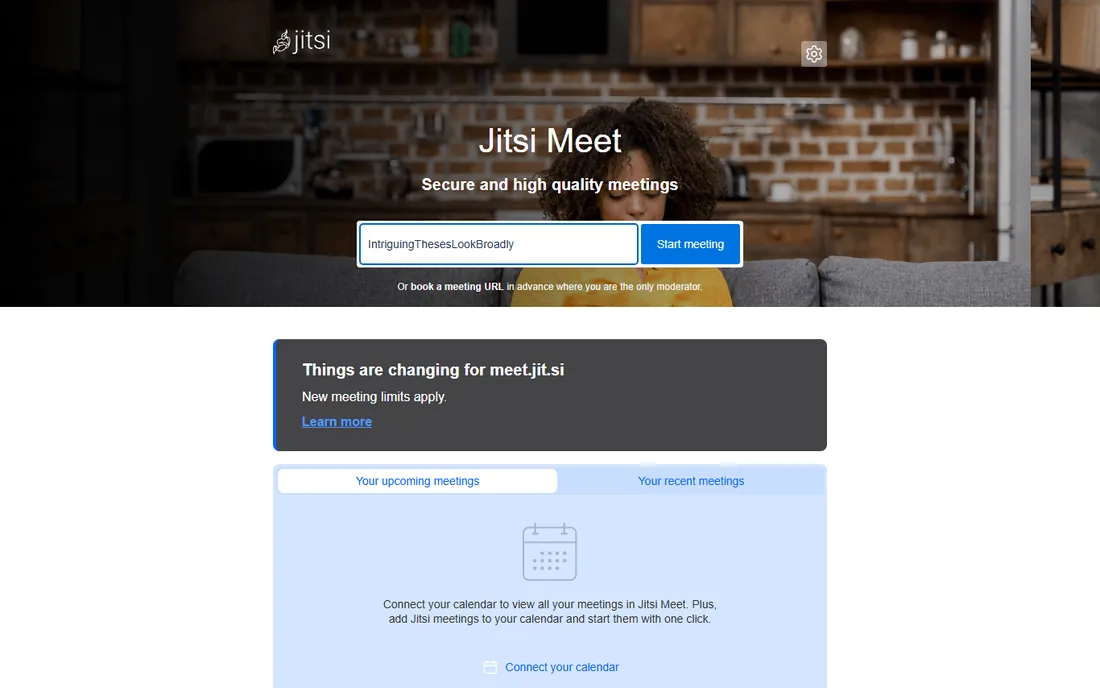
Jitsi Meet is the radical option: open a browser, create a room, share the link. No account, no download, no 40-minute guillotine. The software is open source, so privacy-conscious organizations can host their own server and control everything.
The public meet.jit.si service is community-run, so quality can dip at peak times, and the feature set is leaner than Zoom's. But for anyone allergic to accounts and limits, or for embedding video into your own product, nothing else is this free.
Setup is zero on the public service: pick a room name at meet.jit.si and share the link. Organizations that self-host need a server and some comfort with Linux, but the software and documentation are free. There are no hard participant caps imposed by the vendor, though large meetings depend on server resources. Integrations come via an API and embeddable widgets for your own products. Support is entirely community-based: forums, GitHub and documentation.
What we like- No account or install
- No artificial time limits
- Open source and self-hostable
Watch out for- Quality varies with server load
- Fewer polished features
- No vendor support on the free service
Starting priceFree
Free planYes
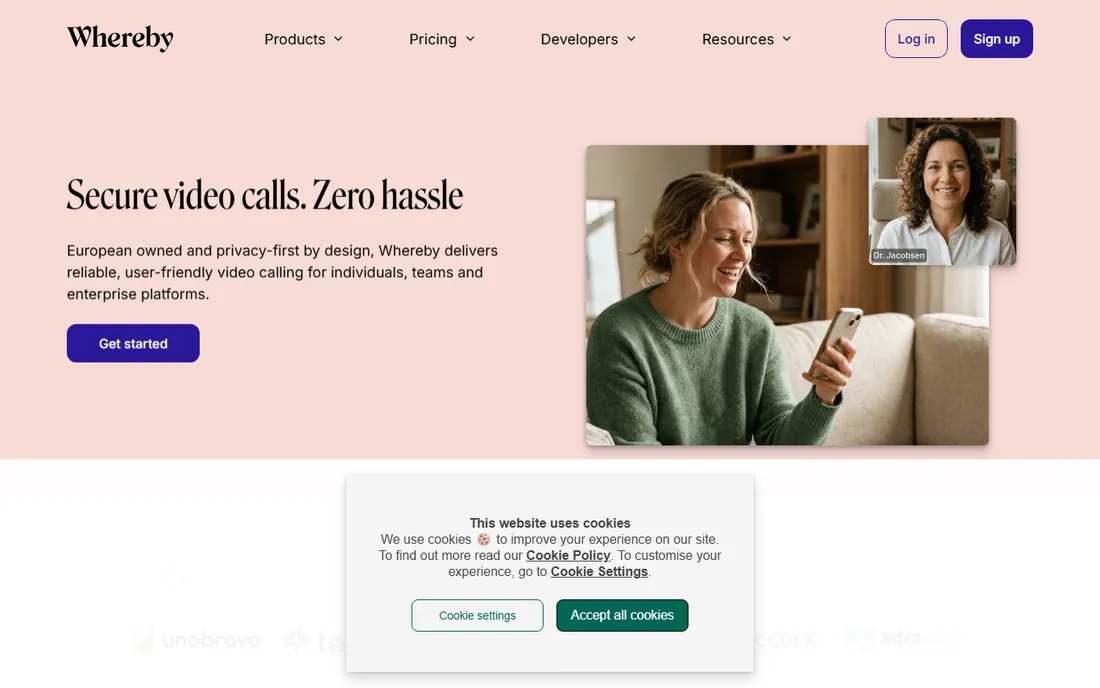
Whereby pioneered the no-download meeting room: your own permanent link, like whereby.com/yourname, that guests join from any browser. The experience is the prettiest here, and embedded rooms work well for telehealth, coaching and sales calls.
The free tier caps group size and meeting length tightly; it is really a trial of the paid product. Solo professionals who want a branded, browser-first meeting room will find the paid plans reasonable; everyone else should treat free Whereby as a taste.
Setup is quick: claim a custom room link, adjust the branding and share it with guests, who join from any browser. The free tier allows one room with a small group and short meetings, enough to experience the product. Whereby integrates with Google Calendar and offers an embedded meetings API on paid plans for telehealth and coaching businesses. Support is email and help center, generally well reviewed for a smaller company.
What we like- Beautiful browser-based rooms
- Custom room links
- No downloads for guests
Watch out for- Free tier limited to small groups and short meetings
- Scales expensively
Starting priceFree
Free planYes
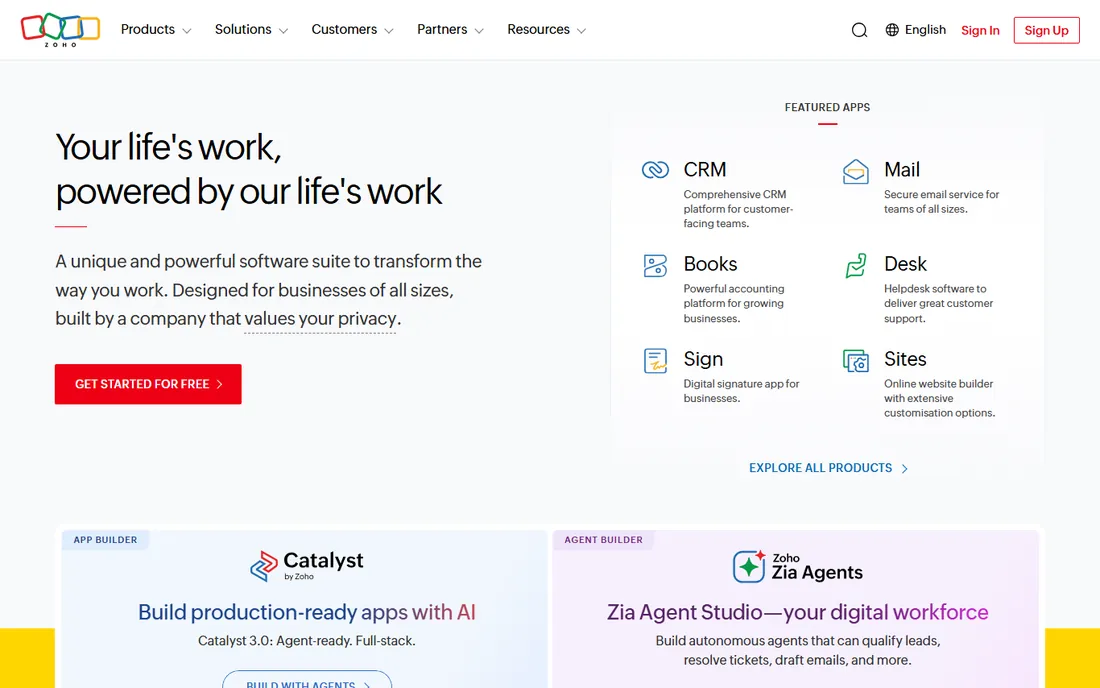
Zoho Meeting offers video meetings and, unusually, webinar features even at low tiers, with screen sharing, polls and Q&A. If your business runs on Zoho CRM, Books or Workplace, the integration makes it the path of least resistance.
The free plan's participant and duration limits are stricter than Google's or Microsoft's, and guests may never have heard of it. It is a supporting player that shines inside the Zoho universe and is merely fine outside it.
Setup is a Zoho account and the Meeting app or browser client. The free plan covers meetings with up to 100 participants for 60 minutes, plus webinar-style features on some tiers. The real value is inside Zoho's ecosystem: scheduling from Zoho CRM, contact sync and invoicing tie-ins. Outside Zoho, integrations are thinner than Zoom's or Meet's. Support follows Zoho's standard model: help center, email and community forums.
What we like- Free webinars on some tiers
- Clean interface
- Integrates with Zoho's suite
Watch out for- Free plan limits are tight
- Smaller user base means guests may be unfamiliar
Starting priceFree
Free planYes
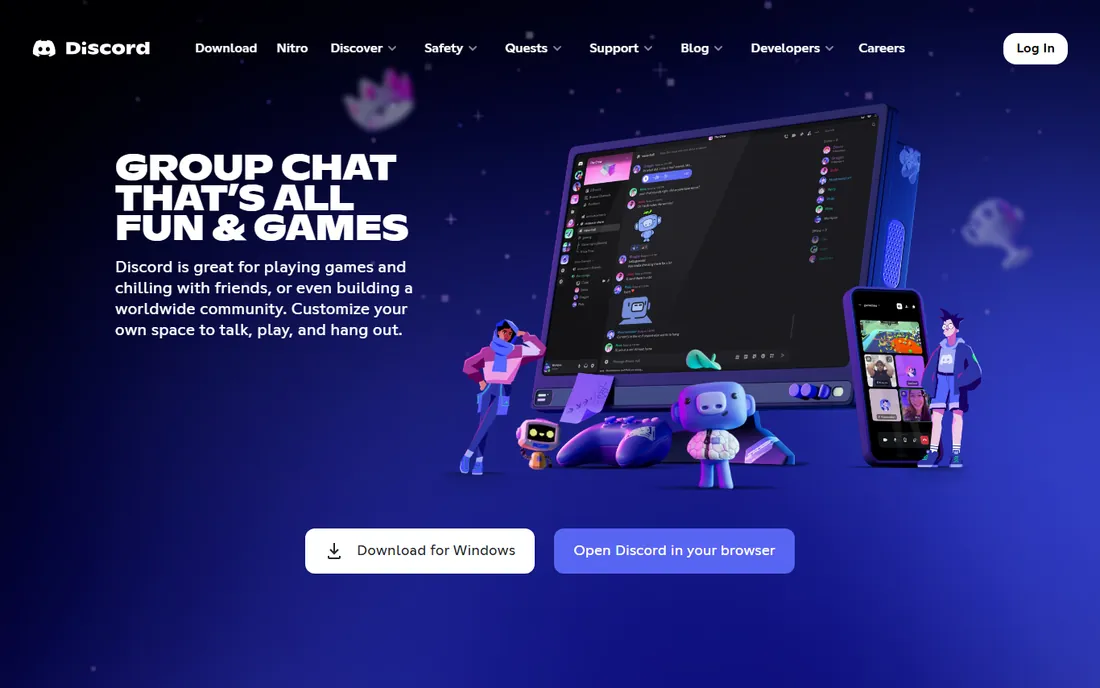
Discord is not a meeting platform in the corporate sense, but for communities, study groups, gaming crews and creator audiences, its free voice channels, video calls and screen sharing are superb. Persistent servers mean the group lives somewhere between calls, and everything important is free.
It lacks waiting rooms, dial-in numbers and the formality businesses expect. But for any group that meets regularly and casually, Discord's free offering embarrasses the time-limited tiers of its rivals.
Setup is an account and a server, which takes minutes; invite members with a link and use voice channels or scheduled video events. There are no meeting time limits and screen sharing works in both voice channels and direct calls. Discord integrates with game libraries, streaming tools and a large bot ecosystem, but not with business calendars or CRMs. Support is help center and community; there is no business SLA. It fits communities and informal groups, not client-facing businesses.
What we like- Free voice and video with screen sharing
- Persistent community servers
- Excellent for regular groups
Watch out for- Not built for formal business meetings
- Video quality trails dedicated platforms
Starting priceFree
Free planYes
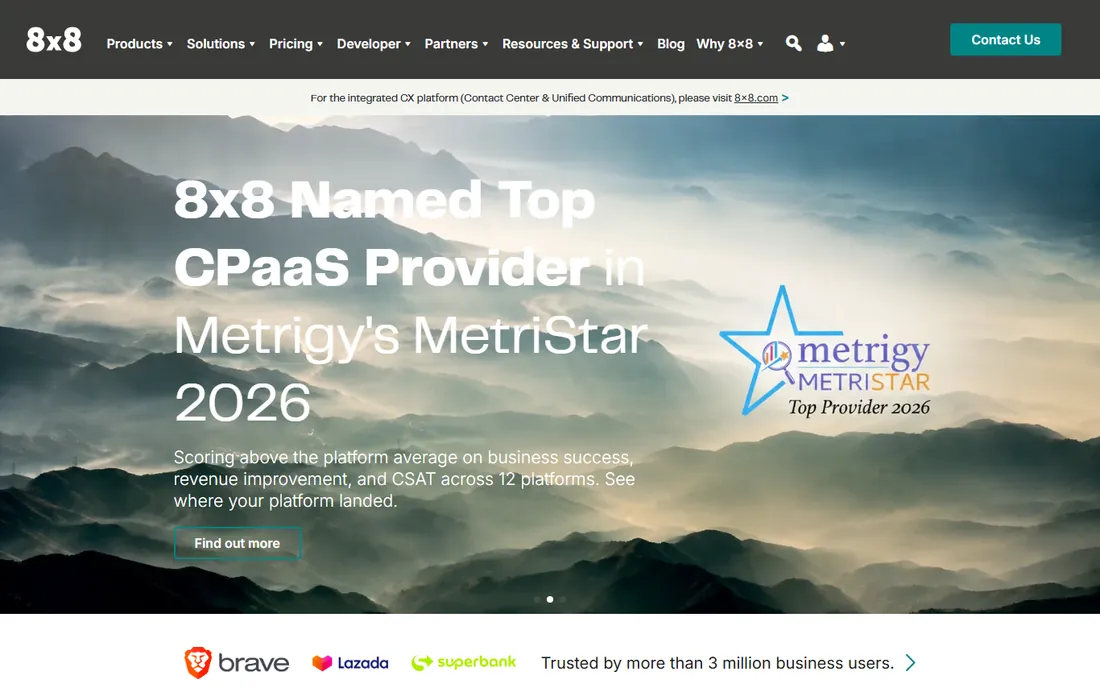
8x8 Meet, built on Jitsi's open-source foundation, offers free video meetings without the time limits that define Zoom's free tier. The interface is plain and functional: create a room, share the link, talk.
Features are basic and 8x8's real business is paid unified communications, so do not expect rapid innovation. But as a simple, unlimited free meeting room from an established vendor, it quietly solves the problem Zoom's 40-minute cap creates.
Setup is instant: open the site, name a room and share the link, with no account required. Meetings have no hard time limit, and the interface stays out of the way. 8x8 Meet integrates lightly with calendars through browser extensions; the company's real integrations live in its paid unified communications products. Support is a help center and contact form, with the free product clearly not the priority. For a simple, unlimited free room from an established vendor, it does exactly what it promises.
What we like- Free unlimited meetings
- No-nonsense interface
- Built on Jitsi technology
Watch out for- Basic feature set
- The company focuses on its paid contact center products
Pick by your longest regular meeting
The fastest way to choose: how long is your typical meeting? Under 40 minutes, Zoom's free tier is fine. Up to an hour, Meet and Teams work. Longer or unpredictable, use Jitsi or 8x8 and skip the timer anxiety entirely. Then check your ecosystem: Google households should default to Meet, Microsoft ones to Teams.
One more check: test how guests join. If your attendees are non-technical, browser-first options like Meet, Jitsi and 8x8 remove the download step that loses people. If meetings matter to your income, run one real test call on your shortlist before committing, since connection quality varies by region and device. Paid plans are month to month everywhere here, so there is no penalty for starting free and upgrading when a limit actually bites.
How we chose
We compared the free tiers of the most-used meeting platforms in 2026, verifying free plan limits against vendor pages. We weighted reliability, limit generosity, ease of joining and ecosystem fit. We excluded Skype, retired in May 2025, in favor of its replacement Teams.
Frequently asked questions
What is the best completely free meeting platform with no time limit?
Jitsi Meet and 8x8 Meet offer free meetings without the hard time caps of Zoom, Meet or Teams. Quality can vary on the public Jitsi service; 8x8's hosted version tends to be more consistent. For scheduled business meetings that fit in an hour, Google Meet's 60-minute free cap also works without a timer problem.
How many people can join a free Zoom meeting?
Up to 100 participants on the free plan, with group meetings limited to 40 minutes. One-on-one meetings are unlimited in length. Breakout rooms and cloud recording are paid features; the free tier focuses on core video and screen sharing.
Is Google Meet really free?
Yes, with a Google account you get group meetings up to 60 minutes and 100 participants free. Longer meetings and larger capacities require a Google Workspace paid plan. Education and nonprofit accounts get longer meeting allowances through Google's special Workspace plans.
What happened to Skype?
Microsoft retired Skype in May 2025 and migrated users to Microsoft Teams. If you have old Skype contacts or credit, check Microsoft's migration guidance. Old Skype credit can be used in Teams for calling phone numbers, with the exact steps on Microsoft's migration page.
Do I need to install anything for these?
Google Meet, Whereby, Jitsi Meet and 8x8 Meet all run fully in the browser. Zoom, Teams, Webex and Discord offer browser joining but work best with their apps installed. For the best audio quality, install the desktop app even when browser joining works; echo cancellation is usually better.
Sources we checked (9)
- https://www.zoom.us/
- https://meet.google.com/
- https://www.microsoft.com/
- https://www.webex.com/
- https://meet.jit.si/
- https://www.whereby.com/
- https://www.zoho.com/
- https://www.discord.com/
- https://www.8x8.com/
Is your product missing or out of date?
We review this list regularly. Vendors can request a listing, send updated pricing or ask about featured placement.

Shihab Mia · Founder, Rankite
Shihab has spent more than a decade helping SaaS and e-commerce brands grow through search. He writes Rankite's software buying guides from pricing pages, documentation and public user reviews. More about Shihab.
 Zoom
Zoom Google Meet
 Microsoft Teams
 Cisco Webex
 Jitsi Meet
 Whereby
 Zoho Meeting
 Discord
 8x8 Meet