How we make this list: we compare pricing pages, product documentation and public user reviews. Rankite is independent; if a vendor ever pays for a featured spot, that listing is clearly labeled Partner.
Key takeaways
- Zoom Workplace Pro at $14.16 per user per month remains the reliability benchmark, with AI meeting summaries included at no extra cost.
- Microsoft Teams Essentials at $4 per user per month is the cheapest paid plan here, and it is effectively free if your company already pays for Microsoft 365.
- Google Meet at $7 per user per month wins by default for Google Workspace shops, since there is nothing new to buy or learn.
- Jitsi Meet is completely free and open source with no account required, which makes it the right call for privacy-sensitive teams and quick external calls.
Quick comparison
| Tool | Best for | Starting price | Free plan |
|---|
 Zoom Zoom | teams that need the most reliable meetings | $14.16 per user/month (billed annually) | Yes |
 Google Meet Google Meet | companies already on Google Workspace | $7 per user/month (billed annually) | Yes |
 Microsoft Teams Microsoft Teams | organizations standardized on Microsoft 365 | $4 per user/month (billed annually) | Yes |
 Cisco Webex Cisco Webex | enterprises with strict security requirements | $12 per user/month (billed annually) | Yes |
 GoTo Meeting GoTo Meeting | small businesses that want meetings without fuss | $12 per organizer/month (billed annually) | Yes |
 RingCentral Video RingCentral Video | companies that want phone and video from one vendor | $20 per user/month (billed annually) | Yes |
 Zoho Meeting Zoho Meeting | small teams that need the lowest possible bill | $1 per host/month (billed annually) | Yes |
 Jitsi Meet Jitsi Meet | free, private meetings with no account | Free | Yes |
 Whereby Whereby | browser-only meetings with zero downloads | $10.99 per month (billed monthly) | Yes |
 Dialpad Meetings Dialpad Meetings | teams that want AI transcription as the main event | $15 per user/month (billed annually) | Yes |
Is your product missing or out of date?
We review this list regularly. Vendors can request a listing, send updated pricing or ask about featured placement.
The best video conferencing software
#1
Zoom
Best for: teams that need the most reliable meetings
Visit zoom.us
Starting price$14.16 per user/month (billed annually)
Free planYes
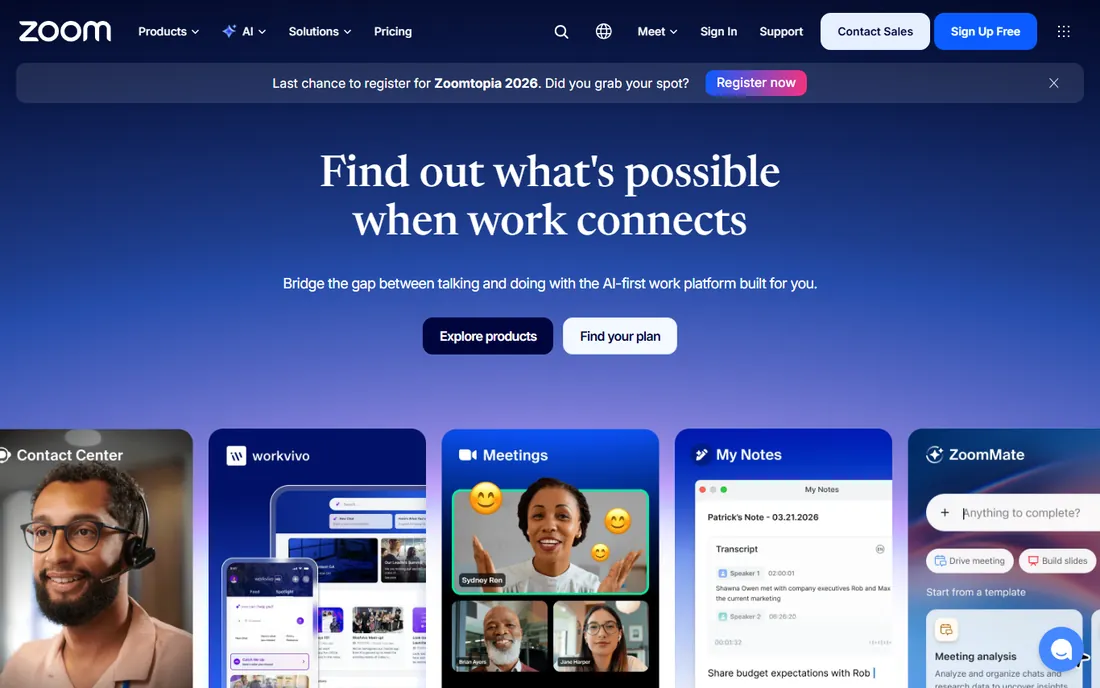
Zoom Workplace is the default answer for a reason, and 2026 testing keeps confirming it. On constrained connections it holds video quality where rivals degrade, external guests join without accounts or downloads, and the Pro plan at $14.16 per user per month (billed annually) removes the 40-minute cap while bundling the AI Companion for unlimited meeting summaries and action items. Webinars, breakout rooms, whiteboard, and team chat all live in the same app.
The honest catch is total cost. Zoom is a separate bill on top of whatever productivity suite you already pay for, and at $14.16 per seat it is the priciest mainstream option here. The free plan works for one-on-ones but the 40-minute group limit forces an upgrade for real team use. If your team already lives in Microsoft 365 or Google Workspace, check the bundled option before adding another subscription.
What we like- Best-in-class reliability on weak connections
- AI Companion summaries included on paid plans
- Largest integration marketplace
Watch out for- The free plan caps group meetings at 40 minutes
- Costs add up fast at 50-plus seats
Starting price$7 per user/month (billed annually)
Free planYes
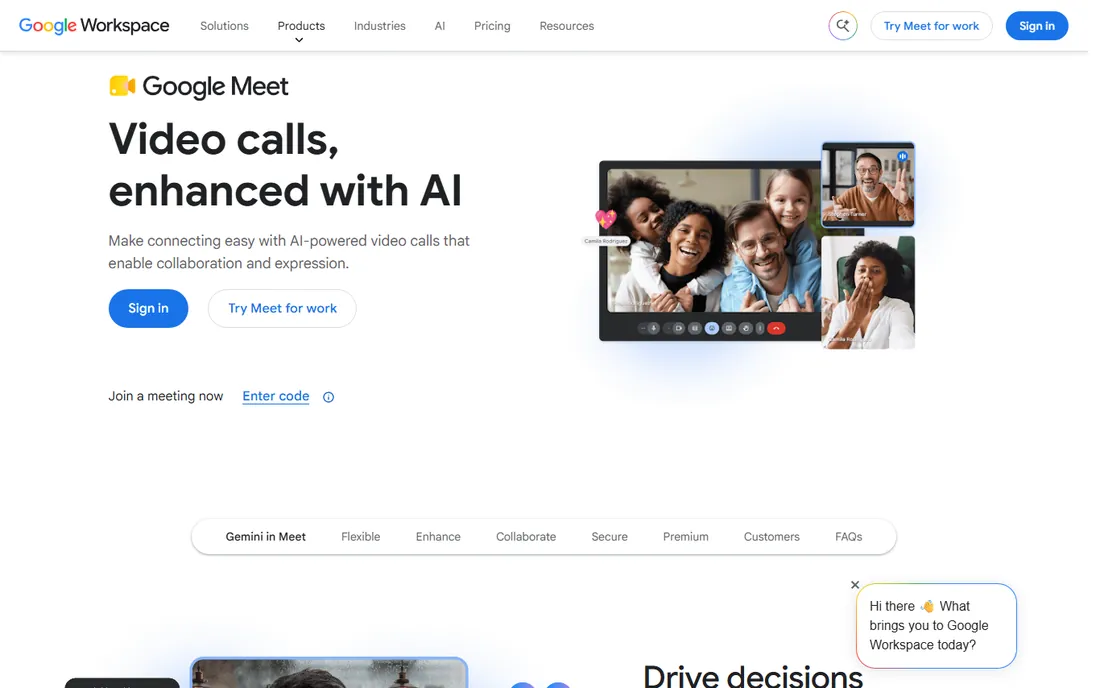
If your company pays for Google Workspace, you already own Google Meet, and there is rarely a reason to buy anything else. Meetings launch from Calendar invites, recordings land in Drive, and guests join from any browser with one click. The Business Starter plan at $7 per user per month covers 100 participants and 24-hour meetings, and the free tier allows 100 people for 60 minutes, which handles most small-team needs.
Meet's weakness is depth. Host controls, breakout management, and webinar features lag Zoom, and the Gemini "take notes for me" feature requires Business Standard or above. For internal standups, client calls, and interviews inside a Google-centric company, none of that matters. For large public webinars, look elsewhere.
What we like- Zero friction inside Gmail, Calendar, and Drive
- No downloads for guests
- Generous 60-minute free meetings
Watch out for- AI note-taking needs Business Standard or higher
- Meeting controls are thinner than Zoom's
Starting price$4 per user/month (billed annually)
Free planYes
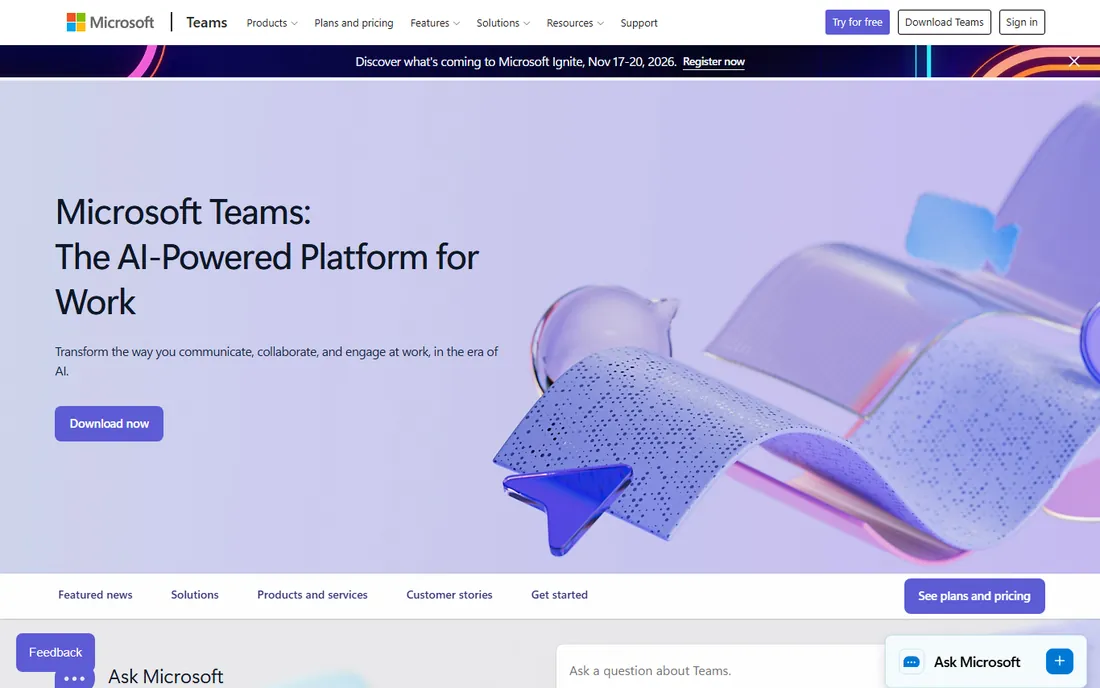
Teams Essentials at $4 per user per month is the lowest entry price here, and most Microsoft 365 business plans include Teams at no additional cost, which makes the effective price zero for millions of companies. Meetings support 300 participants on the entry paid plan, chat threads keep context between calls, and document collaboration happens without leaving the app. For companies already in the Microsoft world, adoption friction is nil.
The trade shows up in two places. Intelligent recap and some AI features require Teams Premium or a Copilot add-on, while Zoom includes its AI Companion on Pro. Independent testing also shows Teams degrading faster than Zoom on constrained bandwidth. If everyone on your team has solid internet and you live in Office documents, Teams is the rational pick.
What we like- Cheapest paid plan in this roundup
- Deep integration with Office, OneDrive, and SharePoint
- Persistent chat channels alongside meetings
Watch out for- AI meeting recap needs a paid add-on
- Reliability on poor connections trails Zoom
#4
Cisco Webex
Best for: enterprises with strict security requirements
Visit webex.com
Starting price$12 per user/month (billed annually)
Free planYes
Webex is the choice when the security review matters as much as the meeting. End-to-end encryption ships on every plan including free, the $12 per user per month Starter plan includes AI meeting summaries without an add-on, and admin controls cover data residency, compliance recording, and device management in depth. Regulated industries, healthcare, and government-adjacent work gravitate here for good reason.
Small teams pay for that enterprise DNA. The interface carries more administrative surface than a ten-person company needs, and $12 per seat is triple Teams Essentials. The free plan covers 100 participants for 40 minutes, which is workable for occasional use. Buy Webex when compliance is a requirement; otherwise the simpler tools cost less.
What we like- End-to-end encryption on all plans
- AI summaries included on the entry paid plan
- Strong admin and compliance controls
Watch out for- The interface feels enterprise-heavy for small teams
- $12 per seat costs triple the Teams entry price
#5
GoTo Meeting
Best for: small businesses that want meetings without fuss
Visit goto.com
Starting price$12 per organizer/month (billed annually)
Free planYes
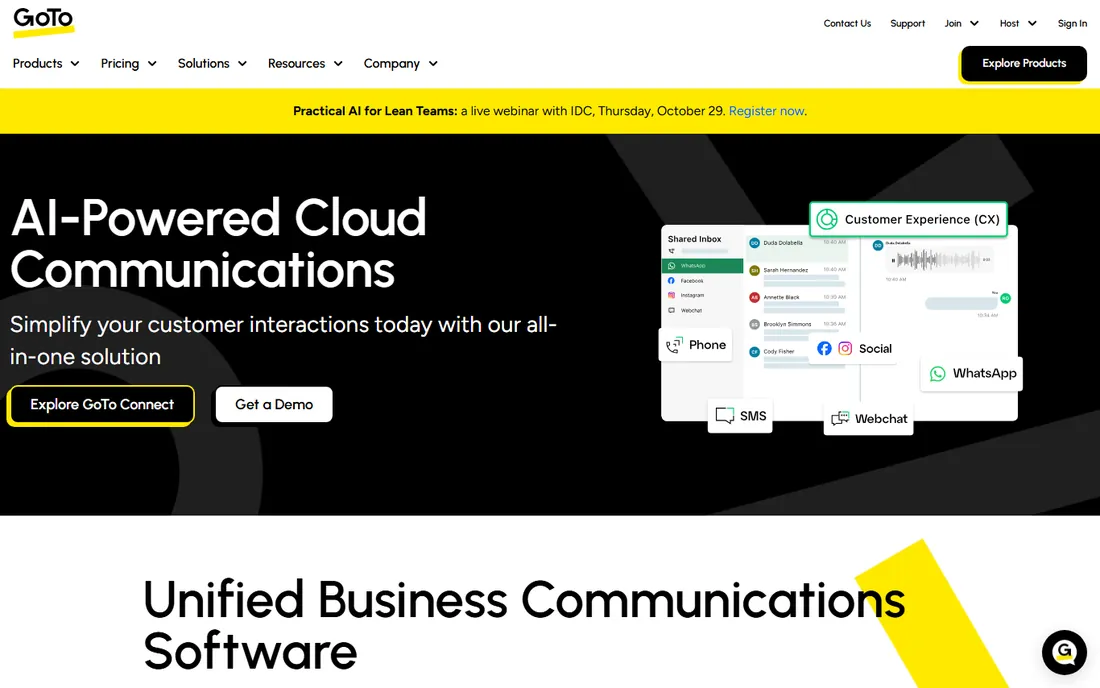
GoTo Meeting has spent years refining one thing: a meeting that starts on time and does not surprise anyone. The Professional plan at $12 per organizer per month (billed annually) supports 150 participants with AI-generated summaries included, and per-organizer pricing means a five-person company with two meeting hosts pays for two seats, not five. Screen sharing, recording, and dial-in numbers all work without drama.
The free tier is the thinnest here, and the integration catalog is smaller than Zoom's or Teams'. GoTo suits small businesses that hold straightforward internal and client meetings and want a predictable bill. Teams that live inside a larger collaboration suite will find Teams or Meet more natural.
What we like- Simple, dependable meeting experience
- AI summaries included on paid plans
- Per-organizer pricing suits small teams
Watch out for- The free plan is very limited
- Fewer integrations than Zoom or Teams
Starting price$20 per user/month (billed annually)
Free planYes
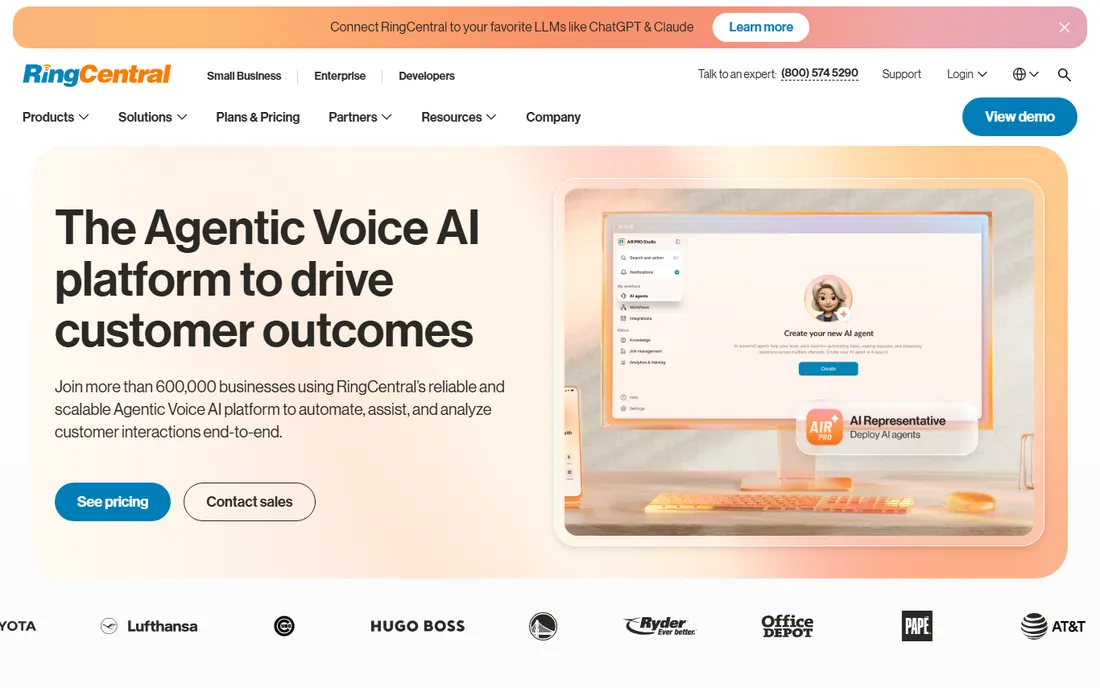
RingCentral Video, part of the RingEX platform, makes sense when voice calls matter as much as video. The $20 per user per month Core plan bundles business phone service with video meetings for up to 300 participants, AI summaries, and team messaging, replacing two or three separate vendors. Companies consolidating their communications stack often find the combined bill lower than separate phone and meeting subscriptions.
If you only need video, $20 per seat is hard to justify against $4 Teams or $7 Meet. The platform's strength is breadth, and breadth costs money. Evaluate it as a phone system that includes meetings, not as a meeting tool, and the price reads differently.
What we like- Unified phone, video, and messaging in one app
- AI summaries included
- 300-participant meetings on the entry plan
Watch out for- $20 per seat is the highest entry price here
- Overkill if you only need video meetings
#7
Zoho Meeting
Best for: small teams that need the lowest possible bill
Visit zoho.com
Starting price$1 per host/month (billed annually)
Free planYes
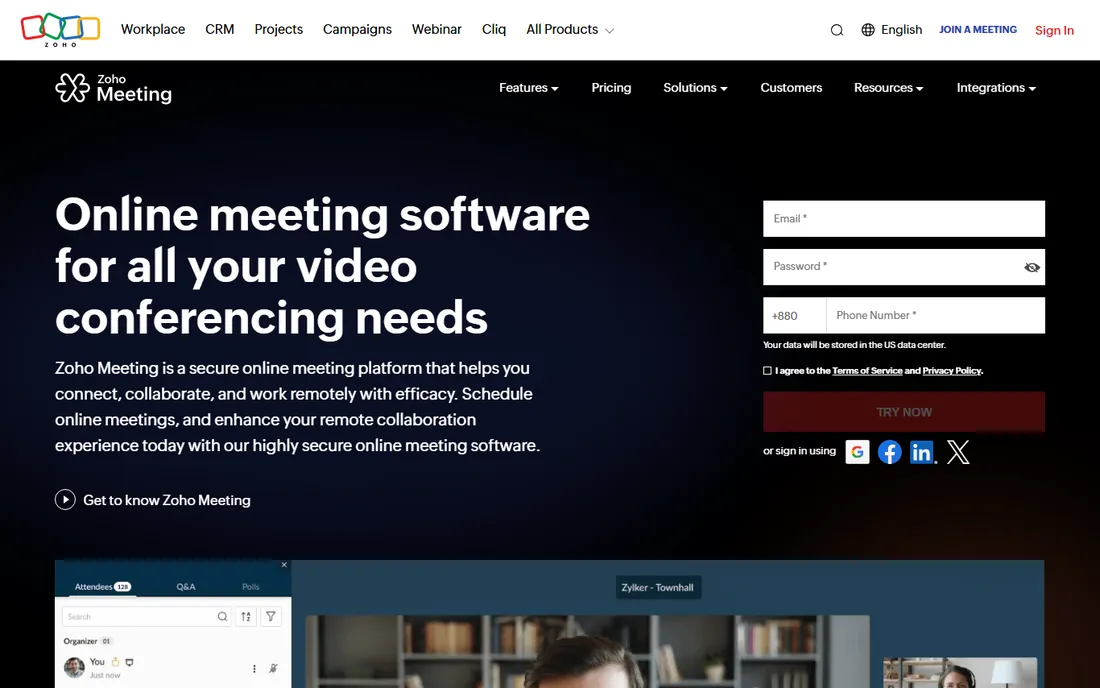
Zoho Meeting's Standard plan at $1 per host per month (billed annually) is an order of magnitude cheaper than mainstream rivals, and it covers the essentials: screen sharing, recording, chat, and scheduling. It runs entirely in the browser, integrates naturally with Zoho CRM and the rest of the Zoho suite, and the free plan handles basic meetings. For freelancers and micro-businesses, the price is nearly a rounding error.
Expect a simpler tool. Webinar features, advanced admin controls, and the integration ecosystem do not match Zoom or Teams, and AI features are basic. Zoho Meeting fits teams whose meetings are straightforward conversations, not productions. At this price, it is worth testing before assuming you need to spend twelve times more.
What we like- The cheapest paid plan by a wide margin
- Browser-based with no installs
- Integrates with the Zoho suite
Watch out for- Feature depth trails the leaders
- Fewer third-party integrations
Starting priceFree
Free planYes
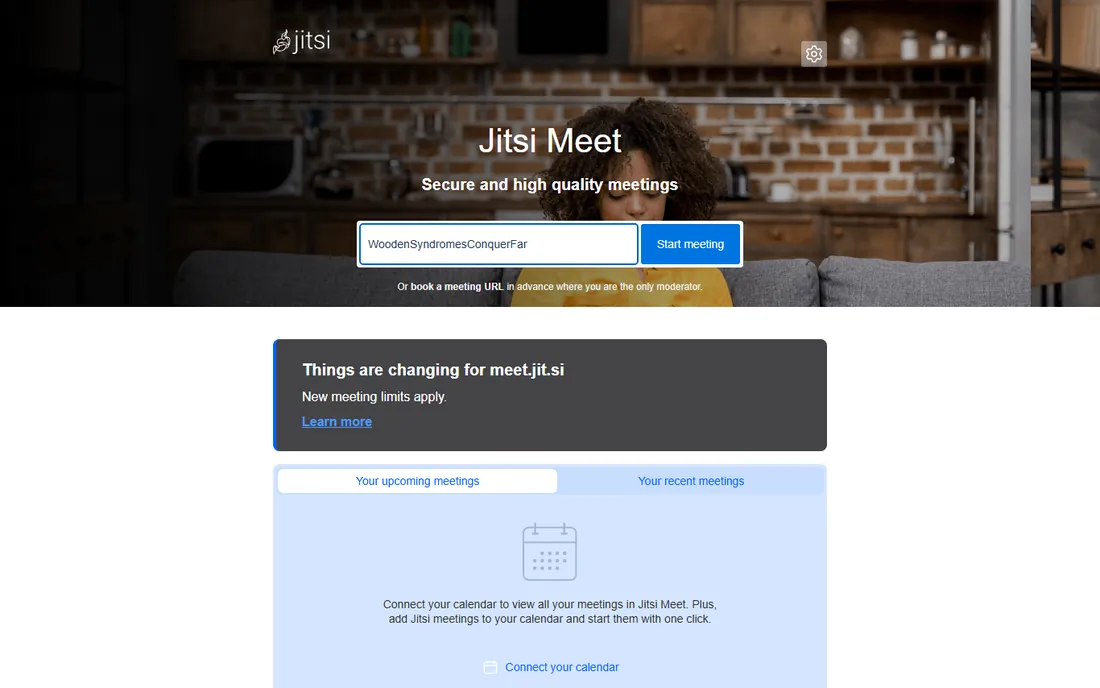
Jitsi Meet is the rare tool that is free without an asterisk. Open meet.jit.si, create a room, share the link, and anyone joins from a browser with no account and no time limit. The software is open source, so privacy-sensitive organizations can self-host it on their own servers and keep every byte of meeting data in-house. For quick external calls, interviews, and community meetings, nothing is faster.
The trade is polish and scale. There are no built-in AI summaries, the admin controls are minimal compared to enterprise platforms, and very large meetings run better on a self-hosted instance than on the free public service. Teams that need compliance dashboards should look at Webex; teams that need free and private should start here.
What we like- Completely free with no time limits on the public service
- Open source and self-hostable
- Guests join from a link with no account
Watch out for- No native AI summaries or advanced admin console
- Large meetings can strain the public infrastructure
Starting price$10.99 per month (billed monthly)
Free planYes
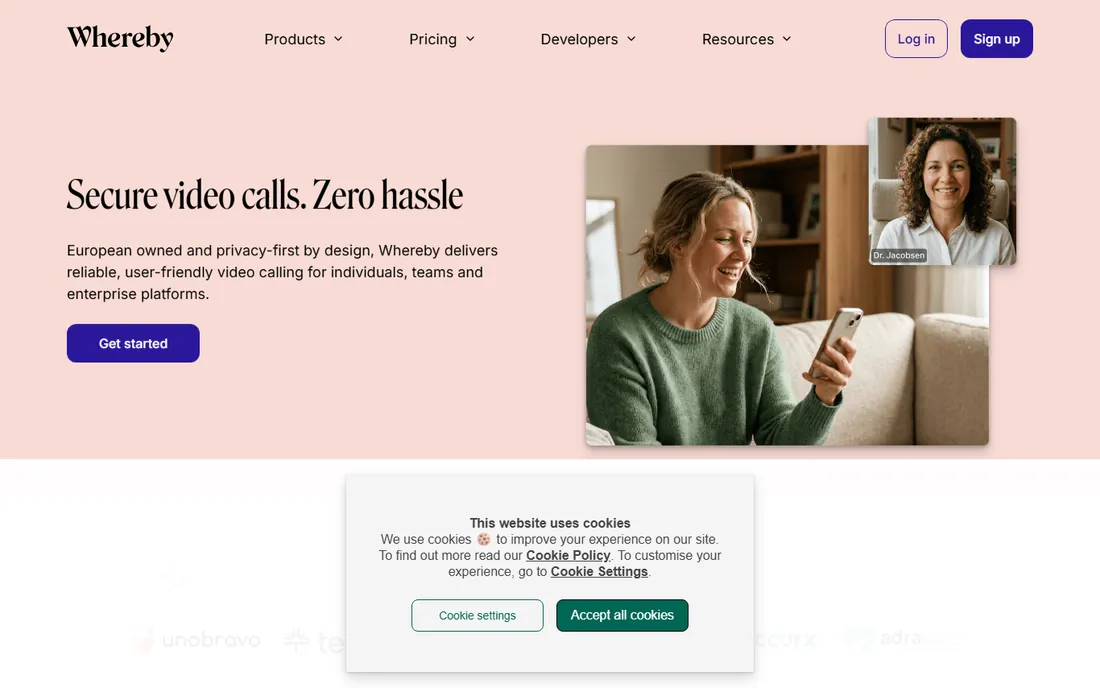
Whereby built its reputation on the lowest possible joining friction: one link, one click, no download, no account. The Pro plan at $10.99 per month (billed monthly; annual billing lowers it) removes time limits, adds recording and custom branding, and keeps the experience deliberately simple. Client-facing teams, coaches, and consultants who meet guests all day find the lack of "please install our app" conversations genuinely valuable.
Simplicity is also the ceiling. Breakout rooms, webinars, and deep integrations are thinner than the enterprise tools, and the free plan's 30-minute group cap pushes regular users to paid quickly. Whereby also offers an embedded video API, which makes it interesting for product teams adding video to their own apps. Choose it for ease; choose Zoom for depth.
What we like- Guests join in one click with nothing to install
- Clean, minimal interface
- Embedded video API for product teams
Watch out for- The free plan caps group meetings at 30 minutes
- Fewer advanced features than Zoom or Teams
#10
Dialpad Meetings
Best for: teams that want AI transcription as the main event
Visit dialpad.com
Starting price$15 per user/month (billed annually)
Free planYes
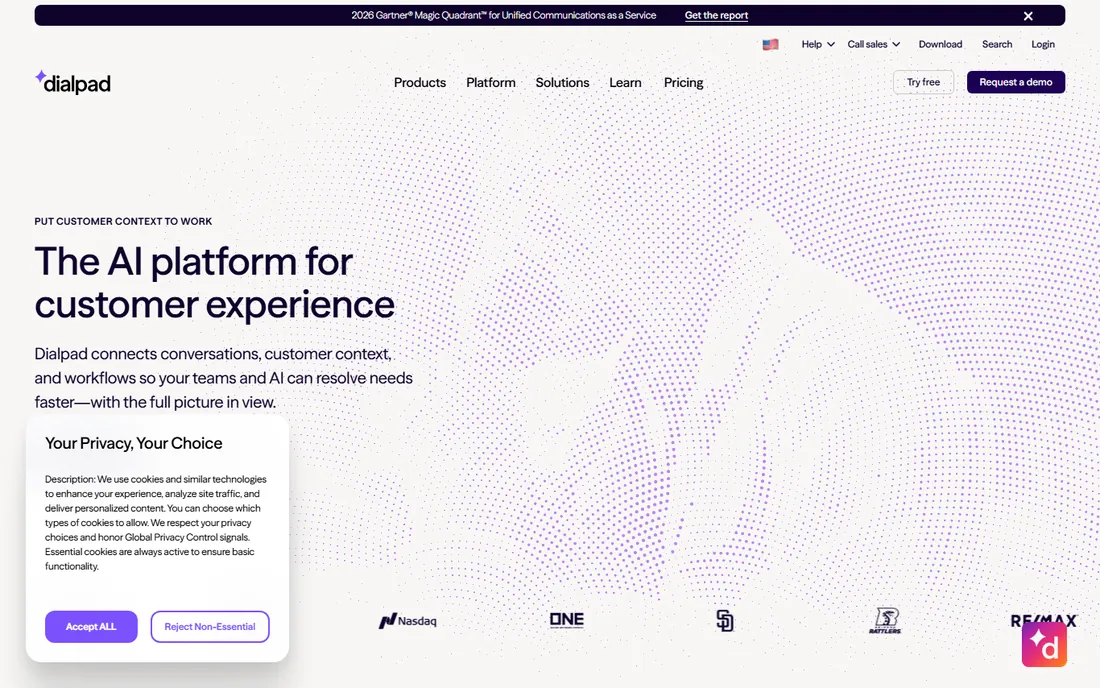
Dialpad approaches meetings AI-first. Real-time transcription is among the fastest in independent testing, AI recaps extract action items automatically, and the platform unifies voice calls, messaging, and video so customer-facing teams work in one place. The Standard plan starts at $15 per user per month (billed annually), with the deeper AI capabilities available as an add-on tier.
The pricing structure needs a careful read: the headline $15 covers the platform, while the most capable AI features cost more. At full configuration it can exceed Zoom's $14.16. The free tier covers 10 participants for 45 minutes, enough to evaluate the transcription quality that is the real selling point. Sales and support teams that live on call intelligence get the most value here.
What we like- Excellent real-time transcription and AI recaps
- Unified calling, messaging, and meetings
- Free tier for small meetings
Watch out for- The full AI feature set needs a paid add-on
- $15 per seat plus add-ons can exceed Zoom
How we chose
We compared the ten most widely deployed business video conferencing platforms using current vendor pricing pages and help documentation, re-checked against an October 2026 pricing survey that pulled entry-plan specs directly from each vendor. We weighed per-seat pricing, participant and time limits on both free and entry paid plans, AI feature inclusion, security posture, and fit for small to mid-size US companies. We did not claim hands-on testing; the rankings reflect pricing transparency, plan limits, and how each product maps to common team profiles.
What to look for before you sign
Start with the limits, not the features. Every platform here does screen sharing and recording; the differences that bite are participant caps, meeting time limits, and whether AI summaries cost extra. A 100-participant cap is fine until the all-hands hits 120. A 40-minute free limit is fine until the weekly planning meeting runs 55. Map your three most common meeting types against the plan table before committing.
Next, check the AI situation honestly. Zoom, Webex, RingCentral, and GoTo include AI summaries on their entry paid plans. Teams charges extra through Premium or Copilot, Google reserves its best AI for Business Standard and up, and Dialpad tiers its AI features. If meeting notes currently eat an hour of someone's week, included AI is worth real money; if nobody reads the summaries, do not pay for them.
Finally, count the true seat cost. Per-organizer pricing (GoTo) favors companies where few people host. Per-host pricing (Zoho) is cheapest for broadcast-style use. Per-user pricing (most others) multiplies across the whole company, so a $14.16 plan for 60 people is $850 per month before add-ons. Annual billing typically saves 15 to 20 percent over monthly, but locks you in; monthly billing costs more and lets you leave.
Cutting the bill without losing reliability
The fastest saving is using what you already pay for. Microsoft 365 business plans include Teams, Google Workspace includes Meet, and both are competent for standard internal meetings. Adding Zoom on top makes sense for client-facing reliability, not as a second default.
The second saving is right-sizing plans. Most companies need Pro-level features for a fraction of staff; hosts, sales, and support get paid seats while everyone else uses free tiers or bundled access. The third saving is annual commitment once the choice is proven: the discount is real, but only sign annually after a month of real use on monthly billing. And keep Jitsi bookmarked: for ad-hoc external calls, free and unlimited beats another seat license every time.
Frequently asked questions
How many participants do I actually need?
Most small companies never exceed 25 people in a meeting, which every paid plan here covers several times over. The caps matter for all-hands meetings, webinars, and client events. Count your largest regular meeting, add headroom for growth, and buy the cheapest plan that clears it; webinar products are separate purchases on most platforms.
Is the free plan enough for a small team?
Often yes for getting started. Google Meet and Teams allow 100 participants for 60 minutes free, which covers most team standups. Zoom's 40-minute cap and Whereby's 30-minute cap push regular users to paid plans quickly. Start free, and upgrade when time limits interrupt real meetings rather than in anticipation.
Do I need AI meeting summaries?
If someone currently takes manual notes, AI summaries typically save 30 to 60 minutes per week per heavy meeting user. Zoom, Webex, RingCentral, and GoTo include them on entry paid plans; Teams and Dialpad charge more. Test the summary quality on your actual meetings during a trial, since accuracy varies with accents, jargon, and crosstalk.
Which platform is best for client-facing calls?
Zoom and Whereby lead here for opposite reasons: Zoom for reliability on any connection, Whereby for zero-download joining. Google Meet is strong when clients already use Google. Avoid tools that force guests to create accounts or install software; every abandoned join is a small professional embarrassment.
Can I switch platforms later without chaos?
Yes, with planning. Export recordings and chat history first, since they do not migrate. Run the new platform in parallel for two weeks with a pilot group, move recurring meetings over, then cancel the old subscription before its annual renewal. Most switching pain comes from calendar integrations, so reconnect those on day one.
Sources we checked (7)
- https://getomnichannel.com/video-conferencing/best-video-conferencing-software/
- https://www.saasworthy.com/product/whereby/pricing
- https://www.quo.com/blog/dialpad-pros-and-cons/
- https://toolradar.com/tools/dialpad
- https://www.techrepublic.com/article/best-video-conferencing-software/
- https://thedigitalprojectmanager.com/tools/video-conferencing-software/
- https://sourceforge.net/software/compare/Skype-vs-Talk360-vs-Zoho-Meeting/
Is your product missing or out of date?
We review this list regularly. Vendors can request a listing, send updated pricing or ask about featured placement.

Shihab Mia · Founder, Rankite
Shihab has spent more than a decade helping SaaS and e-commerce brands grow through search. He writes Rankite's software buying guides from pricing pages, documentation and public user reviews. More about Shihab.