How we make this list: we compare pricing pages, product documentation and public user reviews. Rankite is independent; if a vendor ever pays for a featured spot, that listing is clearly labeled Partner.
Key takeaways
- Zoom's free tier caps group meetings at 40 minutes. Google Meet gives you 60. If your meetings run long and your budget is zero, that 20-minute gap decides the tool.
- For most small businesses, the bundled options win: Google Meet inside Workspace ($7 per user per month) or Teams inside Microsoft 365 ($4 to $7 per user per month) cost less than any standalone tool once email is factored in.
- GoTo Meeting ($12 per organizer per month) is the value pick when a few people host for many attendees. Zoho Meeting (from $1 per host per month) is the cheapest paid option anywhere.
- Webinars, phone systems and AI features are where the bills inflate: price the add-ons, not just the base plan.
Quick comparison
| Tool | Best for | Starting price | Free plan |
|---|
 Zoom Zoom | Anyone who needs dependable video above all else | $14.16/user/month billed annually (Pro) | Yes (Basic: 40-minute group meetings, 100 participants) |
 Google Meet Google Meet | Small businesses and teams living in Gmail and Google Calendar | $7/user/month billed annually (Workspace Business Starter) | Yes (any Google account: 100 participants, 60-minute groups) |
 Microsoft Teams Microsoft Teams | Organizations already on Microsoft 365 | $4/user/month (Teams Essentials, standalone) | Yes (Teams Free: 60-minute groups, 100 participants, unlimited chat history) |
 Cisco Webex Cisco Webex | Enterprises, government, healthcare and education | $12/user/month ($144/user/year, Webex Meet) | Yes (unlimited meetings up to 40 minutes, 100 attendees) |
 GoTo Meeting GoTo Meeting | Small and mid-size businesses where a few people host | $12/organizer/month billed annually (Professional) | No |
 Zoho Meeting Zoho Meeting | Budget-conscious SMBs, especially those on Zoho | From $1/host/month billed annually (Standard) | Yes (100 participants, 60-minute sessions) |
 RingCentral RingCentral | Businesses replacing a desk-phone system | $20/user/month billed annually (RingEX Core) | Yes (RingCentral Video free tier with limits) |
 Whereby Whereby | Freelancers, consultants and coaches | $10.99/month (Pro) | Yes (1 meeting room; group meetings time-capped) |
 Dialpad Dialpad | Small teams that want AI meeting notes without paying for them | $0 (free tier); Meetings Business $15/user/month billed annually (per third-party directories) | Yes (unlimited meetings, 10 video participants, 45-minute cap) |
Is your product missing or out of date?
We review this list regularly. Vendors can request a listing, send updated pricing or ask about featured placement.
The best video conferencing software
Zoom's free tier caps group meetings at 40 minutes. Google Meet gives you 60. Microsoft Teams gives you 60 with unlimited chat history. These small numbers decide more purchases than any feature matrix, because most teams never use the advanced features they pay for. They need reliable video, screen sharing, recording, and a join link that works for the least technical person on the call. These nine cover the real market, from genuinely free to enterprise-grade, with the pricing that actually determines the bill.
#1
Zoom
Best for: Anyone who needs dependable video above all else
Visit zoom.us
Starting price$14.16/user/month billed annually (Pro)
Free planYes (Basic: 40-minute group meetings, 100 participants)
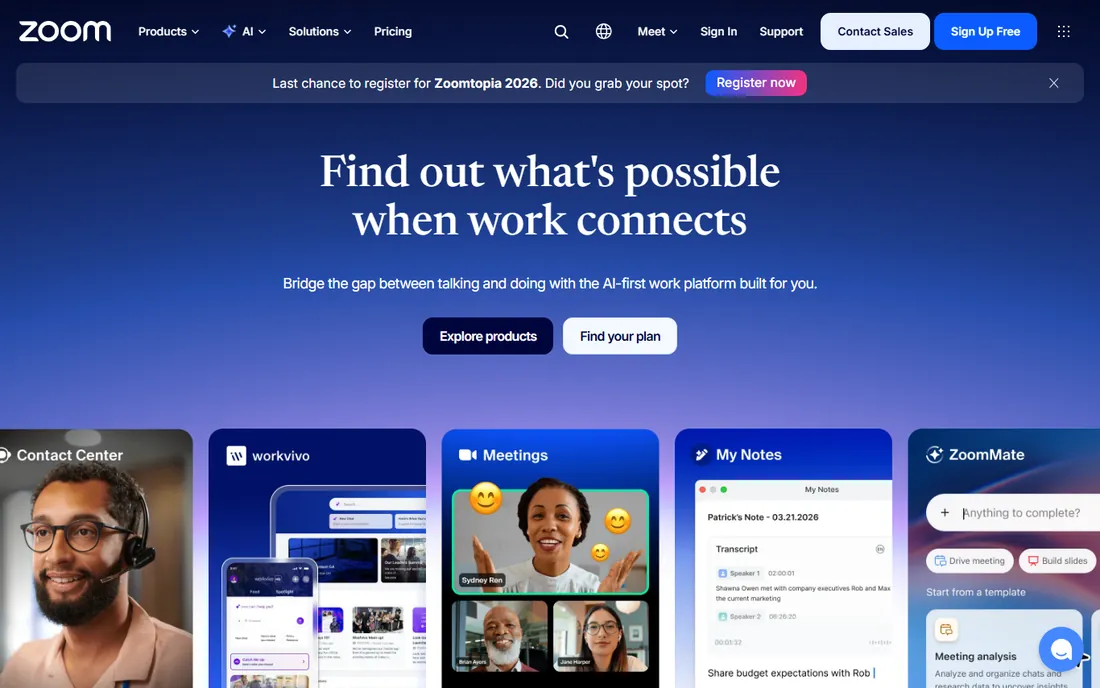
Zoom remains the reliability standard. Paid plans remove the 40-minute cap with 30-hour meetings, 10 GB of cloud recording on Pro, and the AI Companion (summaries, in-meeting questions) included at no extra cost. The marketplace covers thousands of integrations, and Zoom Phone, webinars and contact center extend the platform.
The add-ons are where budgets die. Large meetings, extra cloud storage, translated captions and phone are all separate purchases, and per-user licensing gets expensive fast when many people host. For teams already on Google Workspace or Microsoft 365, compare the bundled option before paying standalone. For everyone else, Pro at roughly $14 a month is the dependable default.
What we like- Best-in-class call reliability across devices and weak networks
- AI Companion with meeting summaries included on every paid plan
- Huge ecosystem of integrations and add-ons
Watch out for- Add-on economy inflates the bill (large meetings, storage, phone)
- Per-user licensing gets expensive when many people host
Starting price$7/user/month billed annually (Workspace Business Starter)
Free planYes (any Google account: 100 participants, 60-minute groups)
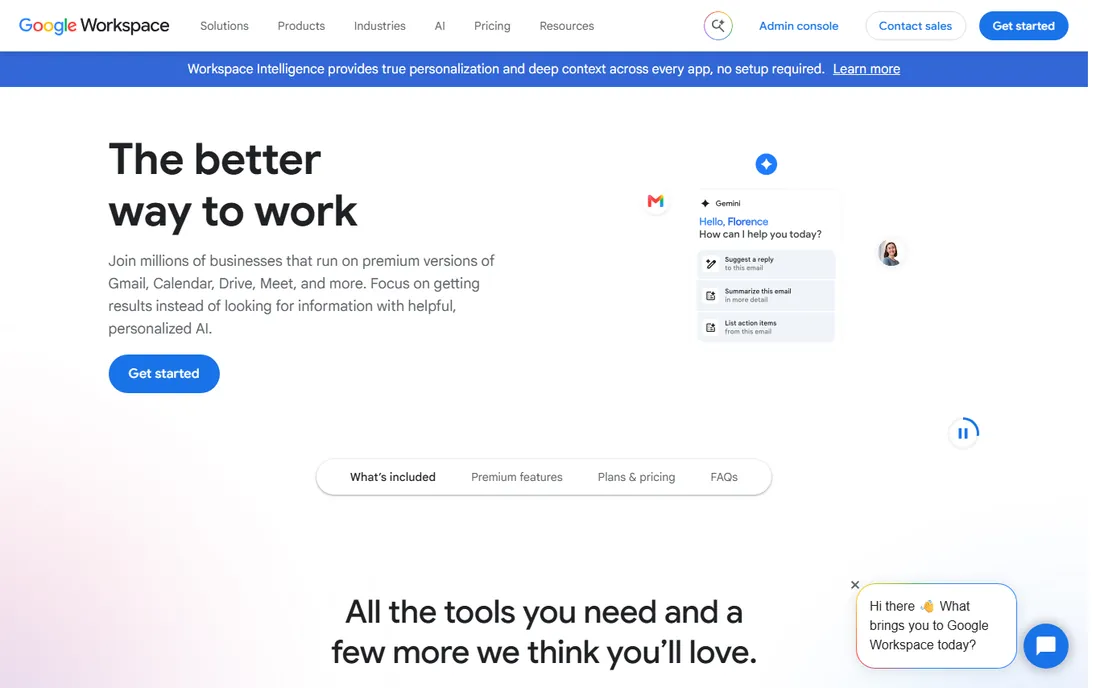
Meet's advantage is that it is already there. Meetings launch from Gmail and Calendar, guests join from a link with no download, and at $7 per user per month you get business email, 30 GB of storage and 100-person meetings. Once email is factored in, no standalone tool competes on price.
The feature gates matter. Starter lacks recording entirely; real meeting features (recording, breakout rooms, 150 participants) start at Standard ($14). In-domain live streaming needs Enterprise. As a pure webinar platform it is weak. But for a small business that needs email and storage anyway, Meet is effectively free video.
What we like- Zero-friction joining with no app download
- Effectively bundled with business email, Drive and Docs
- Generous free tier with 60-minute groups
Watch out for- Recording, breakout rooms and polling need Standard ($14) or higher
- Webinar and large-event features lag Zoom and Webex
Starting price$4/user/month (Teams Essentials, standalone)
Free planYes (Teams Free: 60-minute groups, 100 participants, unlimited chat history)
Teams wins on marginal cost. At $4 per user per month for Essentials (30-hour meetings, 300 participants) or bundled into Microsoft 365 plans most businesses already pay for, the video is effectively free. The free tier's unlimited message history beats every rival, and Purview and Entra compliance satisfy regulated industries.
Microsoft's unbundling after the EU case makes the packaging confusing ("with Teams" versus "without Teams" SKUs), and the features teams actually want (AI recap, translated captions, end-to-end encrypted meetings) sit behind the Teams Premium add-on. July 2026 price moves put Business Basic at $7 and Standard at $14. Confirm the current SKU at checkout.
What we like- Cheapest entry among the big three
- Deep Office integration with co-authoring and SharePoint
- Enterprise-grade compliance for regulated industries
Watch out for- Unbundled SKUs make packaging confusing
- AI recap and translated captions need the $10/month Premium add-on
#4
Cisco Webex
Best for: Enterprises, government, healthcare and education
Visit webex.com
Starting price$12/user/month ($144/user/year, Webex Meet)
Free planYes (unlimited meetings up to 40 minutes, 100 attendees)
Webex is the compliance choice. FedRAMP authorization on Enterprise, end-to-end encryption options, and a security story that wins regulated deals. The Suite bundle ($22.50 per user per month) adds unlimited domestic calling, replacing a separate phone system, and Slido polling and Q&A come built in.
The interface feels enterprise-built, with more settings and a steeper learning curve than Zoom or Meet. Contracts auto-renew, and webinars are a separate product with separate pricing. Best when compliance certifications or Cisco room hardware are already in the building. Overkill for a five-person startup.
What we like- Enterprise-trusted security with FedRAMP authorization
- AI Assistant with summaries included in paid plans
- Scales to 1,000-attendee meetings
Watch out for- Enterprise-built interface with a steeper learning curve
- Webinars and events are separate products
#5
GoTo Meeting
Best for: Small and mid-size businesses where a few people host
Visit goto.com
Starting price$12/organizer/month billed annually (Professional)
Free planNo
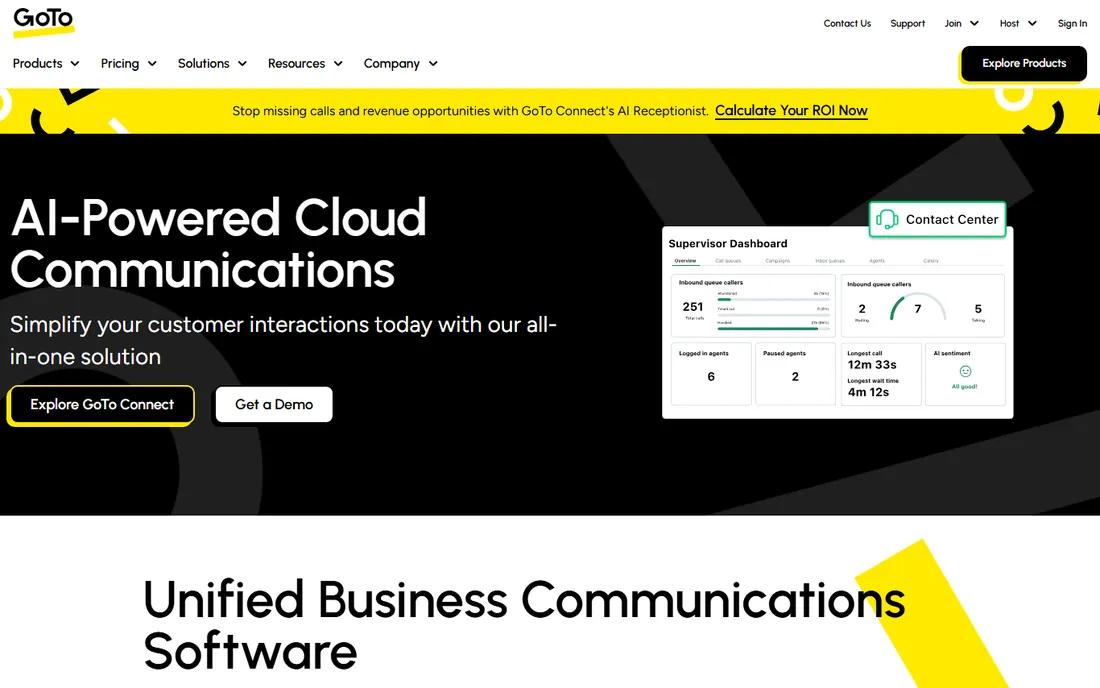
GoTo Meeting's pricing model is its feature. Per-organizer licensing means 3 organizers serving 50 staff pay for 3 seats, not 50. At $12 per organizer per month with unlimited meetings and no time limits, it is cheap exactly when few people host. Business ($16) adds transcripts, meeting lock and co-organizers.
If everyone hosts, the math converges with per-user pricing and Zoom wins on features. There is no free tier, unlike every other tool here. For client-facing services and training teams with a handful of hosts, it is the no-nonsense value pick.
What we like- Per-organizer pricing means attendees are free
- No meeting time caps with unlimited cloud recording on Business
- Simple, stable product with 24/7 support
Watch out for- No free tier at all
- Collaboration features are thinner than Zoom or Teams
#6
Zoho Meeting
Best for: Budget-conscious SMBs, especially those on Zoho
Visit zoho.com
Starting priceFrom $1/host/month billed annually (Standard)
Free planYes (100 participants, 60-minute sessions)
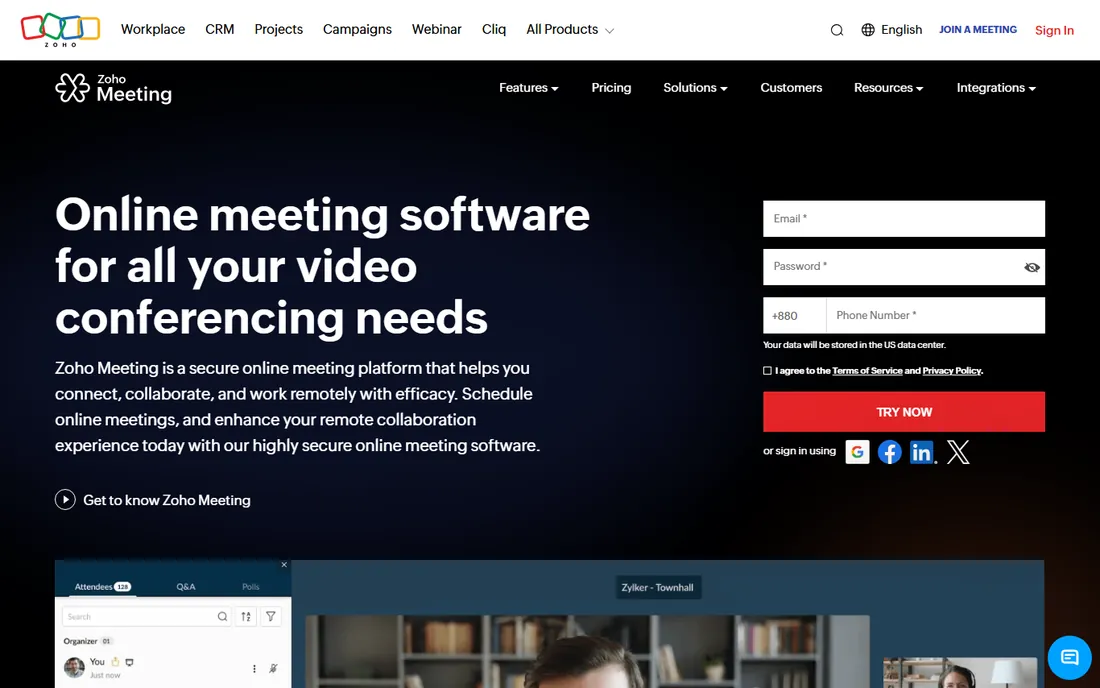
Nothing touches $1 to $3 per host per month for unlimited-duration meetings with recording. The free tier (100 participants, 60-minute sessions, screen sharing, whiteboard) beats most rivals, and the Zoho ecosystem integration (CRM, Mail, Cliq, Calendar) makes it the default inside a Zoho shop.
Every host needs a license, so a 20-person team where everyone hosts pays for 20 hosts, and reviewers report mixed call stability versus Zoom or Meet. Verify call quality on your network before committing a client-facing team. As the cheap-and-cheerful default, especially inside Zoho One, the value is unmatched.
What we like- Cheapest paid video conferencing anywhere
- Native integration across the Zoho ecosystem
- Built-in webinar product and E2E encryption
Watch out for- Per-host plus per-participant-tier pricing gets complicated
- Call stability reviews are mixed
Starting price$20/user/month billed annually (RingEX Core)
Free planYes (RingCentral Video free tier with limits)
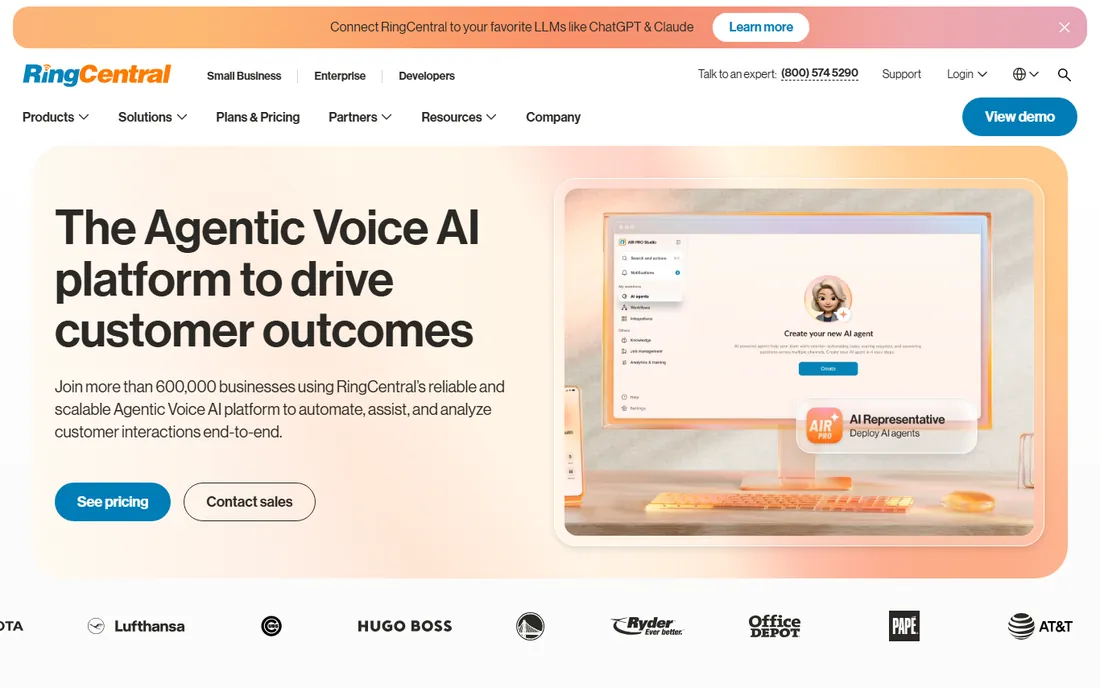
RingCentral is a phone system that happens to include video. Core at $20 per user per month billed annually covers unlimited domestic calling, SMS/MMS, team messaging and video with up to 100-plus participants, which can replace two or three vendors. For customer-facing teams needing call queues, the consolidation is the point.
If you only need video, Zoom or Meet cost half as much. Many teams discover they need Advanced ($25) for CRM integrations and call recording, and the add-ons (toll-free numbers, rooms, SMS packs) inflate the real bill. Evaluate the full communications stack cost, not just the meeting feature.
What we like- One vendor for phone, video, messaging and SMS
- Video included in every RingEX plan
- Strong admin controls and 300-plus integrations
Watch out for- UCaaS prices for video even if you only want meetings
- Pricing maze of tiers, bands and add-ons
Starting price$10.99/month (Pro)
Free planYes (1 meeting room; group meetings time-capped)
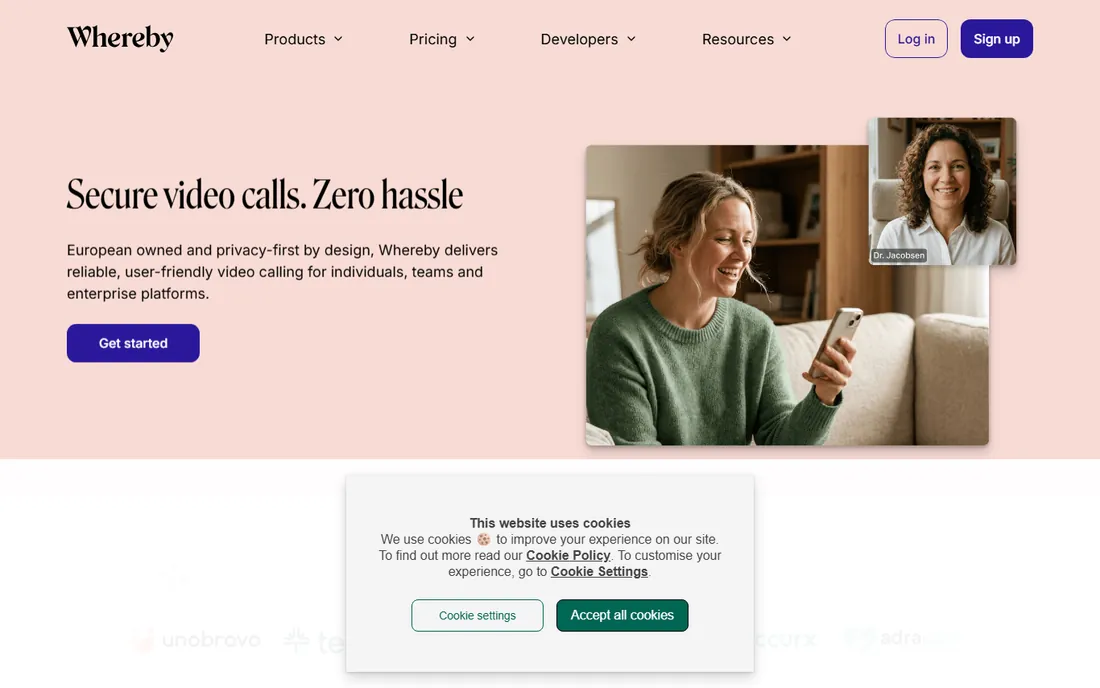
Whereby optimizes for the guest. Nothing is easier for a client than clicking a branded room link: no download, no login, no friction. Pro removes time limits and adds recording and branding, and the embedded video API lets you build meetings into your own product.
The feature set is the thinnest here: no webinar product, thinner host controls, fewer integrations, and modest participant caps. Pricing information conflicts across directories, so verify on whereby.com before budgeting. Best as the simple client-meeting layer; pair with something else for all-hands or marketing events.
What we like- Browser-native joining with no download or login
- Branded rooms and custom subdomains on paid plans
- Simple embedded video API
Watch out for- Smallest feature set of the paid tools
- No webinar product or large-event path
#9
Dialpad
Best for: Small teams that want AI meeting notes without paying for them
Visit dialpad.com
Starting price$0 (free tier); Meetings Business $15/user/month billed annually (per third-party directories)
Free planYes (unlimited meetings, 10 video participants, 45-minute cap)
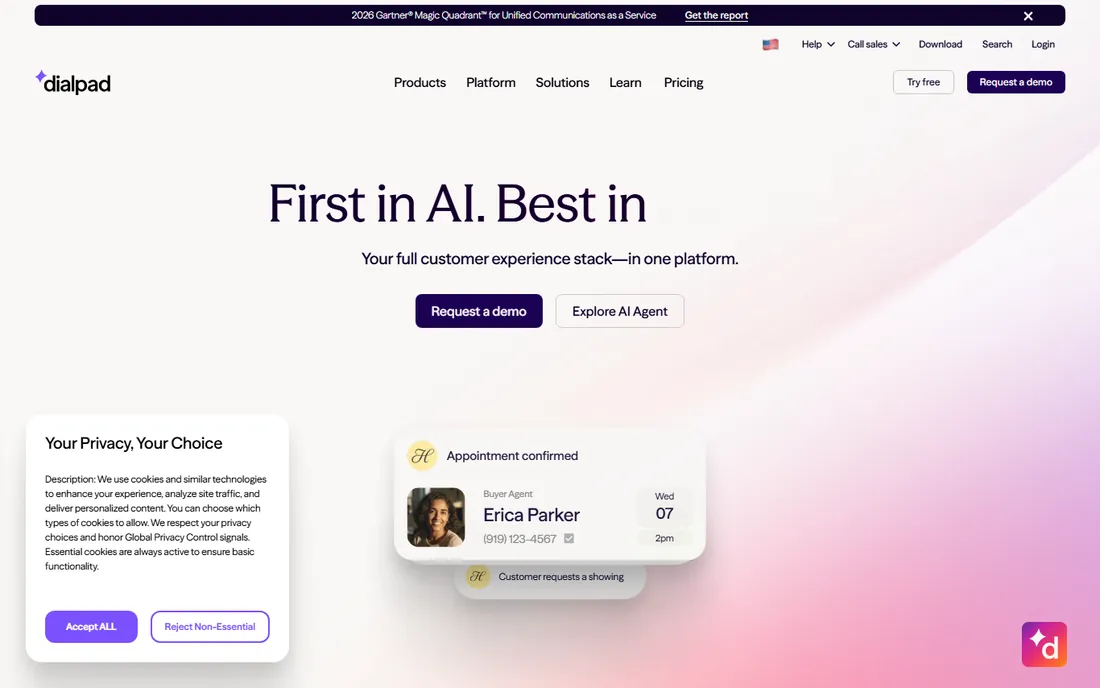
Dialpad's AI is the draw. Real-time transcription, automatic action items and post-meeting summaries come standard, which is rare at free and cheap tiers. The free plan covers unlimited meetings with no downloads needed, and Business (around $15 per user per month) adds 150 participants and 5-hour meetings.
The free tier's 10-participant cap rules out all-hands, and the product is a sidecar to Dialpad's phone business rather than a standalone video leader. Verify the Business price on dialpad.com before committing. For a small team that wants AI notes today and a phone system tomorrow, the path is clean.
What we like- AI-first with real-time transcription and summaries, even on free audio recordings
- No-download browser joining
- Upgrades naturally into Dialpad phone and contact center
Watch out for- Free tier caps at 10 video participants and 45 minutes
- Smaller ecosystem than Zoom or Teams
The bundled trap: when free video is not free
The cheapest video conferencing is the one already in your stack. Google Meet inside Workspace and Teams inside Microsoft 365 cost nothing marginal for businesses already paying for email and office apps. Zoom, Webex and GoTo only make sense when you need what the bundles lack: better webinars, larger events, stronger host controls, or deeper integrations.
The trap works in reverse too. Teams that buy a standalone tool while paying for Workspace or M365 anyway are paying twice for video. Before you evaluate anything, list what you already pay for. If Meet or Teams covers 90% of your meetings, the standalone tool needs to earn its keep on the remaining 10%.
How we chose
We started with the video tools businesses actually evaluate: the standalone leaders, the bundled suites, the per-organizer value pick, the budget options, and the UCaaS platforms. For each candidate we opened the vendor's own pricing page, checked the free tier limits and the paid gates that matter (recording, participant caps, meeting length), and read public reviews on G2, Capterra and practitioner discussion on Reddit. Where a price could not be verified on the vendor's page we wrote "See website" rather than guessing.
How to pick video conferencing software
First, count your hosts, not your users. Per-organizer pricing (GoTo Meeting) wins when few people host; per-user pricing (Zoom, Teams) wins when everyone does. Second, check the free tier against your actual meetings: 40-minute caps (Zoom, Webex) kill hour-long standups, while 60-minute tiers (Meet, Teams) survive them.
Third, decide what lives outside meetings. If you need webinars, compare the webinar products and their separate pricing before you commit to the meeting tool. If you need a phone system, price the UCaaS bundle (RingCentral, Dialpad, Zoom Phone) against keeping them separate. Fourth, test the join experience with your least technical client. The best video tool is the one your customers can join without calling you first.
Frequently asked questions
What is the best free video conferencing software?
Google Meet (60-minute groups, 100 participants) and Microsoft Teams (60-minute groups, unlimited chat history) have the most generous free tiers. Zoom's free tier caps groups at 40 minutes. Dialpad's free tier adds AI transcription but caps at 10 participants. For pure free meetings, Meet or Teams win.
Zoom vs. Google Meet vs. Microsoft Teams: which is best?
Zoom wins on reliability and features for standalone video. Meet wins on simplicity and price inside Google Workspace. Teams wins on marginal cost inside Microsoft 365 with the deepest Office integration. Most small businesses should use whichever is bundled with their email, and buy Zoom only if they need what the bundle lacks.
How much does video conferencing cost for a small team?
From $0 (Meet, Teams, Zoom free tiers) to roughly $14 to $16 per user per month for paid standalone plans. A 10-person team pays about $140 to $170 per month on Zoom Pro, versus $70 on Google Workspace Starter (which includes email) or $40 on Teams Essentials. Per-organizer tools like GoTo Meeting ($12 per organizer) are cheaper when few people host.
Do I need a separate webinar platform?
If webinars are occasional, Zoom and Webex webinar add-ons cover you. If webinars are your marketing engine, compare dedicated webinar features (registration pages, analytics, integrations) before committing: the meeting tool's webinar tier is often a compromise. Meet has no real webinar product.
What about security and compliance?
All nine offer encryption in transit. Webex leads on certifications (FedRAMP), Teams leads inside the Microsoft compliance stack (Purview), and Zoom offers end-to-end encryption options. Healthcare and government buyers should shortlist Webex or Teams and confirm HIPAA and FedRAMP requirements specifically.
Sources we checked (11)
- https://zoom.us/pricing
- https://workspace.google.com/pricing.html
- https://www.microsoft.com/microsoft-365/business/compare-all-microsoft-365-business-products
- https://www.webex.com/pricing/index.html
- https://www.goto.com/pricing/meeting
- https://www.zoho.com/meeting/pricing.html
- https://www.ringcentral.com/office/plansandpricing.html
- https://whereby.com/pricing/
- https://www.dialpad.com/pricing/
- https://www.g2.com/categories/video-conferencing
- https://www.capterra.com/video-conferencing-software/
Is your product missing or out of date?
We review this list regularly. Vendors can request a listing, send updated pricing or ask about featured placement.

Shihab Mia · Founder, Rankite
Shihab has spent more than a decade helping SaaS and e-commerce brands grow through search. He writes Rankite's software buying guides from pricing pages, documentation and public user reviews. More about Shihab.