How we make this list: we compare pricing pages, product documentation and public user reviews. Ratings come from G2, Capterra or Trustpilot, with the date we checked them.
Key takeaways
- Scrivener remains the most complete novel drafting tool for writers who want research, corkboard planning, and compiling in one project.
- Ulysses suits Apple only writers who want a clean, focused editor with strong export to ebook and Word formats.
- Dabble and Novlr suit writers who want cloud sync, plot grids, and goal tracking without a steep learning curve.
- Plottr is an outlining and series bible tool, not a full drafting replacement, and it pairs best with Scrivener or Word.
- Atticus is the best pick for authors who want to write and format a publish ready ebook and print book in one purchase.
Quick comparison
| Tool | Best for | Starting price | Free plan |
|---|
 Scrivener Scrivener | Complete novel drafting | See website | Free trial |
 Ulysses Ulysses | Focused Apple writing | See website | Free trial |
 Dabble Dabble | Cloud novel planning and drafting | See website | Free trial |
 Plottr Plottr | Visual outlining and series bible | See website | Free trial |
 Novlr Novlr | Goal driven cloud writing | Free | Yes |
 yWriter yWriter | Free scene based drafting | Free | Yes |
 Atticus Atticus | Writing plus book formatting | $147 one time | No |
 LivingWriter LivingWriter | Visual boards and cloud sync | See website | Yes |
Is your product missing or out of date?
We review this list regularly. Vendors can request a listing, send updated pricing or ask about featured placement.
The best writing software for novels
Starting priceSee website
Free planFree trial
Scrivener is the standard recommendation for novelists for a reason. It breaks a manuscript into sections as small as a scene or as large as a chapter, lets you rearrange those sections by dragging index cards on a corkboard or rows in an outliner, and keeps research files, images, PDFs, and notes inside the same project. Split screen editing lets you view an earlier chapter while drafting a new one, and targets track daily word counts and manuscript progress. When the draft is done, Compile stitches the sections into a single document for printing, submission, or ebook preparation.
The cost of that power is learning time. New users often spend a first weekend learning the binder, inspector, and Compile settings, and Compile in particular can confuse a writer who only wants a simple Word export. Device sync also needs care, since Scrivener projects are folders of files rather than a single cloud document, so closing the project before switching devices matters. Scrivener fits writers working on a long novel or series who want one home for draft and research. It fits less well for a writer who wants to open a browser and start typing in under a minute.
What we like- Binder, corkboard, and outliner for long manuscripts
- Research files inside the project
- Compile to Word, PDF, and ebook formats
Watch out for- Learning curve for new users
- Sync between devices needs careful setup with a cloud folder
#2Ulysses
Best for: Focused Apple writing4.5/5 on
G2 (25 reviews, checked Oct 2026)
Visit ulysses.app
Starting priceSee website
Free planFree trial
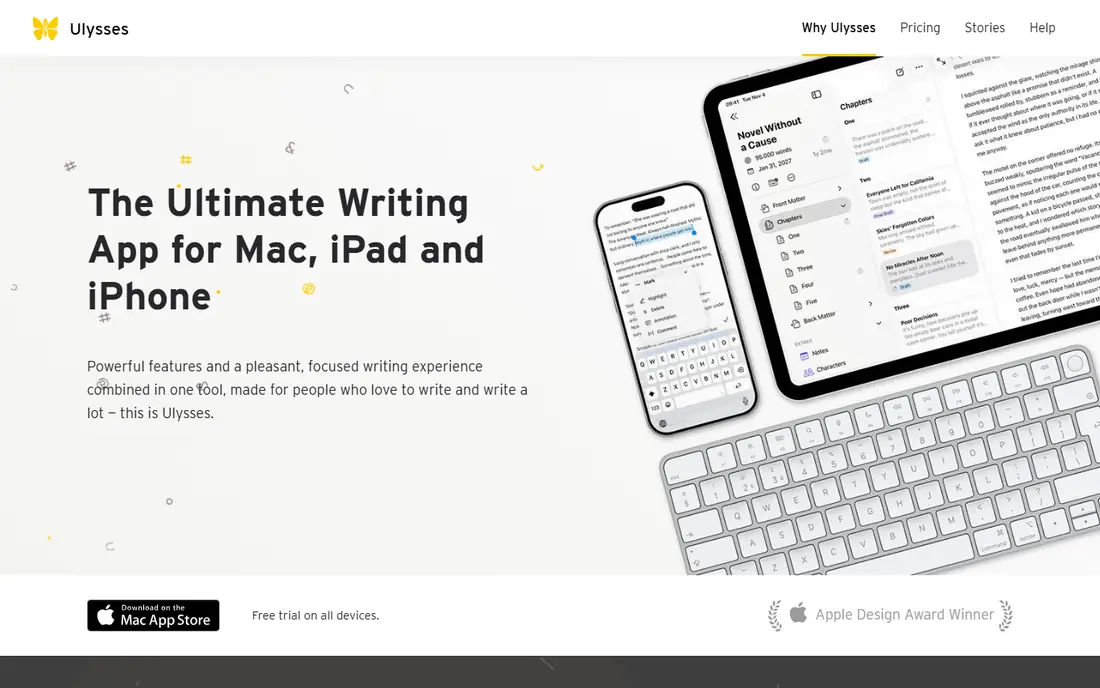
Ulysses is the calm alternative to Scrivener for Apple users. Its markup based editor keeps formatting out of the way while you draft, its library organizes sheets into groups for chapters and scenes, and its export turns a manuscript into a PDF, Word document, ebook, or blog post with style previews. Built in grammar and style checks cover more than 20 languages, and goals and deadlines track daily progress. Sync across Mac, iPad, and iPhone works through iCloud, so a scene started on a phone can be continued on a Mac without manual file handling.
The limits are platform and price model. Ulysses runs only on Apple devices, so a writer with a Windows PC or Chromebook cannot use it as a main tool. It is also subscription based, which costs more over several years than a one time purchase such as Scrivener or Atticus, though a free trial covers all devices. Ulysses fits Apple only novelists who value a focused editor and clean export. Windows writers should choose Scrivener, Dabble, or Novlr instead.
What we like- Clean distraction free editor for Mac, iPad, and iPhone
- Library for large projects
- Export to PDF, Word, and ebook with live preview
Watch out for- Apple devices only
- Subscription pricing rather than a one time purchase
Starting priceSee website
Free planFree trial
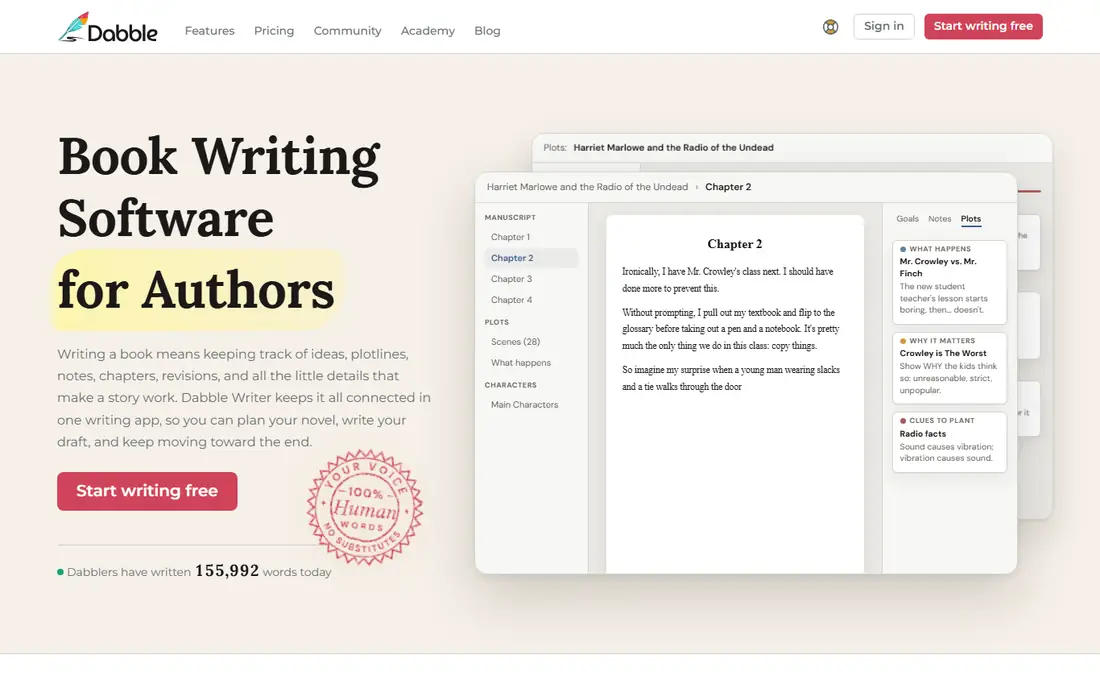
Dabble is built specifically for novelists who want planning and drafting in one cloud app. The Plot Grid shows chapters, scenes, plot lines, and notes in a grid, so a sagging middle or a dropped plot thread becomes visible before you finish a draft. Story Notes hold character details, world notes, and research alongside the manuscript, and Focus Mode hides everything else while you write. A 14 day trial opens the full Bestseller experience without a credit card, according to its site, and the community offers word sprints, challenges, and courses.
Dabble is a drafting and planning tool, not a full publishing formatter. Authors who self publish will usually export to Word, Atticus, or another formatter for final ebook and print layout. The subscription also means an ongoing cost, unlike yWriter or a one time purchase. Dabble fits writers who want a modern, cloud based Scrivener alternative with a gentler learning curve. It fits less well for writers who want a free tool or a single app that also formats a finished book.
What we like- Plot Grid for chapters and scenes
- Story Notes for characters and plot threads
- Cloud sync across devices
- Community and courses
Watch out for- No permanent free plan
- Formatting for final publishing needs another tool for many authors
#4Plottr
Best for: Visual outlining and series bible4.8/5 on
G2 (2 reviews, checked Oct 2026)
Visit plottr.com
Starting priceSee website
Free planFree trial
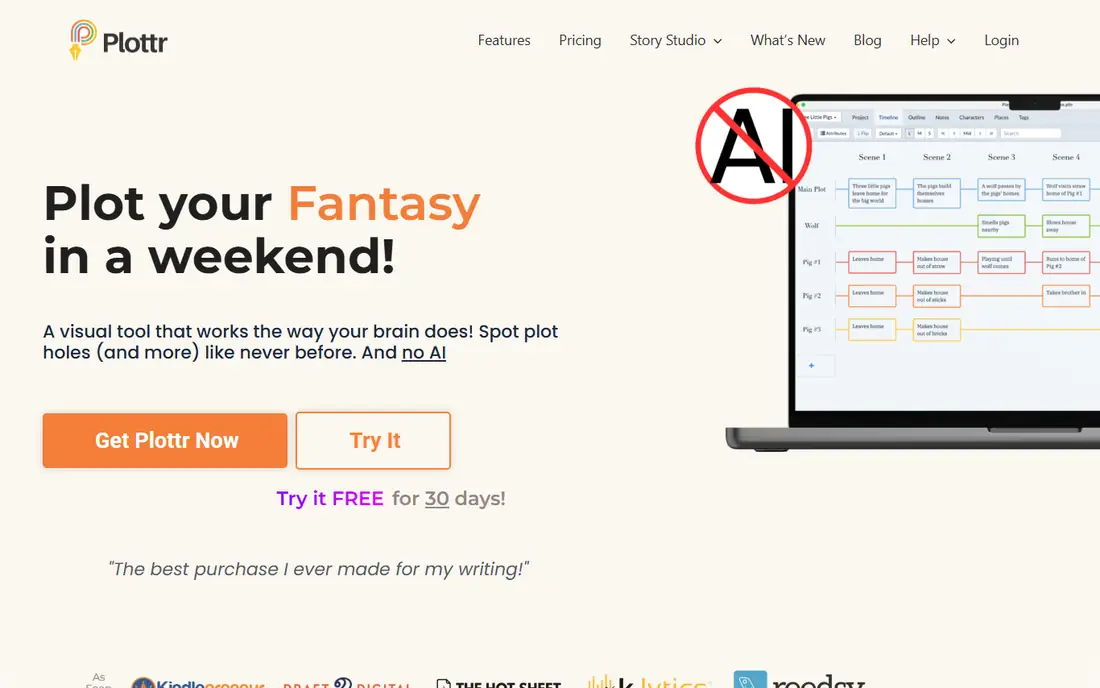
Plottr solves a different problem from Scrivener and Dabble. It is a visual outlining tool that lets you drag scenes, chapters, and character arcs on a timeline, spot plot holes, and use templates such as Hero's Journey, Romancing the Beat, and the Snowflake Method. Character sheets cover goal, motivation, conflict, Enneagram, and other methods, and world building sections hold magic systems, cultures, places, and notes. A series bible keeps every book in a series in one project, so a character's eye color in book one stays consistent in book three. Export to Word and Scrivener moves the outline into a drafting app.
Plottr is not a replacement for a drafting editor. You will still write the manuscript in Scrivener, Word, Dabble, or Novlr, which means paying for two tools if you want both outlining and drafting in depth. A 30 day free trial lets you test whether visual outlining changes your process before paying. Plottr fits plotters, series writers, and writers who struggle with structure. Discovery writers who prefer to draft without a plan may find it constraining, though it can still serve as a series bible after a draft exists.
What we like- Visual timeline with drag and drop scenes
- More than 40 plot templates
- Character sheets, world building, and series bible in one project
Watch out for- Not a full manuscript editor
- Best used alongside a drafting app, which adds a second subscription
Starting priceFree
Free planYes
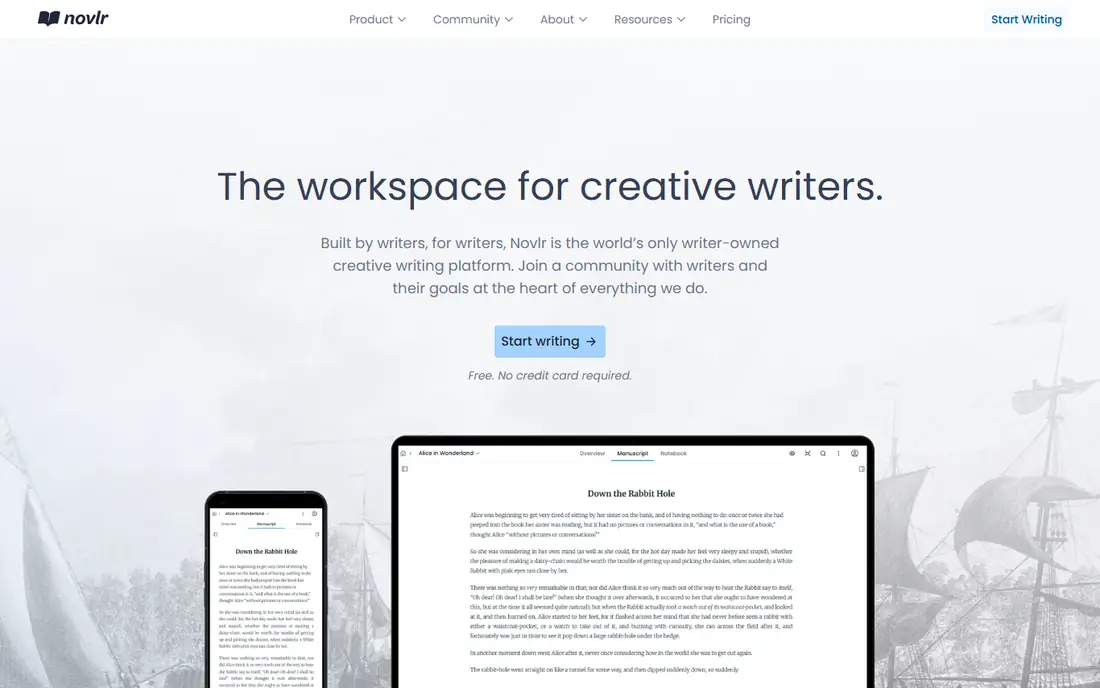
Novlr is a cloud writing workspace designed around habit and goals. The free plan includes 2 projects with sync across devices, a note powered planning grid, focus mode, writing sprints, streaks, and analytics, which is generous for a writer starting a first novel. Paid Starter at $8 per month billed yearly adds 10 projects and full Academy courses, while Studio at $16 per month billed yearly adds unlimited projects, version history, author websites, and an advanced proofreader. Planning notes stay visible alongside the manuscript, so you can check a plot note without leaving the draft.
Novlr is less deep than Scrivener for research and compiling, and less visual than Plottr for outlining. Its strength is momentum, with sprints, goals, and streaks that help a writer write daily rather than plan endlessly. Novlr also states that it is owned by its writer users, which may appeal to authors who care about platform governance. Novlr fits new and mid career novelists who want a cloud first, goal driven workspace. Writers who need advanced formatting or a large template library should pair it with Atticus or Plottr.
What we like- Free plan with 2 projects and sync
- Plot grid and notes alongside the manuscript
- Writing sprints, streaks, and goal tracking
Watch out for- Paid plans needed for unlimited projects and advanced proofreading
- Smaller template library than Plottr
Starting priceFree
Free planYes
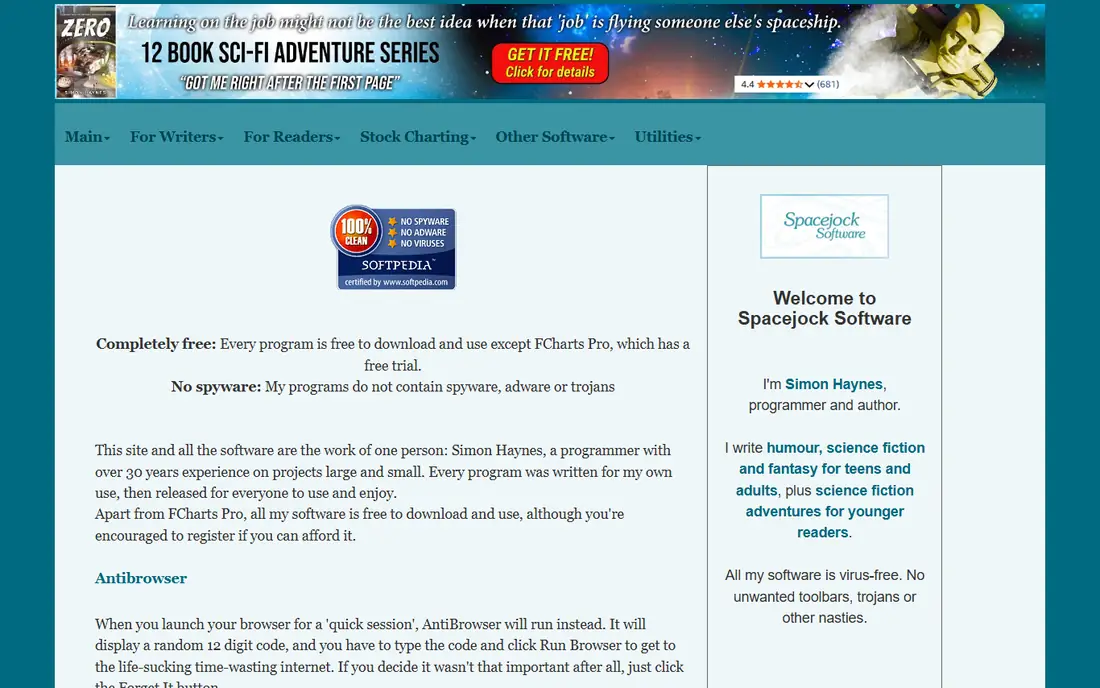
yWriter is the best free novel drafting tool for Windows writers, and it has been used by its author for almost thirty novels according to its site. It breaks a novel into chapters and scenes, tracks viewpoint character, goal, conflict, and outcome for each scene, and lets you drag scenes between chapters to fix structure. Automatic backups and snapshots let you roll a scene back to an earlier version, and exports cover EPUB, MOBI, RTF, and LaTeX for print ready PDFs. The program runs offline, stores data on your own computer, and contains no ads.
The interface is plain and Windows focused, which can feel dated after using Dabble or Novlr, and the Mac and mobile versions are made by another developer and cost a small charge. yWriter also lacks cloud sync, so moving between devices needs manual file handling. yWriter fits budget conscious Windows novelists who want scene based drafting without a subscription. Cloud first writers and Apple only writers should look at Novlr, Dabble, or Ulysses instead.
What we like- Free on Windows
- Chapters and scenes with drag and drop reorder
- Automatic backups and scene snapshots
- Export to EPUB, MOBI, and RTF
Watch out for- Windows focused design
- Interface looks dated next to modern cloud apps
- Mac and mobile versions cost extra
#7Atticus
Best for: Writing plus book formatting3.0/5 on
G2 (2 reviews, checked Oct 2026)
Visit atticus.io
Starting price$147 one time
Free planNo
Atticus is the best choice for an author who wants to finish a book and format it for publishing without learning a separate formatter. You can write in an editor built for authors, with drag and drop chapters, word counts, and goal tracking, then choose from 17 or more chapter themes, customize fonts and layouts, and preview the book on phones, tablets, and e-readers before export. Exports cover EPUB, PDF, and DOCX, and the $147 price is a one time payment with ongoing updates for life, according to its site. That single purchase model compares well with subscription tools over several books.
Atticus planning is lighter than Scrivener or Plottr. It does not offer a visual timeline, a series bible, or deep research management, so a complex series writer may still need Plottr for planning. There is also no free plan, though a 30 day money back guarantee reduces the risk of trying it. Atticus fits self publishing authors who want a clean manuscript and a professional looking book from one tool. Writers who need deep outlining should use Plottr alongside it, and writers on a tight budget should start with yWriter or Novlr.
What we like- Write and format in one app
- 17 or more chapter themes and custom theme builder
- Export to EPUB, PDF, and DOCX
- One time purchase with lifetime updates
Watch out for- No free plan, only a 30 day money back guarantee
- Planning features are lighter than Plottr or Scrivener
Starting priceSee website
Free planYes
LivingWriter organizes a novel on visual boards, where chapters, scenes, elements, notes, and research sit in one clear view and can be dragged into place without cutting and pasting. Elements boards track people, places, objects, and ideas, and an Appears In section shows which chapters feature each element, which helps with continuity in a long book. Templates cover Story Circle, Hero's Journey, the 27 Chapter Method, and Romancing the Beat, plus screenplay and nonfiction structures. Cloud sync covers web, desktop, iOS, and Android, and exports include DOCX, PDF, EPUB, and Amazon KDP.
LivingWriter is newer than Scrivener and Ulysses, so it has fewer community guides, templates shared by users, and third party tutorials. Pricing for paid plans should be checked on its pricing page, since the homepage states that you can start writing free without a credit card but does not list full paid prices in the homepage text. LivingWriter fits writers who think visually and want cloud sync across all devices. Writers who want the largest community and the deepest research tools should still consider Scrivener first.
What we like- Visual manuscript boards for chapters, elements, and research
- Cloud sync across web, desktop, iOS, and Android
- Export to DOCX, PDF, EPUB, and Amazon KDP
Watch out for- Paid pricing needs checking on the pricing page
- Newer brand with a smaller community than Scrivener
How we chose
We compared pricing pages, documentation, export options, and public reviews on G2 and Capterra, and we weighed drafting comfort, planning tools, research handling, sync, export formats, and total cost over several books. We did not claim hands on testing, and we listed only tools with a working official homepage during this review. Where a price depends on platform or billing period, we wrote See website rather than quoting a single figure that may not apply to the reader's device.
Choosing by how you write
Plotters should start with Plottr for structure, then draft in Scrivener, Dabble, or Novlr. Discovery writers should start with a focused editor such as Ulysses or Novlr, and add Plottr later only if continuity becomes a problem. Series writers need a series bible most, so Plottr or LivingWriter's elements tracking matters more than a beautiful editor. Budget writers should start free with yWriter or Novlr, and upgrade only when a paid feature solves a real bottleneck.
Drafting, formatting, and backup habits
Keep drafting and formatting separate in your mind, even if one app does both. Draft in the tool that helps you write daily, then format in Atticus or export to Word for an editor, because a formatter's constraints can slow a first draft. Back up every manuscript in two places, such as cloud sync plus a weekly export to DOCX, and test restoring a backup before you need it. A novel lost to a failed sync is a failure of backup habits, not of the writing app.
Frequently asked questions
Is Scrivener better than Word for writing a novel?
For most novelists, yes, because Scrivener breaks a book into scenes, keeps research inside the project, and lets you rearrange structure by dragging cards. Word works for a short draft, but it becomes harder to manage at 80,000 words with many scenes, notes, and revisions.
Can I write a novel for free?
Yes. yWriter is free on Windows, and Novlr offers a free plan with 2 projects and sync. Free tools cover drafting well, though formatting, unlimited projects, or advanced proofreading may need a paid tool later.
Do I need Plottr if I already use Scrivener?
Not always. Scrivener's corkboard and outliner cover basic plotting, but Plottr adds a visual timeline, genre templates, and a series bible that Scrivener does not match. Use Plottr if structure or series continuity is your main struggle, and skip it if Scrivener already keeps your plot clear.
Which novel software works on both Windows and Mac?
Scrivener, Dabble, Novlr, Plottr, Atticus, and LivingWriter all work across Windows and Mac in some form, with cloud tools covering both through a browser. Ulysses is Apple only, and yWriter is Windows focused with separate Mac versions.
What is the best software for self publishing a novel?
Atticus is the strongest single tool for self publishing, because it combines drafting with ebook and print formatting and a one time price. Scrivener can also compile a manuscript for publishing, but many authors still use a formatter such as Atticus or Vellum for final layout.
Should I use AI features in novel writing software?
That depends on your goals and on your publisher or contest rules, since some venues restrict AI generated text. Plottr states that it has no AI features, while LivingWriter offers an AI assistant beside the manuscript. Use AI for brainstorming or editing help only if it fits your ethics and your publishing terms, and keep the story decisions your own.
Sources we checked (8)
- https://www.literatureandlatte.com/scrivener/overview
- https://ulysses.app/
- https://www.dabblewriter.com/
- https://plottr.com/
- https://www.novlr.org/
- https://www.spacejock.com/yWriter7.html
- https://www.atticus.io/
- https://livingwriter.com/
Is your product missing or out of date?
We review this list regularly. Vendors can request a listing, send updated pricing or ask about featured placement.

Shihab Mia · Founder, Rankite
Shihab has 5+ years in B2B and SaaS SEO. He writes Rankite's software buying guides from pricing pages, documentation and public user reviews. More about Shihab.