How we make this list: we compare pricing pages, product documentation and public user reviews. Rankite is independent; if a vendor ever pays for a featured spot, that listing is clearly labeled Partner.
Key takeaways
- Solo writers and small teams should look at HelpNDoc, GitBook or Oxygen XML Editor. They are affordable, mature, and do not require an enterprise sales process.
- Large teams with heavy reuse needs belong in a CCMS. MadCap Flare and Paligo handle single-sourcing, translation and multi-format publishing at scale.
- If your docs live next to your code, GitBook or a docs-as-code setup will fit your developers better than a traditional help authoring tool.
- FrameMaker still rules for long, print-heavy documents like manuals and compliance guides, but it is overkill for web-only help centers.
- Every tool here offers a trial or free tier. Publish a real document through each finalist before deciding.
Quick comparison
| Tool | Best for | Starting price | Free plan |
|---|
 MadCap Flare MadCap Flare | Single-source publishing at scale | See website | Free trial |
 Oxygen XML Editor Oxygen XML Editor | DITA and structured XML authoring | See website | Free trial |
 Paligo Paligo | Cloud CCMS for growing teams | See website | Free trial |
 Adobe FrameMaker Adobe FrameMaker | Long print and PDF documents | See website | Free trial |
 HelpNDoc HelpNDoc | Solo writers on a budget | See website | Yes |
 GitBook GitBook | Docs synced with code | See website | Yes |
 Document360 Document360 | Hosted knowledge bases | See website | Free trial |
 ClickHelp ClickHelp | Analytics-driven doc teams | See website | Free trial |
Is your product missing or out of date?
We review this list regularly. Vendors can request a listing, send updated pricing or ask about featured placement.
A documentation lead at a mid-size SaaS company faces the same choice every few years: keep limping along with the old help tool, or move to something that handles translation, versioning and multi-format output without heroics. The eight tools below cover the real options in 2026, from desktop authoring classics to cloud content management systems.
Starting priceSee website
Free planFree trial

MadCap Flare is the workhorse of professional technical communication. You write topics once, then reuse them through snippets, variables and conditions across help sites, PDFs, knowledge bases and training materials. For teams maintaining large documentation sets across multiple products and languages, that reuse model is the difference between a sustainable docs operation and a permanent backlog.
Flare's strength is also its commitment. It is a Windows desktop application with a deep feature set, which means new writers face a real learning curve, and collaboration happens through source control or MadCap Central rather than Google-Docs-style editing. If your team publishes to many formats from one source and needs tight control over output, few tools match it.
What we like- Topic-based authoring with deep content reuse
- Publishes to HTML5, PDF, Word, EPUB from one project
- Strong import from Word, FrameMaker and RoboHelp
Watch out for- Desktop-first workflow feels heavy next to cloud tools
- Pricing is quote-based and aimed at teams
Starting priceSee website
Free planFree trial
When documentation must be structured, validated and transformed with precision, technical writers reach for Oxygen. It is the reference XML editor for DITA shops, with schema-aware editing, transformation scenarios, and validation that catches errors before they reach publishing. Teams in regulated industries use it because the output is deterministic and auditable.
The trade-off is accessibility. Oxygen assumes you understand XML, DITA maps and transformation pipelines, and it does little to hide that complexity from casual contributors. For a two-person docs team writing web help, it is more machinery than you need. For a team managing thousands of DITA topics across product lines, it is the right machinery.
What we like- Best-in-class DITA, DocBook and XML support
- Runs on Windows, Mac and Linux
- One-time license option
Watch out for- Overkill for simple help sites
- The interface can intimidate non-technical writers
Starting priceSee website
Free planFree trial
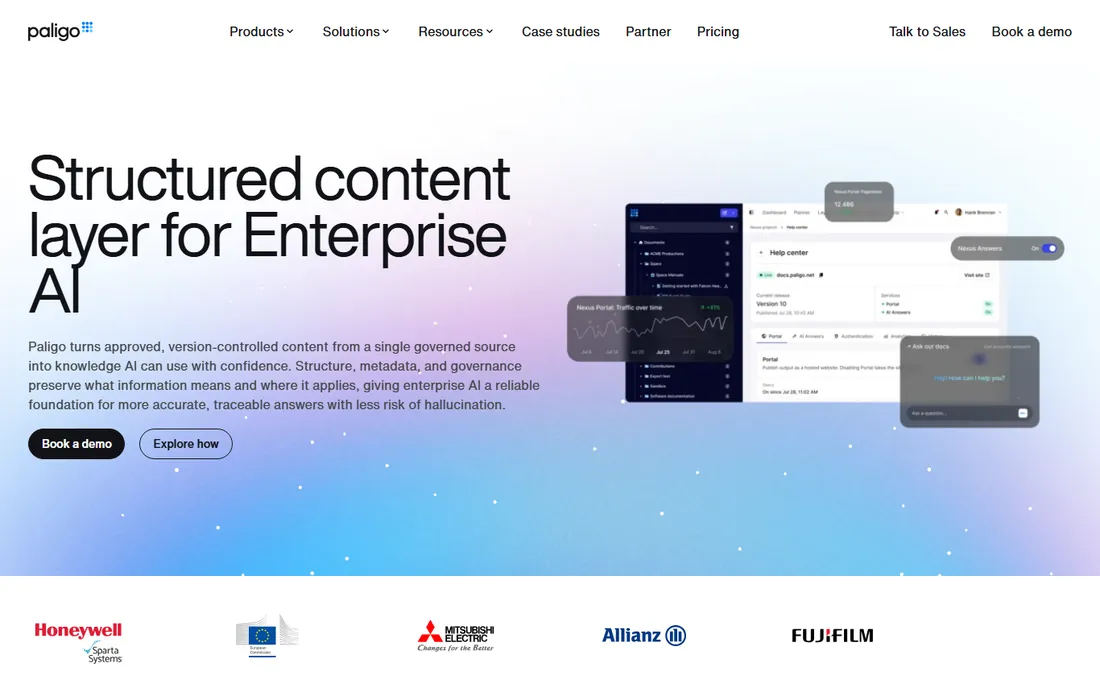
Paligo takes the component content management system, traditionally an enterprise monster, and makes it usable from a browser. Writers author structured topics, reuse them across outputs, manage versions and branches, and publish to HTML5, PDF and help centers without touching a desktop app. For teams outgrowing a desktop authoring tool but not ready for a six-figure CCMS implementation, Paligo is the natural next step.
The catch is that Paligo is still a CCMS at heart. You need to design your content model, taxonomy and reuse strategy before the tool pays off, and that planning work cannot be skipped. Pricing is quote-based and pitched at mid-market and enterprise teams. If you are willing to invest in structured content, it removes the desktop-app friction that slows larger teams down.
What we like- True cloud CCMS with component reuse
- Writer-friendly UI for structured content
- Built-in translation and publishing workflows
Watch out for- Enterprise pricing
- Structured authoring still requires a content model up front
Starting priceSee website
Free planFree trial
FrameMaker has produced aircraft manuals, medical device documentation and thousand-page technical books for decades, and nothing touches it for that job. Its structured authoring, cross-referencing, indexing and pagination controls are built for documents where precision matters more than speed. If your deliverable is a printed manual or a regulated PDF, FrameMaker remains the professional choice.
For web-only documentation, FrameMaker is the wrong tool. Its HTML output lags behind dedicated help authoring tools, and the interface shows its age. Adobe sells it as part of its technical communication suite, so check the bundle pricing. Buy it for print, not for a help center.
What we like- Unmatched for long structured documents and books
- Excellent PDF and print output
- Integrates with the Adobe ecosystem
Watch out for- Dated feel and steep learning curve
- Weak for modern web help output
Starting priceSee website
Free planYes
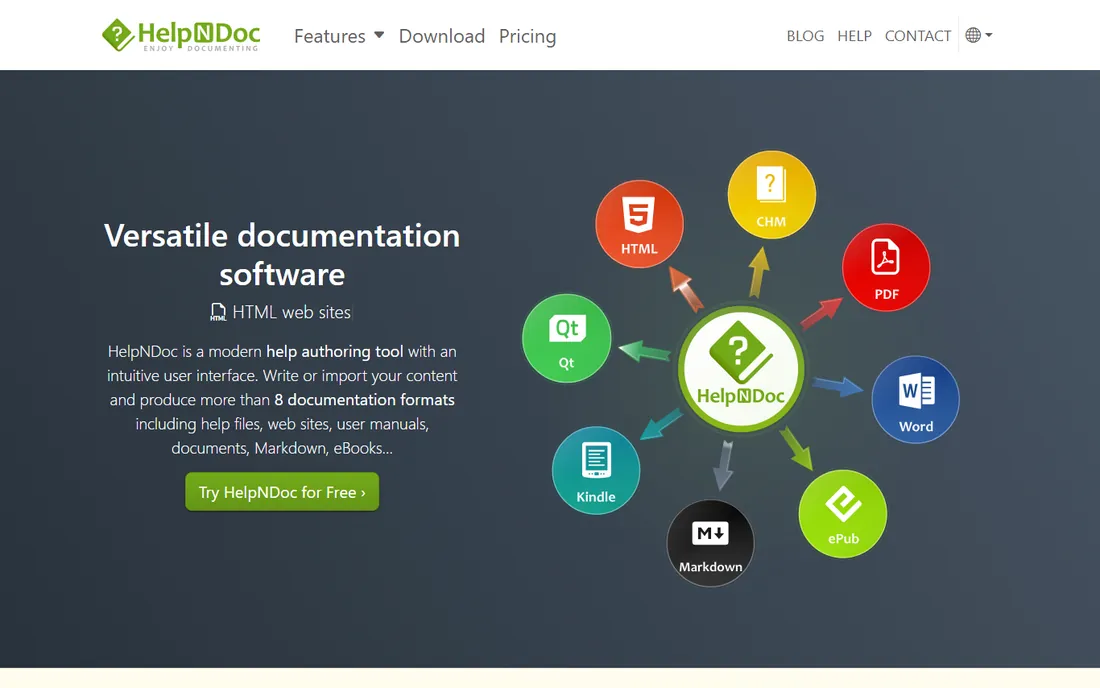
HelpNDoc is the best value in this list for individual writers. The personal edition is free, and even the paid editions are cheap compared to the enterprise tools here. You get a familiar Word-style editor and single-source publishing to CHM help files, responsive HTML sites, PDFs, Word documents and eBooks. For a freelancer documenting one product, it covers the essentials.
The limits are team-shaped. There is no real multi-user workflow, no CCMS-style component reuse, and it runs on Windows only. But those are enterprise problems. If you are one writer shipping docs for one or two products, HelpNDoc gives you professional output without a procurement process.
What we like- Free for personal use
- Generates CHM, HTML, PDF, Word, EPUB and Markdown from one source
- Word-like editor
Watch out for- Windows only
- Not designed for multi-writer teams or complex reuse
Starting priceSee website
Free planYes
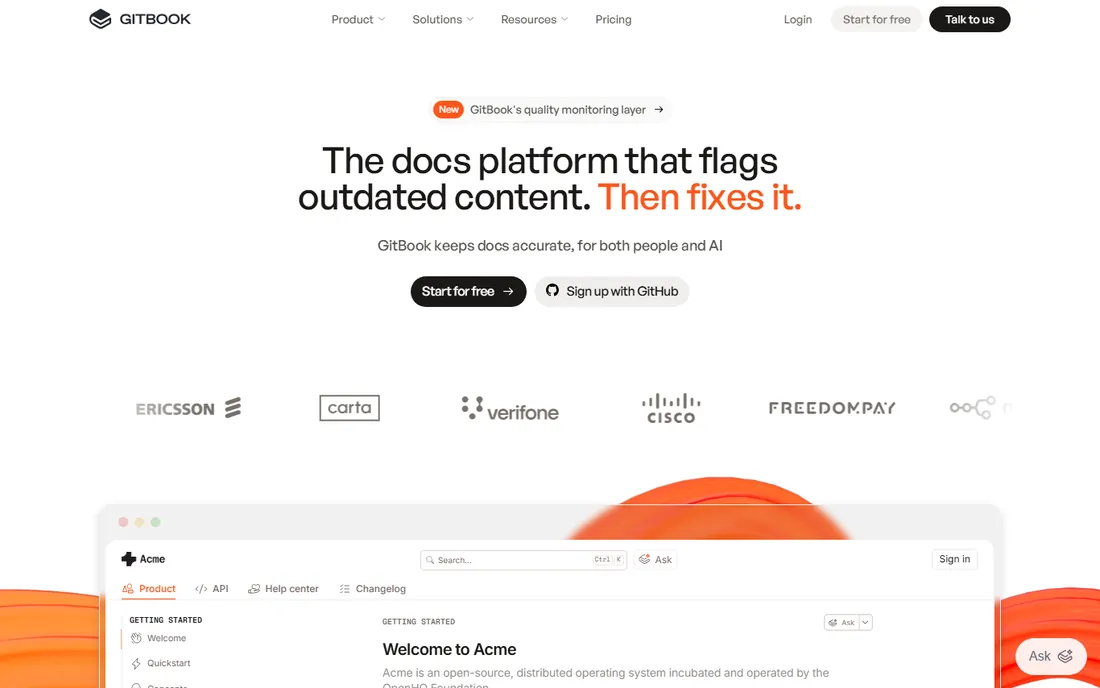
GitBook wins wherever developers and technical writers share the same repository. Docs live in Git, changes go through pull requests, and the hosted site updates on merge. That workflow fits API documentation and developer guides far better than importing Word files into a desktop app. The editor is clean, the output looks modern, and the free tier covers small teams.
It is not a structured-authoring powerhouse. Content reuse, conditional publishing and multi-format output are thinner than in Flare or Paligo, and regulated teams needing validated print output will hit walls. For software companies whose docs are part of the product, though, GitBook's developer-native workflow is a genuine advantage.
What we like- Git-synced documentation developers actually use
- Clean hosted output
- Generous free tier
Watch out for- Limited single-sourcing and conditional content
- Not built for regulated print output
Starting priceSee website
Free planFree trial
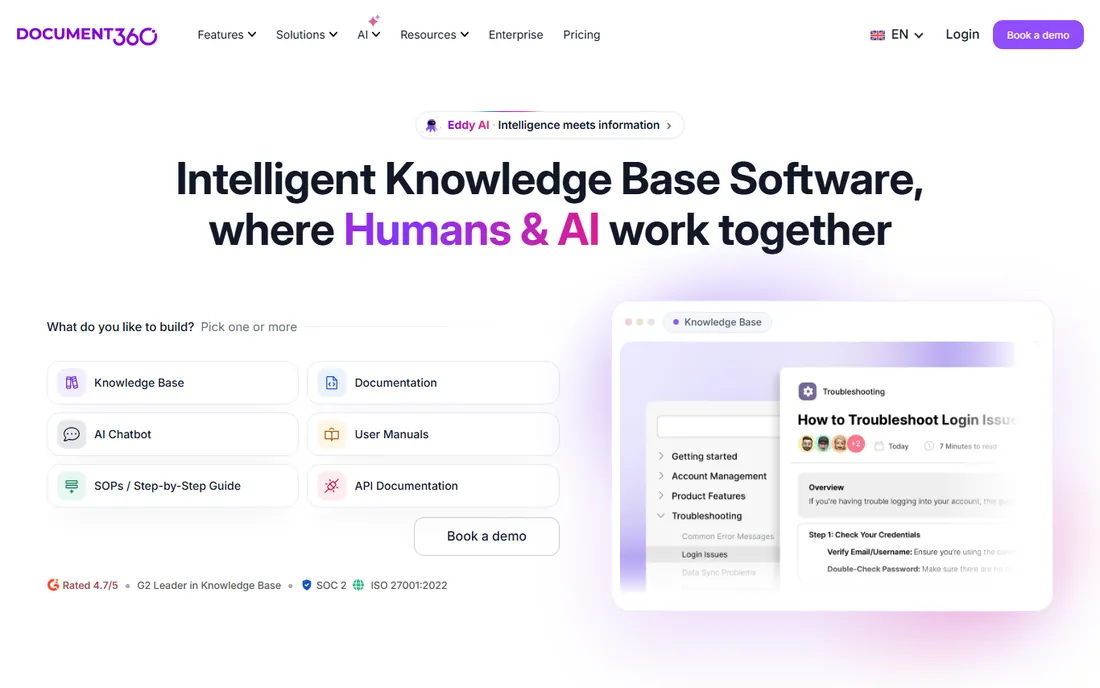
Document360 is for teams that need a knowledge base more than an authoring suite. You get a hosted portal with categories, versioning, search analytics, feedback widgets and access control, aimed at product documentation and internal wikis. Setup takes hours, not weeks, and non-technical contributors can write in Markdown or a visual editor.
What you gain in speed you lose in authoring power. There is no serious single-sourcing engine here, and complex conditional publishing is out of scope. For support teams and SaaS companies that need a clean, searchable help center with real analytics, Document360 hits the mark at a mid-range price.
What we like- Purpose-built knowledge base platform with versioning and analytics
- Easy setup
- Supports internal and external docs
Watch out for- Less authoring depth than Flare or Oxygen
- Pricing climbs with team size
Starting priceSee website
Free planFree trial
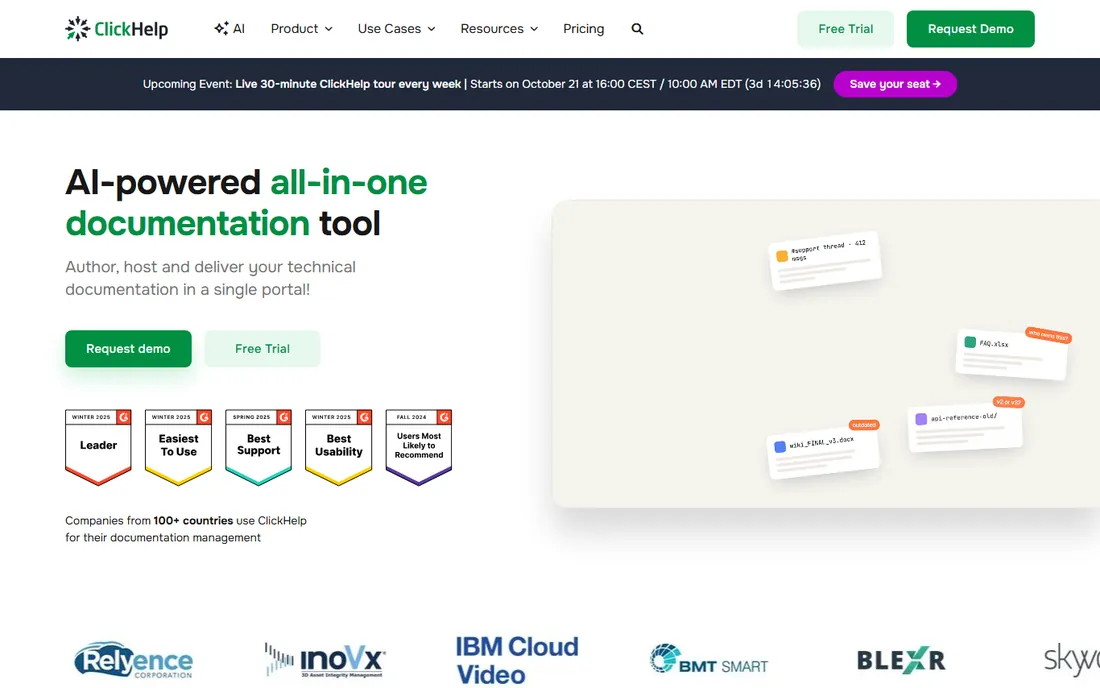
ClickHelp is a browser-based documentation platform that treats analytics as a first-class feature. You can see which topics users read, where they drop off, and how readable your content scores, then feed that back into your writing priorities. It supports single-sourcing, content reuse and translation workflows, positioning it as a cloud alternative to Flare for mid-size teams.
The pricing sits above the simple hosted tools, reflecting its broader feature set. Teams that just need a help center may find Document360 or GitBook cheaper and faster. But if your documentation is a measurable product with KPIs, ClickHelp's reporting justifies its place on the shortlist.
What we like- Browser-based authoring with strong analytics and readability metrics
- Single-sourcing and translation support
- API for integrations
Watch out for- Higher price than simpler tools
- Smaller community than the big names
What to look for before you buy
Start with your outputs, not your inputs. List every format you ship (web help, PDF manuals, in-app help, eBooks, translated versions) and every team that touches the content. A tool that publishes to all of them from one source saves more than its license cost in the first year.
Next, check who writes. Professional tech writers can handle DITA and structured authoring; engineers and support staff need a simple editor or they will not contribute. The best tool is the one your actual contributors will use.
Finally, think about growth. A solo writer's tool becomes a bottleneck at five writers. If you plan to grow, pick a tool with a path upward (HelpNDoc to Flare, GitBook to a CCMS) rather than one you will have to abandon.
The single-sourcing trap
The biggest mistake teams make is buying a CCMS for a copy-paste problem. Single-sourcing only pays when you actually reuse content across products, languages or formats. If you publish one help site in one language, you do not need component content management; you need a good editor and a clean publishing pipeline.
The second trap is skipping the content audit. Migrating ten years of Word documents into a structured tool without cleaning them first just moves the mess. Budget time to rewrite, consolidate and tag content before the migration, or hire someone who has done it before.
How we chose
We evaluated the technical writing software market using vendor documentation, pricing pages, published feature comparisons, and user reviews on G2, Capterra and technical communication forums. We included tools that are actively developed and widely used by professional documentation teams in 2026, covering desktop authoring, structured XML editing and cloud CCMS platforms. We did not conduct hands-on testing of these tools.
Frequently asked questions
What is the best technical writing software for beginners?
HelpNDoc and GitBook are the friendliest starting points. HelpNDoc feels like Word and publishes to every common format, while GitBook's clean editor and free tier suit small teams. Both let you produce real documentation on day one.
What is single-source publishing?
It means writing content once and publishing it to multiple formats (web help, PDF, eBook, in-app help) from that single source. Tools like MadCap Flare and Paligo are built around it, using reuse mechanisms like snippets and variables so updates propagate everywhere automatically.
Should I use DITA for my documentation?
DITA makes sense for large, structured documentation sets with heavy reuse, translation and regulatory requirements. For smaller teams and web-only help, it adds overhead without much payoff. Oxygen XML Editor is the standard tool if you go the DITA route.
Can I migrate from Word or FrameMaker to a new tool?
Yes. Most tools on this list include import wizards for Word, FrameMaker, RoboHelp and HTML. Expect cleanup work afterward; imports preserve structure but rarely produce clean, reusable content without manual review.
What does technical writing software cost?
It ranges from free (HelpNDoc personal edition, GitBook's free tier) to a few hundred dollars per license for desktop tools, up to quote-based enterprise pricing for CCMS platforms like Paligo. Most vendors offer trials, so test before you budget.
Do I need a CCMS?
Only if you manage large volumes of structured content with reuse across products, formats or languages. For a single help site or knowledge base, a help authoring tool or hosted platform is simpler and cheaper.
Sources we checked (6)
- https://www.madcapsoftware.com/solutions/flare/technical-writing/
- https://slashdot.org/software/p/Oxygen-XML-Editor/
- https://tcworldconference.tekom.de/fair/exhibitor-directory/paligo-a-product-of-expertinfo-sweden-ab
- https://en.wikipedia.org/wiki/HelpNDoc
- https://www.archbee.com/alternatives/clickhelp-alternative
- https://www.saashub.com/compare-document360-vs-clickhelp?ref=sidebar
Is your product missing or out of date?
We review this list regularly. Vendors can request a listing, send updated pricing or ask about featured placement.

Shihab Mia · Founder, Rankite
Shihab has spent more than a decade helping SaaS and e-commerce brands grow through search. He writes Rankite's software buying guides from pricing pages, documentation and public user reviews. More about Shihab.