How we make this list: we compare pricing pages, product documentation and public user reviews. Rankite is independent; if a vendor ever pays for a featured spot, that listing is clearly labeled Partner.
Key takeaways
- Grammarly Pro at $144 per year is the best everyday editor for emails, docs, and web writing, with a free tier that covers the basics well.
- ProWritingAid Premium at $120 per year suits novelists and long-form writers, with 20-plus manuscript reports and a $399 lifetime option.
- Hemingway Editor's free web app is the fastest way to tighten prose, and the desktop app costs $19.99 once.
- LanguageTool, QuillBot, and Slick Write all have usable free tiers, so most writers can start editing better today at zero cost.
- Trinka and AutoCrit serve niche writers: academics who need formal tone, and fiction authors who want genre-specific feedback.
Quick comparison
| Tool | Best for | Starting price | Free plan |
|---|
 Grammarly Grammarly | everyday writing across every app | $144 per year (Pro, annual billing) | Yes |
 ProWritingAid ProWritingAid | novelists and long-form writers | $120 per year (Premium, annual billing) | Yes |
 Hemingway Editor Hemingway Editor | making prose bold and clear | $19.99 one-time (desktop app) | Yes |
 LanguageTool LanguageTool | writers working in multiple languages | See website | Yes |
 QuillBot QuillBot | paraphrasing and rewriting sentences | See website | Yes |
 Wordtune Wordtune | AI rewriting inside your workflow | See website | Yes |
 AutoCrit AutoCrit | fiction writers who want genre-aware feedback | See website | Free trial |
 Sapling Sapling | support and sales teams writing to customers | See website | Yes |
 Trinka Trinka | academic and technical writing | See website | Yes |
 Slick Write Slick Write | free style and grammar checking | Free | Yes |
Is your product missing or out of date?
We review this list regularly. Vendors can request a listing, send updated pricing or ask about featured placement.
The best writing editing software
Starting price$144 per year (Pro, annual billing)
Free planYes
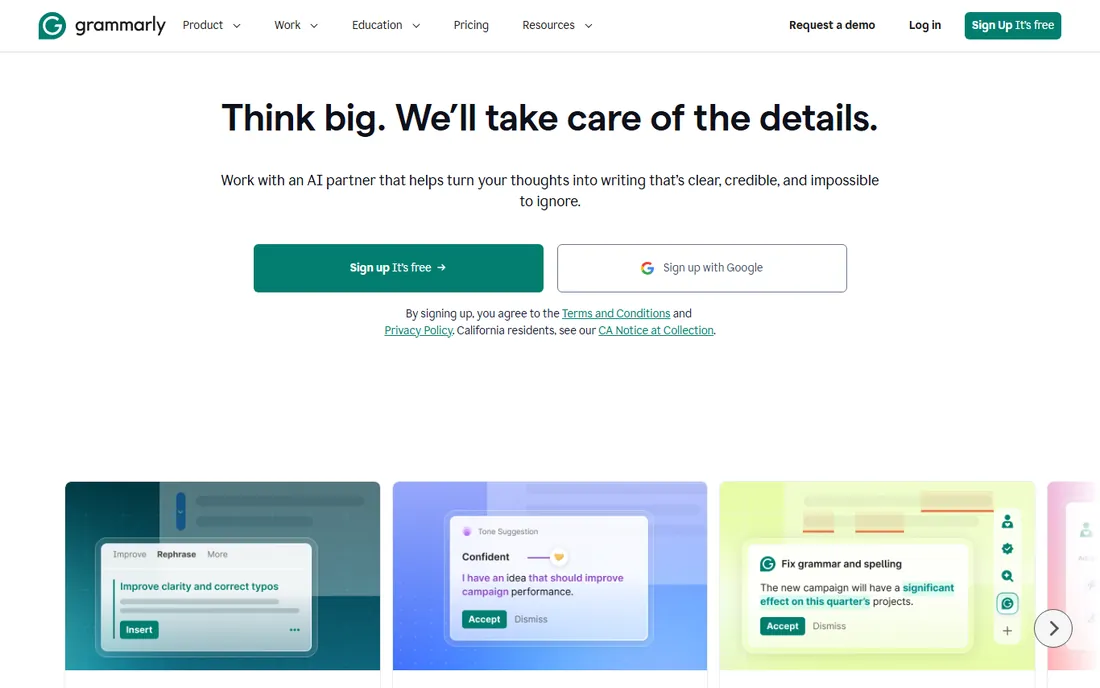
Most people asking for editing software should start with Grammarly and stop there. It checks grammar, spelling, and punctuation everywhere you type, and the free tier handles unlimited words with tone detection included. For emails, reports, blog posts, and social content, it catches the errors that matter without getting in the way.
Pro at $144 per year adds full-sentence rewrites, plagiarism detection, and more AI assistance. The $30 monthly rate is a penalty for not committing, so annual billing is the sensible choice. Grammarly is now part of Superhuman, and the Pro tier replaced the old Premium naming. The honest limit: it edits sentences well but will not analyze your novel's pacing or structure.
What we like- Works in browser, desktop, mobile, Word, and Google Docs
- Generous free tier with unlimited word count
- Tone detection and plagiarism check on Pro
Watch out for- Monthly billing is steep at $30 per month
- Long-form manuscript tools are weaker than ProWritingAid
- Subscription only, no lifetime option
Starting price$120 per year (Premium, annual billing)
Free planYes
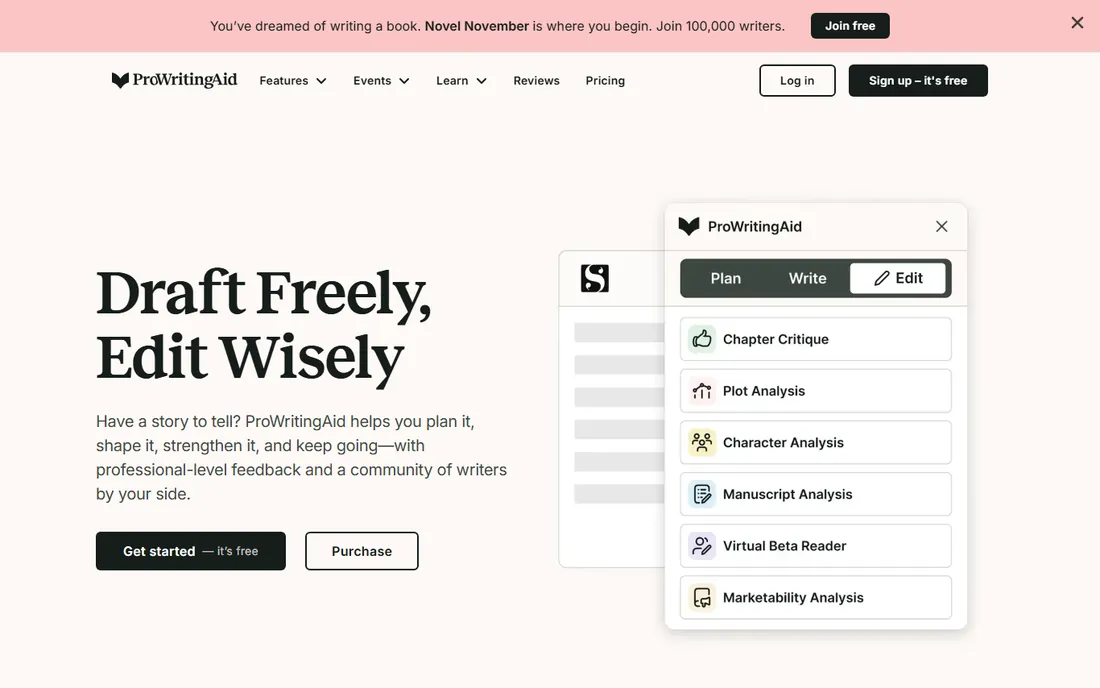
ProWritingAid is the manuscript tool. Where Grammarly fixes sentences, ProWritingAid reads your whole document and reports on sticky sentences, overused words, dialogue tags, pacing, and readability. For anyone revising a book, thesis, or long report, those reports find problems a grammar checker never sees.
Premium costs $120 per year, and the $399 lifetime license pays for itself in about three years against the annual plan. Premium Pro at $144 per year adds AI Sparks and more coaching features. The free tier is a demo in practice: 500 words per check and two report runs a day. Buy this when your writing is long enough to need structural feedback.
What we like- 20-plus reports on style, pacing, dialogue, and structure
- Scrivener and Word integration
- $399 lifetime license with no renewal
Watch out for- Free tier caps checks at 500 words
- Interface has a learning curve
- Plagiarism checks cost extra on every plan
Starting price$19.99 one-time (desktop app)
Free planYes
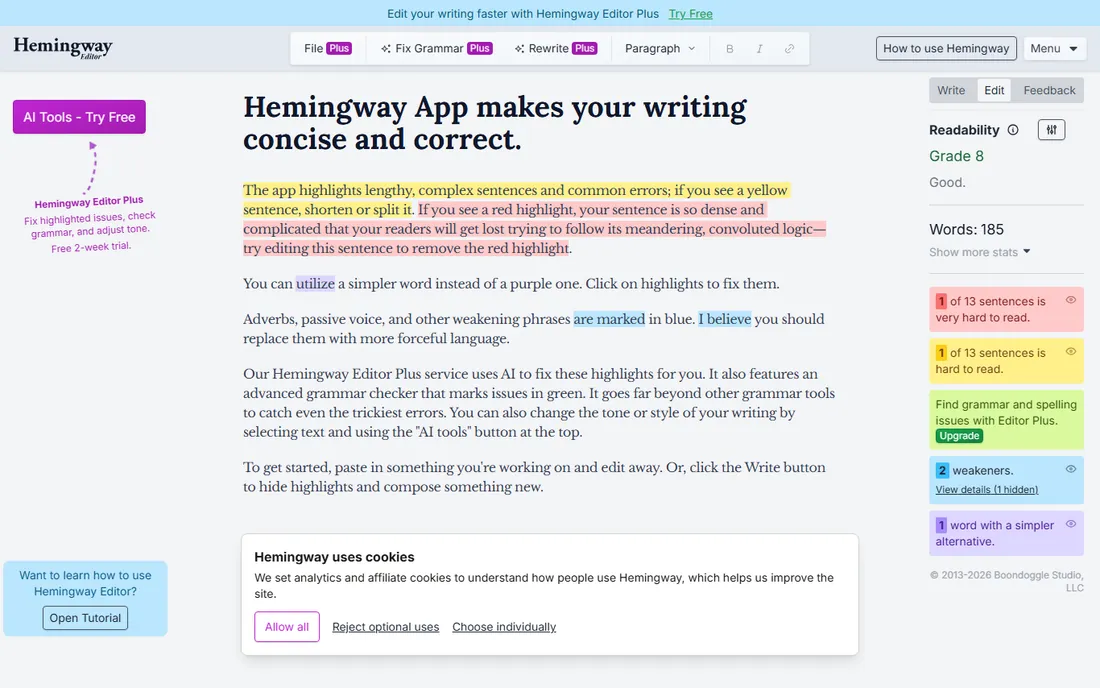
Hemingway does one thing and does it instantly. Paste your text into the free web app and it highlights long sentences, passive voice, adverbs, and complex words in color, with a reading grade level for the whole piece. Ten minutes with it will tighten any draft.
The desktop app costs $19.99 once and adds offline use plus export to Word, PDF, and Markdown. Hemingway Plus is a newer subscription tier from $100 per year that adds AI sentence rewriting, but the classic free and desktop versions remain the core product. Remember what it is not: a grammar checker. Pair it with Grammarly or ProWritingAid for a complete editing pass.
What we like- Free web app with no account needed
- Color highlights make problems obvious
- One-time desktop purchase, no subscription
Watch out for- Does not check grammar or spelling in the classic version
- No browser extension
- Can push writing toward overly simple sentences
Starting priceSee website
Free planYes
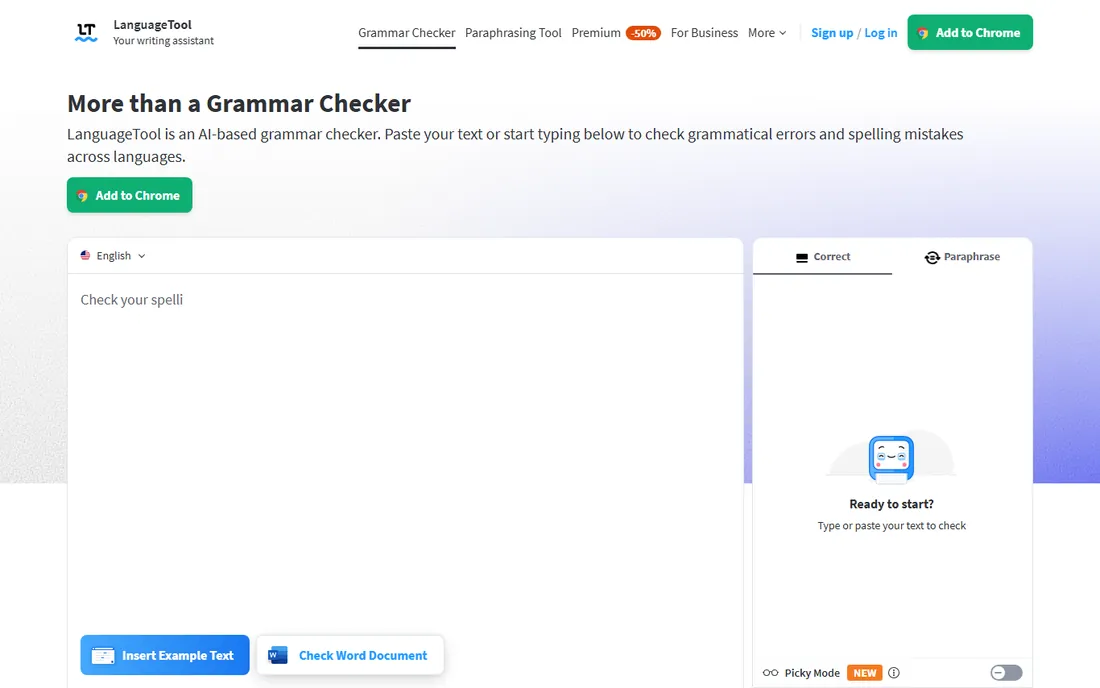
English-first tools ignore a large share of the world's writers. LanguageTool covers more than 30 languages with real grammar rules, not just spell checking, which makes it the default choice for multilingual teams and non-native English writers. The browser extension and desktop apps cover the usual writing spots.
The free tier is functional for everyday use. Paid plans add longer text limits and style suggestions, but the English correction quality trails Grammarly. Where LanguageTool wins is breadth: if your team writes in German, French, Spanish, and English, one tool covers all of it. Privacy-conscious users also get more control over where their text is processed.
What we like- Checks grammar in 30-plus languages
- Open-source core with browser and desktop apps
- Privacy-friendly with local processing options
Watch out for- English suggestions lag behind Grammarly
- Style feedback is thinner
- Premium features are modest for the price
Starting priceSee website
Free planYes
QuillBot's paraphraser is its reason to exist. Paste a clunky sentence and get several rewritten versions in different tones, from formal to creative. Students, researchers, and content writers use it to rephrase source material and vary repetitive drafts. The summarizer condenses long articles, and the citation generator handles references.
The free tier gives you a real taste with limited paraphrasing volume. Premium removes the caps and opens all modes. This is not a full editing suite: grammar checking exists but is not the point. Use QuillBot when the problem is "I know what I want to say but not how to say it well," and pair it with a grammar checker for the final pass.
What we like- Paraphraser with multiple rewriting modes
- Summarizer and citation generator included
- Fast and simple interface
Watch out for- Free tier limits paraphrasing volume
- Grammar checking is secondary to rewriting
- Output sometimes needs cleanup
Starting priceSee website
Free planYes

Wordtune sits between a grammar checker and a writing coach. Highlight any sentence and it offers rewrites that are shorter, more formal, more casual, or simply clearer. The tone control is the standout: the same sentence can come out boardroom-ready or friendly depending on what you pick.
The free plan covers light daily use, which is enough for emails and short docs. Heavy users need a paid plan. Wordtune is weakest on long-form work; it thinks in sentences, not chapters. For professionals who write client-facing messages all day, it saves real time. For authors, it is a sentence-level helper, not a manuscript tool.
What we like- Rewrites sentences with tone control
- Works across browser and common apps
- Suggestions feel natural rather than mechanical
Watch out for- Free tier caps rewrites per day
- Less useful for long documents
- Subscription cost adds up for casual use
Starting priceSee website
Free planFree trial
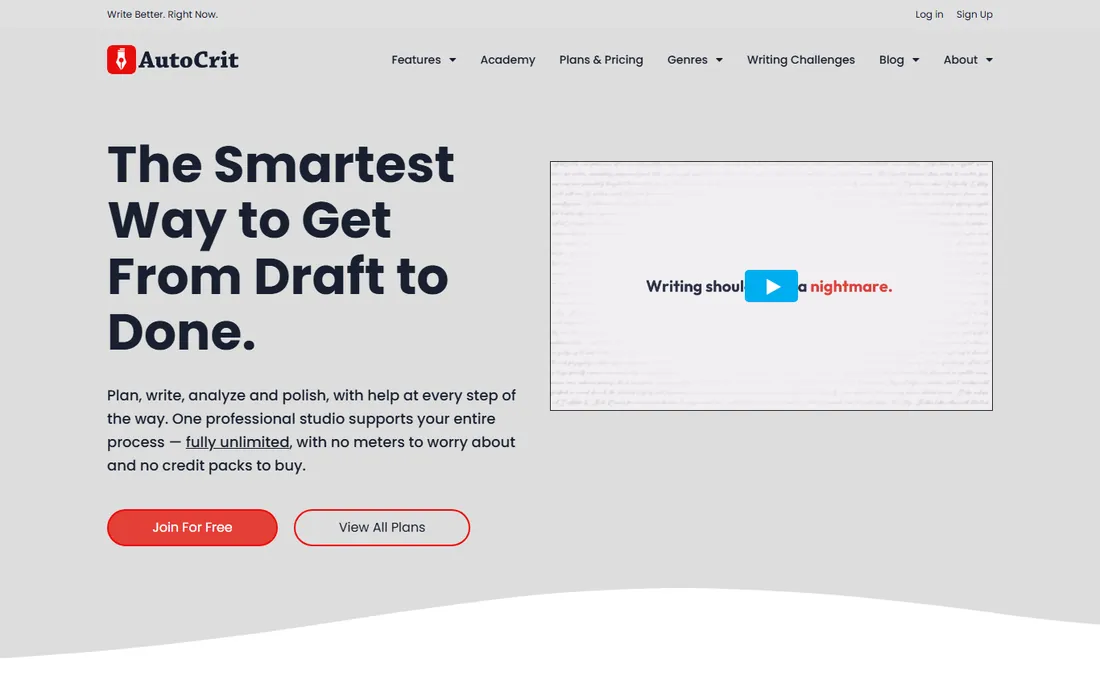
AutoCrit speaks novelist. Instead of generic style advice, it benchmarks your manuscript against bestselling books in your genre and flags where your pacing, dialogue, or word choice diverges. For a thriller writer, knowing your pacing runs slow against comparable thrillers is actionable feedback no grammar checker provides.
The trade is scope. This is a fiction tool, full stop. Nonfiction writers, students, and business users get nothing here. Pricing is subscription-based with a free trial to test the reports. If you are revising a novel and ProWritingAid's reports feel too general, AutoCrit's genre comparisons are the next step before hiring a human editor.
What we like- Compares your manuscript against published books in your genre
- Reports on pacing, dialogue, and word choice
- Built for novelists
Watch out for- No meaningful free tier
- Fiction-only focus limits versatility
- Interface feels dated next to newer tools
#8
Sapling
Best for: support and sales teams writing to customers
Visit sapling.ai
Starting priceSee website
Free planYes
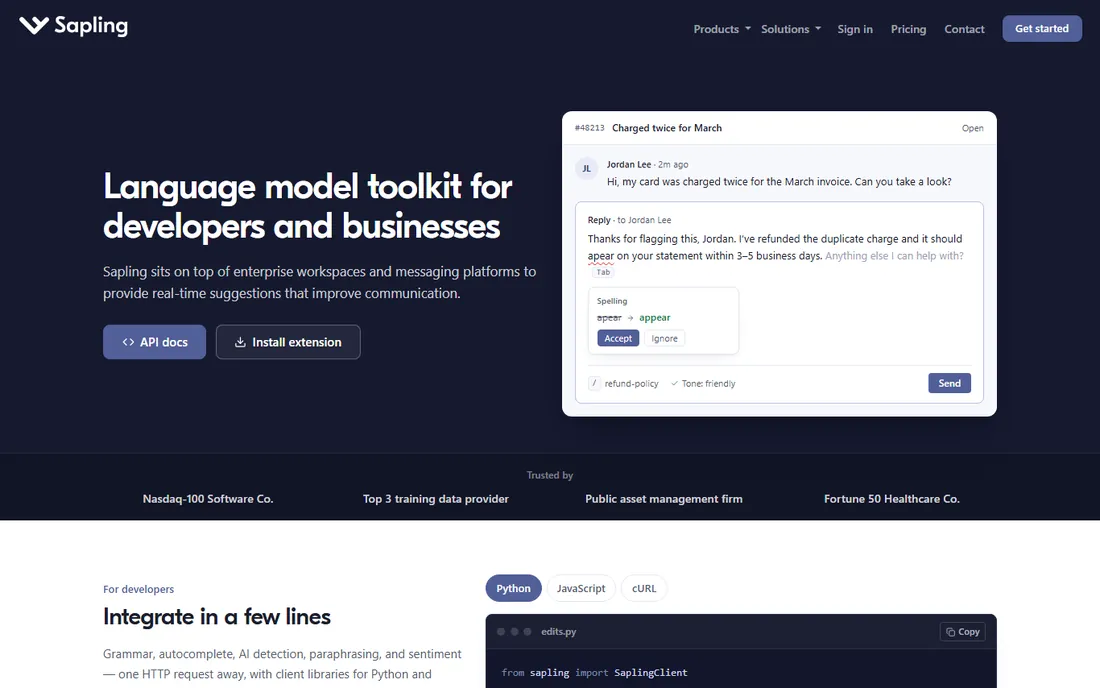
Sapling is writing software for people who answer customers all day. It plugs into help desks, CRMs, and chat tools, suggesting completions, correcting grammar, and inserting saved snippets as agents type. Managers get analytics on response quality and consistency across the team.
For a solo writer, Sapling is the wrong tool; Grammarly or ProWritingAid fit better. For a support or sales team sending hundreds of messages daily, the autocomplete and snippet system cuts handle time measurably. The free tier lets individuals try it, while paid plans target teams with per-user pricing. Think of it as Grammarly rebuilt for the contact center.
What we like- Autocomplete and snippet suggestions speed up replies
- Works across chat, email, and CRM platforms
- Team analytics for managers
Watch out for- Individual writers get less value than teams
- Grammar depth trails dedicated editors
- Pricing starts at team-friendly but not solo-friendly levels
Starting priceSee website
Free planYes
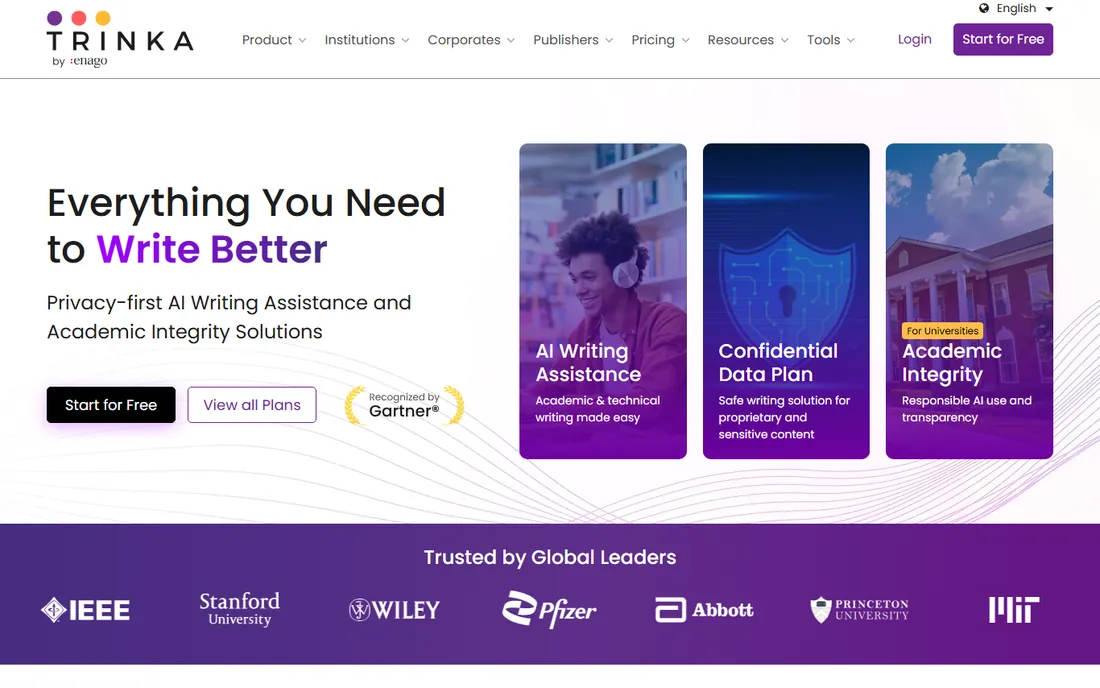
Trinka was built for researchers, not bloggers. It corrects grammar with an ear for academic formality, then goes further: consistency checks across long documents, citation formatting, inclusive language flags, and publication readiness reports. For anyone preparing journal submissions or technical reports, those checks catch issues that generic tools miss.
The free tier covers basic checking with limits. Paid plans add unlimited usage and more plagiarism check credits. Creative writers will find the formal tone suggestions annoying; this tool wants your prose to sound like a paper. For its audience, though, it is the most specialized editor on this list.
What we like- Tuned for formal and academic tone
- Checks consistency, citations, and inclusive language
- Plagiarism and publication readiness checks
Watch out for- Creative and casual writing is not its strength
- Interface is utilitarian
- Advanced checks consume credits
Starting priceFree
Free planYes
Slick Write is the quiet free option that has been around for years. Paste your text into the web app and get checks for grammar errors, passive voice, overly complex sentences, and flow issues. No account, no paywall, no word limit games.
The simplicity is both the appeal and the limit. There is no extension, no Word plugin, and no AI rewriting. The interface looks dated because it is. But as a free second opinion on a draft, it is genuinely useful, and for writers on a zero budget it beats every free tier with an upsell attached.
What we like- Completely free with no account required
- Checks grammar, style, and sentence flow
- Fast web-based checking
Watch out for- No browser extension or desktop app
- Interface is basic
- Development pace is slow
How we chose
We started with each vendor's own pricing pages and documentation, then checked public reviews on G2, Capterra, Reddit, and writing communities for real-world strengths and complaints. We tested the free tiers where available and read feature lists for integration coverage, language support, and editing depth. Every tool here fits individual writers and small teams, and we weighted how well each tool matches a specific type of writing over raw feature counts.
Pricing models explained
Writing software pricing falls into four buckets, and the right one depends on how long you will use the tool. Subscriptions dominate: Grammarly Pro at $144 per year and ProWritingAid Premium at $120 per year are the standard-bearers, with monthly billing costing roughly double the annual rate. If you will use a tool for years, annual billing is the only sensible choice.
Lifetime licenses are rare but real. ProWritingAid's $399 lifetime Premium is the standout deal in this category, breaking even against its own annual plan in just over three years. No other major editor offers one, which makes it worth weighing if you know you will be writing for years.
One-time purchases still exist at the low end. Hemingway's $19.99 desktop app and the completely free Slick Write prove you can edit well without a subscription. These suit writers who need a specific job done, like tightening prose, rather than an always-on assistant.
Free tiers are generous enough to start with. Grammarly, LanguageTool, QuillBot, Wordtune, Trinka, and Slick Write all let you edit real work without paying. Start free, learn which features you actually use, and pay only for the tier that removes a limit you keep hitting.
The wrong way to buy editing software is to pick the most popular tool. The right way is to match the tool to your writing type. Everyday writing, meaning emails, documents, and web content, belongs to Grammarly. Its free tier is strong enough that many people never need to pay, and Pro adds polish for professionals.
Long-form writing splits by genre. Novelists should look at ProWritingAid for manuscript analysis or AutoCrit for genre benchmarking. Academics and technical writers fit Trinka. Bloggers and content marketers get the most from Hemingway for tightening drafts plus Grammarly for correctness.
Team writing is its own category. Support and sales teams should evaluate Sapling for its autocomplete and snippet workflow. Multilingual teams need LanguageTool. And every writer, regardless of tool, benefits from running important pieces through a second checker, since each tool catches different errors.
Frequently asked questions
What is the best editing software for writers?
It depends on what you write. Grammarly Pro at $144 per year is the best all-around editor for everyday writing, with a strong free tier. ProWritingAid Premium at $120 per year is better for novelists and long-form writers because of its manuscript reports. Hemingway Editor's free web app is the best free option for tightening prose. Match the tool to your writing type rather than buying the most popular one.
Is Grammarly or ProWritingAid better?
Grammarly is better for everyday writing: emails, documents, and web content, with corrections everywhere you type and a generous free tier. ProWritingAid is better for long-form writing: novels, theses, and reports, with 20-plus reports on style, pacing, and structure. Many serious writers use both, with Grammarly for daily writing and ProWritingAid for manuscript revision.
Is there a free alternative to Grammarly?
Yes, several. Grammarly's own free tier covers basic grammar with unlimited word count. LanguageTool, QuillBot, Wordtune, and Trinka all have free tiers, and Slick Write is completely free. Hemingway Editor's web app is free and excellent for readability. Start with the free options and pay only when you hit a limit that matters.
Does Hemingway Editor check grammar?
The classic Hemingway Editor does not check grammar or spelling; it highlights readability issues like long sentences, passive voice, and adverbs. Hemingway Plus, the newer subscription tier from $100 per year, adds AI-powered grammar and rewriting features. Most writers pair the free or $19.99 desktop Hemingway with a grammar checker like Grammarly.
What is the best proofreading software for academic writing?
Trinka is the most specialized choice for academic writing, with checks for formal tone, consistency, citations, and publication readiness. ProWritingAid also works well for theses and dissertations because of its in-depth style reports. Grammarly Pro includes plagiarism detection, which matters for academic integrity. For journal submissions, Trinka's publication readiness checks are the standout feature.
Is ProWritingAid worth it for novelists?
For novelists revising a manuscript, yes. The 20-plus reports on pacing, dialogue, sticky sentences, and overused words find structural issues that grammar checkers miss. At $120 per year, or $399 for a lifetime license, it costs less than a fraction of a professional edit. It does not replace a human editor, but it makes the manuscript far stronger before one sees it.
Sources we checked (10)
- https://www.prowritingaid.com
- https://www.grammarly.com
- https://hemingwayapp.com/desktop
- https://www.languagetool.org
- https://www.quillbot.com
- https://www.wordtune.com
- https://www.autocrit.com
- https://www.sapling.ai
- https://www.trinka.ai
- https://www.slickwrite.com
Is your product missing or out of date?
We review this list regularly. Vendors can request a listing, send updated pricing or ask about featured placement.

Shihab Mia · Founder, Rankite
Shihab has spent more than a decade helping SaaS and e-commerce brands grow through search. He writes Rankite's software buying guides from pricing pages, documentation and public user reviews. More about Shihab.