How we make this list: we compare pricing pages, product documentation and public user reviews. Rankite is independent; if a vendor ever pays for a featured spot, that listing is clearly labeled Partner.
Workload management is not task management. A task list tells you what needs doing; a workload view tells you who is drowning. The tools below help managers see capacity across the team, balance assignments before burnout hits, and plan hiring with real data. We tested the workload-specific features, not just the project views.

#1
monday.com
Best for: Teams that want workload views inside a flexible work platform
Visit monday.com
Starting priceSee website
Free planYes
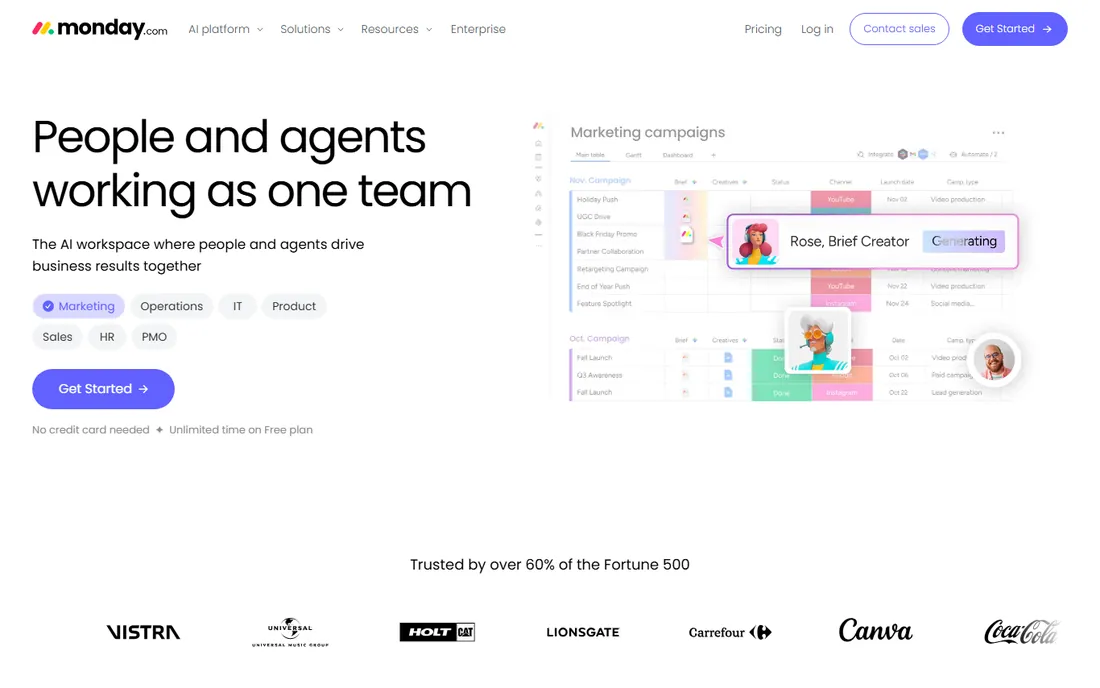
monday.com approaches workload through its Workload View and dashboard widgets, which aggregate assignments across boards into a single capacity picture. Managers see who is overallocated at a glance, with color coding that flags overload before it becomes a missed deadline. The platform's flexibility means workload tracking can adapt to any workflow, from marketing campaigns to software sprints.
The trade-off is complexity. monday.com does everything, which means the workload view is one feature among dozens. Teams that want a dedicated resource management tool may find it diluted. But for organizations already running on monday.com, the workload capabilities are strong enough to replace a separate tool.
What we like- Visual workload widgets show capacity across boards
- Highly customizable dashboards
- Free plan available for small teams
Watch out for- Workload features require paid plans
- Can get expensive as teams scale
- Customization takes time to set up well

#2
Asana
Best for: Organizations that need portfolio-level capacity planning
Visit asana.com
Starting priceSee website
Free planYes
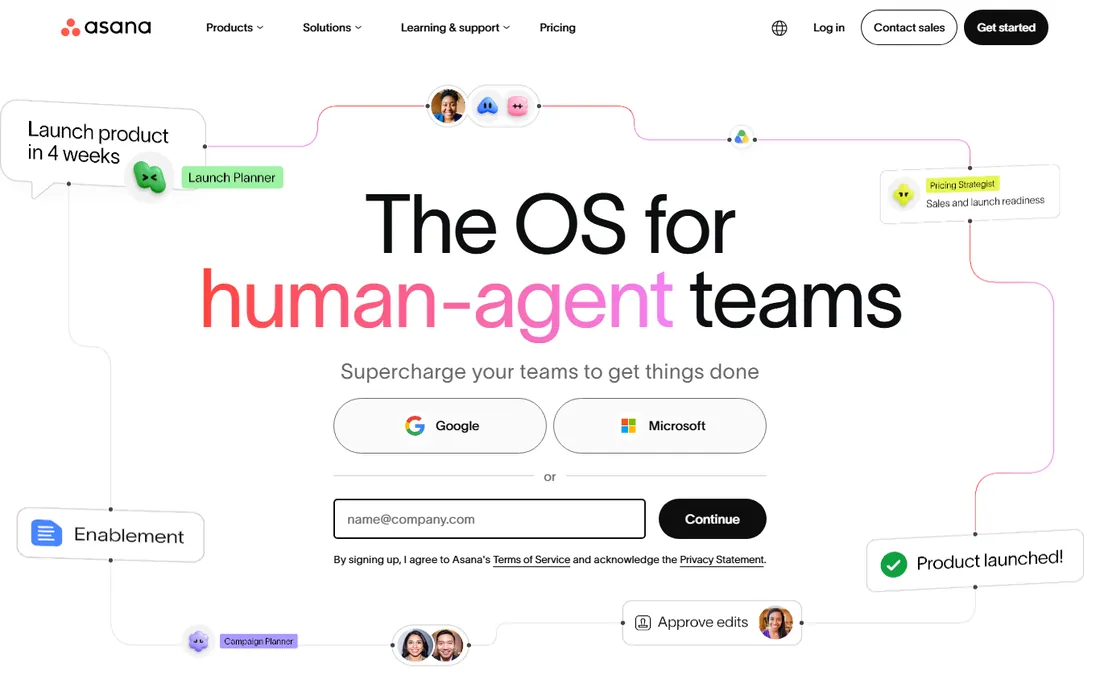
Asana's Workload view shows team capacity across all projects, with effort estimates that can be based on hours or custom fields. Portfolio Workload extends this to the executive level, showing capacity across entire initiatives. The AI teammates can proactively surface overload risks, a genuinely useful application of AI in project management.
Asana shines for organizations managing multiple concurrent projects. The workload view connects to goals and portfolios, so capacity planning aligns with strategic priorities. Smaller teams may find the full power excessive, but growing companies appreciate the headroom.
What we like- Workload view spans projects and portfolios
- AI teammates can flag capacity risks
- Strong goal alignment features
Watch out for- Advanced workload features need Business or Enterprise tiers
- Can feel complex for small teams
- AI features add cost

#3
ClickUp
Best for: Teams that want workload management on a generous free plan
Visit clickup.com
Starting priceSee website
Free planYes
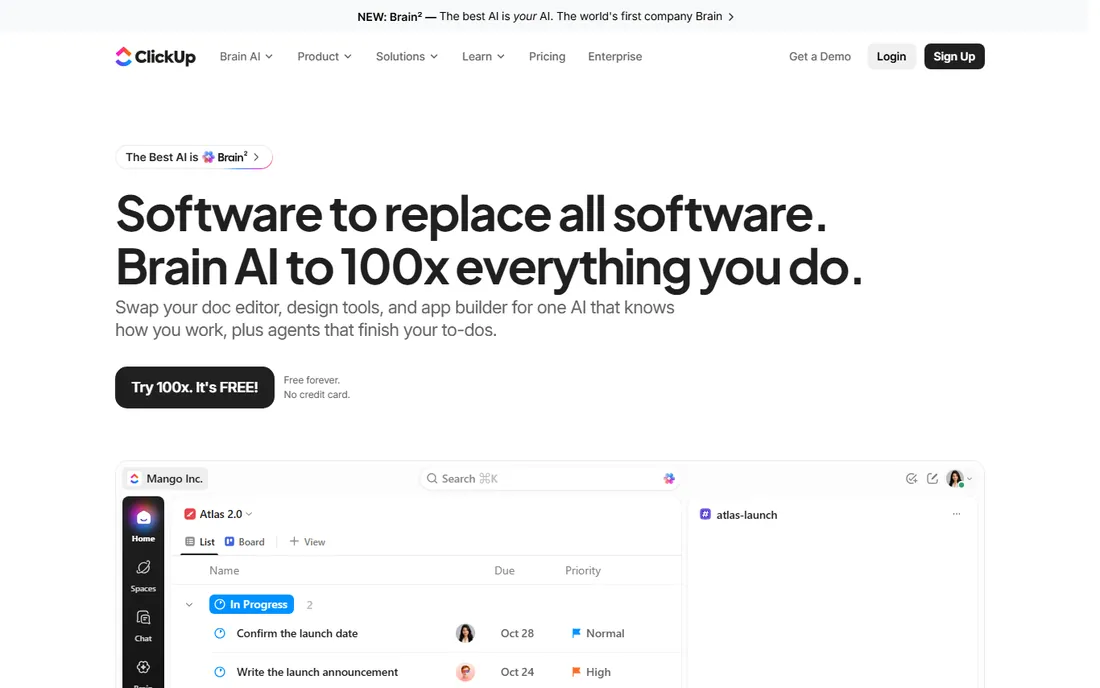
ClickUp packs workload management into an all-in-one workspace that replaces multiple tools. The Workload view visualizes team capacity with drag-and-drop reassignment, and the free plan is genuinely usable for small teams. For budget-conscious managers, ClickUp offers the most workload functionality per dollar.
The downside is the learning curve. ClickUp's breadth means new users face a wall of features. Teams that invest in setup get a powerful system; teams that do not may find it chaotic. But for those willing to learn, the value is hard to beat.
What we like- Free forever plan includes core features
- Workload view with capacity indicators
- Highly customizable with 100 plus native features
Watch out for- Feature density can overwhelm new users
- Performance can lag with large workspaces
- Advanced reporting needs higher tiers

#4
Smartsheet
Best for: Enterprises that plan capacity in spreadsheet-style views
Visit smartsheet.com
Starting priceSee website
Free planNo
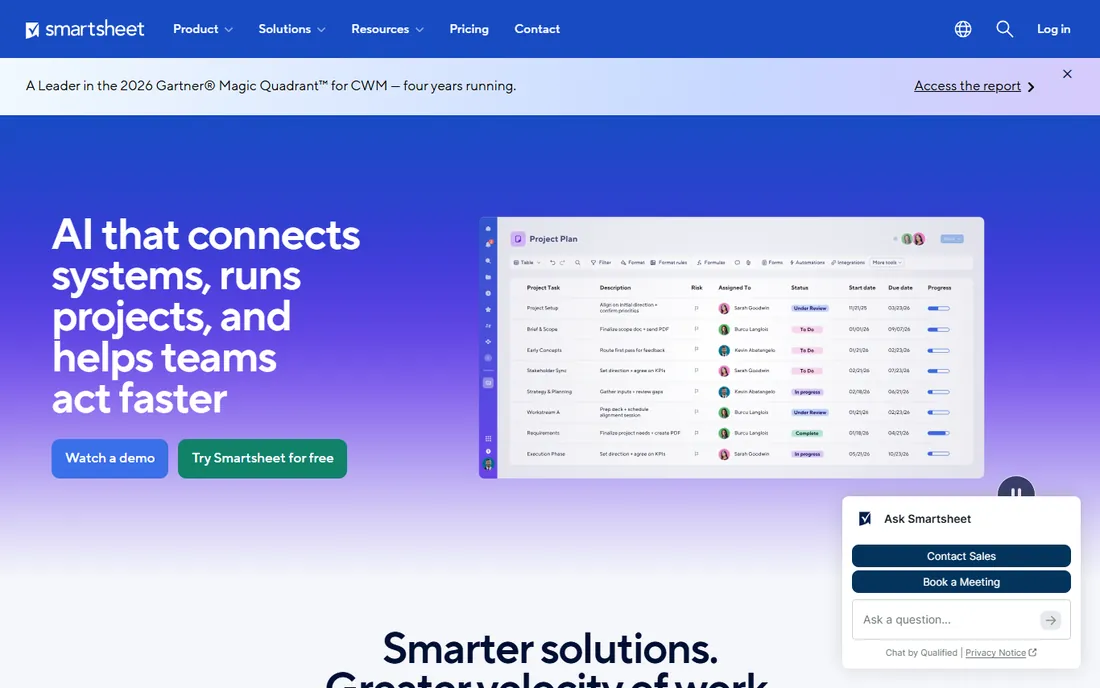
Smartsheet speaks the language of spreadsheets, which makes capacity planning accessible to managers who live in Excel. The Resource Management features show allocation across projects, with heatmaps that reveal overbooking. For enterprises with complex portfolios, Smartsheet provides the structure that creative tools lack.
The spreadsheet paradigm is both strength and limitation. Teams comfortable with grids adopt quickly, but the interface lacks the visual polish of newer tools. Pricing is enterprise-grade with no free tier. Still, for large organizations standardizing on Smartsheet, the workload capabilities are solid.
What we like- Familiar grid interface eases adoption
- Strong resource management with allocation percentages
- Trusted by 85 percent of Fortune 500
Watch out for- No free plan
- Interface can feel dated
- Workload features require Resource Management add-on

#5
Wrike
Best for: Cross-functional teams needing 360-degree workload visibility
Visit wrike.com
Starting priceSee website
Free planYes
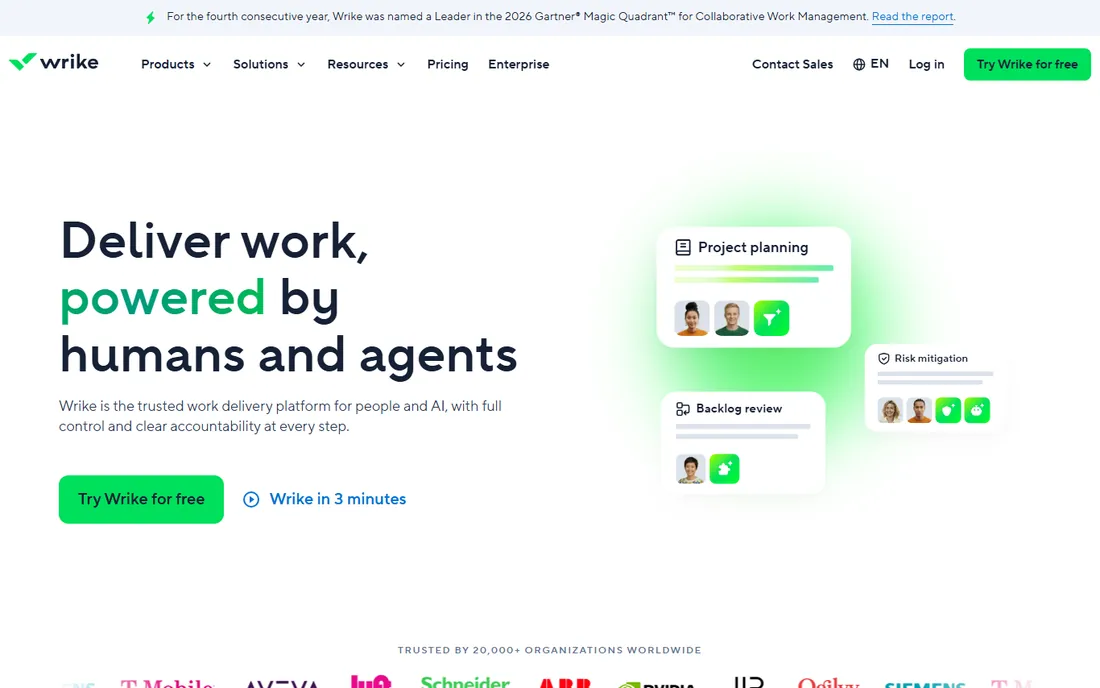
Wrike's workload management centers on visibility: every task, project and department in one view, with effort allocation that shows true capacity. The platform excels for cross-functional teams where work flows between departments. AI analytics predict bottlenecks before they happen, helping managers rebalance proactively.
Wrike has a steeper setup curve than simpler tools, and the full workload power requires higher tiers. But for marketing agencies, creative teams and enterprises coordinating across functions, the 360-degree view justifies the investment.
What we like- Workload view with effort allocation across projects
- Strong for marketing and creative teams
- AI predicts risks and suggests allocations
Watch out for- Can be complex to configure
- Pricing climbs with advanced features
- Best suited to mid-size and enterprise teams

#6
Float
Best for: Agencies and studios that live by resource scheduling
Visit float.com
Starting priceSee website
Free planNo
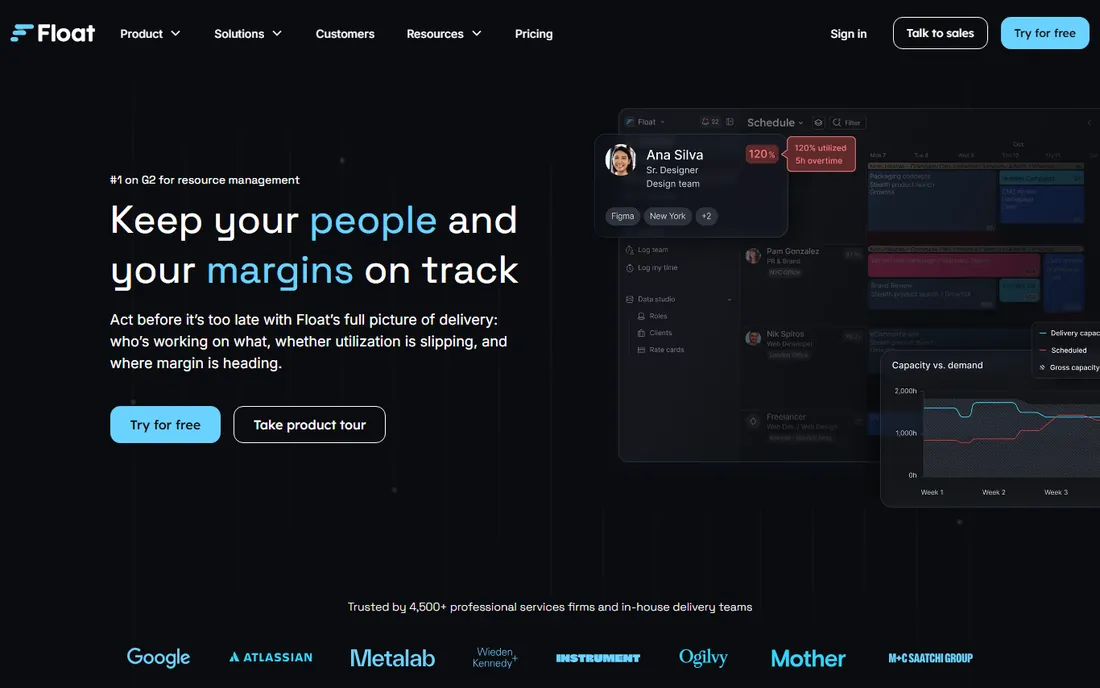
Float does one thing exceptionally well: resource scheduling. The visual timeline shows who is working on what, with capacity indicators that prevent overbooking. Agencies use it to staff projects, forecast hiring needs and protect margins. The G2 ranking reflects genuine love from resource managers.
Float is not a project management tool; it is a scheduling layer that sits alongside your PM system. That focus is the point. Teams that try to manage workload inside a task tool often end up with spreadsheets; Float replaces those spreadsheets with something better.
What we like- Purpose-built for resource management, not a bolt-on
- Visual scheduling with real-time availability
- Ranked number one in resource management on G2
Watch out for- Focused scope means you still need a separate PM tool
- No free plan
- Best for services businesses, less for product teams
Starting priceSee website
Free planNo (30-day free trial)
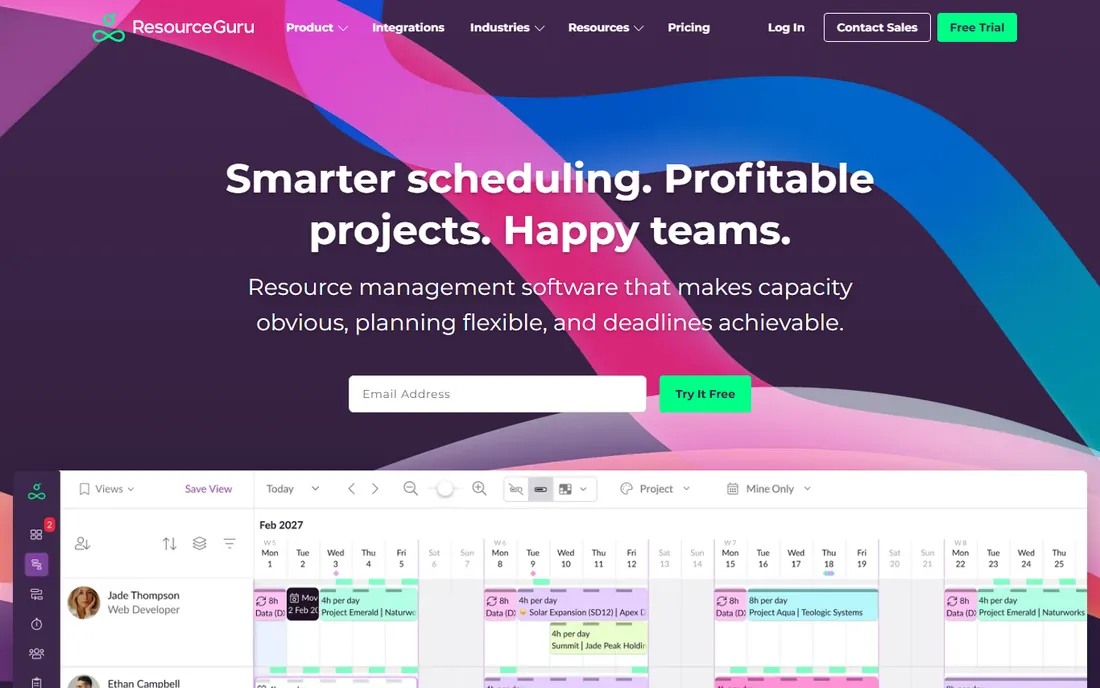
Resource Guru keeps workload management simple: a visual schedule showing who is available, who is booked and who is overloaded. The availability heatmap is the standout feature, making capacity gaps visible at a glance. For teams that find enterprise tools overkill, Resource Guru hits the sweet spot.
The simplicity means less depth. Resource Guru will not replace an enterprise PPM suite, and it assumes you manage projects elsewhere. But for agencies, studios and small teams that need to answer "who can take this on?" quickly, it is refreshingly direct.
What we like- Clean, intuitive scheduling interface
- Availability heatmaps make capacity obvious
- 30-day free trial with no credit card
Watch out for- Less powerful than enterprise resource platforms
- Limited project management features
- Focused on scheduling, not full workload analytics
Key takeaways
- monday.com, Asana and ClickUp bundle workload views into broad work platforms; best if you want one tool for everything.
- Float and Resource Guru are dedicated resource schedulers; best if workload is your primary pain.
- Smartsheet and Wrike serve enterprises with complex, cross-functional capacity planning needs.
- Free plans exist at monday.com, Asana and ClickUp; dedicated tools typically start with trials.
- The right choice depends on whether you need workload inside a PM tool or as a standalone discipline.
Quick comparison
| Tool | Best for | Starting price | Free plan |
|---|
| monday.com | Teams that want workload views inside a flexible work platform | See website | Yes |
| Asana | Organizations that need portfolio-level capacity planning | See website | Yes |
| ClickUp | Teams that want workload management on a generous free plan | See website | Yes |
| Smartsheet | Enterprises that plan capacity in spreadsheet-style views | See website | No |
| Wrike | Cross-functional teams needing 360-degree workload visibility | See website | Yes |
| Float | Agencies and studios that live by resource scheduling | See website | No |
 Resource Guru Resource Guru | Small to mid-size teams that want simple, visual capacity planning | See website | No (30-day free trial) |
Is your product missing or out of date?
We review this list regularly. Vendors can request a listing, send updated pricing or ask about featured placement.
Capacity visualization is the core feature. Look for views that show each person's load across all their work, not just within one project. Color-coded overload warnings, drag-and-drop reassignment and effort estimates (hours or points) separate real workload tools from task lists with a chart bolted on.
Integration matters because workload data is only accurate if it reflects reality. The tool should sync with your calendar, pull tasks from your PM system, and account for time off. A workload view that misses half someone's commitments is worse than none; it creates false confidence.
Finally, consider who will maintain it. Workload management requires discipline: estimates must be updated, time off recorded, and assignments kept current. The best tool is the one your team will actually keep accurate. Simpler tools often win here because the maintenance burden is lower.
Common workload planning mistakes
The biggest mistake is treating capacity as infinite. Managers assign work based on deadlines, not availability, and discover the overload when it is too late. A workload tool only helps if you check it before committing, not after.
Another mistake is ignoring non-project work. Meetings, support tickets, administrative tasks and context switching consume real hours. If your workload view only counts project tasks, it underestimates load by 20 to 30 percent. Account for the full picture or the plan will fail.
Finally, do not set it and forget it. Workload plans decay as priorities shift. The teams that succeed review capacity weekly, rebalance proactively, and treat the workload view as a living document, not a one-time plan.
A related mistake is confusing utilization with productivity. A team at 100 percent utilization has no slack for urgent work, creative thinking or recovery from setbacks. The best managers target 70 to 80 percent planned utilization, leaving buffer for the unexpected. Workload tools that show only booked hours without highlighting the lack of buffer can encourage over-scheduling. Look for views that distinguish between committed work and true capacity, and protect your team's margin deliberately.
How we chose
We searched for workload management tools, resource scheduling software and team capacity planners, then opened each vendor's homepage to confirm workload features are core to the product. We compared capacity visualization, effort tracking, integration depth and ease of maintenance based on vendor documentation and user reviews. We prioritized tools where workload is a first-class feature, not an afterthought, and excluded pure time trackers and basic task managers.
Frequently asked questions
What is a workload management tool?
It is software that visualizes team capacity across projects, showing who is overloaded, who has bandwidth, and where bottlenecks will occur. Unlike task managers that list what needs doing, workload tools answer who can actually do it.
How is this different from project management software?
Project management tracks tasks, timelines and deliverables. Workload management tracks people: their capacity, allocations and availability. Many PM tools include workload views, but dedicated tools like Float focus exclusively on the people side.
Do I need a separate workload tool?
If your team juggles multiple projects and you struggle with overbooking, yes. If you manage a single project with a stable team, your PM tool's workload view is probably enough. The pain point is the guide: consistent firefighting means you need better capacity visibility.
Can these tools prevent burnout?
They provide the visibility to prevent it, but only if managers act on the data. A workload tool shows who is overloaded; it cannot reassign work or push back on deadlines. The tool enables better decisions; leadership must make them.
Which is best for agencies?
Float and Resource Guru are built for agency resource scheduling, with visual timelines and utilization tracking. monday.com and Wrike also serve agencies well if you want workload inside a broader platform.
Is there a free workload management tool?
ClickUp, monday.com and Asana offer free plans with workload features, though advanced capabilities require paid tiers. Dedicated resource tools like Float typically do not offer free plans, but Resource Guru has a 30-day trial.
Sources we checked (8)
- https://monday.com/
- https://asana.com/
- https://clickup.com/
- https://smartsheet.com
- https://wrike.com/
- https://float.com/
- https://resourceguruapp.com
- https://www.g2.com/categories/resource-management
Is your product missing or out of date?
We review this list regularly. Vendors can request a listing, send updated pricing or ask about featured placement.

Shihab Mia · Founder, Rankite
Shihab has spent more than a decade helping SaaS and e-commerce brands grow through search. He writes Rankite's software buying guides from pricing pages, documentation and public user reviews. More about Shihab.