How we make this list: we compare pricing pages, product documentation and public user reviews. Rankite is independent; if a vendor ever pays for a featured spot, that listing is clearly labeled Partner.
Key takeaways
- NICE IEX starts at $20 per agent per month; Verint starts around $1,500 per month flat; Assembled and Zendesk WFM sit at $25 per user per month.
- Most WFM pricing is per agent, so model costs at your real headcount including part-timers, not your full-time core team.
- Consolidation has reshaped the market: Calabrio merged into Verint, CommunityWFM joined RingCentral, and Playvox is a NICE company.
- Modern platforms (Assembled, Zendesk WFM) trade forecasting depth for fast implementation; legacy platforms trade speed for depth.
The shortlist
| Tool |
Best for |
Starting price |
Free plan |
| NICE |
Deep forecasting inside the CXone ecosystem |
$20/agent/month |
No |
| Verint |
Regulated industries and large operations |
$1,500/month |
No |
| Genesys |
All-in-one CCaaS with native WFM |
See website |
No |
| Playvox |
Mid-market teams wanting modern UX |
See website |
Free trial |
| Assembled |
Fast setup for omnichannel support teams |
$25/user/month |
No |
| Zendesk |
Support teams already on Zendesk |
$25/user/month |
No |
| Alvaria |
Large enterprises with complex labor rules |
See website |
No |
| CommunityWFM |
RingCX customers adding AI scheduling |
$20/agent/month |
No |
The best WFM software for call centers

#1
NICE
Best for: contact centers running on or moving to CXone
Visit nice.com
Starting price$20/agent/month (IEX WFM)
Free planNo
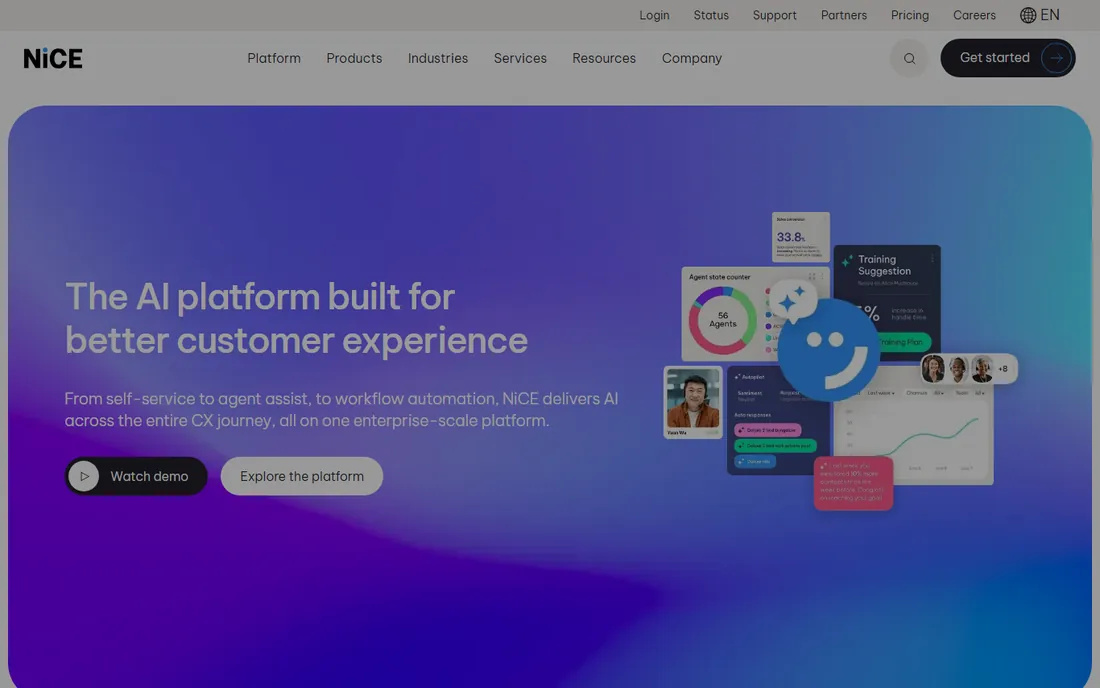
NICE IEX Workforce Management is the forecaster's choice. More than 45 forecasting algorithms, including an AI model that picks the best algorithm for your data automatically, give planners accuracy that smaller tools cannot match. Intraday management lets managers simulate staffing changes before applying them, and 350+ API integrations connect the schedule to payroll, HR and CRM systems. If your contact center already runs on CXone, the ACD data flows in without integration work.
The gaps are on the engagement side. There are no built-in surveys or performance rewards, and leave tracking is mostly manual. Pricing starts at $20 per agent per month, which scales predictably. For operations where forecast accuracy across complex, multi-skill queues is the priority, NICE IEX remains the benchmark the others are measured against.
What we like- 45+ forecasting algorithms with AI best-pick
- Huge integration ecosystem
- Intraday simulation before committing changes
Watch out for- Weak agent engagement features
- Leave management is thin
- No free trial

#2
Verint
Best for: large, regulated contact centers needing compliance templates
Visit verint.com
Starting price$1,500/month
Free planNo
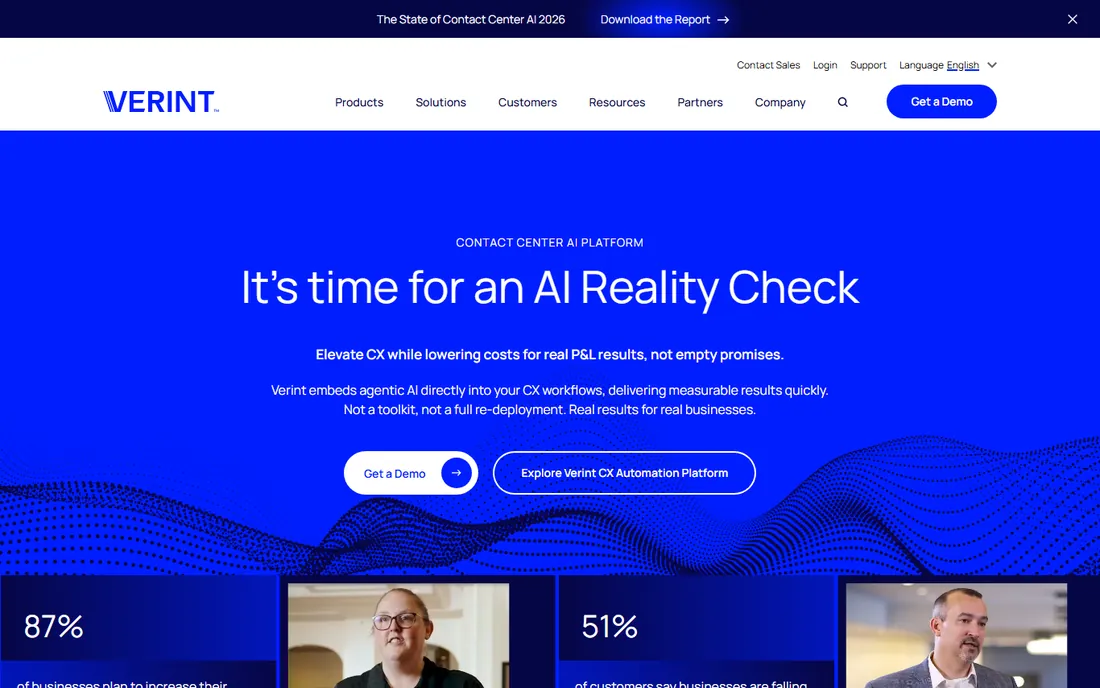
Verint targets the top end of the market: large operations in regulated sectors that need compliance baked in. Pre-built templates for banking, healthcare and government, AI-driven forecasting, skills-based routing and deep HR and payroll integrations come with reporting designed for audit scrutiny. Pricing starts around $1,500 per month, a flat figure that can suit large teams better than per-agent billing.
The big news is consolidation. Calabrio merged with Verint in late 2025, and the combined company now operates under the Verint brand, with Calabrio ONE products continuing inside the Verint CX Automation Platform. Buyers get a broader suite, though integration of the two product lines is still in progress. Expect a serious implementation project and invest in training.
What we like- Pre-built industry templates (banking, healthcare, government)
- Strong revenue-recognition-grade reporting
- Calabrio product line now included
Watch out for- Flat entry price excludes small teams
- Steep learning curve
- Mobile experience lags desktop

#3
Genesys
Best for: contact centers wanting WFM inside their CCaaS platform
Visit genesys.com
Starting priceSee website
Free planNo

Genesys Cloud CX includes workforce management as a native capability rather than an add-on product, which is its whole argument. Forecasting, scheduling, adherence and agent self-service run on the same platform as routing, recording and analytics, so there is no integration project and no data sync to babysit. Omnichannel forecasting covers voice and digital interactions together.
The catch is that you buy into the ecosystem. Standalone WFM pricing is not published, and evaluating Genesys for WFM alone makes little sense if you run a different contact center platform. For Genesys Cloud customers, though, turning on native WFM is usually cheaper and faster than bolting on a third-party tool, and the single-vendor support model has real value.
What we like- Native WFM inside Genesys Cloud CX
- No integration project
- Omnichannel forecasting included
Watch out for- Pricing is bundled and opaque
- Weaker as a standalone WFM for non-Genesys shops
Starting priceSee website
Free planFree trial
Playvox, now a NICE company, built its reputation on usability. Where legacy WFM tools feel like 1990s workforce planning software, Playvox offers AI-assisted forecasting, scheduling and adherence monitoring in an interface supervisors learn quickly. It bundles workforce management with quality management, coaching and gamification, so smaller operations get the full agent-optimization suite from one vendor.
Reviewers praise ease of use and scheduling, with per-module pricing reported around $30 per agent per month for WFM, though Playvox does not publish prices. The trade-off is depth: global organizations with complex multi-skill, multi-site scheduling have found it limiting. For mid-market contact centers and BPOs, Playvox is the modern alternative to legacy WFM.
What we like- Intuitive interface agents actually use
- WFM plus quality and coaching in one suite
- Free trial available
Watch out for- Not built for global enterprise complexity
- Pricing is not transparent
Starting price$25/user/month (Core)
Free planNo
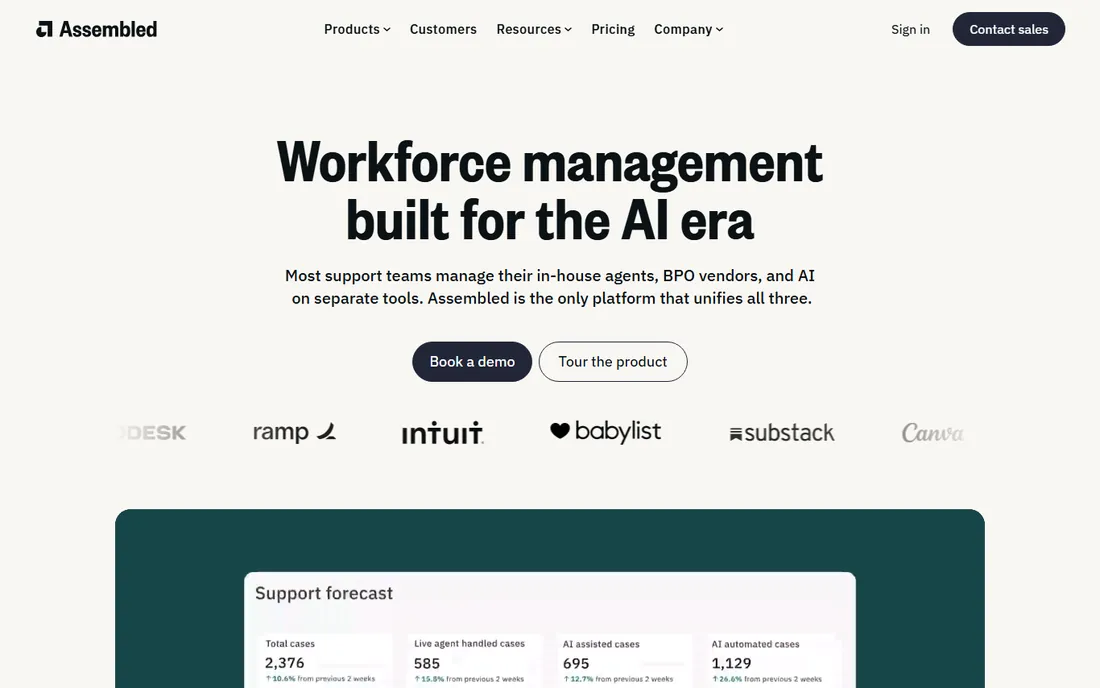
Assembled is the WFM built for the Zendesk-and-Slack era of support teams. Implementation is famously fast, the dashboard is intuitive, and it models AI deflection alongside human staffing in one capacity plan, a genuinely modern feature as bots take volume. Core starts at $25 per user per month plus a platform fee, with ML forecasting and AI scheduling on Pro and above.
The compromises are enterprise depth and reporting. Reviewers note reporting can slow under very large data volumes, and teams managing BPO partners need the paid Vendor Management add-on for real-time adherence sync and invoice validation. For SaaS, ecommerce and fintech support teams that need real WFM without a six-month project, Assembled is the pragmatic pick.
What we like- Fastest implementation in the category
- Unified human and AI capacity planning
- Strong Slack and Zendesk integrations
Watch out for- Reporting depth lags legacy tools
- Vendor management is a paid add-on
- Platform fee on top of per-user pricing
Starting price$25/user/month (WFM add-on)
Free planNo

Zendesk Workforce Management is an add-on for teams already invested in the Zendesk ecosystem, and it makes no claim to be anything else. Agents see schedules, shift swaps and performance dashboards inside the Zendesk interface they already use. AI-powered forecasting and automated scheduling come standard at $25 per user per month.
Compared with standalone tools, reporting is the weak point: real-time visibility is good, but drilling into agent activity within specific workstreams feels shallow. If you are choosing a WFM tool independently of your helpdesk, Assembled or Playvox give you more. But for Zendesk-centric support operations, the unified workflow usually outweighs the reporting trade-off, and deployment is nearly instant.
What we like- Schedules and performance dashboards inside Zendesk
- AI forecasting included
- No new system for agents to learn
Watch out for- Only makes sense for Zendesk shops
- Reporting depth is limited
- Agent-activity detail is shallow

#7
Alvaria
Best for: enterprises with complex labor rules and compliance needs
Visit alvaria.com
Starting priceSee website
Free planNo
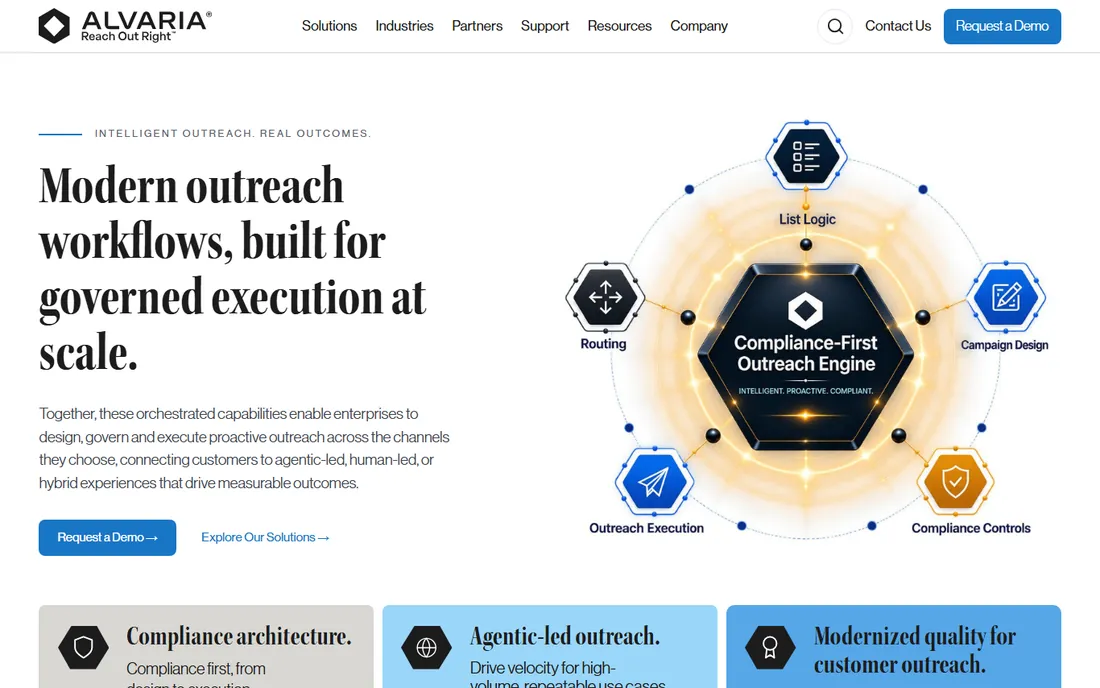
Alvaria, formed from Aspect and Noble, serves the enterprise end of workforce management: very large contact centers with complex labor rules, union agreements and compliance requirements. Its WFM handles multi-site, multi-skill scheduling at scales where lighter tools break, with forecasting and adherence built for operations measured in thousands of agents.
Pricing is quote-based and implementations are significant programs. The user experience reflects its enterprise heritage rather than modern design standards. Alvaria is not competing with Assembled for 50-agent support teams; it competes with NICE and Verint for the largest, most complex operations. If your scheduling involves labor law across multiple jurisdictions, Alvaria belongs on the shortlist.
What we like- Deep compliance and labor-rule support
- Proven at very large scale
- Strong for multi-site, multi-skill operations
Watch out for- Quote-based pricing
- Dated user experience
- Implementation is a major project
What call center WFM actually does
Workforce management is three disciplines in one product. Forecasting predicts contact volume by interval using historical data, seasonality and trends. Scheduling turns forecasts into agent schedules that respect skills, labor rules, shrinkage and preferences. Intraday management keeps the plan on track in real time: monitoring adherence, re-skilling agents and approving exceptions as volume deviates.
Around that core sit the agent-facing tools that increasingly decide purchases: self-service portals, shift bidding, mobile apps and time-off automation. Agent experience features matter because scheduling is the top driver of attrition in many contact centers, and attrition is the top driver of cost. When comparing tools, weight forecasting accuracy and the agent experience equally; one saves labor cost, the other saves hiring cost.
Pricing: per agent vs. flat monthly
Most WFM vendors charge per agent per month, from $20 (NICE IEX, CommunityWFM) to $75 for broader suites. The model to build is fully-loaded headcount: include part-timers and seasonal staff, because most vendors count anyone with a schedule. Verint's flat $1,500 per month can be cheaper for large teams and punishing for small ones.
Then add the costs nobody publishes upfront. Implementation for enterprise WFM regularly runs $15,000 to $50,000 or more, plus training. Vendor Management add-ons for BPO-heavy teams, premium support tiers and extra integrations stack on top. And minimums matter: several vendors require 25 to 50 agents minimum. A 20-agent team can be priced out of tools whose per-agent rate looked attractive.
Frequently asked questions
What is WFM software for call centers?
Workforce management software forecasts contact volume, builds agent schedules, and monitors real-time adherence in call centers. It replaces spreadsheets with AI-driven forecasting, automated scheduling, shift bidding, time-off management and intraday tools that keep staffing aligned with demand.
How much does call center WFM software cost?
Per-agent pricing runs $20 to $75 per agent per month; Verint starts around $1,500 per month flat. Add implementation ($15,000 to $50,000+ for enterprise tools), training and add-ons like BPO vendor management. Minimums of 25 to 50 agents are common, so small teams should check entry requirements.
What is the difference between WFM and WFO?
WFM (workforce management) covers forecasting, scheduling and adherence. WFO (workforce optimization) is the broader suite that adds quality management, coaching, analytics and performance management around the WFM core. Vendors like NICE, Verint and Playvox sell both; pure WFM tools like Assembled focus on the scheduling core.
Which WFM is best for a small call center?
Assembled ($25/user/month) and Zendesk WFM ($25/user/month, for Zendesk shops) are built for fast implementation without enterprise overhead. CommunityWFM at $20 per agent per month suits RingCX customers. Enterprise tools like Verint and Alvaria are overkill below a few hundred agents.
Do I need WFM if my contact center platform has scheduling?
Native scheduling (Genesys Cloud CX, Zendesk WFM, RingCentral AI WFM) covers most needs for teams under a few hundred agents and avoids integration work. Standalone WFM earns its place when you need deeper forecasting science, multi-skill complexity, BPO vendor management or platform independence.
What happened to Calabrio?
Calabrio merged with Verint in late 2025 after Thoma Bravo took Verint private, and the combined company operates under the Verint brand. Calabrio ONE products continue as part of the Verint CX Automation Platform with no forced migrations announced for existing customers.
Sources we checked (8)
- https://www.selecthub.com/workforce-management-software/calabrio-vs-nice-iex-workforce-management/
- https://www.selecthub.com/workforce-management-software/nice-iex-workforce-management-vs-verint-workforce-management/
- https://www.g2.com/products/assembled/competitors/alternatives
- https://www.assembled.com/page/best-workforce-management-software
- https://www.capterra.com/p/195644/Assembled/
- https://www.RingCentral.com/whyringcentral/company/pressreleases/ringcentral-acquires-communitywfm-to-expand-ringcx-portfolio-with-ai-first-workforce-management.html
- https://en.wikipedia.org/wiki/Verint_Systems
- https://www.verint.com/es/calabrio/
Is your product missing or out of date?
We review this list regularly. Vendors can request a listing, send updated pricing or ask about featured placement.

Shihab Mia · Founder, Rankite
Shihab has spent more than a decade helping SaaS and e-commerce brands grow through search. He writes Rankite's software buying guides from pricing pages, documentation and public user reviews. More about Shihab.