How we make this list: we compare pricing pages, product documentation and public user reviews. Rankite is independent; if a vendor ever pays for a featured spot, that listing is clearly labeled Partner.
Key takeaways
- Website platforms split into easy builders (Wix, Squarespace, Weebly, GoDaddy, Jimdo), designer tools (Webflow, Framer, Duda) and ecosystems (WordPress, Shopify).
- Wix is the easiest start for most small businesses; Squarespace wins on design; Webflow wins on design control.
- WordPress powers the most sites but needs maintenance; Shopify is the answer when the site is a store.
- The platform you can actually update yourself beats the "better" platform you abandon.
Quick comparison
| Tool | Best for | Starting price | Free plan |
|---|
 Wix Wix | easiest small business sites | See website | Yes |
 Squarespace Squarespace | design-forward websites | See website | Free trial |
 WordPress.com WordPress.com | flexible content sites | See website | Yes |
 Webflow Webflow | designer-built custom sites | See website | Yes |
 Shopify Shopify | e-commerce stores | See website | Free trial |
 Weebly Weebly | simple free websites | See website | Yes |
 GoDaddy GoDaddy | fastest time to launch | See website | Free plan |
 Duda Duda | agency-built client sites | See website | Free trial |
 Jimdo Jimdo | simple European websites | See website | Yes |
 Framer Framer | modern interactive sites | See website | Yes |
Is your product missing or out of date?
We review this list regularly. Vendors can request a listing, send updated pricing or ask about featured placement.
Starting priceSee website
Free planYes
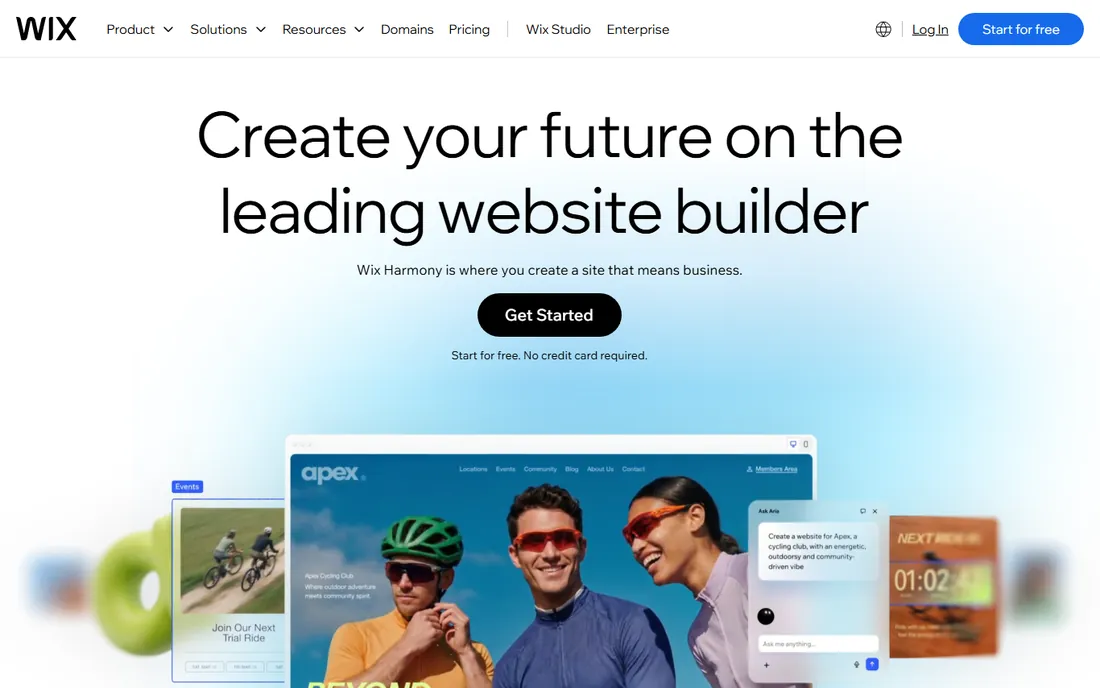
Wix is the website builder most small businesses start with for good reason: pick a template, drag elements where you want them and publish. The ADI (artificial design intelligence) can even generate a site from a few answers. The app market adds bookings, stores, forums and hundreds of other functions.
The ease is the whole pitch. Non-technical owners get a professional-looking site live in a weekend without touching code. The free plan lets you experiment, and the paid plans remove Wix ads and connect your domain. For the business that just needs a good site fast, it delivers.
The honest complaints are template lock-in and cost creep. You cannot switch templates without rebuilding, and the apps that make Wix powerful add monthly fees. SEO and performance are decent but not leading. For most small business sites, the trade-offs are acceptable. For serious customization, Webflow or WordPress fit better.
What we like- Drag-and-drop anyone can use
- Huge template library
- App market
Watch out for- Templates cannot be switched mid-site
- Costs add up with apps
Starting priceSee website
Free planFree trial
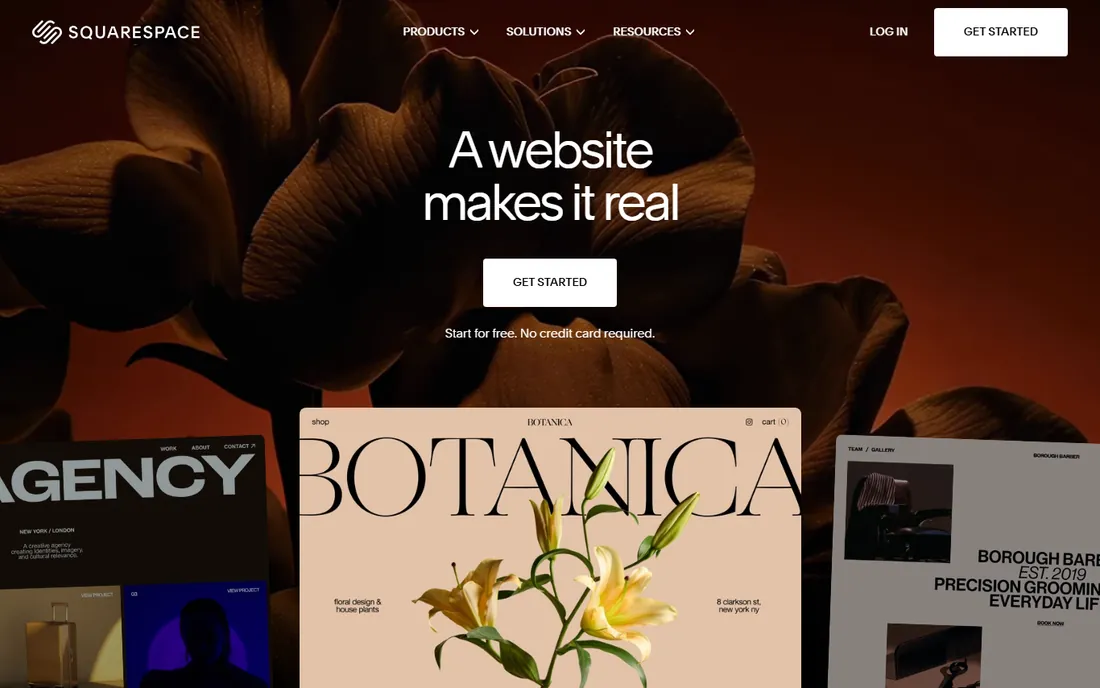
Squarespace is the website platform for people who care how the site looks: award-winning templates, refined typography and cohesive design that makes portfolios, restaurants and creative businesses look expensive. Blogging, scheduling (Acuity), e-commerce and email marketing come built in.
The design quality is the differentiator. Out of the box, Squarespace sites look better than most competitors' best efforts. The all-in-one approach means hosting, domains, SSL and updates are handled; you just design. For creatives, the portfolio presentation is the best in the category.
The trade-off is flexibility. The structured editor is less free-form than Wix's drag-and-drop, and the e-commerce, while capable, trails Shopify for serious stores. It is also pricier than budget builders. For the business where design is the brand, it is worth it.
What we like- Beautiful templates
- All-in-one platform
- Great for portfolios
Watch out for- Less flexible than Wix
- E-commerce trails Shopify
Starting priceSee website
Free planYes

WordPress.com is the hosted version of the software that powers over 40 percent of the web: start free, publish content and scale up through plans that add plugins, themes and e-commerce. It suits bloggers, publishers and businesses that want WordPress without server management.
The ecosystem is unmatched. Tens of thousands of themes and plugins cover every need, and the block editor has matured into a capable site builder. The free plan is genuinely useful for starting, and the upgrade path scales to serious publishing operations.
The honest catch is the tiering. The real WordPress power, plugins and custom themes, needs the higher-priced plans; the lower tiers are limited. Self-hosted WordPress.org remains more flexible for technical users. For hosted WordPress that just works, WordPress.com is the official answer.
What we like- The WordPress ecosystem
- Great for blogging
- Scalable plans
Watch out for- Advanced features need higher tiers
- Plugin limits on lower plans
Starting priceSee website
Free planYes
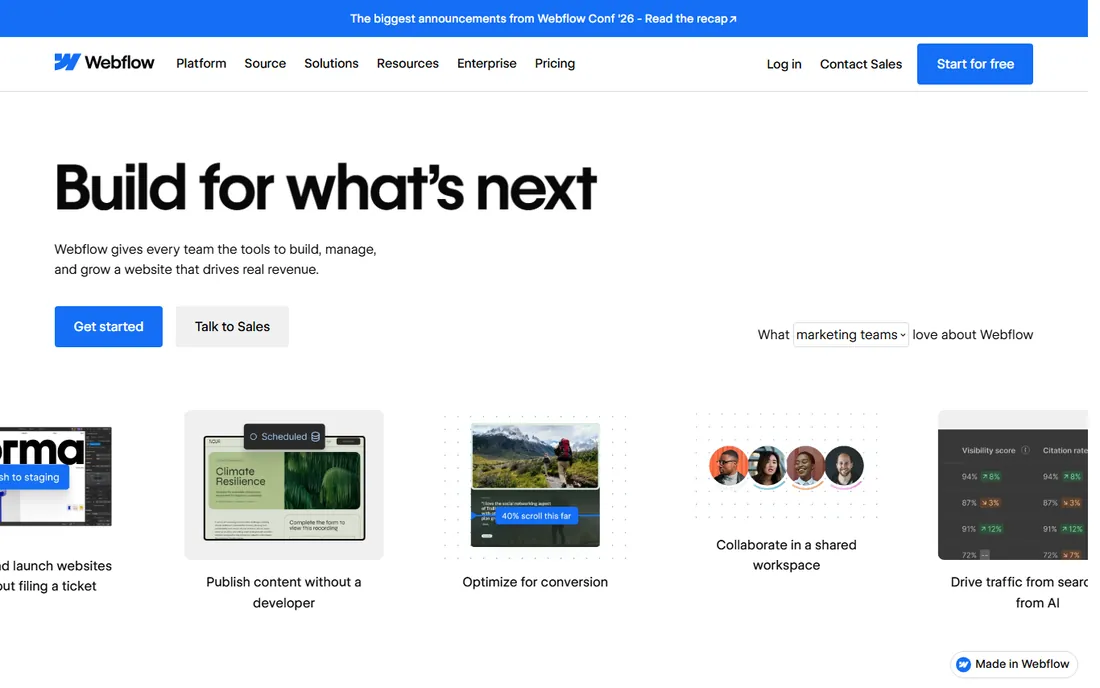
Webflow is the website platform for designers who want custom-site quality without hand-coding: visual design tools with the control of CSS, a real CMS for dynamic content and clean code export. Agencies and freelancers build client sites that look bespoke.
The design power is the story. Unlike template builders, Webflow lets designers build truly custom layouts, interactions and animations visually. The CMS handles blogs, portfolios and directories elegantly. The free plan covers learning and staging.
The trade-off is the learning curve. Webflow assumes design knowledge; non-designers will struggle. Pricing is per site, which adds up for agencies. But for the designer who wants custom quality at builder speed, nothing else in this list competes.
What we like- Pixel-level design control
- Clean code output
- Powerful CMS
Watch out for- Learning curve
- Pricing per site
Starting priceSee website
Free planFree trial

Shopify is the e-commerce platform that powers millions of stores: products, checkout, payments, shipping, taxes and marketing in a system designed to sell. If the website's job is commerce, Shopify is the default answer the way WordPress is for content.
The commerce depth is unmatched. The checkout converts, the app store covers every selling need, and the ecosystem of themes, agencies and experts means help is everywhere. Multi-channel selling across social, marketplaces and POS works from one dashboard.
The honest limits are cost and content. The subscription plus transaction fees (unless using Shopify Payments) add up, and as a content platform it trails WordPress. But for selling online, the specialization pays. Do not build a serious store on a general builder when Shopify exists.
What we like- The e-commerce standard
- Huge app ecosystem
- Reliable checkout
Watch out for- Monthly cost plus transaction fees
- Content sites are secondary
Starting priceSee website
Free planYes
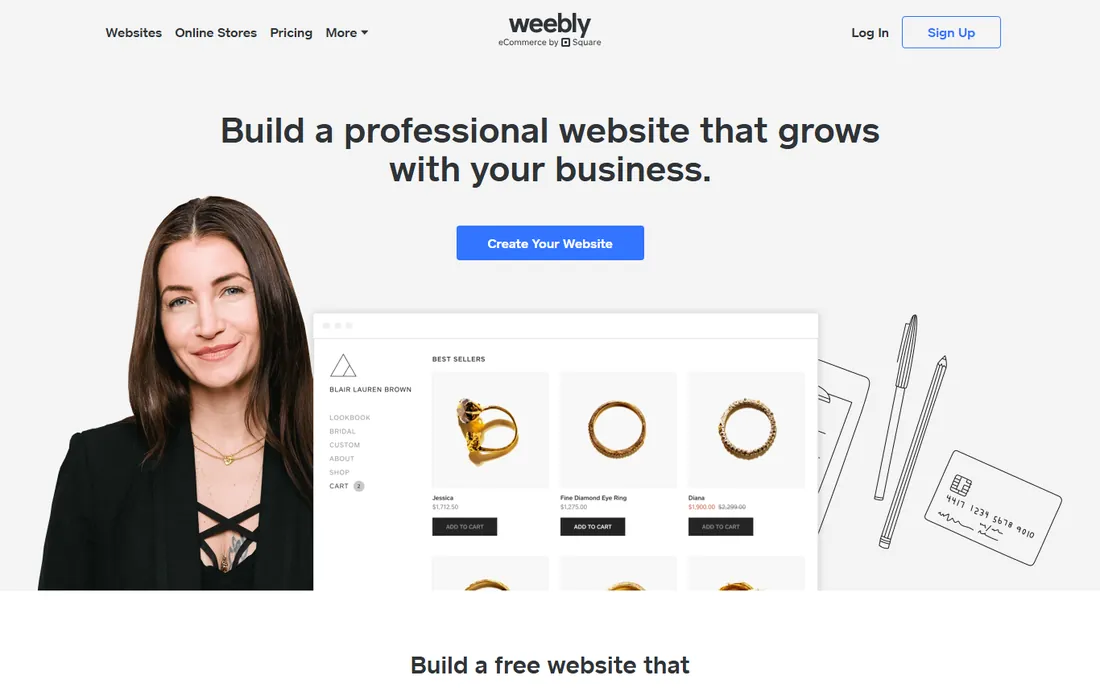
Weebly, now part of Square, is the simple website builder for basic sites: drag-and-drop editing, free plan and straightforward e-commerce through Square integration. It suits small businesses that need an online presence without fuss.
The simplicity and Square connection are the pitch. Square sellers get a web presence tied to their point of sale, and the free plan covers the basics. For a simple brochure site or basic store, it works.
The honest concern is momentum. Development has visibly slowed since the Square acquisition, and the templates show their age. New buyers should weigh this against Wix or Squarespace's active development. For the Square seller needing something simple, it remains functional.
What we like- Simple and free to start
- Easy e-commerce basics
- Square-owned
Watch out for- Development has slowed
- Templates dated
Starting priceSee website
Free planFree plan
GoDaddy's website builder promises the fastest path from idea to live site: answer questions, get a generated site, tweak and publish, with your domain, hosting and business email in the same account. It targets owners who want it done today.
The speed and bundling are the appeal. The domain you already own at GoDaddy connects instantly, and the AI-assisted setup produces a credible site in minutes. For the owner who values done over perfect, it delivers.
The honest complaints are the upsells and limits. GoDaddy is famous for aggressive add-on selling, and the builder's design flexibility trails Wix and Squarespace. It is the convenience pick, not the quality pick. For fast and bundled, it works; for best-in-class design, look elsewhere.
What we like- Very fast setup
- Domain plus site in one
- Good for beginners
Watch out for- Upsells are aggressive
- Design flexibility limited
Starting priceSee website
Free planFree trial
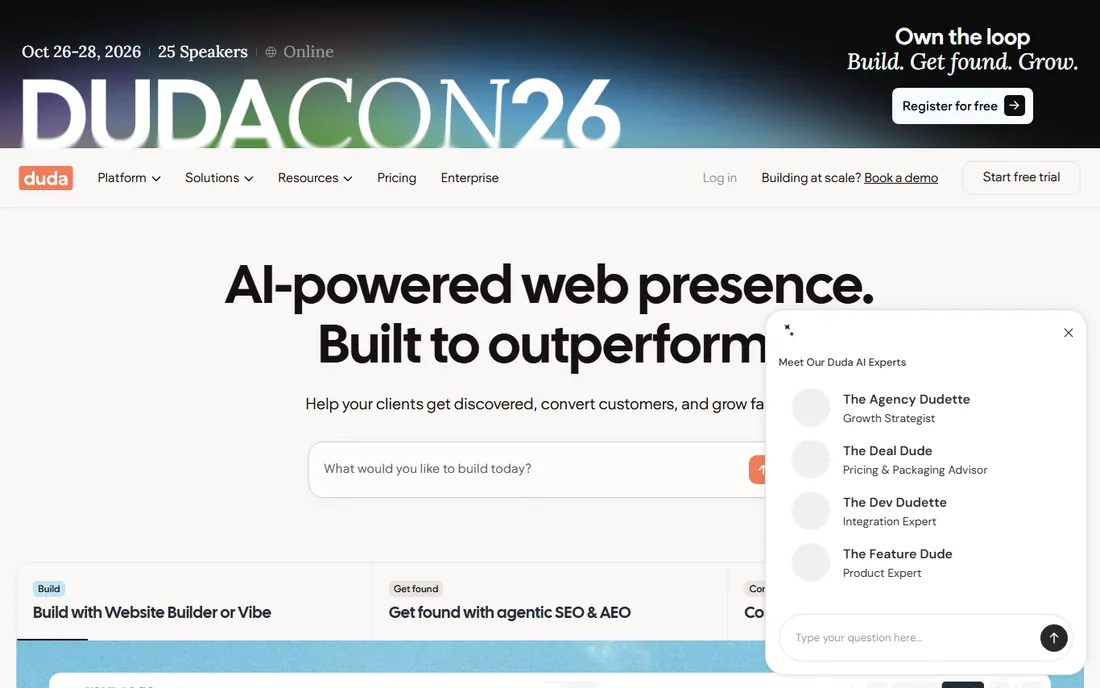
Duda is the website platform built for agencies and freelancers who build sites for clients: fast builder, client collaboration tools, white-label options and team workflows. Agencies deliver professional sites efficiently and manage them ongoing.
The agency workflow is the differentiator. Client feedback tools, site comments, role permissions and white-labeled dashboards fit how agencies actually work. The builder is fast and the sites perform well. For the web professional serving small business clients, it is purpose-built.
The trade-off is the audience. DIY owners should choose Wix or Squarespace; Duda assumes a professional builder. Pricing is per site, which agencies pass through. For the agency business model, it is the platform choice.
What we like- Built for agencies
- Client management tools
- White label
Watch out for- Not aimed at DIY owners
- Pricing per site
Starting priceSee website
Free planYes
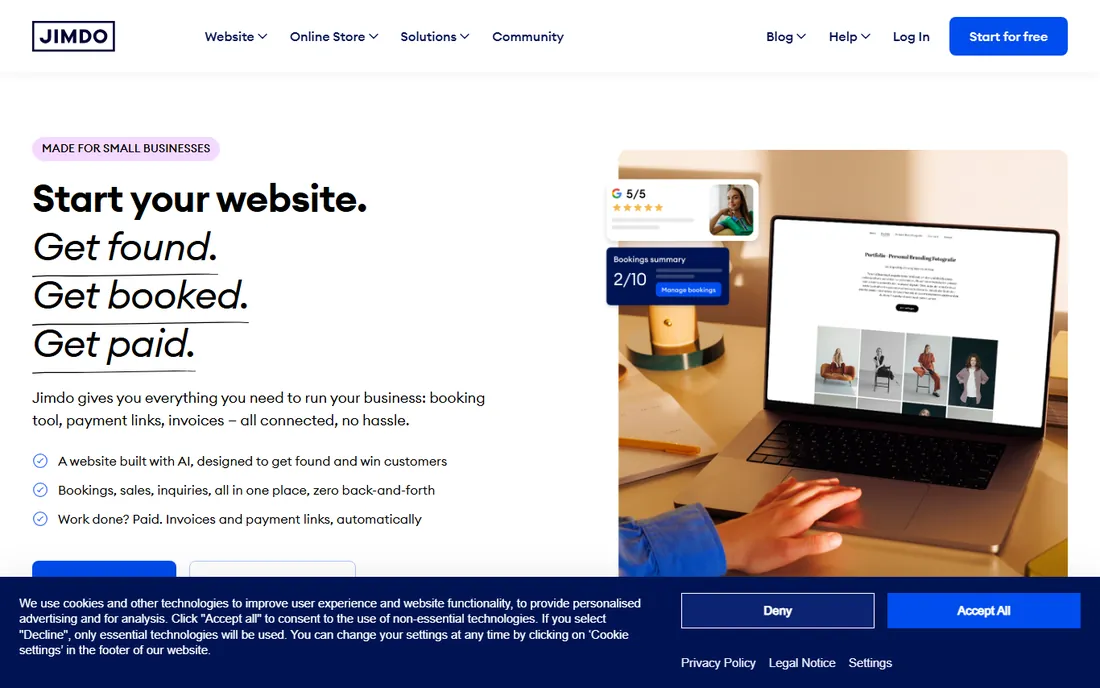
Jimdo is the straightforward website builder popular in Europe: AI-assisted site creation, simple editing and affordable plans with a free tier. It suits small businesses and freelancers who want a decent site without complexity.
The simplicity is the pitch. The setup asks questions and builds the site; editing stays approachable. European businesses get local language support and GDPR-friendly hosting. The price undercuts the bigger builders.
The honest limits are ambition. Feature depth, templates and ecosystem trail Wix and Squarespace significantly. It is a simple site builder, not a platform for growth. For the basic European small business site, it is fine and affordable.
What we like- Simple AI-assisted setup
- Affordable
- Strong in Europe
Watch out for- Limited features
- Smaller ecosystem
Starting priceSee website
Free planYes
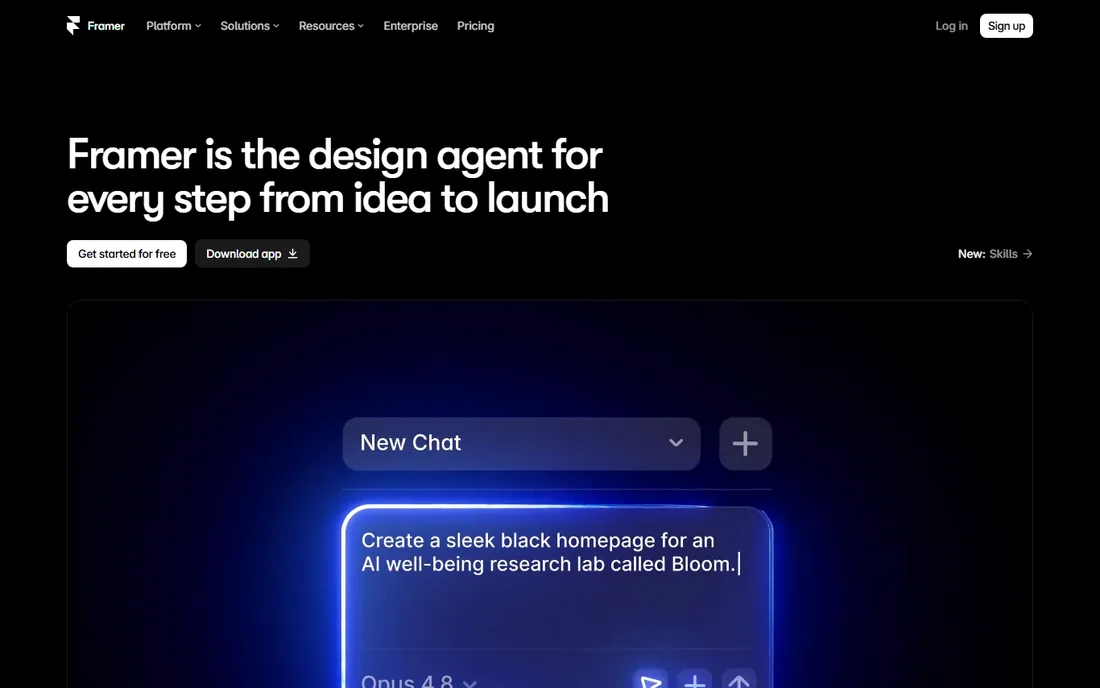
Framer is the modern site builder for interactive, animated websites: start from templates or Figma designs and publish sites with the motion and polish that used to need developers. Designers and startups use it for marketing sites that impress.
The interactive quality is the story. Animations, transitions and effects that feel native-app smooth come from a visual tool. The free tier covers real usage, and the publishing is instant with global CDN.
The trade-off is maturity in depth. The CMS and e-commerce trail Webflow and the big builders; this is a marketing-site tool, not a business platform. Designer-oriented users get the most from it. For the startup landing page that needs to wow, Framer is the modern pick.
What we like- Stunning interactive designs
- Fast and modern
- Free to start
Watch out for- Designer-oriented
- CMS less mature than Webflow
Builder vs. WordPress vs. Shopify
Choose by the site's job. Content and publishing: WordPress (hosted .com for simplicity, self-hosted .org for control). Selling products: Shopify, no contest. Everything else, brochure sites, portfolios, local business: pick the builder that matches your skill and taste, Wix for ease, Squarespace for design, Webflow or Framer for custom quality.
The common mistake is choosing on features instead of fit. All these tools make decent sites; the difference is who builds it and what it must do. The owner who will update the site monthly should pick the tool they enjoy using. The beautiful platform you abandon loses to the simple one you maintain.
What to check before you buy
Start with the site's primary job: content, commerce or presence. Second, honestly assess who will build and maintain it; the learning curve must match the person. Third, check the total cost including apps, e-commerce fees and renewals, not just the advertised plan.
Fourth, verify the SEO basics: custom domains, meta control, sitemaps and page speed. Fifth, test the mobile editing experience if you will update on the go. Finally, check the exit: how easily can you export content or move? Builders that trap your site make switching painful.
How we chose
We compared vendor product pages, pricing pages and public review sources, then confirmed every homepage was live in October 2026. GoDaddy's site returned a bot-block response but the domain is live, so we kept the URL as-is. Where we could not verify a vendor-published price we say so. Nothing here reflects hands-on testing; assessments come from documentation, feature lists and public user feedback.
Frequently asked questions
What is the easiest website builder?
Wix is the easiest full-featured builder for most people. GoDaddy is fastest to a live site. Squarespace is easiest for a beautiful site. "Easiest" depends on whether you value speed, simplicity or design.
Should I use WordPress or a website builder?
Use a builder if you want simplicity and maintained hosting. Use WordPress if you need maximum flexibility, own your setup and accept maintenance. Most small businesses are happier on builders; most publishers and growing sites end up on WordPress.
How much does a website cost?
Builders run from free tiers to tens of dollars monthly; budget more for e-commerce. Domains cost extra yearly. The real cost is often time: a DIY site costs weekends, an agency site costs thousands. Match the approach to the site's importance.
Can I switch website platforms later?
Content usually exports; design does not. Moving from Wix to WordPress means rebuilding the design but keeping the words. This is why the initial choice matters: pick the platform you can grow with.
Is Shopify worth it for a small store?
If you are serious about selling online, yes. The checkout, apps and reliability justify the cost once you have real sales. For selling a few items occasionally, a builder's e-commerce features or even payment links suffice.
Sources we checked (10)
- https://www.wix.com
- https://www.squarespace.com
- https://wordpress.com
- https://webflow.com
- https://www.shopify.com
- https://www.weebly.com
- https://www.godaddy.com
- https://www.duda.co
- https://www.jimdo.com
- https://www.framer.com
Is your product missing or out of date?
We review this list regularly. Vendors can request a listing, send updated pricing or ask about featured placement.

Shihab Mia · Founder, Rankite
Shihab has spent more than a decade helping SaaS and e-commerce brands grow through search. He writes Rankite's software buying guides from pricing pages, documentation and public user reviews. More about Shihab.