How we make this list: we compare pricing pages, product documentation and public user reviews. Rankite is independent; if a vendor ever pays for a featured spot, that listing is clearly labeled Partner.
Key takeaways
- Most small businesses should pick the meeting tool that matches their existing stack: Google Workspace shops get Google Meet, Microsoft 365 shops get Teams.
- Zoom ($16.99/user/month) remains the best standalone meeting product for companies that live in client-facing video calls.
- Zoho Meeting (from about $2/host/month) and Jitsi Meet (free) are the budget answers; both handle real business meetings without embarrassment.
- Webex ($14.50/user/month) and GoTo Meeting ($14/organizer/month) suit security-conscious and simplicity-first teams respectively.
Quick comparison
| Tool | Best for | Starting price | Free plan |
|---|
 Zoom Zoom | Companies that live in client-facing video calls | $16.99/user/month (Pro, annual) | Yes (40-minute limit on group meetings) |
 Google Meet Google Meet | Teams already on Google Workspace | $8.40/user/month (Google Workspace Business Starter) | Yes (60-minute group meetings, 100 participants) |
 Microsoft Teams Microsoft Teams | Businesses standardized on Microsoft 365 | $4.80/user/month (Teams Essentials) | Yes (60-minute group meetings, 100 participants) |
 Webex Webex | Organizations where security and compliance come first | $14.50/user/month (Meet plan) | Yes (40-minute meetings) |
 GoTo Meeting GoTo Meeting | Teams that want meetings without a learning curve | $14/organizer/month (Professional) | Free trial (14 days) |
 Zoho Meeting Zoho Meeting | Small teams watching every dollar | See website (paid plans from about $2/host/month) | Yes (60-minute meetings, 100 participants) |
 Whereby Whereby | Instant browser meetings with no downloads | See website | Yes |
 Jitsi Meet Jitsi Meet | Free meetings with no account and no time games | Free | Yes (fully free) |
 RingCentral RingCentral | Businesses bundling phone and video with one vendor | See website | Free trial |
Is your product missing or out of date?
We review this list regularly. Vendors can request a listing, send updated pricing or ask about featured placement.
The honest truth about web meeting software
Here is the blunt version: for most small businesses, the "best" web meeting software is the one you already pay for. If your team lives in Gmail and Google Calendar, Google Meet wins by default because it is one click away and costs nothing extra. If you run on Microsoft 365, Teams wins for the same reason. The standalone meeting wars matter mainly for companies whose product IS the meeting: consultants, coaches, agencies and sales teams who meet clients all day. Everyone else should stop shopping and use what they have.
That said, the differences are real once you look past the logo. Meeting limits, recording rules, webinar capacity, phone dial-in and AI note-taking vary enough to matter. These nine platforms cover the actual market, with real prices and the practical trade-offs that decide which one fits your team.
#1
Zoom
Best for: Companies that live in client-facing video calls
Visit zoom.us
Starting price$16.99/user/month (Pro, annual)
Free planYes (40-minute limit on group meetings)
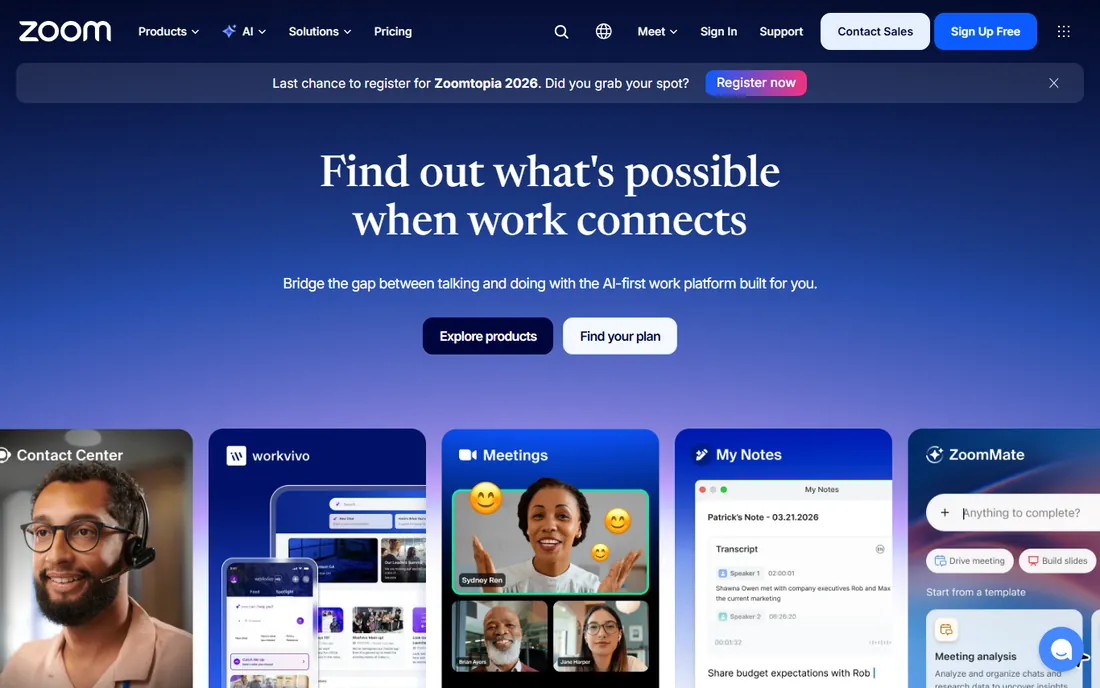
Zoom became a verb for a reason. The meeting itself, join flow, audio quality, screen sharing, breakout rooms, remains the benchmark competitors chase. For client-facing businesses the familiarity is a feature: nobody needs instructions to join a Zoom call. The AI Companion now handles notes, action items and smart recordings on paid plans, and the platform stretches from webinars to phone systems to contact centers.
The honest catch is the meter running. Pro at $16.99 per user per month is fine for ten people and painful for a hundred, and several AI and cloud-recording features sit on higher tiers. If your meetings are internal and your team already has Google or Microsoft, you are paying for polish you may not need. If clients judge you by your meeting link, Zoom is still the safest choice.
What we like- The most polished meeting experience with the widest device and integration support
- AI Companion summarizes meetings and drafts follow-ups on paid plans
- Huge ecosystem of apps, room hardware and developer tools
Watch out for- The free plan's 40-minute cap forces an upgrade for real use
- Per-user pricing adds up fast for larger teams
- The product sprawl (Phone, Contact Center, Docs) complicates buying
Starting price$8.40/user/month (Google Workspace Business Starter)
Free planYes (60-minute group meetings, 100 participants)
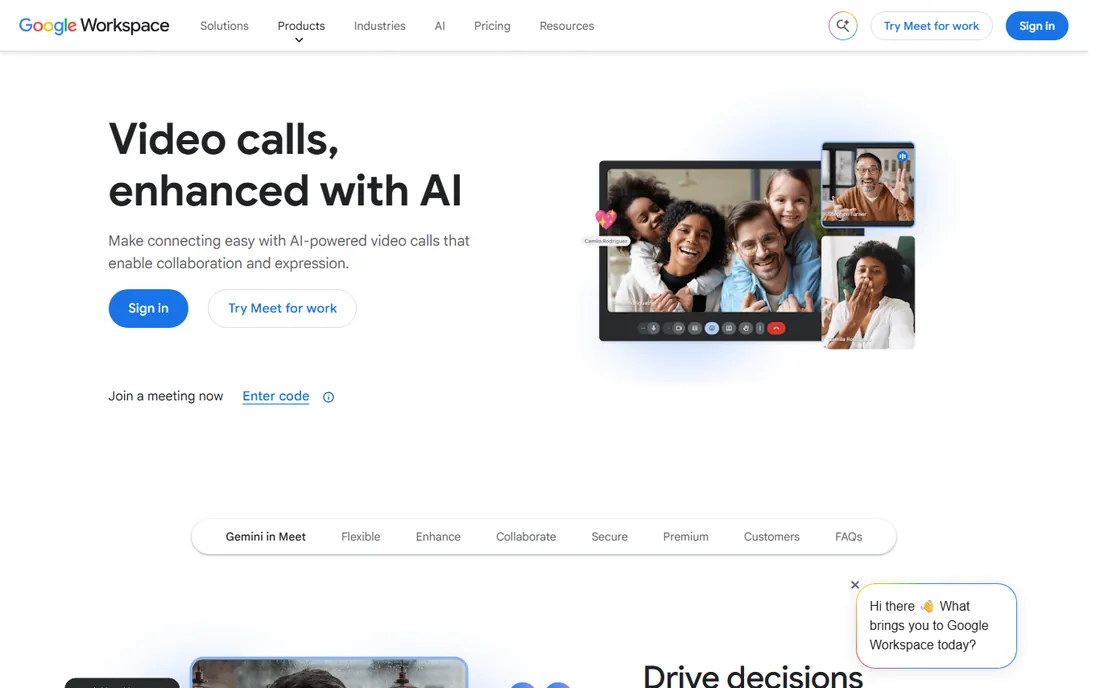
Google Meet's superpower is distribution. Everyone with a Google account can use it, the join link lives inside every Calendar invite, and it runs entirely in the browser. For Google Workspace businesses the marginal cost is zero, and the experience is clean: good audio, solid screen sharing, live captions, and breakout rooms on paid plans. The free tier allows 100 participants for 60 minutes, which covers most small-business calls.
The honest catch is the ceiling. Serious webinar hosting, advanced moderation and meeting recording live behind Workspace paywalls, and the admin controls are thinner than Zoom's or Webex's. If you chose Google for email, Meet is the obvious meeting tool. If you chose Google for nothing, there is no reason to start here.
What we like- Zero-friction joining from Gmail and Calendar with no downloads
- Generous free tier for a big-tech product
- Noise cancellation and live captions work well
Watch out for- Recording and advanced controls require paid Workspace
- Fewer webinar and event features than Zoom or Webex
- The free 60-minute limit still interrupts longer sessions
Starting price$4.80/user/month (Teams Essentials)
Free planYes (60-minute group meetings, 100 participants)
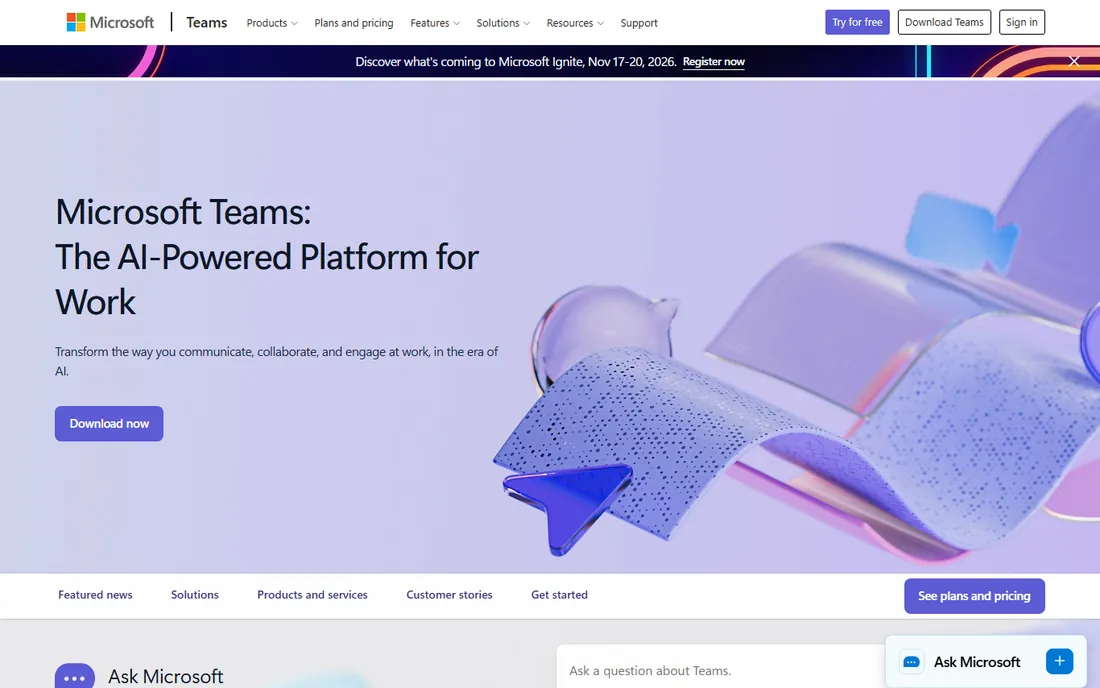
Teams is the meeting tool for the Microsoft faithful, and that is most of corporate America. Meetings launch from Outlook, files live in SharePoint, chats persist beside the call, and the whole thing is bundled into 365 pricing that finance already approved. At $4.80 per user per month for Essentials, it is the cheapest serious option here. The meeting experience has improved enormously from the early days.
The honest catch is the weight. Teams wants to be your chat, your phone, your intranet and your meeting room, and the app shows it. Small businesses that just need video calls often find it overbearing. But if your documents, email and identity already live at Microsoft, fighting that gravity costs more than it saves.
What we like- Deep integration with Outlook, SharePoint and Office apps your team already uses
- Chat, file collaboration and meetings in one app
- Aggressive pricing that undercuts standalone rivals
Watch out for- The interface tries to do everything and feels heavy
- Meeting quality historically trailed Zoom (much improved)
- Non-Microsoft shops get little of the value
#4
Webex
Best for: Organizations where security and compliance come first
Visit webex.com
Starting price$14.50/user/month (Meet plan)
Free planYes (40-minute meetings)
Webex is the grown-up in the room. Cisco's security story, end-to-end encryption options, compliance certifications and admin controls, is the reason regulated industries, healthcare, finance, government, standardize on it. The meeting quality is excellent, webinars scale impressively, and the Cisco room hardware integration is the best in the business for hybrid offices.
The honest catch is the vibe and the price. Webex feels like enterprise software because it is, and small teams often find it stiff compared to Zoom or Meet. At $14.50 per user per month to start, it is not the budget pick. Choose Webex when security questionnaires and compliance audits are part of your sales process; otherwise the premium buys little.
What we like- Enterprise-grade security and compliance pedigree from Cisco
- Excellent webinar and large-event capabilities
- Strong room hardware ecosystem for hybrid offices
Watch out for- The interface feels corporate next to Zoom's polish
- Pricing climbs quickly with add-ons
- Overkill for teams that just need simple video calls
#5
GoTo Meeting
Best for: Teams that want meetings without a learning curve
Visit goto.com
Starting price$14/organizer/month (Professional)
Free planFree trial (14 days)
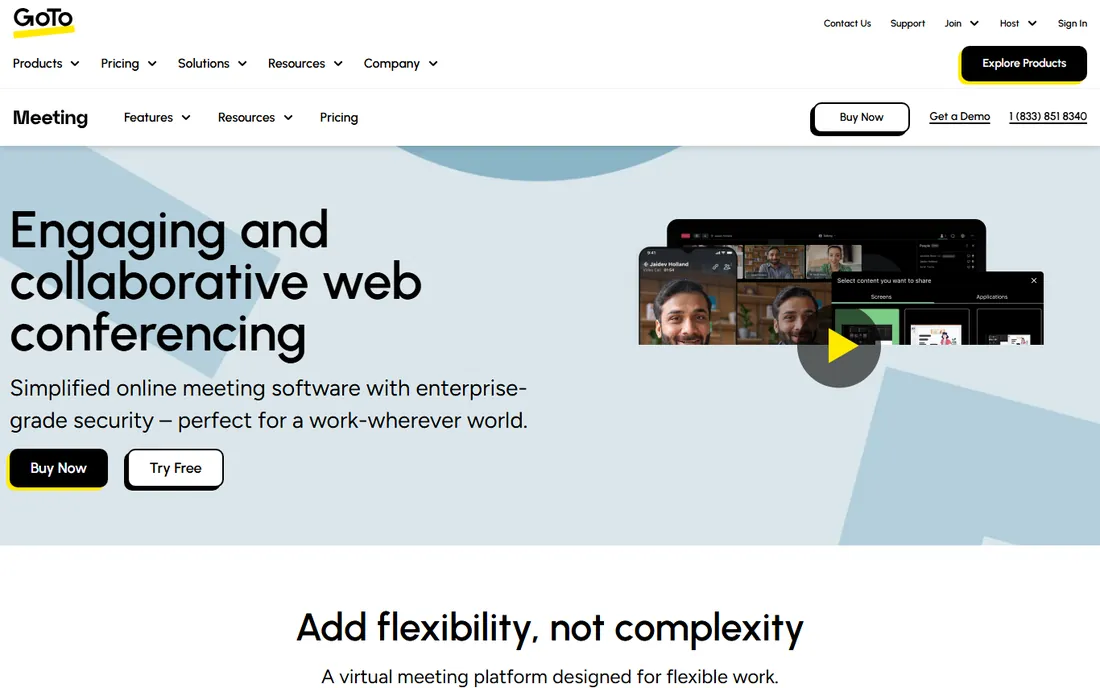
GoTo Meeting has been doing this longer than almost anyone, and the product reflects it: everything works, nothing surprises you. Hosts get unlimited meetings, screen sharing, drawing tools, and meeting recording without hunting through menus. The company leans hard on reliability, and reviewers consistently praise call stability. For small businesses that want one button that always works, it delivers.
The honest catch is momentum. GoTo Meeting innovates slower than Zoom or Teams, the AI feature set is thinner, and there is no free-forever plan to test-drive indefinitely. At $14 per organizer per month it is fairly priced but not cheap. Pick it for dependability and simplicity; skip it if you want the latest AI meeting tricks.
What we like- Famously simple join and host experience
- Reliable performance with 99.999% uptime claims
- Unlimited meetings and strong mobile apps
Watch out for- No permanent free tier, only a trial
- Fewer AI and collaboration extras than Zoom or Teams
- The brand feels dated next to newer rivals
#6
Zoho Meeting
Best for: Small teams watching every dollar
Visit zoho.com
Starting priceSee website (paid plans from about $2/host/month)
Free planYes (60-minute meetings, 100 participants)
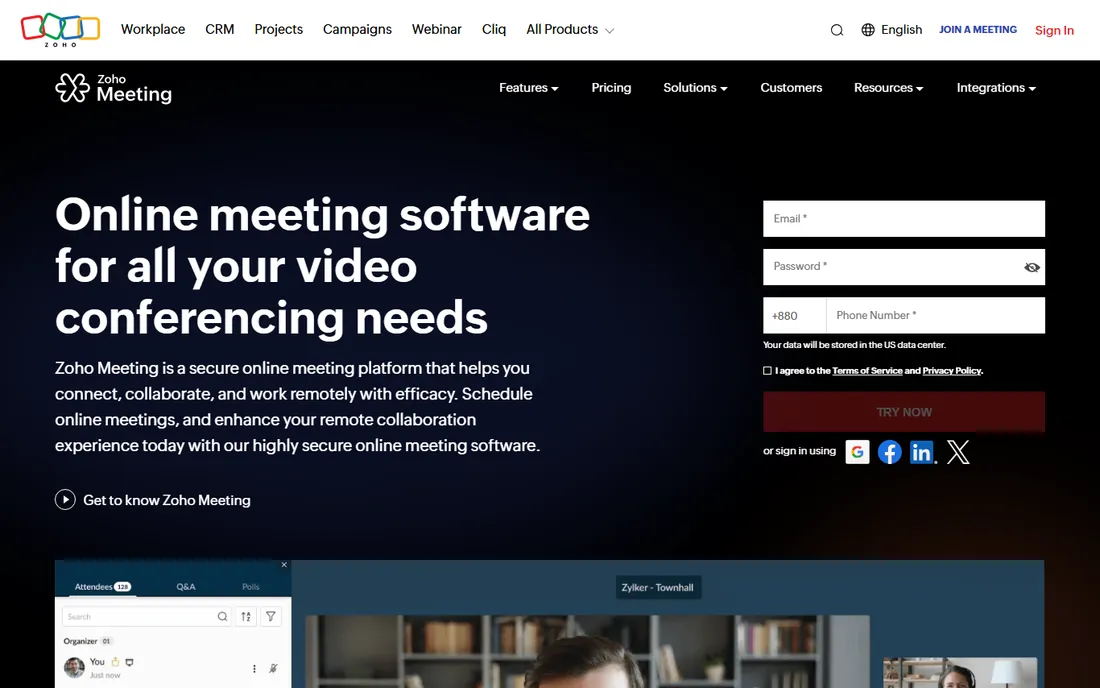
Zoho Meeting is the value play hiding in plain sight. The free plan hosts 100 participants for 60 minutes, and paid plans start at a price that rounds to pocket change. For Zoho CRM or Zoho Projects users it slots in naturally, with meeting links inside the apps you already open. The core meeting experience, video, screen share, recording on paid plans, chat, is solid and unpretentious.
The honest catch is perception. Sending a Zoho Meeting link to an enterprise prospect does not carry Zoom's instant credibility, fairly or not. The ecosystem is Zoho-first, so integrations beyond it are thinner. But for internal meetings, team standups and cost-conscious client calls, it is the rational buy.
What we like- Extremely affordable paid plans
- Free tier covers real meetings, not just demos
- Integrates with the Zoho suite (CRM, Projects, Cliq)
Watch out for- Brand recognition is low, so clients may hesitate at the link
- Fewer third-party integrations than the big three
- Advanced webinar features cost extra
Starting priceSee website
Free planYes
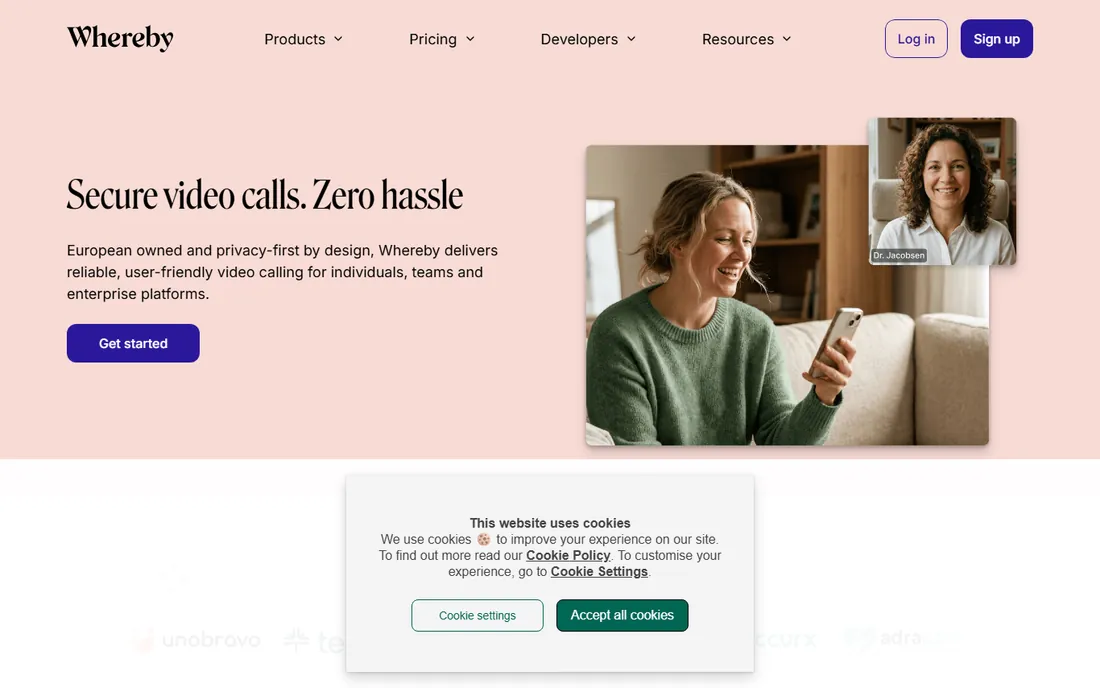
Whereby (formerly appear.in) bet everything on frictionless joining, and it works. You get a permanent room URL, yourname.whereby.com, that behaves like a virtual office door. Clients click and they are in, no app, no account, no "please download." For consultants, coaches, therapists and freelancers whose business is one-to-one video, that simplicity converts.
The honest catch is scope. Whereby is brilliant for small meetings and shaky for hundred-person webinars. The feature list is deliberately short, which is the point, but teams that need breakout rooms, polling and deep integrations will outgrow it. Check current pricing against your meeting volume before committing.
What we like- Guests join from a single link with nothing to install
- Permanent room links feel personal and professional
- Clean, minimal interface anyone can use
Watch out for- Scales less well to large webinars than Zoom or Webex
- Pricing details require digging
- Fewer enterprise admin controls
#8
Jitsi Meet
Best for: Free meetings with no account and no time games
Visit meet.jit.si
Starting priceFree
Free planYes (fully free)
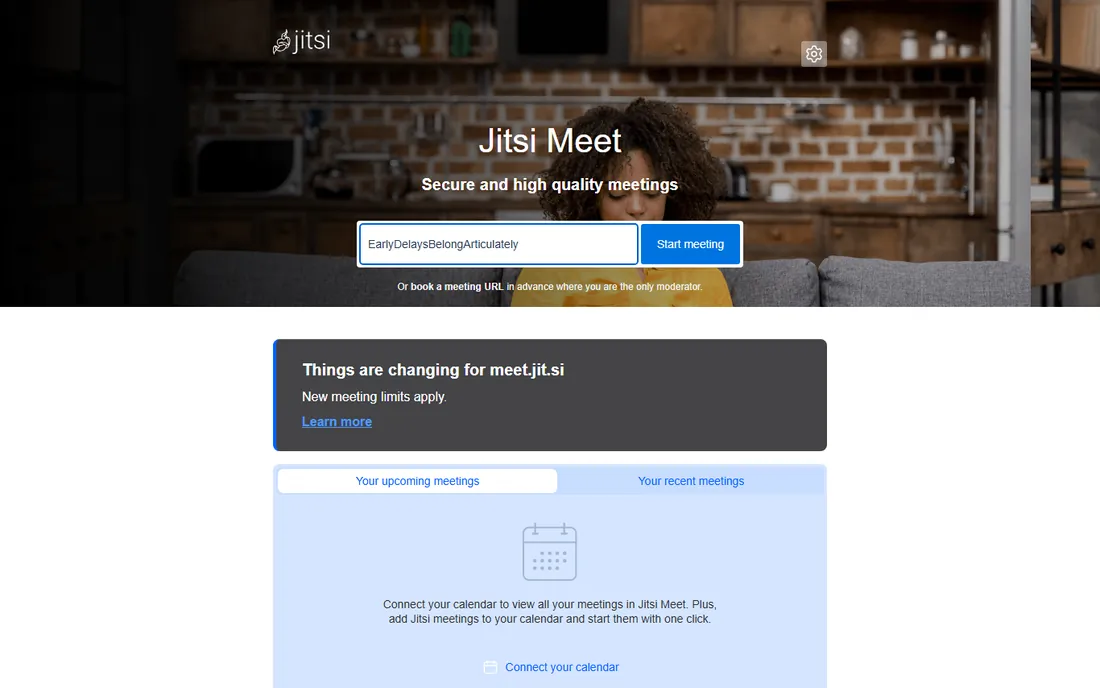
Jitsi Meet is the internet's free meeting room. No account, no download, no cost: open the page, name a room, share the link. For years it was the answer to "what is the truly free option," and the open-source codebase powers countless embedded video products. Privacy-minded teams can self-host it entirely.
The honest catch is the asterisk that appeared recently: the public meet.jit.si instance now applies meeting limits, so the unlimited-free era is over. Even before that, large meetings strained it, and there is no vendor to call when something breaks. Use it for casual and internal meetings; pay for something else when the meeting is the business.
What we like- Completely free and open source with no account required
- No artificial time limits historically
- Self-hosting option for privacy-focused teams
Watch out for- New meeting limits now apply on the public instance
- Video quality and reliability trail the commercial products
- Support is community-based
Starting priceSee website
Free planFree trial
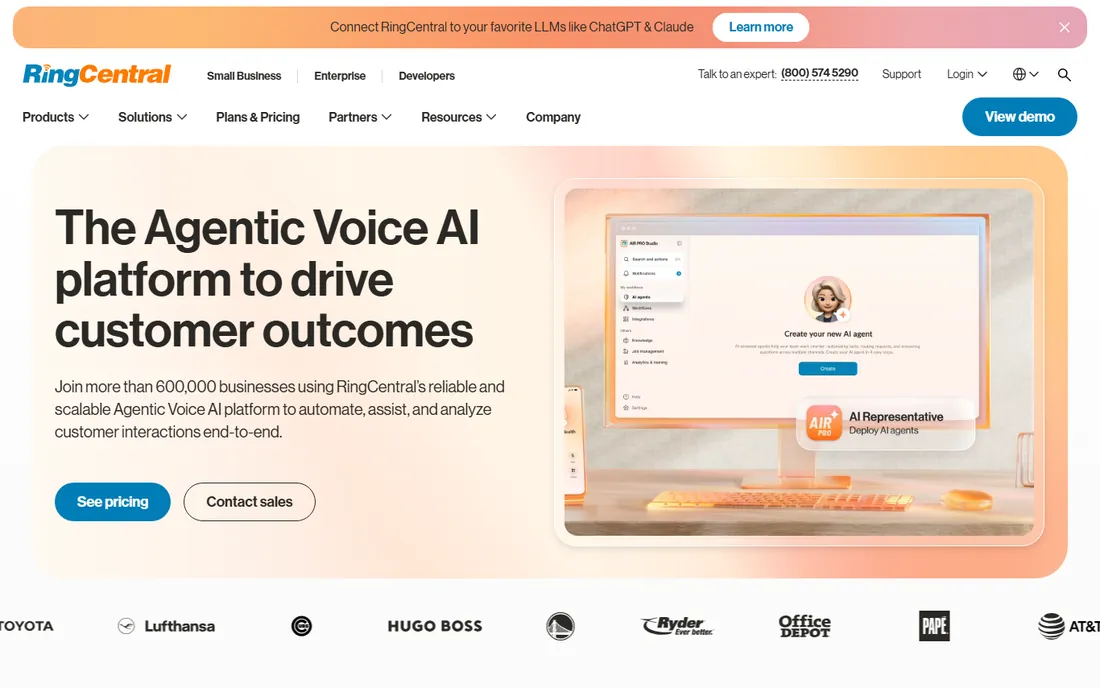
RingCentral sells the bundle. If your business needs a phone system anyway, adding RingCentral Video to the same contract is cheaper and simpler than managing two vendors. The video product itself is capable, HD meetings, screen sharing, breakout rooms, whiteboards, and the AI meeting notes are genuinely useful. The company's UCaaS pedigree shows in call quality and reliability.
The honest catch is focus. Nobody buys RingCentral for meetings alone; Zoom wins that comparison. Pricing requires a conversation with sales, which tells you the target customer. Choose RingCentral when you are replacing a phone system and want meetings included. Do not choose it as a standalone meeting tool.
What we like- Strong unified communications story: phone, video, messaging and contact center from one vendor
- Reliable global infrastructure
- Deep integrations and APIs
Watch out for- Meeting features alone do not beat Zoom
- Pricing is quote-driven and complex
- The product breadth overwhelms teams that only need video
How we chose
We followed the brief's method: vendor pricing pages, documentation, and public reviews on G2, Capterra and Reddit. Every price above comes from the vendor's own site or is marked "See website" where the vendor does not publish one. We excluded webinar-only platforms and scheduling tools, keeping the list to real-time meeting software a small business would actually buy. We weighted join friction, the free tier's honesty, and fit with common small-business stacks over raw feature counts.
What actually decides it
Start with your stack. Google Workspace or Microsoft 365 already answers the question for internal meetings, and fighting that default costs more in friction than any feature gap. The standalone decision matters for client-facing volume: count your weekly external meetings, multiply by the awkwardness cost of a bad join experience, and the $15 to $17 per user suddenly looks cheap.
Test the free tier with your worst meeting. Invite the client with the old laptop and the bad wifi. If they join in one click and the audio holds, the tool passes. If they need IT support to enter the room, no feature list compensates.
Check the recording and limit rules. Free tiers all have a catch: 40 minutes here, 60 minutes there, no recording, no dial-in. Map those limits against your actual longest meeting before you standardize. The cheapest tool that covers your longest real meeting is usually the right one.
The AI meeting features worth paying for
Every vendor now ships AI summaries, action items and smart chapters, but the quality gap is wide. Zoom's AI Companion and Teams' Copilot-adjacent features lead because they see your calendar, your docs and your chat history. Standalone tools summarize the call; platform tools summarize the work around the call. If your team drowns in meetings, that context is worth the per-user fee. If you hold four meetings a week, the free tier plus five minutes of your own notes is fine. Do not pay for AI transcription you will never read.
Frequently asked questions
Which web meeting software is best for small business?
The one matching your existing stack: Google Meet for Google Workspace teams, Microsoft Teams for Microsoft 365 teams. For standalone client-facing meetings, Zoom remains the benchmark. Budget picks are Zoho Meeting and Jitsi Meet.
Is there really free web meeting software?
Yes, with limits. Google Meet and Teams offer free 60-minute group meetings, Zoom allows 40 minutes free, Jitsi Meet is free and open source (with new limits on the public instance), and Zoho Meeting and Whereby have free tiers. Expect caps on duration, participants or recording.
How many participants can these tools handle?
Free tiers typically allow 100 participants. Paid plans scale from 300 to 1,000+ depending on the vendor, with webinar add-ons reaching tens of thousands. Confirm the exact cap on the vendor's pricing page for your plan.
Do I need a paid plan for meeting recording?
Usually yes. Most free tiers exclude cloud recording or limit it heavily. If recordings matter for training, compliance or absentee follow-up, verify recording is included in the paid tier you are considering, and check storage limits.
Can clients join without downloading anything?
Google Meet, Whereby and Jitsi Meet run fully in the browser. Zoom, Teams and Webex prefer their apps but offer browser join as a fallback. If your clients are non-technical, a browser-first tool removes the biggest failure point.
What is the cheapest good option?
Zoho Meeting's paid plans start near $2 per host per month, and Jitsi Meet is free. Both handle real business meetings. The trade-off is brand familiarity and ecosystem depth versus the big three.
Sources we checked (9)
- https://zoom.us/
- https://meet.google.com/
- https://www.microsoft.com/en-us/microsoft-teams/
- https://www.webex.com/
- https://www.goto.com/meeting
- https://www.zoho.com/meeting/
- https://whereby.com/
- https://meet.jit.si/
- https://www.ringcentral.com/
Is your product missing or out of date?
We review this list regularly. Vendors can request a listing, send updated pricing or ask about featured placement.

Shihab Mia · Founder, Rankite
Shihab has spent more than a decade helping SaaS and e-commerce brands grow through search. He writes Rankite's software buying guides from pricing pages, documentation and public user reviews. More about Shihab.