How we make this list: we compare pricing pages, product documentation and public user reviews. Rankite is independent; if a vendor ever pays for a featured spot, that listing is clearly labeled Partner.
Key takeaways
- Zoom remains the safest pick for teams that meet clients all day, while Microsoft Teams is the cheapest serious option at $4 per user per month if you do not need the Office apps.
- Free plans are genuinely usable in 2026: Zoom caps group calls at 40 minutes, Teams and Google Meet at 60 minutes, and Jitsi at 95 minutes.
- Per-host pricing from GoTo, Zoho, and Whereby can beat per-user pricing when only a few people actually run meetings.
- Webex stays the shortlist pick for regulated industries, and self-hosted Jitsi is the only option here with no price and no vendor lock-in.
Quick comparison
| Tool | Best for | Starting price | Free plan |
|---|
 Zoom Zoom | teams that want the most reliable meeting engine | $14.16 per user/month (Pro, billed annually) | Yes (Basic: 40-minute group meetings, 100 participants) |
 Microsoft Teams Microsoft Teams | companies already on Microsoft 365 | $4 per user/month (Teams Essentials) | Yes (free plan: 60-minute group meetings, 100 participants) |
 Google Meet Google Meet | teams that live in Google Workspace | See website | Yes (60-minute group meetings) |
 Cisco Webex Cisco Webex | regulated industries and large enterprises | $13.50 per user/month (Meet plan) | Yes (Basic: 40-minute meetings, 100 participants) |
 GoTo Meeting GoTo Meeting | no-frills reliability for client calls | $12 per organizer/month (Professional, billed annually) | No (free trial available) |
 Zoho Meeting Zoho Meeting | budget buyers and Zoho users | $1 per host/month (Standard, billed annually) | Yes (60-minute meetings, 100 participants) |
 Whereby Whereby | simple branded meetings without downloads | See website | Yes (free tier available) |
 Jitsi Meet Jitsi Meet | privacy-first teams that can self-host | Free (open source) | Yes |
Is your product missing or out of date?
We review this list regularly. Vendors can request a listing, send updated pricing or ask about featured placement.
The best video collaboration software
#1
Zoom
Best for: teams that want the most reliable meeting engine
Visit zoom.com
Starting price$14.16 per user/month (Pro, billed annually)
Free planYes (Basic: 40-minute group meetings, 100 participants)
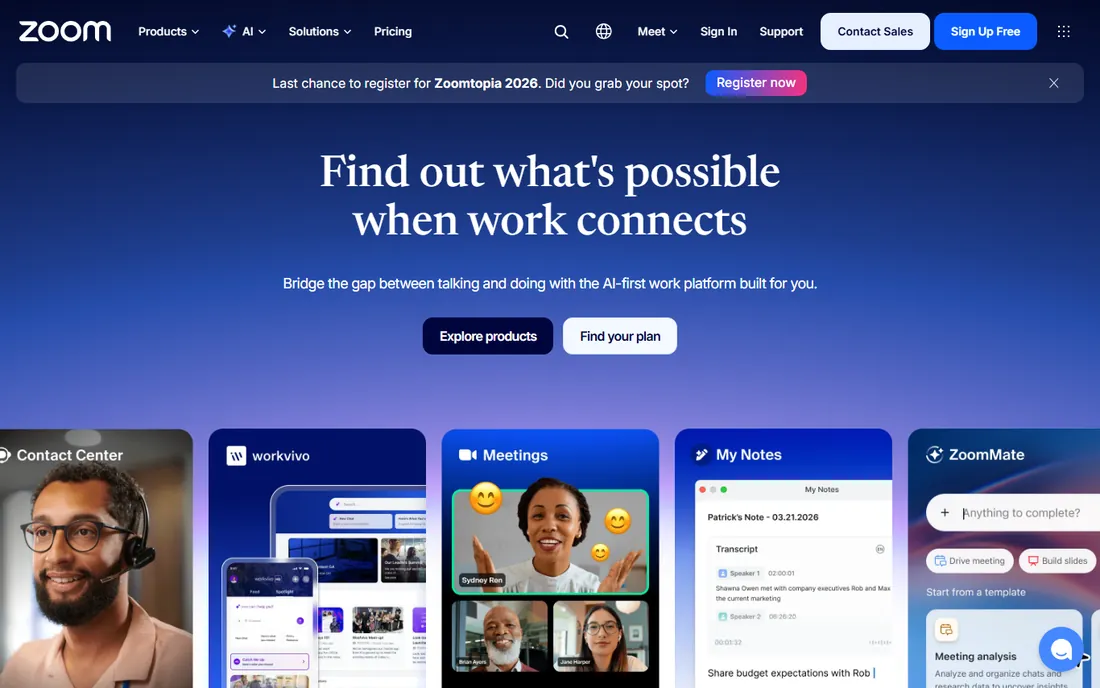
Zoom is the default answer for a reason. Meetings start from a link, the audio recovery on bad connections is still better than most competitors, and almost everyone your team invites has already used it at least once. For sales and customer-facing teams, that familiarity is worth real money because nobody wastes the first five minutes learning the interface.
The Pro plan at $14.16 per user per month on annual billing ($16.99 month to month) raises the group meeting limit to 30 hours, adds 5 GB of cloud recording, and includes the AI Companion for summaries. The honest catch is cost control: every user needs a license to host, so a 50-person team pays the full per-seat price even if only ten people run calls. Admins should also budget a little time for the settings panel, which has grown large enough that new hosts miss features like waiting rooms and polls.
What we like- Joins work from almost any device
- Webinar and event add-ons scale up
- AI Companion included on paid plans
Watch out for- Pricing adds up fast for large teams
- The free tier's 40-minute cap forces paid upgrades
Starting price$4 per user/month (Teams Essentials)
Free planYes (free plan: 60-minute group meetings, 100 participants)
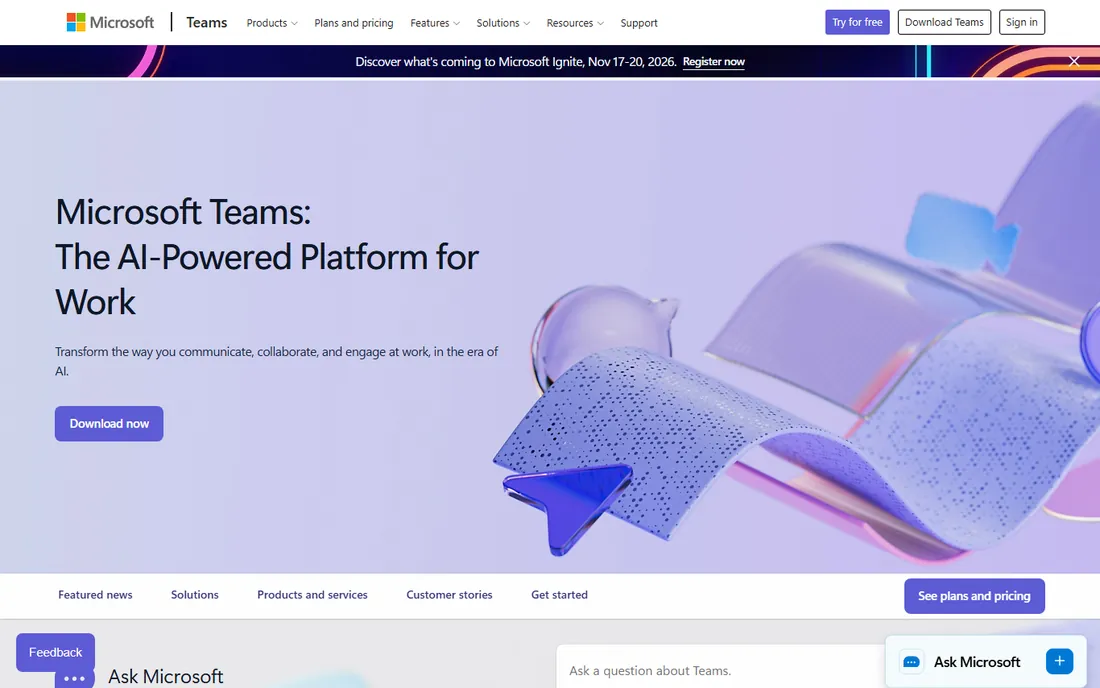
If your company already pays for Microsoft 365, this decision may already be made. Teams folds meetings into the same app as chat, channels, and file sharing, so internal collaboration rarely needs a second tool. The standalone Teams Essentials plan at $4 per user per month gives 30-hour meetings for up to 300 participants, which undercuts every paid rival on this list.
The trade-off is the meeting experience itself. Joining from a browser works, but the desktop app can feel sluggish on older machines, and external guests occasionally hit friction with lobby and permission settings. Teams also makes the most sense when your calendar and documents already live at Microsoft. Google Workspace shops tend to fight it, and mixed environments end up paying for both.
What we like- Cheapest serious standalone plan at $4
- Deep chat, file, and calendar integration
- Strong admin and compliance controls
Watch out for- Meetings feel heavier than Zoom or Meet
- Best experience assumes the Microsoft ecosystem
Starting priceSee website
Free planYes (60-minute group meetings)
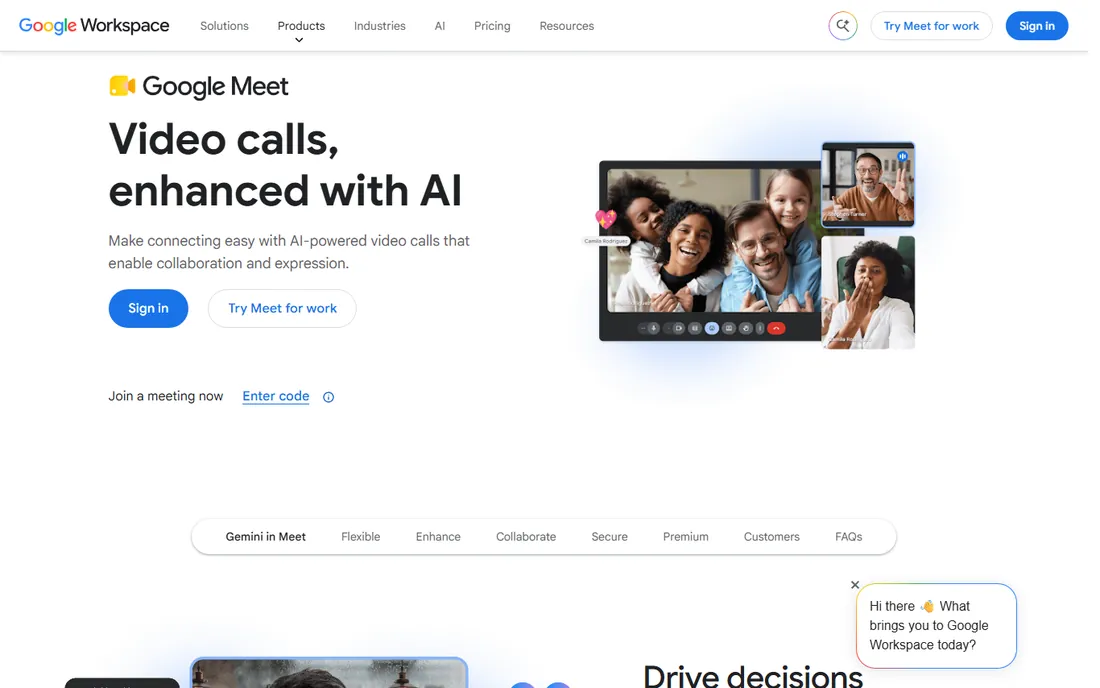
The browser is the meeting room. Google Meet opens from a Calendar invite with no download and no account needed for guests, which makes it the lowest-friction option on this list for quick internal calls. The free tier allows group meetings up to 60 minutes, noticeably more generous than Zoom's 40-minute cap, and noise cancellation works well without any setup.
Paid upgrades come through Google Workspace rather than Meet itself, which is why pricing is listed as See website: the plan you need depends on your Workspace tier. That bundling is a strength if your company already uses Gmail and Drive, and a reason to look elsewhere if it does not. Meet is weaker than Zoom for large webinars and breakout-heavy training sessions, so event-heavy teams should test those workflows before committing.
What we like- No installs, runs in the browser
- Tight Gmail and Calendar integration
- Generous free tier
Watch out for- Paid features sit behind Google Workspace plans
- Fewer advanced webinar features than Zoom
#4
Cisco Webex
Best for: regulated industries and large enterprises
Visit webex.com
Starting price$13.50 per user/month (Meet plan)
Free planYes (Basic: 40-minute meetings, 100 participants)
Webex is the tool IT departments reach for when compliance is non-negotiable. Banks, hospitals, and government agencies have trusted it for years, and Cisco backs it with certifications and admin controls that smaller vendors cannot match. The Meet plan at $13.50 per user per month covers 200-person meetings with recordings and breakout rooms, while the full Suite adds calling and messaging for teams that want one vendor.
The honest weakness is the product feel. The interface has improved but still carries the weight of its enterprise heritage, and the plan structure (Basic, Meet, Suite, Enterprise) takes some study. Smaller teams without compliance pressure will find Zoom or Meet easier to adopt. Webex earns its place when your security review is the deciding factor.
What we like- Enterprise-grade security and compliance
- AI meeting summaries on paid plans
- Strong calling and webinar options
Watch out for- Interface feels dated next to newer rivals
- Pricing tiers can confuse first-time buyers
#5
GoTo Meeting
Best for: no-frills reliability for client calls
Visit goto.com
Starting price$12 per organizer/month (Professional, billed annually)
Free planNo (free trial available)
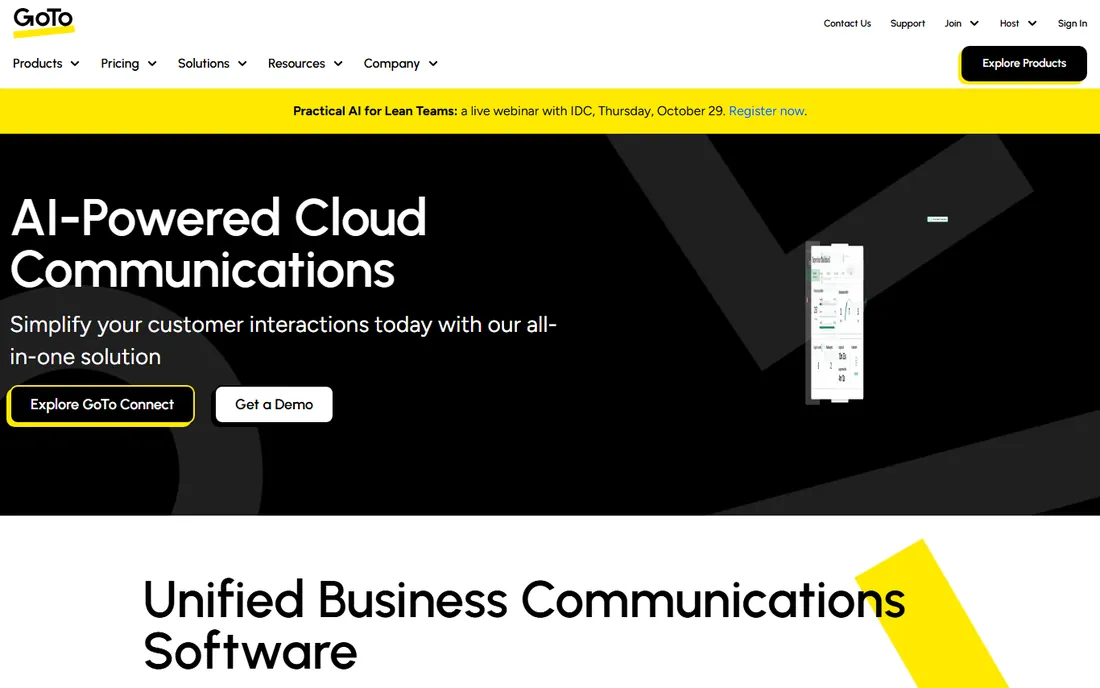
GoTo Meeting has been running meetings since before most of these competitors existed, and it shows in the reliability. The Professional plan at $12 per organizer per month on annual billing covers 150 participants with no time limits, and the Business plan at $16 adds unlimited recording, transcripts, and drawing tools for up to 250 participants. Only the people who host meetings need a license, so a 40-person company with five hosts pays for five.
There is no free tier, only a trial, which makes GoTo a harder sell for teams that want to test casually. The feature set also stays deliberately narrow: this is a meeting tool, not a collaboration platform, so do not expect persistent chat workspaces or deep document co-editing. Buyers who want exactly that narrow focus, especially in professional services, tend to stay for years.
What we like- Priced per organizer, not per user
- No meeting time limits on paid plans
- Unlimited cloud recording on Business
Watch out for- No free tier
- Fewer modern collaboration extras than rivals
Starting price$1 per host/month (Standard, billed annually)
Free planYes (60-minute meetings, 100 participants)
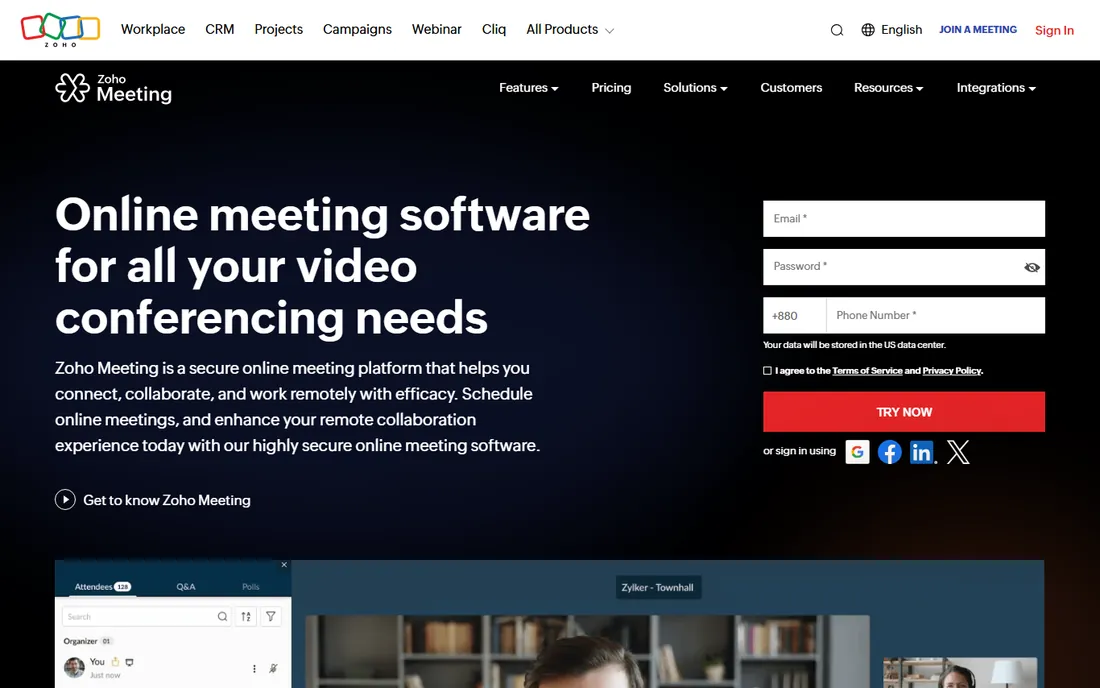
At a dollar a month, Zoho Meeting is the cheapest paid plan on this list by a wide margin. The Standard plan at $1 per host per month on annual billing and the Pro plan at $3 cover the basics well, and the webinar features on upper tiers handle registration pages, polls, and reports without a separate product. For startups already using Zoho CRM or Zoho Projects, the integration is the real draw.
The catch is polish. Audio and video quality are fine on good connections but less forgiving than Zoom or Meet on bad ones, and guests outside the Zoho world may not recognize the brand. Still, when the budget is the deciding factor, Zoho Meeting delivers the core meeting experience at a price nobody else touches.
What we like- Lowest paid entry price on this list
- Solid webinar features on higher tiers
- Integrates with the Zoho suite
Watch out for- Meeting quality can lag behind the leaders
- Brand recognition is lower with external guests
Starting priceSee website
Free planYes (free tier available)
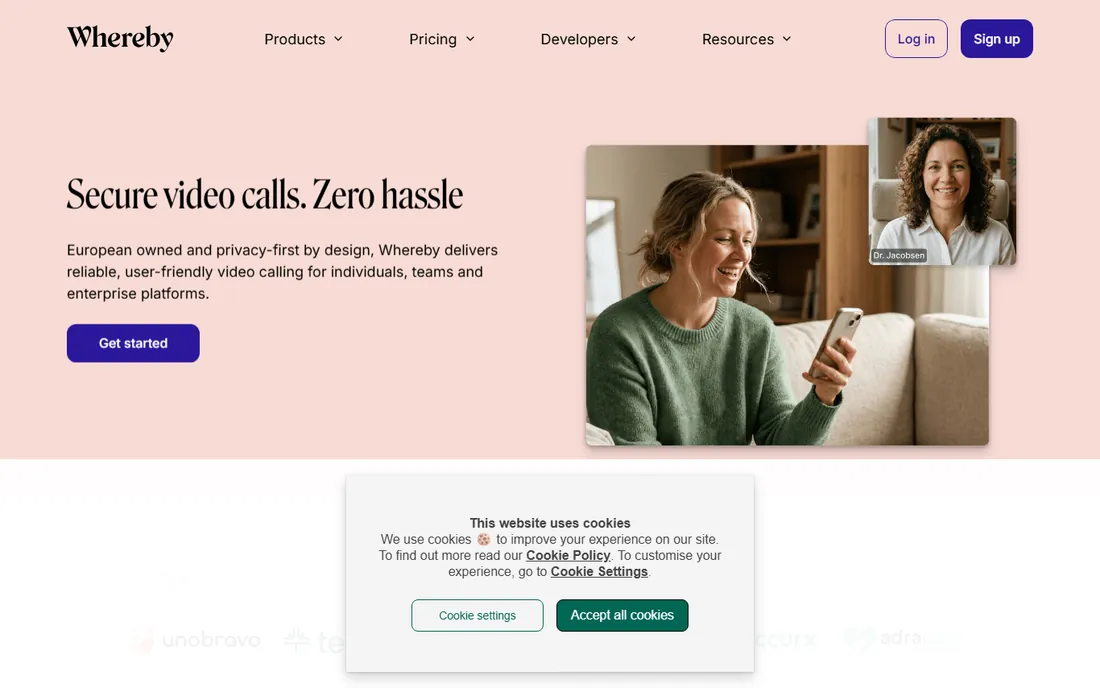
Whereby removes every step between the invitation link and the call. Guests click and join from the browser, hosts get rooms with their own branding, and the rooms can be embedded directly into a website or product for telehealth, coaching, or customer support. That embeddable-room model is the feature no one else on this list does as naturally.
Pricing is the weak spot in this review: the vendor's pricing page did not render during research and third-party sources disagreed, so it is listed as See website. The free tier exists and works for light use. Teams considering Whereby for embedded or branded use cases should confirm current pricing directly and test the embed on their own site before committing.
What we like- Browser-based rooms with custom branding
- Embeddable video rooms for websites
- Easy guest experience
Watch out for- List pricing is hard to pin down
- Smaller ecosystem of integrations
#8
Jitsi Meet
Best for: privacy-first teams that can self-host
Visit jitsi.org
Starting priceFree (open source)
Free planYes
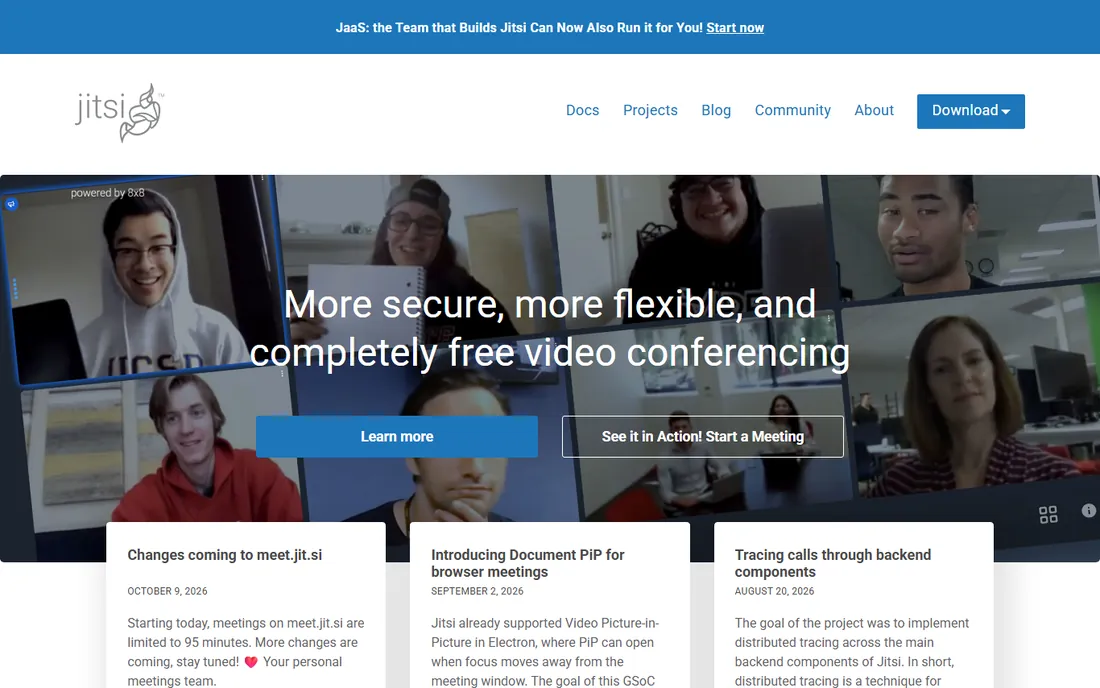
Jitsi is the outlier: no accounts, no prices, no vendor lock-in. The software is open source and free to self-host, which means your meeting data never passes through a vendor's servers if you run it yourself. For privacy-conscious organizations, nonprofits, and technical teams, that control is the entire point.
Self-hosting is also the catch. You provision the server, you scale it, and you troubleshoot when calls drop. The public meet.jit.si service is convenient but caps meetings at 95 minutes as of late 2026, so it suits quick calls rather than all-day workshops. Jitsi fits teams with the technical skill to run infrastructure, or the willingness to pay a hosting provider to do it.
What we like- Completely free and open source
- No accounts needed
- You control the infrastructure and the data
Watch out for- You handle hosting, scaling, and support
- The public meet.jit.si service caps meetings at 95 minutes
How we chose
We did not test these tools hands-on for this guide. Instead we compared current pricing pages, official documentation, and public reviews on G2, Capterra, and Reddit, then scored each tool on meeting limits, per-host versus per-user pricing, free tier quality, integrations, and fit for small and mid-size US companies. We mixed category leaders with smaller vendors so the list covers both safe defaults and cheaper alternatives. Prices were taken from vendor pricing pages where they rendered; where they did not, we say so plainly.
Start with the meeting limits, because they decide the plan for you. Zoom's free tier ends group calls at 40 minutes, which pushes almost every business team to a paid plan. Teams and Meet give you 60 minutes free, and Jitsi's public service allows 95. If your standups run 15 minutes and your sales calls run 45, those cutoffs matter more than any feature list.
Next, check who pays. Per-user pricing (Zoom, Teams, Webex) charges for everyone with an account, which gets expensive when only a few people host. Per-host or per-organizer pricing (GoTo, Zoho, Whereby) charges only for the people who run meetings, and it can cut the bill by half or more for viewer-heavy teams. Count your actual hosts before you compare prices.
Then look at the integrations you will use every day. Calendar integration decides whether scheduling is one click or five. CRM integration decides whether sales calls get logged automatically. And check recording and transcript policies: some plans cap cloud storage, some charge extra, and regulated teams need to know where recordings are stored and for how long. A 14-day trial is enough to test all of this if you run one real sales call and one real team meeting through each finalist.
What free plans actually give you in 2026
Free tiers have settled into a clear pattern. Zoom, Webex, and Google Meet all cap free group meetings by time: 40 minutes for Zoom and Webex, 60 for Meet. Teams matches the 60-minute mark with 100 participants. Jitsi's public service is the outlier at 95 minutes, though self-hosting removes the limit entirely. Zoho Meeting's free tier also allows 60-minute meetings for 100 people.
The practical question is what happens when the clock runs out. Zoom ends the call, which is disruptive enough that most teams upgrade. Meet and Teams let you restart, which is annoying but survivable for internal use. GoTo Meeting skips the question entirely by offering no free tier, and Whereby's free tier covers light use with paid plans for heavier needs. If your team only needs short internal calls, the free tier of Meet, Teams, or Jitsi may be all you ever need.
Frequently asked questions
Is Zoom still worth paying for in 2026?
For teams that meet clients all day, yes. The reliability, guest familiarity, and webinar options justify the $14.16 per user per month for most sales and services businesses. If your meetings are mostly internal, Teams at $4 or a free tier may cover you.
Can guests join these tools without downloading anything?
Google Meet, Whereby, and Jitsi run fully in the browser. Zoom, Teams, Webex, and GoTo offer browser joining too, but their desktop apps give a better experience. For external guests, browser-first tools remove the most friction.
What is the difference between per-user and per-organizer pricing?
Per-user pricing charges for every licensed account, while per-organizer (or per-host) pricing charges only for people who host meetings. If ten people host and forty just attend, GoTo or Zoho can cost far less than Zoom or Webex for the same team.
Is Jitsi secure enough for business use?
Self-hosted Jitsi can be very secure because you control the server and the data never touches a vendor. The trade-off is that you own the security work: updates, access controls, and encryption configuration are your responsibility, not a vendor's.
Do I need a full unified communications suite or just meetings?
Most small teams need just meetings plus the chat tool they already use. Suites like Webex or Teams make sense when you want calling, messaging, and meetings from one vendor with one admin console, or when compliance requires it.
Sources we checked (10)
- https://zoom.us/pricing
- https://www.zoom.com/
- https://www.microsoft.com/en-us/microsoft-teams
- https://meet.google.com/
- https://www.webex.com/
- https://www.goto.com/pricing/meeting
- https://www.goto.com/
- https://www.zoho.com/meeting/
- https://whereby.com/
- https://jitsi.org/
Is your product missing or out of date?
We review this list regularly. Vendors can request a listing, send updated pricing or ask about featured placement.

Shihab Mia · Founder, Rankite
Shihab has spent more than a decade helping SaaS and e-commerce brands grow through search. He writes Rankite's software buying guides from pricing pages, documentation and public user reviews. More about Shihab.