How we make this list: we compare pricing pages, product documentation and public user reviews. Rankite is independent; if a vendor ever pays for a featured spot, that listing is clearly labeled Partner.

Key takeaways
- cPanel remains the industry standard for shared hosting, and almost every budget host you have heard of runs it.
- Plesk is the stronger pick if you manage both Linux and Windows servers from one panel.
- RunCloud, ServerPilot, and Cloudron appeal to developers who want modern server management without paying per-account license fees.
- DirectAdmin and aaPanel are the budget answers for hosts who want a traditional control panel without cPanel's pricing.
Quick comparison
| Tool | Best for | Starting price | Free plan |
|---|
 cPanel cPanel | shared hosting providers | See website | No |
 Plesk Plesk | mixed Linux and Windows servers | See website | No |
 WHMCS WHMCS | billing and client management for hosts | See website | No |
 DirectAdmin DirectAdmin | budget cPanel alternative | See website | No |
 Cloudron Cloudron | self-hosting apps easily | See website | Free trial |
 RunCloud RunCloud | developers managing cloud VPS | See website | Free trial |
 ServerPilot ServerPilot | simple WordPress server management | See website | Free trial |
 aaPanel aaPanel | free control panel with paid add-ons | Free | Yes |
Is your product missing or out of date?
We review this list regularly. Vendors can request a listing, send updated pricing or ask about featured placement.
The best web hosting software
Starting priceSee website
Free planNo
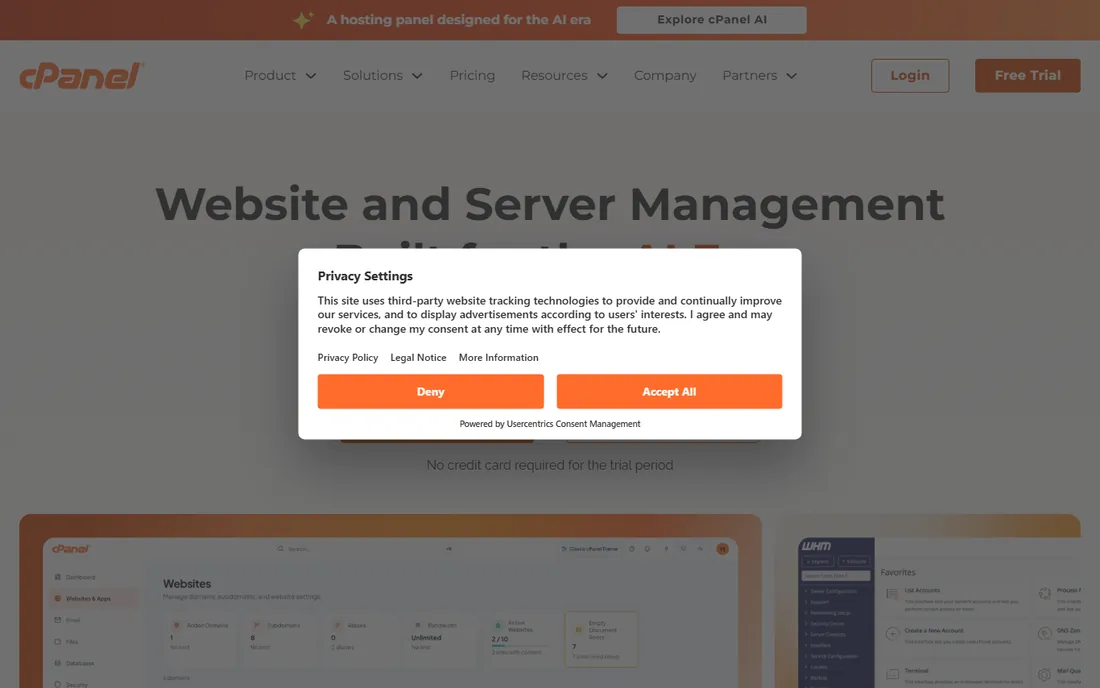
cPanel is the control panel that defined shared hosting. If you have ever bought a five-dollar-a-month hosting plan, you almost certainly managed it through cPanel: file manager, email accounts, databases, DNS zones, one-click installers, all in a familiar interface.
For hosting companies, the real product is WHM, the server-level companion that provisions accounts, sets packages, and manages the whole machine. The ecosystem around cPanel is unmatched: every migration tool, backup service, and security plugin supports it first.
The downside is the licensing model. cPanel charges per account, so a server with hundreds of small accounts costs far more than it used to. That pricing change pushed many hosts toward the alternatives below. Still, for end-user familiarity and third-party support, nothing else is close.
What we like- The industry standard interface
- Huge ecosystem of plugins and documentation
- WHM for reseller and root management
Watch out for- Per-account licensing gets expensive as you grow
- No free tier
Starting priceSee website
Free planNo
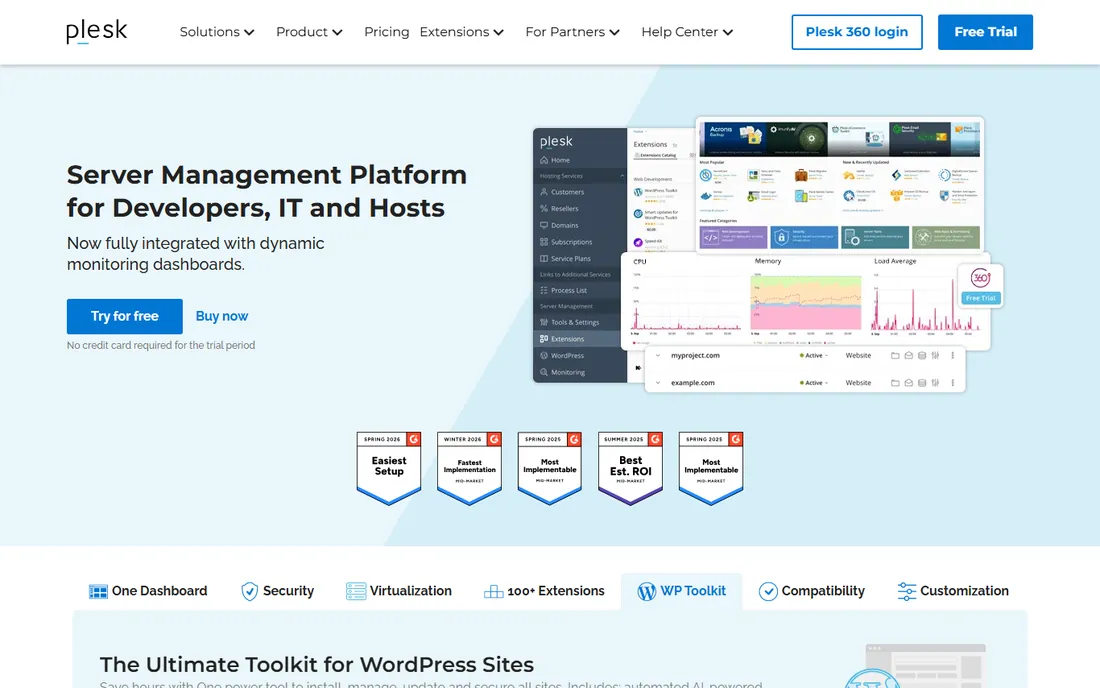
Plesk is cPanel's long-standing rival, and its biggest differentiator is simple: it runs on Windows servers as well as Linux. If you host ASP.NET applications or your clients need Windows-specific features, Plesk is the only serious panel option.
The interface feels more modern than cPanel's, and the WordPress toolkit is genuinely useful, with staging, cloning, and security hardening built in. Extensions cover Docker, Git, and Node.js, which makes Plesk friendlier to developers than its reputation suggests.
Licensing is tiered by domain count, which can be cheaper than cPanel for servers with a few large accounts and pricier for shared hosting with hundreds of tiny ones. The community and tutorial base is smaller, so expect to lean on official documentation more.
What we like- Runs on Linux and Windows
- Clean modern interface
- Strong WordPress toolkit
Watch out for- Licensing tiers can confuse
- Smaller community than cPanel
Starting priceSee website
Free planNo
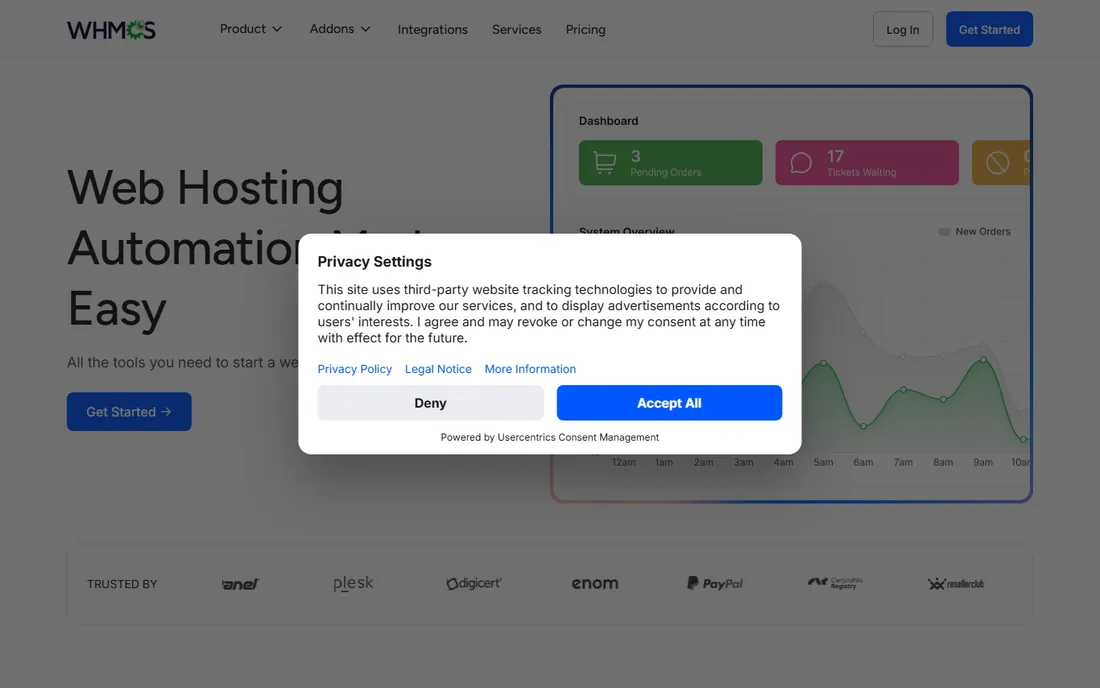
WHMCS is not a control panel but the billing and automation layer that sits in front of one. When a customer orders hosting on your site, WHMCS takes the payment, creates the cPanel or Plesk account, sends the welcome email, and suspends the account if the invoice goes unpaid.
That automation is the whole business case. Without it, a hosting company drowns in manual provisioning. The module marketplace adds support for domain registrars, payment gateways, and dozens of server types beyond the built-in integrations.
The admin area looks like it has not changed much in years, and WHMCS has had security incidents that make regular updates non-negotiable. But for anyone selling hosting as a business, it remains the default choice because everything else integrates with it.
What we like- Automates signup, billing, and provisioning
- Integrates with cPanel, Plesk, and others
- Huge module marketplace
Watch out for- The admin interface feels dated
- Security history requires careful maintenance
Starting priceSee website
Free planNo
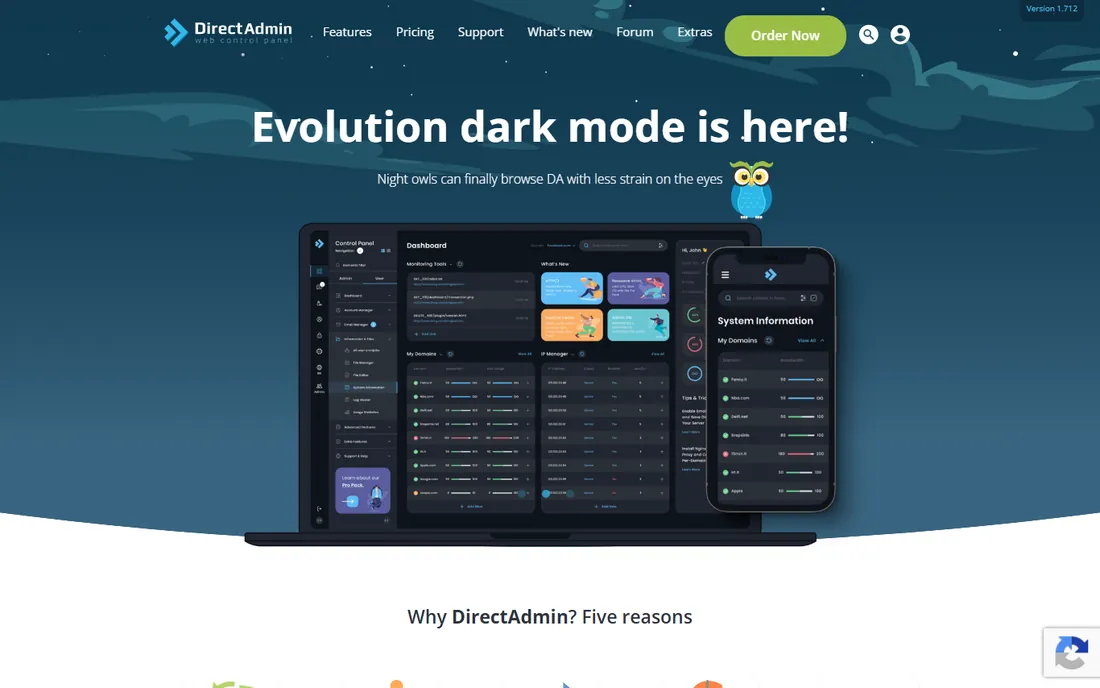
DirectAdmin won a wave of converts when cPanel raised its prices. It offers the same core idea, a web panel for managing websites, email, databases, and DNS, with licensing that costs a fraction of cPanel's per-account model.
It is also lighter on the server. DirectAdmin runs comfortably on smaller VPS plans where cPanel feels heavy, which makes it popular with small hosts and agencies managing a handful of servers.
The trade-off is ecosystem. Fewer plugins, fewer migration tools, and fewer tutorials assume DirectAdmin. Most common tasks are covered, but when something unusual breaks, you will be reading source code instead of forum threads.
What we like- Much cheaper licensing than cPanel
- Light on server resources
- Straightforward interface
Watch out for- Fewer third-party integrations
- Smaller community for troubleshooting
Starting priceSee website
Free planFree trial
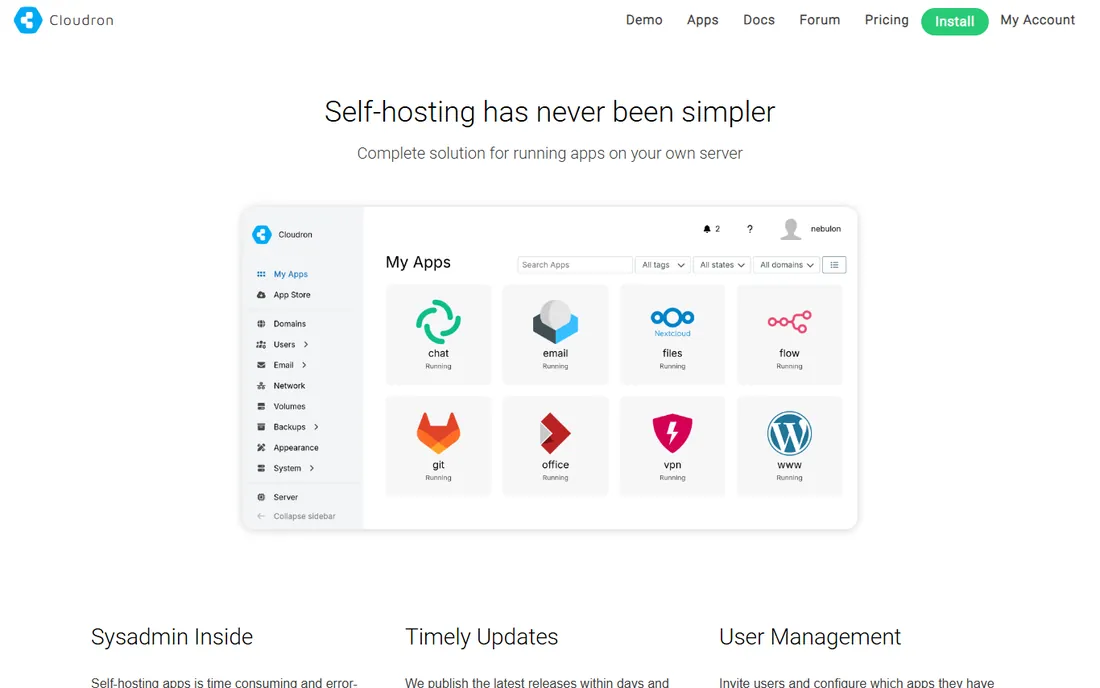
Cloudron takes a different approach: instead of managing hosting accounts, it manages applications. Pick WordPress, Nextcloud, GitLab, or any of dozens of apps from the store, and Cloudron installs, updates, and backs it up automatically.
For agencies and freelancers who run client sites on their own VPS, this is liberating. Security updates apply themselves, backups run on schedule, and each app is isolated. You spend your time on client work instead of server maintenance.
It is not a replacement for cPanel if you sell shared hosting, since there is no per-customer account model. And pricing is per server, so fleets of small VPS instances add up. But for self-hosters who want apps without the sysadmin burden, it is one of the best options available.
What we like- One-click install for dozens of apps
- Automatic updates and backups
- Clean app-store model
Watch out for- Not a traditional hosting panel
- Per-server pricing limits multi-server setups
Starting priceSee website
Free planFree trial

RunCloud is a control plane that connects to your own servers at DigitalOcean, AWS, Hetzner, or anywhere else. You get a modern dashboard for deploying WordPress, Laravel, or static sites without touching the command line.
The stack choices are current: recent PHP versions side by side, Nginx or OpenLiteSpeed, Redis caching, and one-click SSL. Git deployment and staging sites fit agency workflows well, and the server monitoring catches problems before clients do.
You still need to understand servers at a basic level, and the VPS cost is separate from the RunCloud subscription. But compared to hiring a sysadmin or learning server management from scratch, it is a bargain for developers who want control without the command line.
What we like- Connects to any cloud VPS provider
- Modern stack with easy PHP version switching
- Good Git deployment workflow
Watch out for- You still pay the VPS bill separately
- Advanced features need higher tiers
Starting priceSee website
Free planFree trial
ServerPilot does one thing well: it turns a bare VPS into a tuned WordPress server. Connect your server, and ServerPilot installs its optimized stack, configures firewalls, sets up SSL, and keeps everything patched.
The simplicity is deliberate. There are no confusing options for web server choice or caching layers; ServerPilot picks sensible defaults. For freelancers who manage dozens of small WordPress sites, that uniformity is a feature, not a limitation.
The flip side is flexibility. If you need Node.js apps, Docker, or anything beyond PHP, ServerPilot is not the tool. And the free tier covers only a few servers, so costs grow with your fleet. But for WordPress-only workflows, few tools are this painless.
What we like- Extremely simple setup
- Optimized WordPress stack
- Automatic security updates
Watch out for- Limited to PHP apps
- Fewer features than RunCloud
Starting priceFree
Free planYes
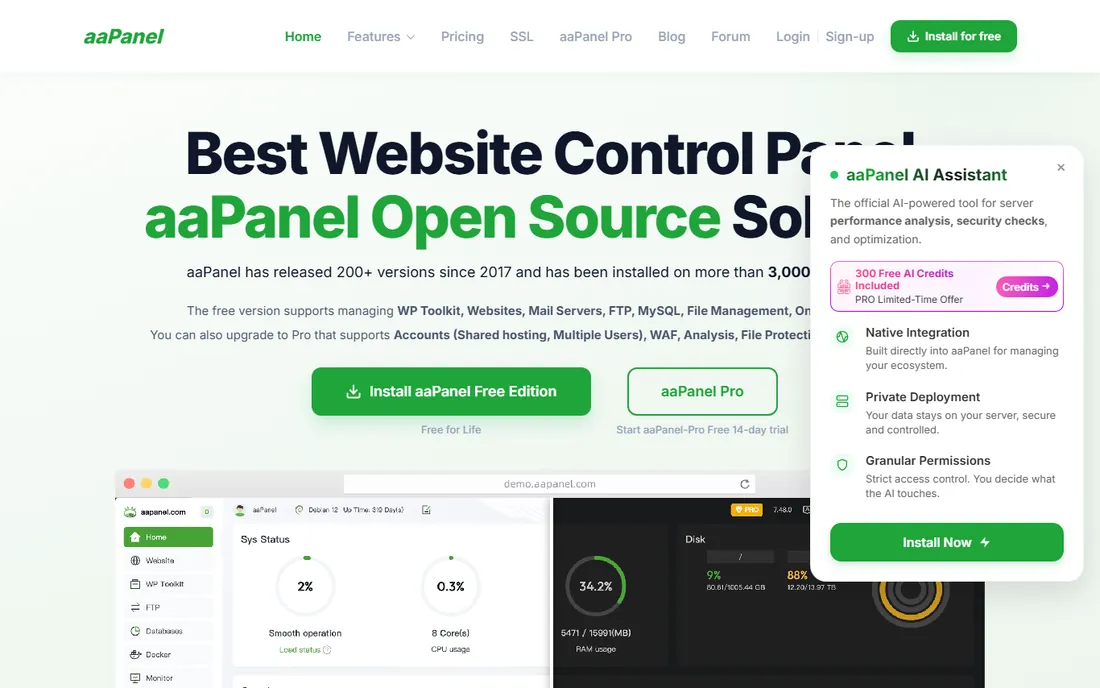
aaPanel is the rare control panel that is actually free. The core panel installs with one command, sets up your web stack, and manages sites, databases, FTP, and SSL without a license fee. Paid plugins add extras like a nicer file manager and advanced monitoring.
It is hugely popular with developers and small hosts who want a traditional panel experience at zero cost. The one-click installers for common stacks save real setup time, and the interface covers everything a single server needs.
English documentation lags behind the Chinese originals, so expect some translation gaps when troubleshooting. And while the core is free, the costs creep up if you buy several paid plugins. Still, for personal servers and side projects, it is hard to beat the price.
What we like- Genuinely free core panel
- One-click LAMP and LNMP stacks
- Large community in Asia
Watch out for- Documentation in English is thinner
- Some useful features are paid plugins
How we chose
We selected server management tools that hosting providers, agencies, and developers actually deploy, based on vendor documentation, pricing pages, and community discussion on forums and Reddit. We included both traditional control panels (cPanel, Plesk, DirectAdmin) and modern server managers (RunCloud, ServerPilot, Cloudron) because the market has split between hosts selling accounts and developers managing their own VPS fleets. Pricing changes frequently in this space, so we link to vendor pages rather than quote numbers that age badly.
What to look for before you buy
Start with your business model. Selling shared hosting accounts to the public means cPanel, Plesk, or DirectAdmin, because customers expect a familiar panel and you need per-account isolation. Managing your own servers for client sites means RunCloud, ServerPilot, or Cloudron, where the panel is for you, not your customers.
Check the licensing math carefully. Per-account pricing (cPanel) punishes servers with hundreds of small sites, while per-server pricing (Cloudron) punishes fleets of tiny VPS instances. Model your actual server layout against the pricing tiers before committing.
Do not forget migration. Moving hundreds of accounts between panels is painful no matter what the marketing says. If you are switching panels, test the migration tool on a copy of your busiest server first, and budget a weekend of cleanup.
Common mistakes when picking hosting software
The biggest mistake is choosing the panel your host uses instead of the one your business needs. A freelancer with ten WordPress sites does not need cPanel's reseller machinery, and a shared host cannot run on ServerPilot.
Another common error is ignoring the email story. Panels handle webmail and mailboxes very differently, and email deliverability depends on IP reputation and DNS setup that no panel fully automates. Plan your mail architecture separately.
Finally, people underestimate lock-in. Your backup formats, your billing integration, and your team's habits all tie you to a panel. The switching cost is real, so the first choice deserves more thought than most people give it.
Frequently asked questions
Is cPanel still worth it after the price increases?
For shared hosts with customers who expect cPanel, usually yes, because the familiarity reduces support tickets. For your own servers or a small agency, the alternatives are now good enough that many people switch and never look back.
Can I use these panels on any VPS?
Mostly yes. cPanel, Plesk, DirectAdmin, and aaPanel install on a fresh VPS from common providers. RunCloud, ServerPilot, and Cloudron connect to servers you already run. Always check the vendor's supported operating systems before installing.
What is the difference between a control panel and WHMCS?
A control panel (cPanel, Plesk) manages the server: websites, email, databases. WHMCS manages the business: customer signup, billing, support tickets, and automatic account provisioning. Hosting companies typically run both.
Do I need a control panel if I only host WordPress?
Not necessarily. Managed WordPress hosts handle the server for you, and tools like ServerPilot or RunCloud give you a lighter panel for your own VPS. A full control panel pays off when you manage many sites or resell hosting.
Which panel is easiest for a beginner?
aaPanel and ServerPilot are the gentlest introductions, with simple interfaces and minimal decisions. cPanel is easy for end users but complex to administer. RunCloud sits in the middle: friendly, but it assumes you know what a VPS is.
Sources we checked (8)
- https://www.cpanel.net/
- https://www.plesk.com/
- https://www.whmcs.com/
- https://www.directadmin.com/
- https://www.cloudron.io/
- https://runcloud.io/
- https://serverpilot.io/
- https://www.aapanel.com/
Is your product missing or out of date?
We review this list regularly. Vendors can request a listing, send updated pricing or ask about featured placement.

Shihab Mia · Founder, Rankite
Shihab has spent more than a decade helping SaaS and e-commerce brands grow through search. He writes Rankite's software buying guides from pricing pages, documentation and public user reviews. More about Shihab.