How we make this list: we compare pricing pages, product documentation and public user reviews. Ratings come from G2, Capterra or Trustpilot, with the date we checked them.
Key takeaways
- DNSFilter leads on value: AI-powered DNS filtering from $1 a user a month with transparent pricing.
- Cloudflare Gateway is the best free start: free DNS filtering for up to 50 users.
- Cisco Umbrella and Zscaler Internet Access are the enterprise standards, both quote-based.
- WebTitan, ContentKeeper and CleanBrowsing serve MSPs, schools and budget-conscious teams.
- Forcepoint and Barracuda pair web filtering with DLP and broader security platforms.
- DNS filtering and full web gateways are complementary: DNS stops threats cheaply, gateways inspect what DNS cannot see.
Quick comparison
| Tool | Best for | Starting price | Free plan |
|---|
 DNSFilter DNSFilter | SMBs and MSPs that want straightforward DNS filtering | From $1/user/month | No |
 Cisco Umbrella Cisco Umbrella | Enterprises already invested in Cisco security | See website | No |
 Cloudflare Gateway Cloudflare Gateway | Small teams starting zero trust on a budget | From $7/user/month | Yes |
 Zscaler Internet Access Zscaler Internet Access | Large enterprises with distributed workforces | See website | No |
 WebTitan WebTitan | MSPs and SMBs that want simple cloud filtering | See website | Free trial |
 ContentKeeper ContentKeeper | Schools and enterprises needing on-prem or hybrid filtering | See website | No |
 Forcepoint Forcepoint | Regulated industries that need DLP with web filtering | See website | No |
 Barracuda Barracuda | Mid-market teams that want filtering inside a security platform | See website | Free trial |
 CleanBrowsing CleanBrowsing | Budget teams that need simple DNS content filtering | See website | Yes |
Is your product missing or out of date?
We review this list regularly. Vendors can request a listing, send updated pricing or ask about featured placement.
The best web filtering software
#1
DNSFilter
Best for: SMBs and MSPs that want straightforward DNS filtering
Visit dnsfilter.com
Starting priceFrom $1/user/month
Free planNo
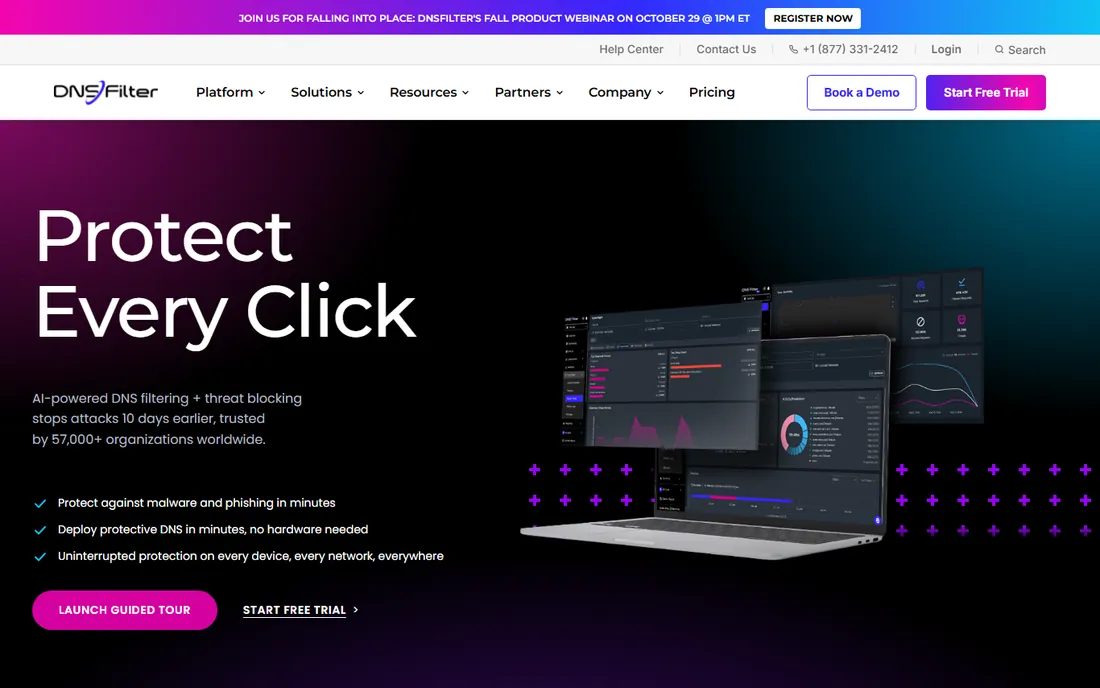
DNSFilter is the value leader in protective DNS. AI-powered filtering blocks malicious domains, phishing sites and unwanted content at the DNS layer, before any connection happens, with 57,000-plus organizations and 235 million threats blocked daily on its network.
The MSP story is a strength: multi-tenant management, 6,000-plus partners and per-user pricing from $1 a month on the Basic tier ($2.25 on Pro) make it easy to resell and manage. Deployment takes minutes with no hardware: point your DNS at DNSFilter or install the roaming client.
The honest limit is architecture. DNS filtering stops threats at the domain level but cannot inspect encrypted page content. For teams that want effective, affordable baseline protection, DNSFilter is the top pick.
What we like- Transparent per-user pricing from $1 a month
- AI-powered threat detection blocks threats days earlier
- 6,000-plus MSP partners with multi-tenancy
Watch out for- DNS-layer only, no SSL inspection
- Roaming client needed for off-network devices
- Enterprise features trail Cisco and Zscaler
Starting priceSee website
Free planNo
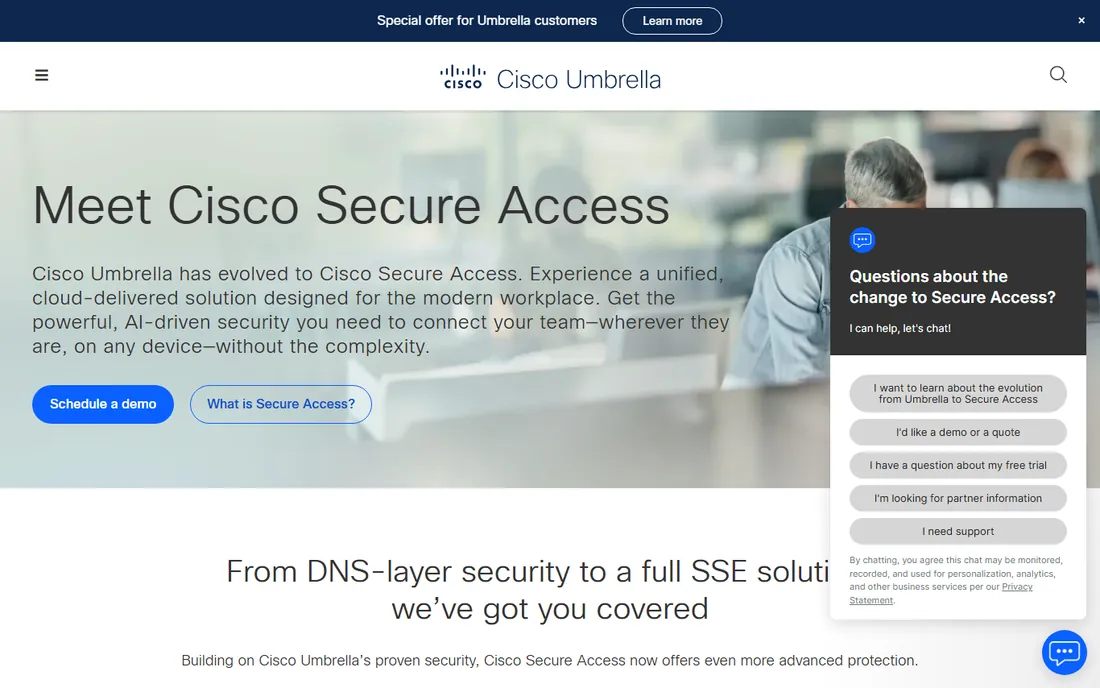
Cisco Umbrella is the proven enterprise standard for DNS-layer security, now evolving into Cisco Secure Access, the company's full SSE solution. Talos, Cisco's threat intelligence team, sees more malicious destinations daily than almost anyone, which feeds Umbrella's blocking.
The platform spans DNS-layer security up to full secure web gateway, CASB and zero-trust access, so teams can start with DNS filtering and grow into SSE without switching vendors. Government buyers get FedRAMP Moderate authorization.
The catches are price and ecosystem. Pricing is quote-based and reviewers call it relatively expensive for smaller organizations. If you already run Cisco firewalls and security, Umbrella's integration is unmatched.
What we like- Talos threat intelligence, one of the largest commercial teams
- DNS-layer to full SSE in one platform
- FedRAMP certified for government
Watch out for- Quote-based pricing
- Premium cost for smaller organizations
- Cisco Secure Access migration adds transition planning
Starting priceFrom $7/user/month
Free planYes
Cloudflare Gateway is the best free entry point to web filtering. The free Zero Trust tier includes DNS filtering for up to 50 users, enough for many small teams, schools and nonprofits, running on Cloudflare's network in 335-plus cities.
Paid plans from $7 a user a month add HTTP filtering, advanced policies and dedicated support, and Gateway slots naturally into Cloudflare One's zero-trust suite alongside access control and data loss prevention. The same dashboard can manage WAF and network security.
The honest caveat is pricing opacity above the free tier: paid plans need a custom quote, putting Cloudflare in the same category as Cisco for larger deployments. For starting small and scaling into zero trust, it is ideal.
What we like- Free tier covers up to 50 users
- Runs on Cloudflare's global network with minimal latency
- Natural first step into full zero trust
Watch out for- Paid pricing above the free tier is quote-based
- Advanced policies need paid plans
- Support on the free tier is community-level
#4
Zscaler Internet Access
Best for: Large enterprises with distributed workforces
Visit zscaler.com
Starting priceSee website
Free planNo
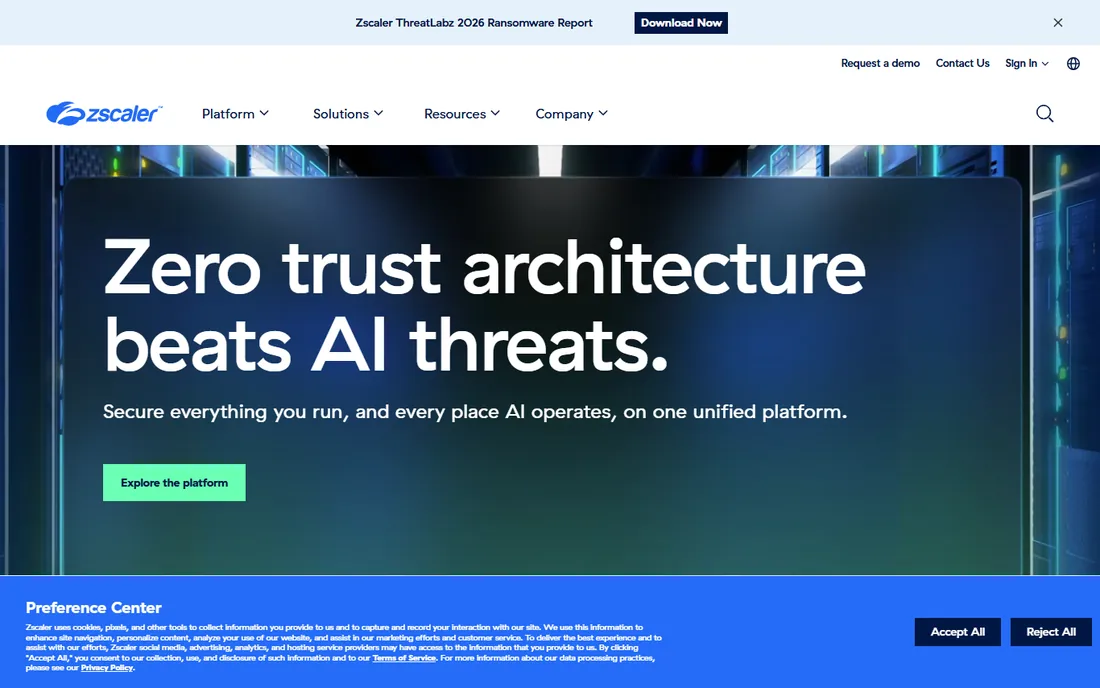
Zscaler Internet Access is the enterprise secure web gateway: cloud-native, full SSL inspection, and a zero-trust exchange that secures 750 billion-plus transactions daily. It sits inline on every connection, so users get filtered, inspected access from anywhere with no backhauled traffic.
The platform's scale is the story: over 50% of the Fortune 500 rely on Zscaler, and the same architecture now secures AI agents and models. G2 reviewers praise the cloud-native zero-trust design and secure access from anywhere.
The catches are cost and complexity. Pricing is quote-only and premium, and deployment across a global enterprise takes planning. For large distributed organizations, it is the category benchmark.
What we like- Full SSL inspection at cloud scale
- Zero-trust architecture with no appliances
- Trusted by over half the Fortune 500
Watch out for- Quote-based enterprise pricing
- Implementation is a project, not a toggle
- Overkill for small teams
Starting priceSee website
Free planFree trial
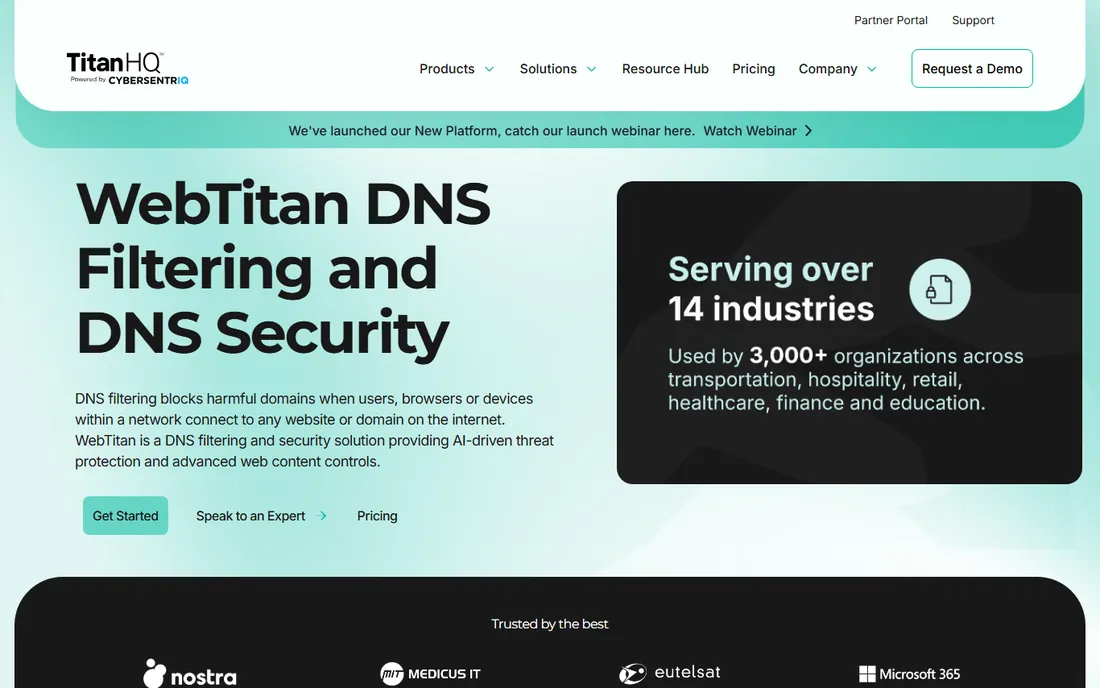
WebTitan, now part of CyberSentriq's TitanHQ suite, is a cloud web filter built for fast deployment: sign up for the free trial, point your DNS at WebTitan, and you are filtering in about five minutes. AI-powered protection blocks phishing URLs including zero-minute threats, with 53 predefined categories and flexible per-group policies.
The MSP angle is strong: multi-tenant management, RMM-friendly deployment and a support team that reviewers consistently praise. Time-of-click protection in phishing emails breaks the phishing cycle even after a user clicks.
The honest limits are pricing opacity and depth. Plans are quote-based, and DNS-layer filtering cannot match full gateways on encrypted inspection. For SMBs and MSPs that want set-and-forget filtering, it delivers.
What we like- Deploy in minutes with no hardware
- AI-powered phishing and malware blocking
- Strong MSP support reputation
Watch out for- Pricing not published
- DNS-focused, less depth than full gateways
- Brand is smaller than Cisco or Zscaler
Starting priceSee website
Free planNo

ContentKeeper, now under the Ativion brand, serves organizations that cannot go pure cloud: schools and enterprises with on-prem requirements get inline filtering appliances plus cloud protection that follows managed devices anywhere. Central policy management keeps rules consistent across campus networks and remote learning.
The education features stand out: proxy-circumvention detection with real-time analysis and risk scoring, SSL inspection for encrypted traffic visibility, and dynamic safe-listing for educational YouTube and Vimeo content. Unmanaged devices on the school network stay covered.
The catches are pricing opacity and transition. Quote-based pricing is standard here, and the Ativion rebrand is still settling. For schools and hybrid enterprises, the deployment flexibility is the reason to choose it.
What we like- Hybrid inline plus cloud filtering for mixed device fleets
- Proxy-circumvention detection for schools
- Hardware appliance option
Watch out for- Quote-based pricing
- Education-focused positioning
- Now part of Ativion, which adds brand transition
Starting priceSee website
Free planNo
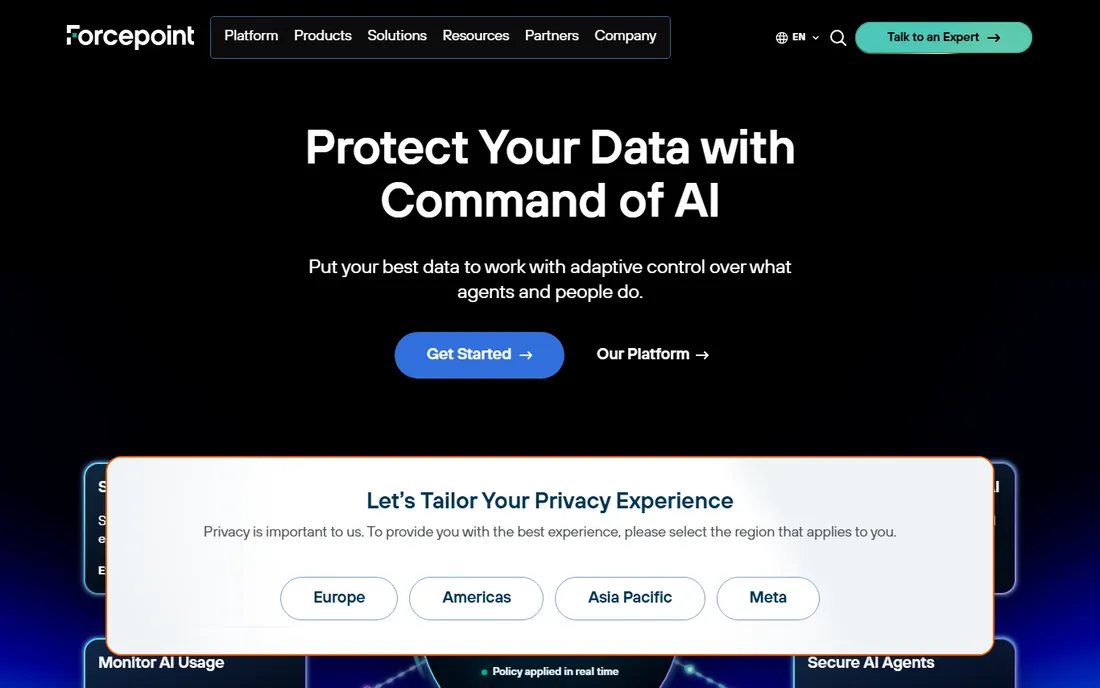
Forcepoint pairs web filtering with data loss prevention for organizations where data control is the point. Behavior-based filtering blocks malicious and policy-violating sites, while DLP policies follow data across web, cloud and now AI applications.
The 2026 positioning centers AI data security: the same policies that govern web access now govern prompts and uploads to Claude, ChatGPT and Copilot. For regulated industries, one policy everywhere with audit evidence is the pitch, backed by IDC MarketScape leadership in DLP.
The honest trade-offs are price and complexity. Forcepoint is quote-based enterprise software, and its full value comes from the wider platform. For compliance-driven organizations, the DLP pairing is the differentiator.
What we like- Behavior-based filtering with DLP built in
- One policy across web, data and AI
- Sovereign and cloud-native deployment options
Watch out for- Quote-based enterprise pricing
- Platform breadth adds complexity
- Best value needs the wider Forcepoint stack
#8
Barracuda
Best for: Mid-market teams that want filtering inside a security platform
Visit barracuda.com
Starting priceSee website
Free planFree trial
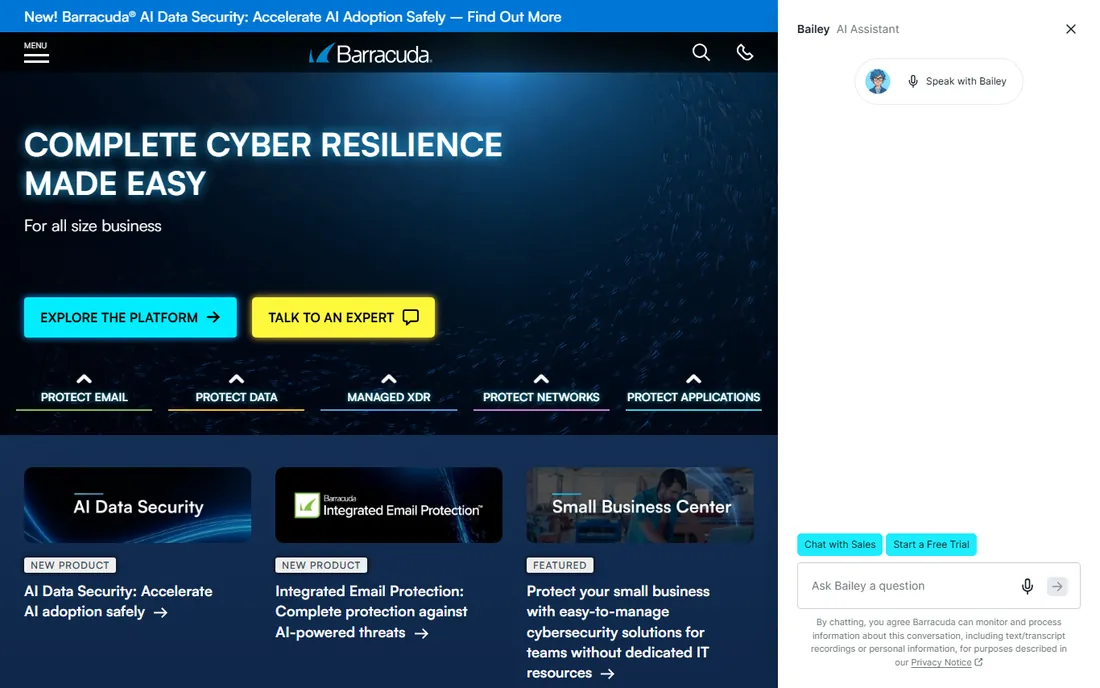
Barracuda's web security and filtering sits inside BarracudaONE, a platform covering email, networks, applications and data for hundreds of thousands of customers. G2 reviewers praise the highly customizable filtering and compliance features, which suit mid-market IT teams with specific policy needs.
The platform pitch is simplicity: easy to buy, deploy and use, with most products set up in minutes and award-winning 24/7 support. Free trials let teams test before committing.
The catches are pricing opacity and focus. Quote-based pricing is standard, and filtering is one module in a broad suite rather than a specialist product. For mid-market teams already on Barracuda, the integration is the win.
What we like- Web filtering inside the BarracudaONE platform
- Highly customizable policies with compliance support
- 24/7 support with no phone queues
Watch out for- Quote-based pricing
- Web filtering is one module among many
- Enterprise depth trails Zscaler
Starting priceSee website
Free planYes
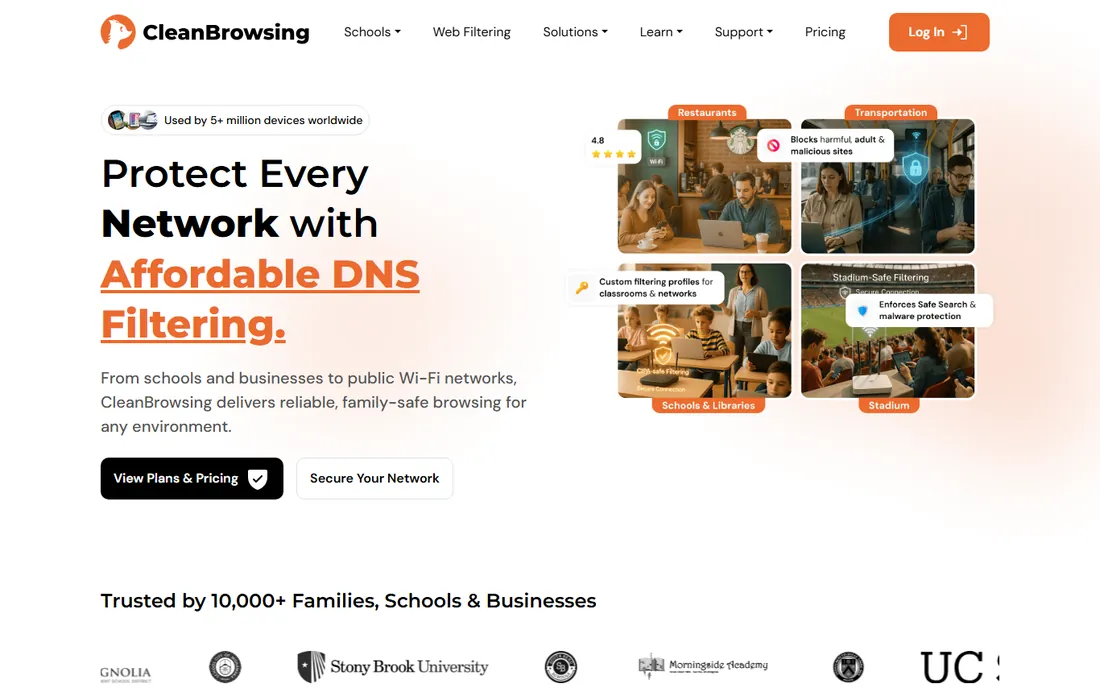
CleanBrowsing is the budget DNS filter: free and paid plans covering families, schools, businesses and public Wi-Fi, with 5 million-plus devices protected. Nineteen-plus predefined filters block adult, mixed and harmful content in a few clicks, with SafeSearch enforcement across Google, Bing and YouTube.
The technical setup is solid: Anycast network across 70 data centers, encrypted DNS protocols enabled by default, profiles for grouping devices, and data retention controls from no-logs to 90 days. Setup is three steps: choose a plan, update DNS, done.
The honest limits are enterprise depth. Threat intelligence and reporting trail DNSFilter and Cisco, and the positioning skews toward smaller organizations. For affordable content filtering that just works, it is a strong pick.
What we like- Free and paid plans
- 19-plus predefined filters with one-click setup
- Encrypted DNS (DoH, DoT, DNSCrypt) by default
Watch out for- Consumer and small-org focus
- Less threat intelligence depth than enterprise tools
- Limited reporting on free tiers
How we chose
We compared vendor homepages and documentation against 2026 roundups from toolsforhumans.ai, tech-insider.org and cybersecuritynews.com, plus G2 comparison data on ratings and pricing insights. We favored tools with verifiable current pricing or clear free tiers, covering DNS-layer filters, full secure web gateways and education specialists. We did not test any tool hands-on. Where vendors use quote-based pricing, we said so rather than repeating estimates as fact.
What to check before you buy
Start with your threat model. If the goal is blocking malware, phishing and inappropriate content cheaply, DNS-layer filtering (DNSFilter, Cloudflare Gateway, CleanBrowsing) does it with minimal latency. If you need to inspect encrypted traffic or prevent data uploads, you need a full gateway (Zscaler, Forcepoint, Cisco Secure Access).
Check deployment against your device fleet. Pure DNS works agentless on the network but needs roaming clients for remote devices. Appliance options (ContentKeeper) suit on-prem requirements. Test the remote story before buying.
Confirm the pricing unit and minimums. Per-user pricing looks cheap until minimums and add-ons appear; quote-based tools need a written proposal to compare. Ask for the three-year total, not just year one.
Finally, trial on your actual network. DNS filtering can occasionally break legitimate services, and SSL inspection needs certificate deployment. A two-week pilot with real users surfaces conflicts that spec sheets hide.
DNS filtering versus full web gateways
These are complementary layers, not competitors. DNS filtering blocks malicious domains at lookup time: cheap, fast and effective against phishing and malware delivery. Full web gateways proxy traffic and inspect content, catching threats that use direct IPs, encrypted channels or legitimate sites. Most mature setups run both: DNS filtering as the always-on baseline, gateways for managed devices and sensitive users. Budget the DNS layer first, then add gateway depth where risk justifies it.
Frequently asked questions
What is the best web filtering software?
For most SMBs, DNSFilter offers the best value at $1 a user a month. Enterprises typically choose Cisco Umbrella or Zscaler Internet Access. Budget teams should start with Cloudflare Gateway's free tier.
How much does web filtering software cost?
DNS-layer filtering runs $1 to $7 a user a month (DNSFilter, Cloudflare Gateway). Full secure web gateways from Cisco, Zscaler and Forcepoint are quote-based and priced for enterprise budgets. CleanBrowsing offers free and low-cost plans.
Is there free web filtering software?
Yes. Cloudflare Gateway's free Zero Trust tier covers up to 50 users, and CleanBrowsing offers free plans. WebTitan and Barracuda offer free trials. Enterprise gateways do not have free tiers.
What is the difference between DNS filtering and web filtering?
DNS filtering blocks malicious or unwanted domains at the lookup stage, before any connection happens. Web filtering (via a proxy or gateway) inspects pages after connection, including encrypted content. DNS filtering is faster and cheaper; web gateways see more.
Do I need web filtering if I have a firewall?
Yes, they are complementary. Firewalls inspect traffic that connects, filtering by ports and protocols. DNS filtering stops threats before connection, including phishing and malware delivery that firewalls may allow through. Most security stacks run both.
Can web filtering block HTTPS sites?
DNS-layer filters block the domain regardless of encryption but cannot see page content. Full secure web gateways with SSL inspection can inspect encrypted traffic, but they need certificates deployed on managed devices.
Sources we checked (11)
- https://dnsfilter.com/
- https://umbrella.cisco.com
- https://www.cloudflare.com
- https://zscaler.com/
- https://www.webtitan.com
- https://cleanbrowsing.org
- https://www.contentkeeper.com
- https://forcepoint.com/
- https://barracuda.com/
- https://www.toolsforhumans.ai/toolkit/best-web-filtering-software-business
- https://tech-insider.org/dnsfilter-vs-cisco-umbrella-vs-cloudflare-gateway-2026/
Is your product missing or out of date?
We review this list regularly. Vendors can request a listing, send updated pricing or ask about featured placement.

Shihab Mia · Founder, Rankite
Shihab has 5+ years in B2B and SaaS SEO. He writes Rankite's software buying guides from pricing pages, documentation and public user reviews. More about Shihab.