How we make this list: we compare pricing pages, product documentation and public user reviews. Rankite is independent; if a vendor ever pays for a featured spot, that listing is clearly labeled Partner.
Key takeaways
- Web content filtering comes in two main flavors: DNS-layer filtering (fast, blocks before pages load, no hardware) and full proxy/SWG inspection (sees inside encrypted traffic but needs more setup).
- DNSFilter publishes pricing (from $23/month minimum) and a 14-day free trial, making it the easiest starting point for small businesses and MSPs.
- Cisco Umbrella is evolving into Cisco Secure Access, and WebTitan's parent TitanHQ is now part of CyberSentriq. Evaluate current brands, not the names you remember.
- Schools have their own compliance world (CIPA in the US), and Securly is the only tool here built exclusively for K-12.
- Enterprise platforms (Cisco, Zscaler, iboss, Cloudflare, Fortinet) sell by quote; plan for a demo and a security review, not a credit card signup.
Quick comparison
| Tool | Best for | Starting price | Free plan |
|---|
 Cisco Umbrella Cisco Umbrella | mid-market to enterprise DNS-layer security | See website | Free trial |
 DNSFilter DNSFilter | small businesses and MSPs that want transparent pricing | From $23/month (minimum spend) | Free trial (14 days) |
 WebTitan WebTitan | businesses and MSPs wanting flexible deployment | See website | Free trial |
 iboss iboss | consolidating web security onto zero trust SASE | See website | No |
 Cloudflare Gateway Cloudflare Gateway | teams already running on Cloudflare | See website | See website |
 Zscaler Internet Access Zscaler Internet Access | large enterprises standardizing on zero trust | See website | No |
 Barracuda Content Shield Barracuda Content Shield | simple cloud DNS and URL filtering for SMBs | See website | Free trial |
 Securly Filter Securly Filter | K-12 schools and districts | See website | No |
 Fortinet Fortinet | organizations already standardized on FortiGate | See website | No |
Is your product missing or out of date?
We review this list regularly. Vendors can request a listing, send updated pricing or ask about featured placement.
The best web content filtering software
Starting priceSee website
Free planFree trial
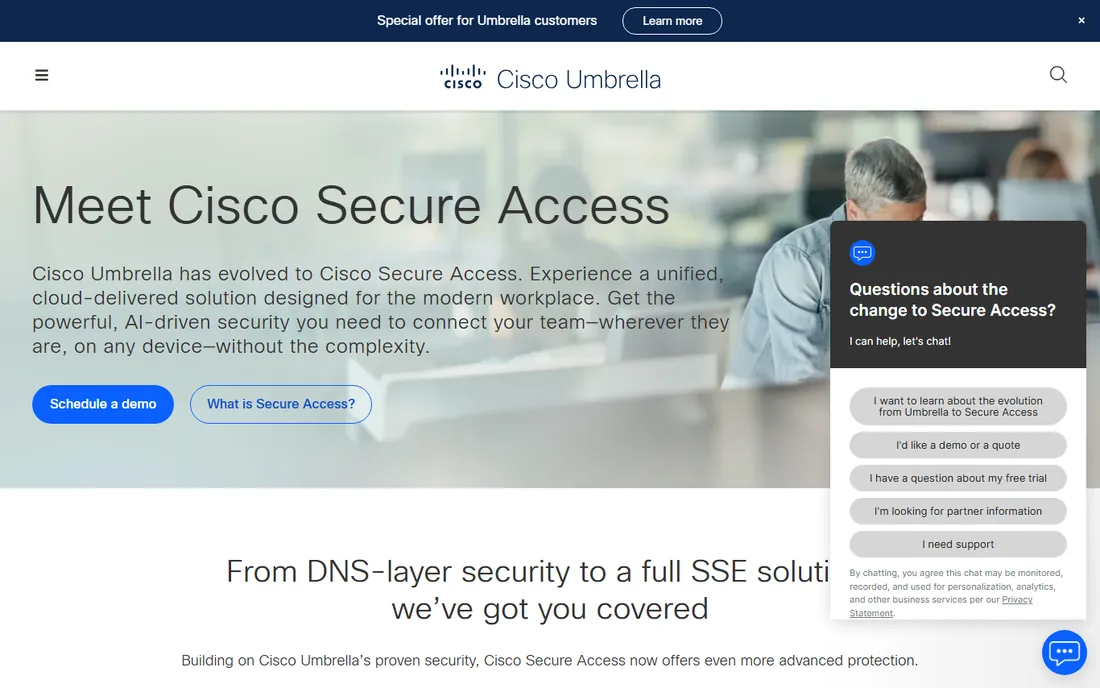
Cisco Umbrella is the name most IT teams reach for first, and for good reason. It works at the DNS layer, which means it blocks malicious domains before a connection ever happens, with no appliances to rack and no hardware refresh cycle. Point your DNS at Umbrella or install the roaming client, and every device is covered on and off the network. The threat intelligence behind it comes from Cisco Talos, one of the largest commercial threat research teams in the world.
Heads up on branding: Cisco is actively evolving Umbrella into Cisco Secure Access, which the company describes as Umbrella 2.0 with broader SSE capabilities. Umbrella itself is still sold and supported, and Cisco Umbrella for Government holds a FedRAMP Moderate authorization. If you are a mid-size business that wants proven DNS security with minimal management overhead, Umbrella remains a safe default. Just ask your rep which product line new features are landing in.
What we like- Deploys in minutes at the DNS layer
- Backed by Cisco Talos threat intelligence
- FedRAMP-authorized for government use
Watch out for- Quote-only pricing with no public plans
- Product line is shifting toward Cisco Secure Access
- Full HTTPS inspection needs the higher tiers
#2
DNSFilter
Best for: small businesses and MSPs that want transparent pricing
Visit dnsfilter.com
Starting priceFrom $23/month (minimum spend)
Free planFree trial (14 days)
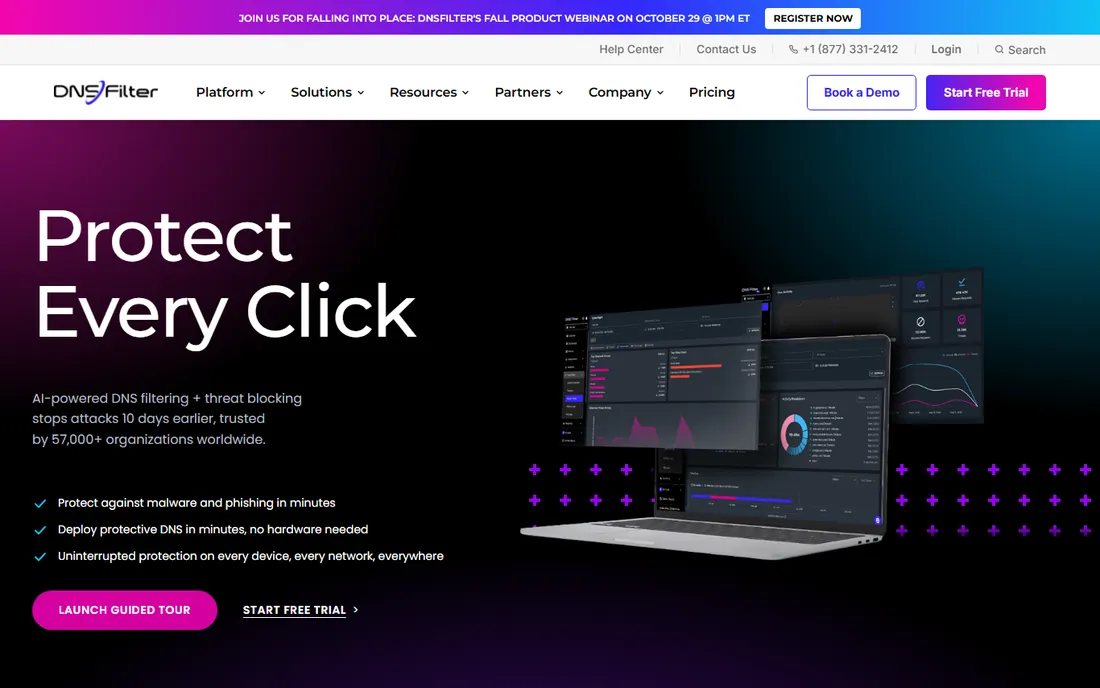
DNSFilter is the rare security vendor that publishes its pricing, and that alone makes it worth your first look. The Core plan carries a minimum spend of $23 per month, the Plus plan starts at a $62.50 monthly minimum, and every plan comes with a 14-day free trial that includes all generally available features. The company says most organizations deploy in under an hour: point your network's DNS at DNSFilter or install the roaming client on devices that leave the office.
The homepage claims more than 57,000 organizations protected and over 6,000 MSP partners, which matches what reviewers say: this is the go-to for managed service providers and small IT teams that want content and threat filtering without a firewall project. The trade-off is architectural. DNS-layer filtering is fast and simple, but it cannot inspect the contents of encrypted pages the way a full proxy can. For most SMB acceptable-use and threat-blocking needs, it is more than enough.
What we like- Published pricing starting at $23/month
- 14-day trial with full capabilities
- Deploys in under an hour with no hardware
Watch out for- Per-plan minimum spends can add up
- DNS-layer only, no deep HTTPS inspection
- Advanced features have a learning curve
Starting priceSee website
Free planFree trial
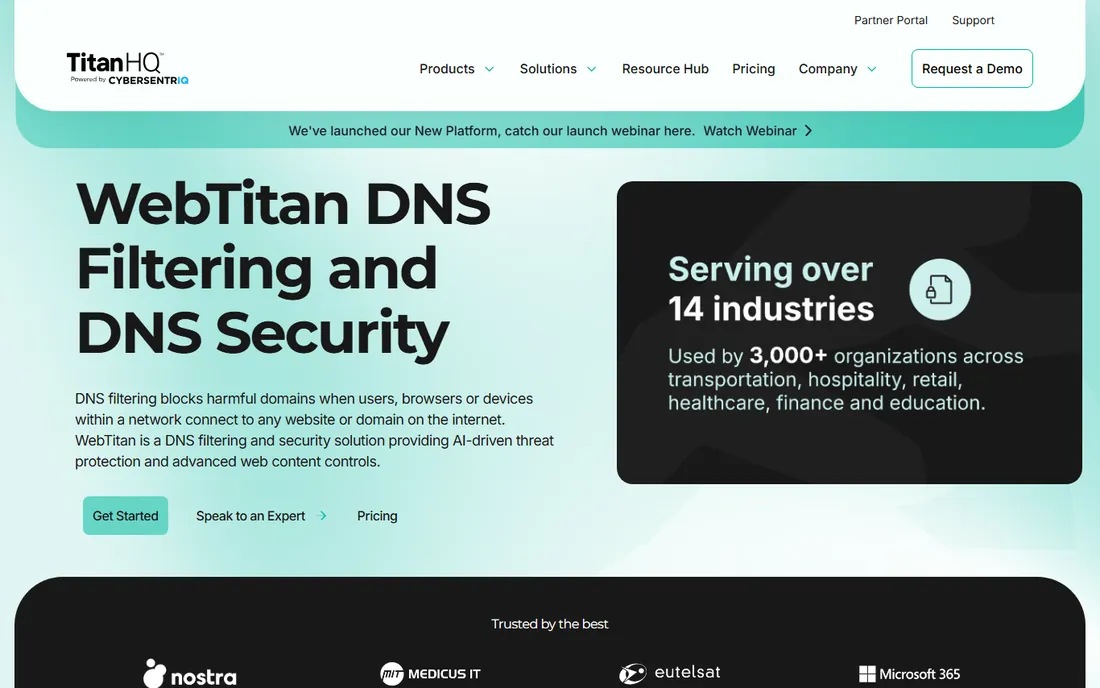
WebTitan stands out for deployment flexibility. You can run it as a cloud DNS filter, a virtual appliance, or a hardware gateway, which matters if you have compliance or latency reasons to keep filtering on your own infrastructure. The policy engine supports 53 predefined content categories out of the box, granular per-user and per-group rules, time-of-click phishing protection, and detailed reporting that MSPs in particular praise.
The company notes that TitanHQ, WebTitan's maker, is now part of CyberSentriq, so expect branding to keep evolving. The vendor offers a fully supported free trial and says cloud setup takes about five minutes. WebTitan fits organizations that want more control over where filtering runs than the pure-cloud DNS vendors offer, and MSPs that need white-label, multi-tenant management. Pricing is quote-based, so bring your user count to the conversation.
What we like- Cloud, virtual appliance, or hardware gateway options
- Strong reporting and multi-tenant MSP support
- 53 default content categories
Watch out for- On-premise deployments need hardware management
- Pricing is not published
- Company branding shifted after the CyberSentriq merger
#4
iboss
Best for: consolidating web security onto zero trust SASE
Visit iboss.com
Starting priceSee website
Free planNo
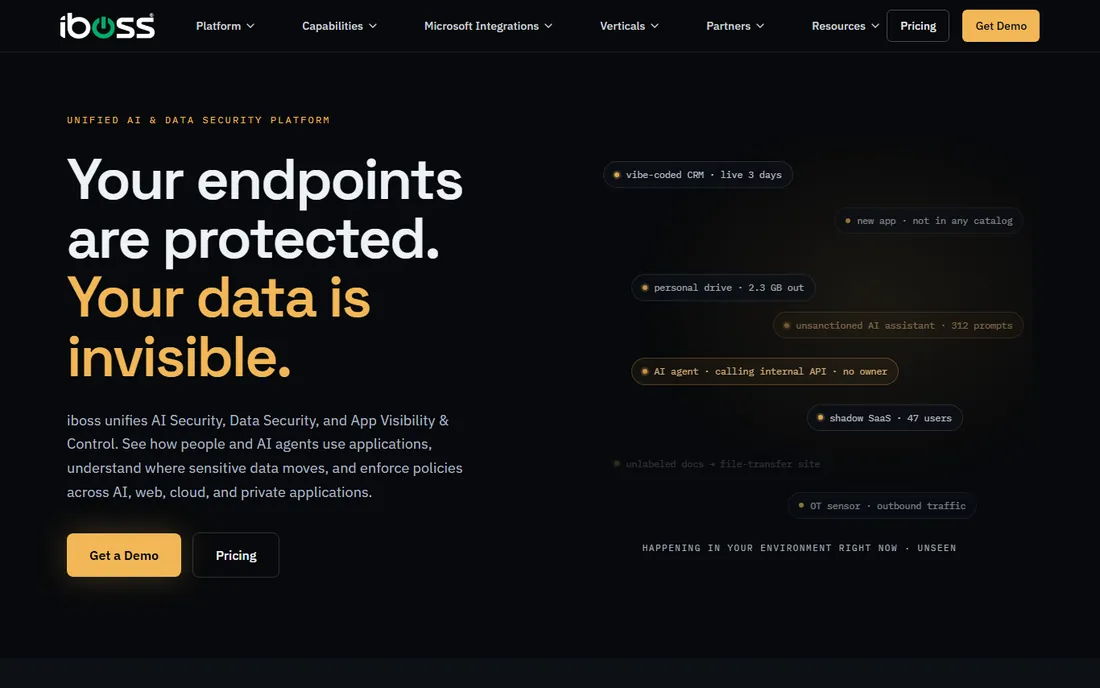
iboss started as a secure web gateway and has grown into a full zero trust SASE platform, and web content filtering is now one capability inside that larger story. Its differentiator is architectural: dedicated, containerized gateways per customer rather than shared multi-tenant gateways, which is what lets it do full SSL/TLS decryption without the performance collapse that older proxies suffered. Real-time URL filtering, malware and phishing protection, and granular policy enforcement all run inline.
The platform now pitches itself around data and AI governance as much as web filtering, with DLP, CASB, and browser isolation included. That makes iboss a consolidation play: replace your legacy web filter, VPN, and point DLP tools with one service. For a small business that just wants to block categories, this is more platform than you need. For a mid-size or large organization standardizing on zero trust, it belongs in the evaluation alongside Zscaler.
What we like- Full SSL decryption built for performance
- Single platform covering SWG, CASB, DLP, and ZTNA
- Named a 2026 GigaOm SASE leader
Watch out for- Enterprise-grade pricing by quote
- Architectural depth may be overkill for simple filtering
- No free tier or self-serve trial
Starting priceSee website
Free planSee website
Cloudflare Gateway is the secure web gateway inside Cloudflare One, the company's Zero Trust platform. DNS policies check every query your users make and can block malicious domains, restrict content categories, or redirect to a custom block page, all at the earliest stage of a connection. For threats hiding inside allowed traffic, HTTP policies add full Layer 7 inspection with TLS decryption.
The strategic case is simple: if your company already uses Cloudflare for DNS, CDN, or security, Gateway adds filtering on the same global network, managed from the same dashboard. Cloudflare's own documentation recommends pairing DNS policies with HTTP policies for full protection, which is honest framing of what each layer does. The pricing question is the weak spot from a research standpoint: Cloudflare publishes Zero Trust plan tiers, but the exact cost for your headcount and feature set needs a conversation. If you are already a Cloudflare customer, start there.
What we like- DNS policies block threats before connections form
- Pairs with HTTP policies for deep inspection
- Runs on Cloudflare's global anycast network
Watch out for- Best value requires the broader Cloudflare One stack
- Filtering is one module, not the product
- Pricing tiers need a sales conversation for larger plans
#6
Zscaler Internet Access
Best for: large enterprises standardizing on zero trust
Visit zscaler.com
Starting priceSee website
Free planNo
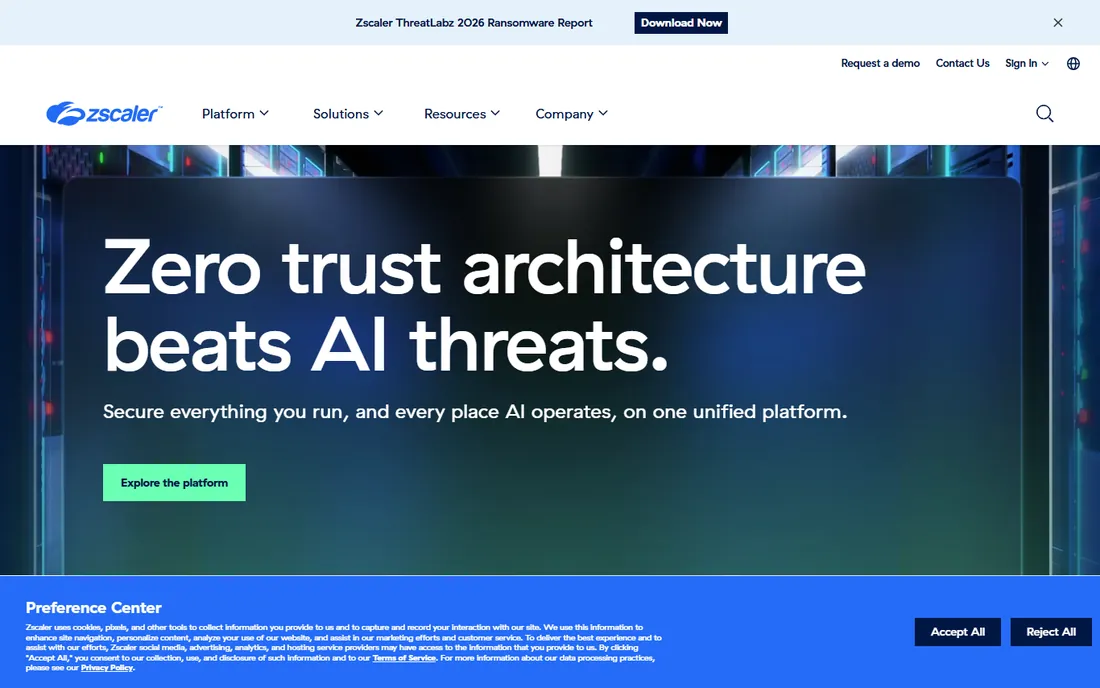
Zscaler Internet Access (ZIA) is the secure web gateway that pioneered the cloud-delivered security model, and content filtering is one feature in a deep stack: URL filtering, file type control, TLS/SSL inspection, bandwidth control, sandboxing, DLP, and a zero trust firewall. The company secures more than 750 billion transactions a day, which is the kind of scale argument that resonates with global enterprises.
This is not a tool you buy for content filtering alone. ZIA makes sense when the organization is replacing on-premise web proxies and firewalls with a cloud security service edge, and acceptable-use filtering rides along with the threat protection. The data sheet lists tiered editions (Essentials up through full platform bundles), all quote-based. Expect a serious evaluation cycle with a proof of concept. For companies under a few hundred employees, DNSFilter or WebTitan will get you filtering months sooner.
What we like- Content filtering inside a full SSE platform
- 750B+ transactions secured daily at scale
- Strong DLP, sandbox, and browser isolation
Watch out for- Enterprise-only pricing and sales motion
- Significant implementation effort
- Smaller companies will find simpler tools faster to deploy
#7
Barracuda Content Shield
Best for: simple cloud DNS and URL filtering for SMBs
Visit barracuda.com
Starting priceSee website
Free planFree trial
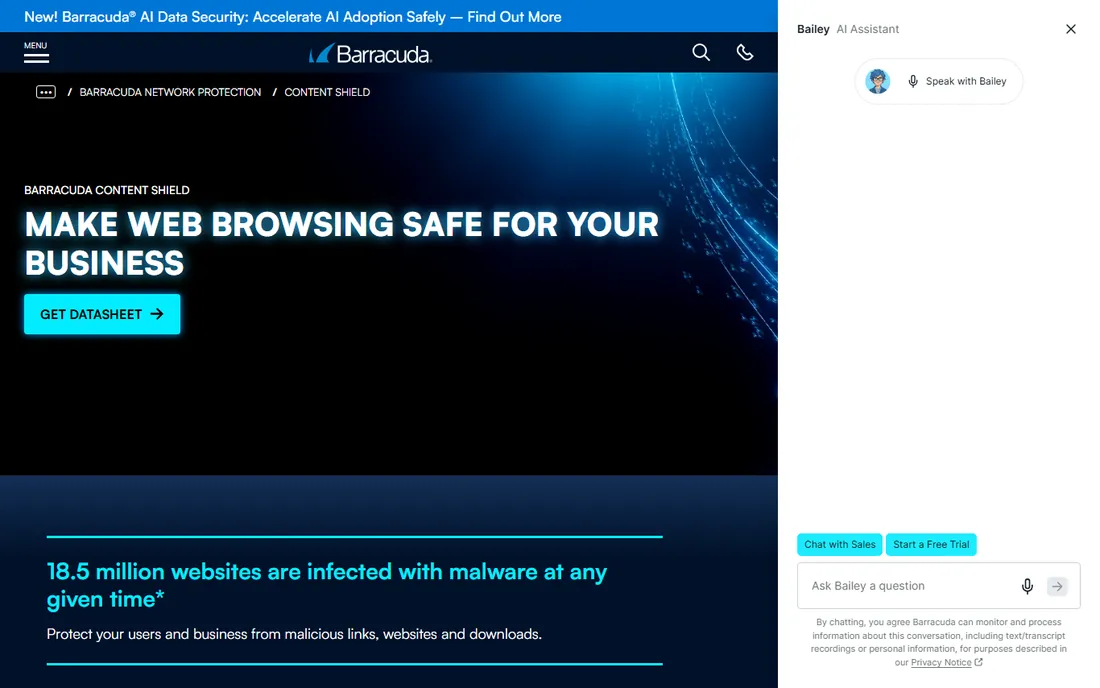
Barracuda Content Shield is the cloud-native successor to the old Barracuda Web Filter appliance, and it keeps the pitch simple: advanced DNS and URL filtering delivered as a pure SaaS product, no client software required for the base deployment. Policies integrate with LDAP and Azure AD for per-user and per-group rules, pre-loaded category filters handle the common blocks, and an optional agent extends enforcement to remote workers.
Barracuda's angle is the proxy-free design: only untrustworthy requests get routed for deeper analysis, which keeps latency down compared to full proxy inspection. The company offers a no-risk free evaluation to try it. Content Shield fits small and mid-size businesses that want Barracuda's threat intelligence and dead-simple management without buying into a full SASE platform. If you need deep SSL inspection or DLP, look at iboss or Zscaler instead.
What we like- 100% SaaS with setup in minutes
- Proxy-free architecture limits latency
- Free evaluation offered
Watch out for- Less deep inspection than full SWG platforms
- Pricing not published
- Reporting is lighter than specialist tools
Starting priceSee website
Free planNo
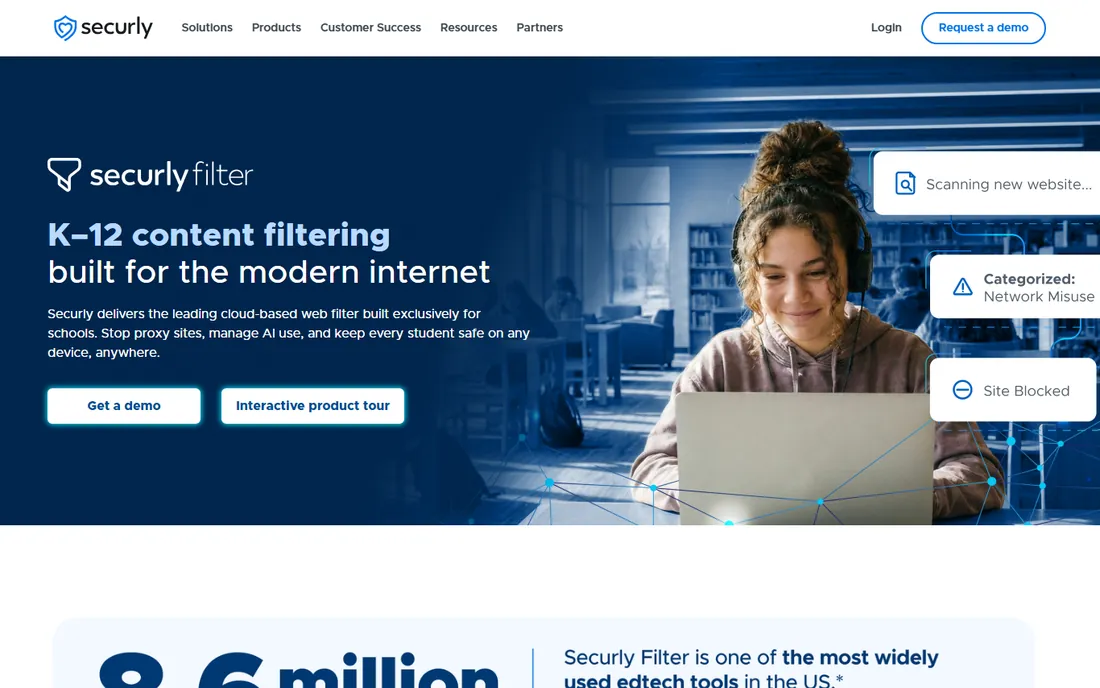
Securly Filter is the only tool in this list built solely for schools, and it shows. The cloud filter covers more than 8.6 million students, with AI-powered page analysis that detects and blocks new proxy and circumvention sites the moment they appear, sharing the block across every student instantly. The company has added topic-level filtering for student AI interactions, which is a genuinely current problem for districts managing classroom AI use.
Compliance is the core selling point: CIPA-compliant filtering for E-rate funding, plus student safety monitoring and parent visibility through Securly Home. The patented SmartPAC technology filters iPads without agents, a real pain point in 1:1 device programs. Pricing is per-student and quote-based through district sales. If you run IT for a school district, this is the specialist. If you run a business, the other eight tools are your list.
What we like- Built exclusively for schools with CIPA compliance
- AI page scanning catches new proxies instantly
- Parent visibility with Securly Home
Watch out for- K-12 only, not a fit for general business
- Quote-based district pricing
- Student monitoring features raise privacy considerations
Starting priceSee website
Free planNo
Fortinet's web filtering lives inside FortiGate firewalls as a FortiGuard subscription service, which makes it the obvious choice for the hundreds of thousands of organizations already running Fortinet gear. The FortiGuard web content rating database powers category-based allow, block, and monitor policies, and the web content filter supports wildcard and regex patterns for blocking pages containing specific words or phrases. You get content filtering as part of the firewall policy you were writing anyway.
That is also the limitation: this is a firewall feature, not a dedicated filtering product, and the richest capabilities come from the broader Security Fabric. Licensing is a per-device FortiGuard subscription on top of the FortiGate. If your network already runs on Fortinet, enabling web filtering is the shortest path to acceptable-use enforcement you will find. If you are not a Fortinet shop, the cloud-native tools above will serve you better than buying firewalls for filtering.
What we like- Web filtering built into the FortiGate firewall you may already own
- FortiGuard's massive URL rating database
- Wildcard and regex content patterns
Watch out for- Filtering is a firewall feature, not a standalone product
- Full value needs the Fortinet Security Fabric
- Licensing is subscription-based per device
How we chose
We started from vendor homepages and product documentation, opened each one to confirm the current brand and URL, and checked pricing pages where they exist. We cross-referenced positioning and scale claims against trade press (GBHackers' 2026 filtering roundup), G2 customer quotes shown on vendor sites, and public documentation (Cloudflare's Gateway docs, Fortinet's admin guides, Zscaler's technical data sheets). Where companies rebranded or merged (Cisco's Secure Access evolution, TitanHQ joining CyberSentriq), we list the current name and note the change once. We publish only prices taken from vendor pages, and mark the rest as "See website." We did not test any of these tools hands-on.
What to decide before you buy
DNS-layer or full proxy inspection
This is the fundamental fork. DNS-layer tools (DNSFilter, WebTitan Cloud, Cisco Umbrella, Barracuda Content Shield) block domains before connections happen: fast, simple, no latency, but blind to the contents of encrypted pages. Full proxy or SWG tools (iboss, Zscaler, Cloudflare Gateway HTTP policies) decrypt and inspect traffic: deeper protection and data loss prevention, but more complex to deploy and more certificate management. Most small businesses do fine at the DNS layer. Regulated or data-sensitive organizations usually need the proxy.
Who manages the policies day to day
Filtering software fails when nobody owns it. Someone has to handle the unblock requests, review the reports, and tune categories as the business changes. Cloud tools with simple dashboards (DNSFilter, WebTitan, Barracuda) can be run by a generalist IT admin or an MSP. Enterprise platforms (Zscaler, iboss, Fortinet) assume a security team. Be honest about your staffing before you pick a tier.
Remote workers and personal devices
Your office network is only part of the picture. Ask every vendor how filtering follows users off the network: roaming agents, DNS clients, or identity-based policies. DNSFilter and Umbrella have purpose-built roaming clients, Barracuda offers an optional agent, and the SASE platforms cover it natively. If half your team works from home, on-network-only filtering is a gap, not a solution.
Schools play by different rules
If you are buying for a school district, CIPA compliance and E-rate funding change the evaluation entirely. Securly exists for exactly this, with student safety monitoring and parent engagement built in. General business tools can technically filter a school network, but they do not solve the compliance and safety workflow that districts are audited on.
The proxy wars are the real test
Every web filter can block a known bad domain. The hard part is the arms race against circumvention: students and employees using proxy sites, VPNs, and new anonymizer tools to get around the filter. This is where the AI-driven approaches earn their keep. Securly's real-time page scanning, WebTitan's AI-powered URL classification, and DNSFilter's AI threat detection all exist because static blocklists lose to newly spun-up proxy domains.
When you demo, ask specifically how the product handles a proxy site that was registered yesterday. The vendors with real-time analysis and shared threat intelligence across their customer base will have a concrete answer. The ones leaning on static category databases will change the subject. In 2026, with AI-generated proxy infrastructure getting cheaper to spin up, this question matters more than the category count.
Frequently asked questions
What is web content filtering software?
It is software that controls which websites and online content your users can access, usually by category (adult, gambling, social media), by specific URLs, or by threat reputation. Businesses use it for security, productivity, bandwidth management, and compliance. It is commonly delivered as DNS-layer filtering, a cloud proxy, or a firewall feature.
What is the difference between DNS filtering and a web proxy?
DNS filtering blocks domains at the DNS resolution step, before any connection is made. It is fast and simple but cannot see inside encrypted traffic. A web proxy (or secure web gateway) sits in the middle of the connection, decrypts traffic, and can inspect page contents, files, and uploads. Proxies offer deeper control at the cost of complexity and latency.
How much does web content filtering cost?
It ranges widely. DNSFilter publishes plans from a $23/month minimum spend, which suits small businesses. Most other vendors price by quote, typically per user per year, with enterprise platforms running into five figures annually. MSP-oriented tools like WebTitan and DNSFilter offer partner pricing. Always ask about minimums, not just per-user rates.
Do I need web content filtering if I have antivirus?
Yes, they solve different problems. Antivirus catches malware on the device; content filtering stops users from reaching the malicious, inappropriate, or distracting sites in the first place. Most security frameworks treat them as complementary layers. DNS-layer filtering in particular is cheap insurance that works before anything downloads.
What is CIPA and does my school need compliant filtering?
CIPA, the Children's Internet Protection Act, requires US schools and libraries receiving E-rate funding to filter obscene and harmful content. If your district takes E-rate money, you need a CIPA-compliant filter and an internet safety policy. Securly Filter is built around exactly this requirement.
Can employees bypass web content filtering?
Determined users can try, using VPNs, proxy sites, or mobile hotspots. Good tools fight back with VPN blocking, proxy detection, AI-powered real-time classification of new sites, and roaming agents that follow users off the network. No filter is unbypassable, but the gap between a static blocklist and an AI-driven filter is large.
Sources we checked (13)
- https://umbrella.cisco.com
- https://dnsfilter.com/
- https://dnsfilter.com/pricing/
- https://www.webtitan.com
- https://iboss.com/
- https://www.cloudflare.com
- https://developers.cloudflare.com/cloudflare-one/traffic-controls/
- https://zscaler.com/
- https://www.barracuda.com/contentshield
- https://www.securly.com/filter
- https://www.fortinet.com
- https://docs.fortinet.com/document/fortigate/7.4.3/administration-guide/725397/web-content-filter
- https://gbhackers.com/best-web-content-filtering-solutions/
Is your product missing or out of date?
We review this list regularly. Vendors can request a listing, send updated pricing or ask about featured placement.

Shihab Mia · Founder, Rankite
Shihab has spent more than a decade helping SaaS and e-commerce brands grow through search. He writes Rankite's software buying guides from pricing pages, documentation and public user reviews. More about Shihab.