How we make this list: we compare pricing pages, product documentation and public user reviews. Rankite is independent; if a vendor ever pays for a featured spot, that listing is clearly labeled Partner.
Key takeaways
- DNS-based filtering is the fastest way to protect a small team: it deploys in minutes with no hardware and covers every device on the network.
- Prices run from free (Cloudflare Zero Trust covers up to 50 users) to about $7 per user per month, with most business DNS filters in the $1 to $3 range.
- DNSFilter and SafeDNS suit small IT teams that want clear per-user pricing and quick setup; Cisco Umbrella and ContentKeeper fit larger or compliance-driven organizations.
- No DNS filter inspects page content itself. If you need that level of control, look at tools with proxy or SSL inspection like ContentKeeper or Barracuda.
- A free trial is available from nearly every vendor on this list, so test filtering on your own network before committing.
Quick comparison
| Tool | Best for | Starting price | Free plan |
|---|
 DNSFilter DNSFilter | Small teams wanting fast DNS filtering | $1.15 per user/month (Core plan) | Free trial |
 WebTitan WebTitan | MSPs and multi-site businesses | $1.42 per user/month (list price) | Free trial |
 Cloudflare Zero Trust Cloudflare Zero Trust | Small orgs on a tight budget | $7 per user/month (pay-as-you-go) | Yes (free for up to 50 users) |
 SafeDNS SafeDNS | Affordable per-user filtering for SMBs | $0.90 per user/month (billed annually, Basic plan) | Free trial (15 days) |
 CleanBrowsing CleanBrowsing | Schools and small businesses on a budget | $75 per year (Basic plan, 25 devices) | Yes (free preconfigured filters, no signup) |
 Cisco Umbrella Cisco Umbrella | Enterprises needing Cisco-grade security | See website | Free trial |
 ContentKeeper ContentKeeper | Schools and government agencies | See website | Free trial |
 Barracuda Web Security Gateway Barracuda Web Security Gateway | Companies with on-site hardware | See website | Free trial |
Is your product missing or out of date?
We review this list regularly. Vendors can request a listing, send updated pricing or ask about featured placement.
The best filtering software
Starting price$1.15 per user/month (Core plan)
Free planFree trial
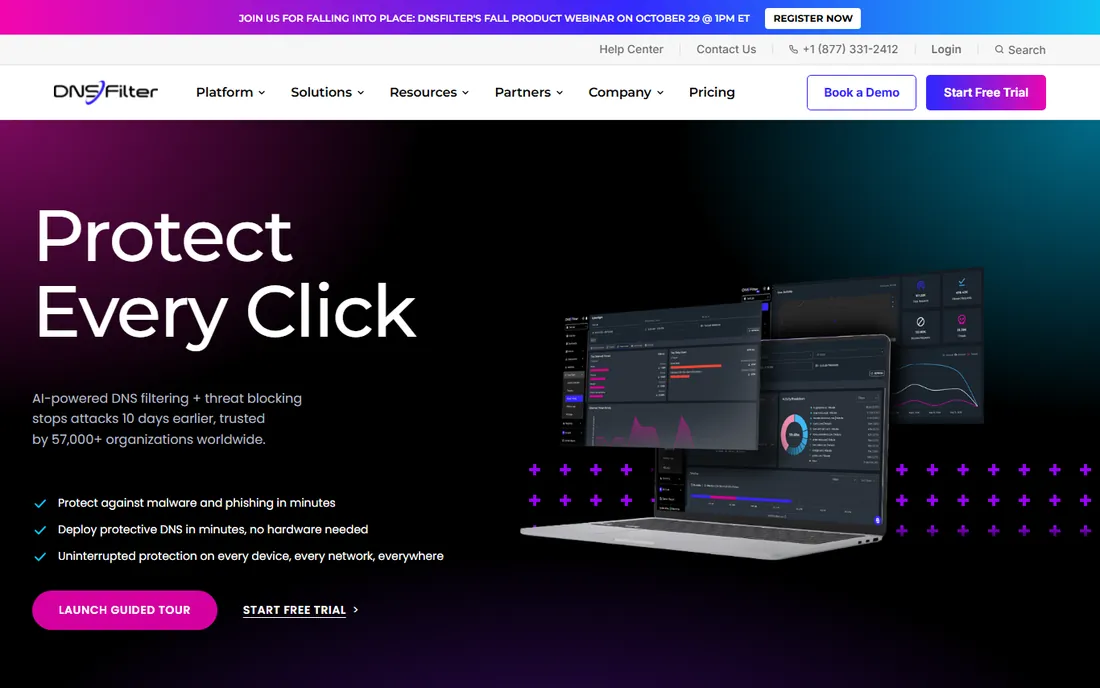
DNSFilter is the easiest recommendation on this list for a small business buying its first filter. You point your DNS at the service or install the roaming client, pick a policy, and every device on the network is covered. The company reports blocking newly weaponized domains days before standard threat feeds catch them.
The dashboard is built for people who do not run a security team. Allow and deny lists are shared across policies, AppAware blocks entire applications at once, and reporting shows what got blocked and why. Pricing is transparent at $1.15 per user per month for Core, rising to $2.30 for Pro and $3.00 for Enterprise, and a free trial lets you test it on your own traffic.
The honest catch is the DNS layer itself. It blocks whole domains rather than inspecting individual pages, so if you need to allow one page on a blocked site, a DNS-only filter cannot do that. For most SMB use cases that tradeoff is fine, but regulated environments may need more.
What we like- Deploys in under an hour with no hardware
- AI-powered threat detection
- Clear per-user pricing
Watch out for- Limited page-level control compared to proxy filters
- Advanced features need higher tiers
Starting price$1.42 per user/month (list price)
Free planFree trial
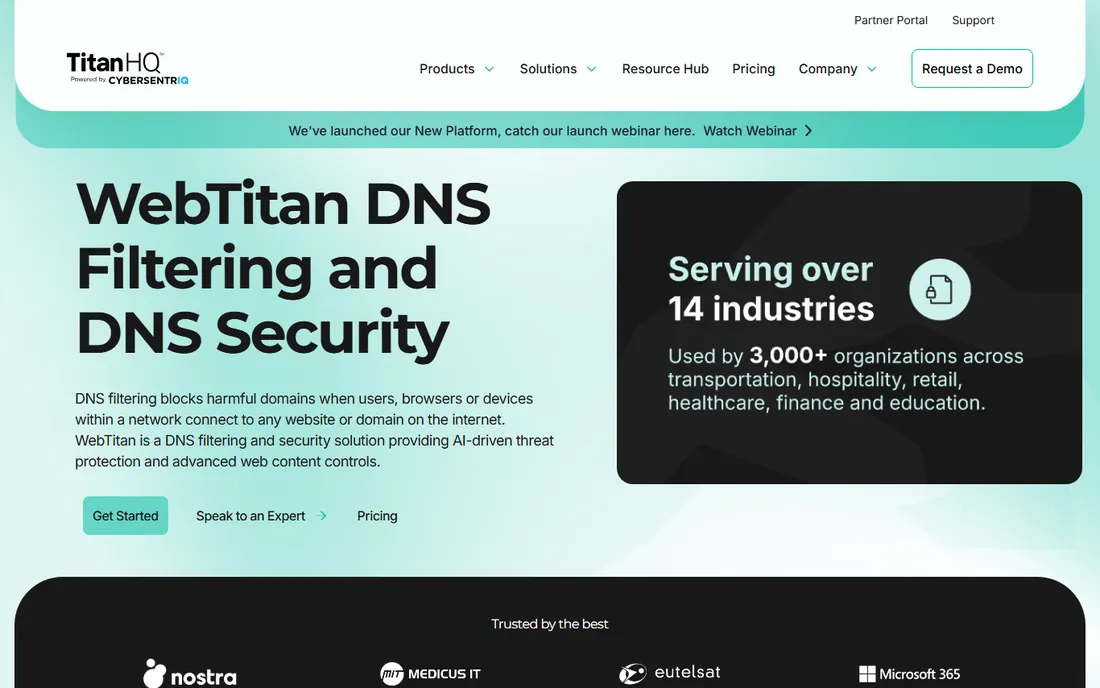
WebTitan comes from TitanHQ, a company that sells primarily through managed service providers, and it shows in the product's structure. Multi-tenant management, a full REST API, and white-label options make it a natural pick for IT providers protecting dozens of client networks from one console. End users buying direct still get the same cloud filter.
Filtering is straightforward: 53 predefined categories, URL-level blocking backed by AI classification, phishing prevention with time-of-click protection, and detailed reporting on what each user or group browses. Setup takes about five minutes once your DNS points to WebTitan Cloud, and no software is needed on endpoints.
The catch is pricing clarity. TitanHQ publishes end-user list pricing around $1.42 per user per month but offers different rates through MSP partners, so get a quote for your situation rather than budgeting from the website. Reviews also note the admin interface feels older than newer competitors. Still, for providers managing many sites, the MSP tooling matters more than polish.
What we like- Built for managed service providers
- 53 predefined content categories
- Fast cloud setup
Watch out for- Pricing varies between end-user and MSP channels
- Dated management interface
Starting price$7 per user/month (pay-as-you-go)
Free planYes (free for up to 50 users)
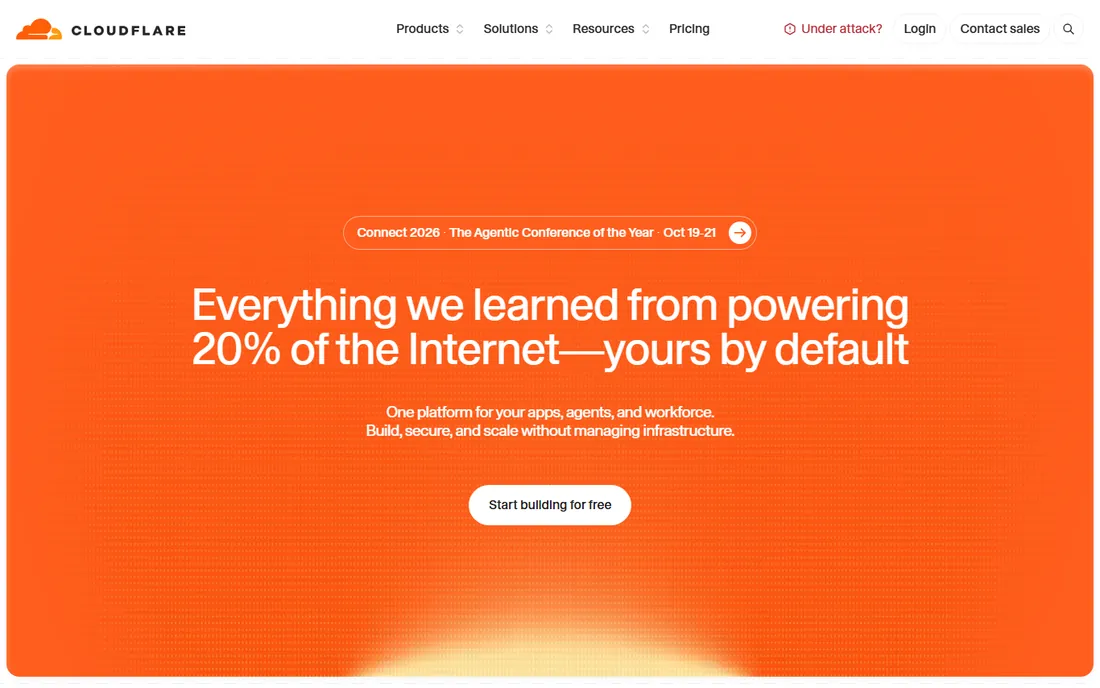
Cloudflare's Gateway, part of its Zero Trust platform, is the best value in web filtering if your team is small. The free tier covers up to 50 users with full secure web gateway and DNS filtering, which no other serious filter on this list matches. Paid plans start at $7 per user per month when you outgrow the free tier or need longer log retention.
Because it runs on Cloudflare's global network, performance is excellent and DNS policies apply whether users are in the office or remote via the WARP client. You get DNS and HTTP filtering, customizable block pages, and detailed activity logs. It is a genuine security product, not a stripped-down freebie.
The tradeoff is complexity and the pricing cliff. Configuring Gateway policies takes more effort than pointing DNS at a dedicated filter, and moving from free to paid happens all at once at user 51. For under-50 teams with someone technical enough to configure it, though, nothing else comes close on price.
What we like- Generous free tier for up to 50 users
- Full gateway and access features included
- Global network performance
Watch out for- Pricing jumps sharply once you pass 50 users
- Setup is more involved than simple DNS filters
Starting price$0.90 per user/month (billed annually, Basic plan)
Free planFree trial (15 days)
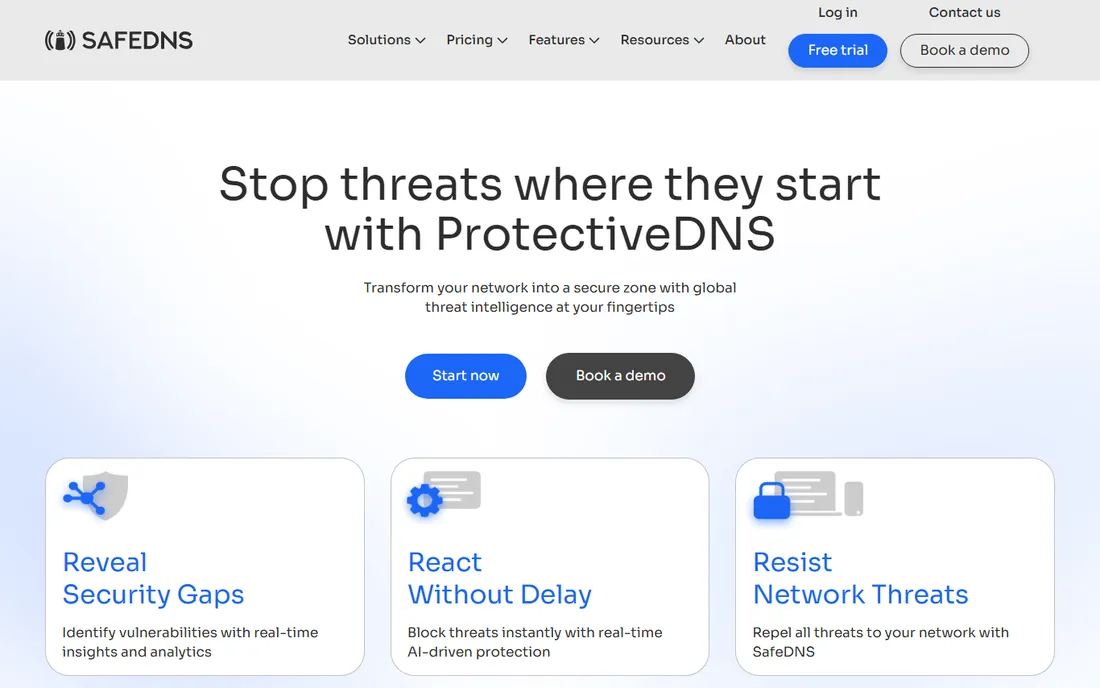
SafeDNS is a veteran in DNS filtering, founded in 2010, and it competes on straightforward pricing. The Basic plan runs about $0.90 per user per month on annual billing, with Pro and Pro Plus tiers adding AppBlocker, scheduling, roaming agents, and Active Directory integration at $1.50 and $2.20. A 15-day free trial covers every plan.
For a small office, the feature set punches above the price. You get phishing and malware blocking, category filtering, forced SafeSearch on Google and Bing, and allow and deny lists per filtering profile. The roaming agent keeps laptops protected off the network, and there is a flat-rate education plan at $400 per year that makes it popular with schools.
The catch is minimum seat counts. Basic requires at least 15 users, so a 6-person office pays the 15-seat minimum regardless. If your headcount is small enough that the minimum stings, Cloudflare's free tier or CleanBrowsing's device-based pricing may work out cheaper.
What we like- Low per-user cost with no big minimums
- Roaming agents for off-network devices
- Dedicated education pricing
Watch out for- Small businesses under 15 users pay for ghost seats
- Advanced agents need Pro tiers
Starting price$75 per year (Basic plan, 25 devices)
Free planYes (free preconfigured filters, no signup)
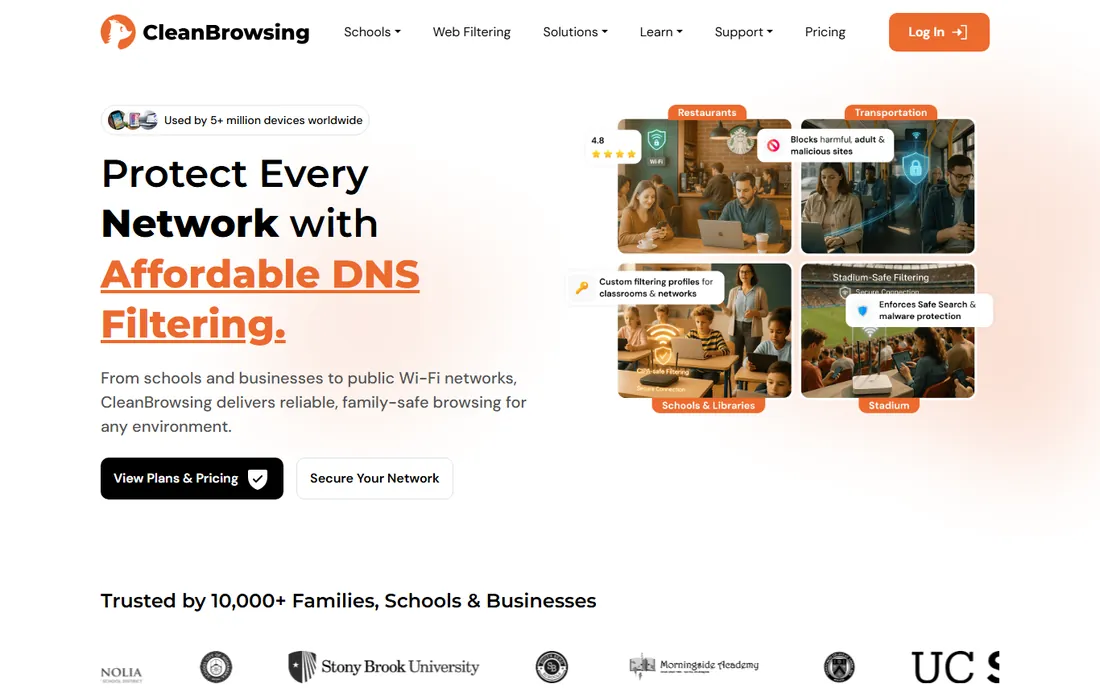
CleanBrowsing is the odd one out in the best way: it offers genuinely free preconfigured DNS filters that anyone can use without signing up. The Family, Adult, and Security filters block explicit content and malware at the DNS layer for free, which makes it an easy recommendation for tiny businesses and schools that need something today.
Paid plans start at $75 per year for Basic covering 25 devices, with Pro tiers at $150 and $300 per year for 50 and 100 devices. Paid accounts add custom allow and block lists, multiple profiles for different device groups, activity monitoring, and data retention controls up to 90 days. Setup is router-level DNS changes, and encrypted DNS (DoH, DoT) is supported.
The honest catch is scope. CleanBrowsing is simpler than DNSFilter or Umbrella: fewer integrations, lighter reporting, and no advanced threat intelligence feeds. It is a content filter first and a security platform second. For its price, though, schools, churches, and small offices get exactly the protection they need.
What we like- Free tier works with no account
- Simple device-based pricing
- Strong school and family features
Watch out for- Fewer enterprise controls than bigger rivals
- Reporting is basic compared to paid competitors
Starting priceSee website
Free planFree trial
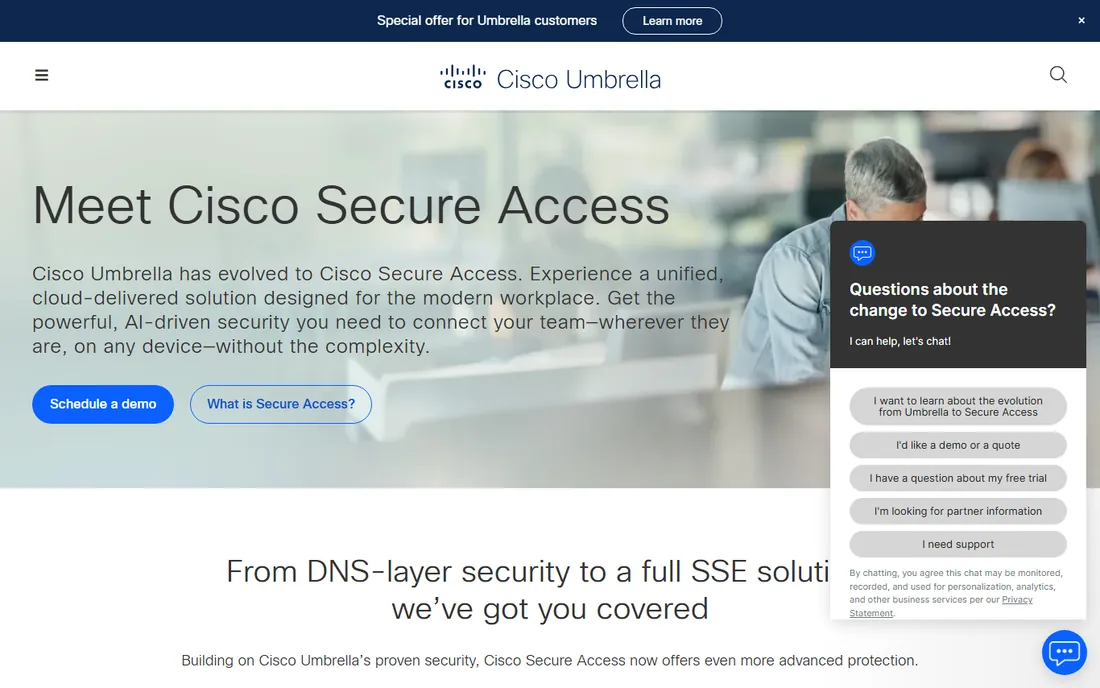
Cisco Umbrella is the enterprise answer to DNS-layer security, and it is now evolving into Cisco Secure Access, a broader secure access service edge platform. It blocks malware, phishing, and command-and-control callbacks at the DNS layer, then layers on web gateway inspection, cloud firewall, and data loss prevention as you move up the stack.
The selling point is intelligence and scale. Cisco Talos is one of the largest commercial threat research teams, and Umbrella applies that intelligence across every customer. Policy management is centralized, roaming clients cover off-network users, and FedRAMP authorization makes it viable for government work. If your company already runs Cisco gear, integration is a bonus.
The catch is that nothing here is simple or cheap. Pricing is quote-based, and Umbrella is priced for organizations with real IT budgets, not five-person offices. The platform is also moving: Cisco is steering customers toward Secure Access, so confirm which product you are buying. For mid-size and larger companies with compliance needs, it is a strong pick.
What we like- Backed by Cisco Talos threat intelligence
- Scales from DNS to full SSE
- Strong compliance credentials
Watch out for- Quote-based pricing with no public list prices
- Overkill for very small teams
Starting priceSee website
Free planFree trial

ContentKeeper goes further than DNS-only filters by inspecting actual web traffic, including encrypted traffic with SSL inspection. That matters for schools, where students actively hunt for proxy sites to bypass filters. ContentKeeper detects proxy and VPN circumvention attempts in real time and blocks them, which DNS filtering alone cannot reliably do.
The product, now operating under the Ativion name on its site, offers granular controls like restricting YouTube Shorts and comments without blocking YouTube entirely, plus dynamic safe-listing of educational videos from trusted platforms. Deployment works on-premises or in the cloud, with central policy management across school-owned and personal devices.
The catch is fit. Pricing is not published, and the product is clearly aimed at education and government buyers with formal procurement. A 20-person business will find the sales process and feature set heavier than needed. For districts and agencies that must prove compliance, though, this depth of inspection is the point.
What we like- Deep inspection beyond DNS, including SSL
- Strong proxy-bypass detection for schools
- On-premises or cloud deployment
Watch out for- Pricing not published
- Aimed at education and government, not general SMB
Starting priceSee website
Free planFree trial
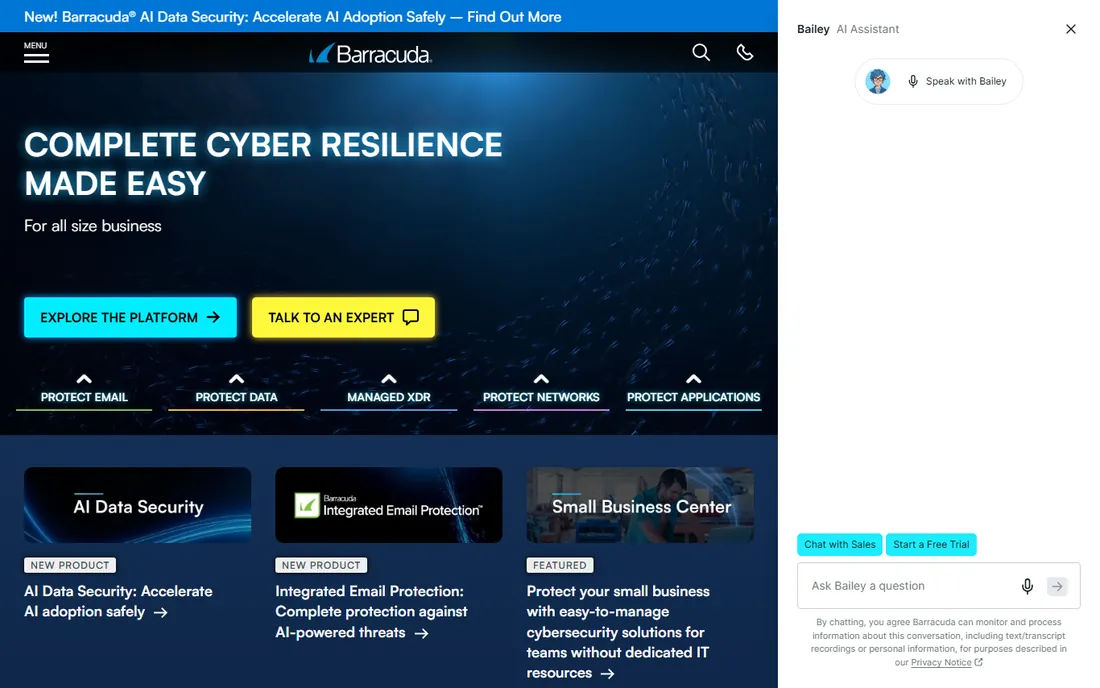
Barracuda's Web Security Gateway is a full secure web gateway rather than a DNS-only filter, available as a physical appliance, virtual machine, or cloud service. It enforces acceptable-use policies, blocks malware and spyware, and inspects web traffic with content-level controls that go beyond domain blocking.
The appeal for traditional IT shops is familiarity. If you already run Barracuda for email security, the web gateway fits the same management model, and the company is known for responsive support. Granular user and group policies, bandwidth controls, and detailed reporting come standard.
The catch is the hardware heritage. Appliance-based filtering means something to maintain, patch, and eventually replace, and pricing is quote-based with no public figures. For cloud-first small businesses, the DNS filters higher on this list are simpler and cheaper. For companies that want inspection depth and already think in appliances, Barracuda fits.
What we like- Full web gateway with content inspection
- Available as appliance, virtual, or cloud
- Backed by Barracuda support
Watch out for- Quote-based pricing
- Appliance model adds hardware to maintain
How we chose
We compared filtering tools aimed at small and mid-size businesses and schools, focusing on products a non-enterprise buyer can actually evaluate and buy. We read each vendor's pricing pages and documentation to confirm current plans, free tiers, and deployment models, then checked public reviews on G2, Capterra, and Reddit for how setup, support, and day-to-day management hold up in real offices. We weighted transparent pricing, quick deployment, and fit for small IT teams over enterprise feature depth, and we left out products with no verifiable current homepage.
What to check before you buy filtering software
Start with what you need to block. If the goal is stopping malware, phishing, and time-wasting categories, a DNS-layer filter is enough and deploys in minutes. If you need to inspect page content, control specific apps, or prove compliance to an auditor, you need a gateway with proxy or SSL inspection, which costs more and takes longer to set up.
Check how roaming users are covered. Office-only filtering misses laptops on home Wi-Fi and phones on cellular data. Most tools here offer roaming agents or clients; confirm that feature is in the tier you plan to buy, since it is often an upsell.
Mind the minimums. Several vendors require a minimum number of seats or devices, which can double the effective per-user cost for very small teams. If you have fewer than 15 people, compare the minimums against Cloudflare's free tier or device-based plans before signing anything.
Test with a trial on your own network. Filtering can break legitimate sites, internal tools, or guest Wi-Fi in ways a demo never shows. Run a two-week trial, watch the block logs, and build your allow list before rolling it out to everyone. Finally, write down an acceptable-use policy first. The software enforces the rules, but someone has to decide what they are.
DNS filtering vs full web gateways: which do you need
DNS filtering blocks entire domains before a connection happens. It is fast, cheap, and covers every device with no software in many setups. Its limits are that it cannot see inside a page, cannot allow one page on a blocked domain, and can be bypassed by tech-savvy users who change their DNS settings.
Full web gateways proxy the traffic, which lets them inspect pages, scan downloads, control apps, and apply per-user rules. That depth costs more in money and management, and encrypted traffic inspection requires installing certificates on devices. Most small businesses never need that level of control.
A practical rule: if your biggest risks are phishing clicks and distracted browsing, buy a DNS filter. If you handle regulated data or run a school full of students trying to reach blocked sites, buy a gateway. Many companies start with DNS filtering and add gateway features later as requirements grow.
Frequently asked questions
What is web content filtering software?
Web content filtering software controls which websites people can visit on your network or devices. It blocks categories like adult content, gambling, and social media, stops known malware and phishing domains, and logs browsing activity for review. Most business filters work at the DNS layer or as a web gateway.
How much does filtering software cost?
For small teams, expect $1 to $3 per user per month for DNS filtering, with Cloudflare Zero Trust free for up to 50 users. Device-based plans like CleanBrowsing start around $75 per year. Enterprise gateways from Cisco or Barracuda are quote-based and cost significantly more.
Can filtering software be bypassed?
Determined users can bypass basic DNS filters by changing their DNS settings or using a VPN, which is why roaming agents and VPN blocking matter. Gateway products with SSL inspection and proxy detection, like ContentKeeper, are much harder to bypass. No filter is unbeatable, but most stop casual circumvention.
Do I need filtering software if I have antivirus?
Yes, they solve different problems. Antivirus cleans up infections after something lands on a device. Filtering stops the connection from happening in the first place, blocking the phishing page or malware download before it loads. Used together, they cover each other's gaps.
Will filtering slow down my internet?
DNS-layer filtering adds only a few milliseconds per lookup, which is unnoticeable in normal browsing. Full gateways that proxy and inspect traffic can add slight latency, especially with SSL inspection enabled. Most vendors publish performance figures, and a trial on your network will show any real impact.
Is web filtering required for compliance?
Some regulations effectively require it. Schools receiving certain US federal funding must filter under CIPA, and many industries expect documented acceptable-use enforcement. Even without a legal requirement, filtering logs give you evidence of due diligence if an incident happens.
Sources we checked (12)
- https://www.dnsfilter.com/
- https://www.webtitan.com/
- https://cleanbrowsing.org/
- https://safedns.com/
- https://www.cloudflare.com/
- https://umbrella.cisco.com/
- https://www.contentkeeper.com/
- https://www.barracuda.com/
- https://www.cloudflare.com/plans/sase-zero-trust.md
- https://controld.com/blog/cloudflare-zero-trust-pricing/
- https://controld.com/blog/safedns-pricing/
- https://www.g2.com/categories/dns-security
Is your product missing or out of date?
We review this list regularly. Vendors can request a listing, send updated pricing or ask about featured placement.

Shihab Mia · Founder, Rankite
Shihab has spent more than a decade helping SaaS and e-commerce brands grow through search. He writes Rankite's software buying guides from pricing pages, documentation and public user reviews. More about Shihab.