How we make this list: we compare pricing pages, product documentation and public user reviews. Rankite is independent; if a vendor ever pays for a featured spot, that listing is clearly labeled Partner.
Key takeaways
- Pick your architecture first: enterprise multi-site systems need Milestone XProtect or Genetec Security Center, while single sites can run Blue Iris or DW Spectrum for a fraction of the cost.
- Camera-brand loyalty matters: AXIS Camera Station Pro and Hanwha Vision WAVE deliver the deepest integration with their own cameras, while Milestone, DW Spectrum, and NX Witness support thousands of third-party models.
- Budget VMS buyers should start with Blue Iris (a one-time license for up to 128 cameras) or DW Spectrum's perpetual licensing, then upgrade as the system grows.
- Cloud and hybrid management is now standard at the mid market and above, with Avigilon Alta, DW Spectrum Enterprise, and Axis cloud options covering remote monitoring.
- Most VMS pricing is quote-only: only AXIS Camera Station Pro publishes license part numbers, and only Blue Iris shows one-time pricing on its site.
Quick comparison
Is your product missing or out of date?
We review this list regularly. Vendors can request a listing, send updated pricing or ask about featured placement.
The best VMS software for CCTV
Picking a video management system is really a decision about scale. A retail chain with 40 stores and a warehouse with four cameras do not need the same software, and buying enterprise VMS for a small site is the fastest way to overpay. The eight tools below cover the full range, from budget one-time licenses to open enterprise platforms, so you can match the system to the site instead of the other way around.
Starting priceSee website
Free planNo
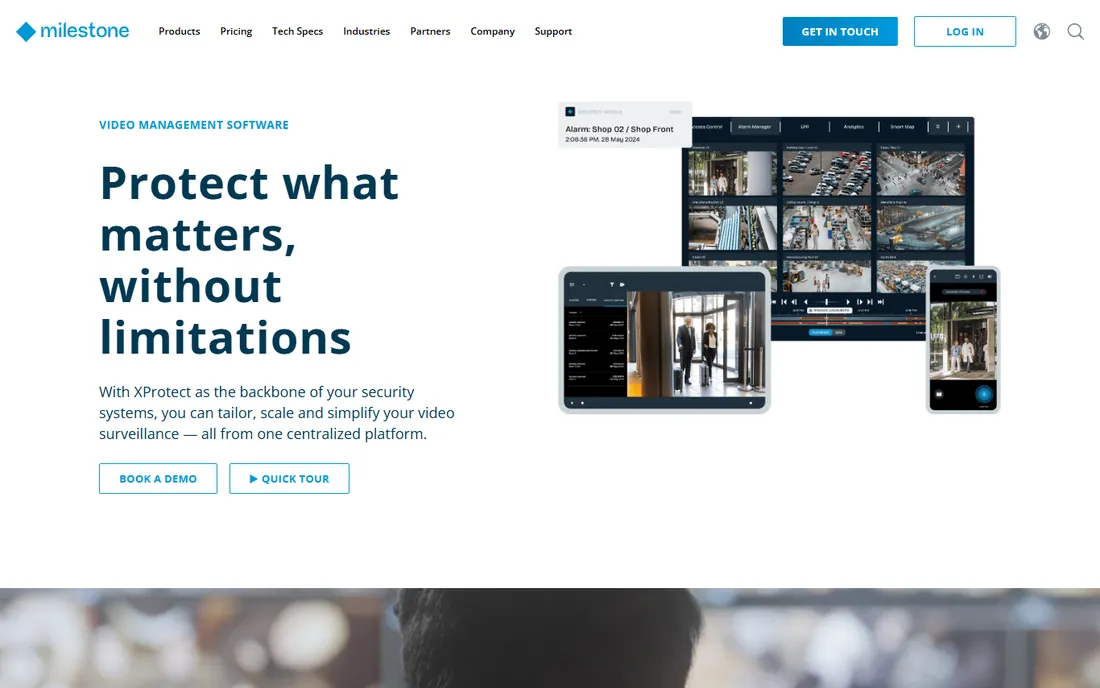
Milestone XProtect is the open-platform benchmark that most other VMS products get measured against. Its core selling point is breadth: it integrates with more than 1,000 third-party applications and supports the market's widest choice of cameras, sensors, and IoT devices, so you are never locked into one hardware brand. The product comes in four variants that scale from a single server up to federated architectures connecting multiple systems across regions, with tools like Smart Wall, Smart Map, and Interconnect built for distributed operations.
Where XProtect pulls ahead is evidence and extensions. Digital signing verifies footage has not been altered, Evidence Lock preserves critical clips from deletion, and add-ons cover license plate recognition, access control integration, and industry packs like Transact for retail. For a growing SMB that plans to add sites, analytics, and access control over time, XProtect's open ecosystem is a defensible long-term bet.
The honest catch is cost and complexity. Pricing is not published and typically runs at enterprise levels once licenses, extensions, and server hardware are totaled. Small businesses with one site and a dozen cameras will find the planning, licensing, and care plans heavier than the job requires.
What we like- Market's widest device and third-party app compatibility
- Four variants scale from single server to federated global systems
- Extensions like LPR and evidence management
Watch out for- Pricing is quote-only and typically enterprise-grade
- Smaller sites pay for capability they will never use
Starting priceSee website
Free planNo
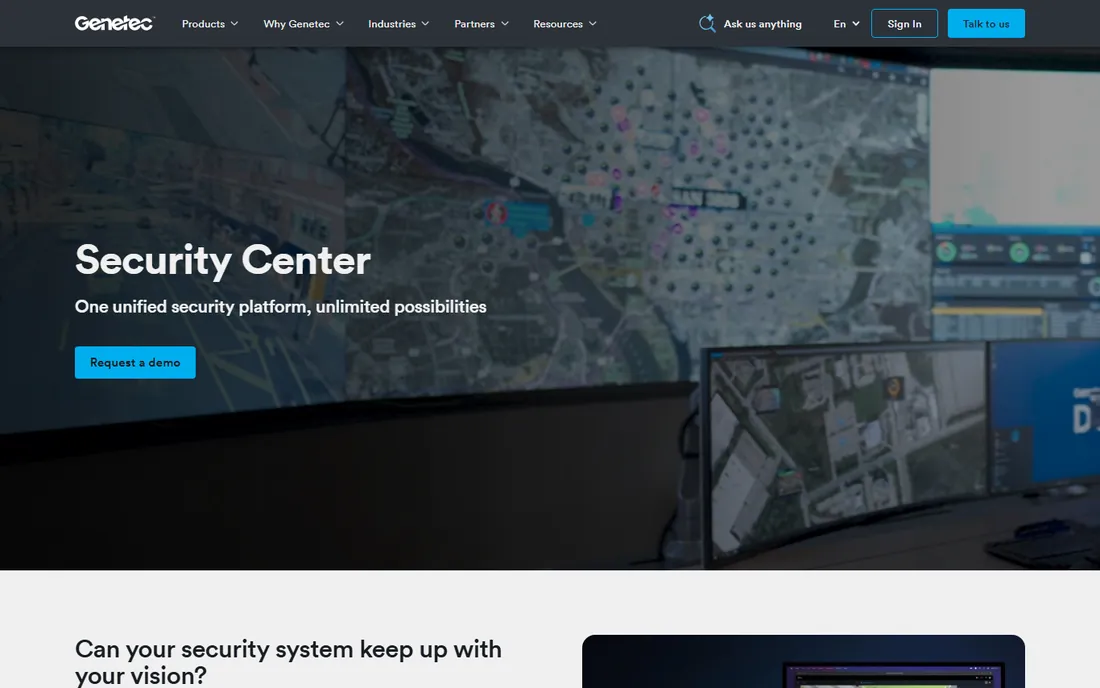
Genetec Security Center takes a different angle from pure-play VMS vendors: it is a unified security platform that brings video surveillance, access control, automatic license plate recognition, and communications into a single interface. Its video engine, Omnicast, is a full IP-based VMS, but the platform's value shows when security teams stop switching between separate applications for doors, cameras, and plates. Genetec sells exclusively through certified channel partners, which means deployment is always handled by an integrator.
That partner model is a strength for mid-size companies without in-house security engineering. You get a designed system, professional installation, and local support, which matters more than most buyers expect in the first two years. The platform is non-proprietary and built on open architecture, so you can choose hardware freely and upgrade as the organization grows.
The trade-off is that there is no self-service path. You cannot download a trial, browse pricing, or get a demo without engaging a partner, and total cost depends on the scope the partner designs. If you want to evaluate VMS software hands-on before talking to sales, look at DW Spectrum or NX Witness first.
What we like- Unifies video, access control, and ALPR in one interface
- Open architecture avoids hardware lock-in
- Strong choice for organizations standardizing security
Watch out for- Sold only through certified channel partners
- Pricing and demos require partner engagement
Starting priceSee website
Free planNo
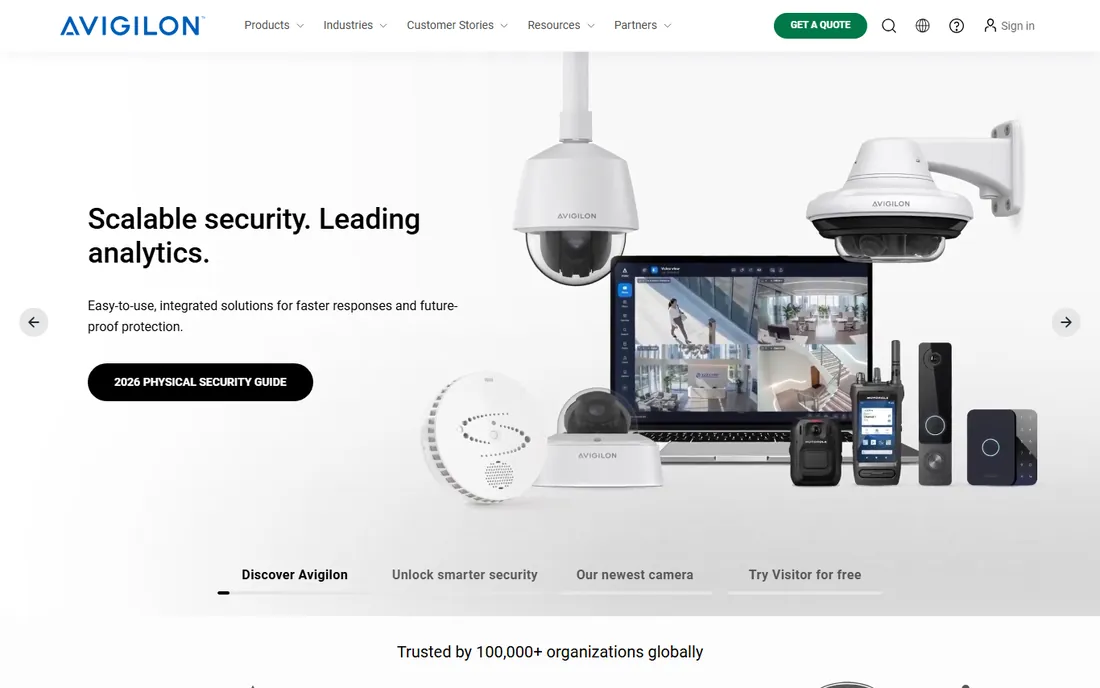
Avigilon Unity Video is the on-premise VMS inside Motorola Solutions' Avigilon security suite, and its headline feature is analytics. Self-learning video analytics detect events and support appearance search, letting operators find people or vehicles across cameras by description instead of scrubbing hours of footage. The suite pairs cameras, AI analytics, access control, and sensors on one management platform, with Avigilon Alta offering a cloud-native alternative for sites that prefer subscription software.
For organizations that need proactive security rather than passive recording, Avigilon's analytics-first approach is compelling. The company is NDAA compliant and SOC 2 Type II certified, which helps in regulated environments and public-sector bids. Customer stories from schools, health systems, and retailers suggest the software performs well at scale.
The catch is ecosystem gravity. While Unity Video works with third-party cameras, the full experience, including the sharpest analytics and simplest management, comes from an Avigilon hardware stack. Pricing is entirely quote-based, and Motorola's suite positioning means you will be talking to a sales team about a full security platform, not just a VMS license.
What we like- Self-learning video analytics with appearance search
- Avigilon Alta adds a cloud-native option
- Backed by Motorola Solutions
Watch out for- Deepest value comes from pairing the software with Avigilon cameras and appliances
- No published pricing

#4
AXIS Camera Station Pro
Best for: Axis camera environments
Visit axis.com
Starting priceSee website
Free planFree trial (90 days)
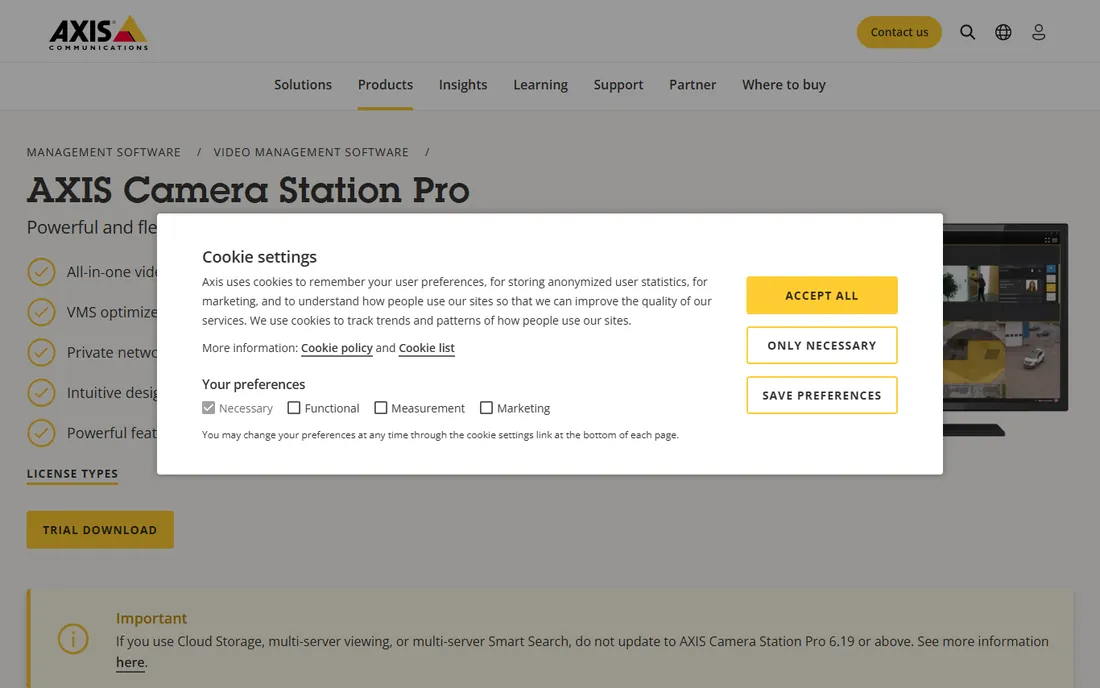
If your cameras say Axis on them, AXIS Camera Station Pro is the obvious starting point. It is verified across the full Axis portfolio, from cameras and intercoms to body-worn devices and audio, and integrates cleanly with Axis Audio Manager Pro and Secure Entry access control. Smart search 2 brings natural language search to recorded video, so operators can describe what they are looking for in plain words, with processing kept on the local server for regulatory compliance.
Licensing is refreshingly straightforward for enterprise VMS. Recorders ship with licenses valid for the recorder's lifetime, and licenses for your own hardware or virtual machines come in 1- or 5-year per-device terms, with published part numbers and a 90-day free trial of the full product. Optional cloud connectivity, cloud storage, and a mobile app round out the remote story.
The honest catch is that it is an Axis-first product. Third-party camera support exists, but the design, integration depth, and roadmap all assume Axis hardware. Shops running a mixed fleet of ONVIF cameras from several brands will get more flexibility from Milestone or NX Witness.
What we like- Free 90-day full trial
- AI-powered Smart search 2 with natural language queries
- Per-device licenses with 1- or 5-year terms, preloaded on Axis recorders
Watch out for- Built around Axis hardware first, third-party cameras second
- Access control features are Axis-centric
Starting priceSee website
Free planNo
Wisenet WAVE, from Hanwha Vision, has quietly become one of the easiest VMS products to deploy. Its adaptive scaling technology shifts between high- and low-resolution streams based on client CPU usage, which keeps workstations responsive even with many cameras on screen. The interface is drag-and-drop throughout, from building custom live views to bookmarking clips, so operators need almost no training to get productive.
WAVE runs on every major desktop operating system, which is a genuine differentiator in a Windows-heavy category, and WAVE Sync adds cloud-based remote access for managing systems from anywhere. Like other vendor VMS platforms, it is built on Network Optix technology and tuned for Hanwha's Wisenet camera line, including its AI-equipped models.
The catch is the same as Axis: the smoothest experience comes from running it on Hanwha cameras. It handles ONVIF devices, but the product's heart is the Hanwha ecosystem. Pricing is dealer-quoted, so budget buyers cannot self-serve a price check.
What we like- Adaptive scaling keeps client performance smooth
- Drag-and-drop layouts operators learn in minutes
- Runs on Windows, Linux, and Mac plus mobile
Watch out for- Optimized for Hanwha Wisenet devices
- Pricing requires a dealer quote
Starting priceSee website
Free planNo
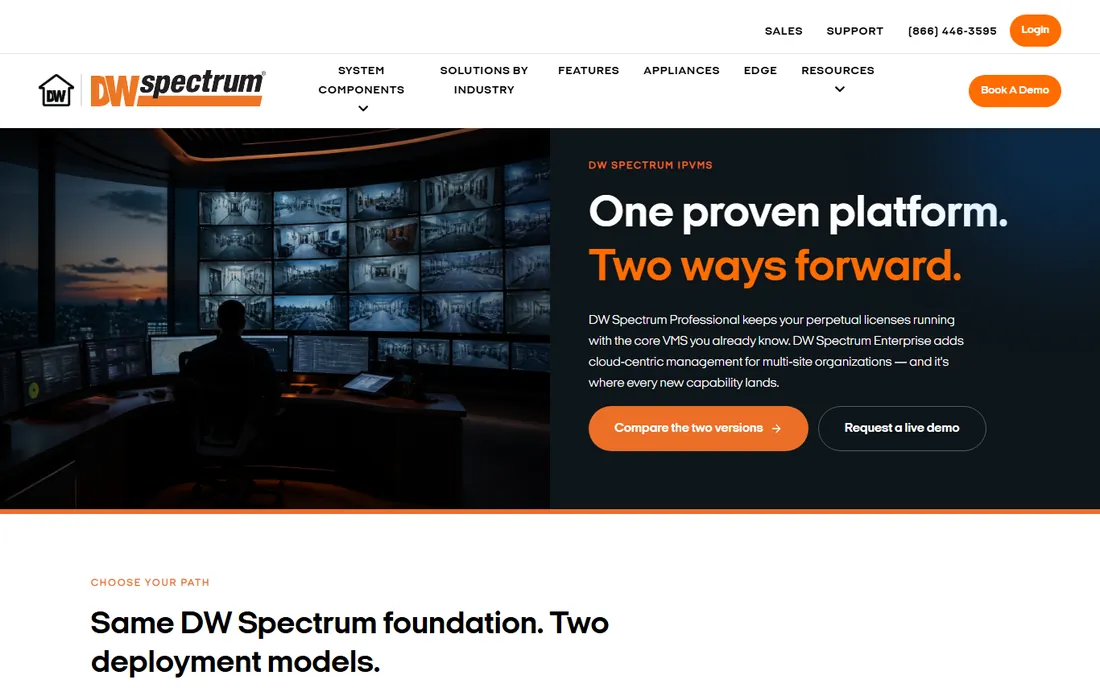
DW Spectrum IPVMS, from Digital Watchdog, is the value play in serious VMS. The Professional edition uses perpetual recording licenses with no annual renewal, a model that appeals to cost-conscious SMBs tired of subscription creep. It is lightweight, fast, and famously easy to install, with auto-discovery, a flex timeline, smart motion search, and DW Cloud remote access included.
The product line is currently splitting in two. DW Spectrum Professional keeps perpetual licenses running on a maintained, fixed feature set, while DW Spectrum Enterprise moves to 12- or 36-month subscriptions with cloud-centric management, unified notifications, DW Maps, and every new capability. Existing Professional recording licenses can convert to Enterprise subscriptions when ready.
The honest catch is that Professional is now explicitly the maintained legacy path, so buyers choosing it should be comfortable with a fixed feature set. Also worth noting: DW's integrator network is smaller than Milestone's or Genetec's, so support quality varies more by dealer.
What we like- Perpetual per-camera licensing with no annual renewal on Professional
- Enterprise subscription path for multi-site
- Lightweight and fast search
Watch out for- Future features now land in Enterprise only
- Smaller reseller ecosystem than Milestone or Genetec
Starting priceSee website
Free planFree trial (15 days)
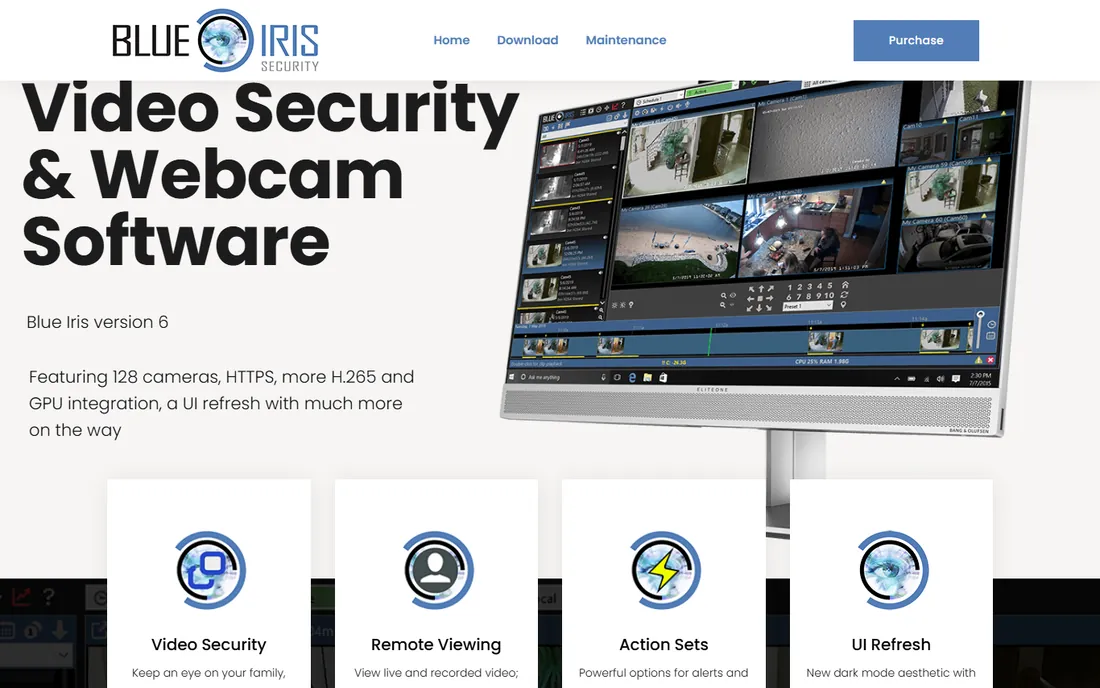
Blue Iris is the long-running indie favorite for small systems, and it survives because the economics are unbeatable. A single one-time license supports up to 128 cameras, with a cheaper LE license for single-camera setups, and the vendor publishes a free 15-day evaluation so you can test with your own cameras before spending anything. It handles motion and audio triggers, continuous or scheduled recording, PTZ, two-way audio, and alerts via email, messaging, and voice calls.
Version 6 brings built-in AI services on capable hardware, replacing the old DeepStack dependency, which narrows the feature gap with pricier systems. The web server interface and mobile apps give you remote viewing, and the user forum is genuinely helpful for the DIY crowd.
The catch is that Blue Iris is unapologetically DIY. It runs on Windows only, the interface shows its age, and support is forum-and-email based rather than an SLA. It is a fine fit for a single building or a few stores, but nobody should run a 40-site enterprise on it.
What we like- One-time license covering up to 128 cameras
- Deep motion, audio, and alert customization
- Free 15-day evaluation before buying
Watch out for- Windows-only
- Dated interface and DIY support through forums
- No enterprise management features
Starting priceSee website
Free planFree trial
NX Witness, from Network Optix, is the open-platform answer to vendor VMS lock-in. It discovers and manages the vast majority of ONVIF and RTSP cameras, runs on Windows, Linux, and Mac, and backs that with a real developer story: a comprehensive SDK and API available through the server web admin, so integrators can build custom workflows and third-party integrations. Free upgrades for life and one-click system-wide updates make maintenance nearly painless.
Enterprise features like automatic failover and server health monitoring come standard rather than as paid tiers, which is a welcome contrast to vendors that gate reliability features behind licenses. The drag-and-drop interface is genuinely easy, and the same core powers rebranded versions from several camera manufacturers, which says something about its reliability.
The honest catch is pricing structure. Per-camera licenses are reasonable for small systems but add up fast at hundreds of cameras, where enterprise vendors negotiate volume deals. Heavy analytics needs usually mean adding partner plugins rather than using built-in capabilities.
What we like- Free upgrades for life
- One-click system-wide updates
- Open SDK and API for custom integrations
Watch out for- Per-camera licensing costs add up at scale
- Advanced analytics rely on partner plugins
How we chose
We started by mapping the VMS category into buyer profiles: single-site budget buyers, mid-market multi-site operators, Axis and Hanwha camera loyalists, and enterprise unified-security buyers. We then verified each vendor's official homepage, read product and licensing pages, and checked public review sites like G2, Capterra, Slashdot, and Reddit for recurring praise and complaints. Pricing comes from vendor pages where published; where vendors quote only, we say so plainly. We did not claim hands-on testing; this ranking reflects feature depth, licensing models, ecosystem fit, and company-size suitability as documented publicly.
What VMS pricing actually looks like
Most VMS vendors hide their prices, and that is worth understanding before you start calling. The dominant model is a per-camera license sold through integrators: you pay once per camera channel for perpetual licenses (DW Spectrum Professional, older Milestone tiers) or per year for subscription licensing (DW Spectrum Enterprise, Avigilon Alta). Published per-camera prices typically land in the tens to low hundreds of dollars per channel per year, but your quote will depend on camera count, analytics add-ons, and support plans, so treat any number you see on a forum as a rough indicator only.
For budgeting, work backwards from camera count. A 12-camera retail store can often run Blue Iris or DW Spectrum for the cost of a single server and one license, while a 200-camera multi-site deployment on Milestone or Genetec will be a five-figure software line before hardware. Always ask whether analytics, failover, and mobile access are included or licensed separately, because those are the line items that blow up quotes.
Deployment models worth knowing
On-premise VMS still dominates the category: a server at each site records video locally, and clients connect over the LAN or through cloud relay services like DW Cloud or WAVE Sync. This keeps video off the public internet, which matters for bandwidth costs and data-retention policies. Most enterprise buyers in regulated industries stay on-premise for exactly these reasons.
Cloud and hybrid models are growing fast, though. Avigilon Alta is fully cloud-native, AXIS Camera Station Pro and DW Spectrum Enterprise add cloud management layers to on-premise recording, and several vendors offer cloud storage add-ons for off-site backup. If remote monitoring across many small sites is the priority, a cloud-managed option usually beats VPN-ing into a dozen local servers.
Frequently asked questions
What is VMS software for CCTV?
VMS stands for video management system. It is the software that discovers IP cameras, records and stores their video, lets operators watch live and search recordings, and manages users, alerts, and integrations with access control or analytics. Every modern CCTV system runs on a VMS.
How much does VMS software cost?
It varies widely. Budget options like Blue Iris use one-time licenses, mid-market products like DW Spectrum Professional use perpetual per-camera licenses, and enterprise platforms like Milestone XProtect, Genetec Security Center, and Avigilon Alta are quote-only, often per camera per year plus analytics add-ons. Expect a 16-camera small-business setup to cost anywhere from under a hundred dollars to several thousand, depending on the platform and whether you self-install or hire an integrator.
Can one VMS handle cameras from different brands?
Yes, if it is an open-platform VMS. Milestone XProtect, DW Spectrum, NX Witness, and Blue Iris all support ONVIF and RTSP cameras from many manufacturers. Vendor VMS products like AXIS Camera Station Pro and Hanwha Vision WAVE support third-party cameras too, but they work best with their own brands.
Do I need an integrator, or can I install VMS myself?
It depends on scale. Blue Iris, DW Spectrum, and NX Witness are commonly self-installed by IT staff at small sites. Milestone, Genetec, and Avigilon deployments typically go through certified integrators, which buys you system design, professional installation, and local support. For anything above a few dozen cameras, professional design usually pays for itself in reliability.
What is the difference between VMS and VSaaS?
Traditional VMS runs on servers you own, on-premise or in your own data center. VSaaS, or video surveillance as a service, is cloud-hosted and subscription-priced, with cameras streaming to the provider's cloud. Avigilon Alta is a VSaaS example; AXIS Camera Station Pro and DW Spectrum Enterprise sit in the hybrid middle, keeping recording local while managing systems through the cloud.
Sources we checked (8)
- https://milestonesys.com/products/software/xprotect/
- https://genetec.com/products/unified-security/security-center
- https://avigilon.com/
- https://www.axis.com/products/axis-camera-station-pro
- https://wavevms.com/
- https://dwspectrum.com/
- https://blueirissoftware.com/
- https://www.networkoptix.com/nx-witness
Is your product missing or out of date?
We review this list regularly. Vendors can request a listing, send updated pricing or ask about featured placement.

Shihab Mia · Founder, Rankite
Shihab has spent more than a decade helping SaaS and e-commerce brands grow through search. He writes Rankite's software buying guides from pricing pages, documentation and public user reviews. More about Shihab.
 Milestone XProtect
 Genetec Security Center
 Avigilon Unity Video
 Hanwha Vision WAVE
 DW Spectrum IPVMS
 Blue Iris
 NX Witness