How we make this list: we compare pricing pages, product documentation and public user reviews. Rankite is independent; if a vendor ever pays for a featured spot, that listing is clearly labeled Partner.
Key takeaways
- Cisco Umbrella is the enterprise standard for DNS-layer security, blocking threats before connections happen.
- DNSFilter is the modern challenger: fast deployment, clean interface and pricing that undercuts the giants.
- WebTitan suits MSPs and mid-market companies with multi-tenant management and straightforward pricing.
- CurrentWare and BrowseControl are the endpoint-focused options for offices that need application and USB control alongside web filtering.
Quick comparison
| Tool | Best for | Starting price | Free plan |
|---|
 Cisco Umbrella Cisco Umbrella | Enterprise DNS-layer security | See website | Free trial |
 DNSFilter DNSFilter | Modern DNS filtering without complexity | See website | Free trial |
 WebTitan WebTitan | MSPs and mid-market web filtering | See website | Free trial |
 Barracuda Barracuda | Web security inside a broader suite | See website | Free trial |
 CurrentWare CurrentWare | Endpoint-level web and application control | See website | Free trial |
 InterGuard InterGuard | Web blocking plus employee monitoring | See website | Free trial |
 ContentKeeper ContentKeeper | Government and education web filtering | See website | No |
 BrowseControl BrowseControl | Simple web blocking for small offices | See website | Free trial |
 SafeDNS SafeDNS | Affordable DNS filtering for SMBs | See website | Free trial |
Is your product missing or out of date?
We review this list regularly. Vendors can request a listing, send updated pricing or ask about featured placement.
The best web blocking software
Starting priceSee website
Free planFree trial
Cisco Umbrella stops threats at the DNS layer: malicious domains never resolve, so malware, phishing and command-and-control traffic die before connecting. Deployment is famously fast for enterprise security, often just a DNS change. The threat intelligence from Cisco's global visibility is a genuine advantage.
Pricing is enterprise, and some advanced features integrate best with other Cisco products. But for organizations wanting effective web security without appliances, Umbrella is the reference standard.
What we like- Blocks threats at DNS before connection
- Huge threat intelligence
- Easy to deploy without hardware
Watch out for- Premium pricing
- Full value needs Cisco ecosystem
Starting priceSee website
Free planFree trial
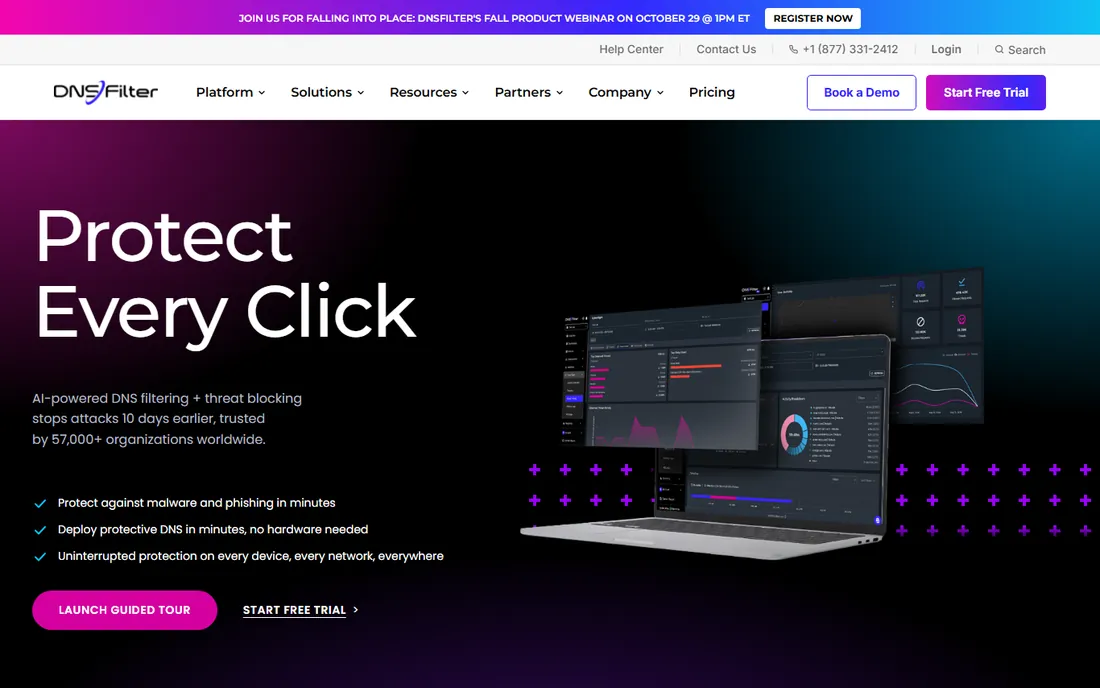
DNSFilter does DNS-layer protection with modern software sensibilities: signup, point your DNS, done. The AI categorizes new threats quickly, the interface is clean, and MSPs get proper multi-tenant management. Pricing undercuts the enterprise giants significantly.
It is not a full proxy-based secure web gateway with deep content inspection. But for the core job, blocking bad and unwanted sites fast, DNSFilter delivers impressively for the price.
What we like- Deploys in minutes
- Clean modern interface
- AI-driven threat categorization
Watch out for- Less deep than full secure web gateways
- Newer vendor
Starting priceSee website
Free planFree trial
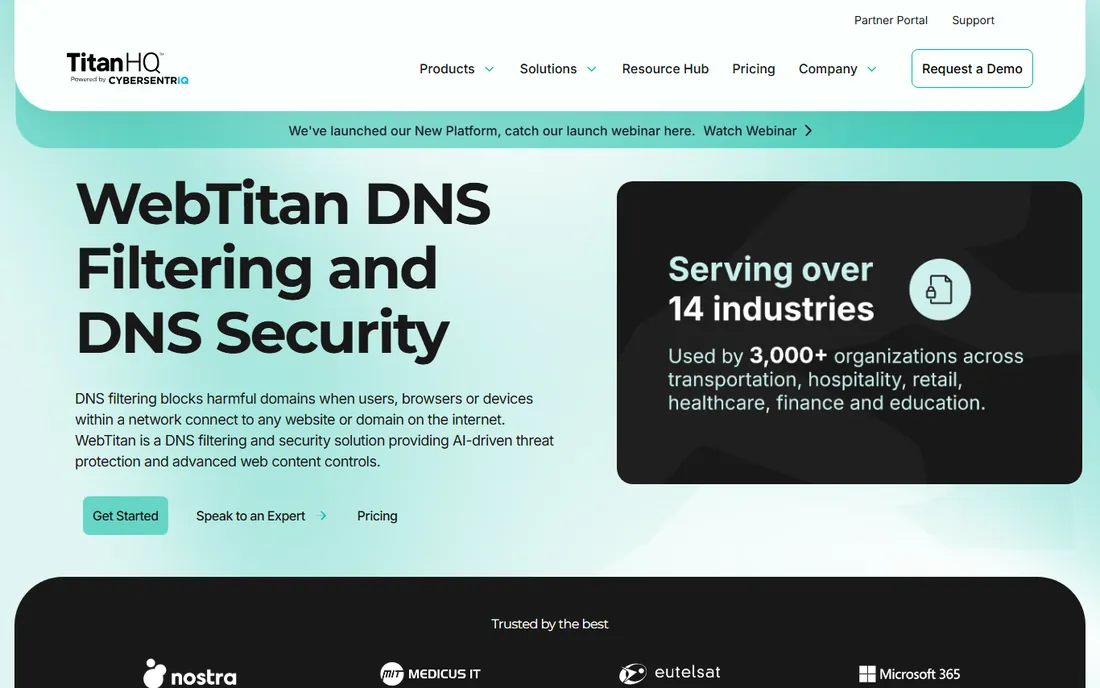
WebTitan (from TitanHQ) targets MSPs and mid-market companies with DNS and gateway web filtering that is easy to manage across many clients. The multi-tenant console, predictable pricing and responsive support suit service providers.
The threat intelligence and advanced features trail Cisco's. But MSPs standardizing web filtering across dozens of clients will value the manageability more than marginal detection differences.
What we like- MSP-friendly multi-tenancy
- Straightforward pricing
- Cloud and gateway options
Watch out for- Interface is functional
- Less threat intel than Cisco
Starting priceSee website
Free planFree trial
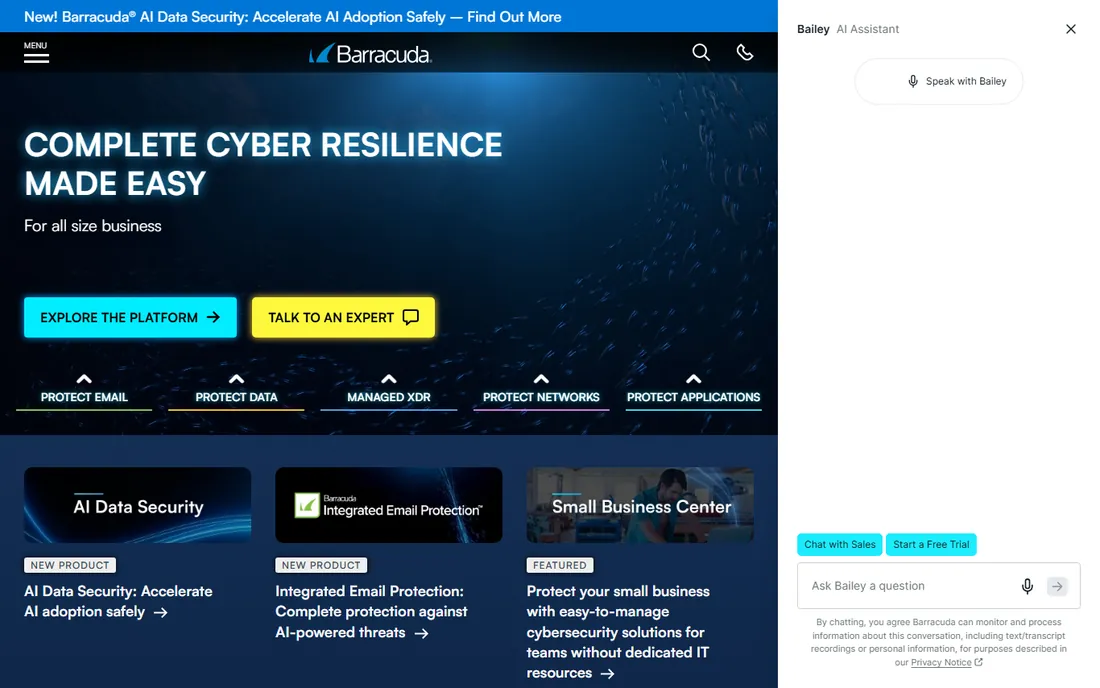
Barracuda's web filtering fits organizations already using its email security, firewalls or backup: one vendor, integrated management, bundled pricing. The Content Shield and gateway options cover both cloud and on-premises deployment.
Specialists beat it on pure web filtering depth. But IT teams consolidating vendors will find the suite economics compelling.
What we like- Web filtering plus email and network security
- Good for existing Barracuda shops
- Appliance or cloud
Watch out for- Jack-of-all-trades depth
- Interface varies by product
Starting priceSee website
Free planFree trial
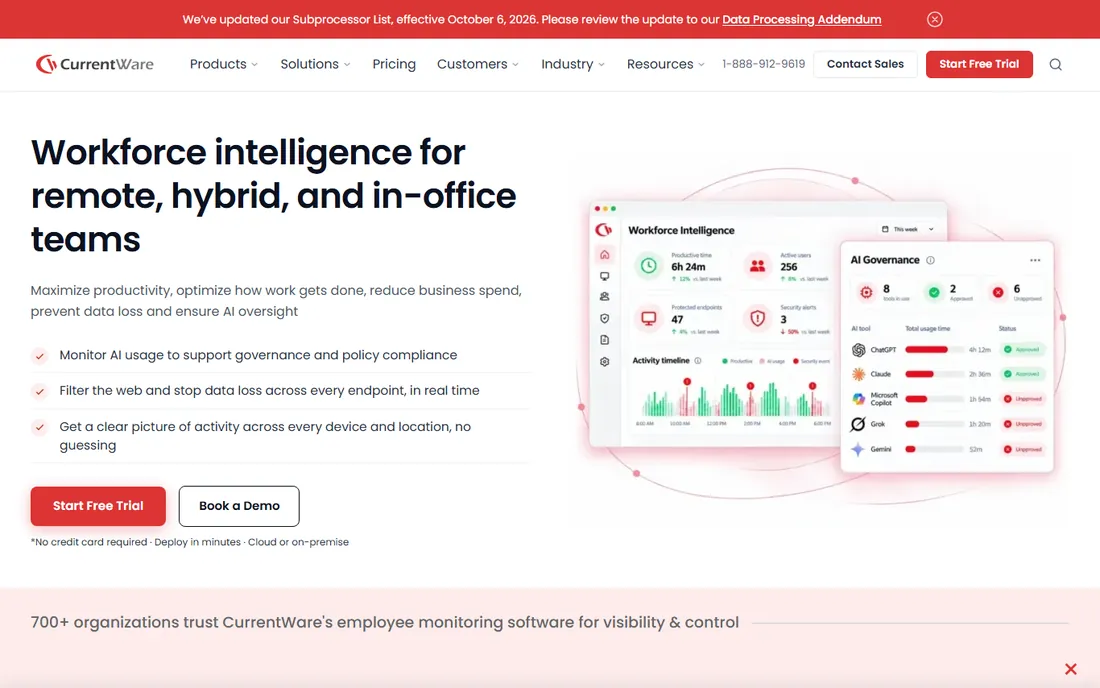
CurrentWare takes the endpoint approach: an agent on each PC controls web access, applications, USB devices and even internet scheduling. Offices wanting tight control, block social media during work hours, restrict USB drives, get granular policies a DNS filter cannot match.
Every device needs the agent, which complicates remote and BYOD fleets. But for controlled office environments, the granularity is exactly the point.
What we like- Granular endpoint control
- Application and USB blocking
- Good for office environments
Watch out for- Endpoint agent required
- Less suited to remote fleets
Starting priceSee website
Free planFree trial
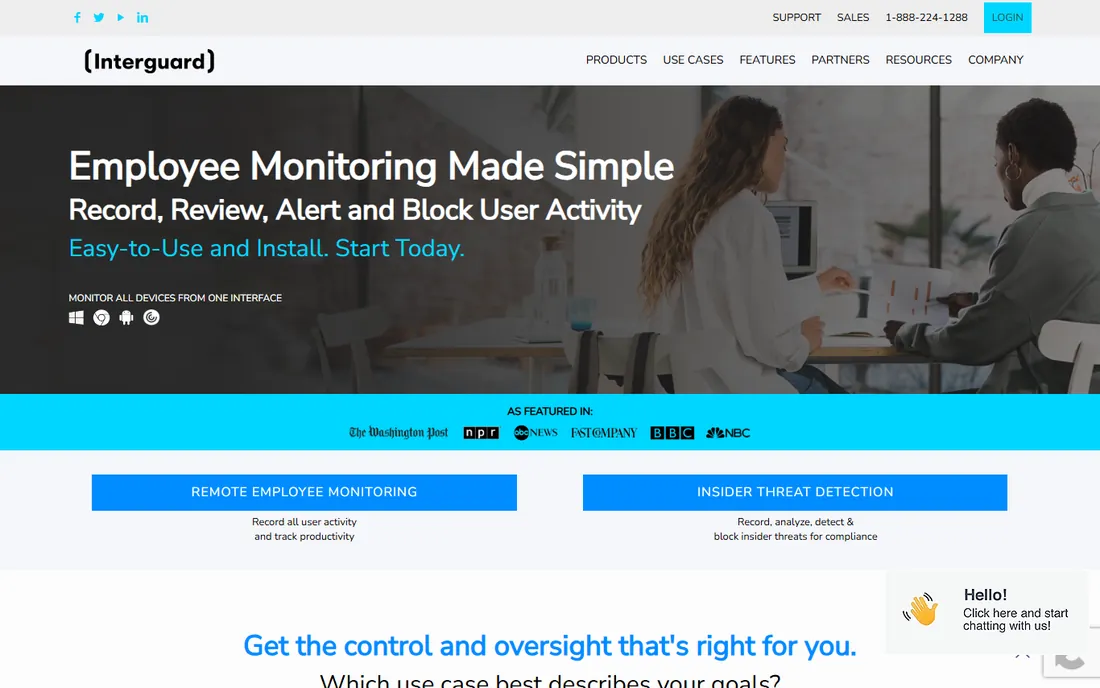
InterGuard pairs web filtering with employee monitoring: see what users do, block what they should not, and generate compliance reports. Regulated workplaces and companies with strict acceptable-use policies get both functions in one tool.
The monitoring side demands clear employee policies and legal review. But organizations that need both visibility and control will find the combination efficient.
What we like- Combines filtering with activity monitoring
- Good for compliance-driven workplaces
- Detailed reporting
Watch out for- Monitoring features raise privacy questions
- Interface is dated
Starting priceSee website
Free planNo
ContentKeeper specializes in government and education: large-scale web filtering with the granular policies, reporting and compliance features public institutions require. Big deployments in schools and agencies prove the scalability.
Small businesses will find the sales process heavy. But public sector buyers will find a vendor that understands their procurement and compliance reality.
What we like- Strong in public sector
- Granular policy control
- Proven in large deployments
Watch out for- Enterprise sales process
- Less SMB focus
Starting priceSee website
Free planFree trial
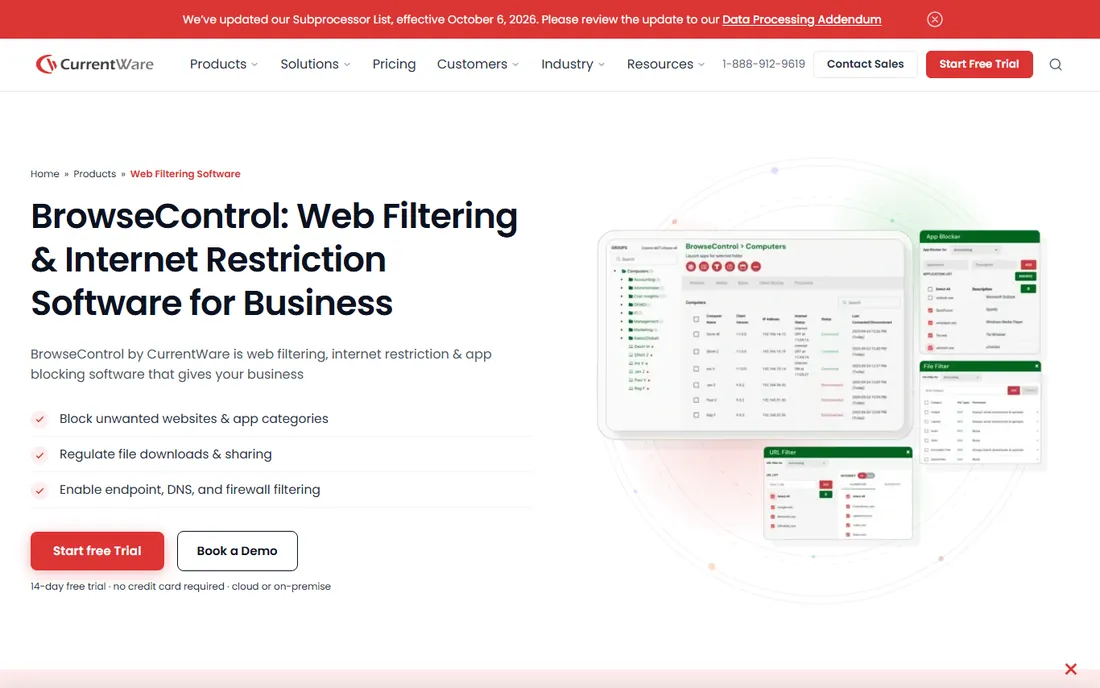
BrowseControl (also from CurrentWare's company) offers straightforward web filtering for small offices: block categories and sites, set schedules, done. The simplicity suits businesses without IT staff.
Advanced threat protection is thinner than DNS-layer security tools. But for the common need, keeping employees off distracting or inappropriate sites, BrowseControl is simple and affordable.
What we like- Simple to deploy and manage
- Affordable
- Good for small teams
Watch out for- Fewer advanced security features
- Smaller vendor
Starting priceSee website
Free planFree trial
SafeDNS provides DNS-layer filtering at prices small organizations afford: category blocking, custom allowlists, and basic reporting through simple DNS configuration. Schools, libraries and small businesses get real protection cheaply.
The operation is smaller than Cisco's or DNSFilter's, and enterprise features are limited. But for budget-constrained organizations, SafeDNS delivers the essential protection.
What we like- Very affordable
- Easy DNS setup
- Good for schools and small businesses
Watch out for- Smaller threat intelligence operation
- Fewer enterprise features
DNS filtering versus endpoint control
Two architectures dominate. DNS-layer tools (Umbrella, DNSFilter, WebTitan, SafeDNS) block at the network level: no agent needed, works on any device, but cannot see inside encrypted traffic deeply. Endpoint tools (CurrentWare, InterGuard) control the device itself: granular application and USB policies, but every device needs an agent.
Many organizations use both: DNS filtering for the network baseline, endpoint control for managed PCs. Match the architecture to your fleet: cloud-first remote teams suit DNS; controlled offices suit endpoints.
How we chose
We compared tools on blocking effectiveness, deployment ease, policy granularity, reporting, pricing and fit for different organization sizes. We verified each vendor's homepage and current positioning, reviewed IT administrator feedback on Spiceworks, G2 and review sites, and distinguished DNS-layer from endpoint approaches. We did not test blocking effectiveness in live environments.
Writing an acceptable use policy people actually follow
The software enforces the policy, so the policy has to be worth enforcing. A good acceptable use policy is short, specific and honest about why it exists. Lead with the business reasons: security, legal liability, bandwidth and focus. Policies framed as "because management says so" breed resentment and circumvention.
Be specific about what is blocked and why. "Inappropriate content" is vague; categories like gambling, adult content and known-malicious sites are clear. Explain the gray areas too: social media might be allowed on breaks but blocked during work hours, or allowed for marketing roles and blocked for others. Specificity prevents the arguments.
Address privacy directly. State plainly what the company monitors: blocked-site attempts, categories of browsing, or full activity logs. Employees who know they are monitored behave differently than those who discover it, and in many jurisdictions you have a legal obligation to disclose. Transparency is both ethical and practical.
Include the exception process. Someone will always need a blocked site for legitimate work: a developer researching a flagged domain, marketing checking a competitor's gambling-adjacent site. A simple request-and-approval workflow prevents the policy from blocking real work, which is when people start finding workarounds that defeat the whole system.
Review the policy annually. The web changes, the business changes, and last year's categories may not fit. An annual review with IT, HR and a few employees keeps the policy relevant and the social contract intact. The goal is a workplace that is safe and focused, not one that feels surveilled.
Web filtering mistakes to avoid
The most common is blocking first and explaining never. Deploying aggressive filters without telling employees why creates resentment and a flood of helpdesk tickets. Communicate before enforcement: what is blocked, why, and how to request exceptions. The rollout email matters as much as the policy.
Second is the set-and-forget deployment. Threats evolve, the business changes, and unmaintained filters either block legitimate work or miss new threats. Review blocked-category reports monthly, audit the allowlist quarterly, and keep the software updated. A filter nobody tends degrades into either a nuisance or a decoration.
Third is ignoring encrypted traffic realities. DNS-layer filtering sees destinations but not page contents; determined users bypass with VPNs unless those are blocked too. Understand what your chosen architecture can and cannot see, and layer controls accordingly rather than assuming one tool covers everything.
Fourth is no exception process. Legitimate work will hit the filter: research, vendor sites, miscategorized pages. Without a fast exception workflow, employees either stop working or find bypasses, and both outcomes are worse than the site visit would have been. Make exceptions easy and audited, not impossible.
Finally, forgetting mobile and remote devices. Filtering the office network while company phones and remote laptops roam free leaves the biggest holes exactly where attackers look. Extend protection to every device that touches company data, with roaming clients or endpoint agents, and verify coverage rather than assuming it.
Frequently asked questions
What is the difference between web filtering and a firewall?
Firewalls control network traffic broadly; web filtering specifically controls which websites and content users can access. Modern security uses both, often with DNS-layer filtering as the web component.
Will web filtering slow down our internet?
DNS-layer filtering adds negligible latency. Proxy-based inspection can add some. Endpoint agents have minimal impact on modern hardware. Test during the trial.
Can employees bypass web filters?
Determined users can bypass most filters with VPNs or proxies, which is why many tools also block VPN and proxy categories. No filter replaces clear acceptable-use policies.
Do we need web filtering with HTTPS everywhere?
Yes, arguably more. DNS-layer tools categorize destinations regardless of encryption. Full content inspection of HTTPS needs proxy decryption, which raises privacy considerations.
How much does web filtering cost?
DNS filtering typically runs $1 to $5 per user per month. Endpoint suites cost more. Enterprise platforms are quote-based. Model your user count against per-seat pricing.
What about filtering for remote workers?
DNS-layer tools protect remote workers without VPNs, since filtering follows the DNS setting. Roaming clients from most vendors extend protection off-network automatically.
Should we block social media at work?
It depends on your business. Many companies allow limited personal browsing but block the most distracting sites during work hours, or allow social access for marketing roles while blocking it elsewhere. Whatever you choose, state the rule clearly and enforce it evenly.
Sources we checked (9)
- https://umbrella.cisco.com/
- https://www.dnsfilter.com/
- https://www.webtitan.com/
- https://www.barracuda.com/
- https://www.currentware.com/
- https://www.interguardsoftware.com/
- https://www.contentkeeper.com/
- https://www.browsecontrol.com/
- https://www.safedns.com/
Is your product missing or out of date?
We review this list regularly. Vendors can request a listing, send updated pricing or ask about featured placement.

Shihab Mia · Founder, Rankite
Shihab has spent more than a decade helping SaaS and e-commerce brands grow through search. He writes Rankite's software buying guides from pricing pages, documentation and public user reviews. More about Shihab.